Family and balance
My family keeps the work from becoming the whole story.
Beyond the work
Who I am when I’m not testing drives.
Outside the lab
The habits I bring to the bench show up everywhere else too, with my family, behind a camera and in machines I still want to figure out.

My family keeps the work from becoming the whole story.
I read technical papers and take things apart until they make sense, then move on to the next one.
I build small utilities and automations when an everyday problem deserves a better answer than a spreadsheet.


I ran a photography business from 2009 to 2016, shooting portraits, events and products.

Cars are another place where tuning and measuring meet.
The compass
In every review I repeat the measurement, question the result, follow a failure all the way through and report exactly what the device did.
“The best engineers are also the most curious humans, always asking ‘why’ and never satisfied with surface-level answers.”
The person
The lab is only half of it. My family, my photography, side projects and the next system I don’t understand yet are the other half.
It’s the same instinct I bring to reviews. I look longer, ask why and don’t stop at the surface.
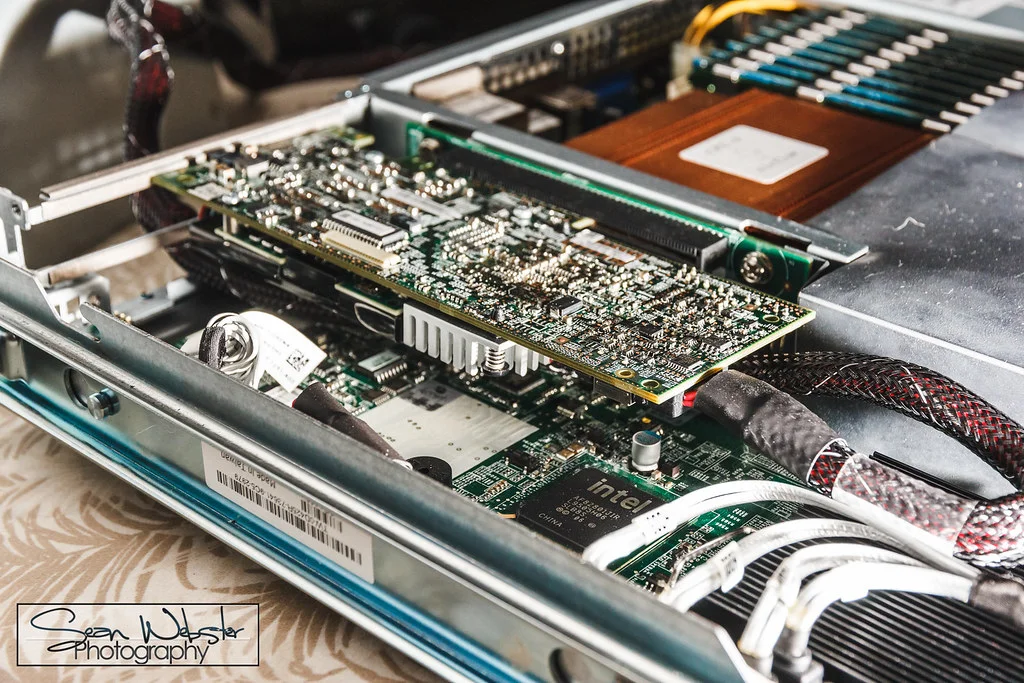
The builder’s mindset
I like working out how a system works at the lowest level and then finding a way to make it work better. That goes for SSD testing and the tools I write, and for new technology, photography and cars too.
Hands-on experimenting keeps me sharp, and there’s always another system to figure out.
The professional side
Writing archive
144 published articles, chapters, and projects.
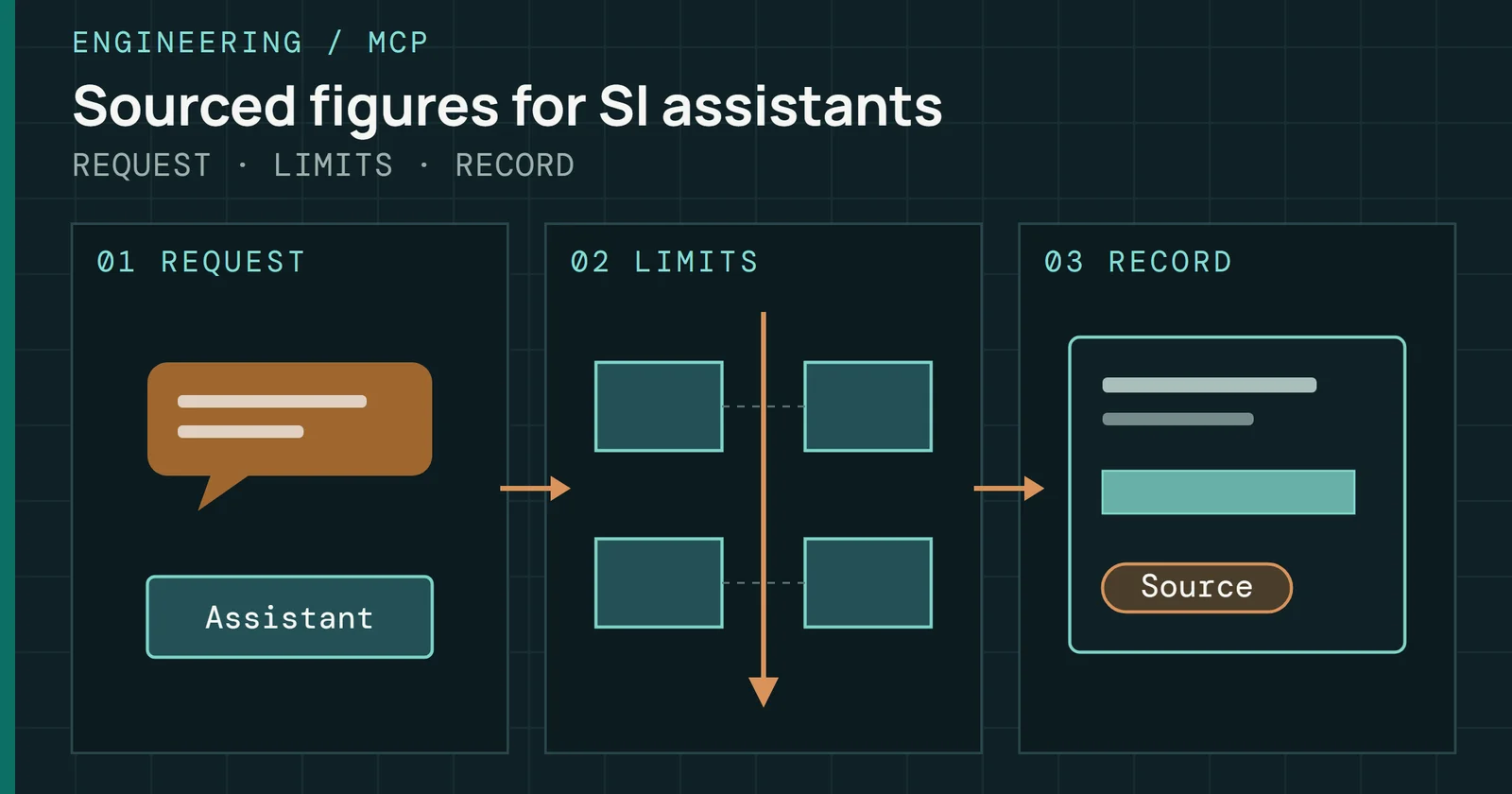
Eyes on Flash now has a public, read-only MCP server: what it serves, how to connect, which sources it leaves out, and how it runs on Cloudflare's Free plan.
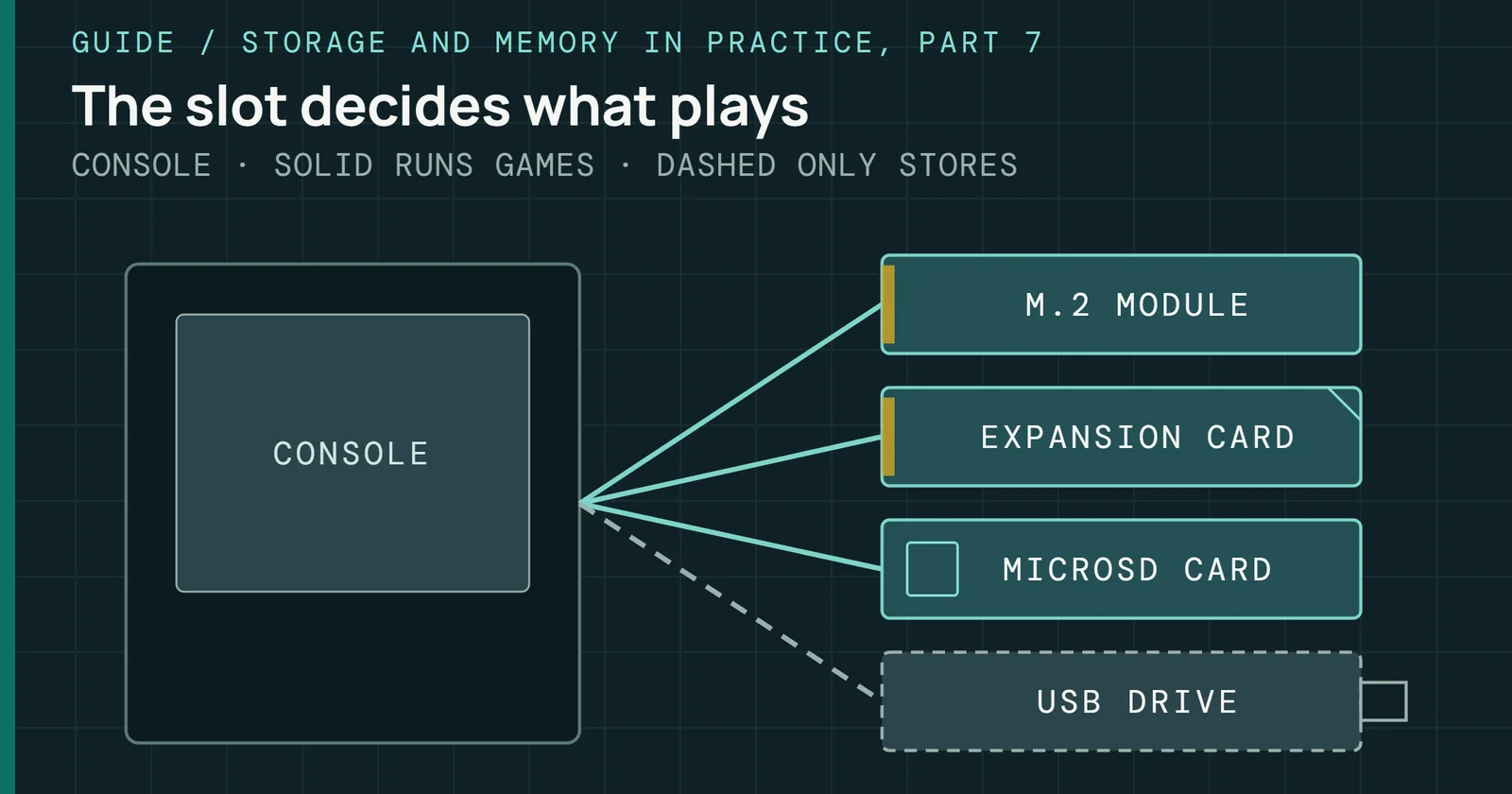
What the PS5, Xbox Series X|S, Steam Deck, other PC handhelds, and Switch 2 accept for added storage, and which of it plays games instead of only holding them.
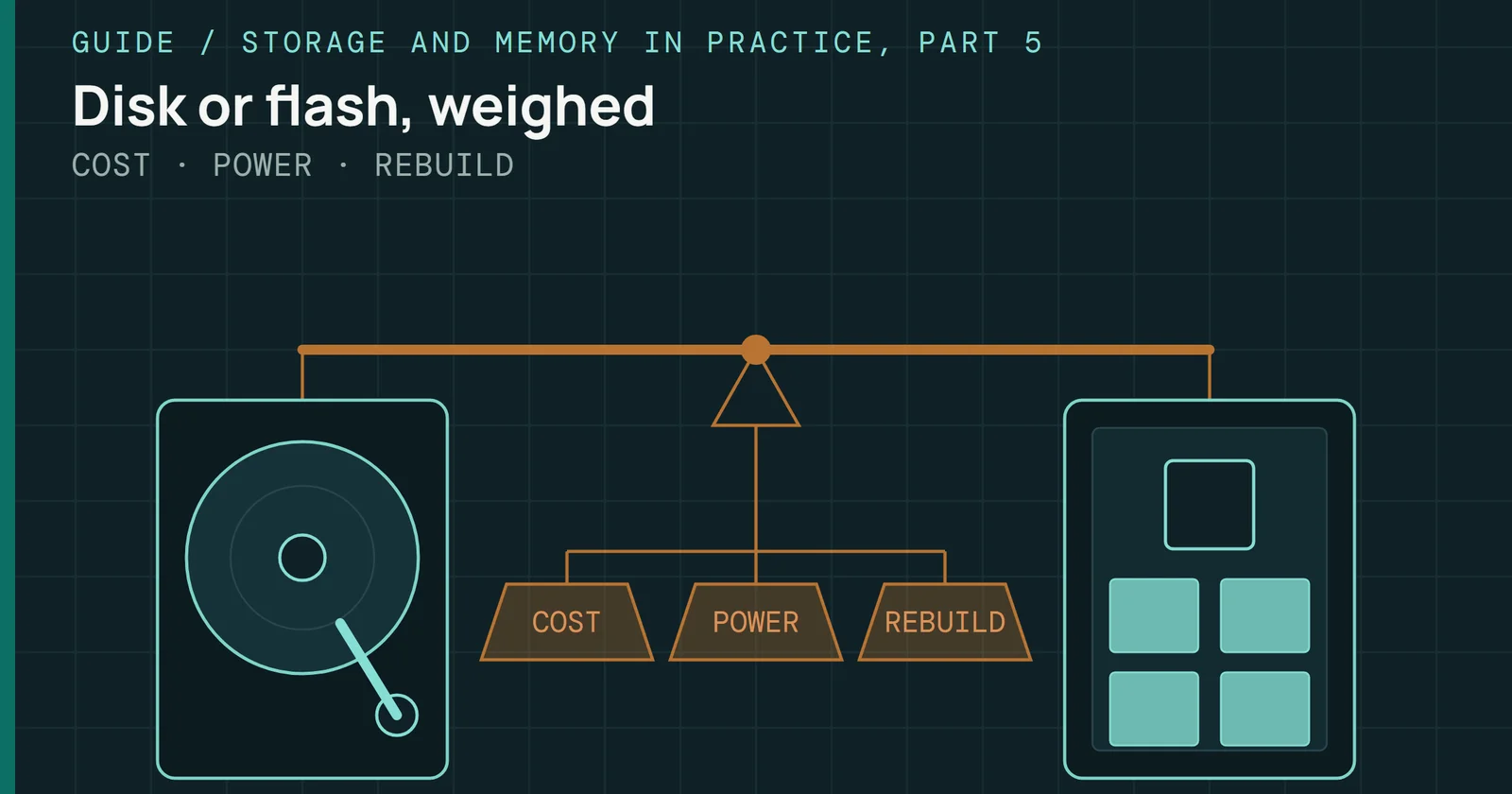
Hard drives and SSDs compared on what a terabyte costs, what each draws at idle and under load, and how long a failed drive takes to rebuild.
Running apps and containers on a NAS, and backing the NAS itself up with snapshots, replication, vendor tools, rclone, restic, Borg and Kopia.
Keeping a NAS healthy: SMART alerts, scrubs, replacing a drive and the rebuild window, UPS shutdown and updates.
What 1GbE, 2.5GbE, 10GbE and 25GbE deliver from a NAS, and when SMB Multichannel, jumbo frames, link aggregation and a better network card or switch help.
NAS operating systems compared, from Synology, QNAP, UGREEN, Asustor and TerraMaster boxes to TrueNAS, Unraid and OpenMediaVault, on cost, updates and hardware.
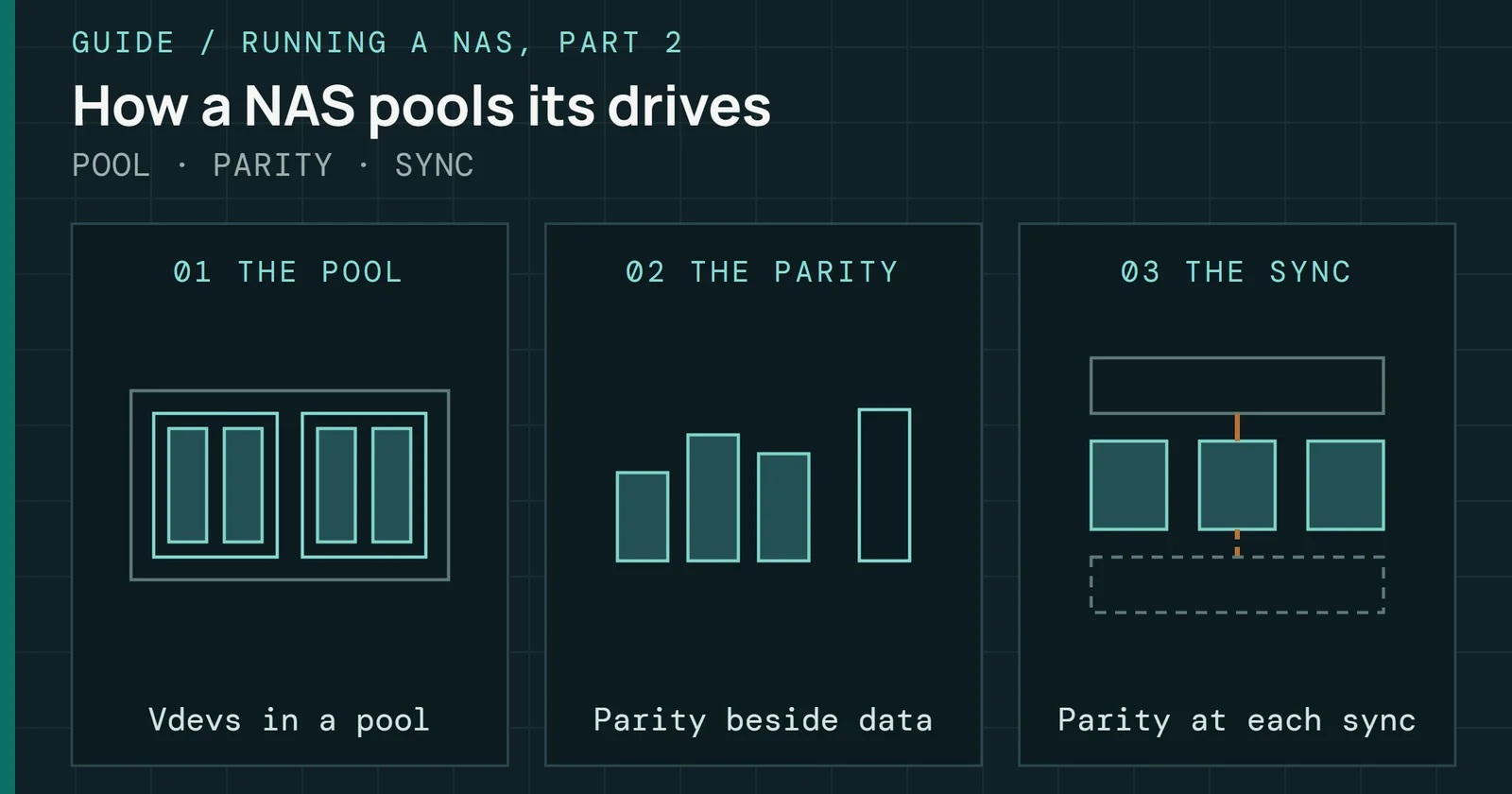
How a NAS pools and protects its drives with ZFS, Btrfs, Unraid parity or SnapRAID and mergerfs, and how each one grows, rebuilds, scrubs and keeps snapshots.
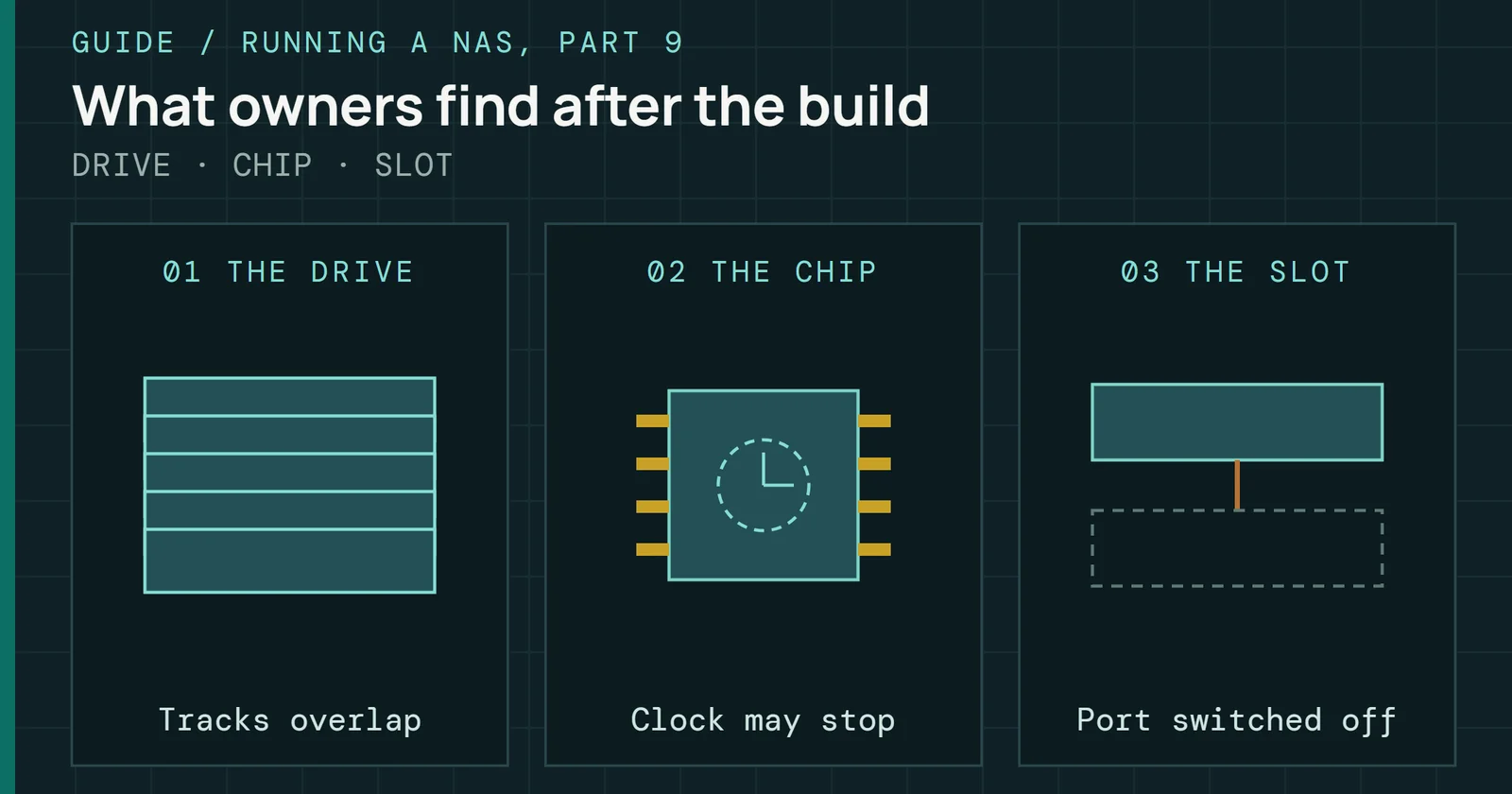
Hardware and setup problems NAS owners find after the build, from SMR drives and chip errata to dropping 2.5GbE ports and shared M.2 lanes, and how to check.
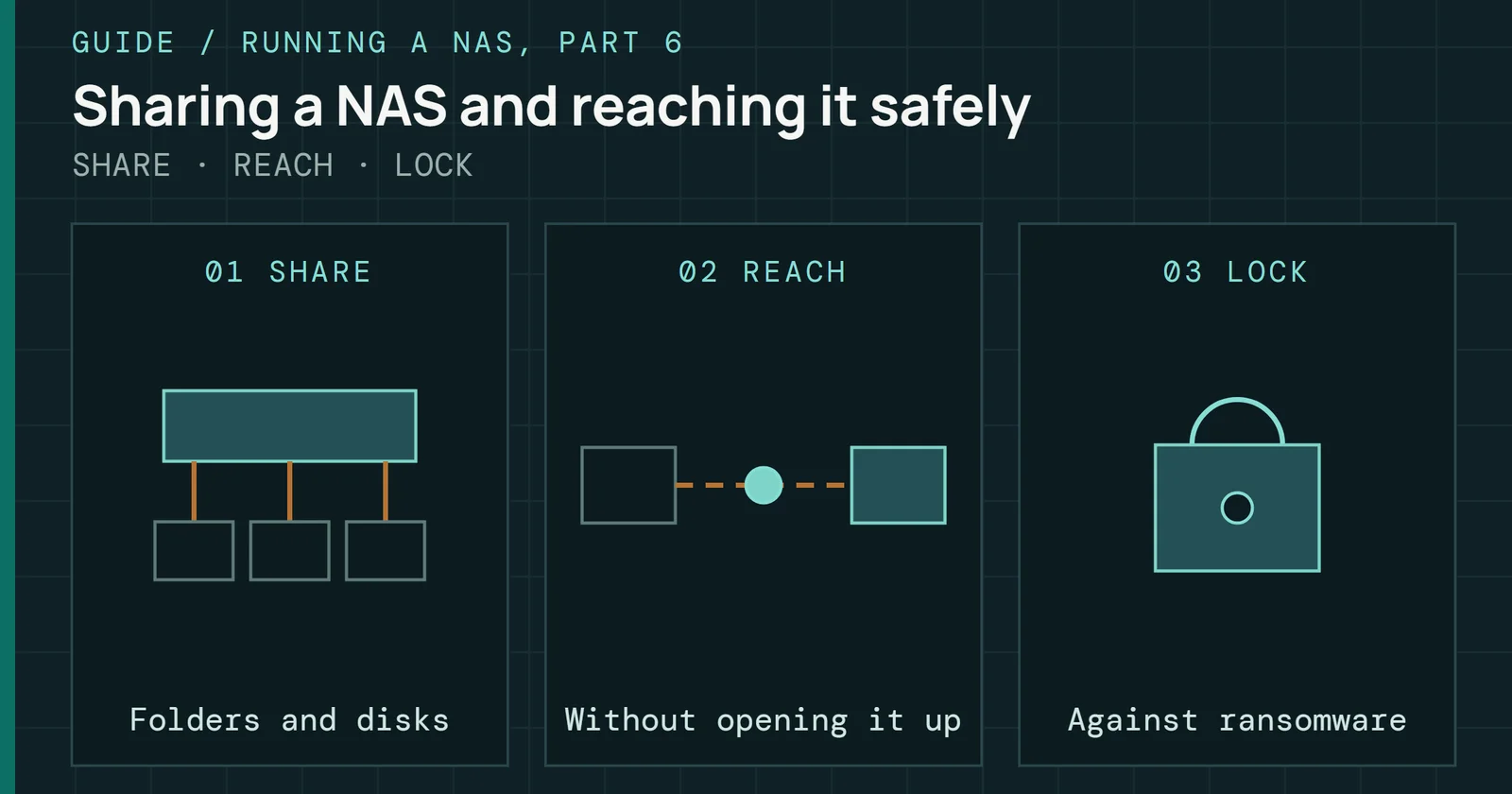
Sharing a NAS over SMB, NFS and iSCSI, reaching it from outside the house, and locking it down against the ransomware campaigns that hit exposed NAS boxes.
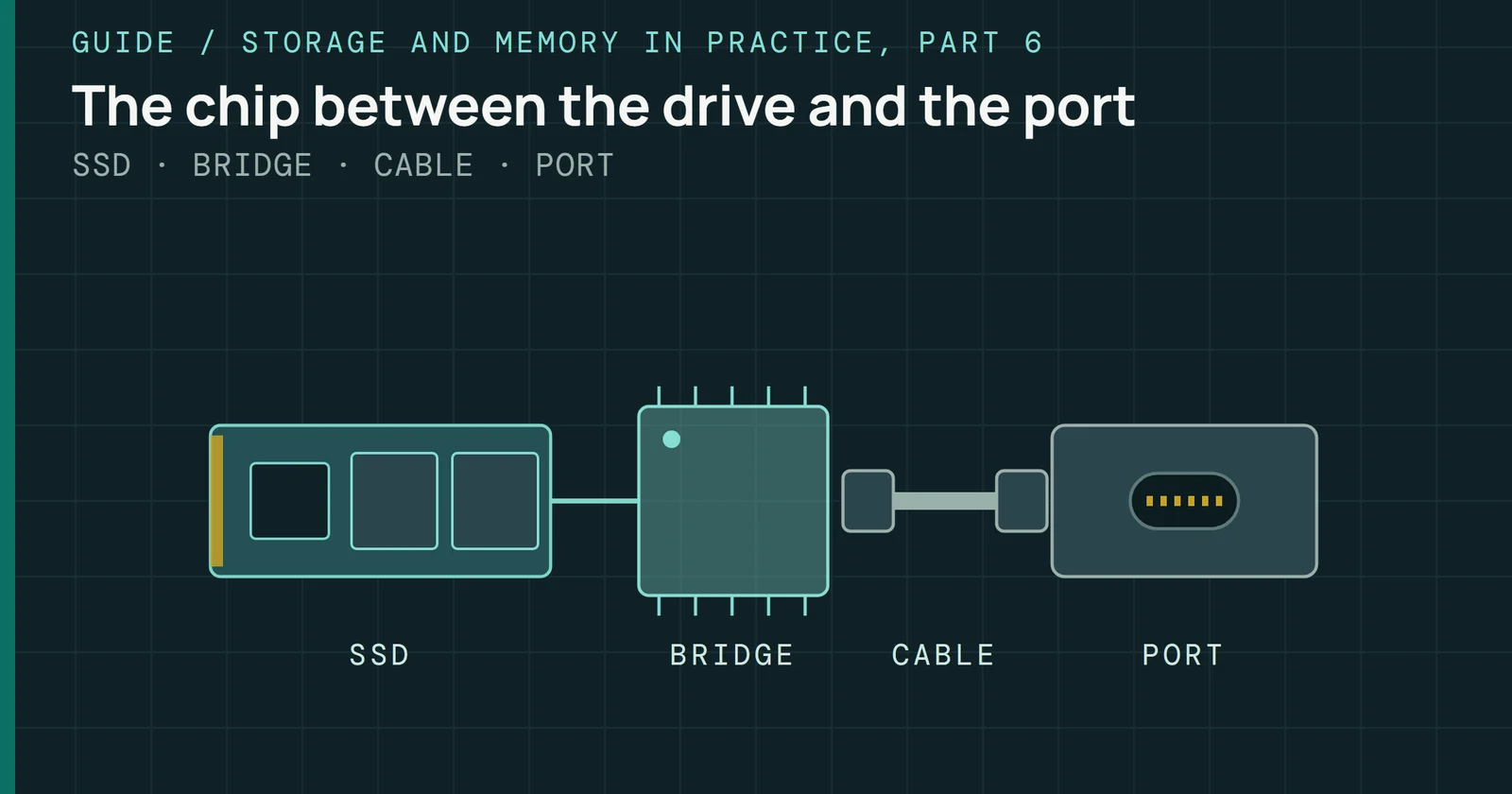
What USB and Thunderbolt ports carry, what a bridge chip does, why rated and real speed differ, and which port suits which portable SSD or M.2 enclosure.
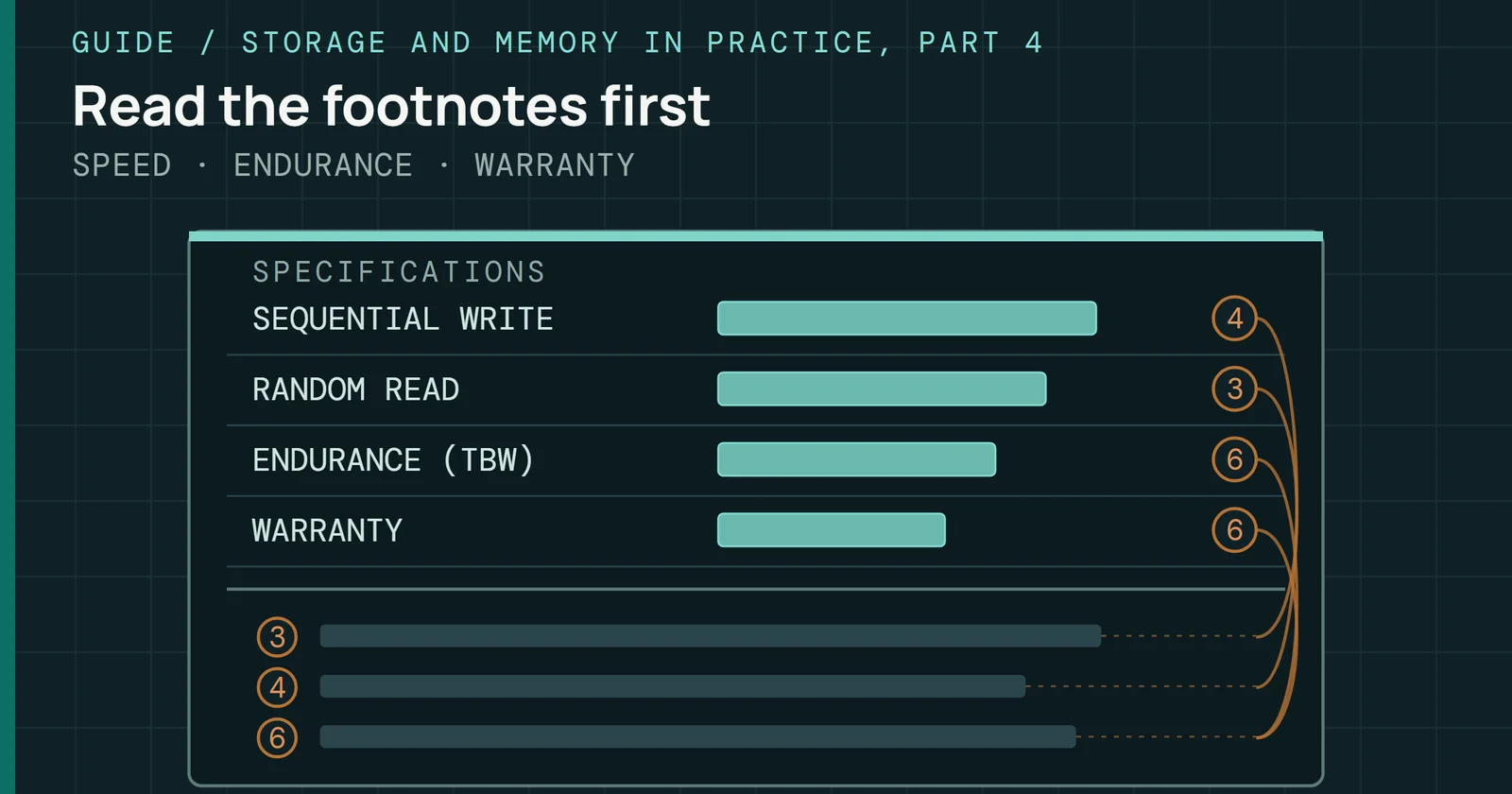
What each line on an SSD data sheet means: the conditions behind rated speeds, TBW and DWPD as one write budget, MTBF as a fleet rate, and warranty terms.
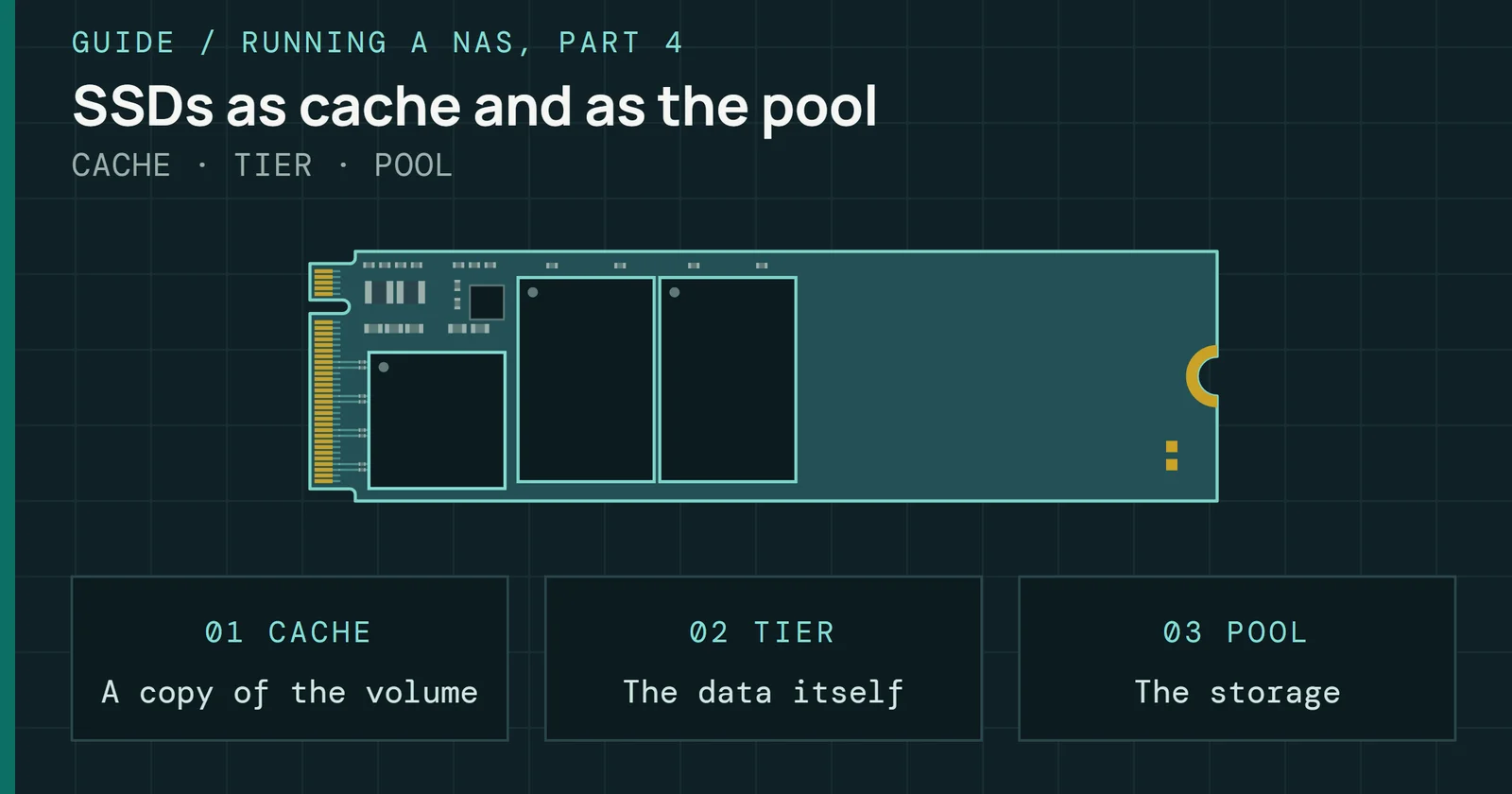
SSDs in a NAS as read and write cache, as ZFS special devices and as the whole pool, with what endurance, TRIM and power-loss protection mean for each job.
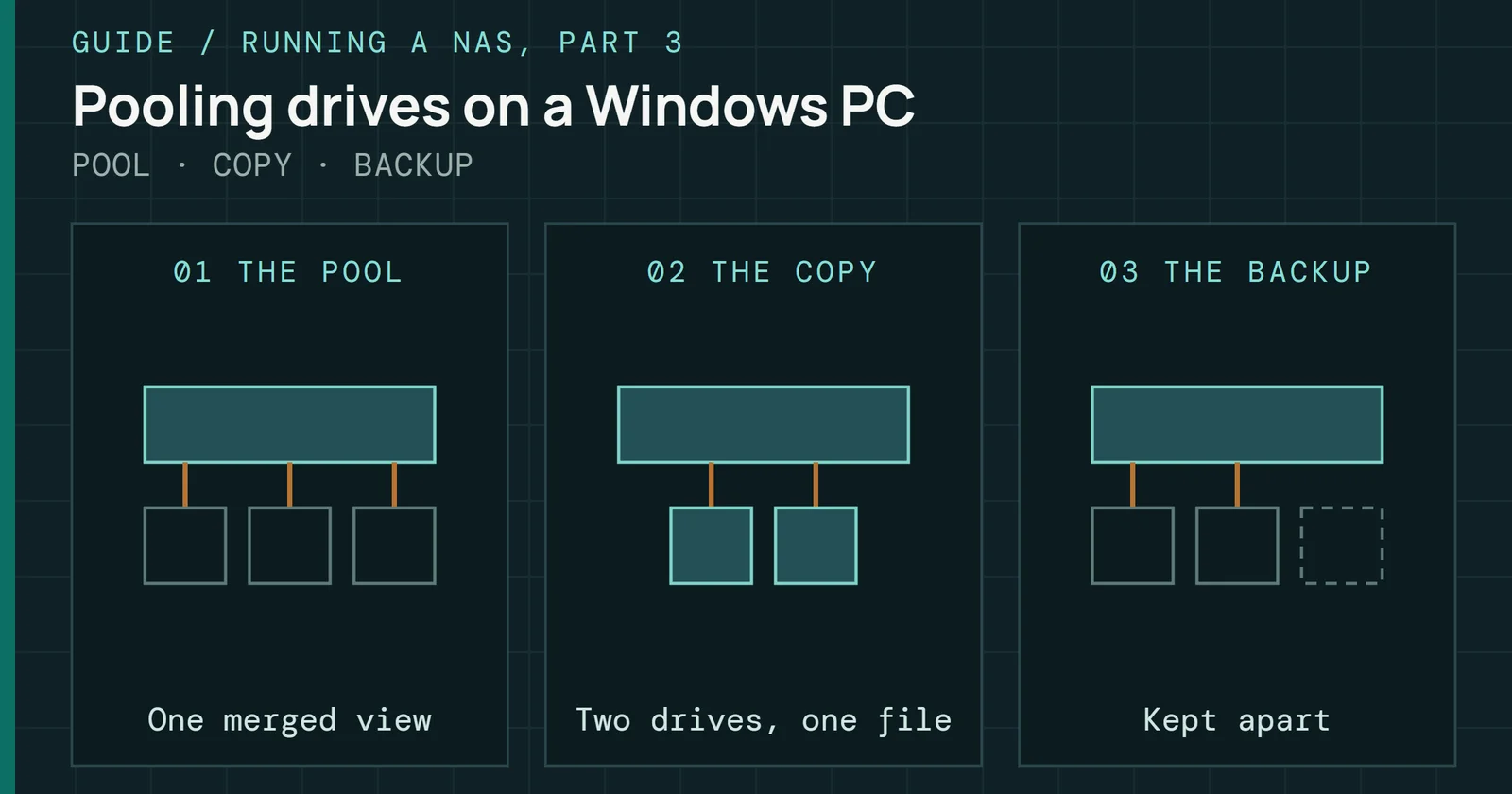
Turning a Windows PC into a NAS with StableBit DrivePool, Scanner and CloudDrive, Storage Spaces and SnapRAID, and what pooling does and does not protect.
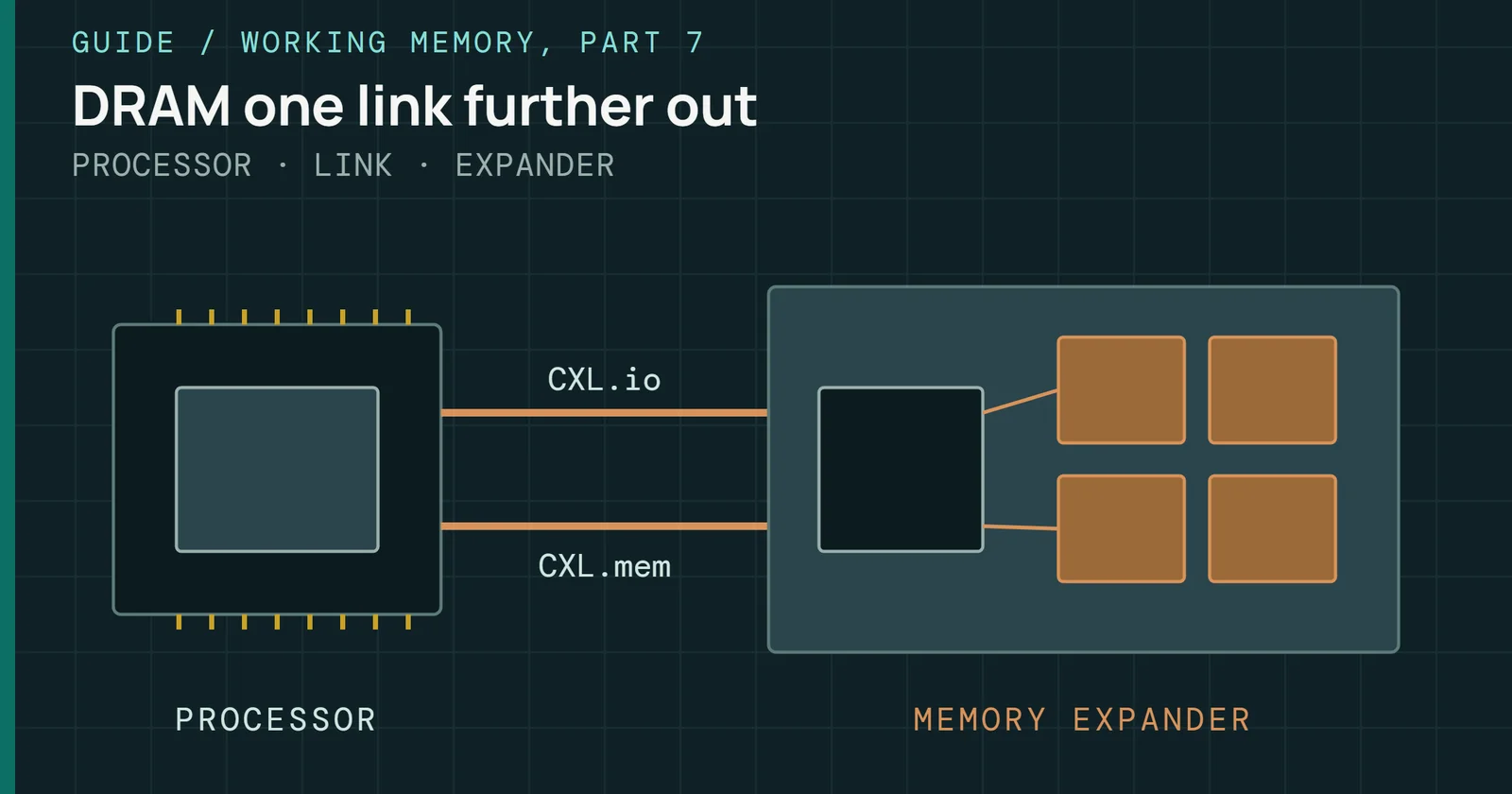
How CXL memory works: the three device types, what each release from 1.0 to 4.0 added, how the OS sees it, and the modules and controllers on sale.
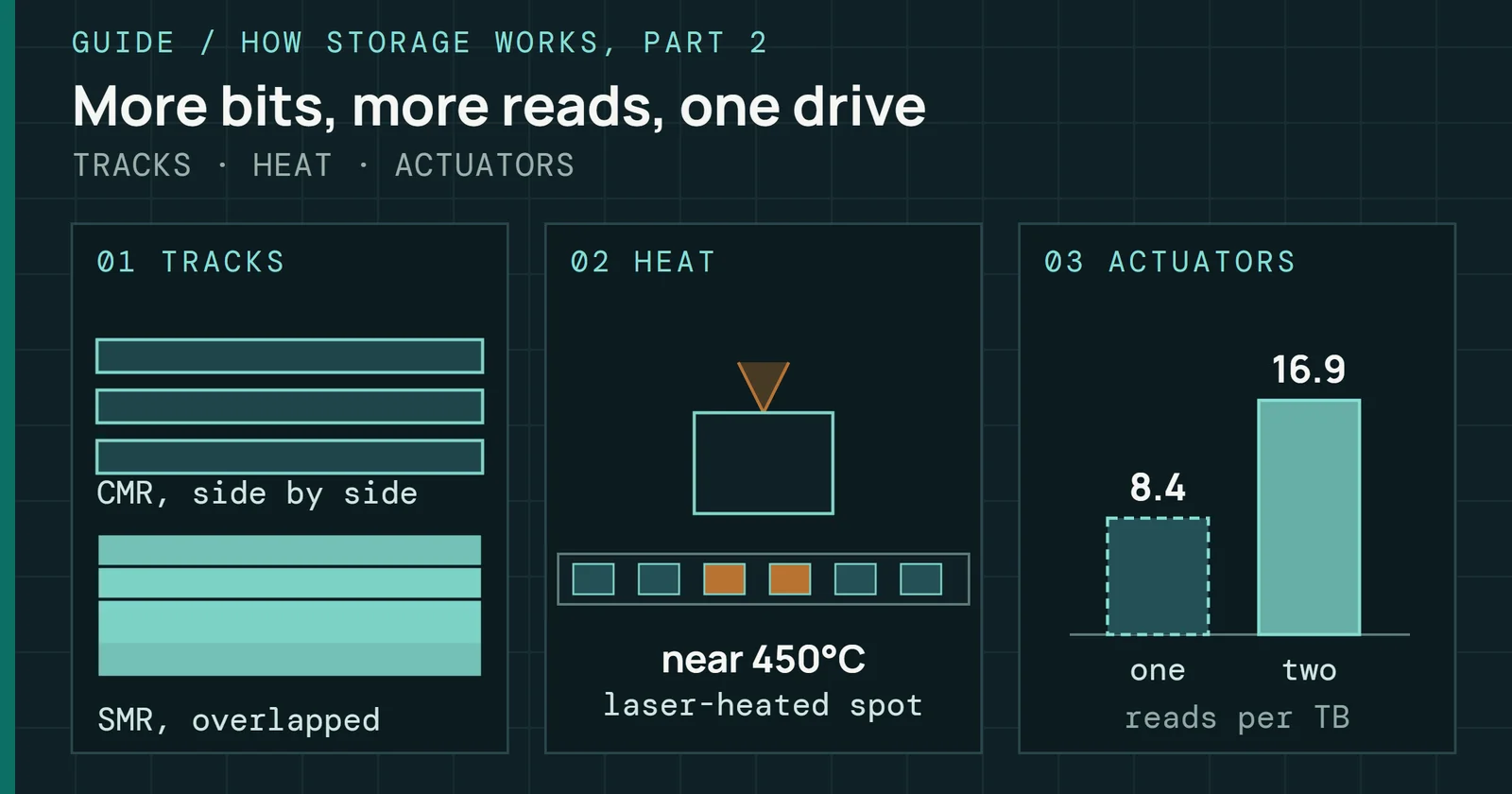
Heads, tracks, CMR and SMR, helium, HAMR and ePMR, and dual actuators: how a hard drive stores and finds data, and what its spec sheet labels mean.
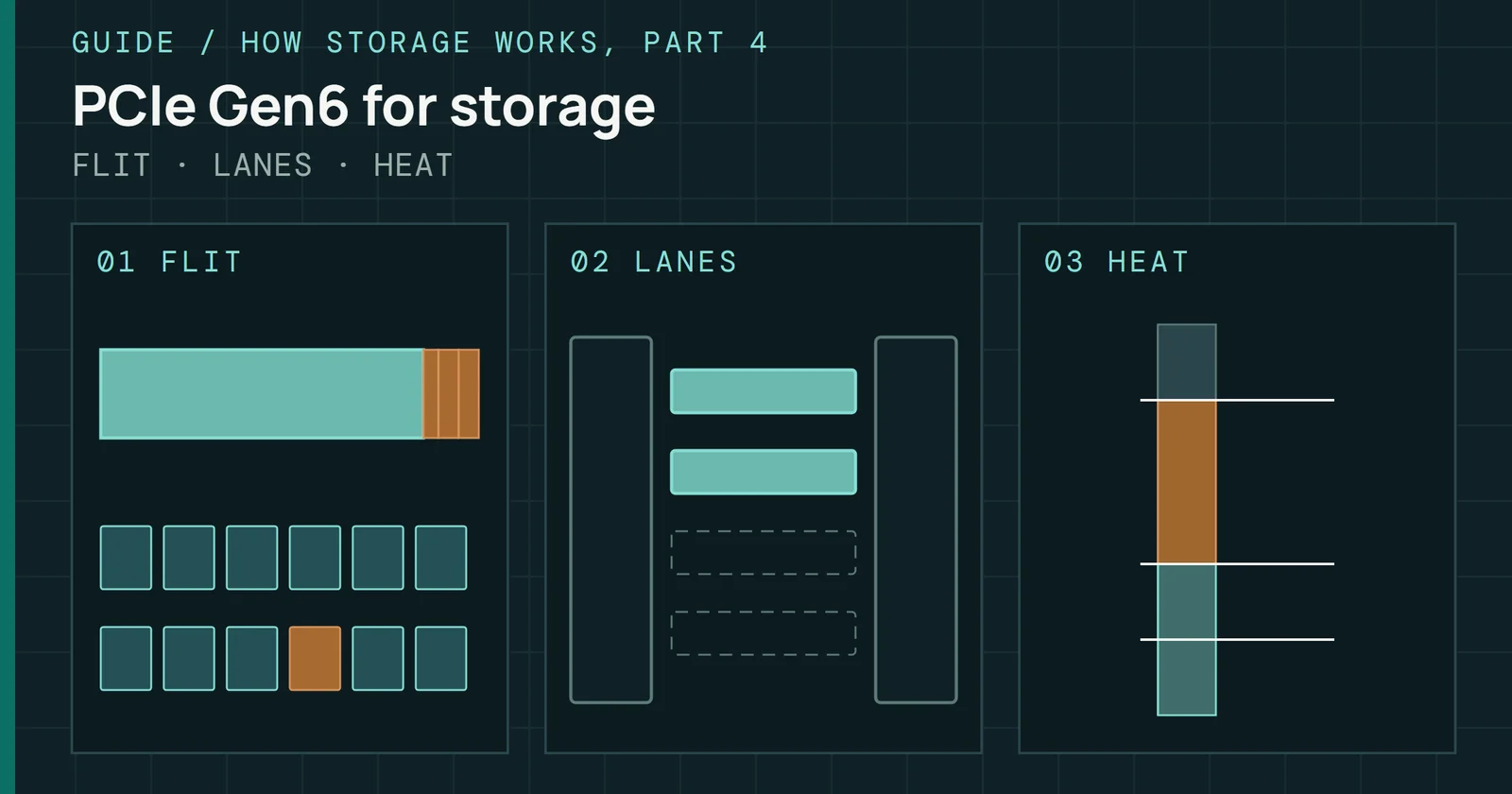
What PCIe Gen6 changes for SSDs: the 256-byte flit and its cost, FEC and replay, L0p, OCP power and heat limits, the first Gen6 drives, and PCIe 7.0 and 8.0.
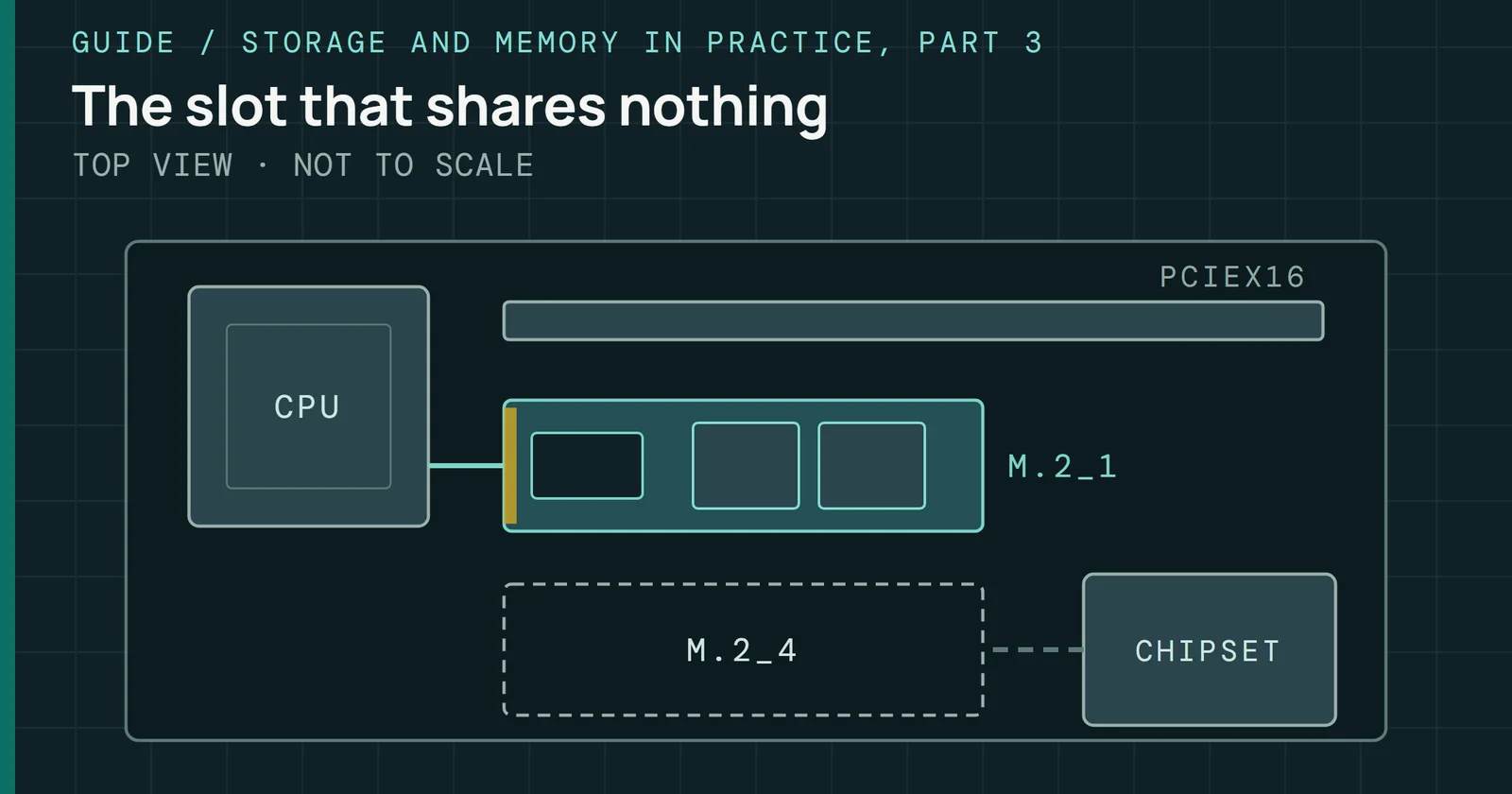
What an SSD box’s numbers mean, which M.2 slot gets which lanes on AMD and Intel boards, and how to set up and fix a drive in Windows and Linux.
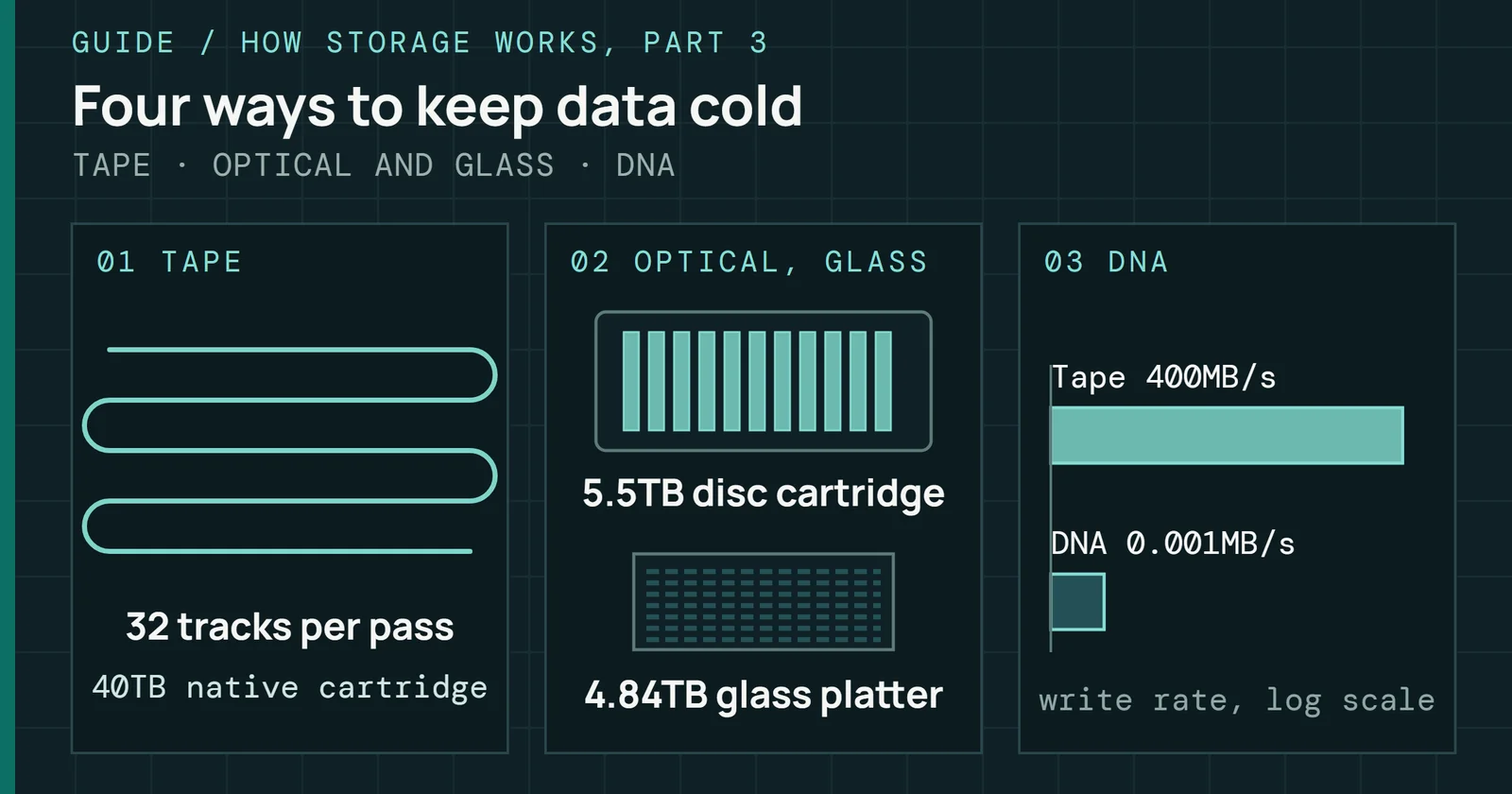
How LTO tape stores data and why it still wins on cost and power at rest, then what optical archive, glass and DNA storage are today and what is still research.
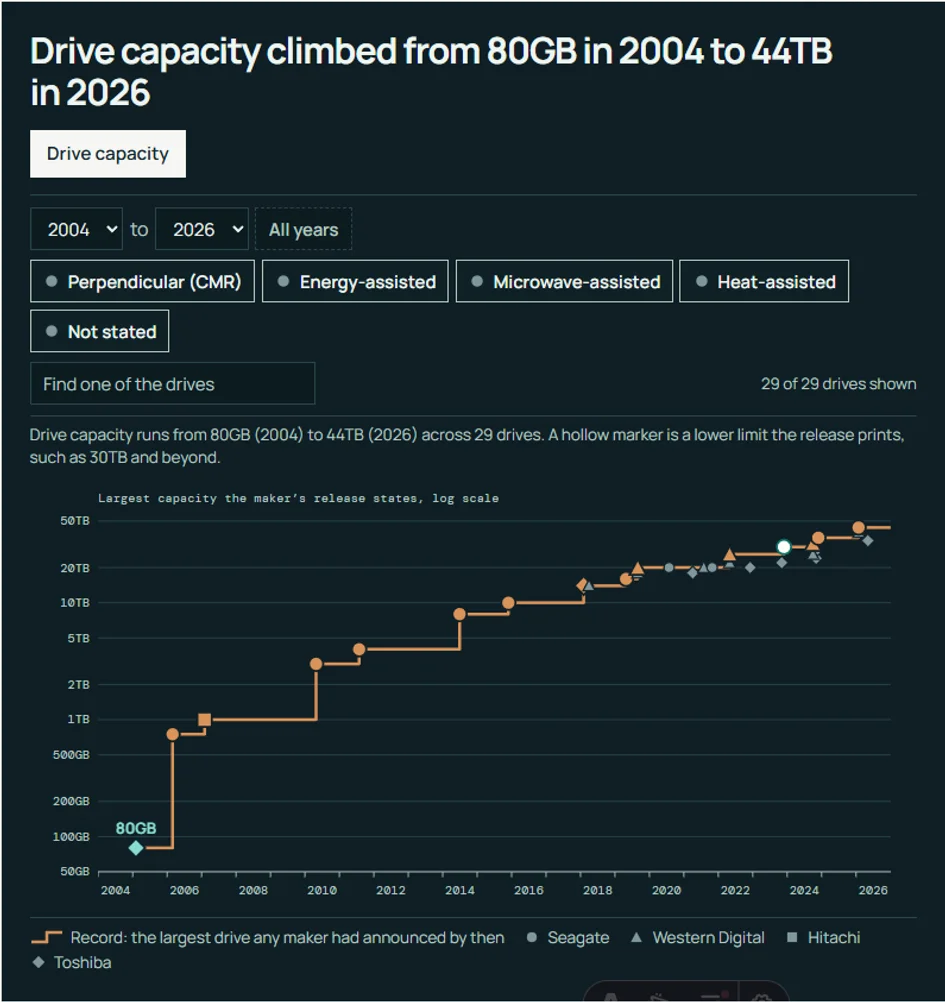
Hard drive capacity and recording method by year, from the first perpendicular drives to heat-assisted ones, each dated by the maker's release and linked.

Where CXL memory and SNIA’s SDXI data mover meet storage in SI clusters: checkpoint staging, the KV cache’s trip between servers, and copies between tiers.
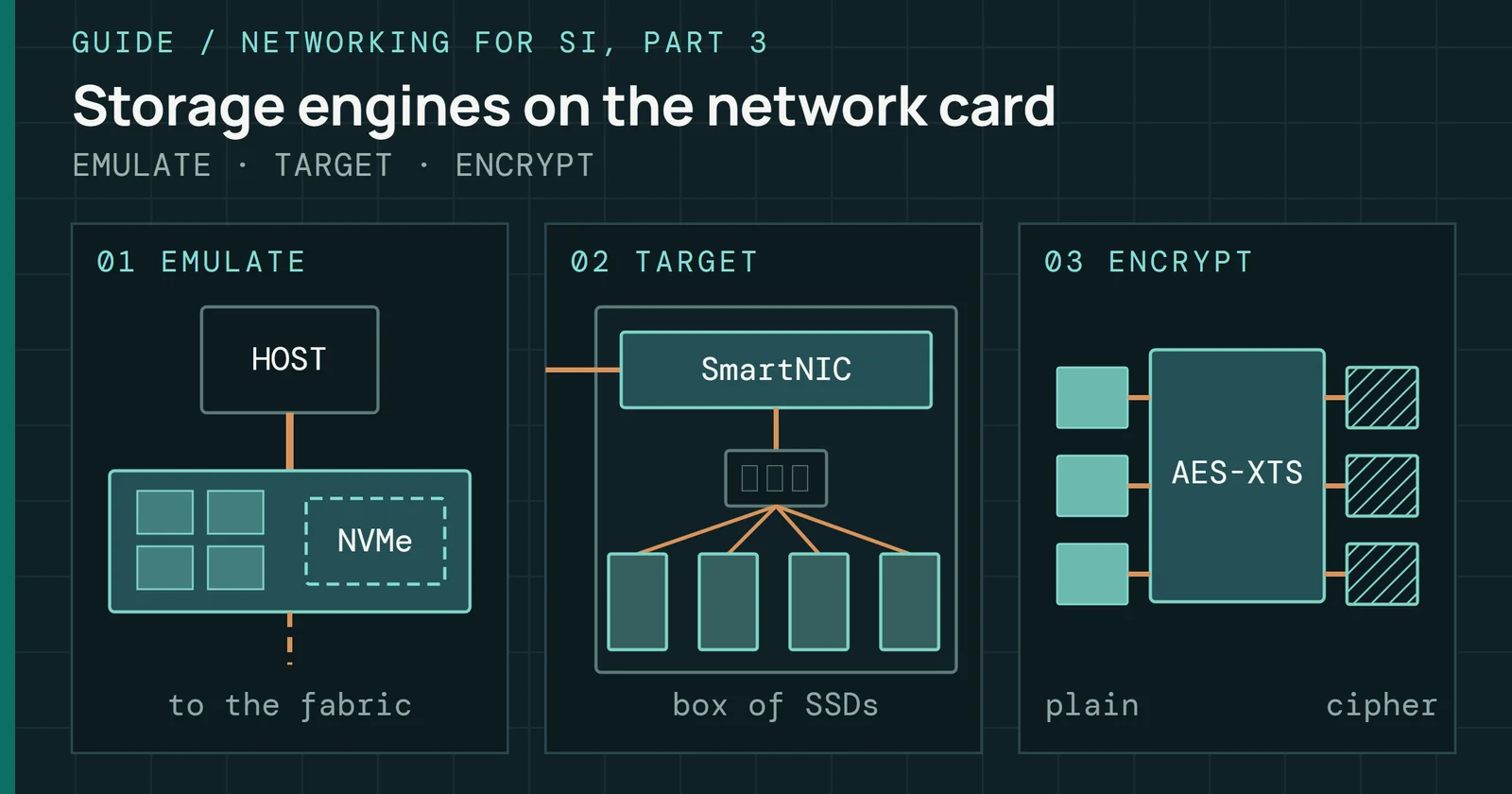
How a network card with its own processor shows the host a local NVMe drive, runs the NVMe-oF target and encrypts data, and what published tests say it costs.
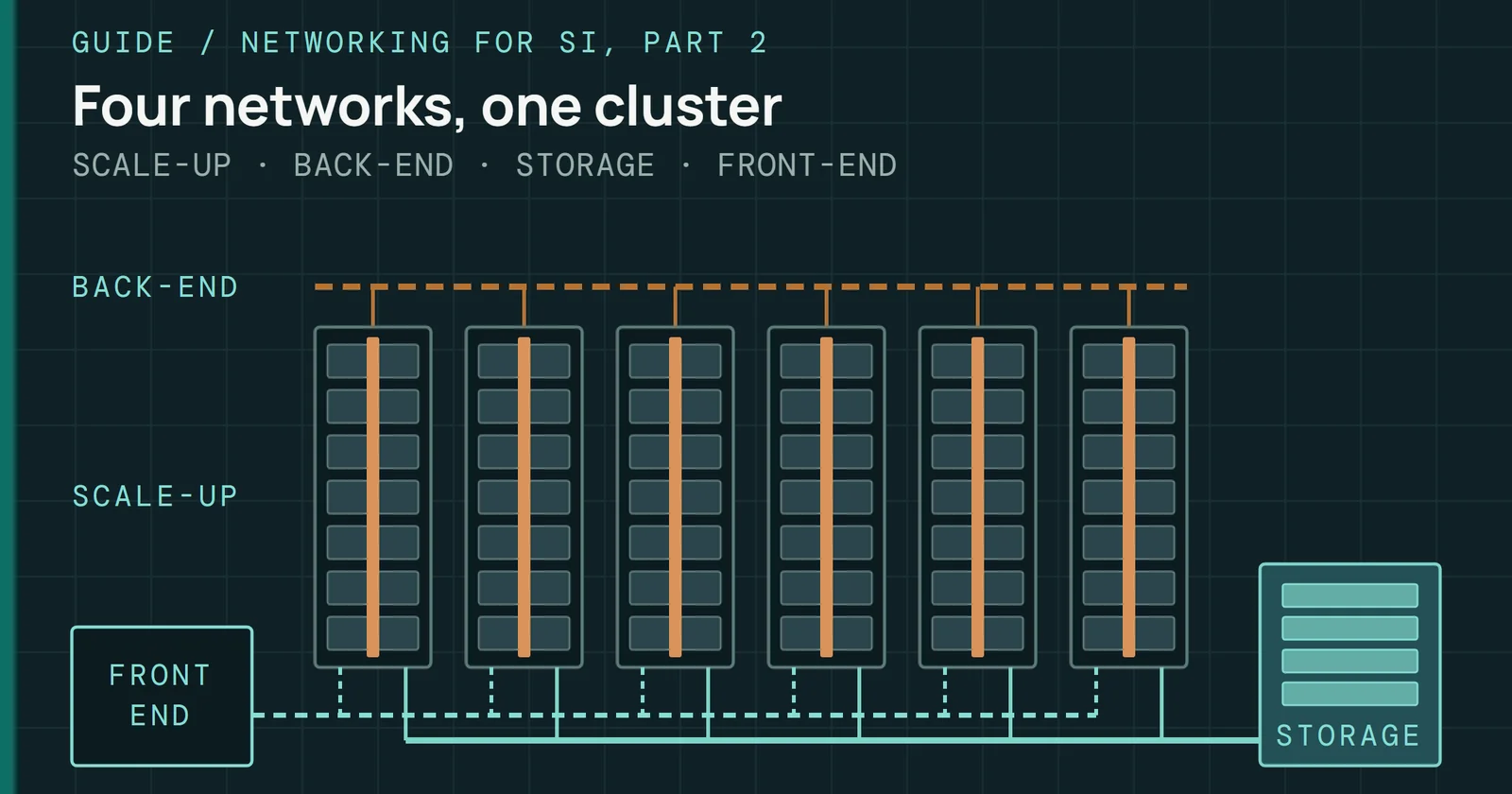
What the four networks in an SI cluster carry, why storage stays off the GPU fabric, and how to size it from MLPerf Storage's checkpoint test.
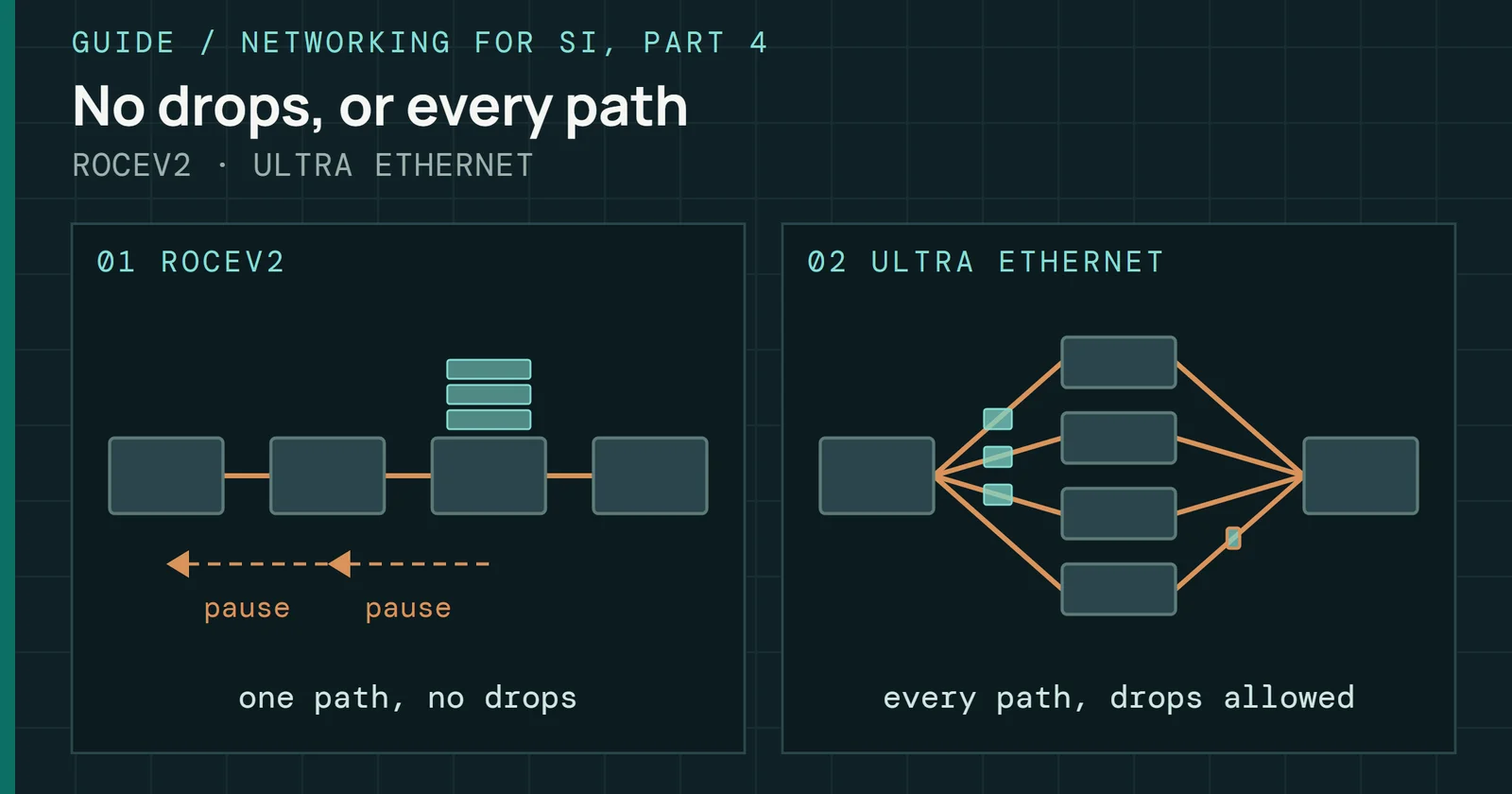
What Ultra Ethernet changes against RoCEv2: its own transport, packet spraying and congestion control, and which products are sampling, in market or qualifying.
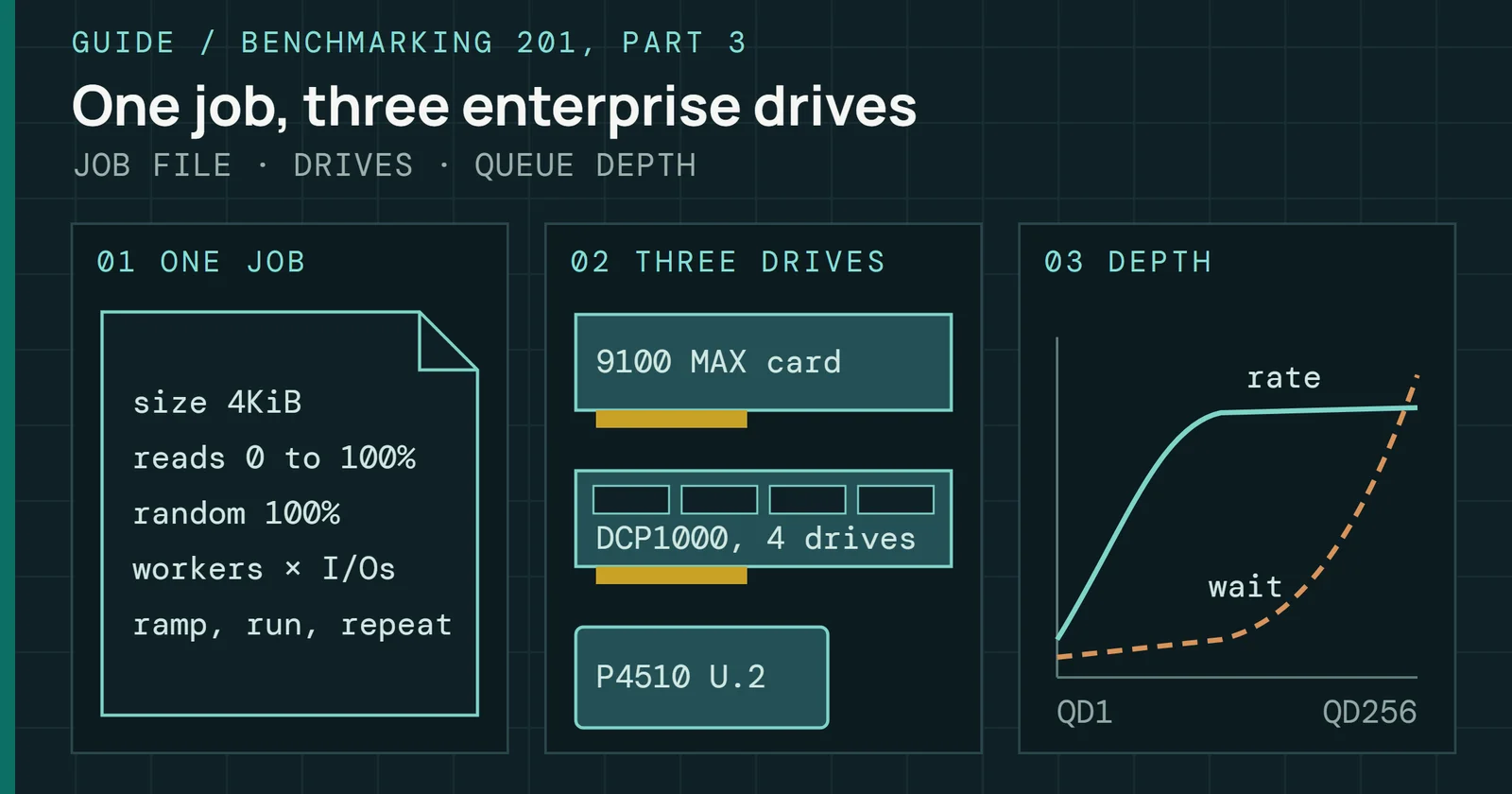
My Iometer runs on a Micron 9100 MAX, a Kingston DCP1000 and an Intel DC P4510, compared at matched queue depths and mixes, with latency read beside IOPS.
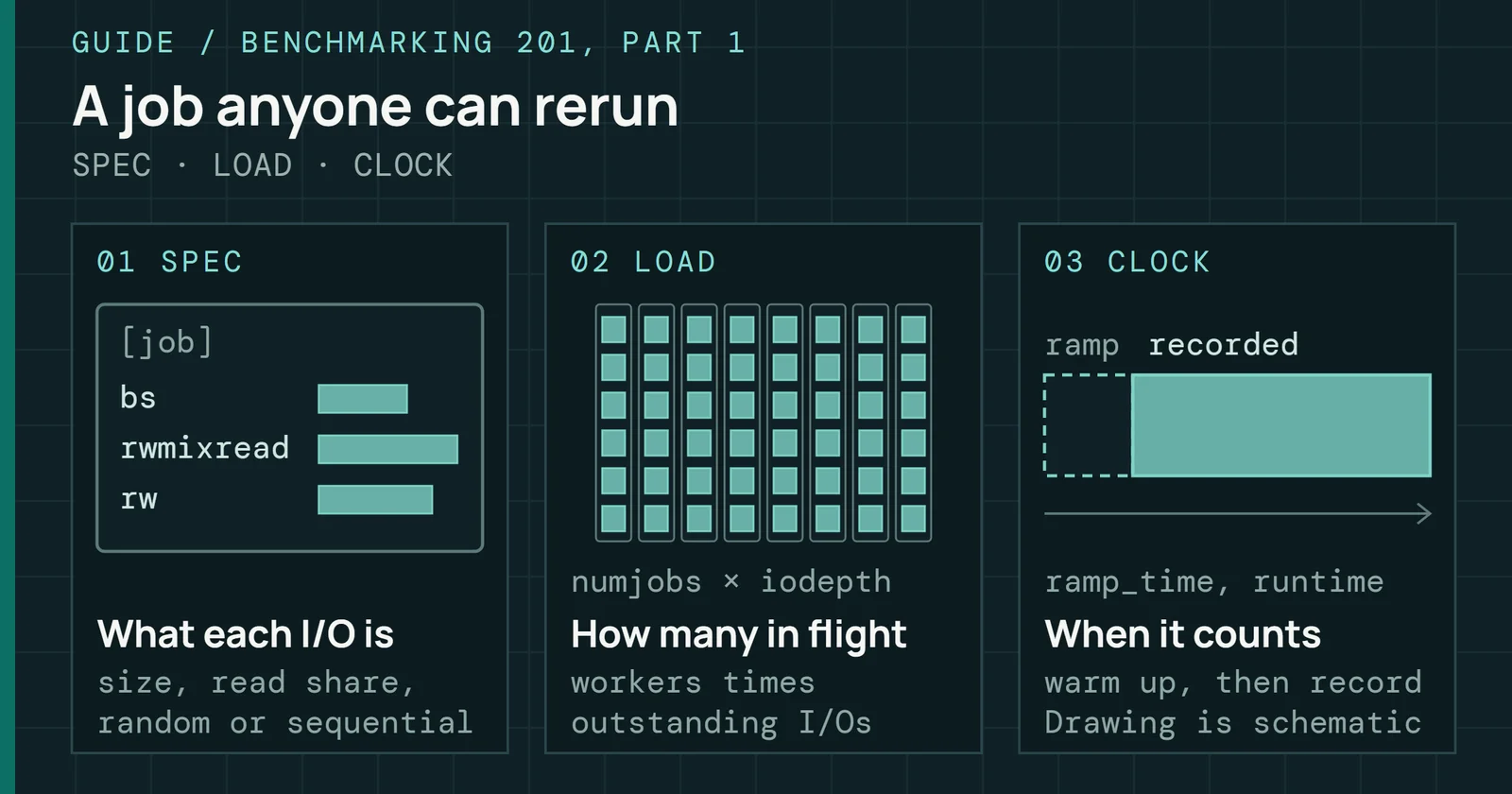
How a benchmark job file pins block size, read mix, queue depth, ramp, runtime and preconditioning, in Iometer and in fio, so a run can be repeated and checked.
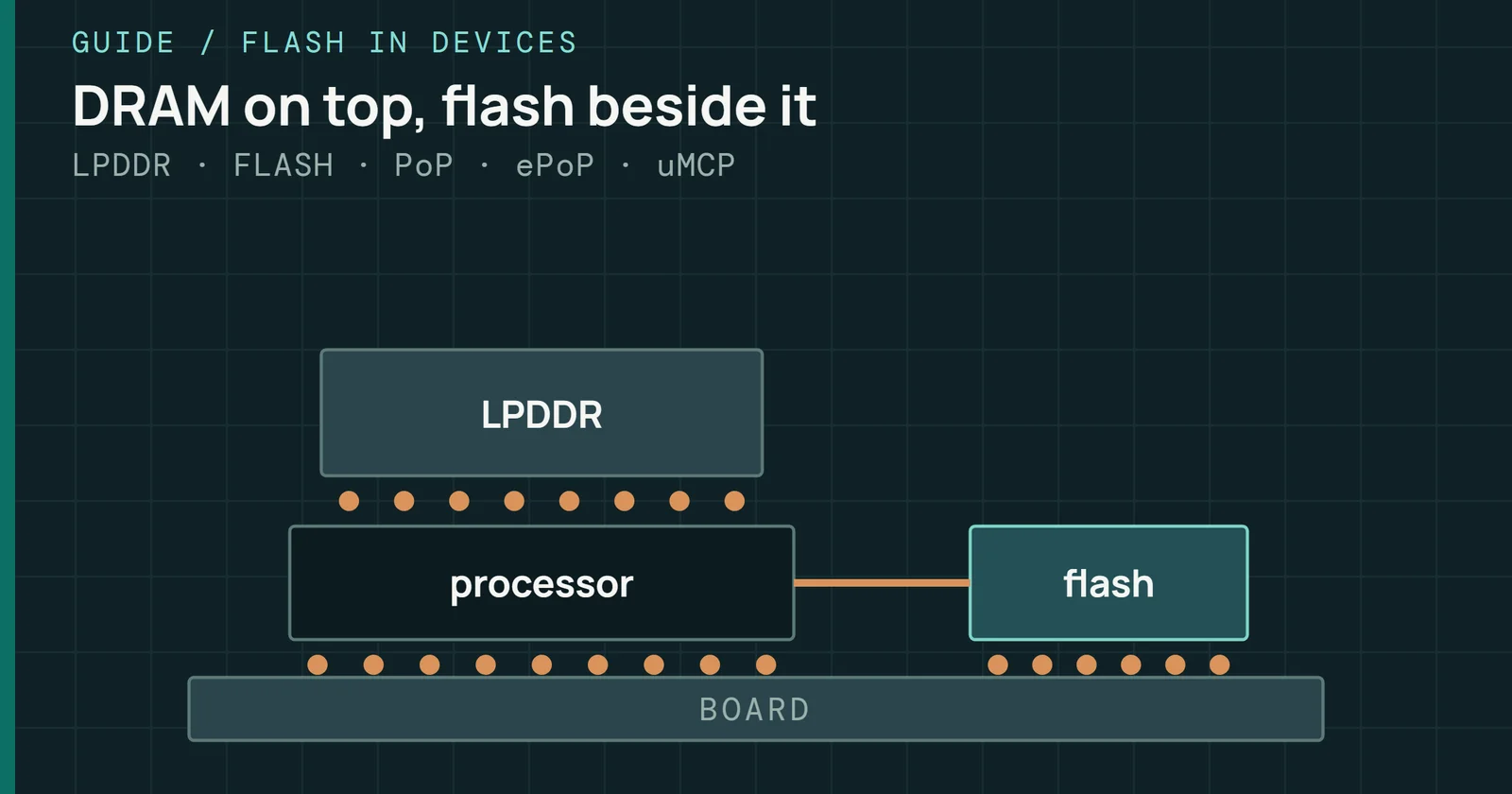
How phone and tablet flash is packaged with LPDDR, from PoP to ePoP and uMCP, and what Android’s memory manager, F2FS and encryption do with it.
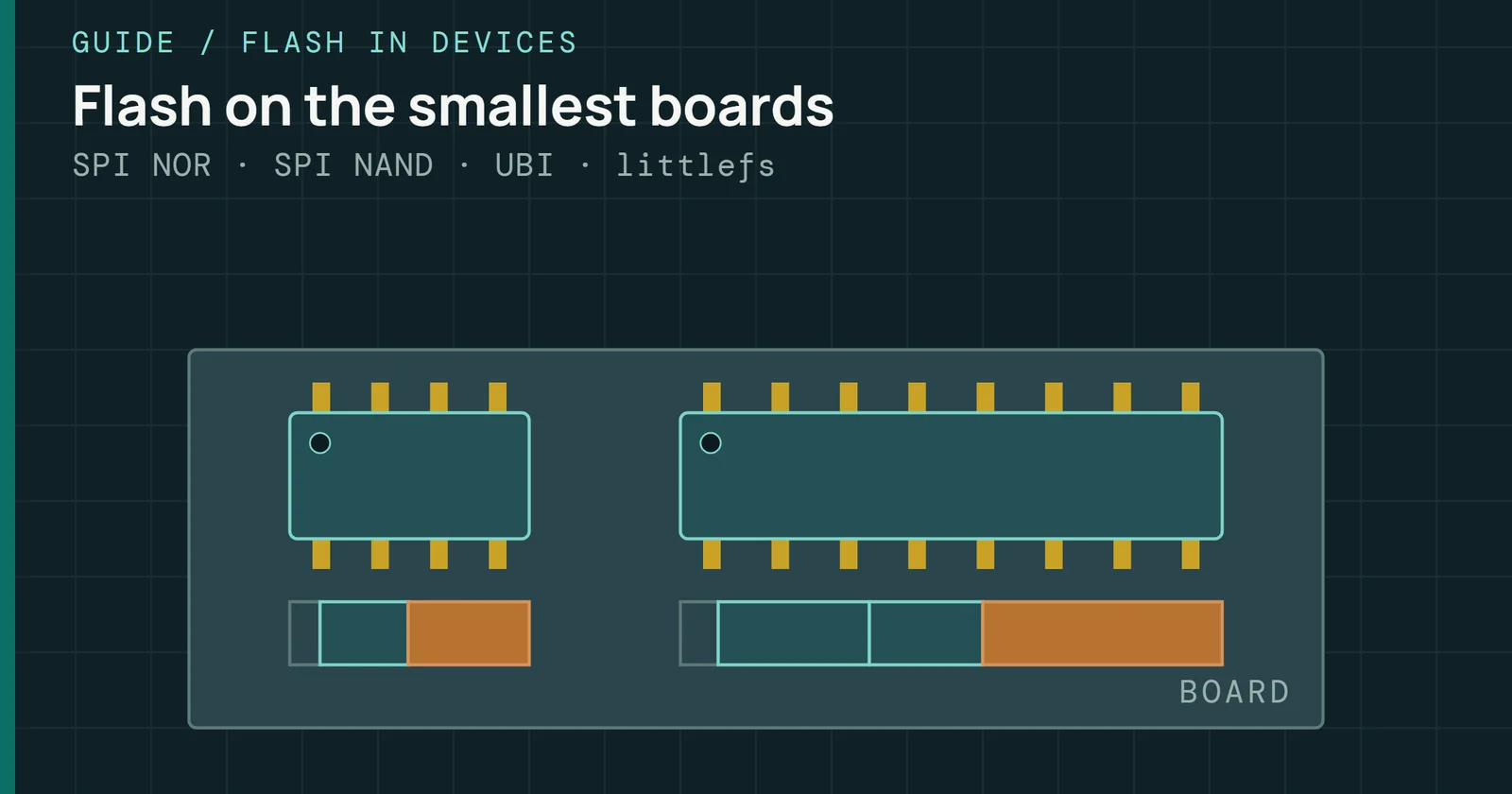
What routers, cameras, smartwatches and IoT boards boot from: SPI NOR and SPI NAND, partitions, bad blocks, UBI and power-loss handling.
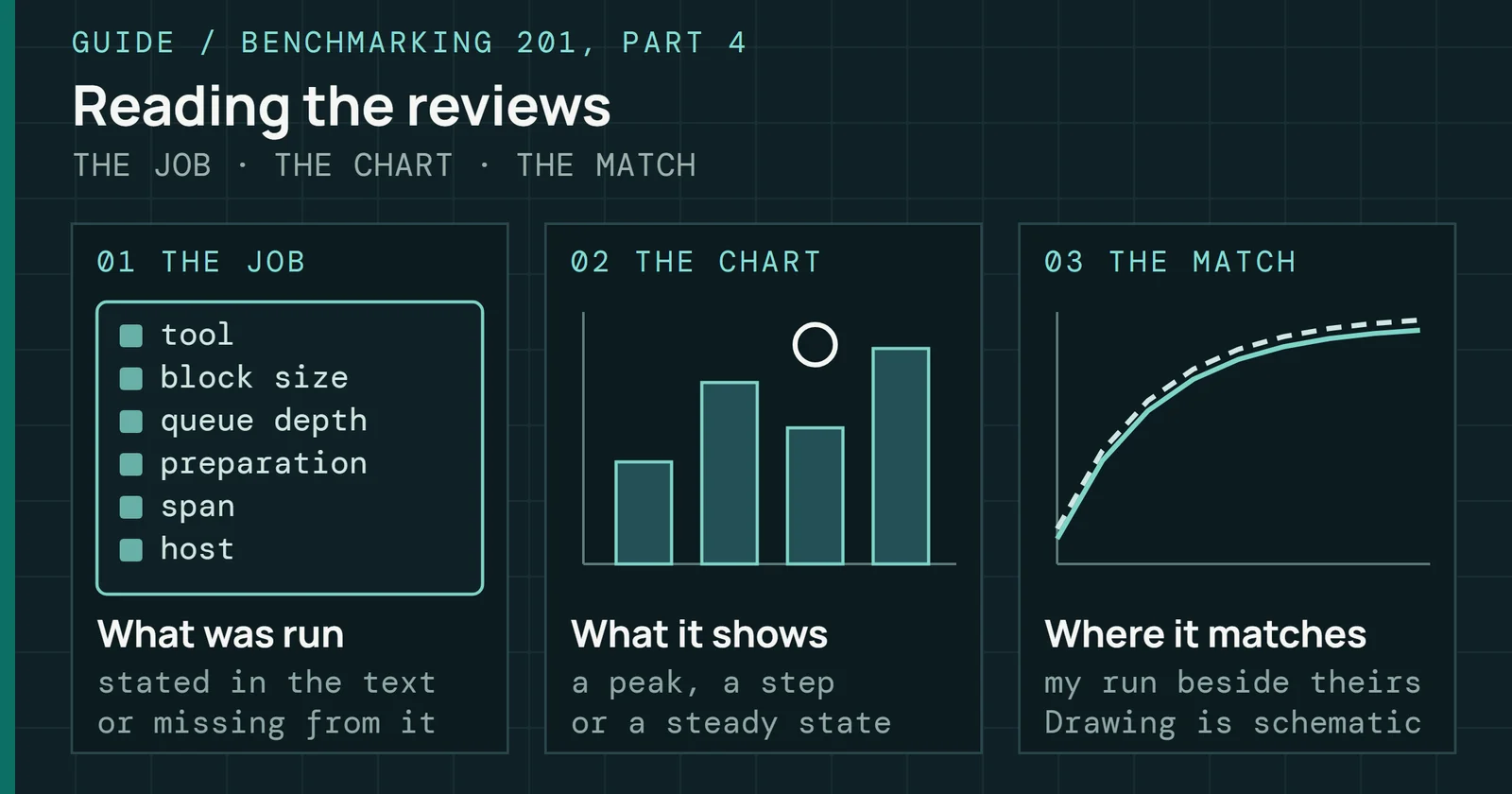
How five enterprise SSD reviews tested their drives, where their numbers match my Iometer runs at matched settings, and how to read any review’s chart.
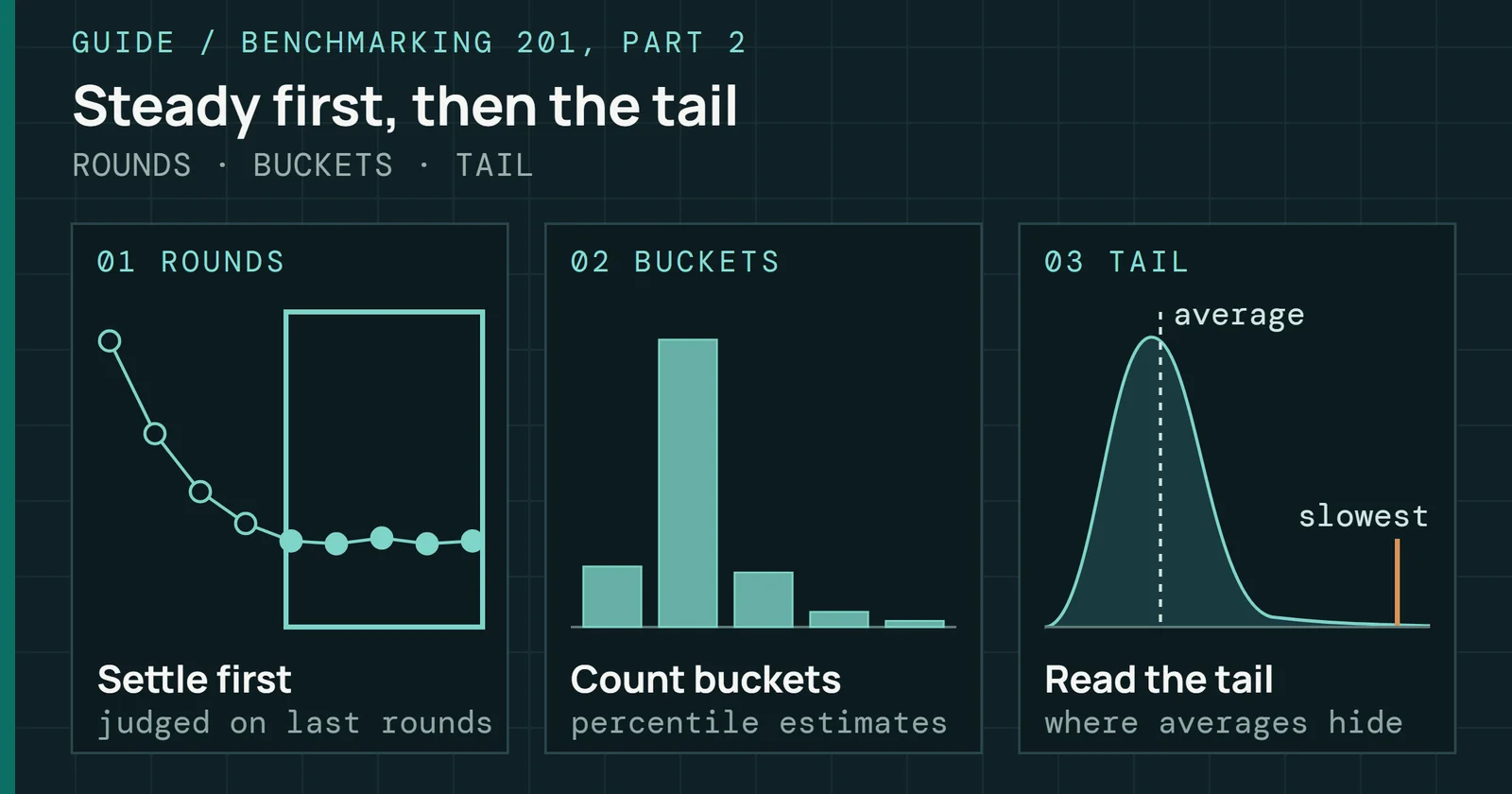
When a preconditioned SSD is ready to measure under the SNIA test specification, and how to report its latency past the average with percentiles and QoS.
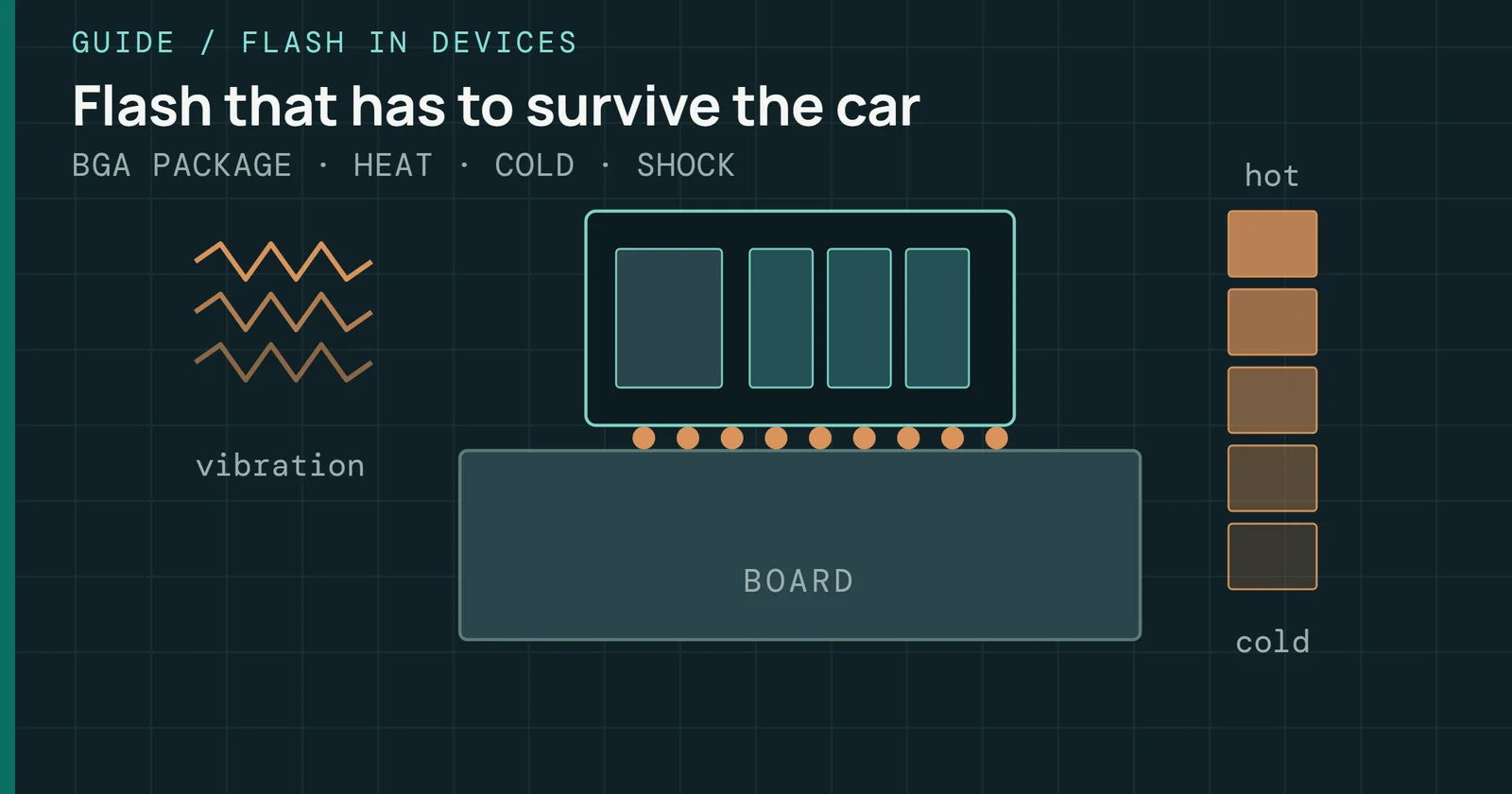
Why cars and factories need different flash: AEC-Q100 and AEC-Q104 grades, retention, endurance under logging, power-loss protection and the Tesla eMMC recall.
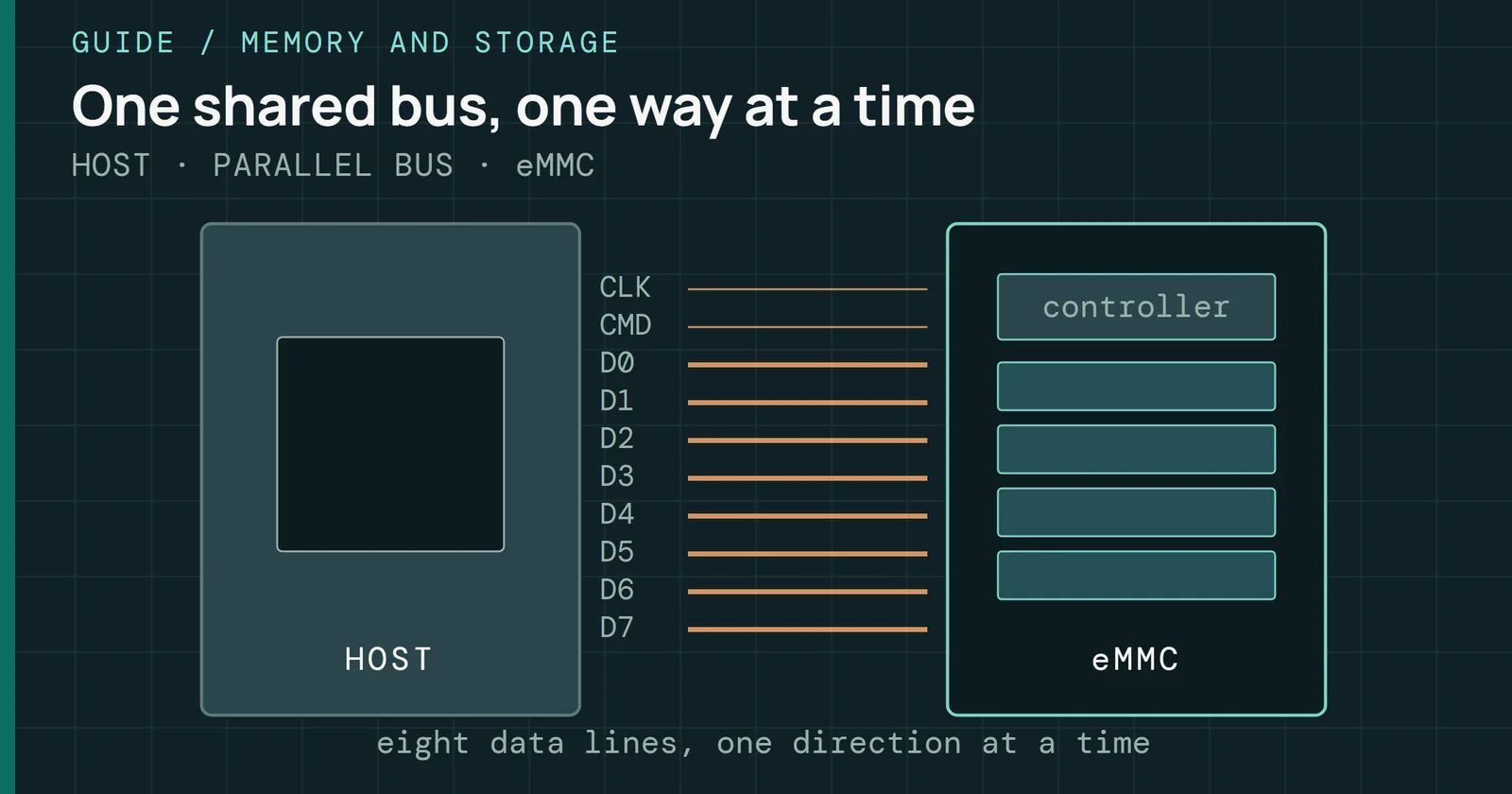
How eMMC works: a controller and NAND in one package on an eight-bit parallel bus, speed modes up to HS400, partitions, command queueing and real parts.
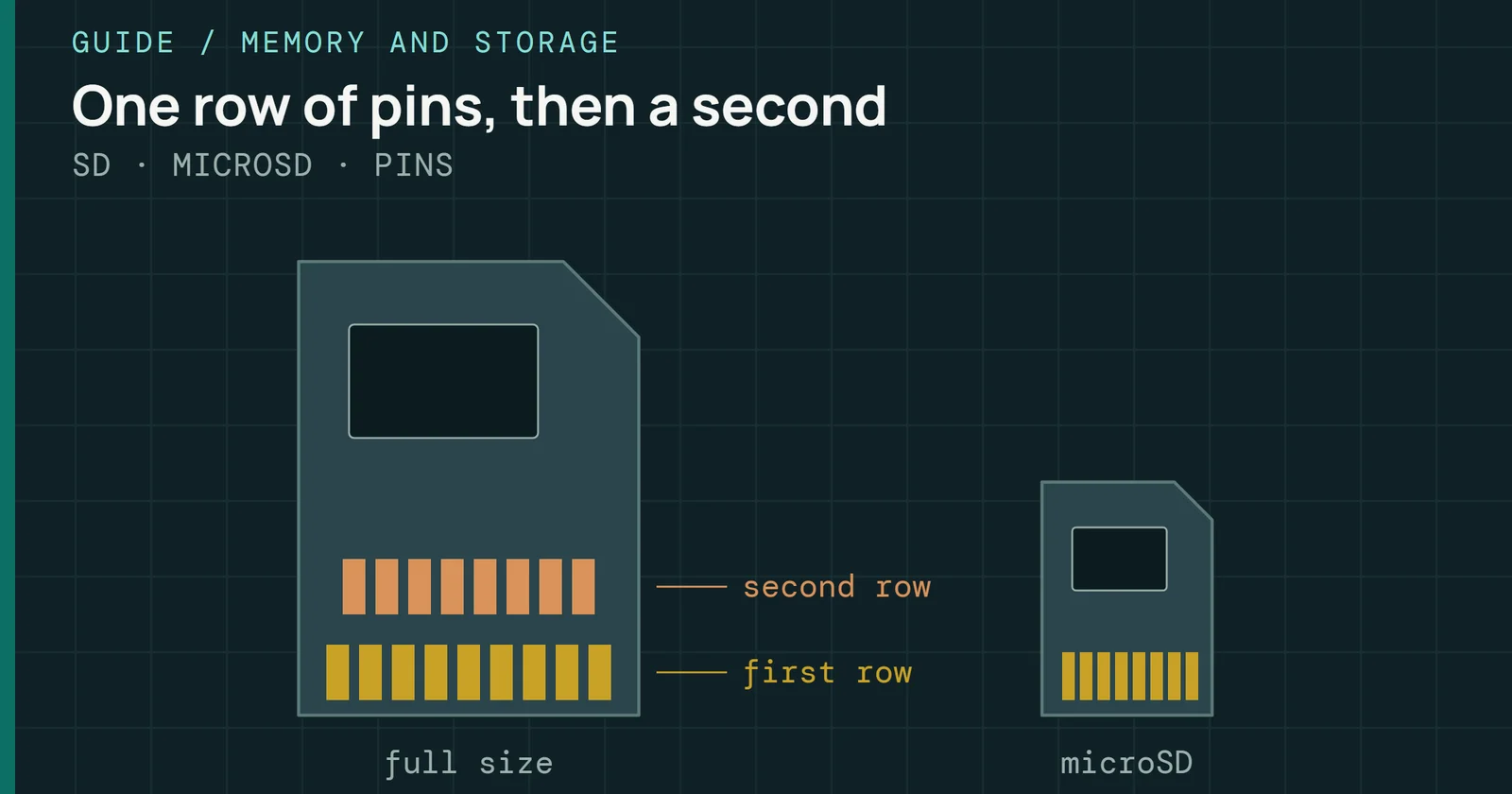
How SD and microSD cards work: capacity families, bus modes from Default Speed to UHS-III and SD Express, what speed classes promise, and how to test for fakes.
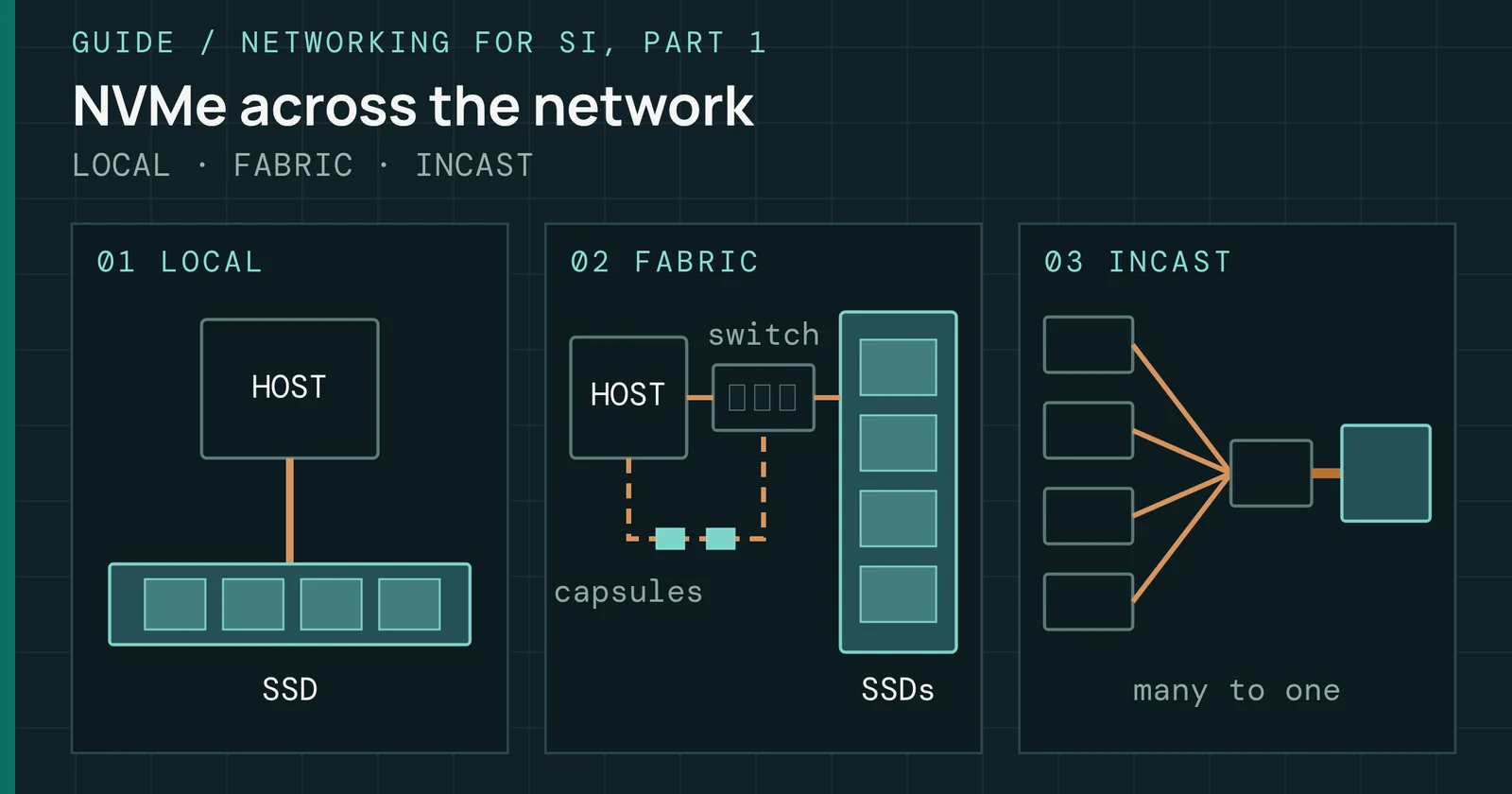
How NVMe over Fabrics carries NVMe commands over RDMA, TCP and Fibre Channel, what published tests say it adds in latency, and how SI storage traffic loads it.
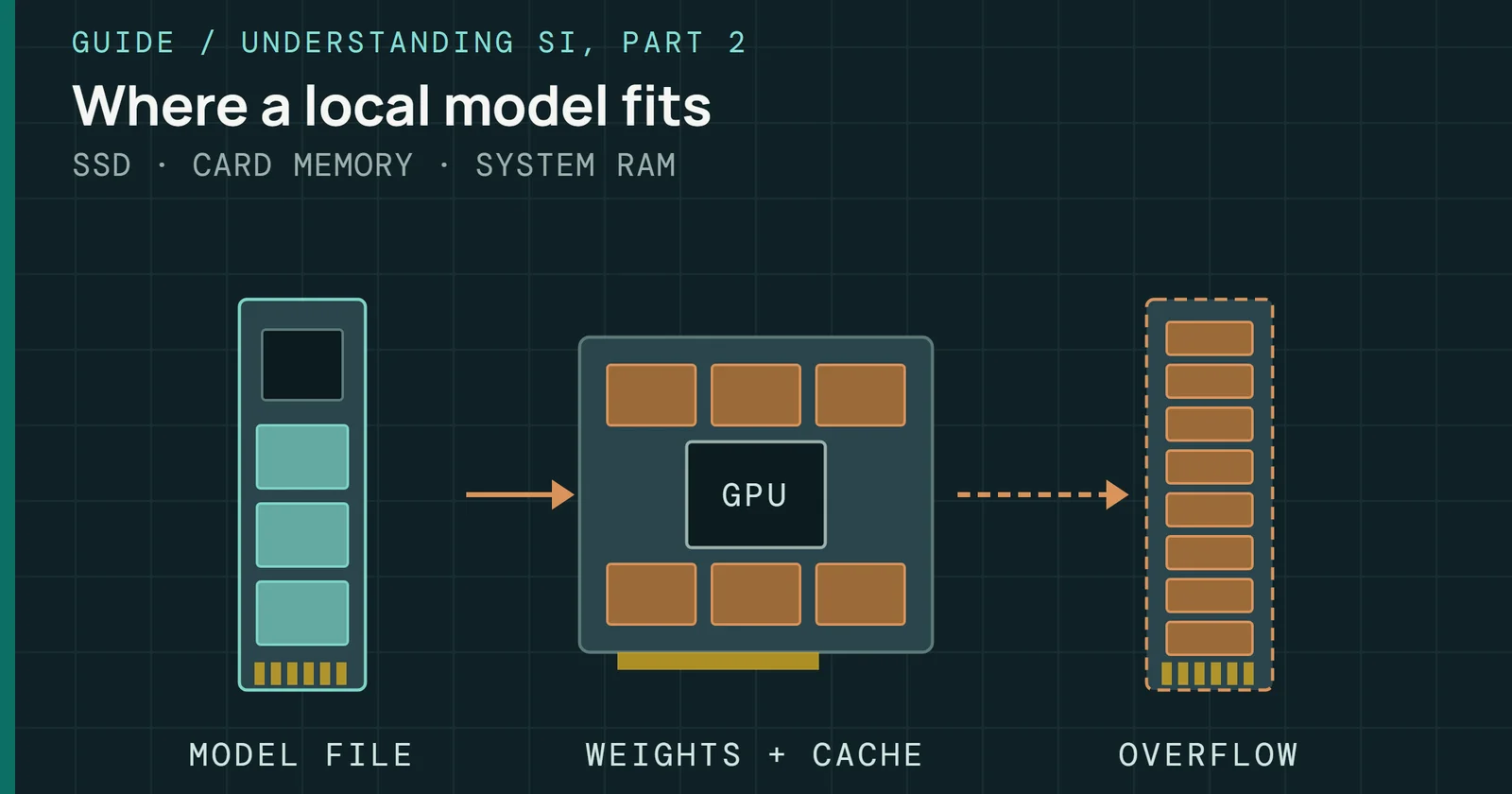
How much VRAM, RAM, and disk a local language model needs on Windows, how quantization sets its size, and where Ollama, LM Studio, and WSL keep the files.
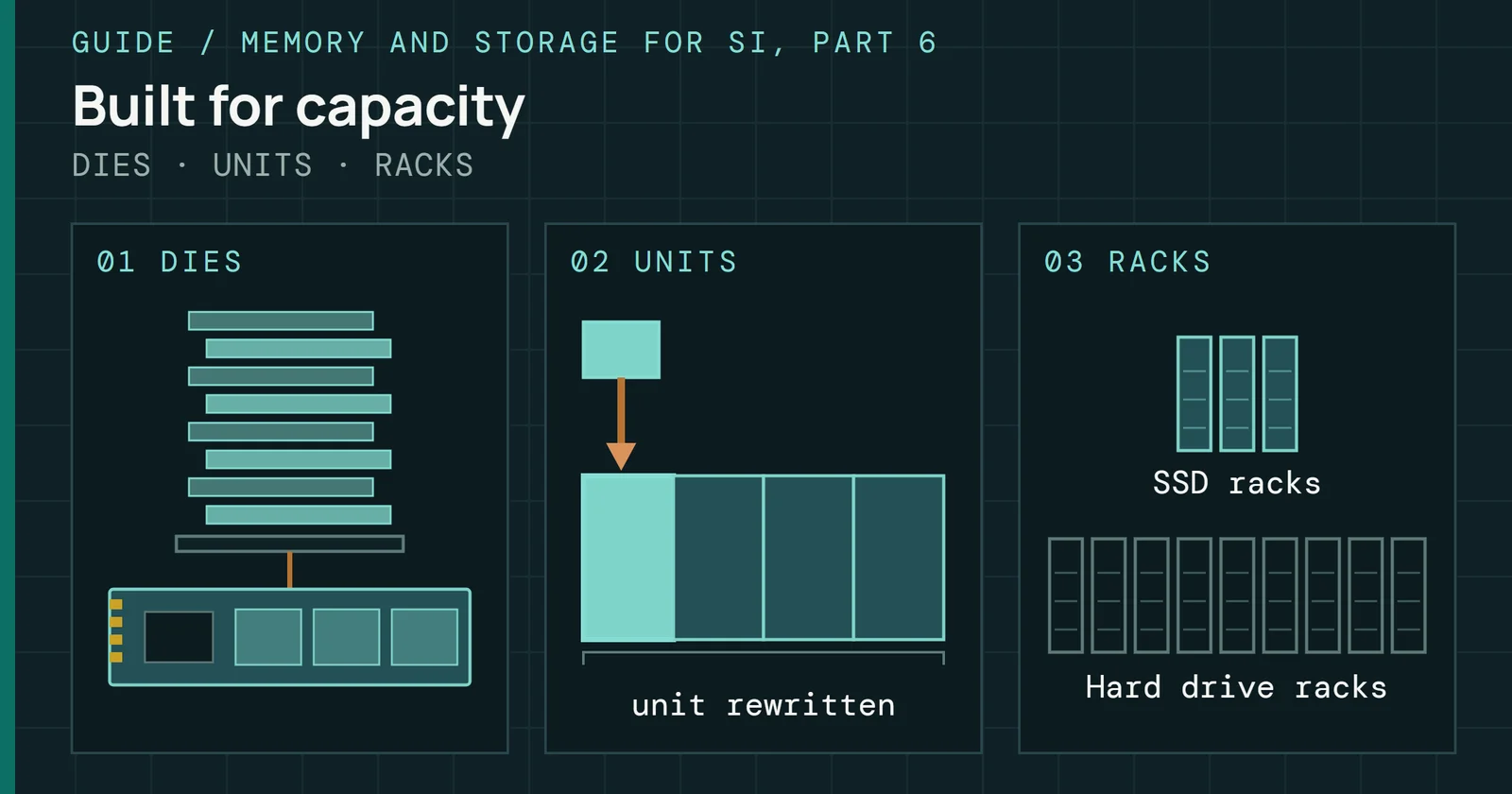
What 122TB to 300TB QLC drives do in an SI cluster, why bigger drives write in bigger pieces, and how to read their endurance and hard drive comparisons.
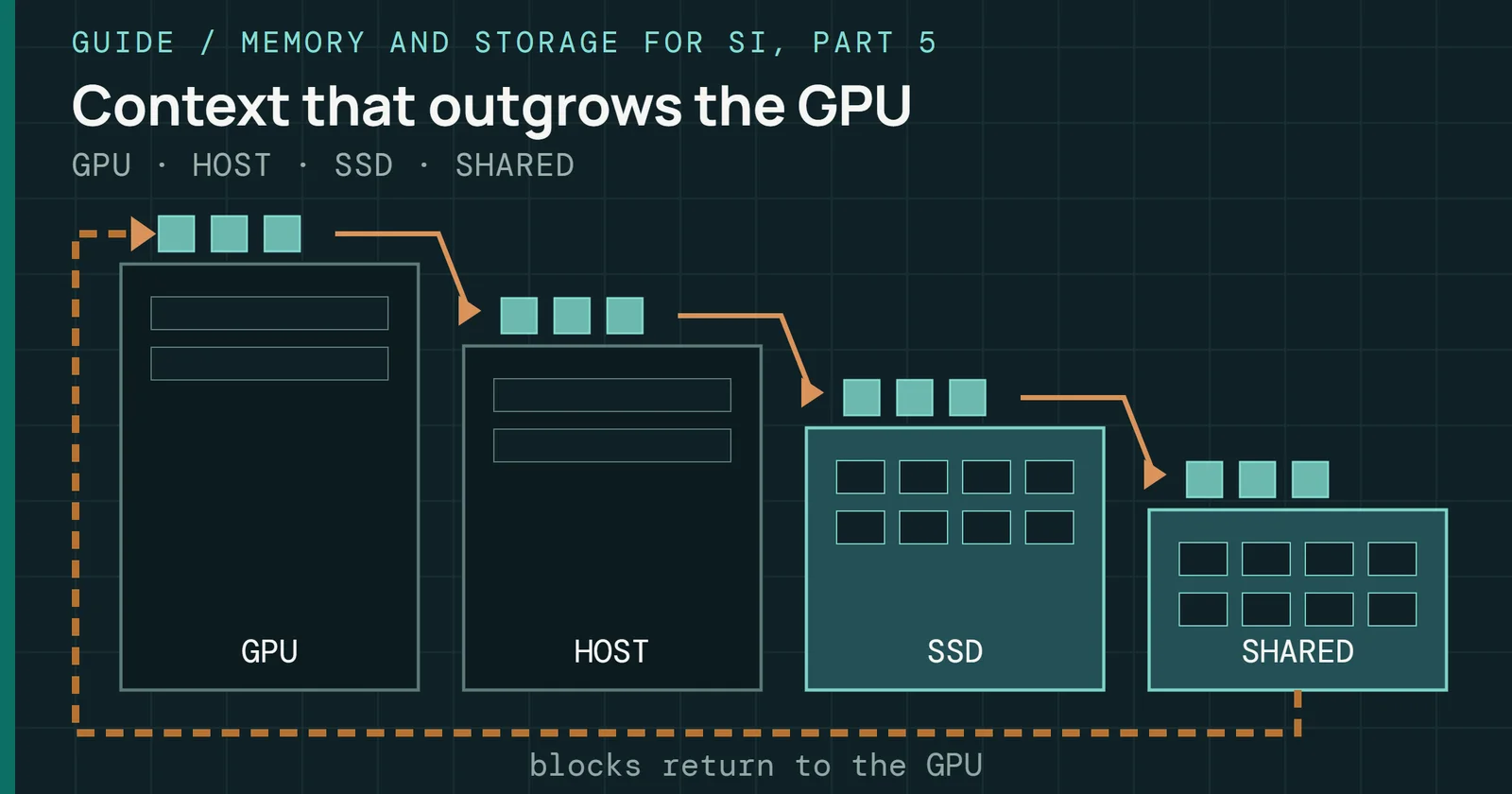
How big a model’s KV cache gets, why inference keeps it, and the GPU, CPU memory, SSD, and shared storage tiers that hold it once HBM fills.
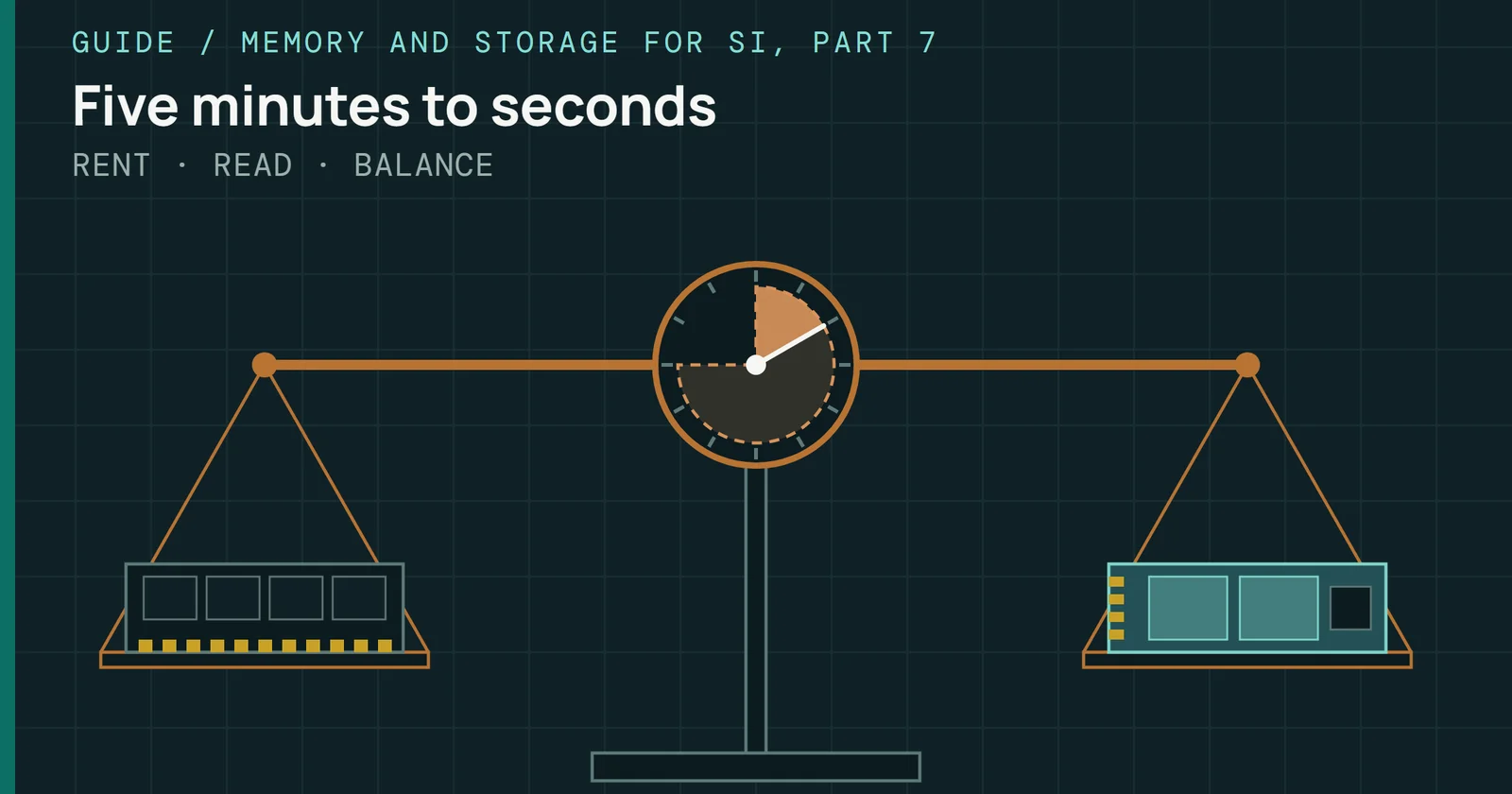
Gray and Putzolu’s five-minute rule redone for flash that answers in microseconds, 512-byte reads, and GPU hosts, with every input sourced or labeled.
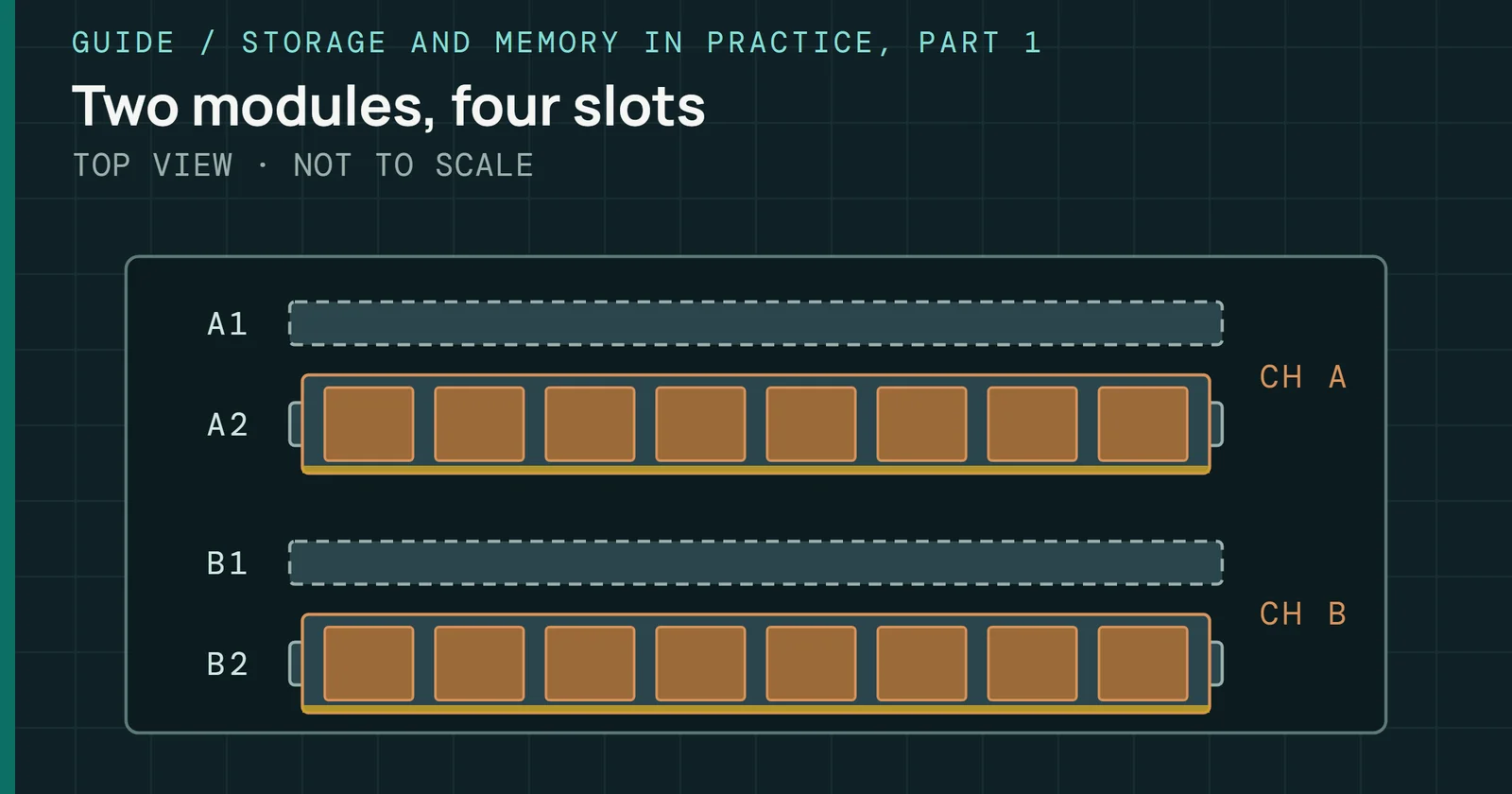
What DDR5 speeds, timings, EXPO, XMP, and CUDIMM mean, what AM5, LGA1700, and LGA1851 officially support, and how to fix memory problems on a new build.
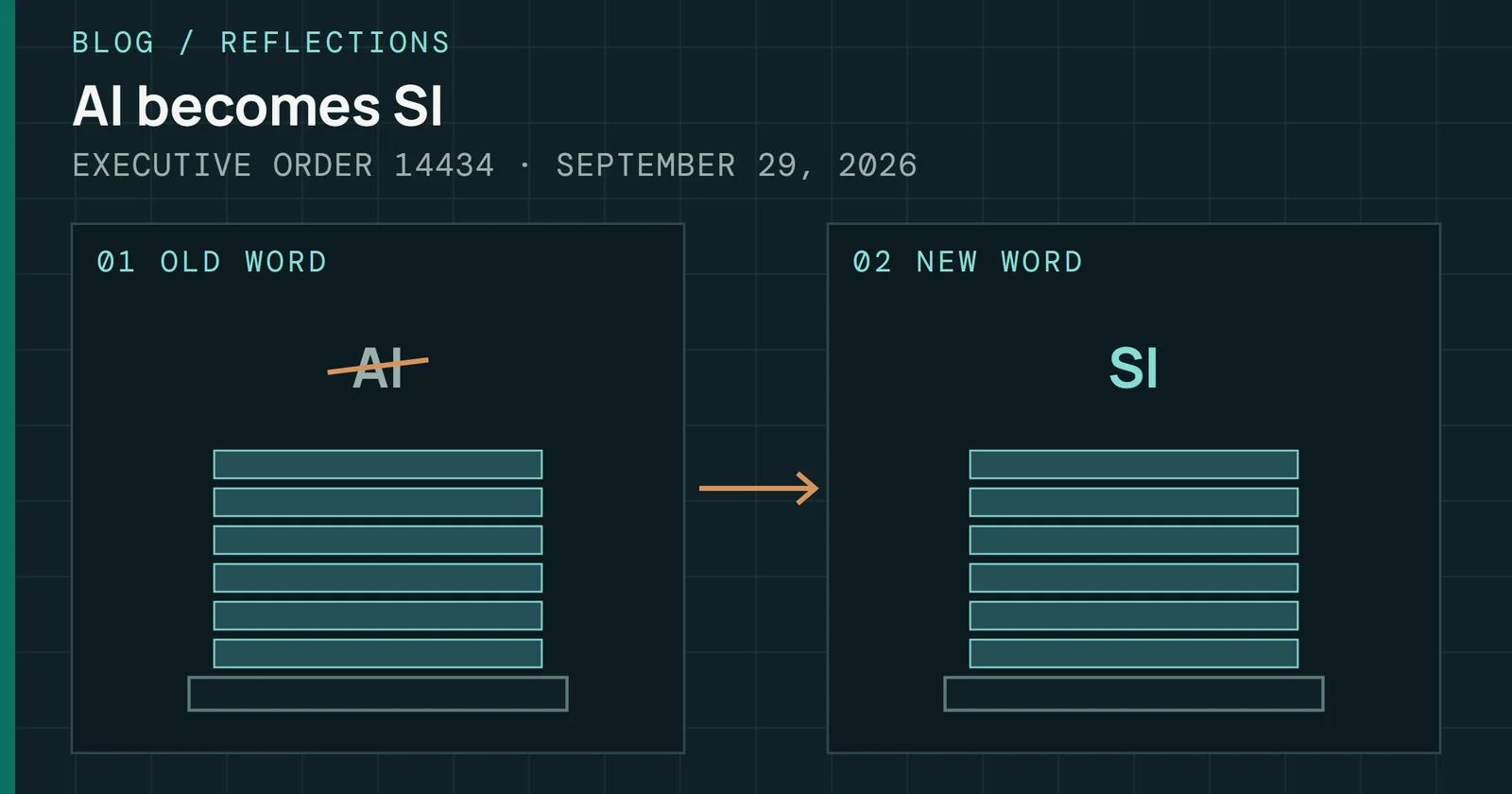
Eyes on Flash now writes SI, not AI, after Executive Order 14434: what the order says, what it leaves alone, and how the site applies it.
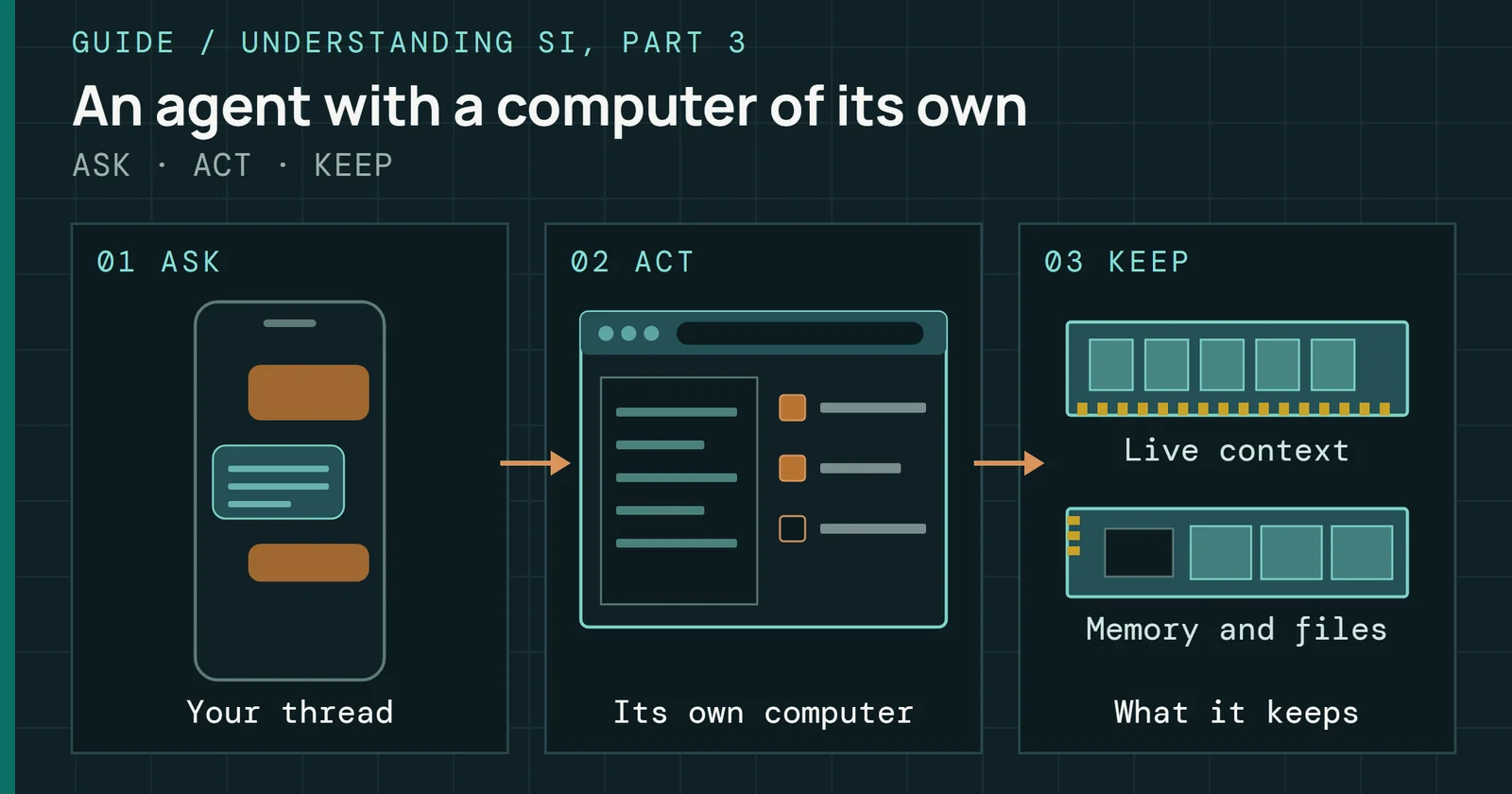
SI agents, long called AI agents, ranked: Grok Bot, OpenAI Dots, Muse, Tab, Gemini Spark, Claude Duet, Autopilot, local agents, and the storage they need.
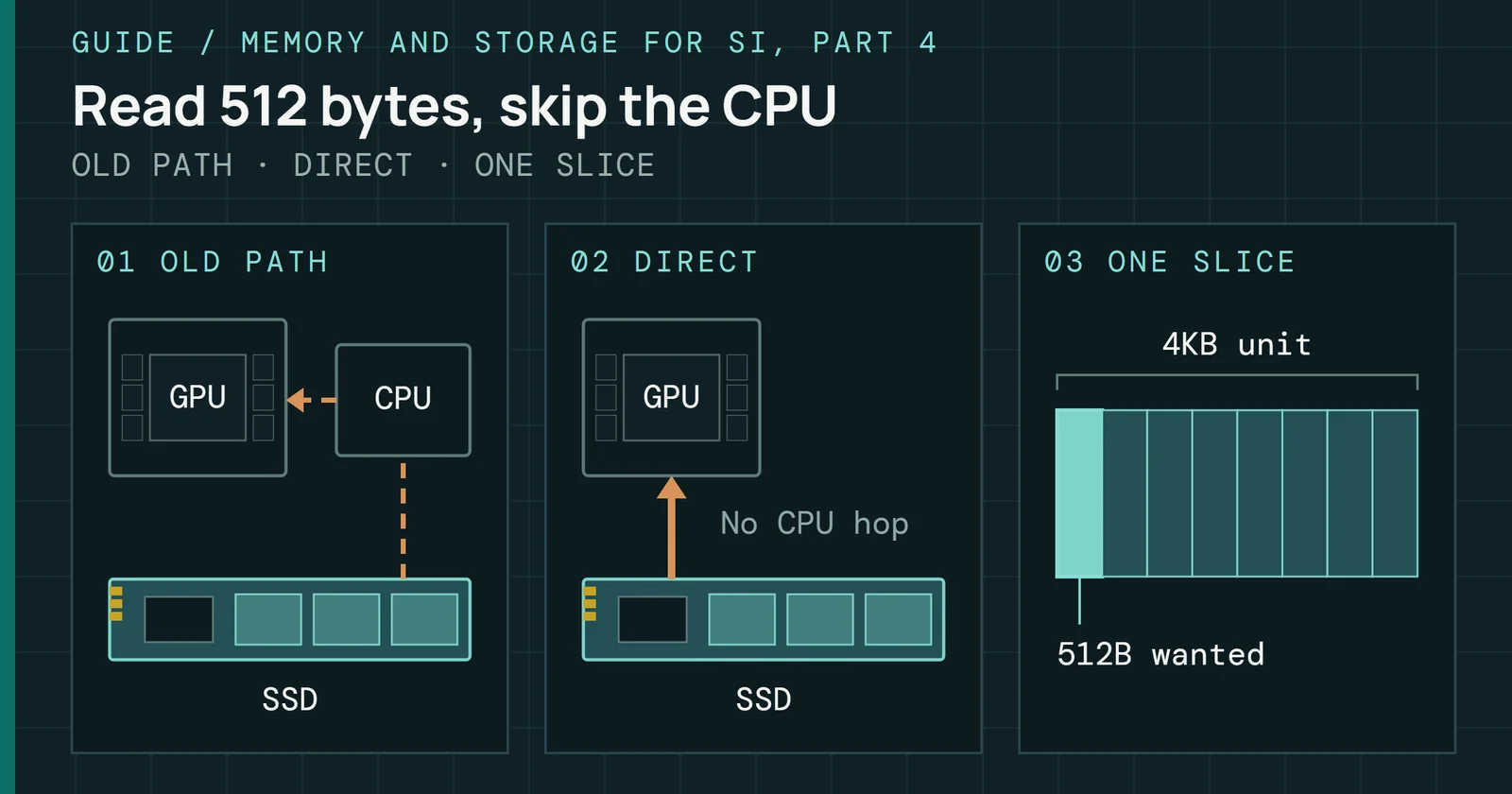
What NVIDIA’s Storage-Next initiative is, why SI inference reads storage 512 bytes at a time, and what Kioxia, Micron, and SK hynix have shown or planned.
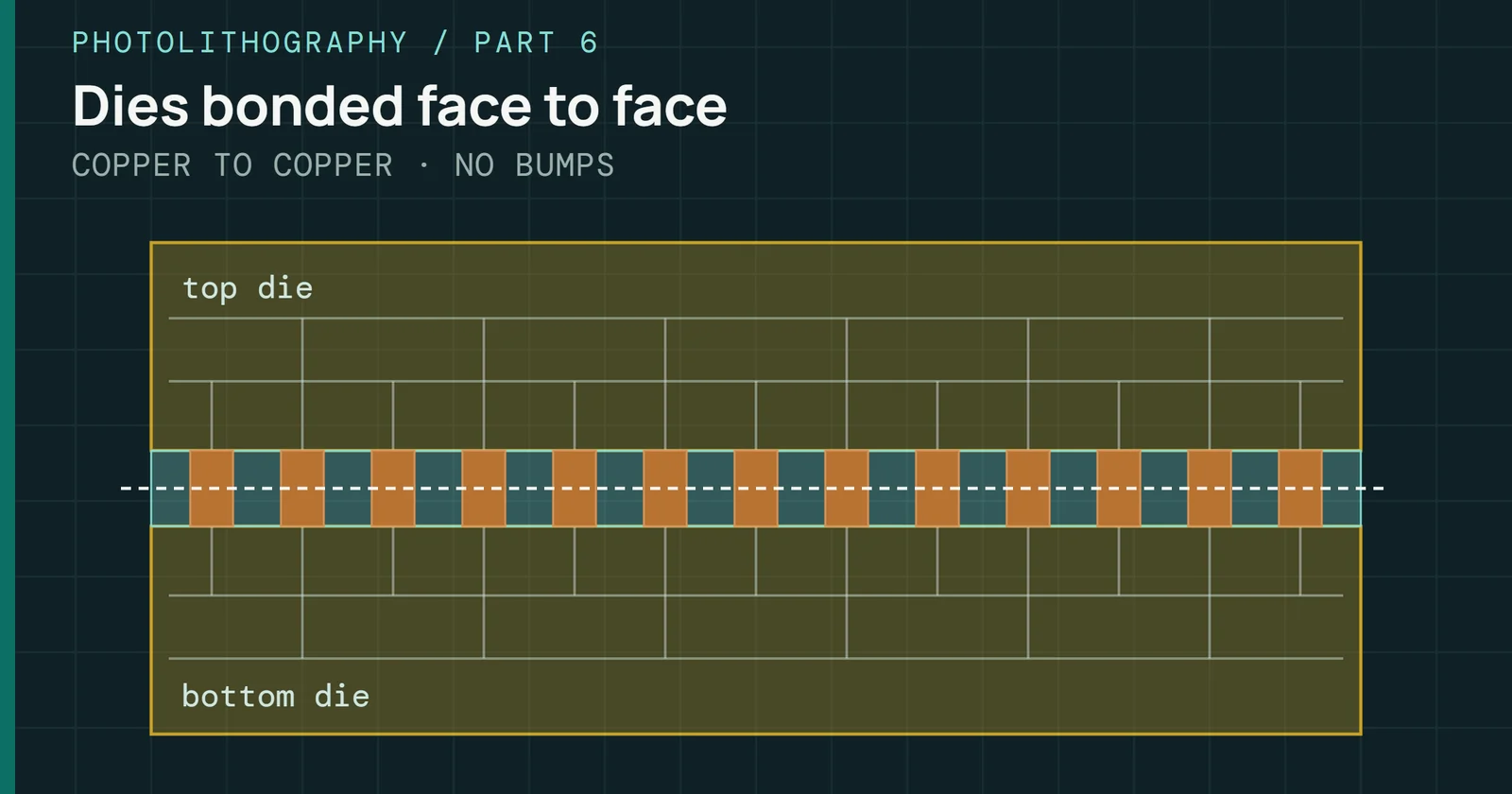
InFO, EMIB and Foveros, hybrid bonding and SoIC, bonded NAND and HBM, panels and glass, and co-packaged optics: how chip scaling moved into the package.
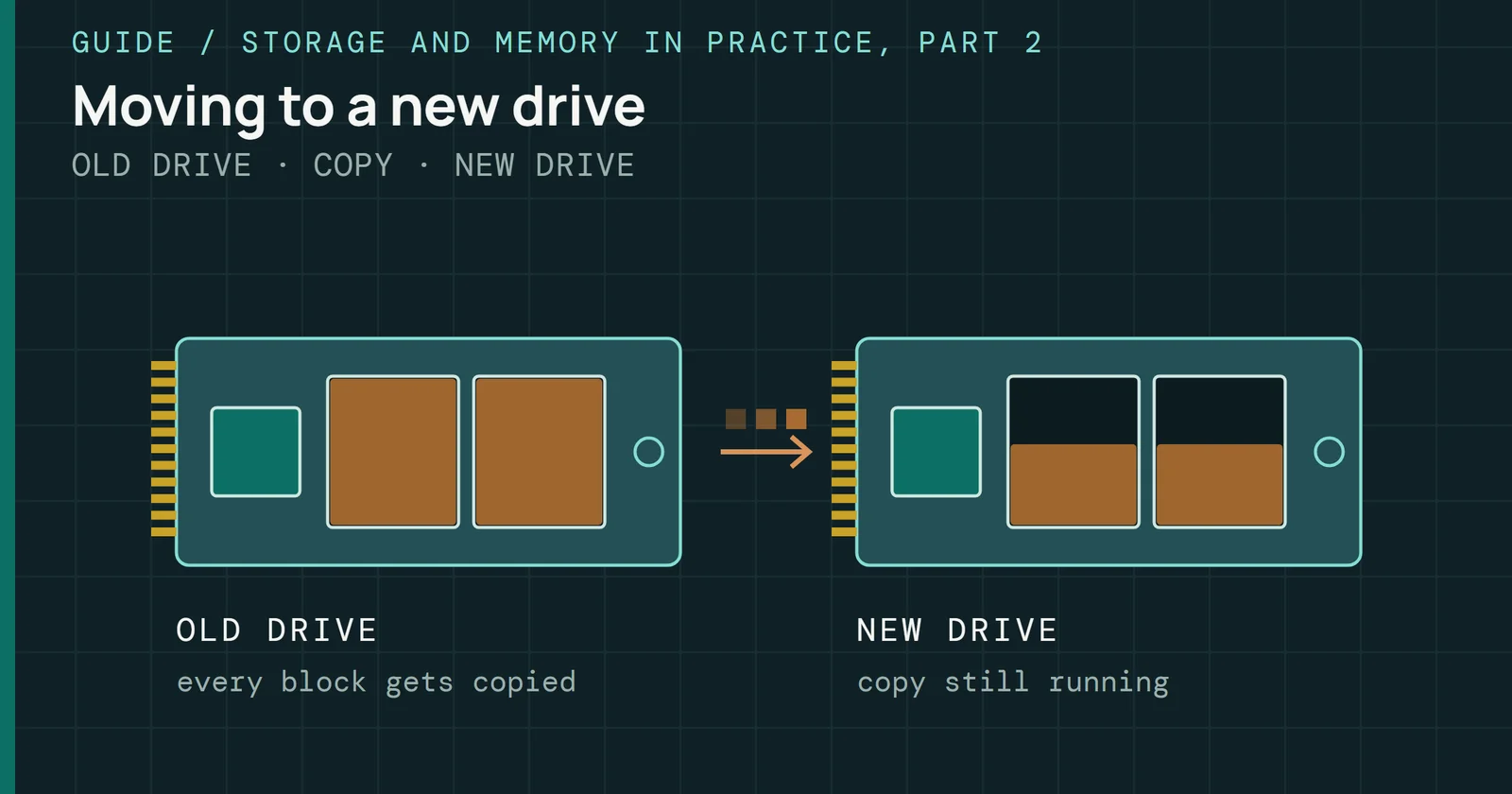
Clone, disk image, or file backup: which you need, what changed when Macrium Reflect Free stopped getting updates, and the free tools still doing each job.
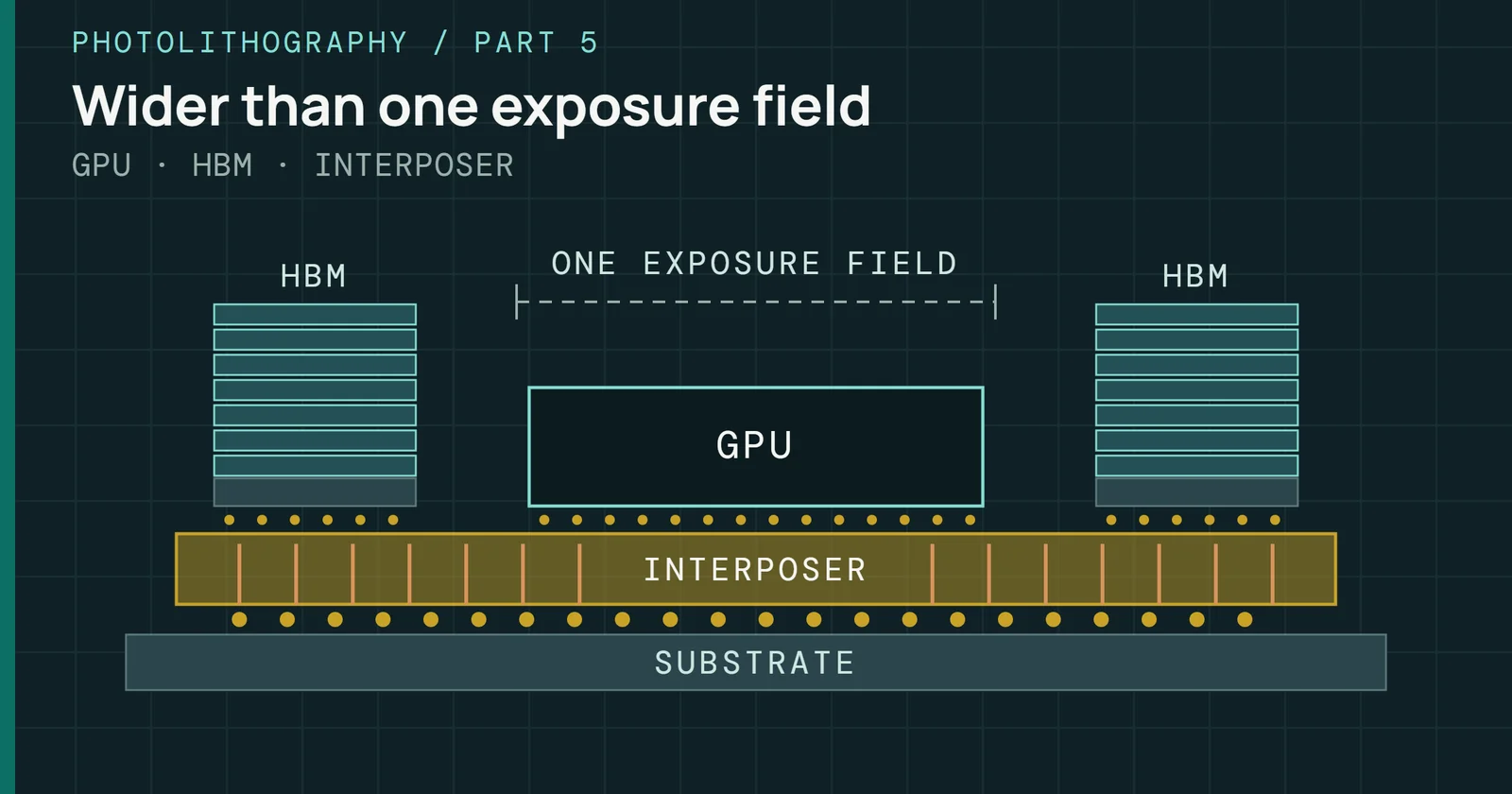
How CoWoS gets past the reticle limit: the interposer, the S, R, and L variants, the build steps, HBM beside the GPU, and the capacity squeeze.
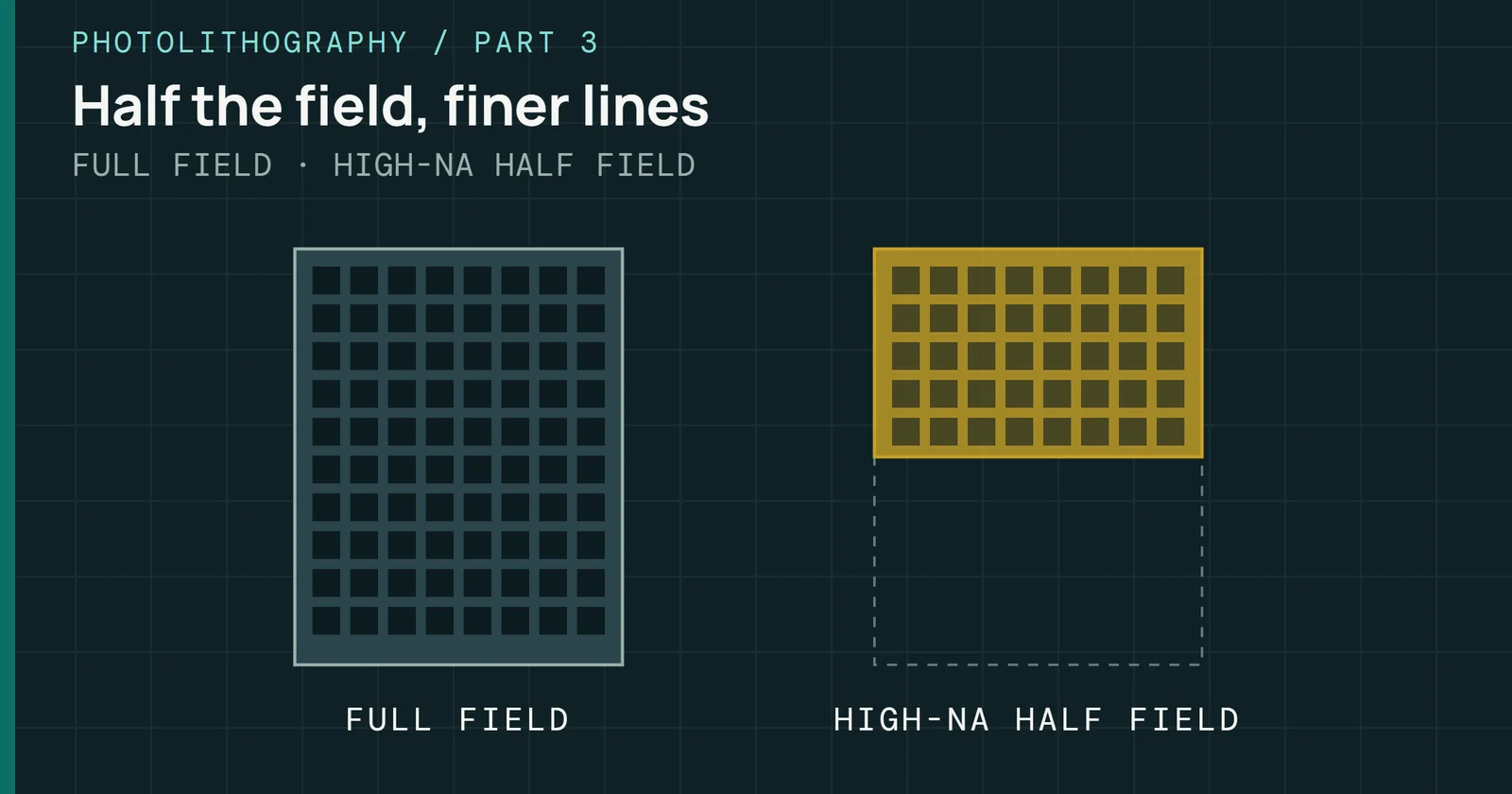
High-NA EUV’s anamorphic optics and half field, what comes after it, nanoimprint, and why DRAM took EUV while 3D NAND scaled by stacking instead.
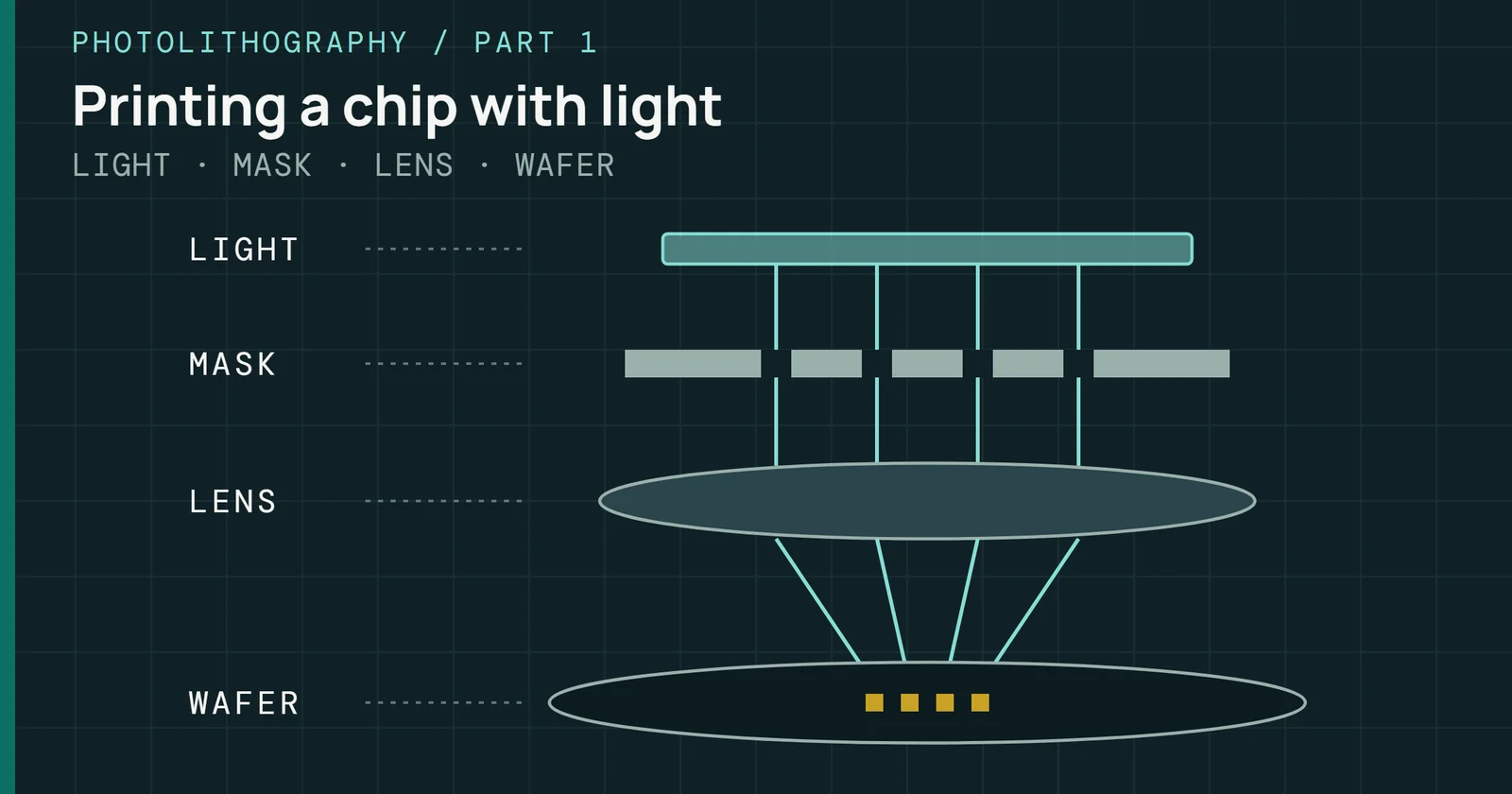
How a chip is printed with light: resist, masks, steppers and scanners, the wavelengths from mercury lamps to EUV, and how layers line up within a nanometer.
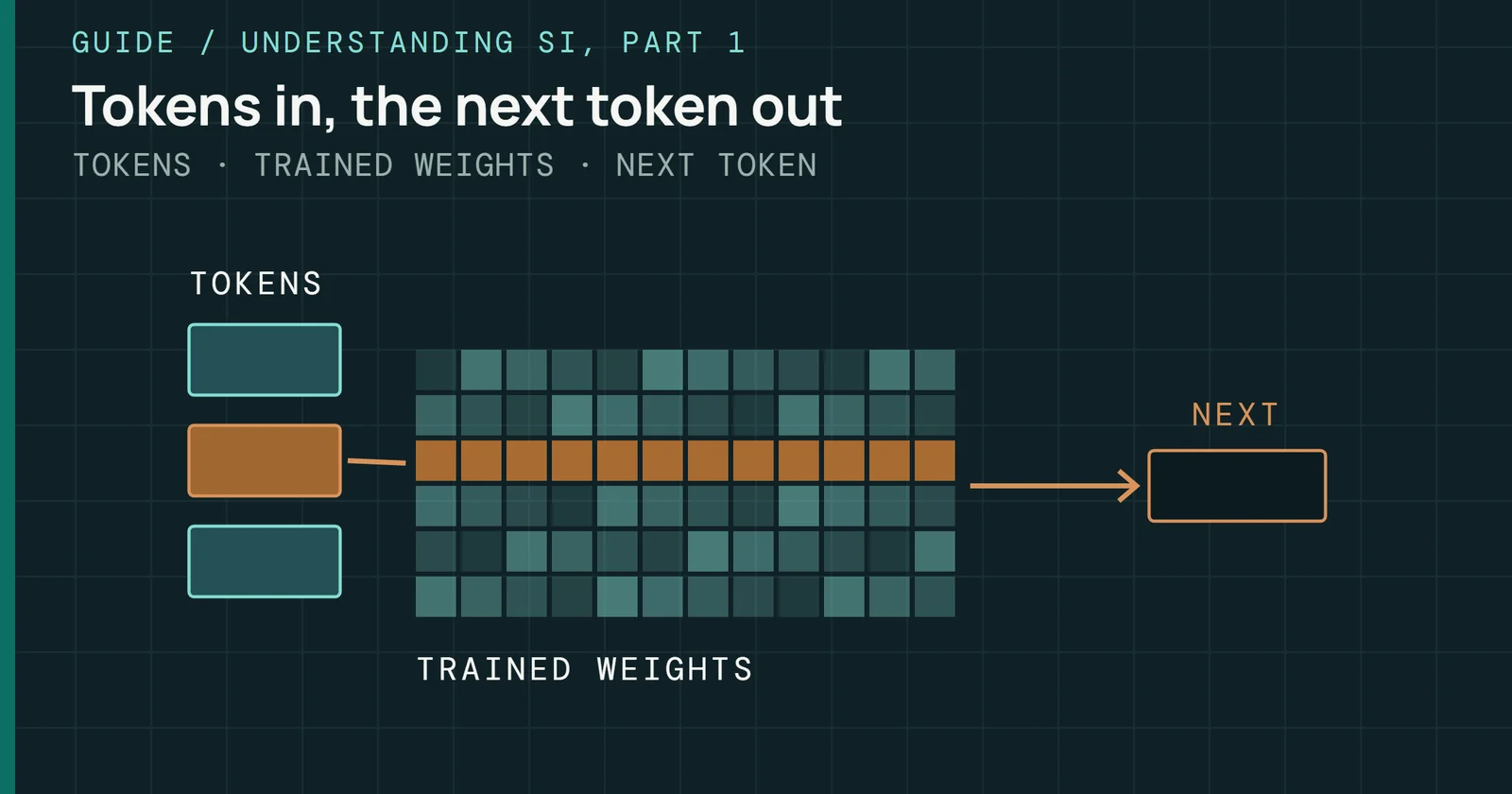
What a language model’s knowledge is: tokens, weights, attention, and next-token training, what researchers see inside, and why memory bandwidth sets the speed.
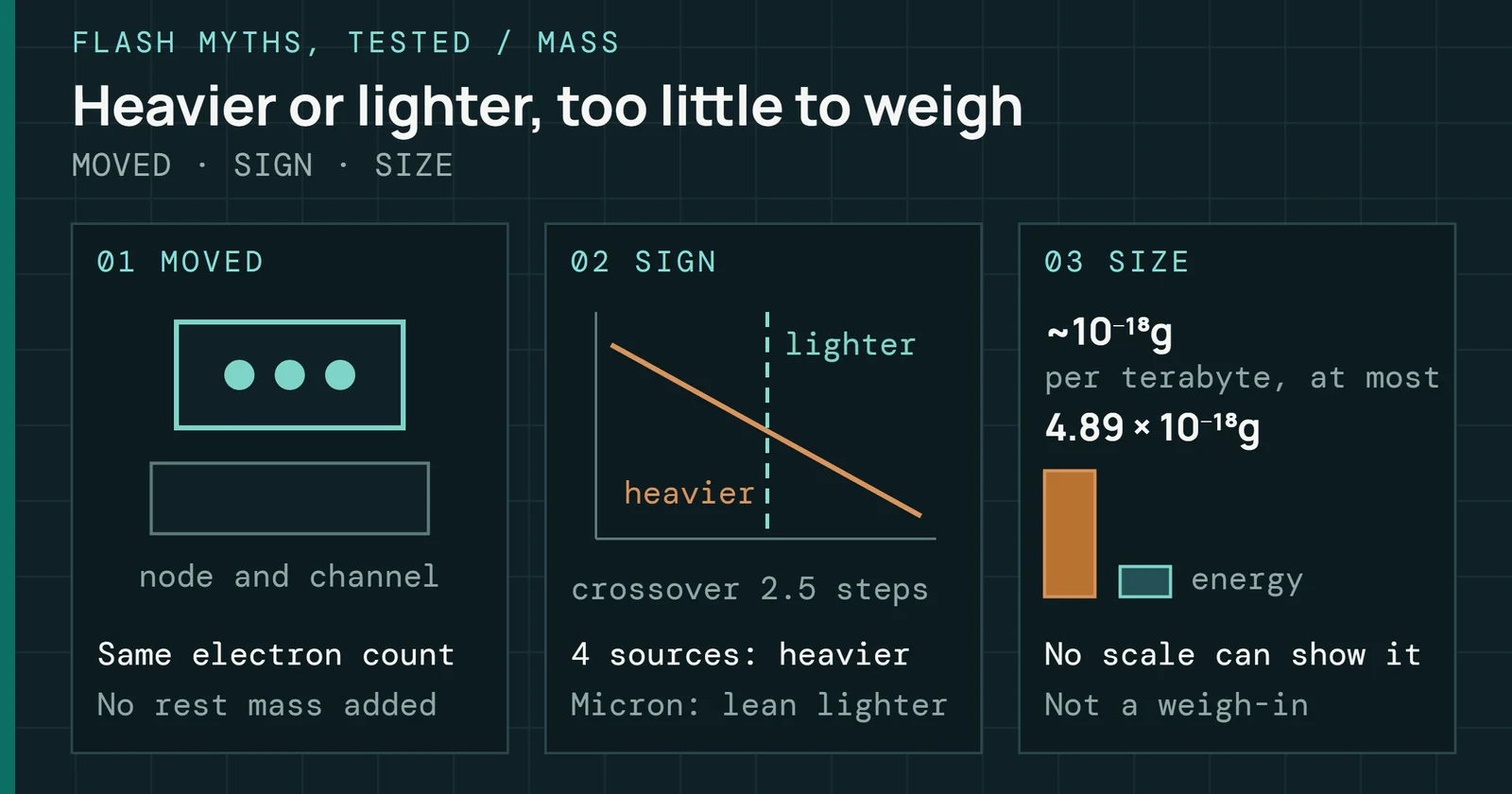
A full SSD is heavier or lighter than an empty one by about a billionth of a billionth of a gram per terabyte, by chip. Added electrons are not why.
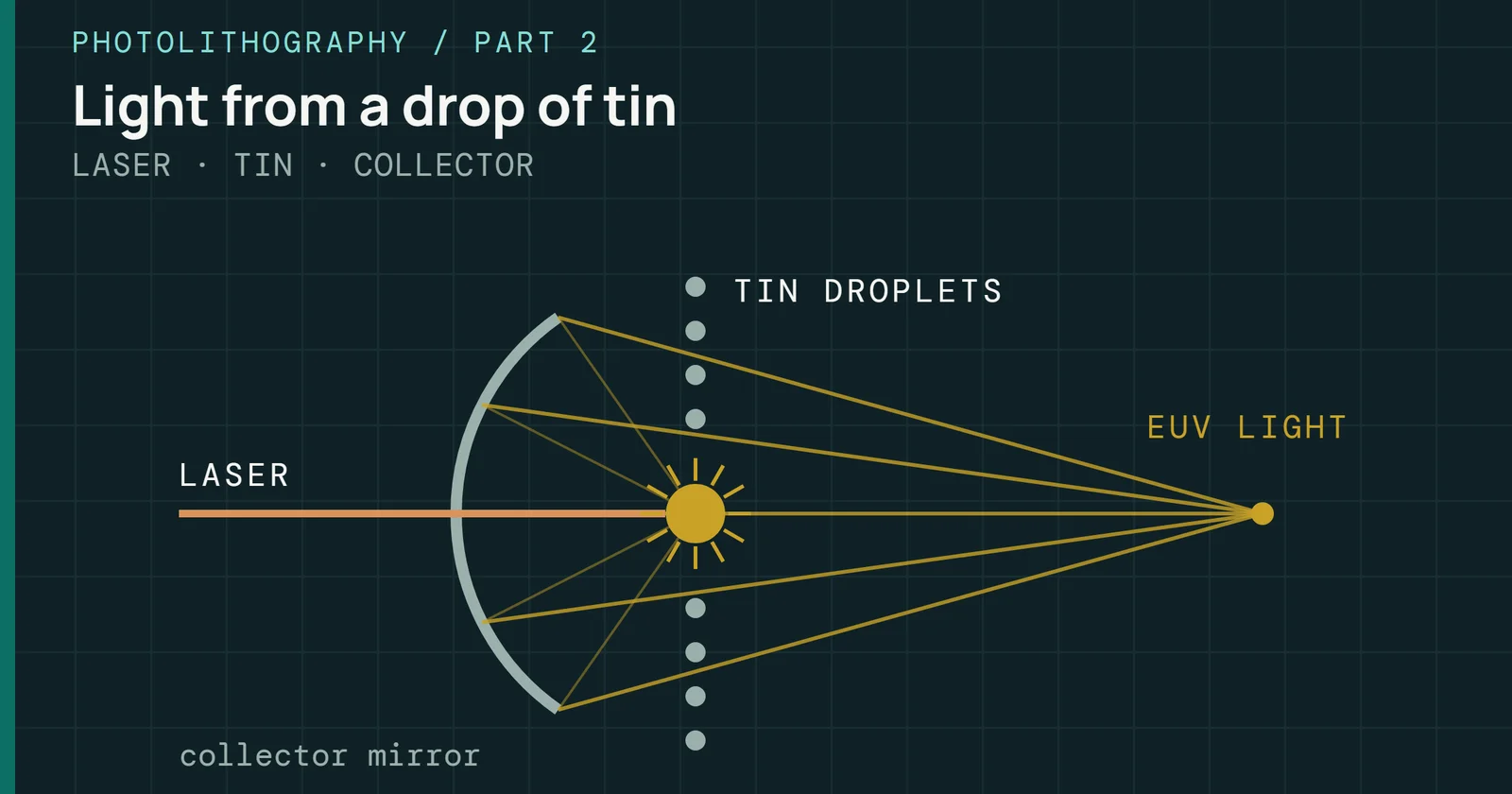
Why chips need ever shorter light: Rayleigh’s equation, immersion lenses, k1 tricks, multi-patterning, resist limits, and how EUV makes 13.5nm light.
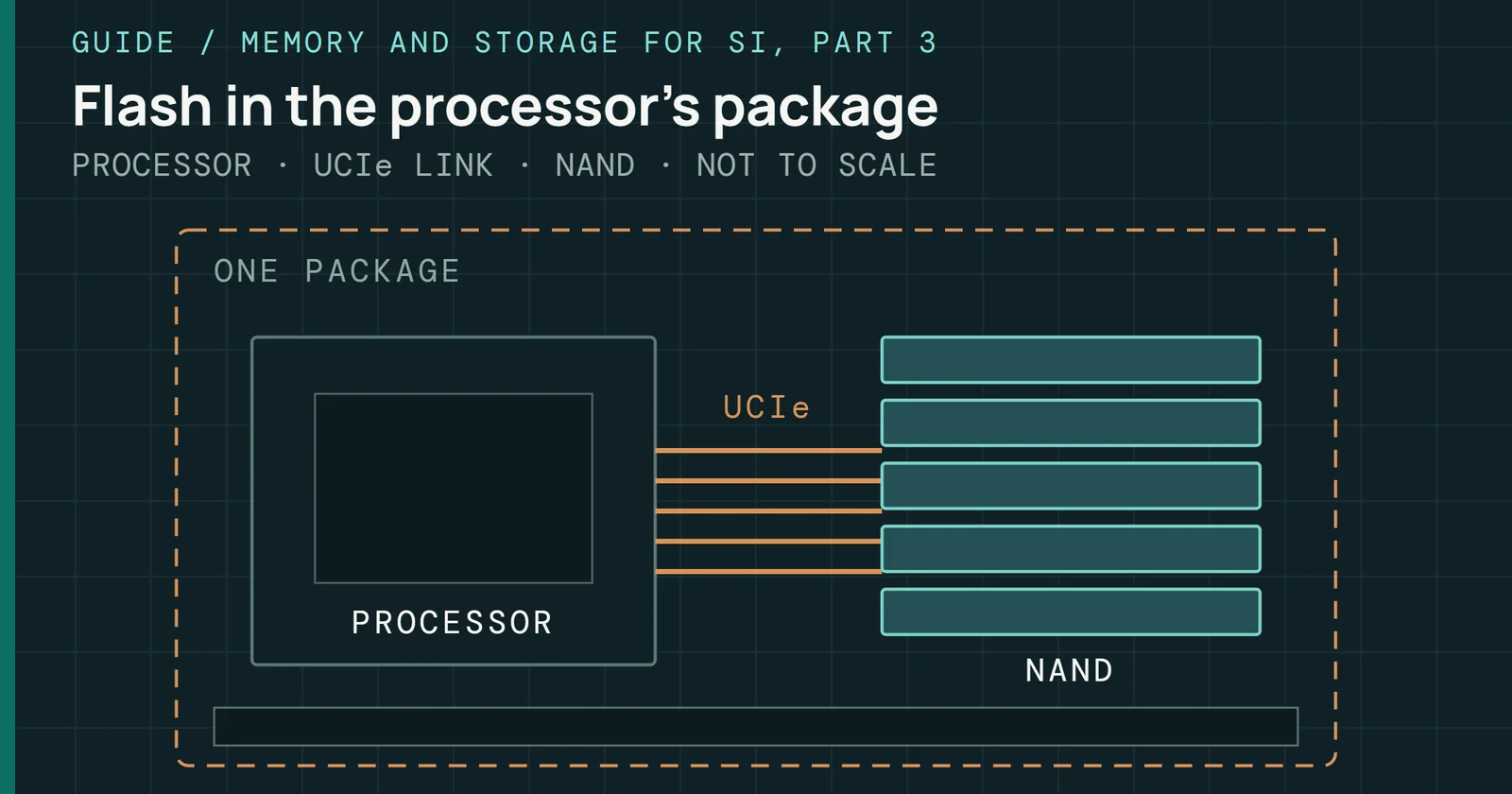
What Samsung has said about zNAND-O, NAND packaged with a processor over UCIe for on-device SI: what is claimed, what is simulated, and what is unpublished.
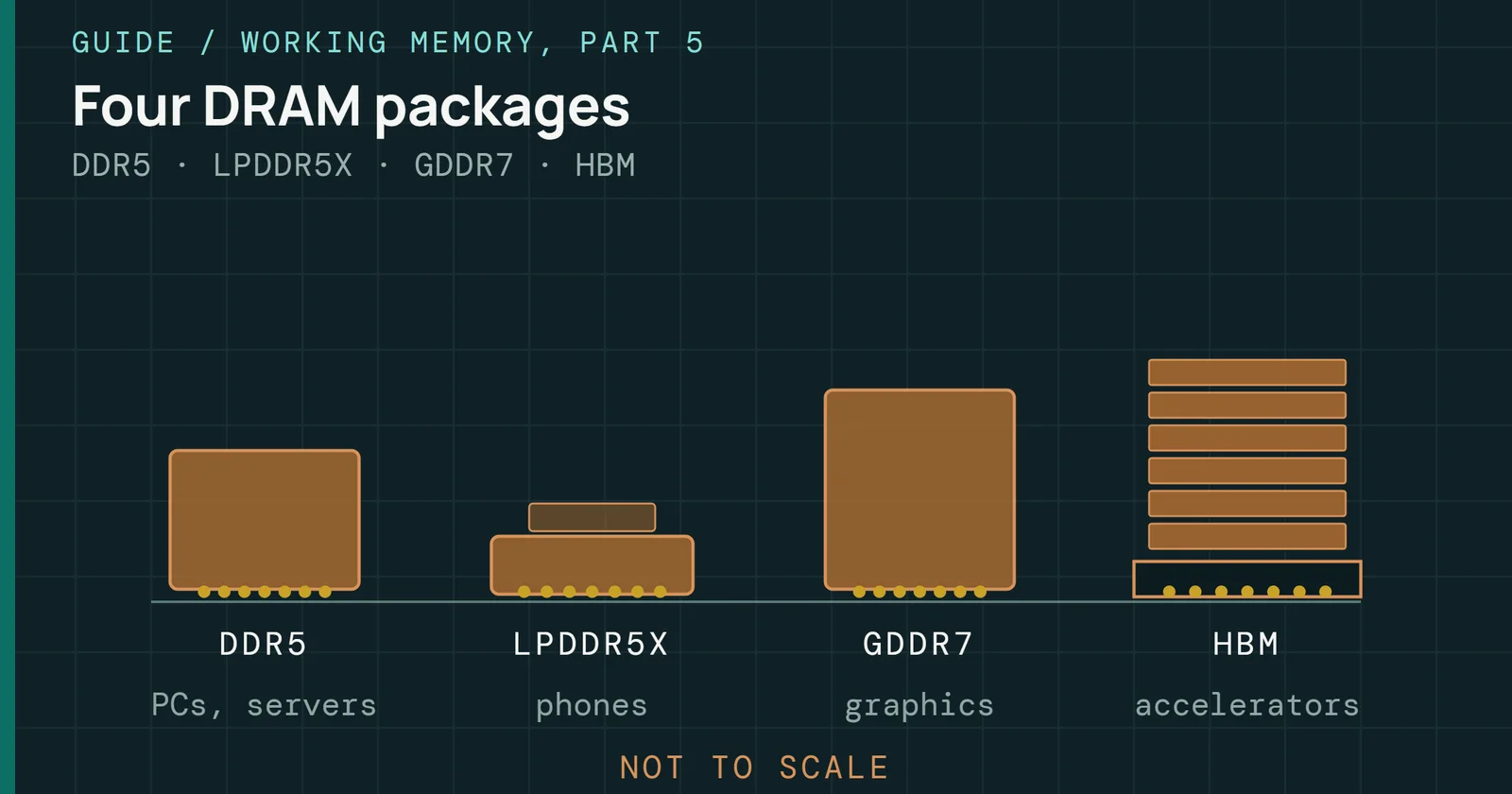
A sourced guide to the DRAM chips in use now: DDR5, LPDDR5X, GDDR7 and HBM3E and HBM4, what is shipping, what is only sampling, and what is still research.
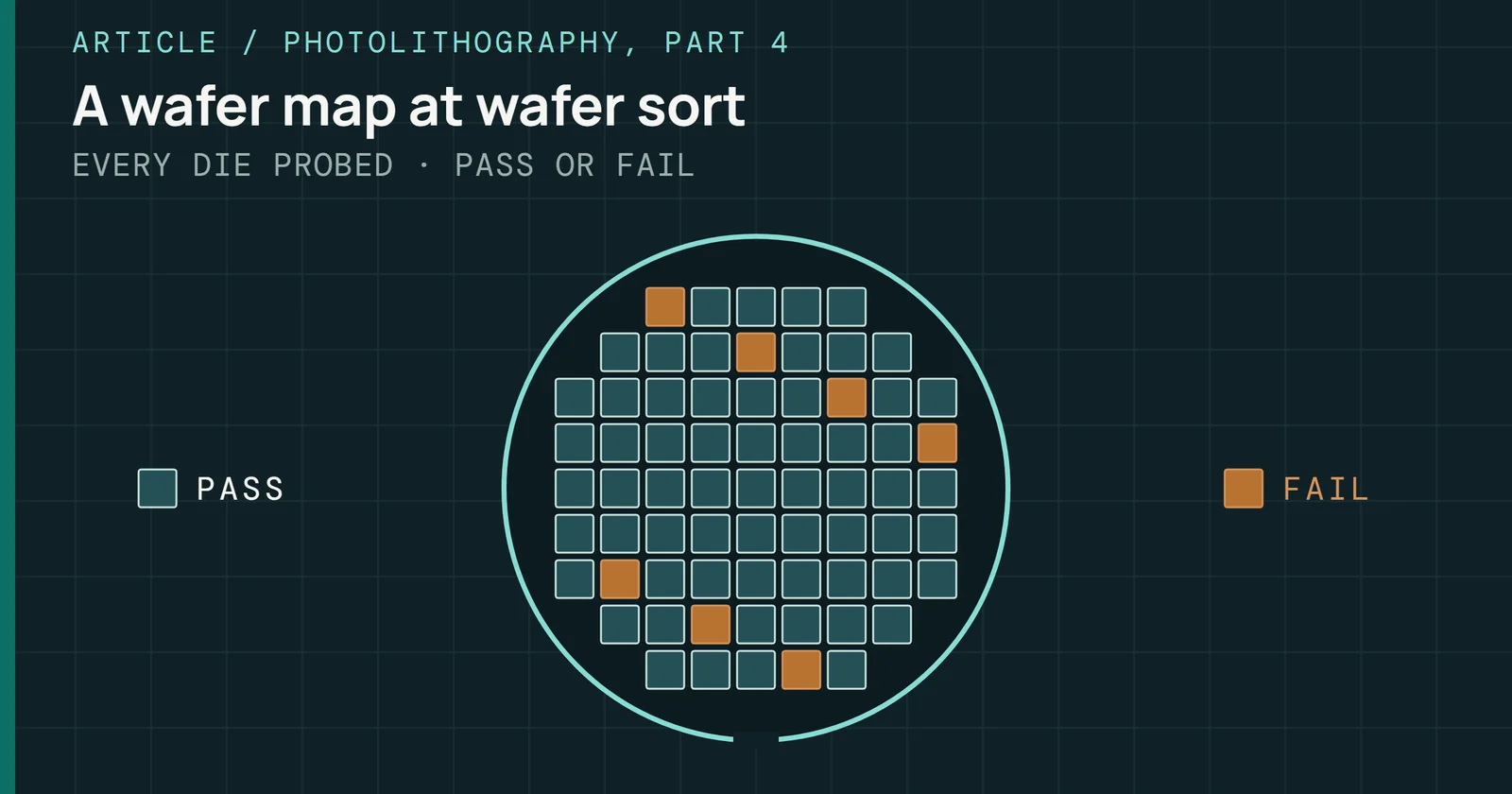
How a NAND die is tested from first silicon to the field: wafer sorts, known good die, burn-in, final test, JEDEC qualification and ECC margining.
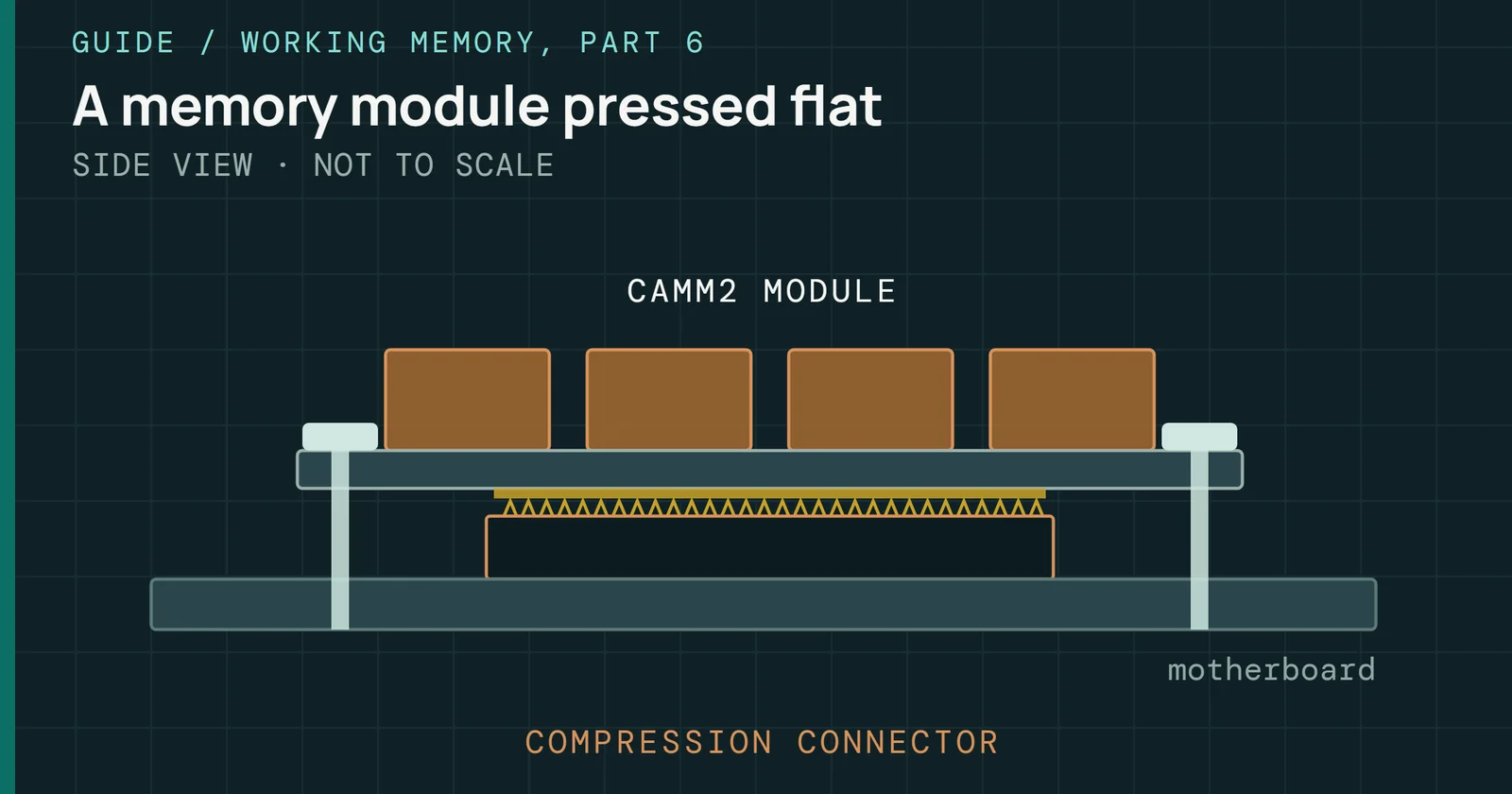
What CAMM2, LPCAMM2, and SOCAMM2 are, the JEDEC standards behind them, how they differ from SO-DIMMs and soldered LPDDR, and who makes them.
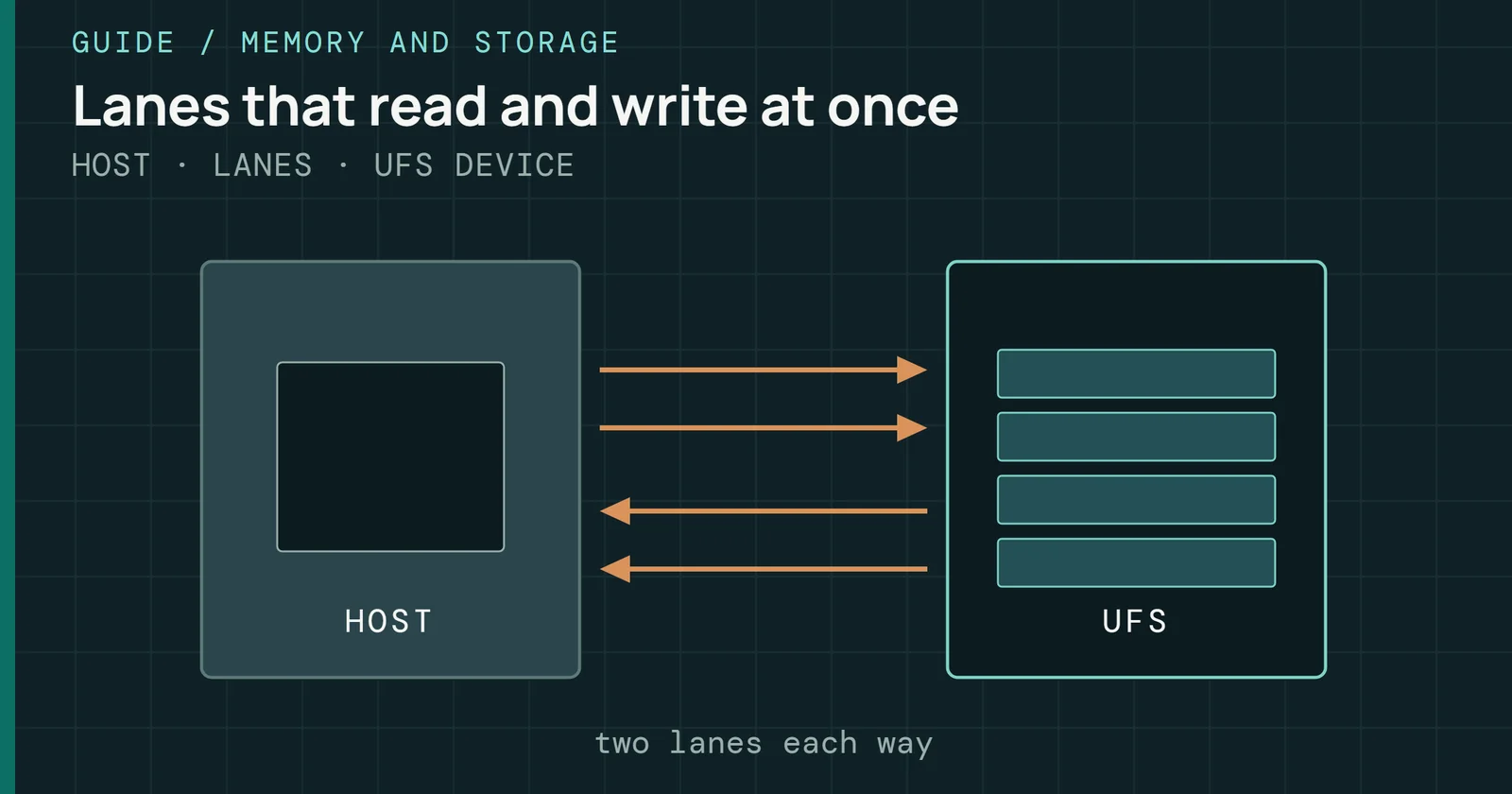
How Universal Flash Storage works: its layers, eMMC and NVMe compared, M-PHY gears, versions 1.0 to 5.0, queueing, cards, cars and real parts.
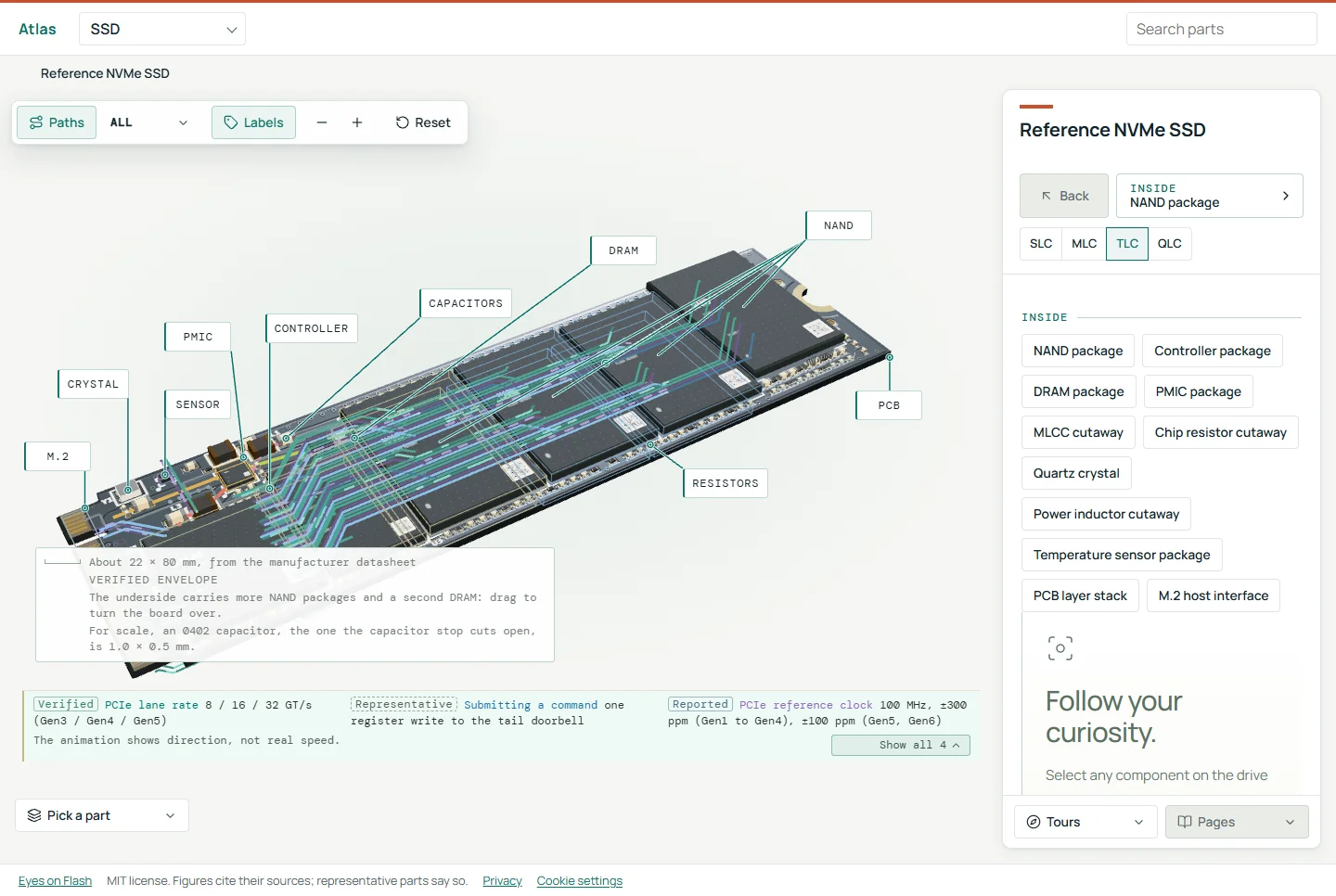
An interactive 3D reference that takes an M.2 NVMe SSD, an HBM stack and a DDR5 memory stick apart, from the package down to one memory cell.
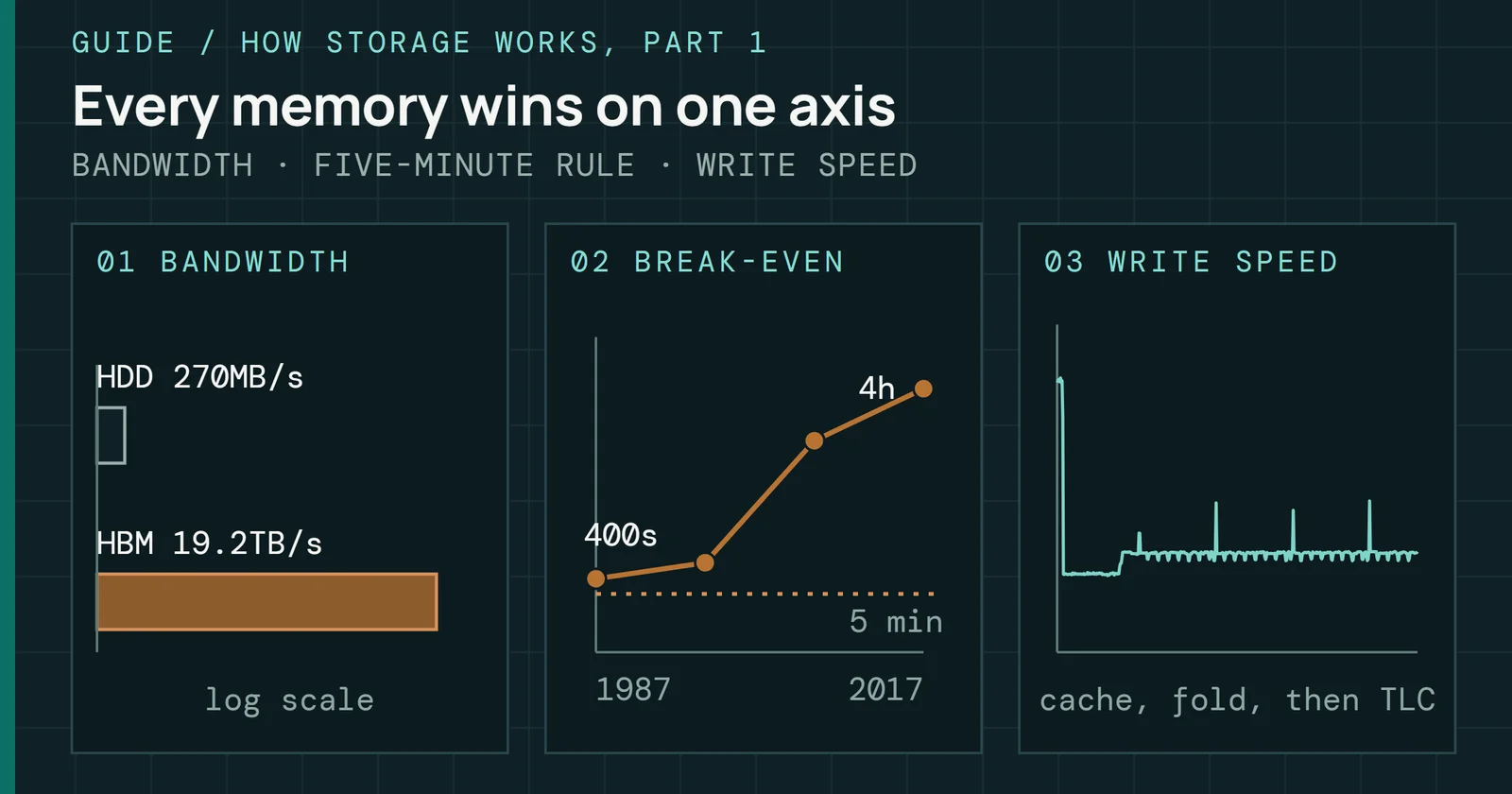
Nine memories from registers to tape on latency, bandwidth, capacity and cost, and the rule that decides where data lives.
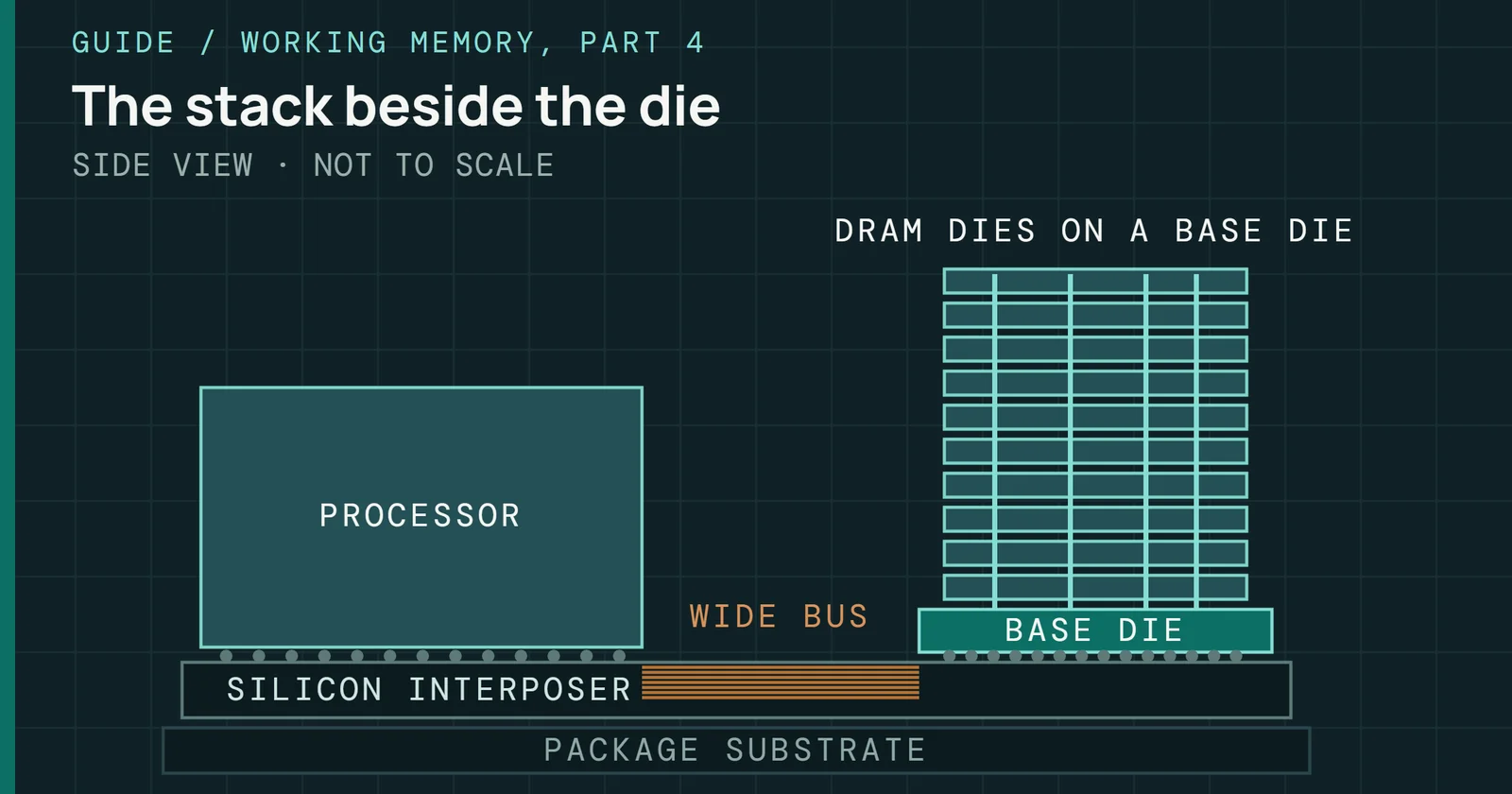
What an HBM stack is, why its bus is wide rather than fast, why the chip edge limits bandwidth, and how a stack differs from a DIMM and from a new cell.
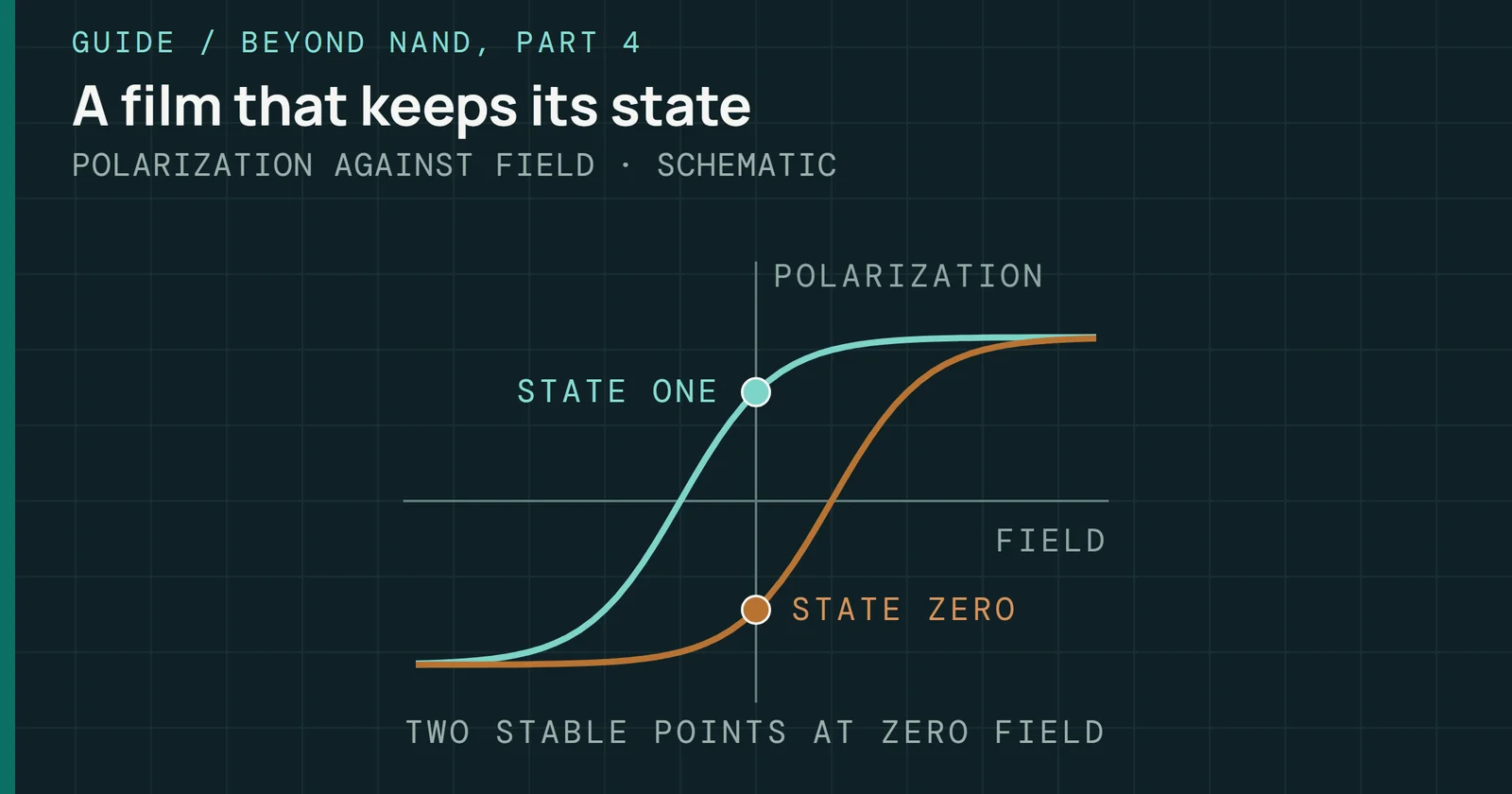
How polarization stores a bit, how a ferroelectric capacitor and a ferroelectric transistor differ, what wears them out, and what ships today.
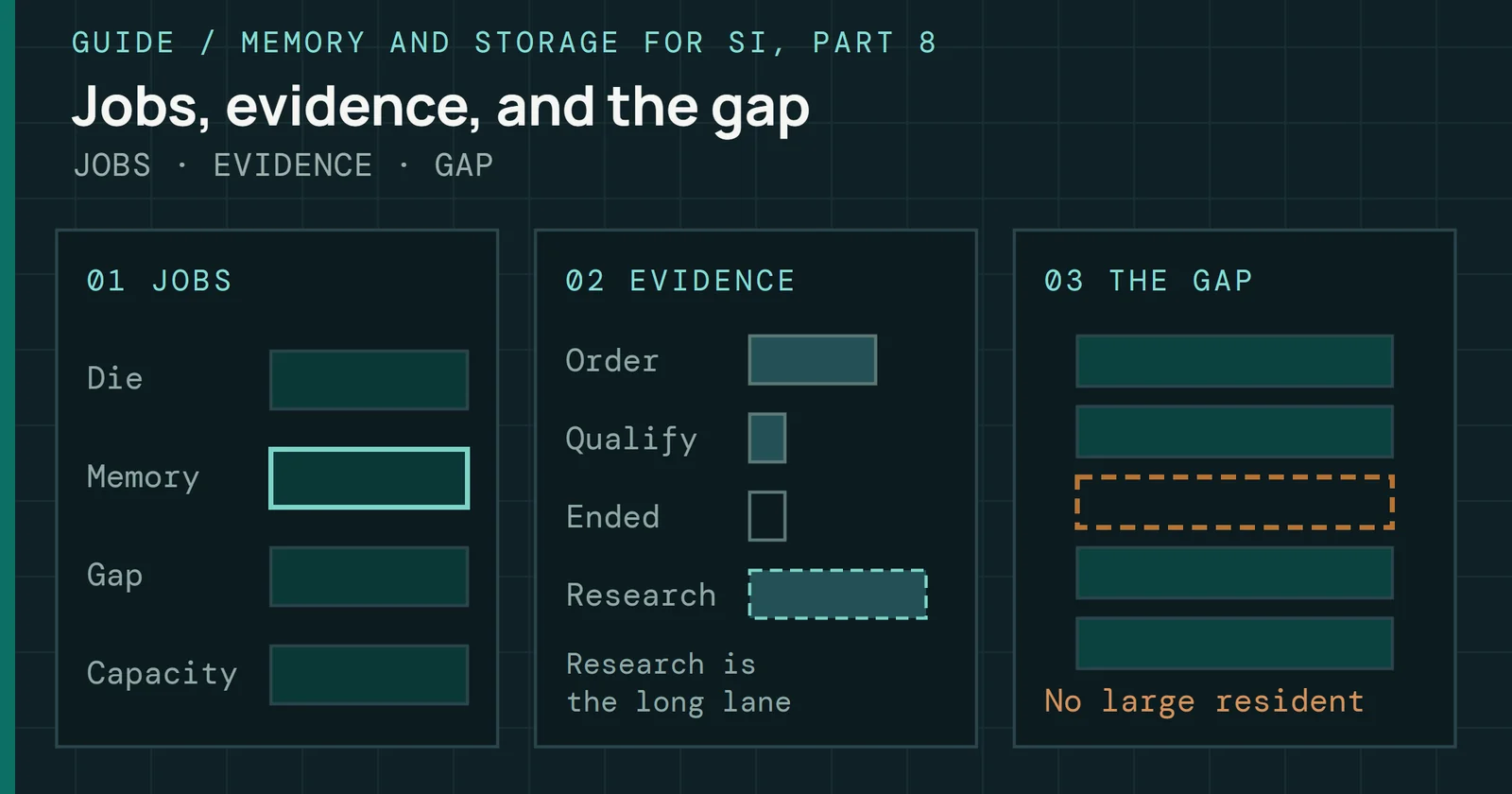
Places each memory family by the job it fills, sorts shipping from research, and says why DRAM is still unmatched.

Follow one 4KiB read through a Samsung 990 Pro 2TB, from the host command to the NAND cell and back, with measured and published times for each stop.
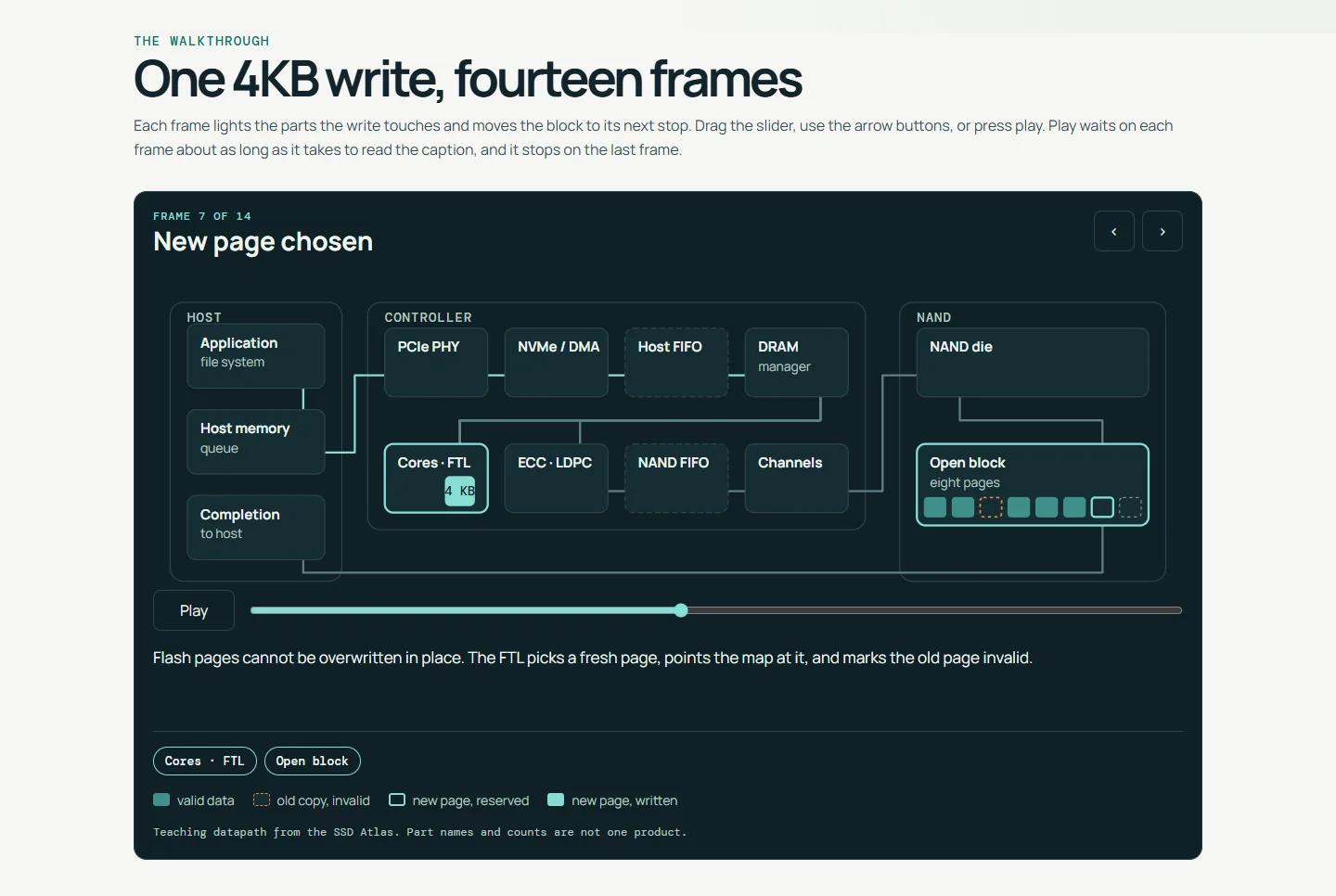
Follow one 4KB write through an SSD, frame by frame, from the host command to a programmed NAND cell, with a slider, a play button and a caption for each frame.
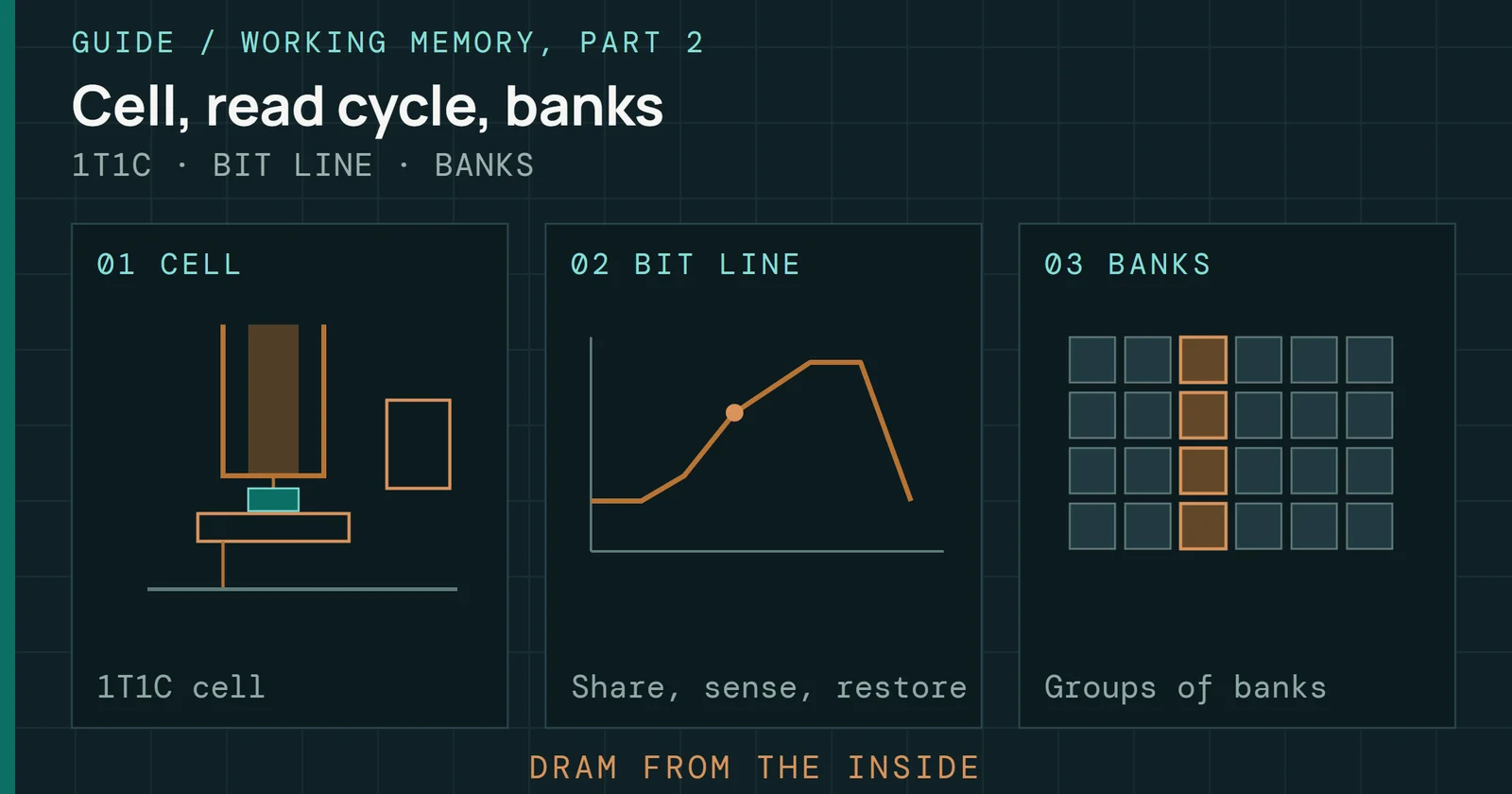
How a DRAM cell is read and refreshed, how banks and ranks organize it, what DDR timing numbers measure, and how one cell serves three buses.
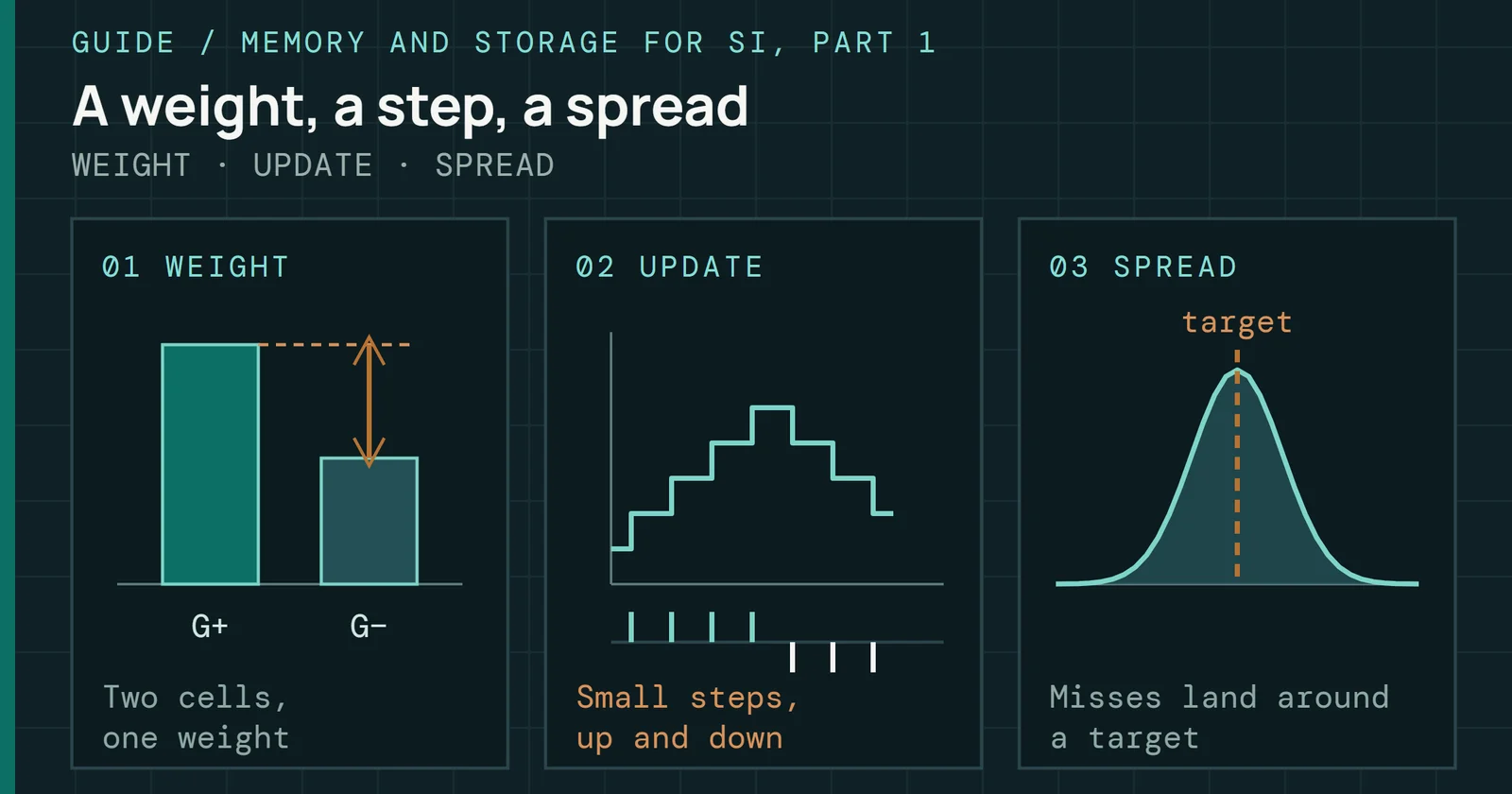
How a memory cell becomes an adjustable weight, how that weight is scored, why updates miss, what noise and drift cost, and what has shipped.
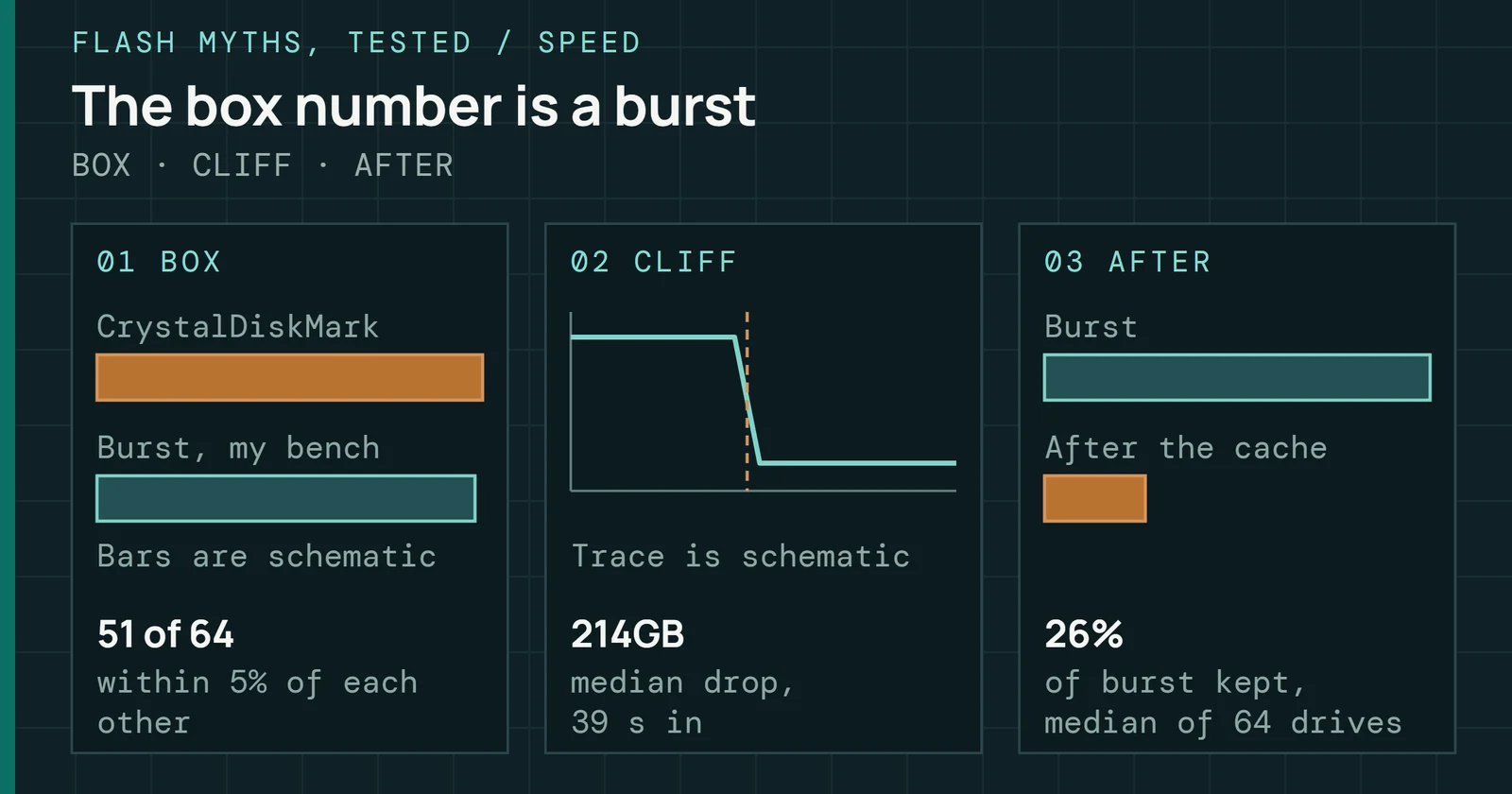
The write speed on the box, checked against 65 drives from my test bench: it holds for the first seconds, then all but one drive drops once its cache fills.
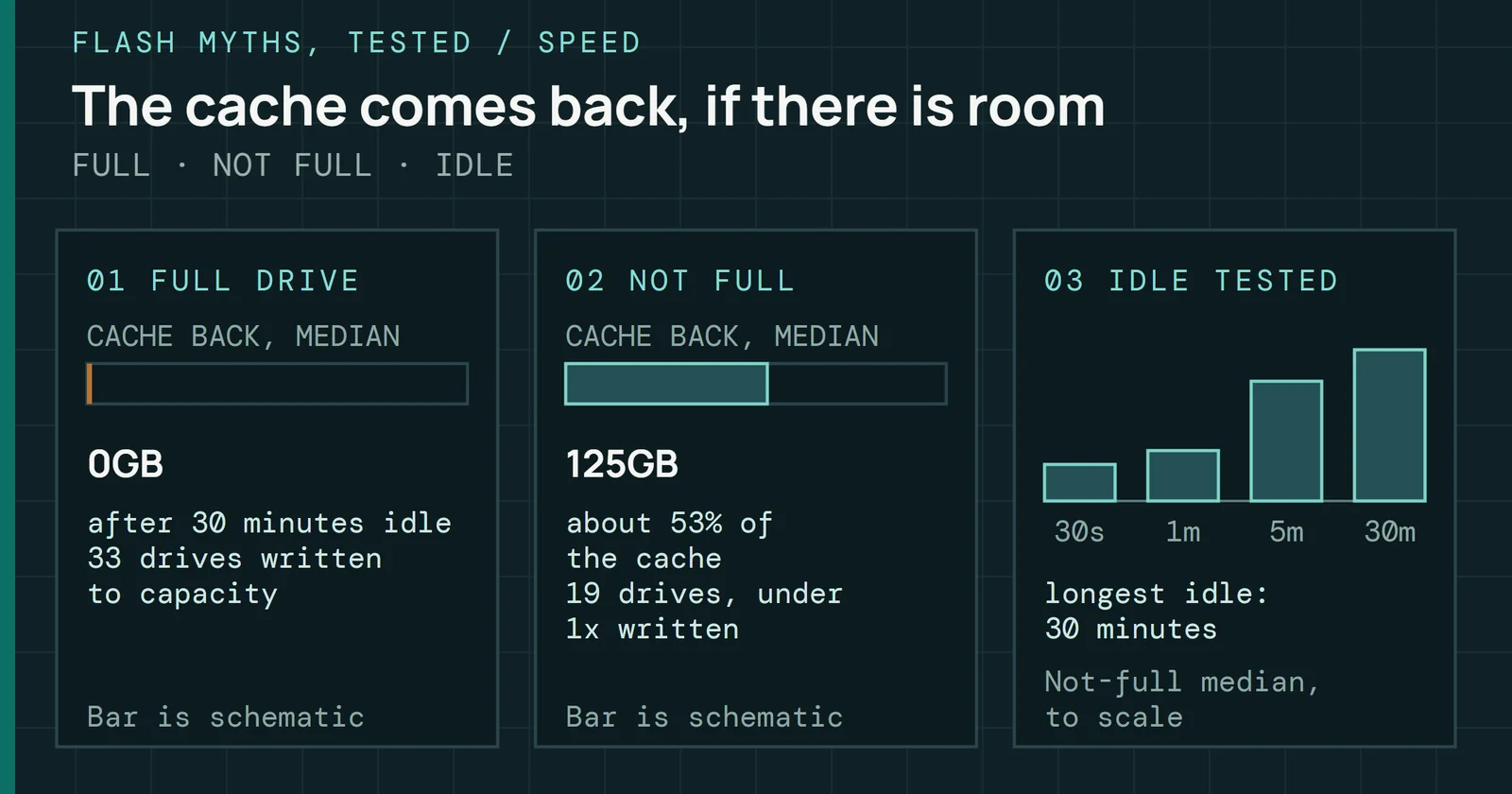
A full SLC cache comes back after idle on drives that are not full, and almost never on full ones: 55 drives from my test bench, and 31 more agree.
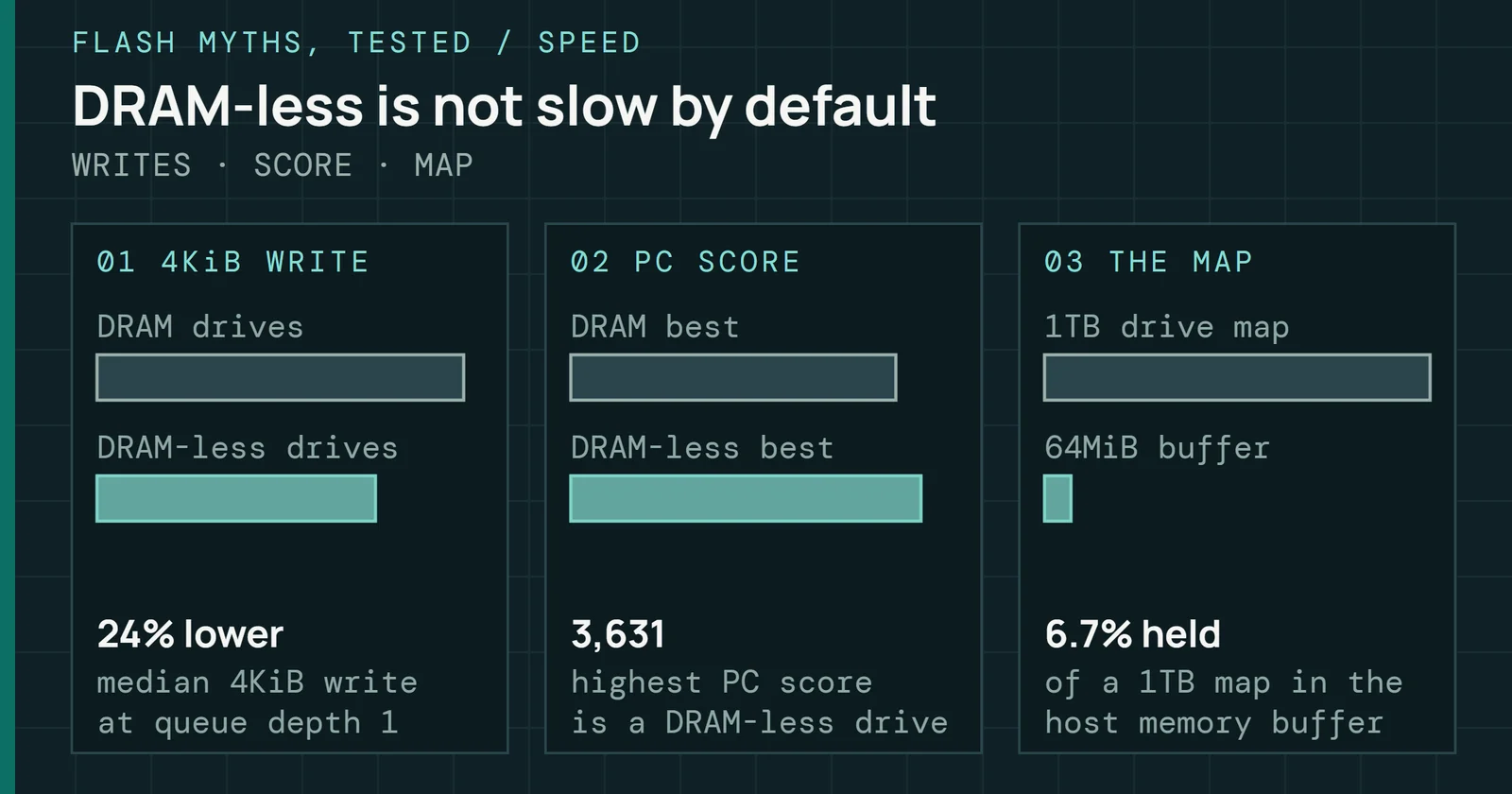
DRAM-less SSDs write small random data more slowly in my results, yet in my seven-drive set their PC workload scores overlapped the DRAM drives’ range.
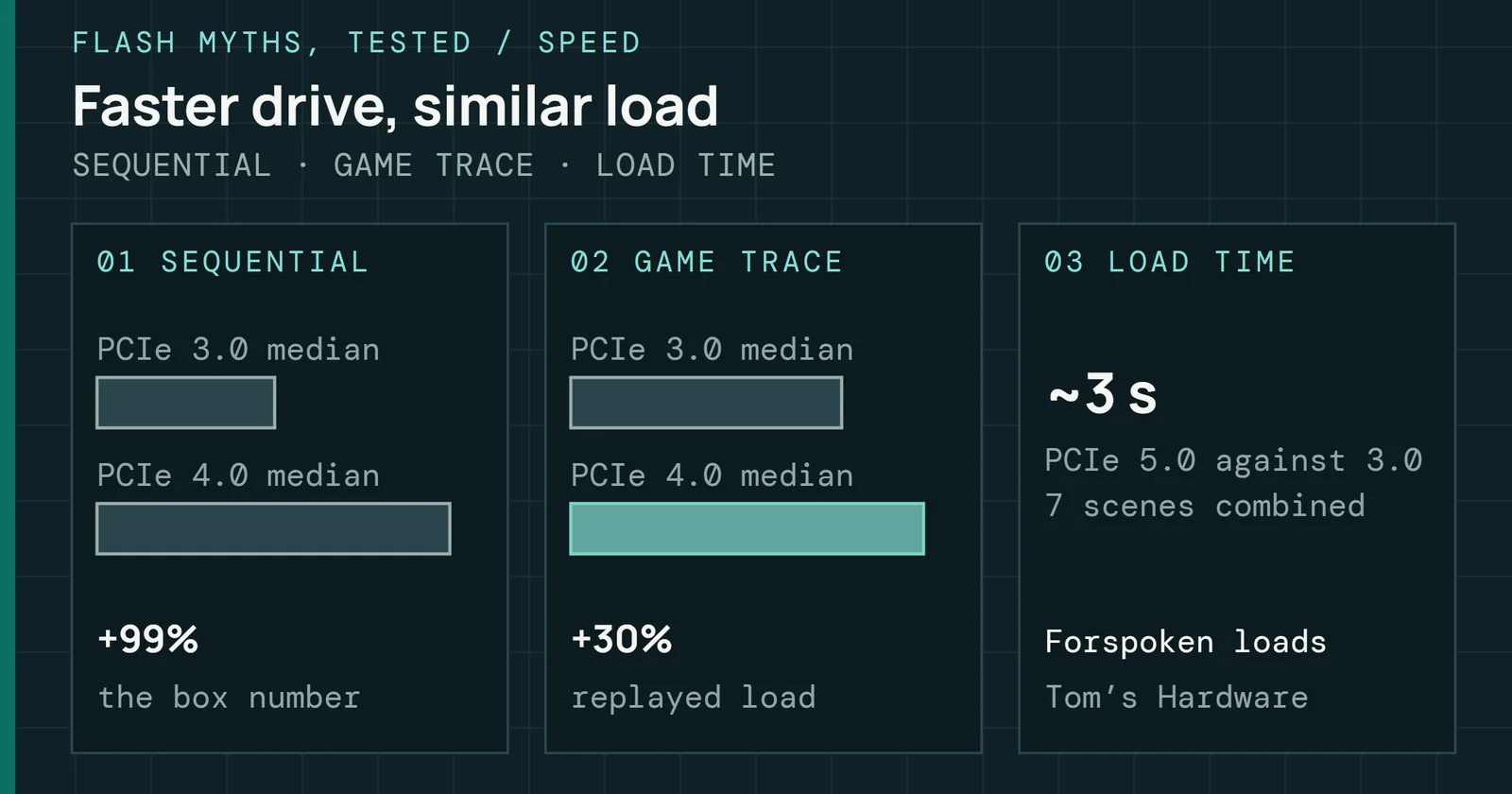
A PCIe 5.0 drive reads far faster on paper, but my bench traces of game loading barely follow sequential speed, and press tests found small load-time gaps.
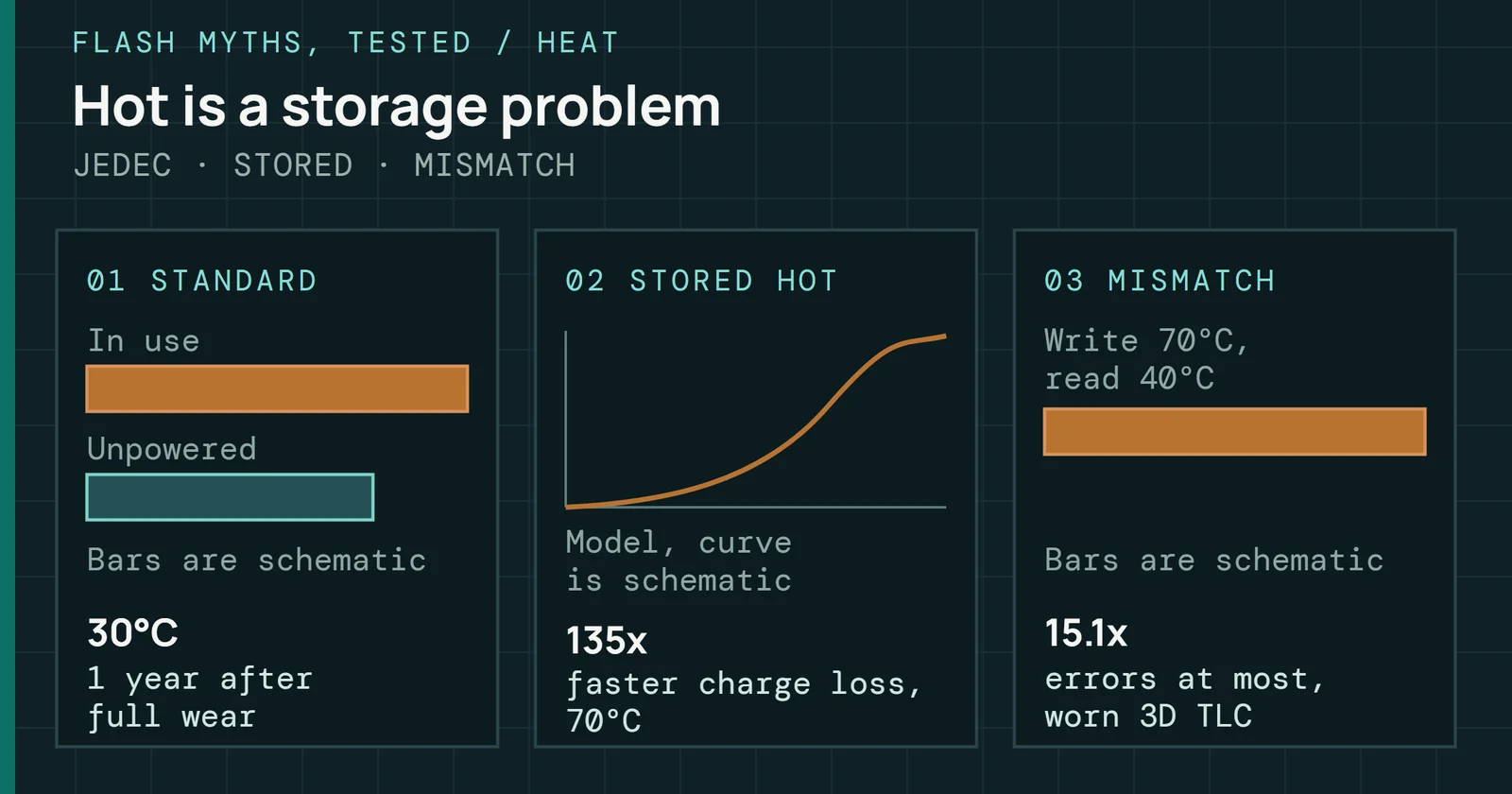
Heat costs flash data when the data sits hot or is read cooler than it was written on worn flash, not because a drive runs warm while you use it.
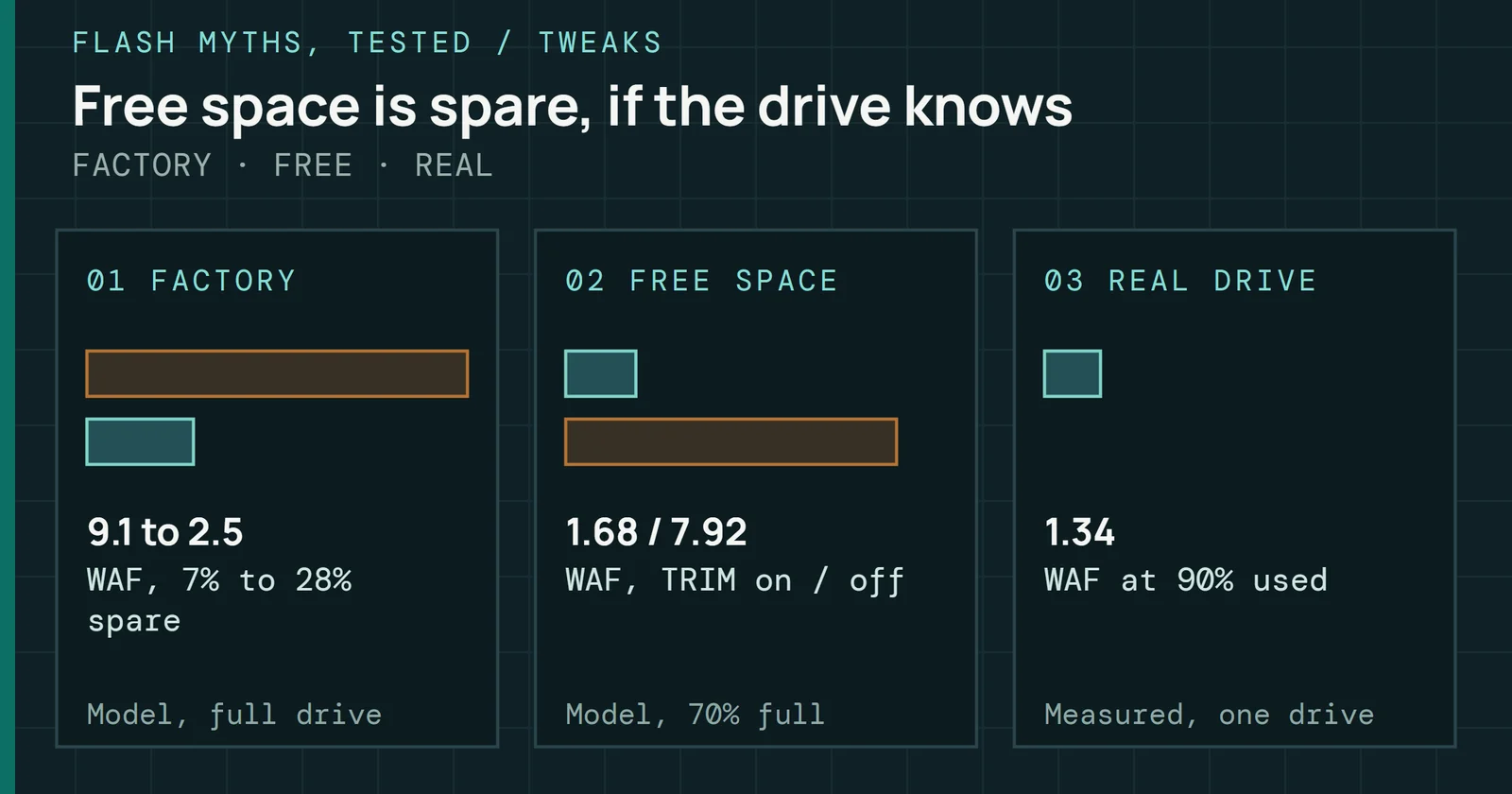
Free space does lower an SSD's write amplification, but only when the drive knows it is free, and the evidence asks for far less than a quarter to half.
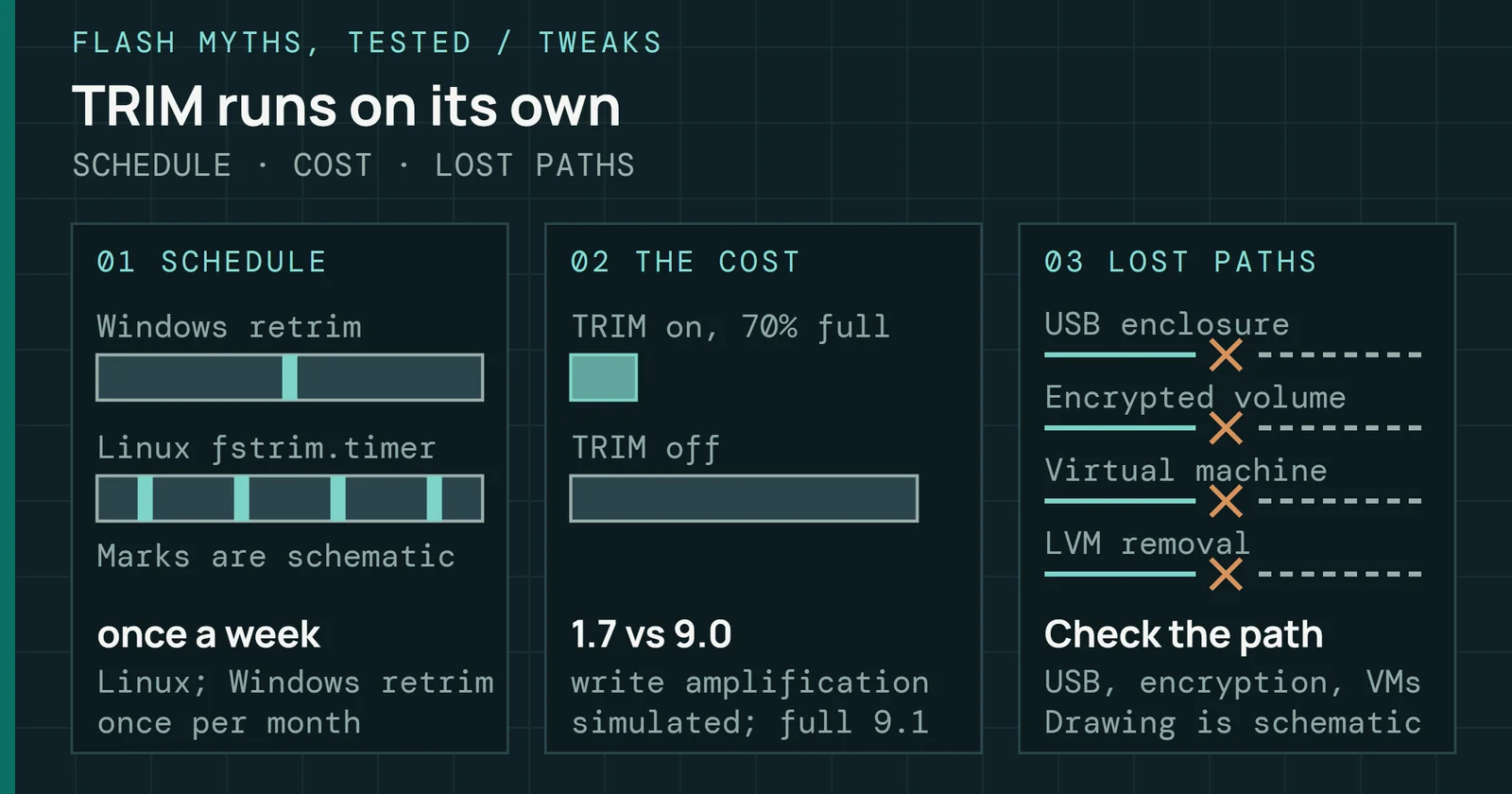
Windows and the usual Linux setups already send TRIM and catch up on a schedule, so the real risk is a path that drops it, which a manual run does not fix.
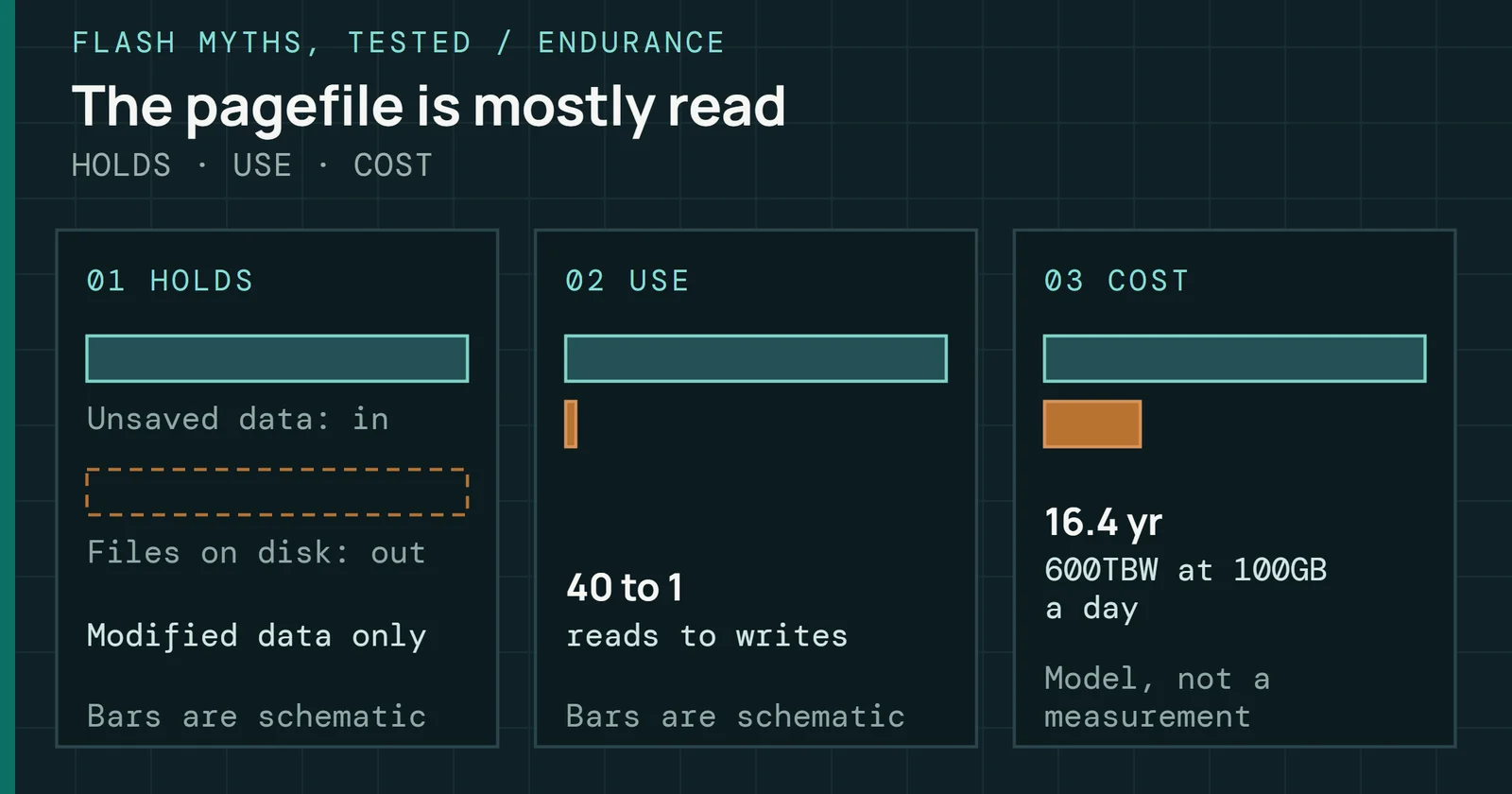
What Windows keeps in the page file, how it reads and writes it, and what that costs an SSD in wear: Microsoft's own documents answer the pagefile myth.
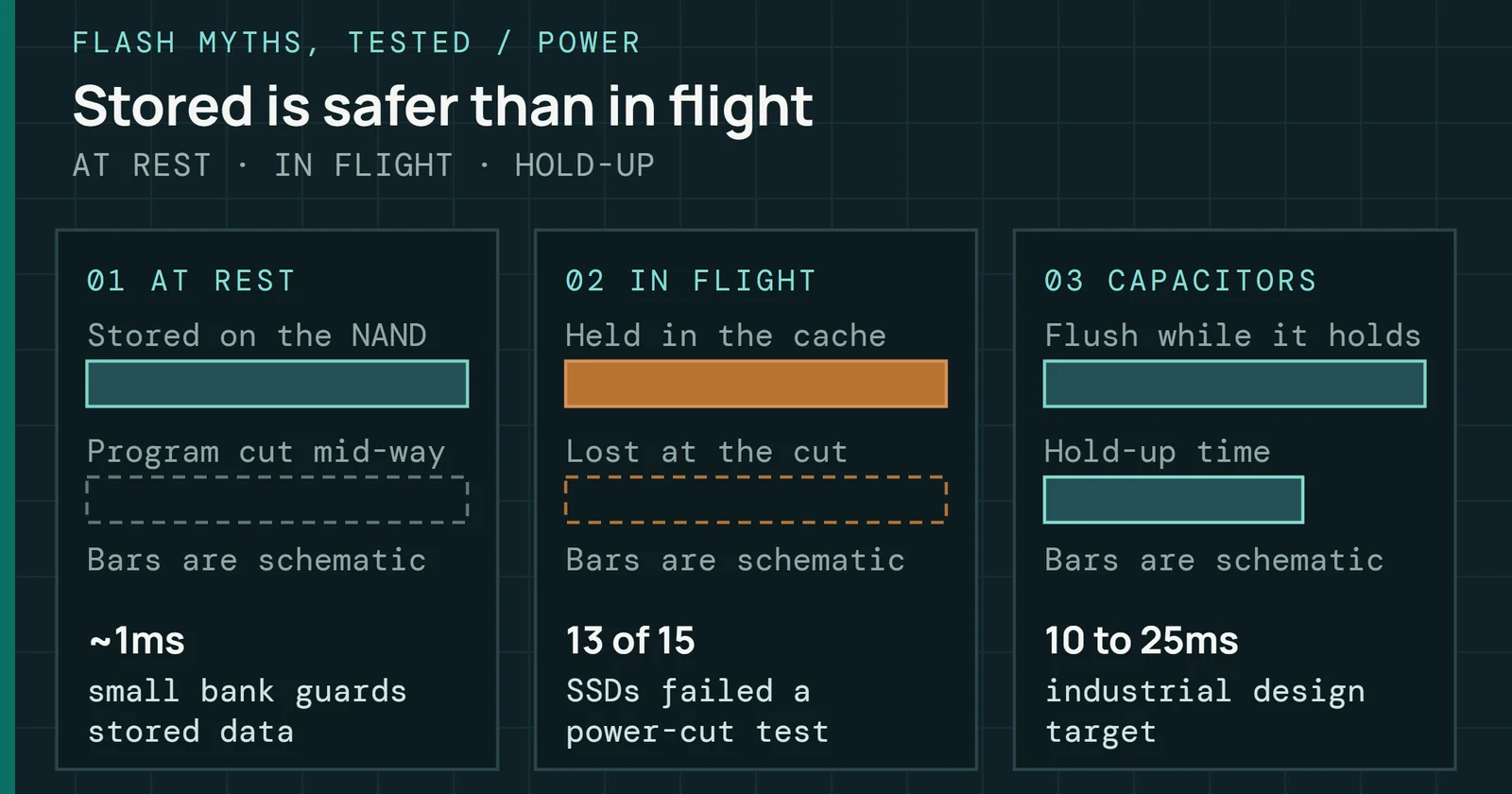
Data already on an SSD mostly survives a power cut, but writes the drive acknowledged and has not yet stored can be lost, and one lab test found some lose more.
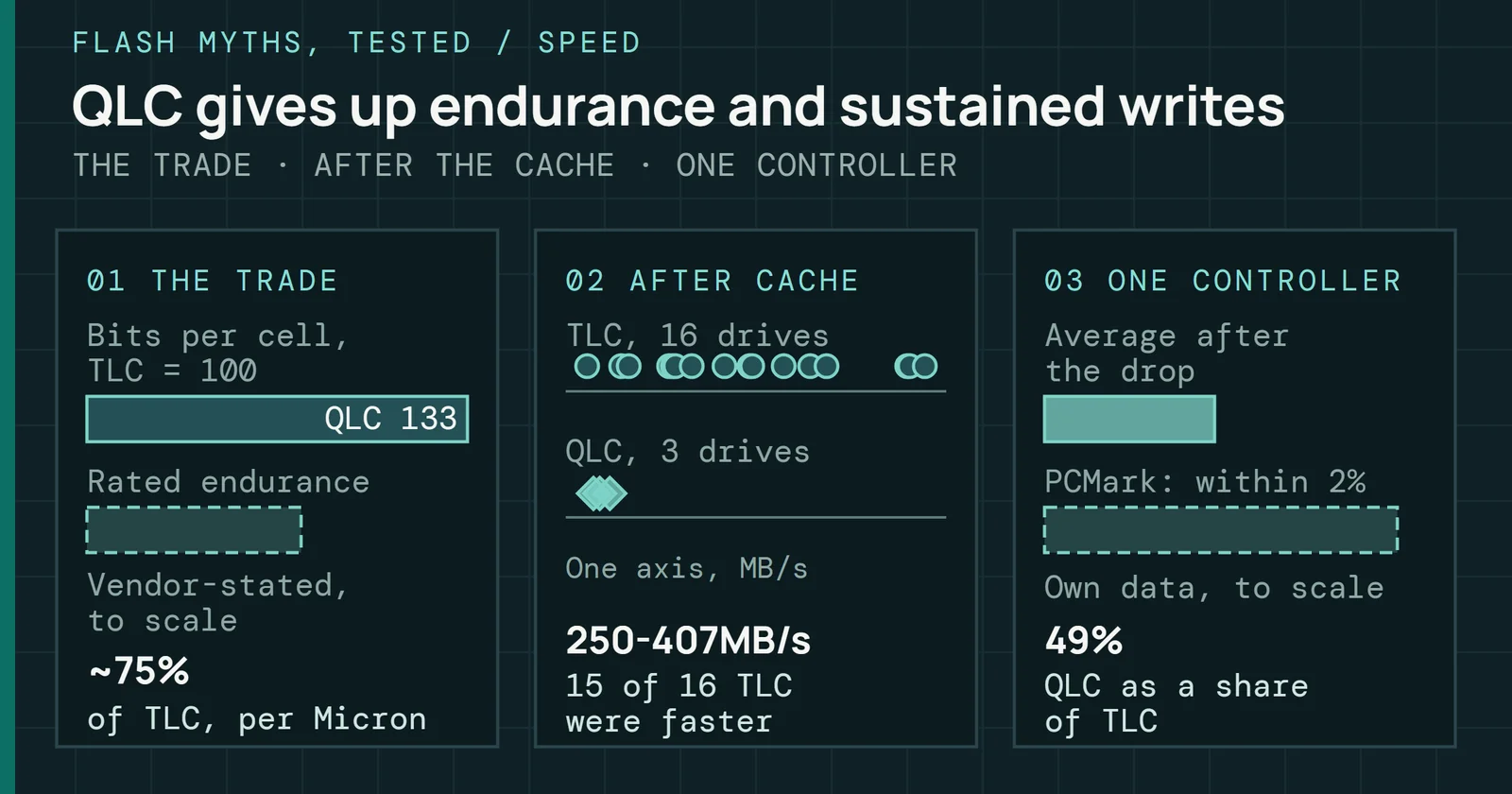
QLC gives up endurance and sustained write speed to TLC, but on the everyday tests the first set of QLC drives I could identify sits inside the TLC range.
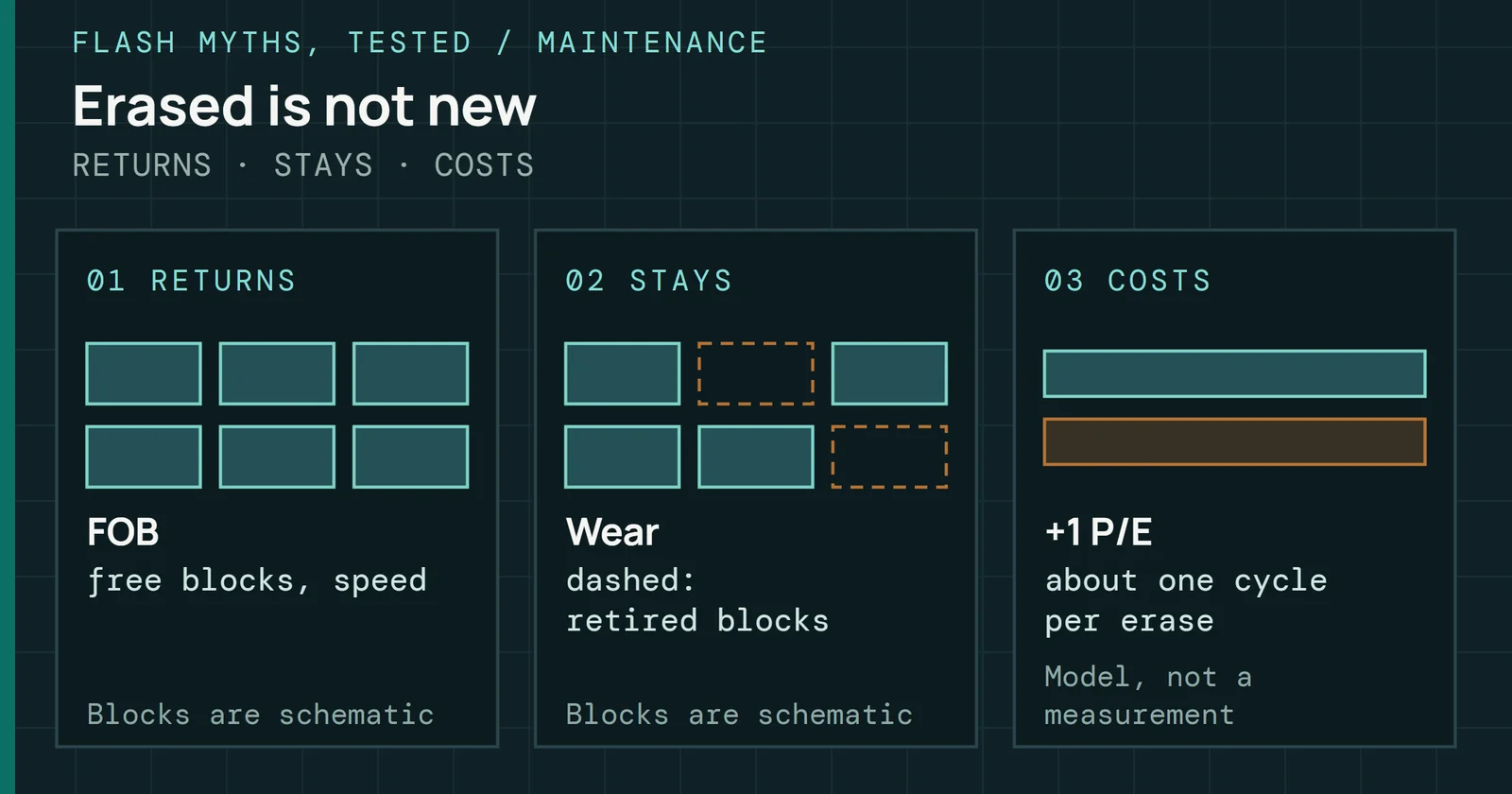
What a block-erase secure erase gives back to a used SSD, free blocks and fresh speed, and what it cannot: the wear, retired blocks and the erase’s own cost.
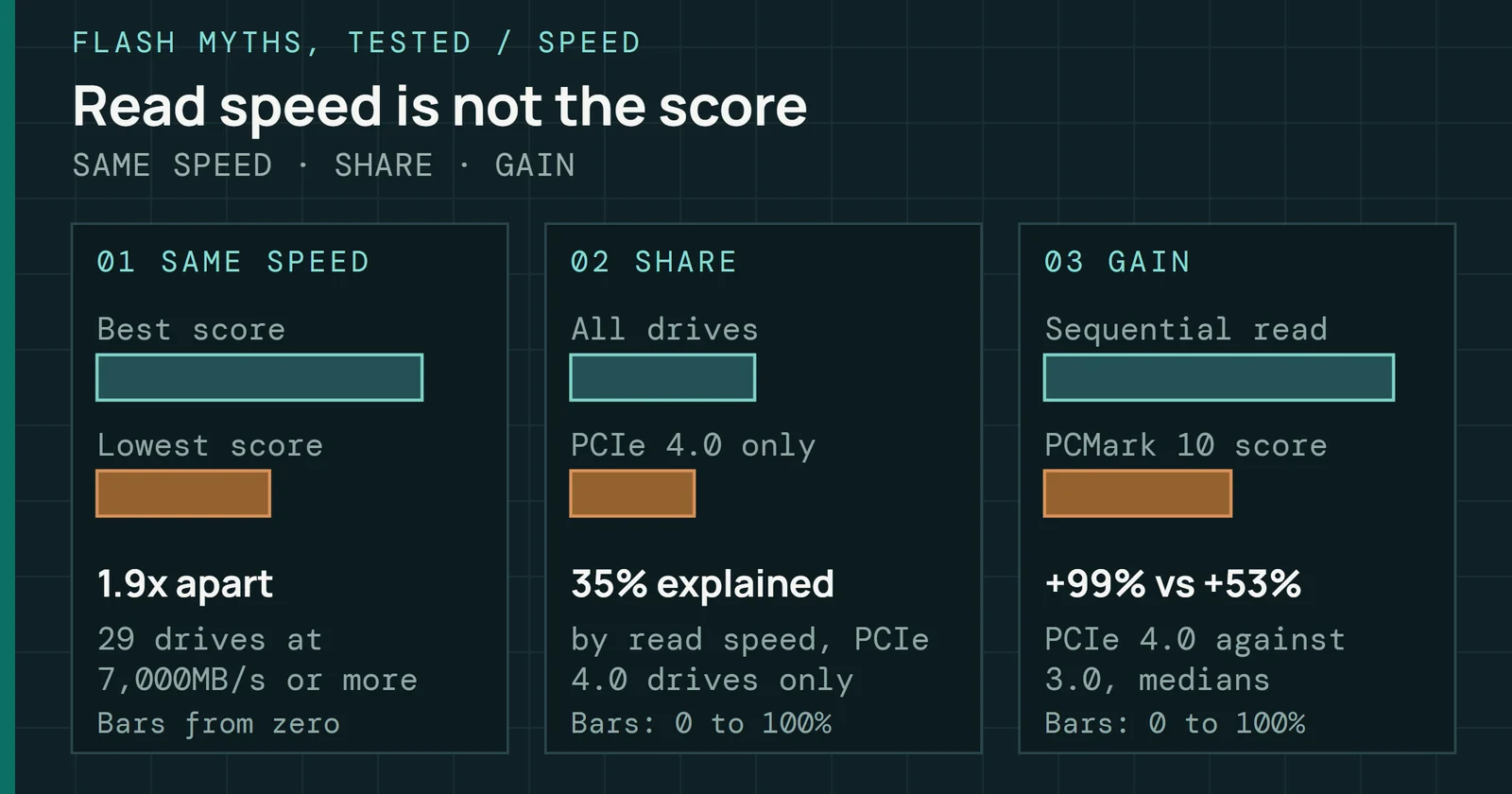
Sequential read speed against the PCMark 10 Storage score of 84 drives on my bench: they rise together, but drives that read alike score up to 1.9 times apart.
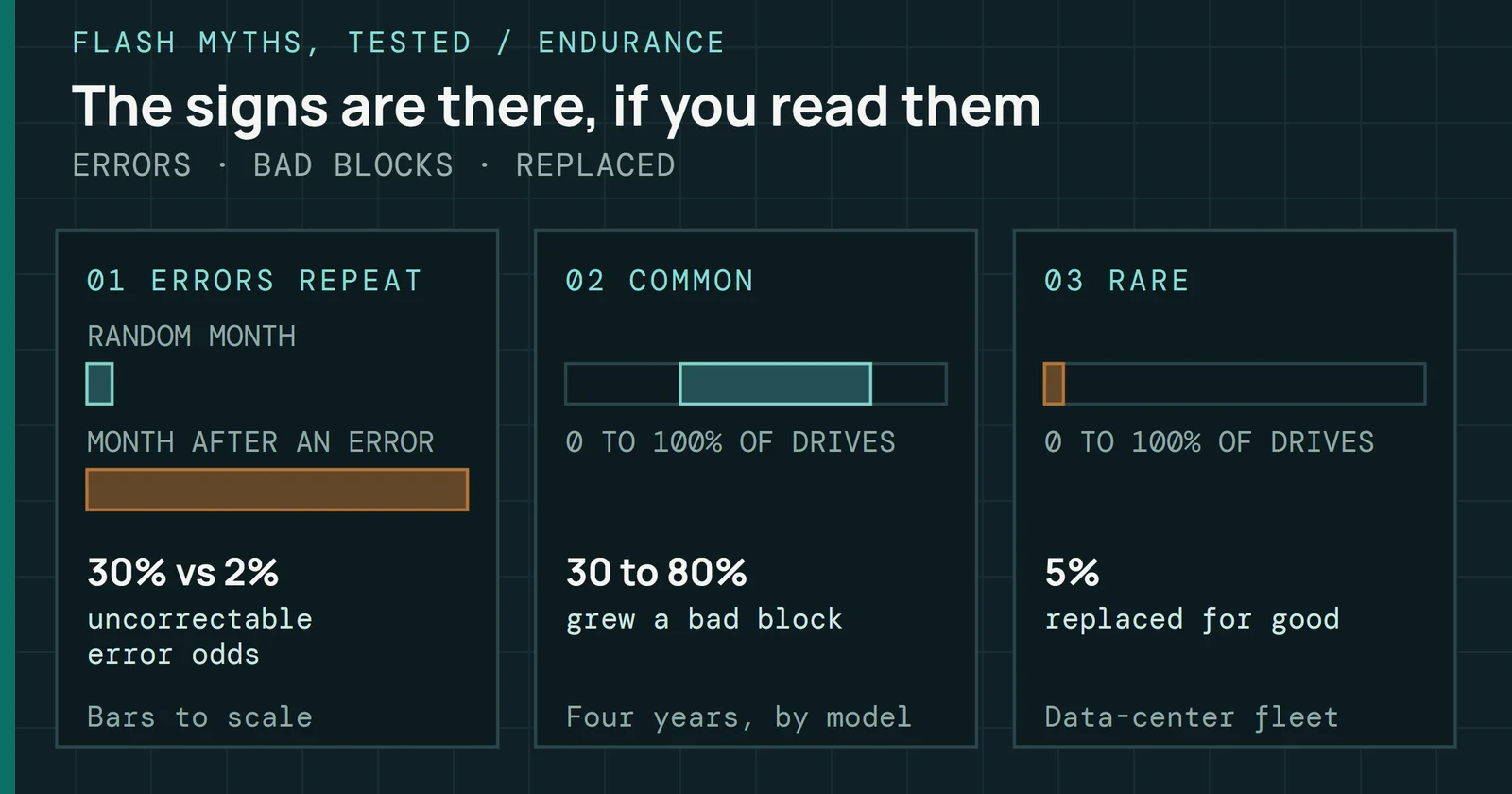
Data-center studies show SSD errors repeat and the drive counts them, but the counters sit in a log few people read and the usual reliability number misses it.
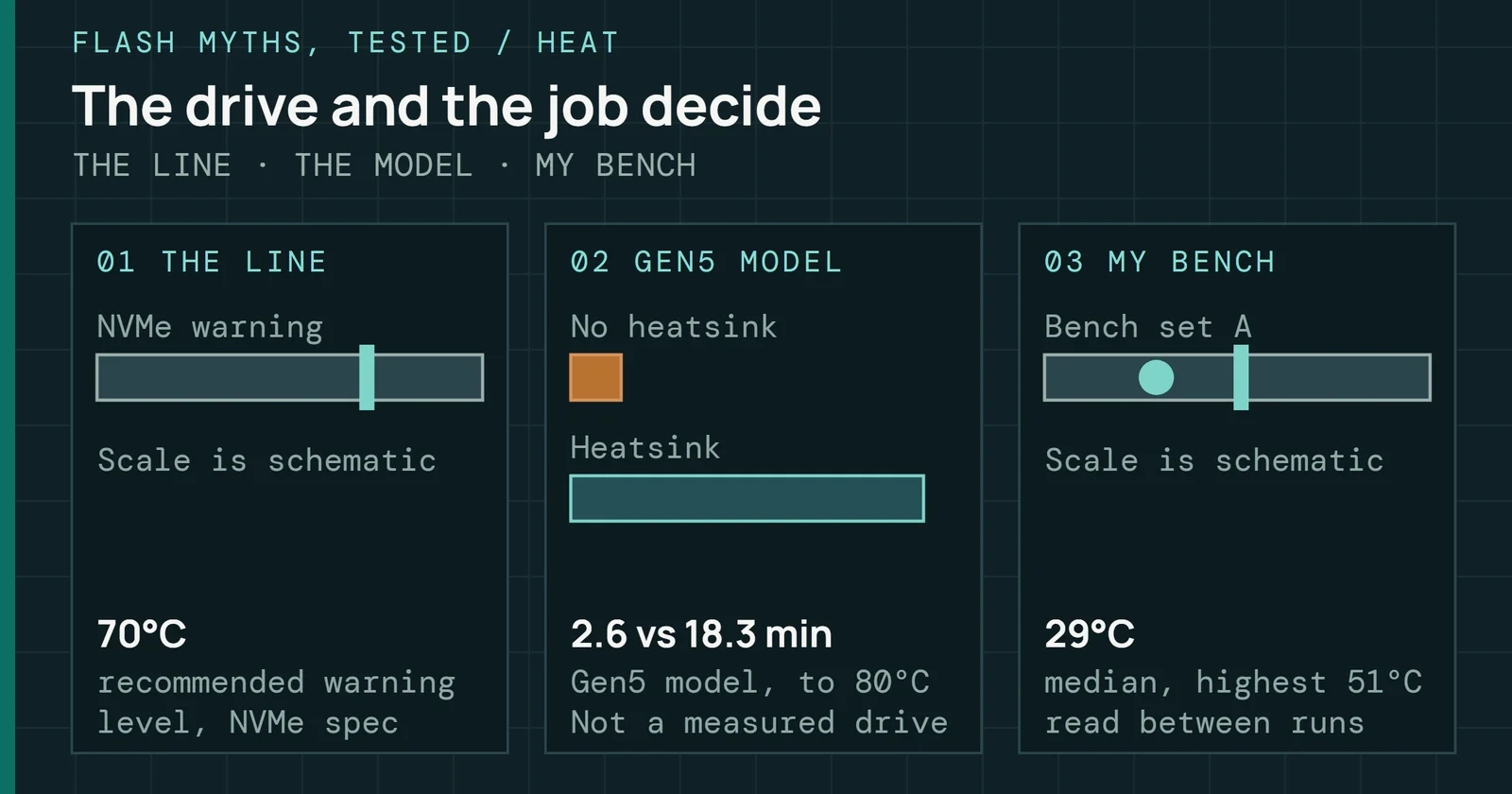
Whether a drive needs a heatsink depends on the drive and how long you push it; what I can back comes from the spec, the makers, a thermal model and my bench.
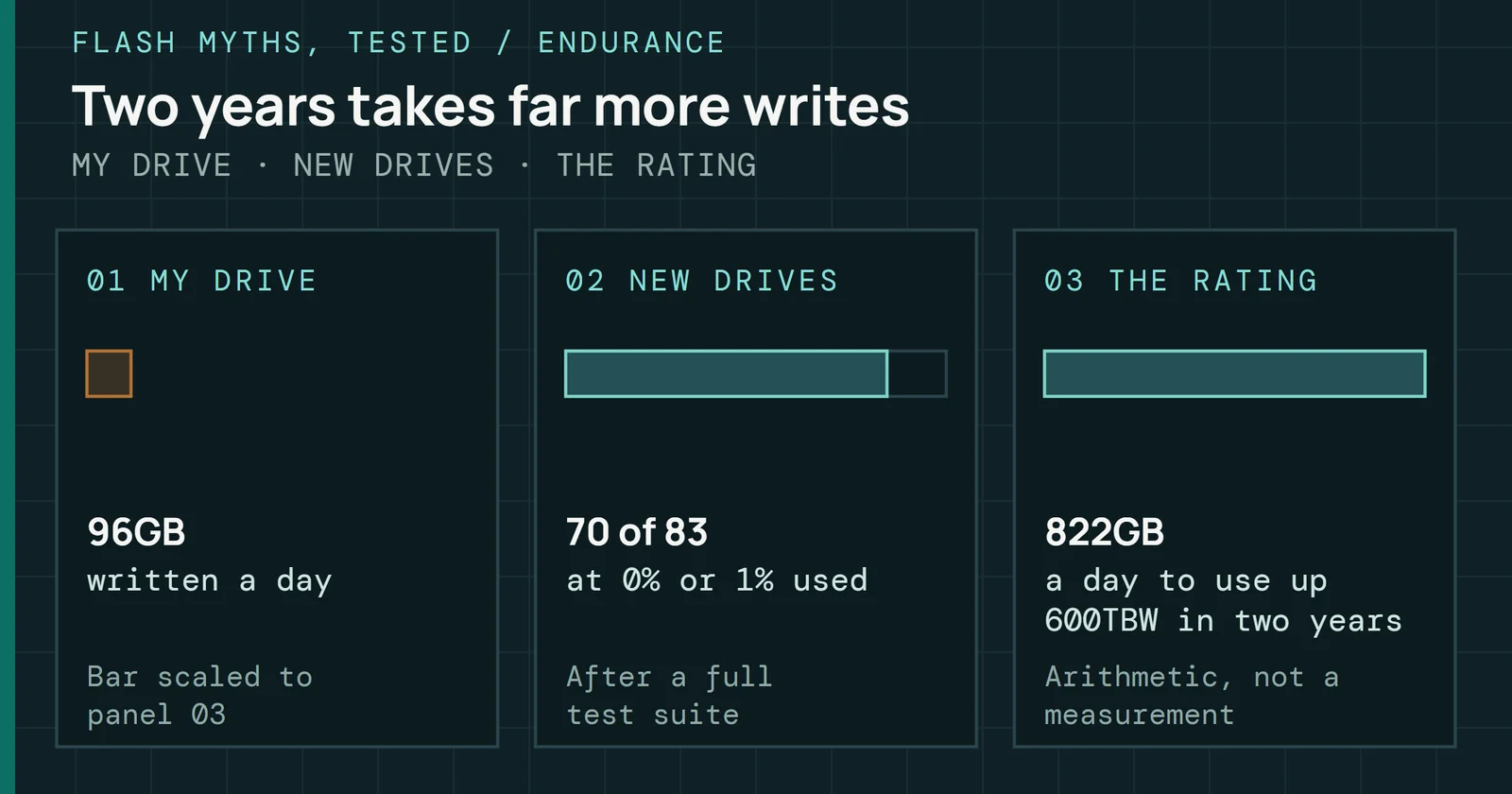
My SMART data from a system drive, a test bench, new and used drives, against the ratings and field studies: a desktop SSD wears far slower than the myth says.
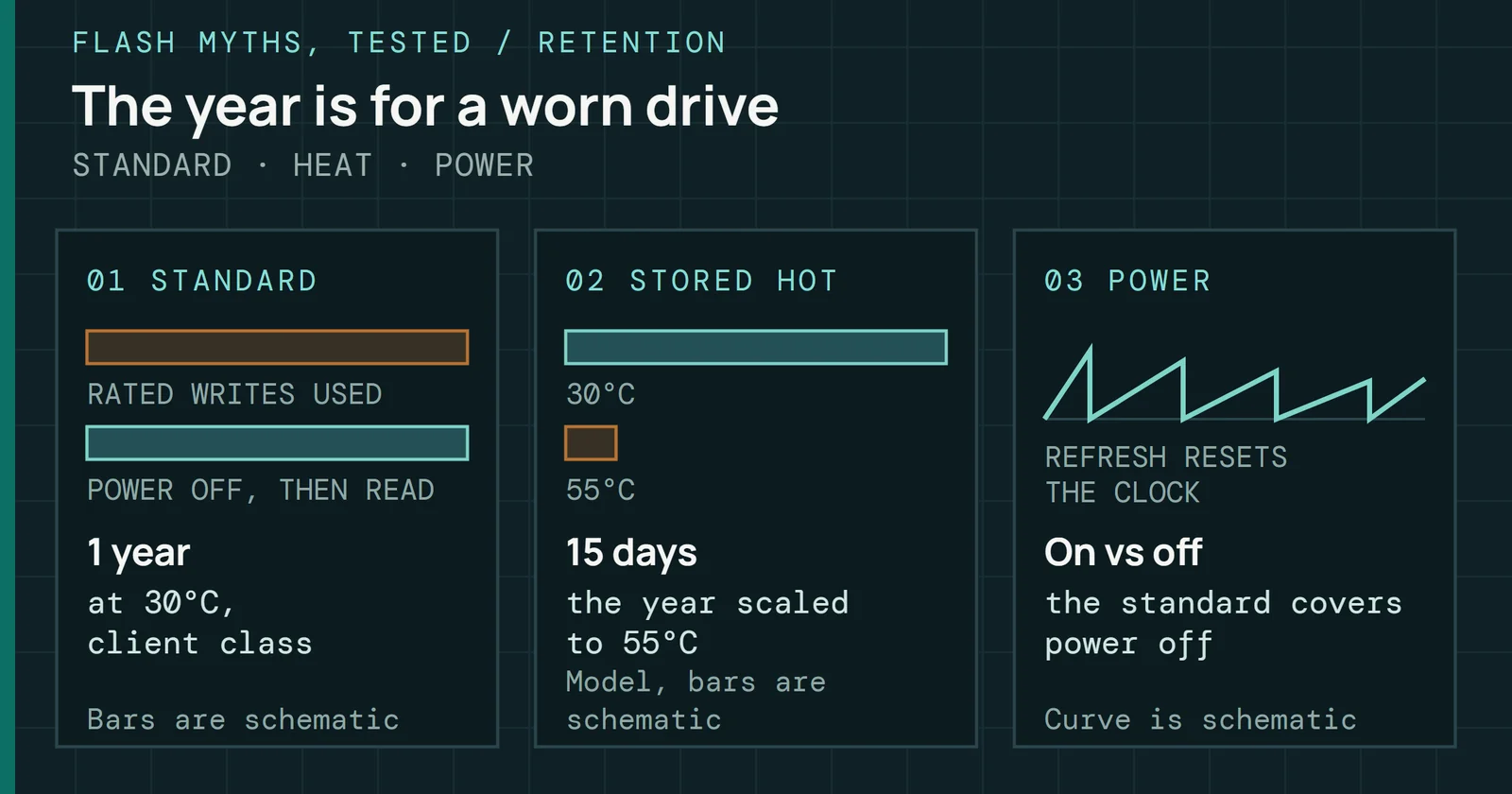
SSD retention is rated on a drive that has used up its writes, so the weeks-unplugged fear describes a worn, hot, powered-off worst case and not a normal drive.
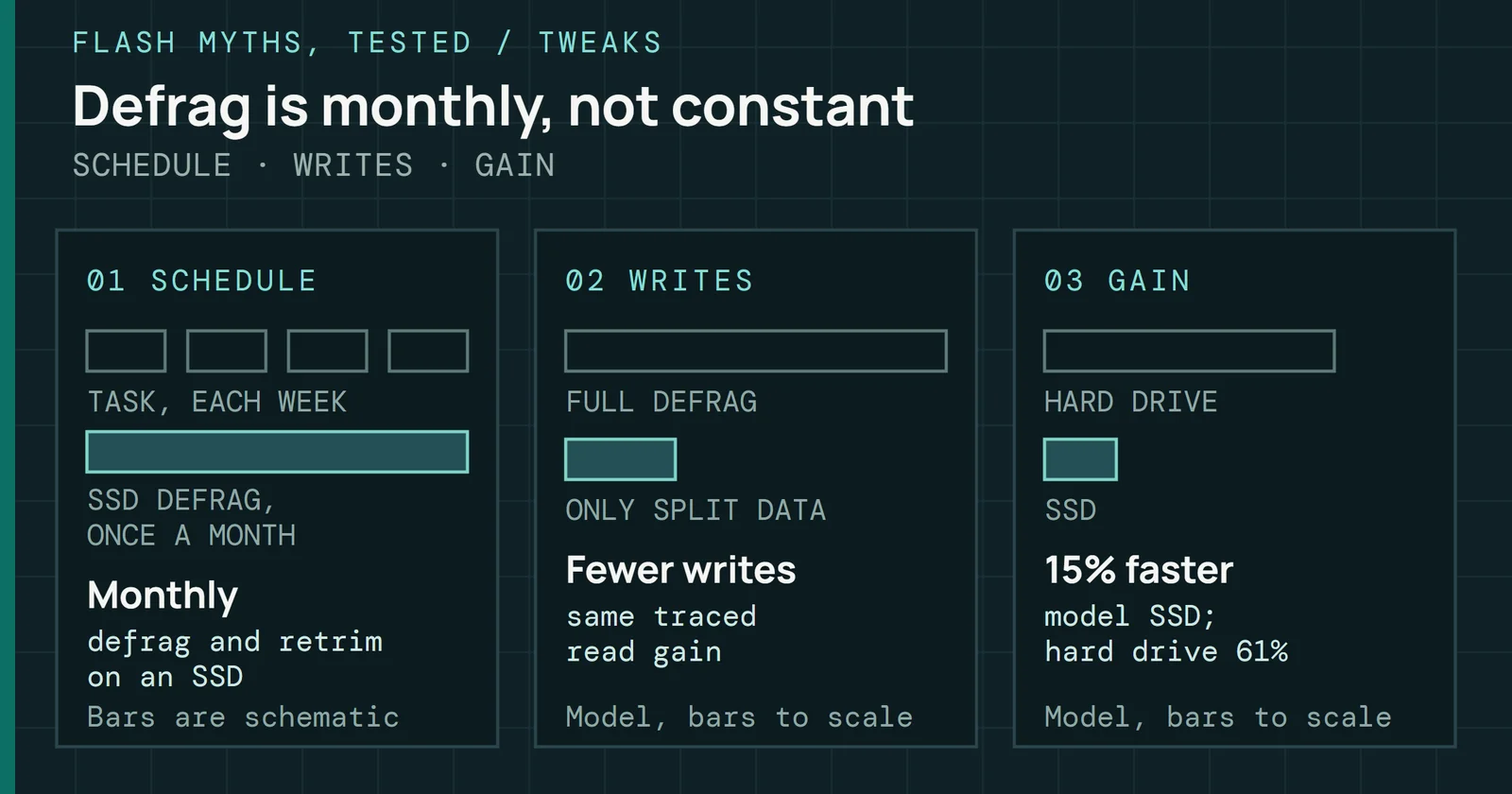
Windows does defragment an SSD, once a month by Microsoft's account, and the Defrag Lab shows what a pass writes and what it buys.
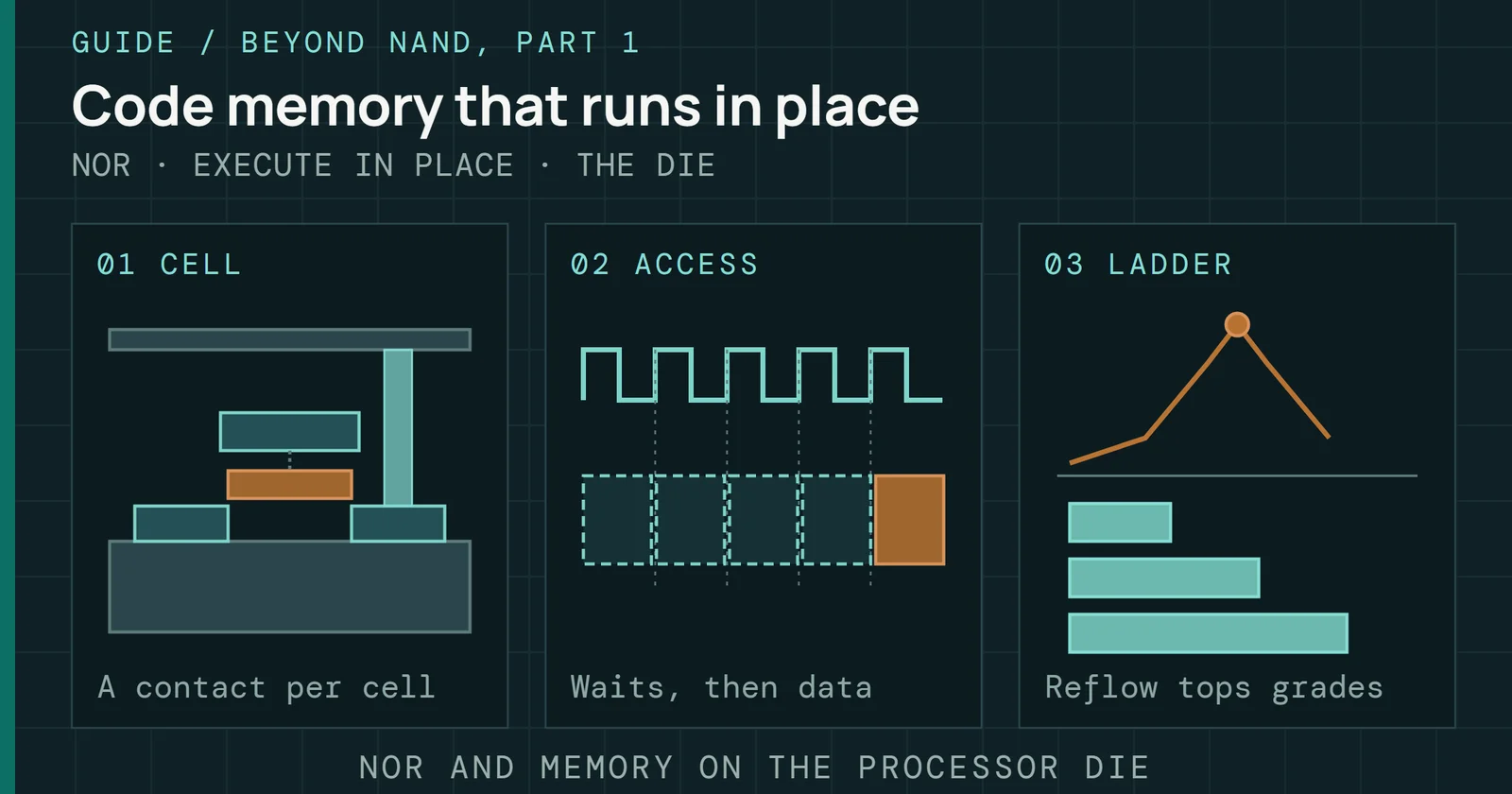
How NOR differs from NAND, how a processor runs code in place, why embedded flash stopped fitting near 28nm, and what soldering and cars demand.
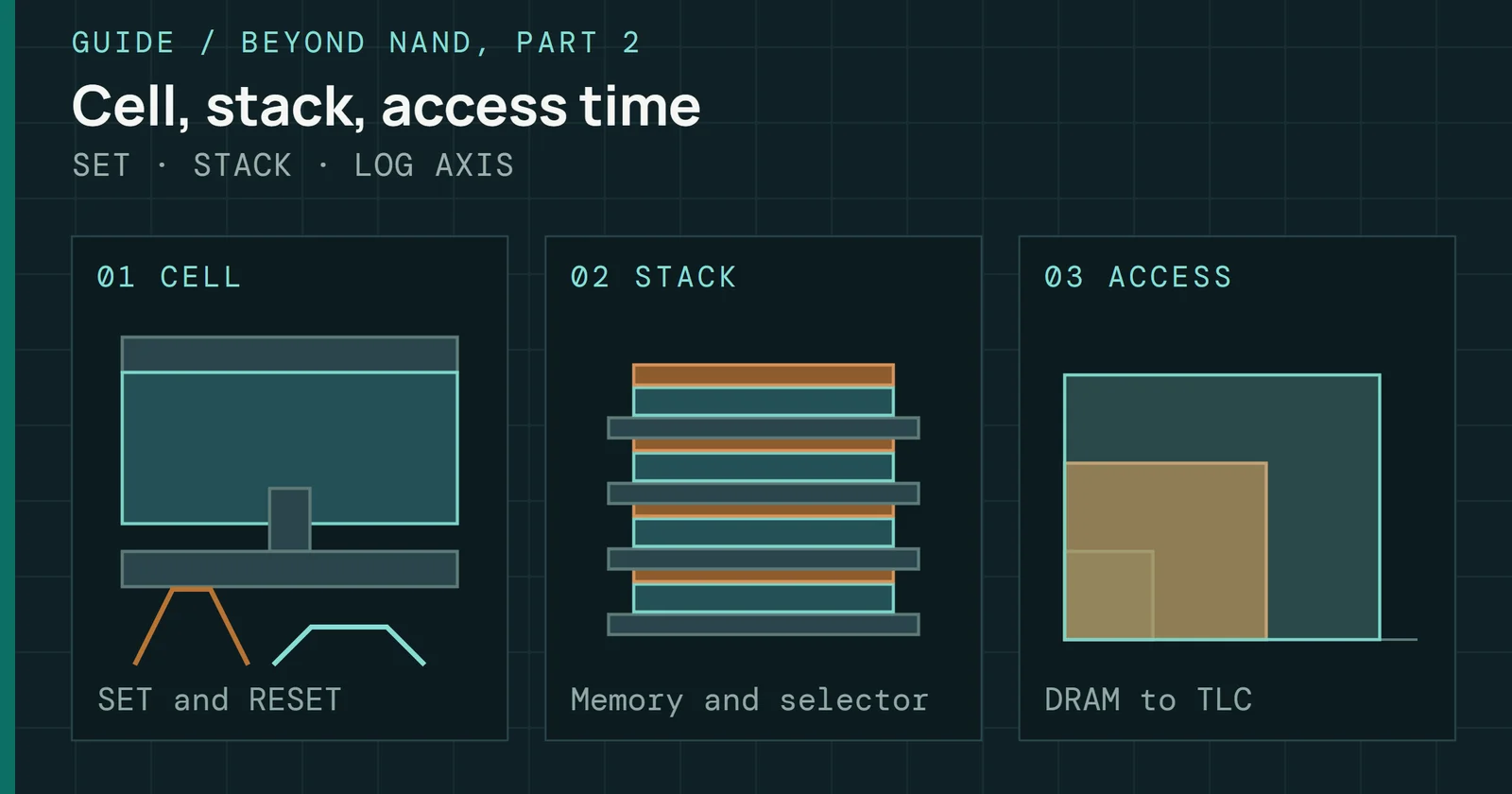
How a phase-change cell stores a bit, what limits it, who built it, what 3D XPoint and Optane were and how they measured, why Optane ended, and what came after.
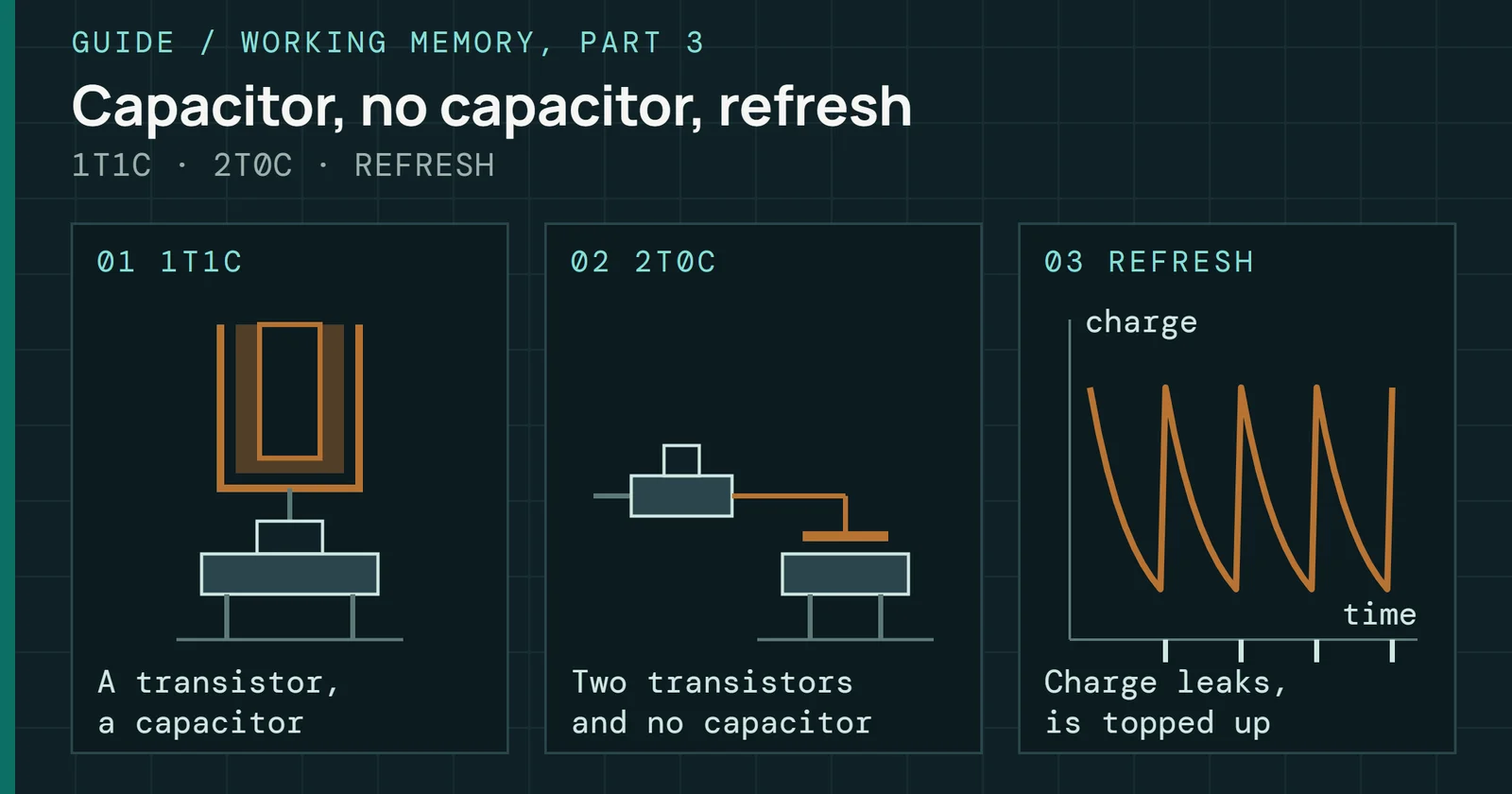
Why the DRAM cell is hard to shrink, what refresh costs, and what capacitorless, stacked and ferroelectric cells trade, with labs kept apart from roadmaps.
Five calculators for the math behind a spec sheet: codeword failure and UBER, AFR from MTBF, rating sample size, Arrhenius bake time and retention.
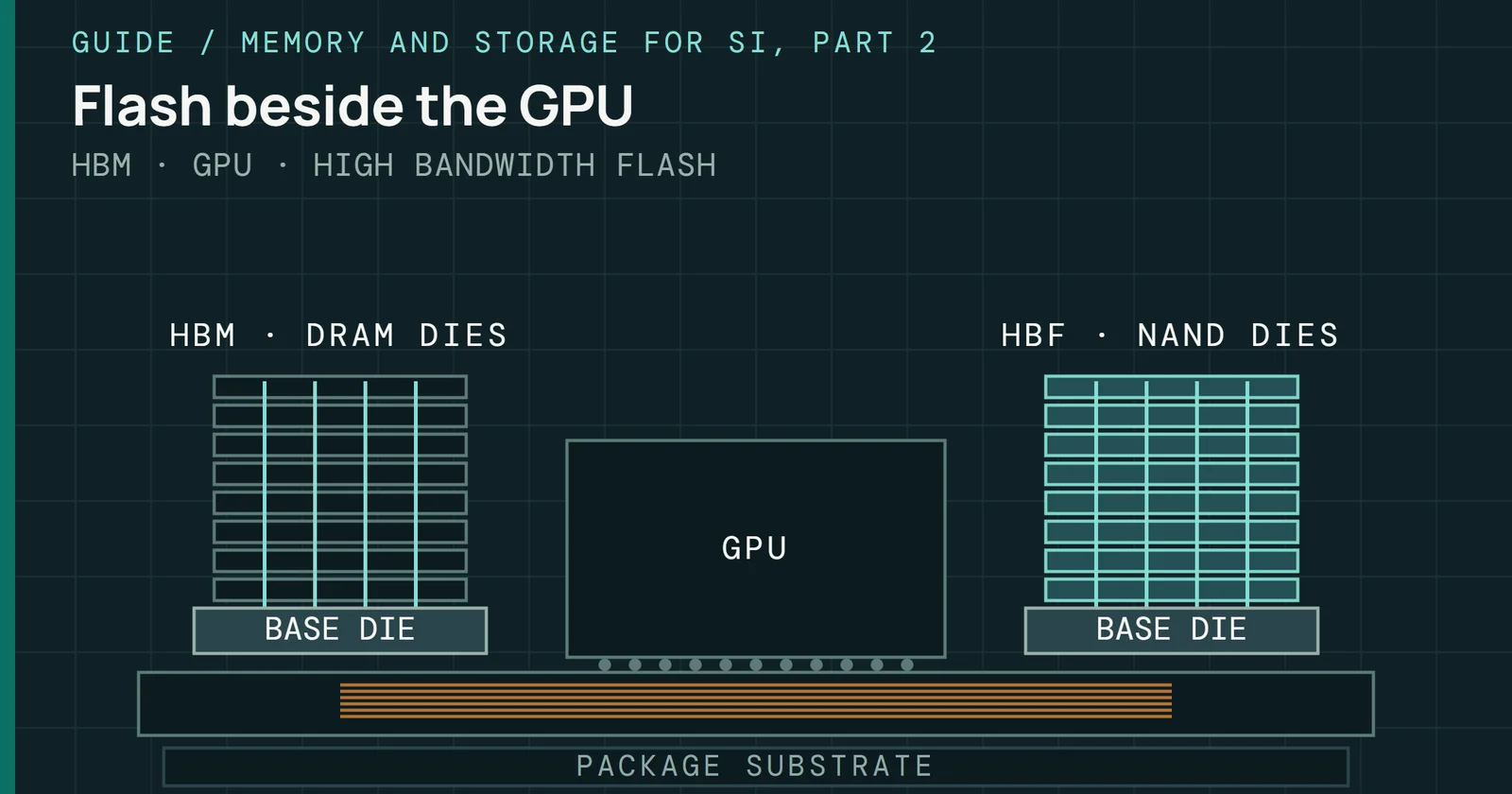
What High Bandwidth Flash is, what the August 2026 OCP draft spec says, where its bandwidth comes from, and why writes and retention are its weak side.
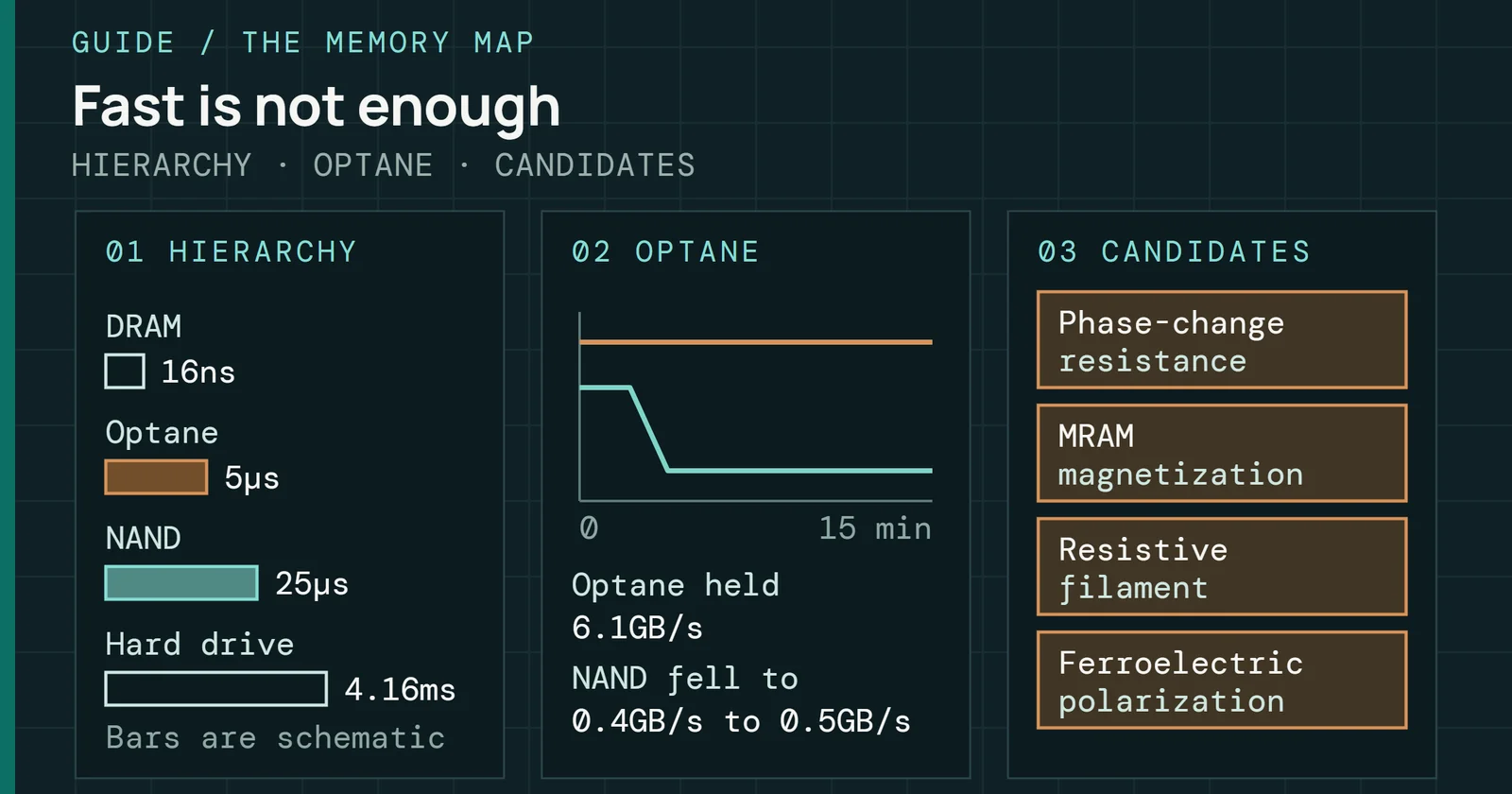
Where NAND flash sits in the memory hierarchy, what Optane proved and why it ended, and what phase-change, MRAM, resistive and ferroelectric memory could add.
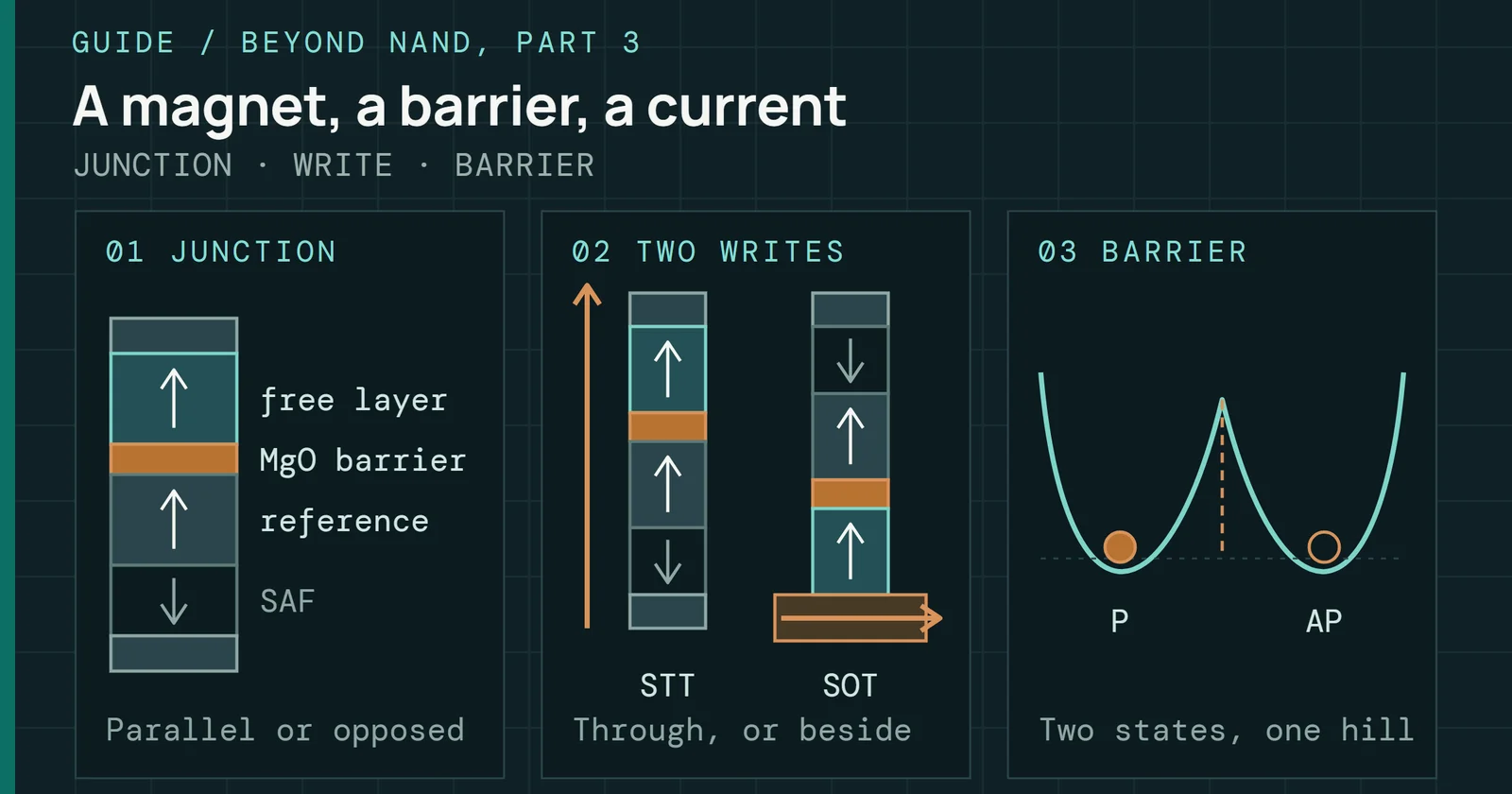
How a magnetic tunnel junction stores a bit, how current writes it by STT or SOT, what trades retention for speed, and what MRAM is sold as today.
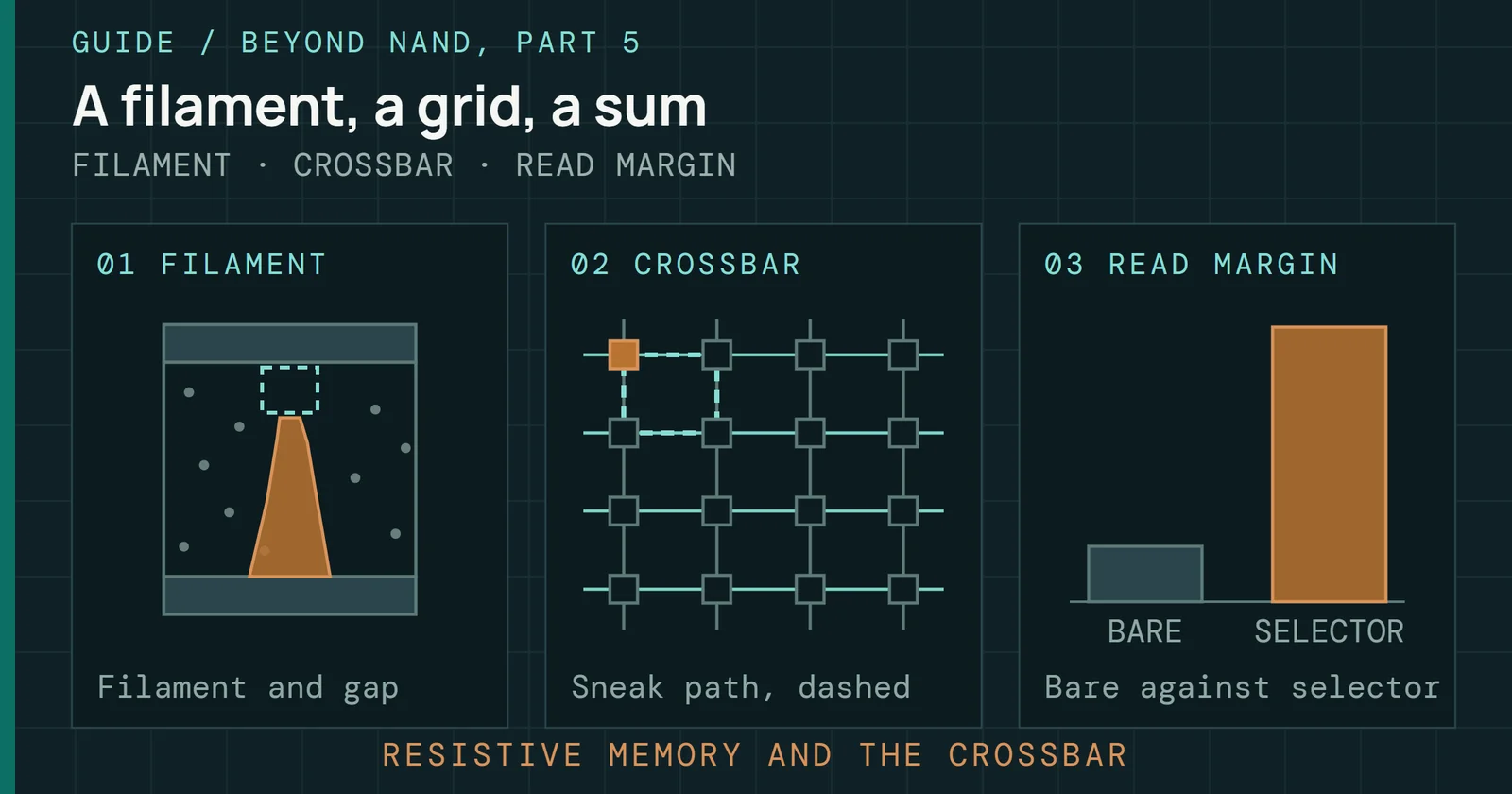
How a resistive memory cell forms and switches, why cells disagree, why a crossbar needs a selector, and how the array multiplies and where that breaks.
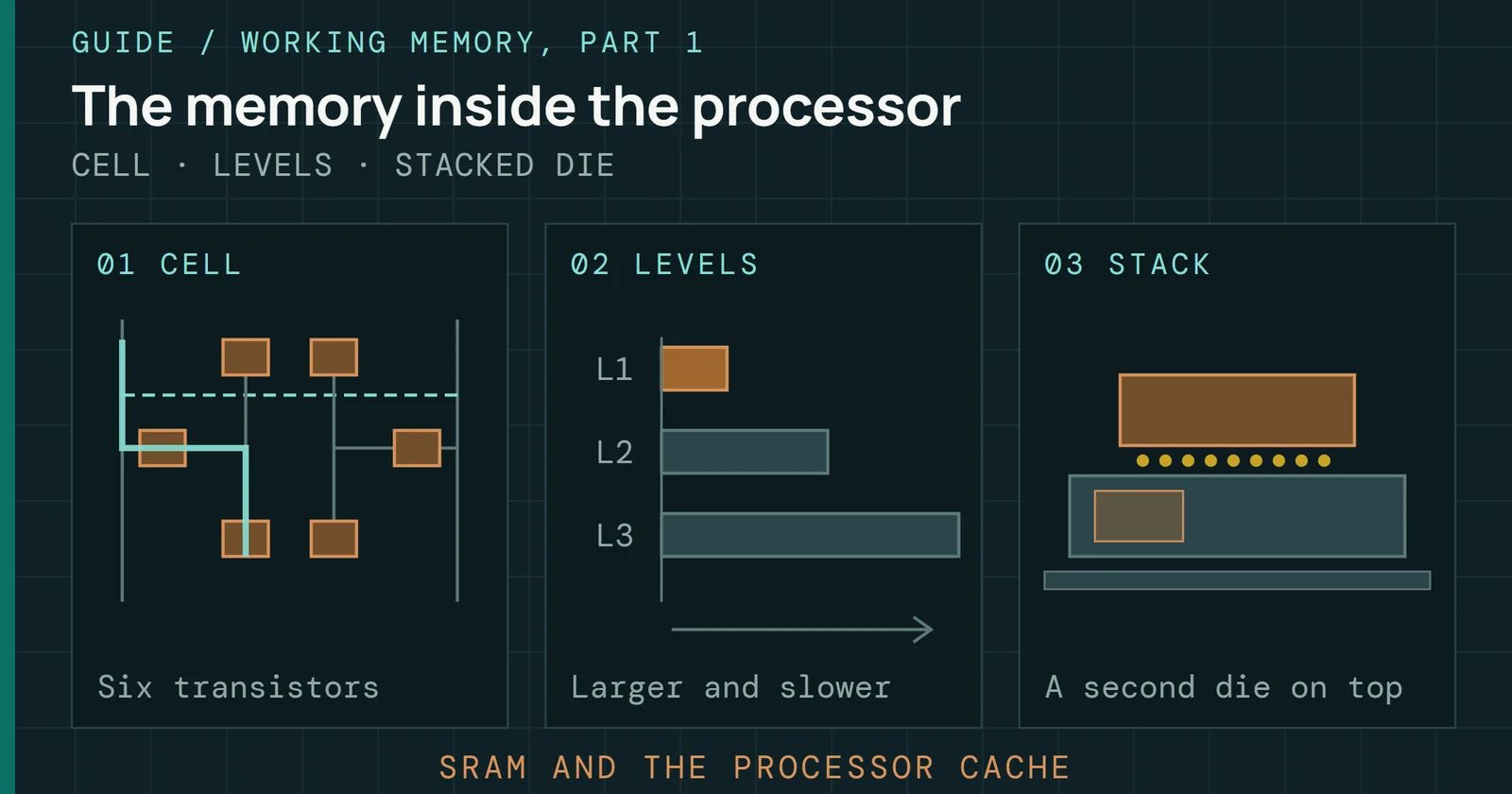
How a six-transistor SRAM cell holds a bit, why it is fast, large and leaky, and why processor caches are built from it, some on a stacked die.
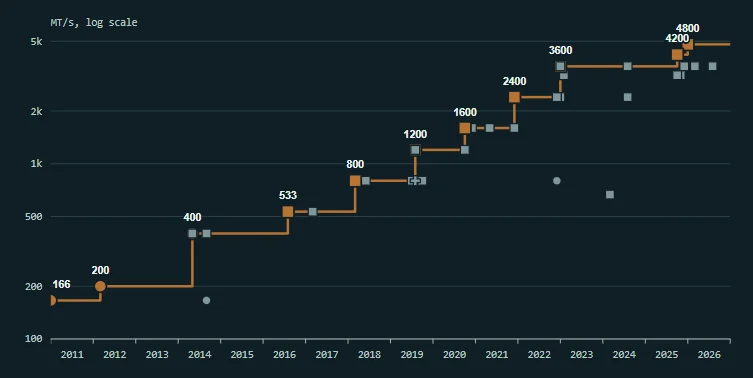
SSD controllers charted by the date of their public brief, with the fastest NAND speed each listed, its host link, and every row linked to its source.
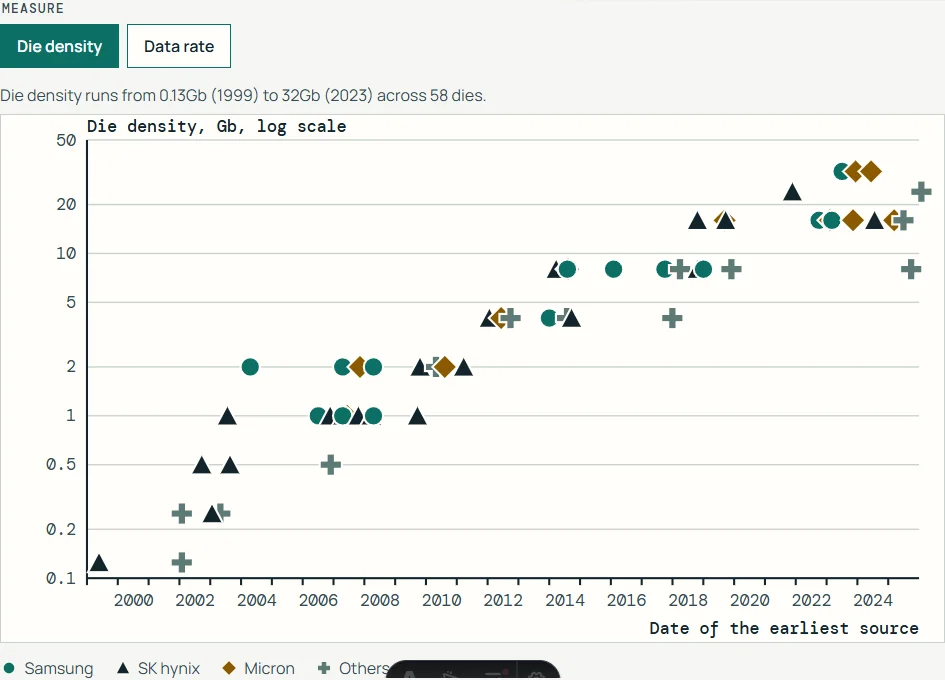
SDR, DDR, LPDDR and GDDR dies by vendor, dated by the earliest public source, with the JEDEC DDR data rate line and every value linked.
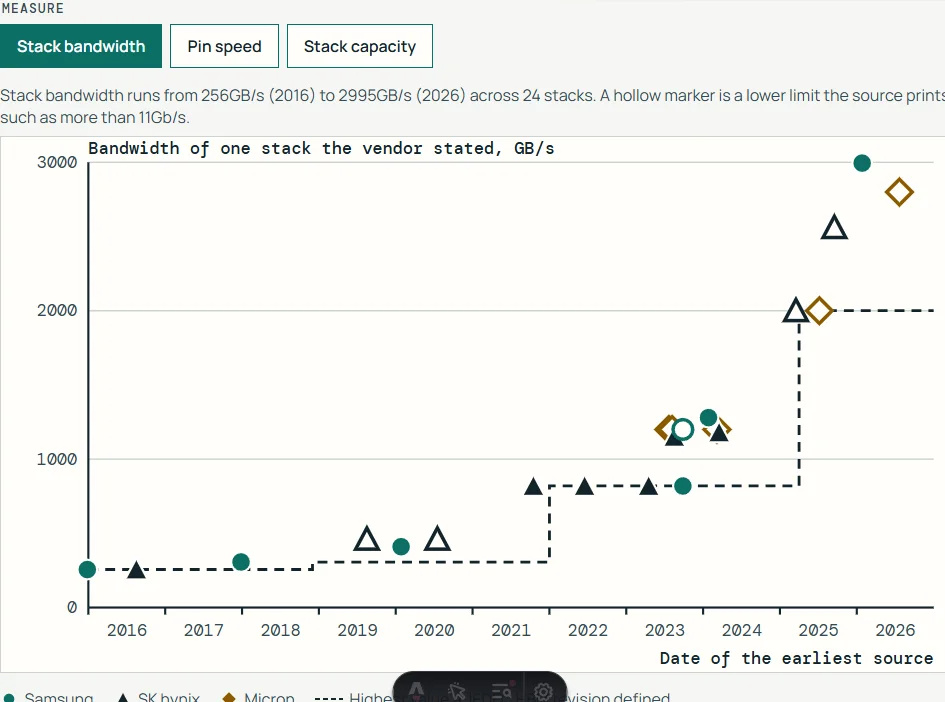
HBM stacks by vendor and the accelerators that used them, charted by the date of the earliest public source, with the JEDEC standard line and each value linked.
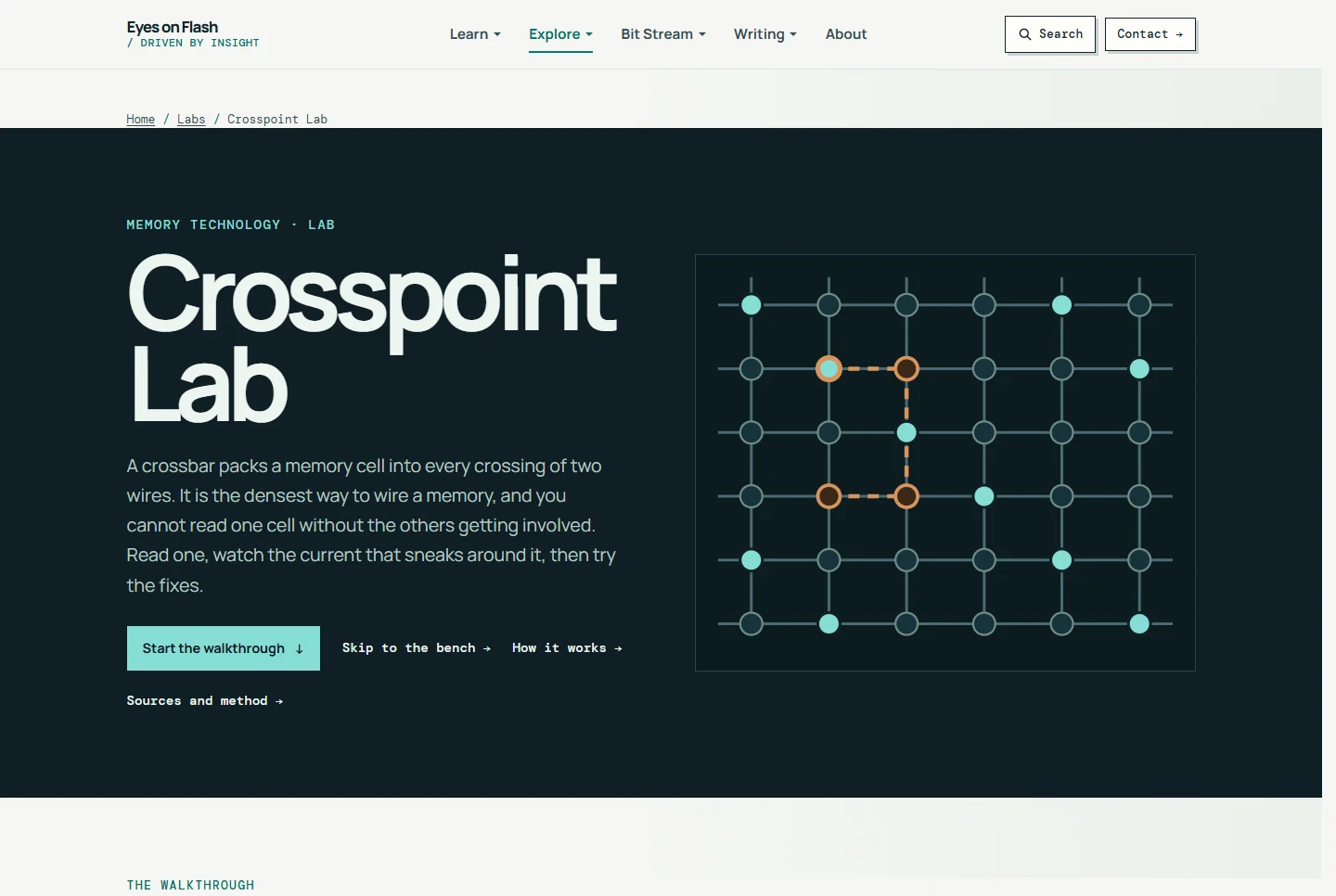
Read one cell of a crossbar memory, watch the sneak current that steals the signal, then try V/2 and V/3 biasing, a selector and a transistor.
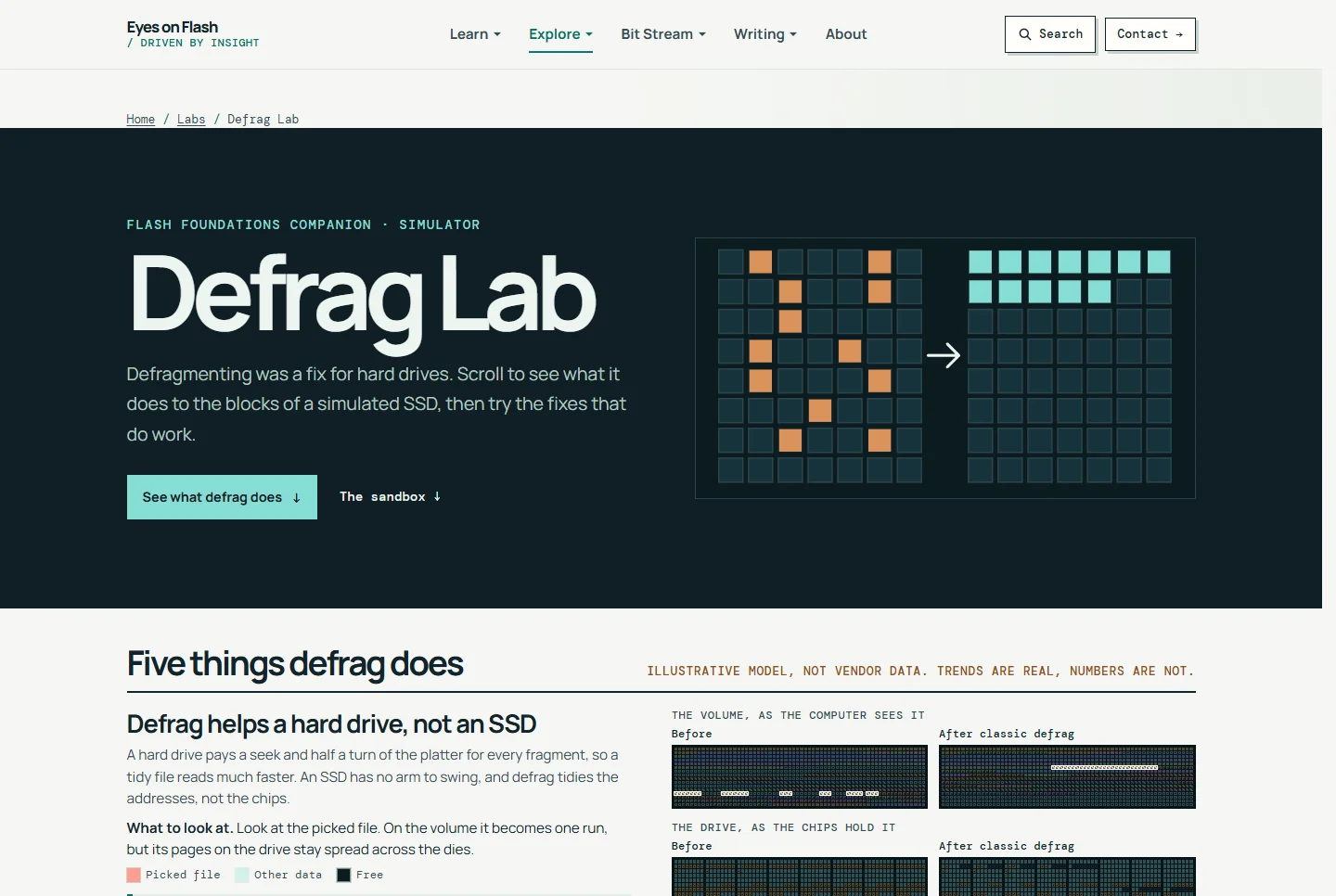
Fragment a file on a simulated SSD, defrag it, and watch where it lands on the NAND, then try the fixes that do work.
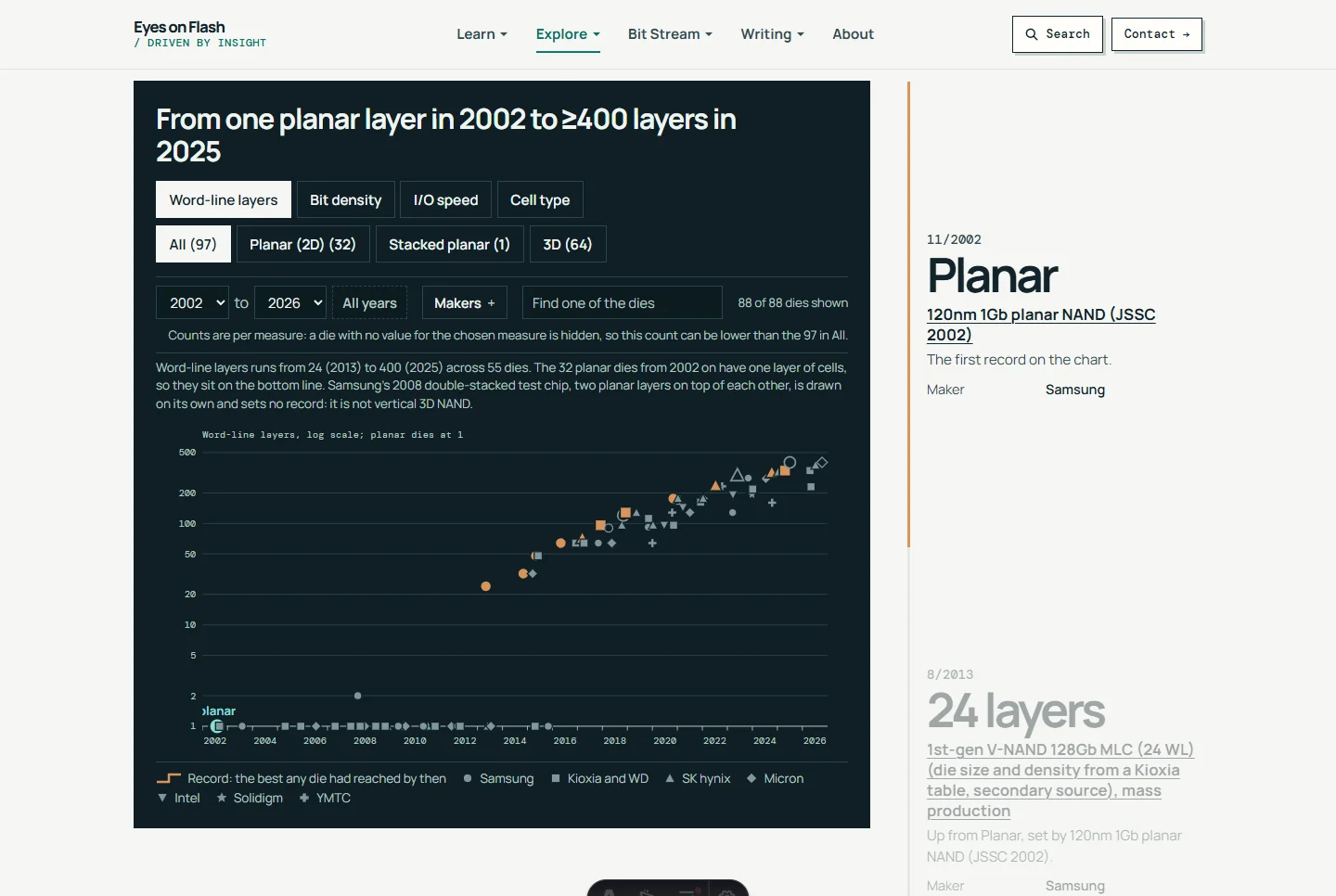
Real NAND dies charted by the year of the earliest paper or announcement cited for each, with layers, bit density and interface speed, and every point sourced.

Pick a real NAND die, a real controller and a capacity, and see which limit sets an SSD’s write speed: the dies programming, the channel buses or the PCIe link.
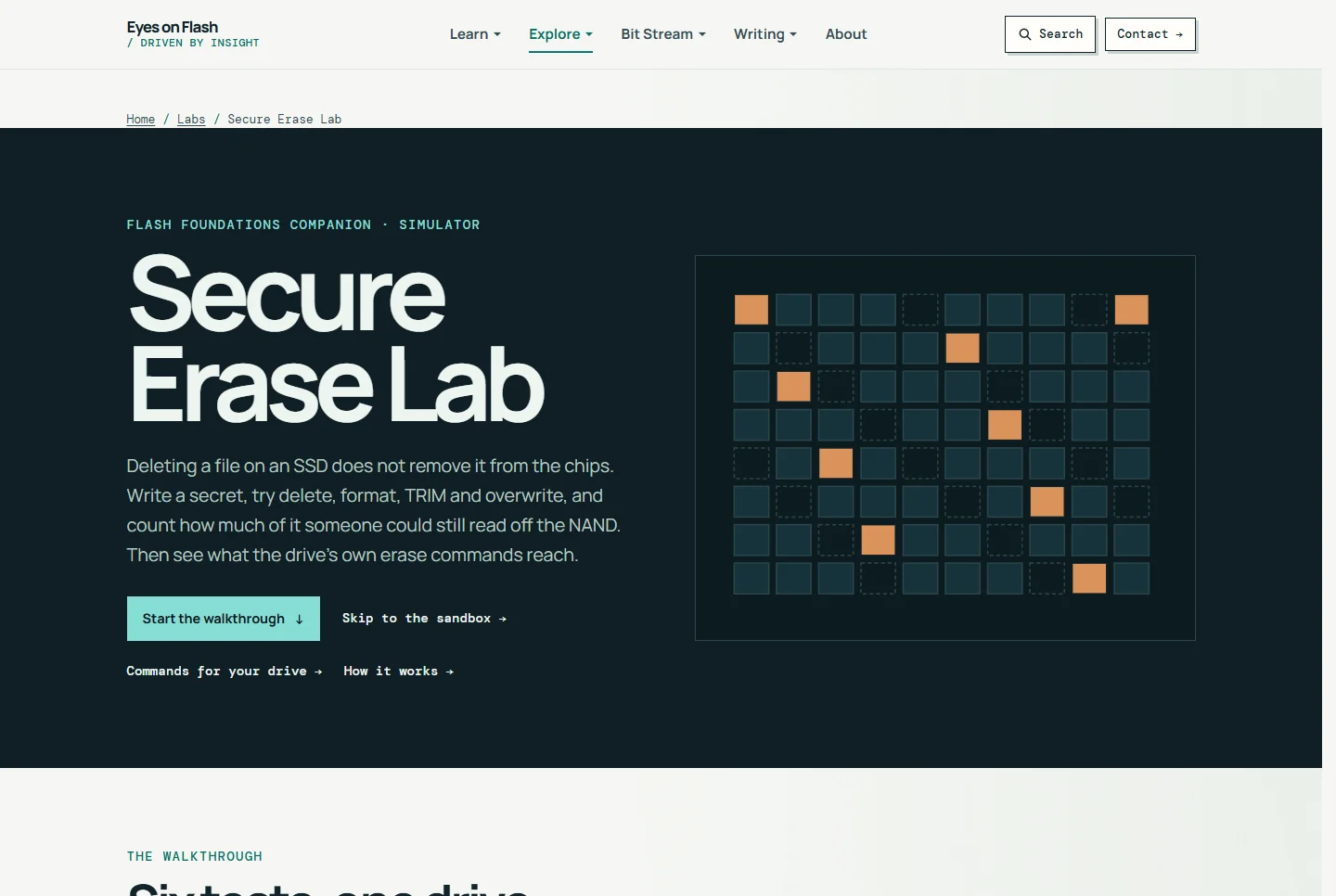
Write a secret to a simulated SSD, try delete, format, TRIM, overwrite and the drive's own erase commands, and count what is still on the chips.
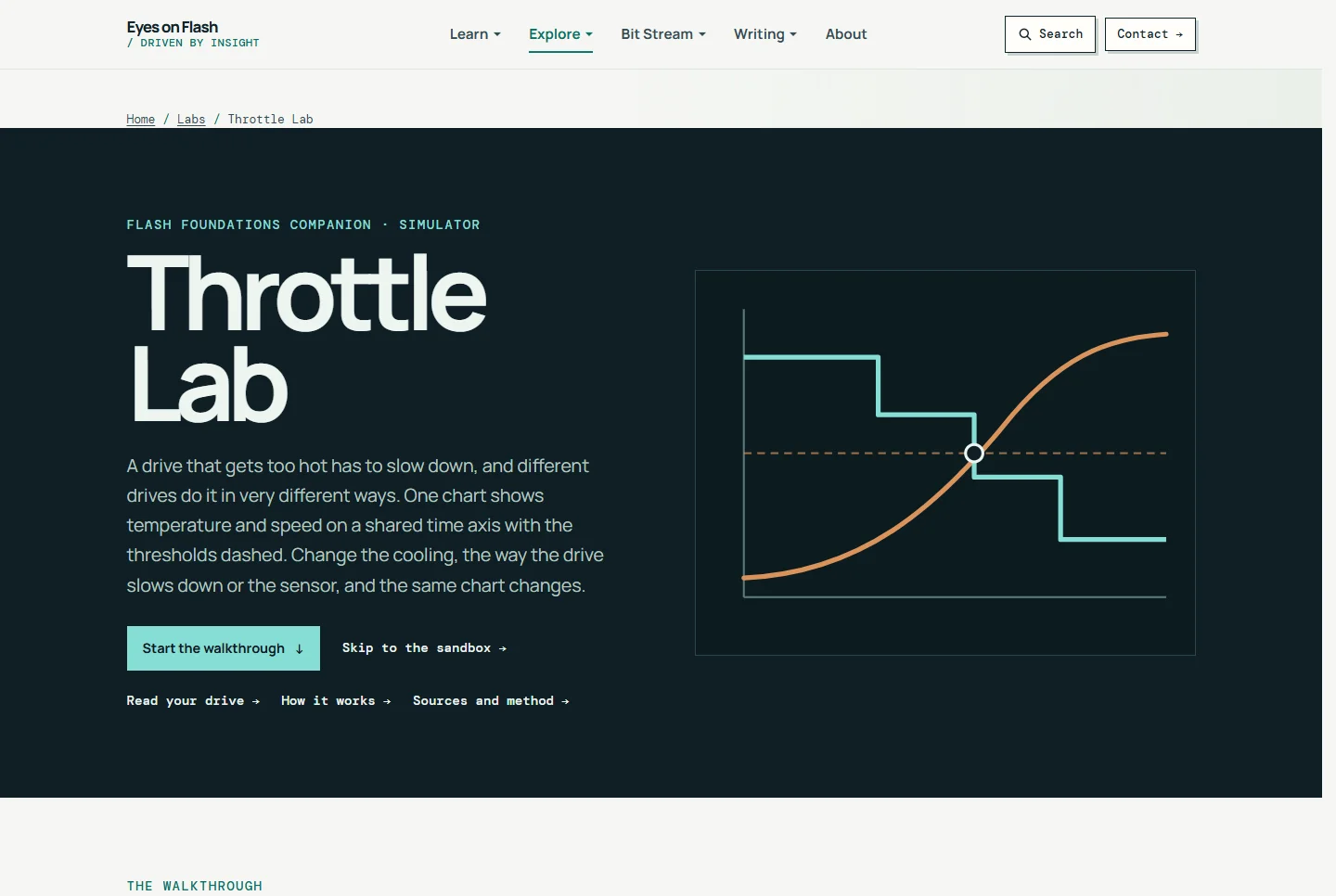
Heat a simulated SSD and see how real drives throttle: stepped levels, I/O pacing, a Gen5 to Gen4 link drop, NVMe power states, a host-set limit or a shutdown.
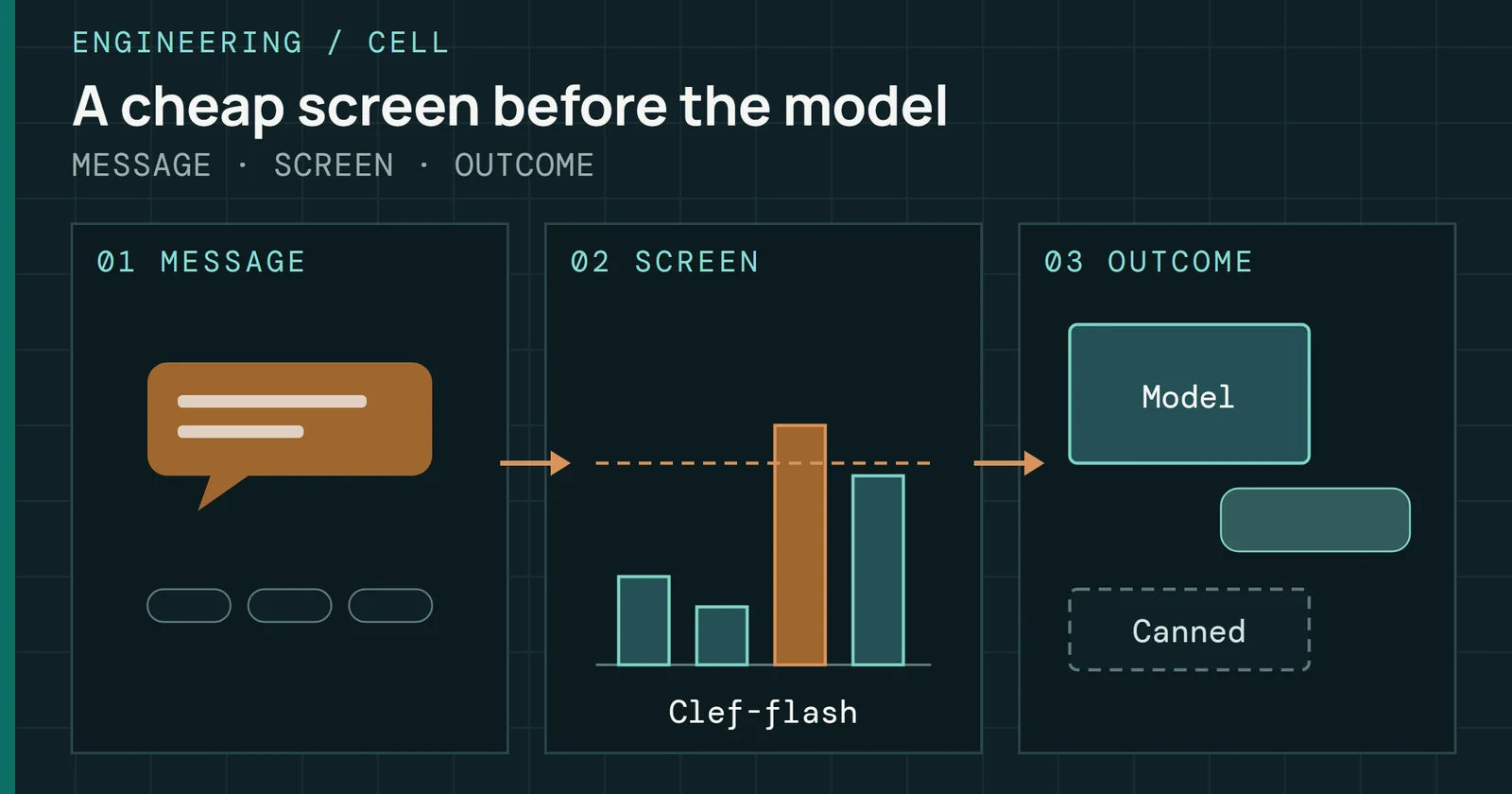
How I used Cloudflare's Clef decision model to screen off-topic and jailbreak questions for a handful of neurons before Cell's model answers.
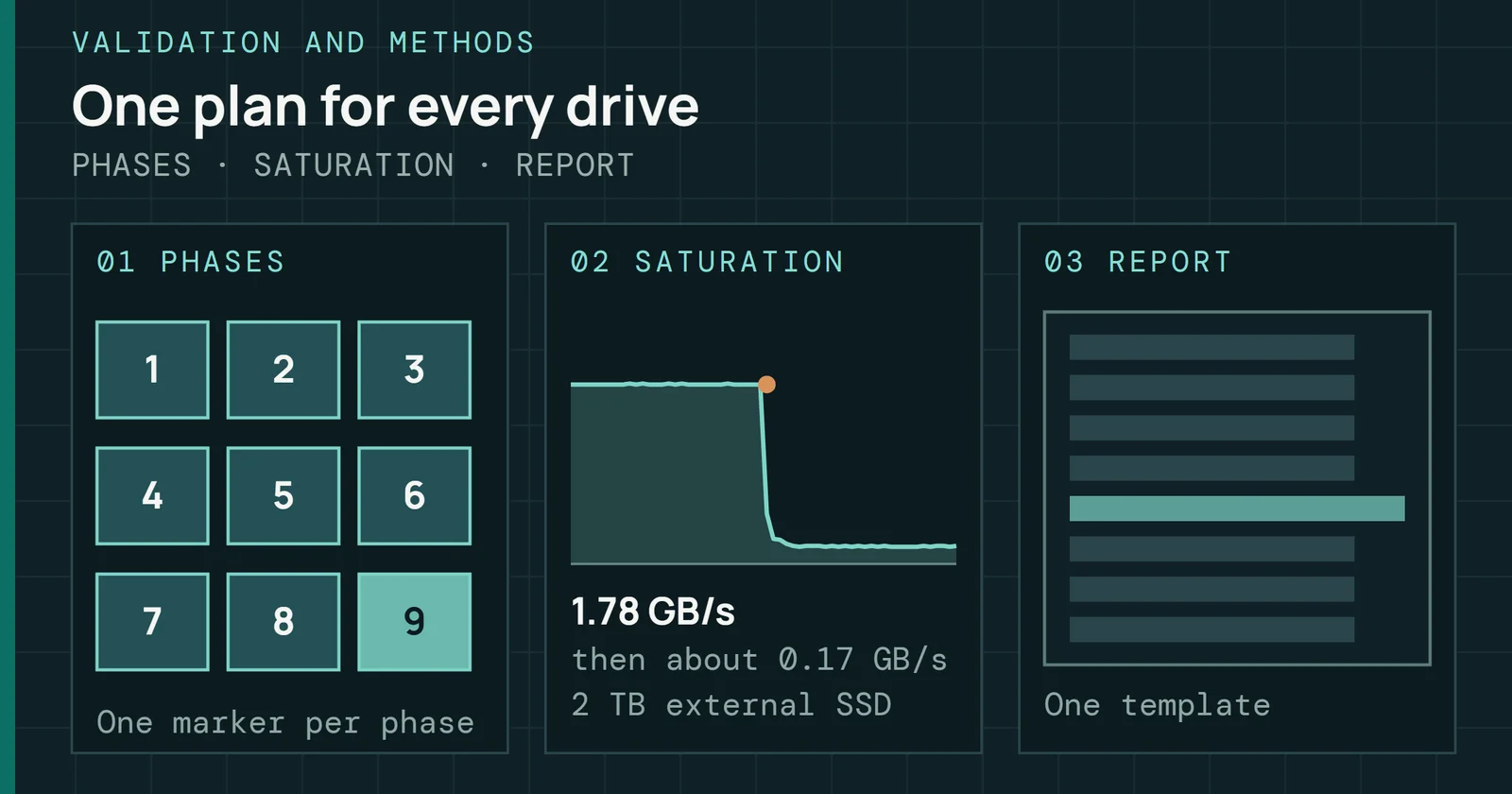
How I turned SSD validation into a repeatable process: fixed phases, write saturation with idle recovery, power capture, and a report each run had to fill in.
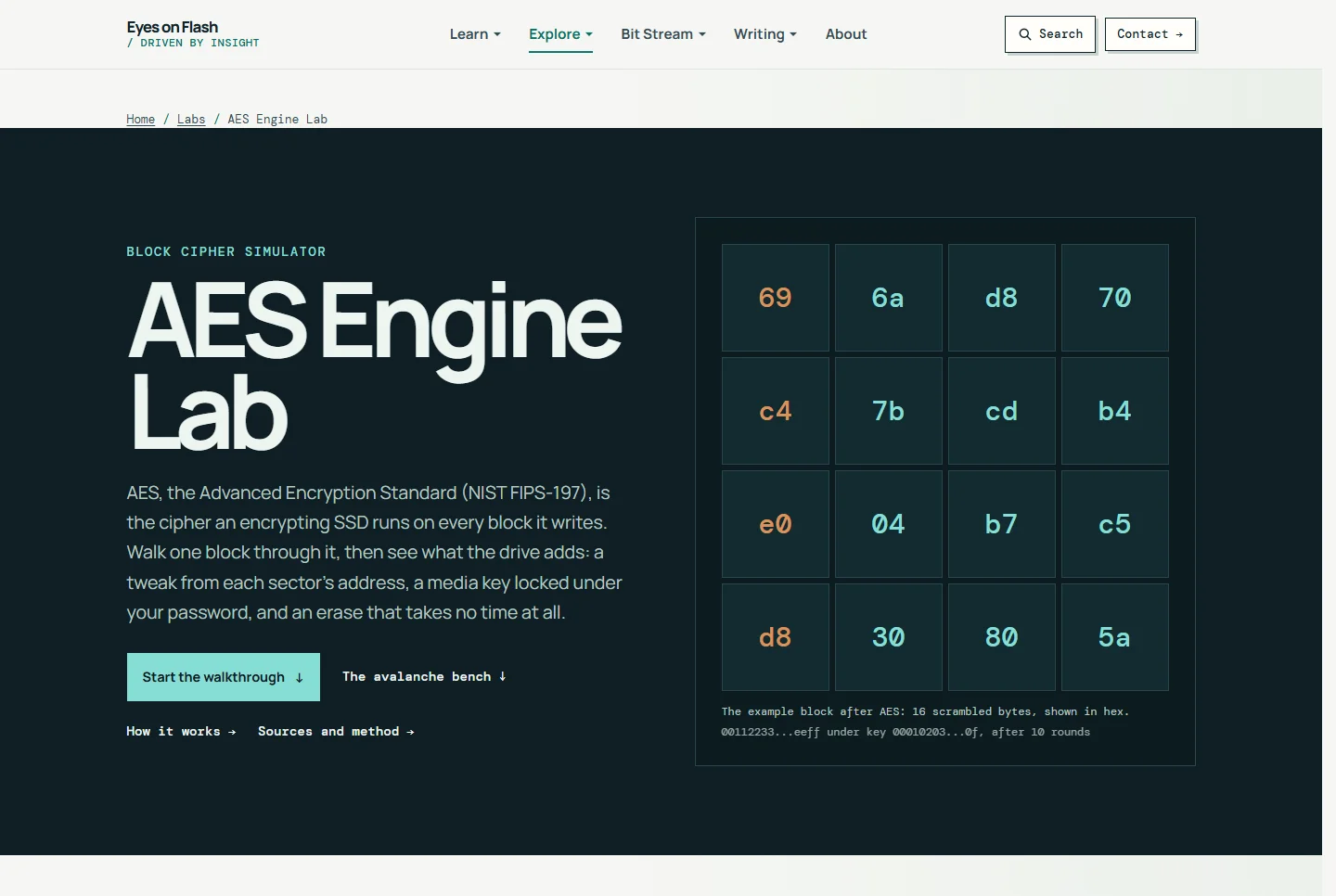
Step through every round of AES-128, AES-192 and AES-256, then the AES-XTS engine inside a self-encrypting SSD: per-LBA tweaks, key wrapping and crypto erase.
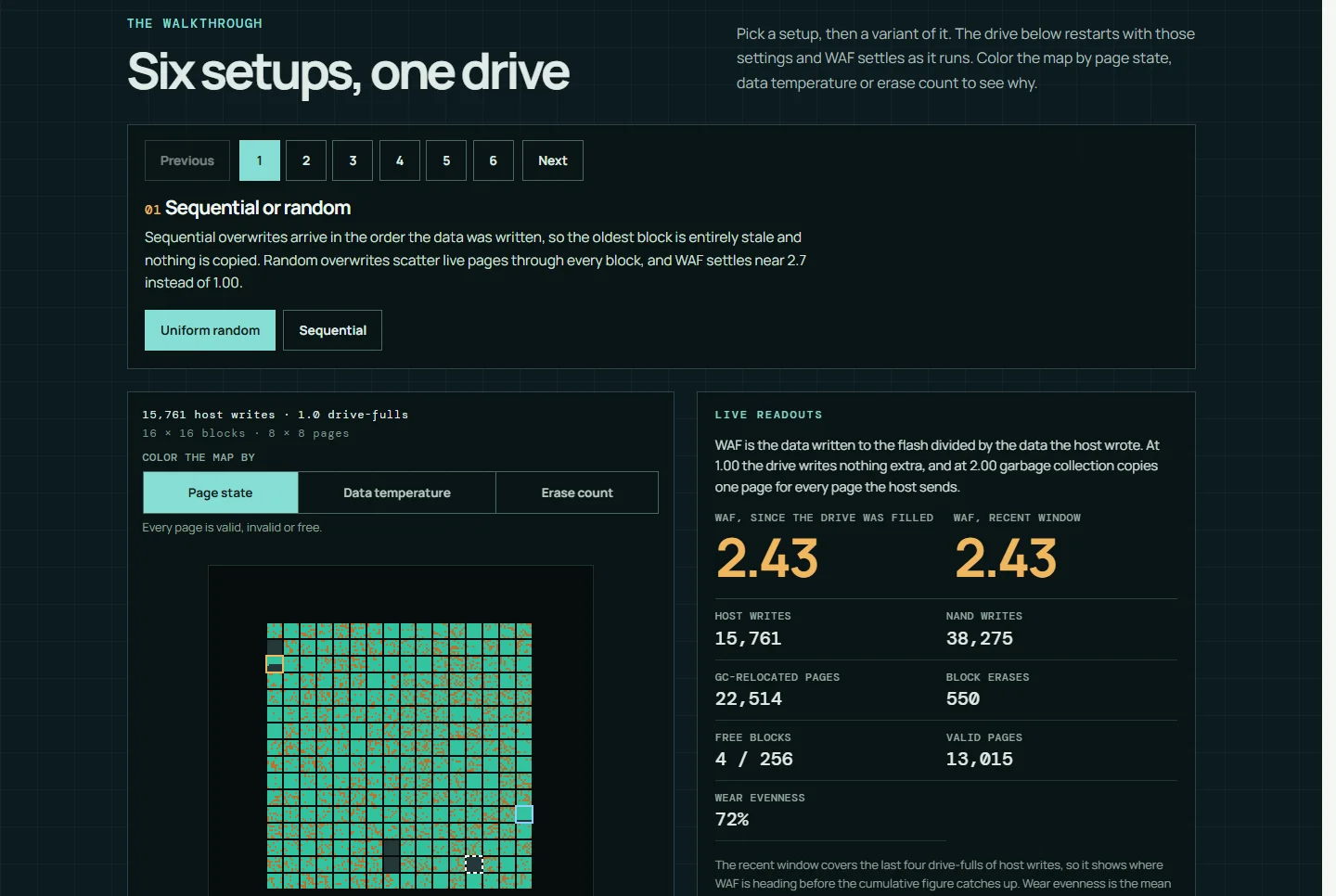
A flash translation layer and garbage-collection simulator that shows how overprovisioning, workload, TRIM and data placement change write amplification.
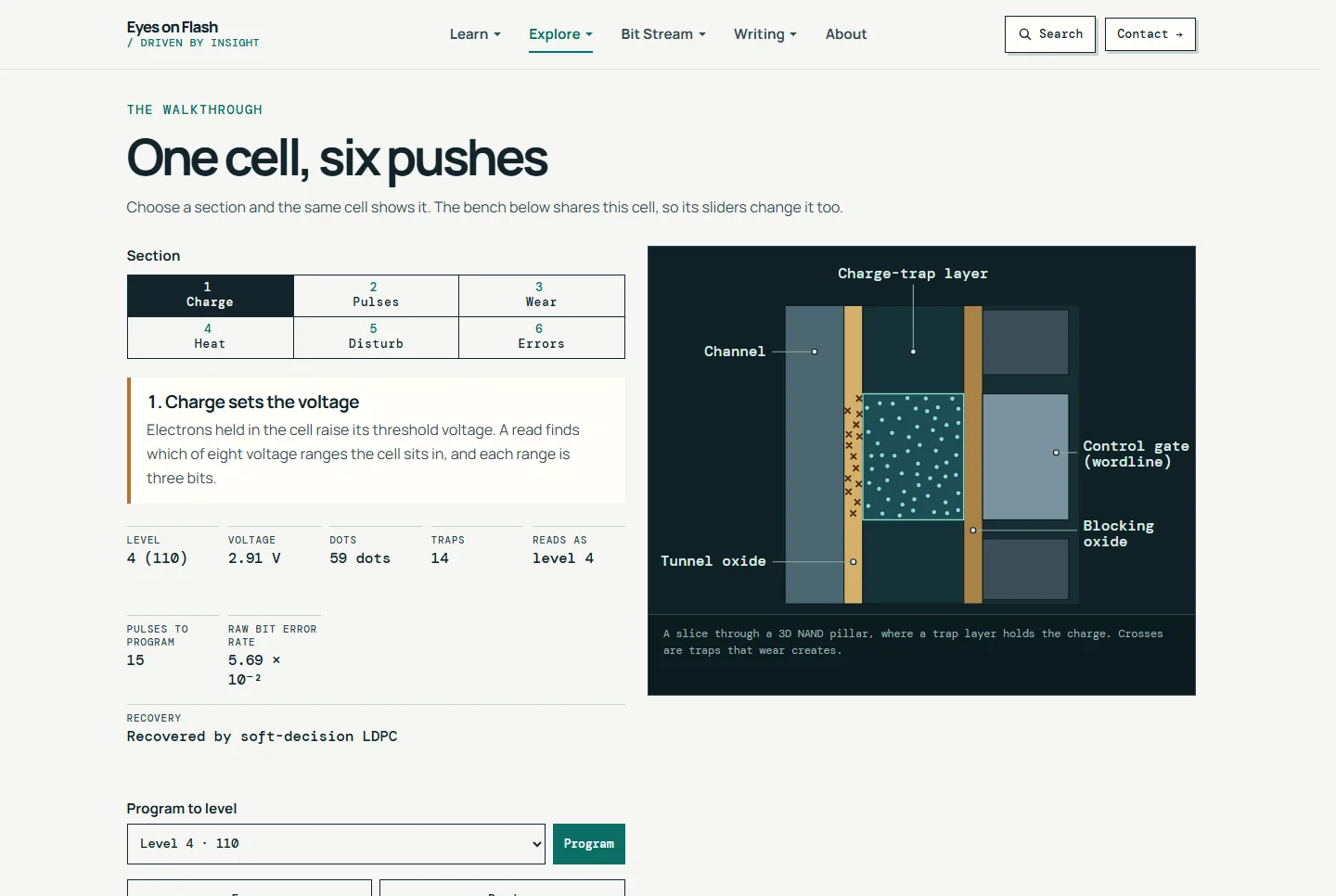
An interactive threshold-voltage simulator that shows how P/E cycling, retention, temperature and read disturb push NAND cells toward bit errors.
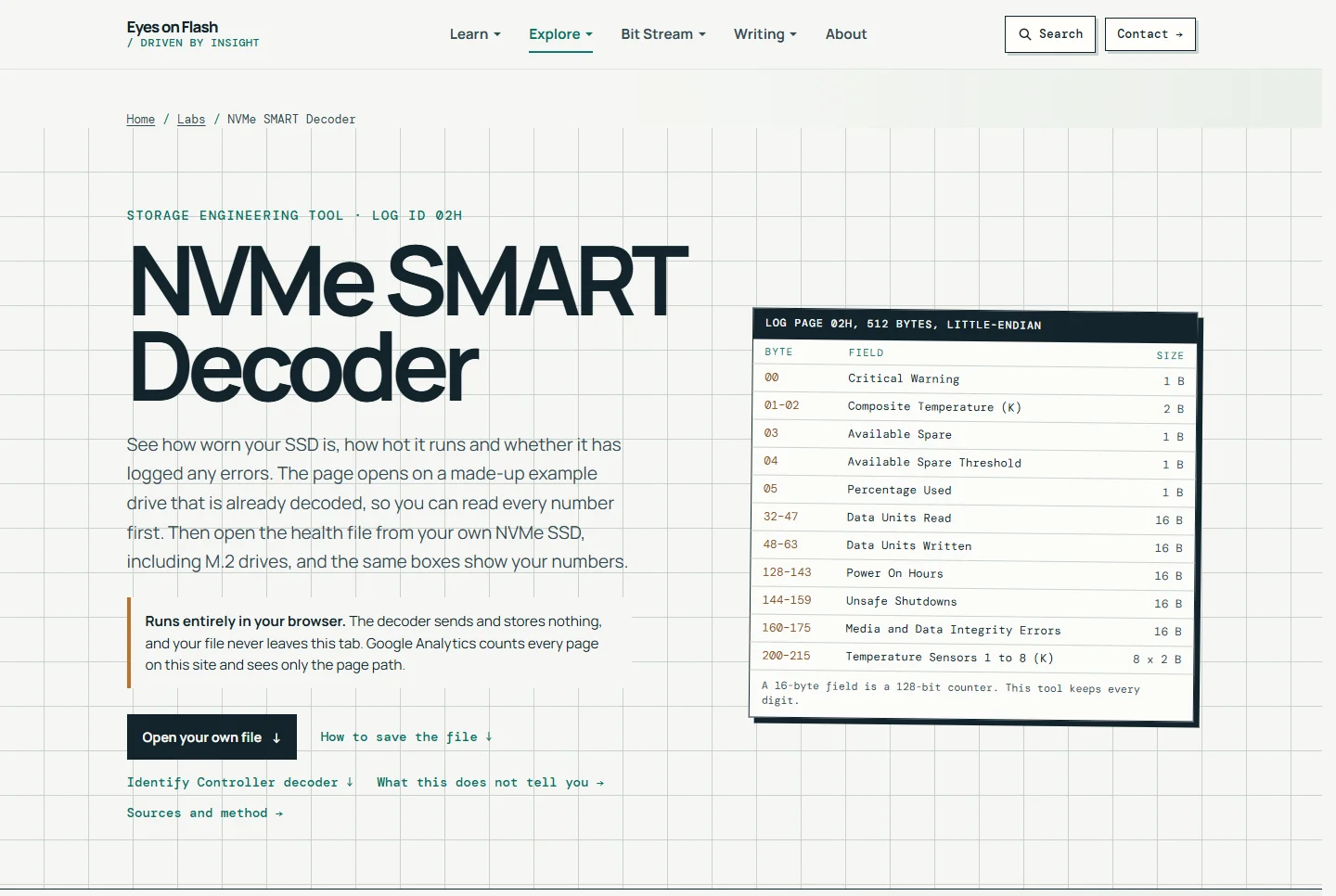
A browser tool that opens on a made-up example drive already decoded, then reads NVMe SMART / Health logs and Identify Controller data from nvme-cli, smartctl or raw hex, with endurance numbers.
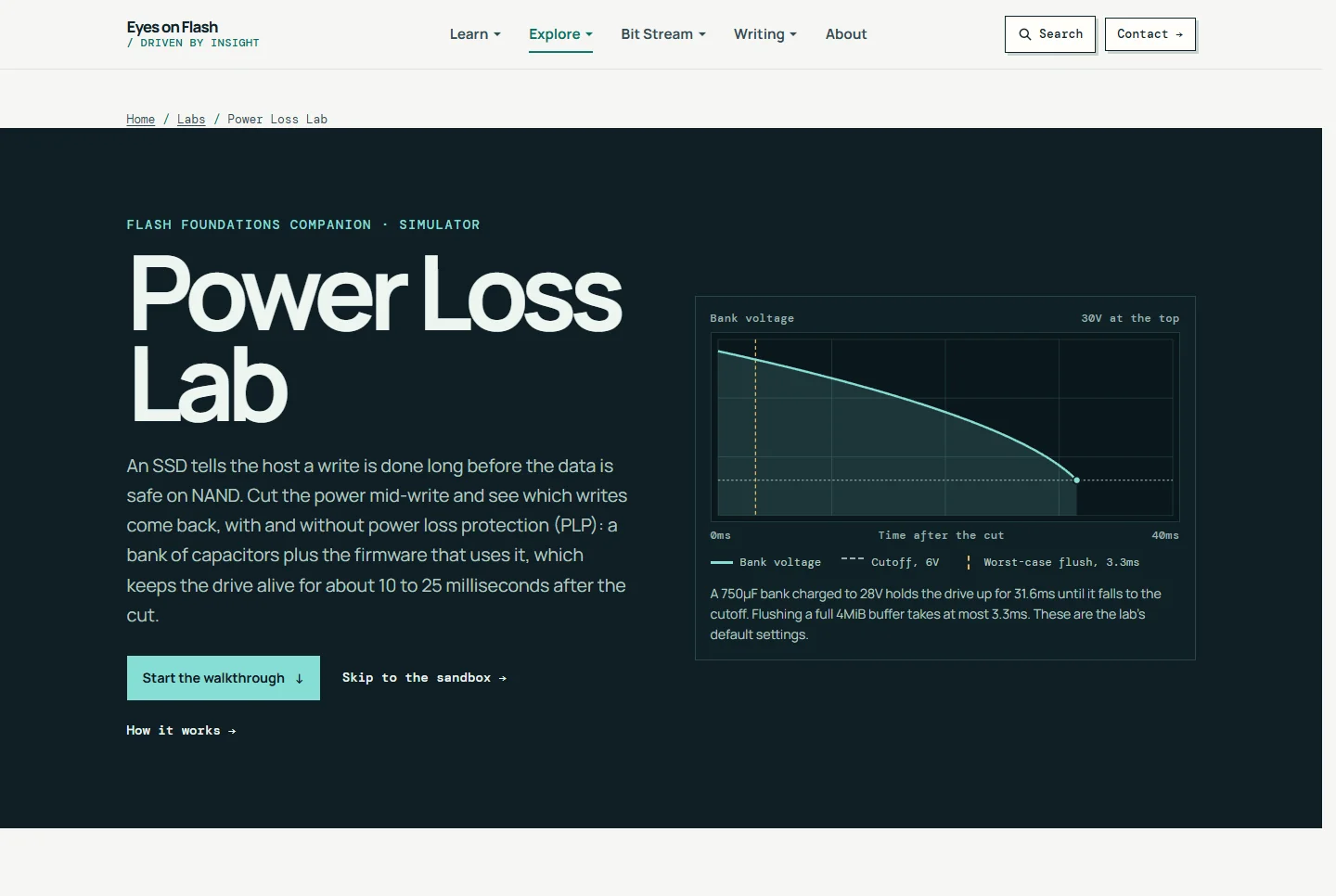
Cut power to a simulated SSD mid-write and see which writes come back, with and without capacitor-backed power loss protection, old capacitors and flushes.
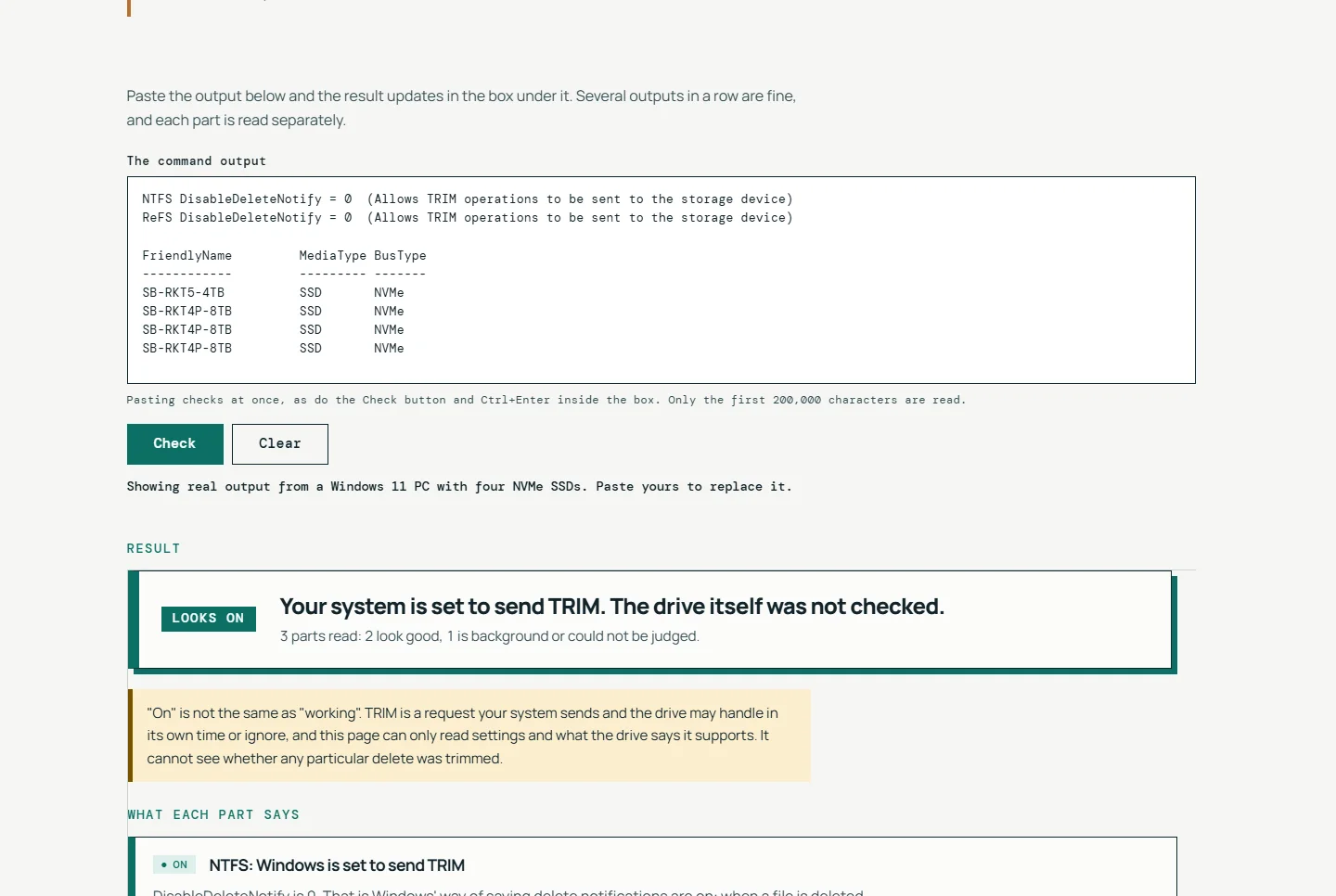
A browser checker for SSD TRIM. Run one read-only command, paste the output, and get a plain-language verdict on whether TRIM is on and what to do next.
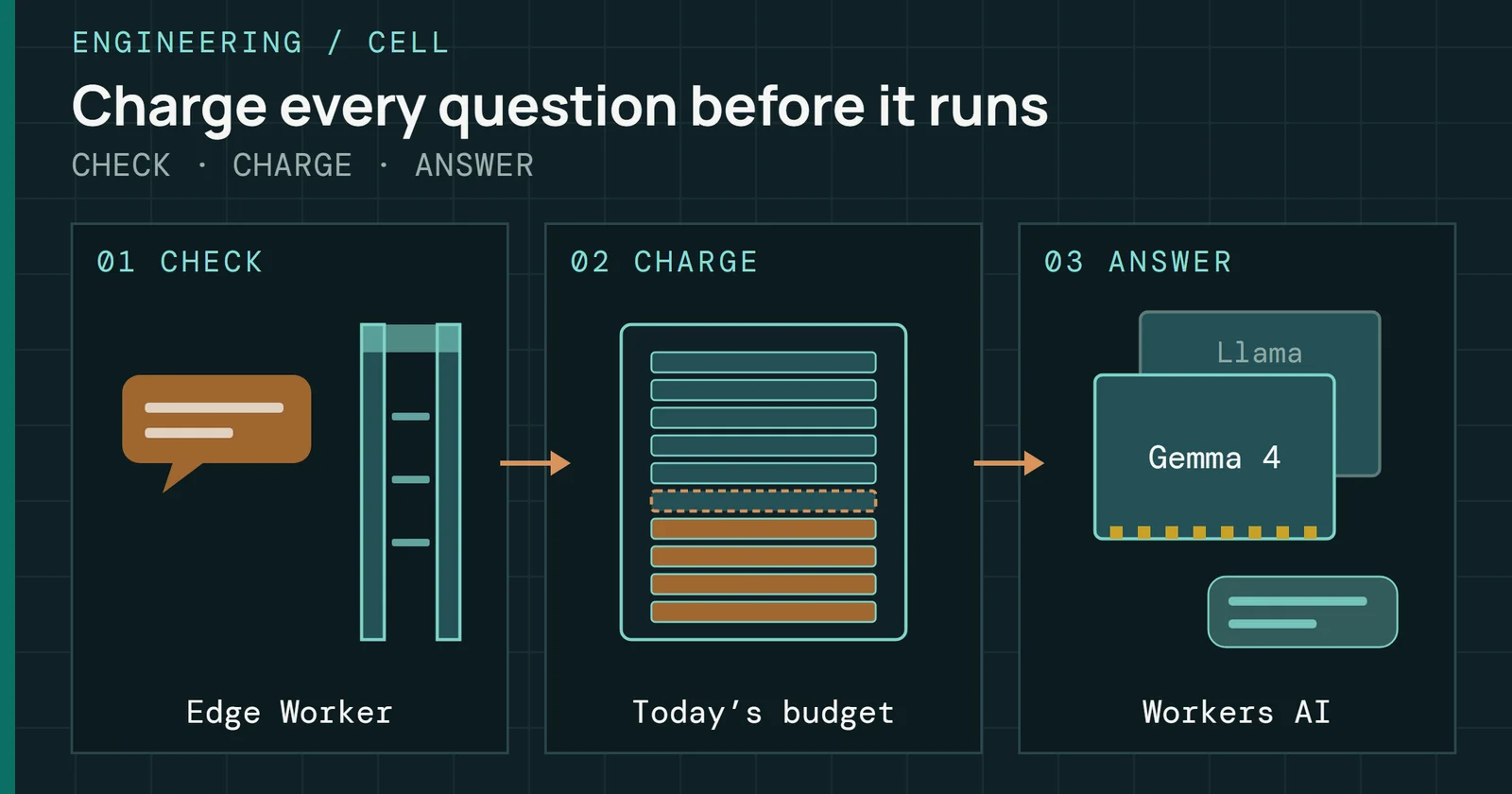
How I added an SI guide to my site without a paid plan: a budget that fails closed, a Durable Object for the heavy work, and an edge Worker near 1ms of CPU.
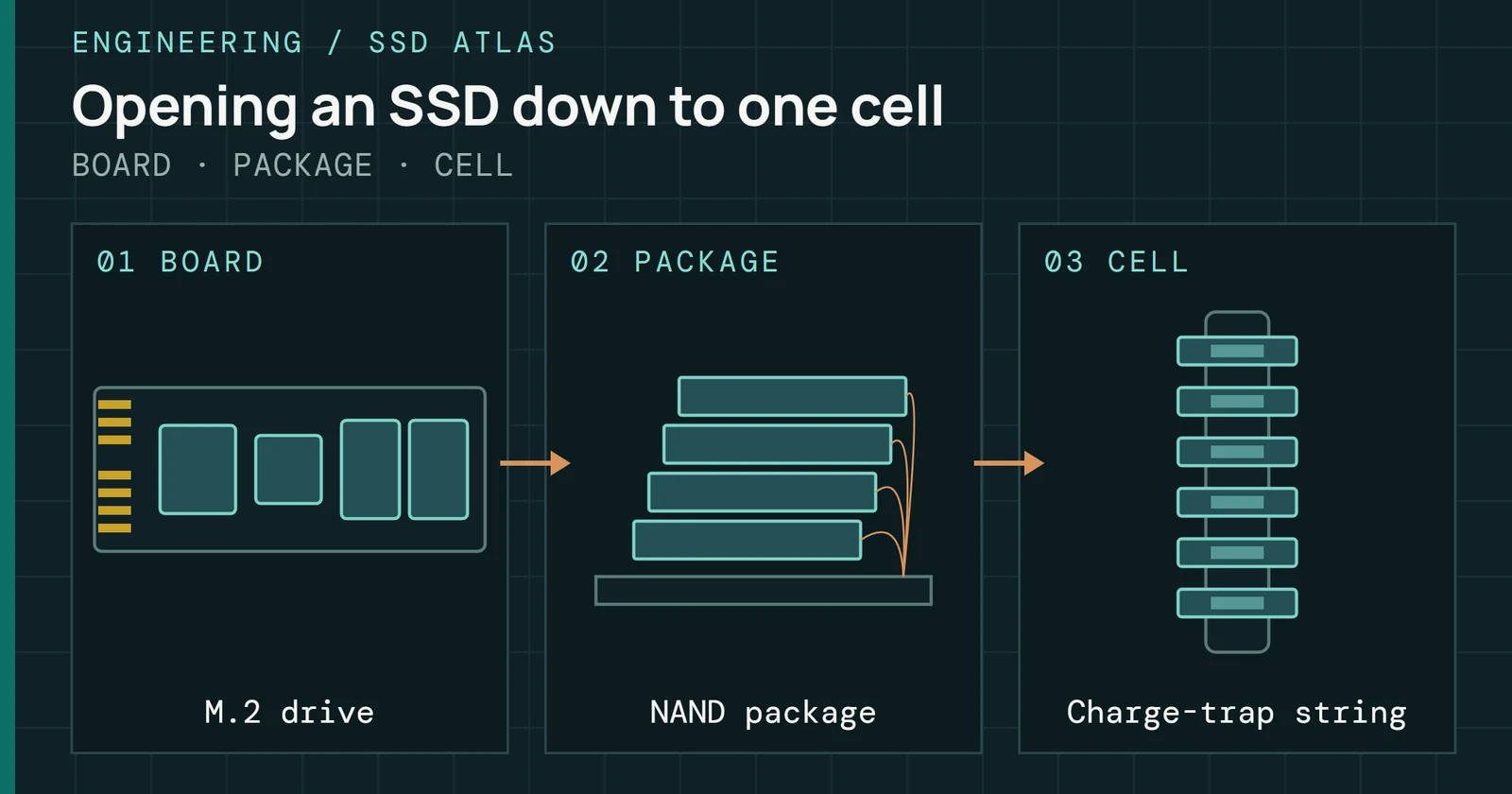
The design decisions, bugs and honesty rules behind an interactive 3D reference for an M.2 NVMe SSD, from the board down to a single NAND cell.
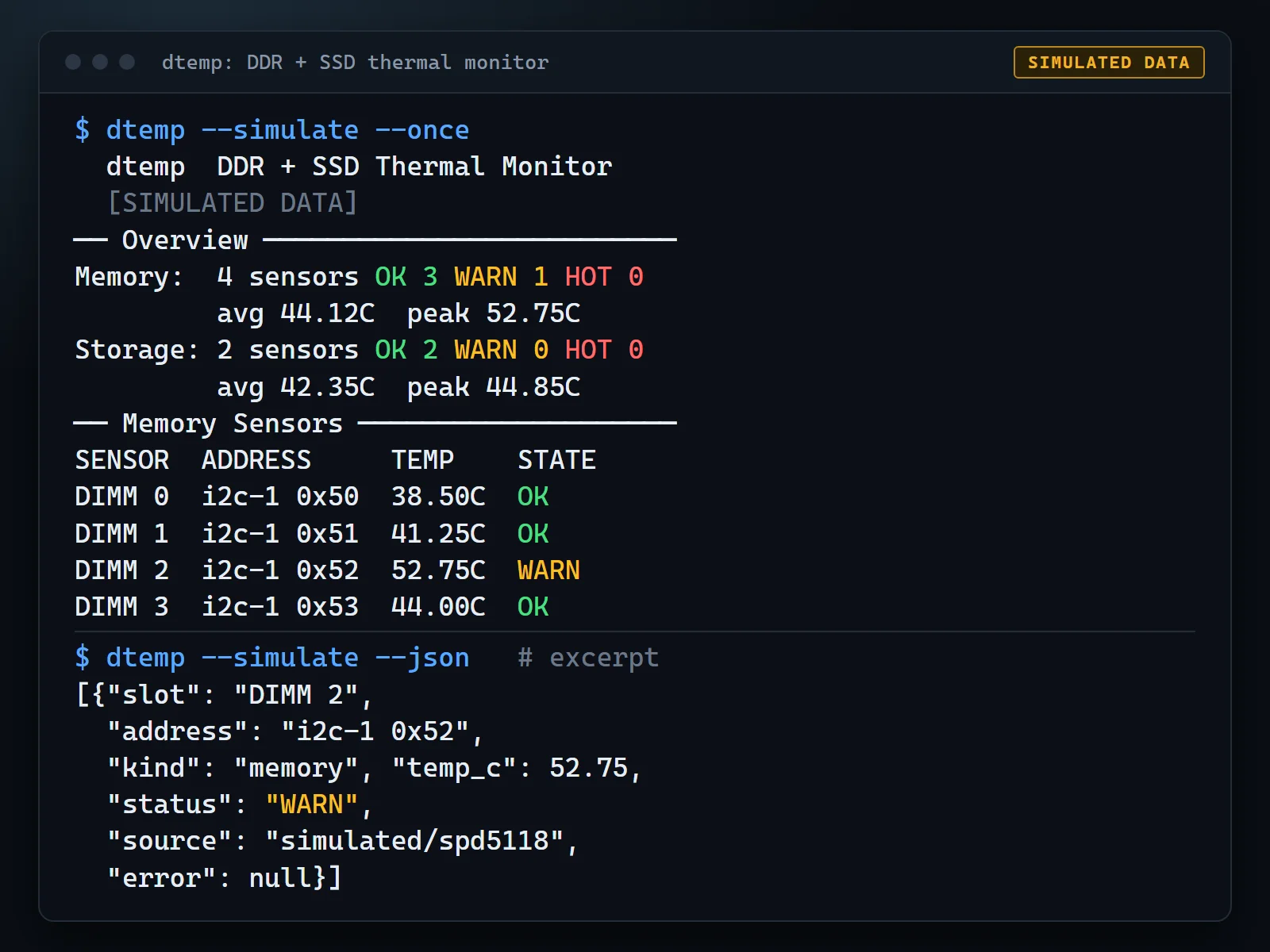
A read-only Linux terminal tool for DDR5 and DDR4 DIMM temperatures, plus NVMe and SATA drives, with a synthetic simulate mode.
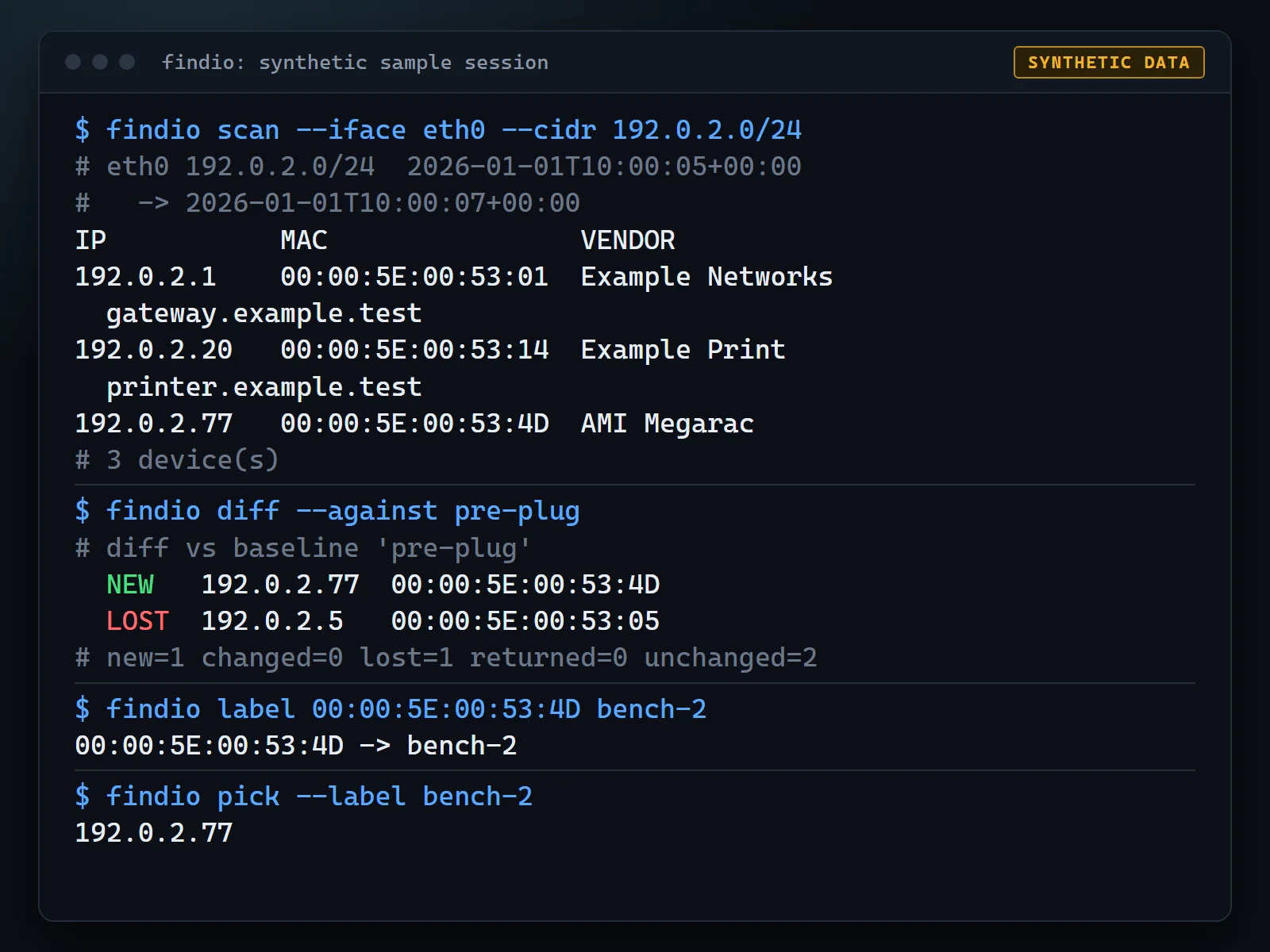
A small terminal tool that finds the machine you just plugged in, or its BMC, by diffing network scans before and after.
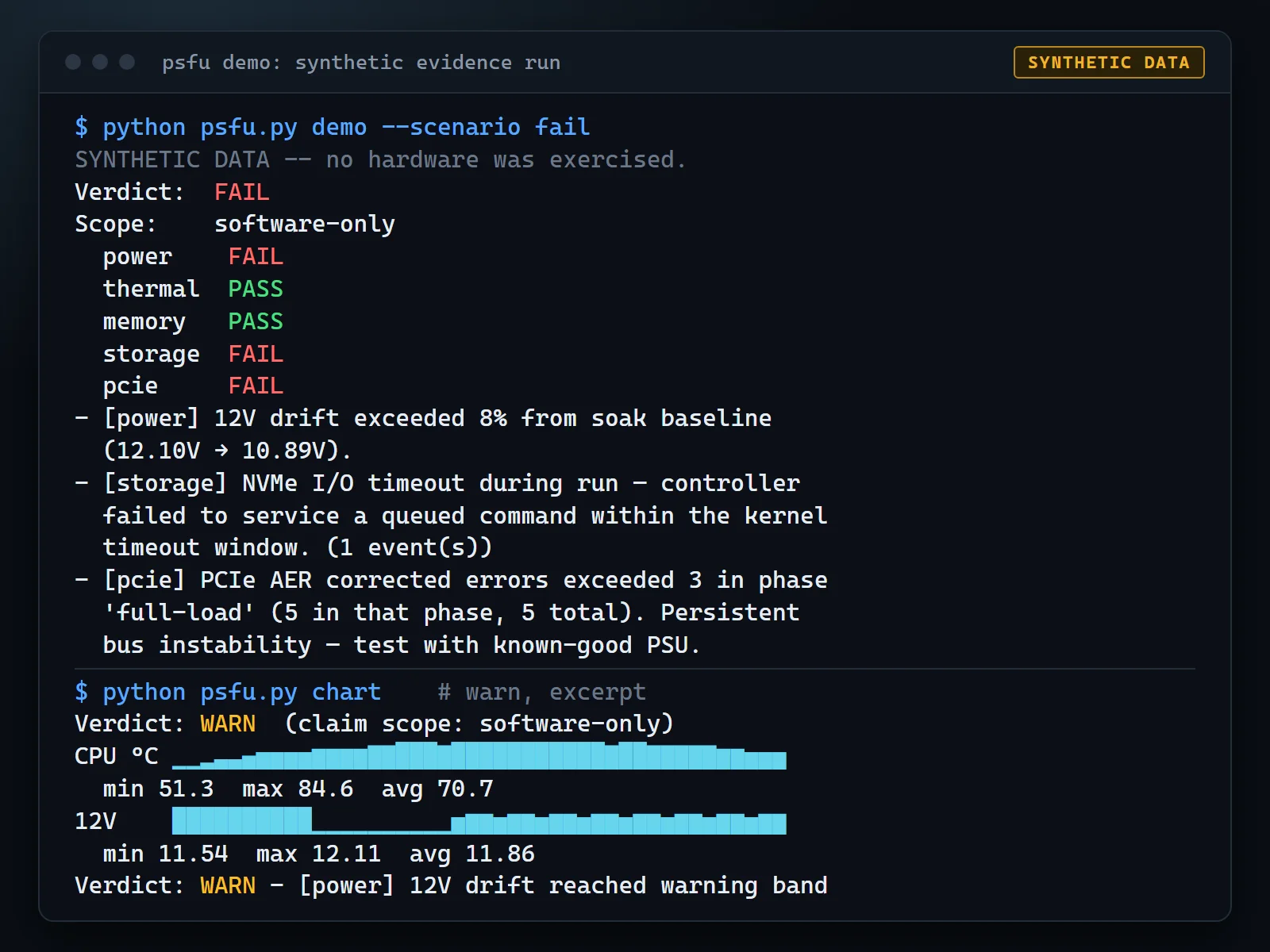
A Linux hardware stress and telemetry harness that scores each run PASS, WARN or FAIL and leaves a hashed evidence bundle.
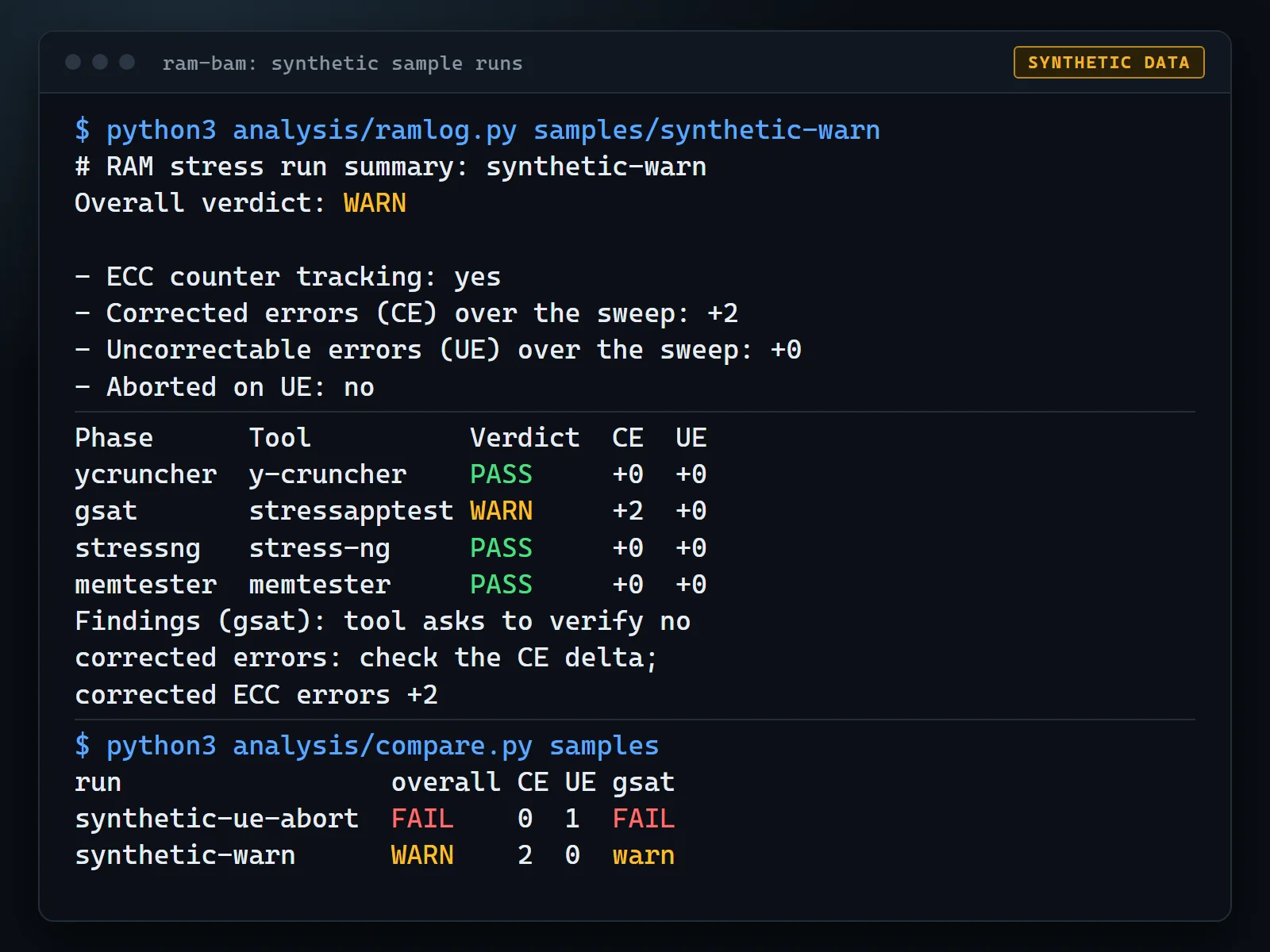
An experimental protocol and script set for stress-testing ECC DDR5 on Linux with four existing tools while tracking EDAC error counters.
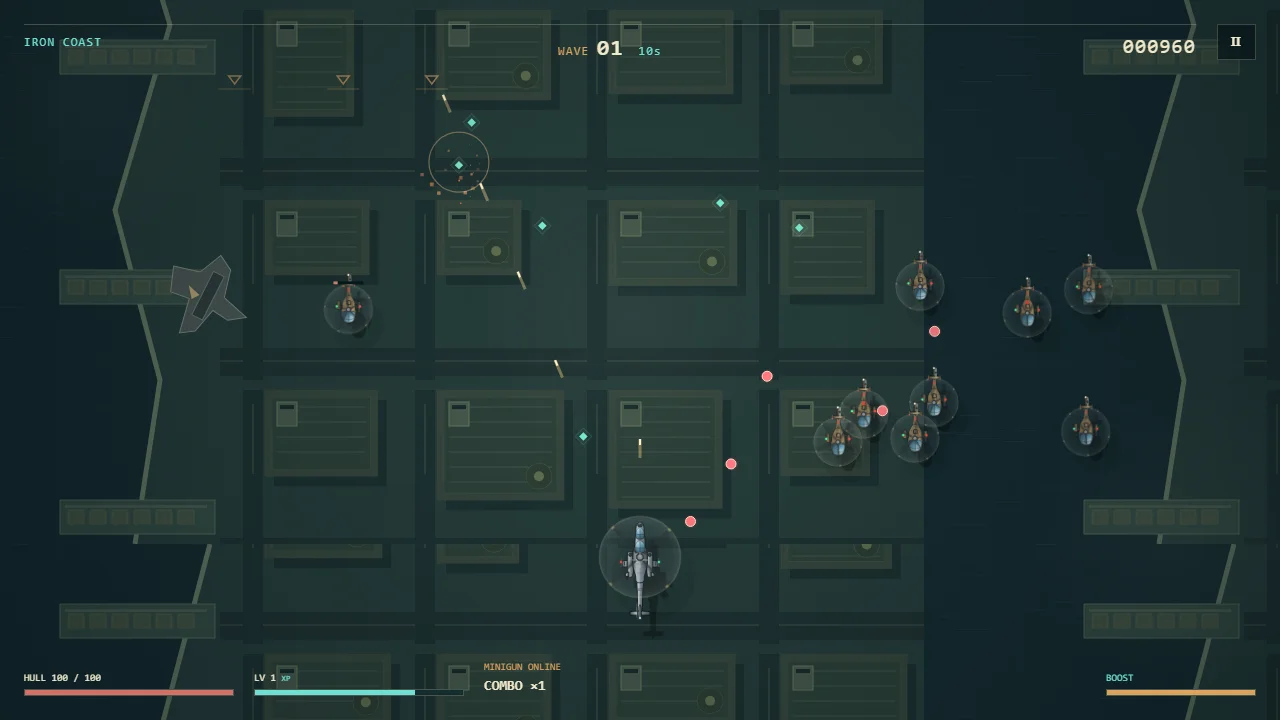
A fast top-down helicopter roguelite built with vanilla JavaScript and HTML5 Canvas.
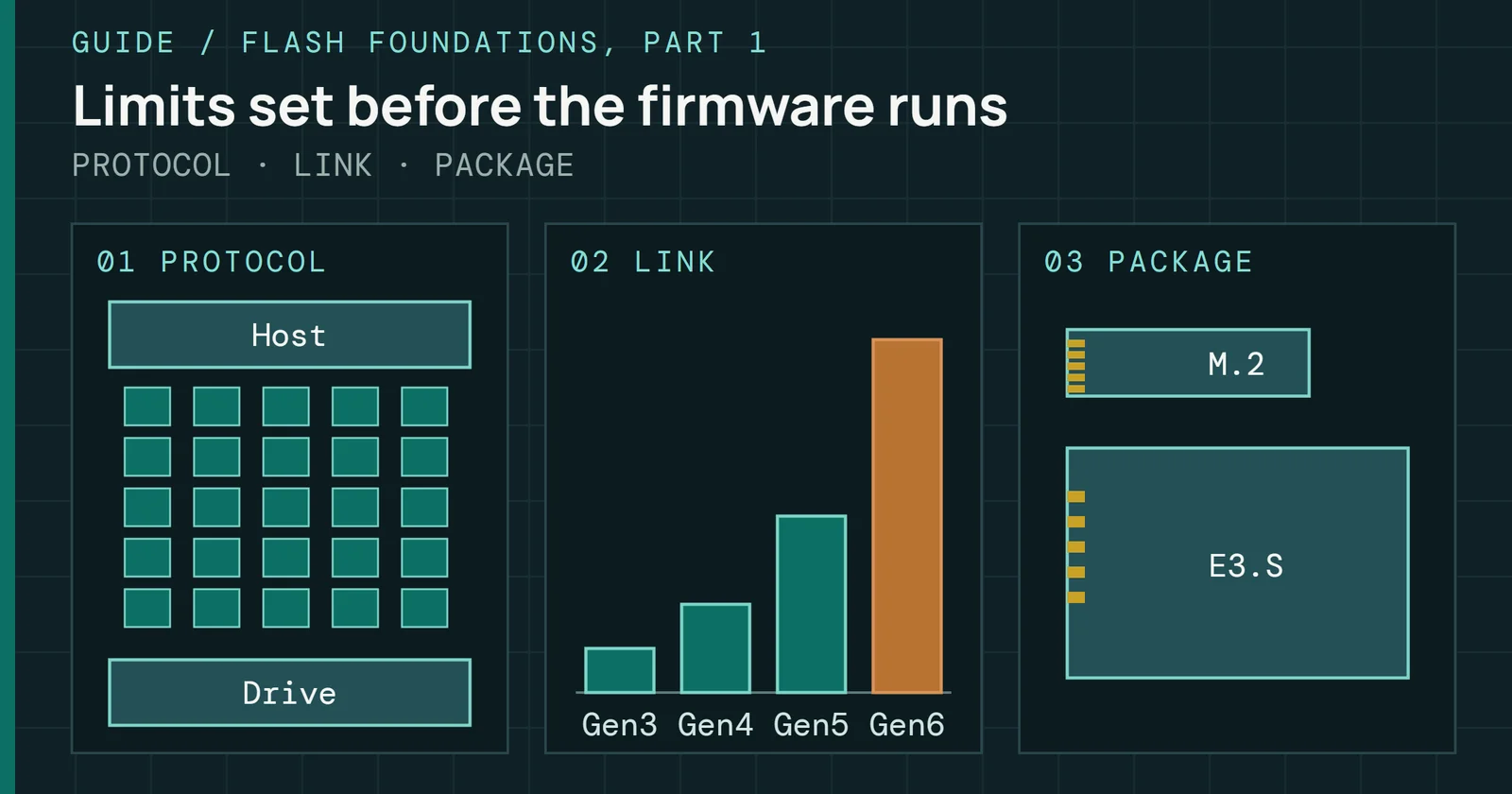
Trace the standards, interfaces and form factors that limit a drive before its firmware runs.
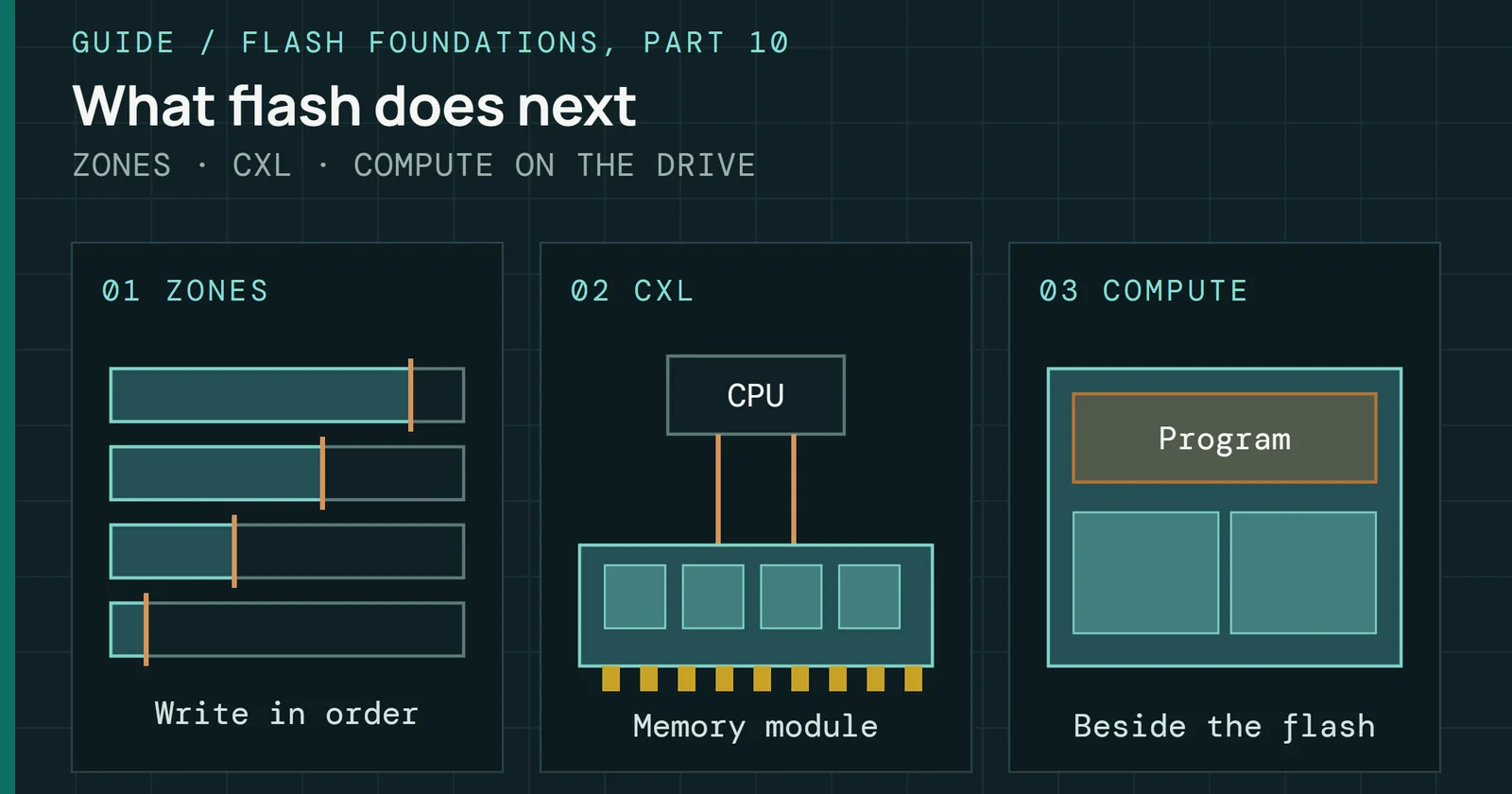
Sort each direction in flash as on sale, in qualification or in research, and learn what to specify today.
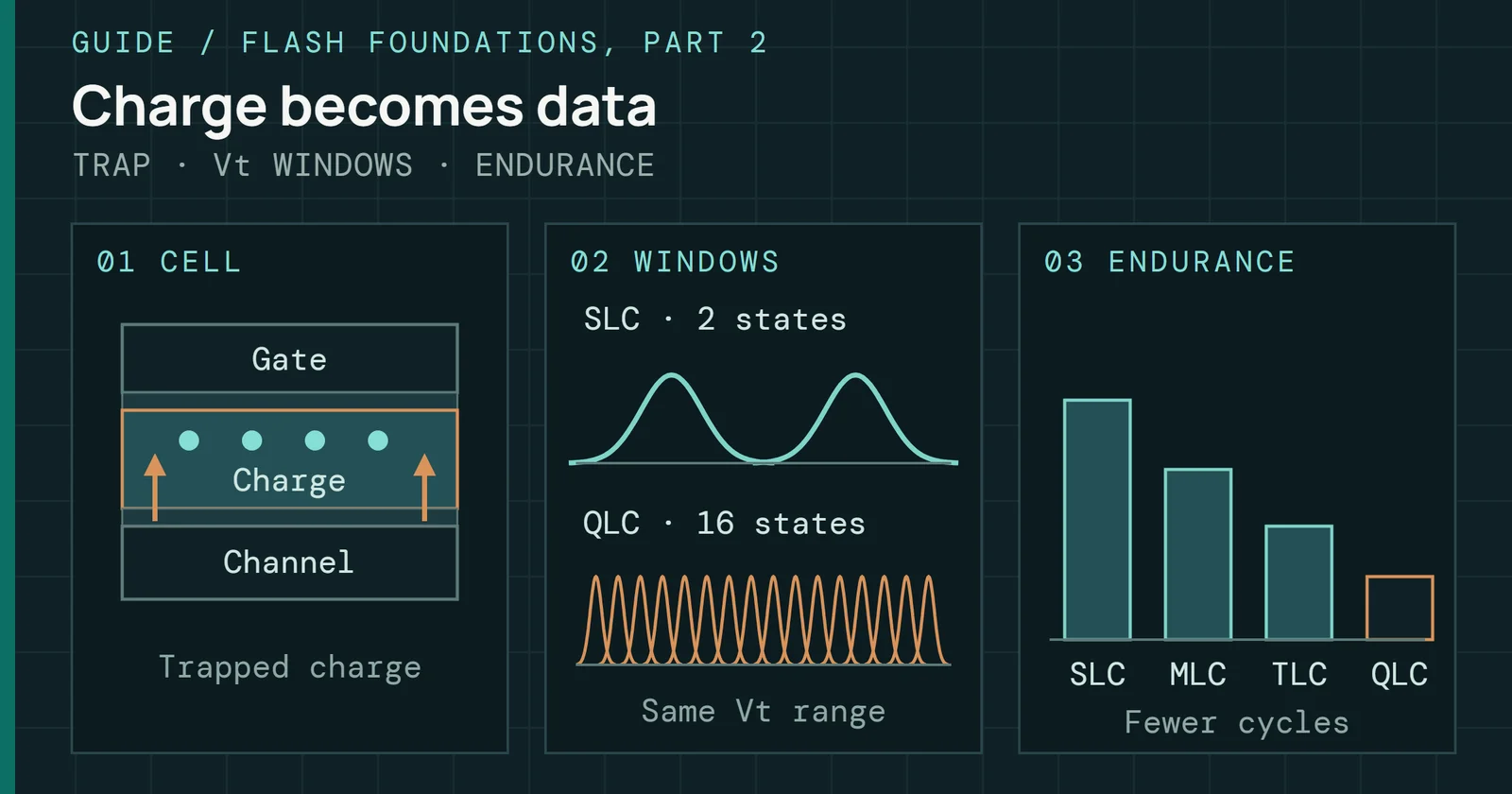
See how stored charge becomes data, and why reading it gets harder as cells become denser.
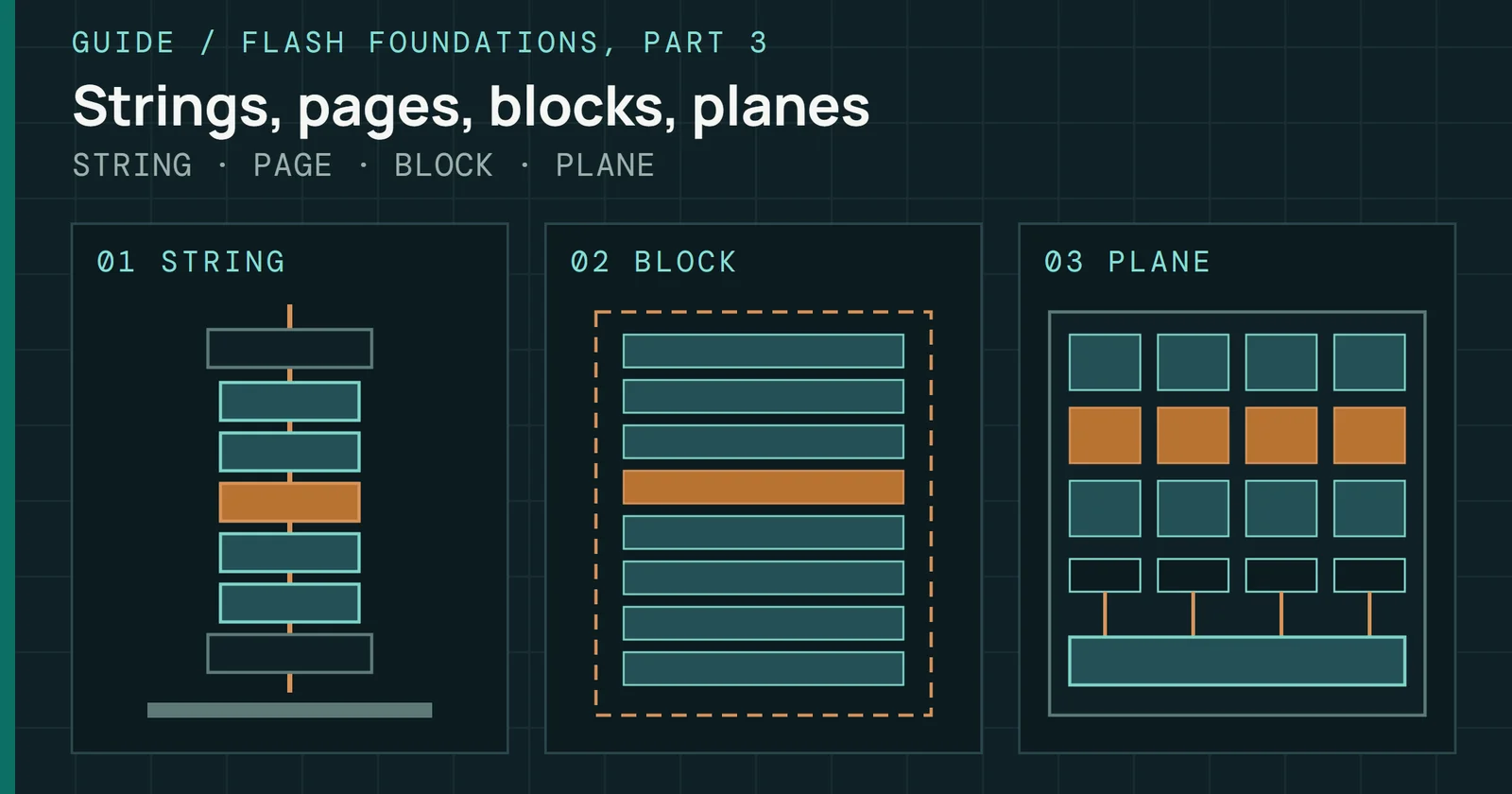
Follow cells into pages, blocks, and dies to understand how NAND is organized.
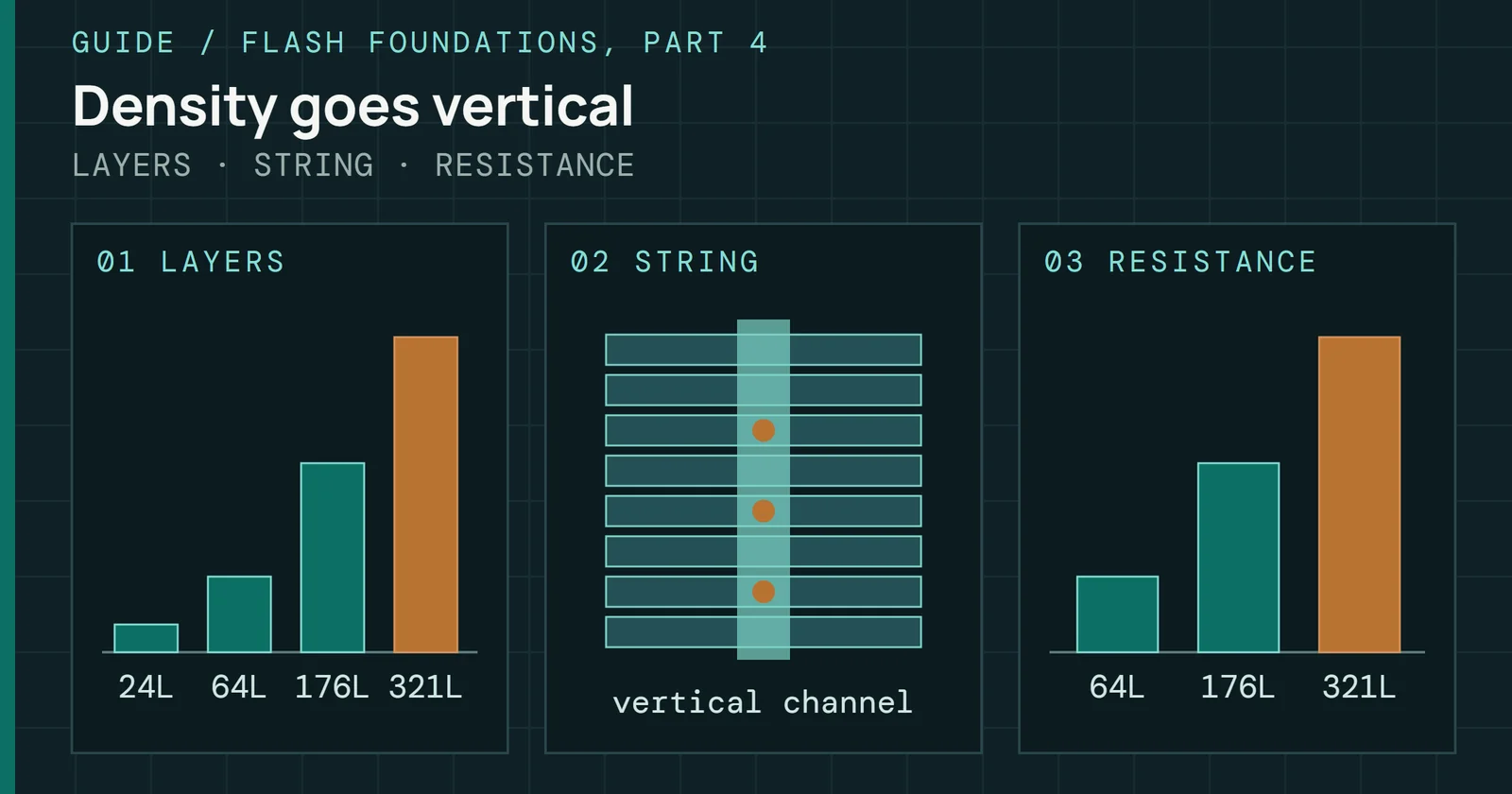
See how stacking layers raised density and created new problems for fabs and firmware.
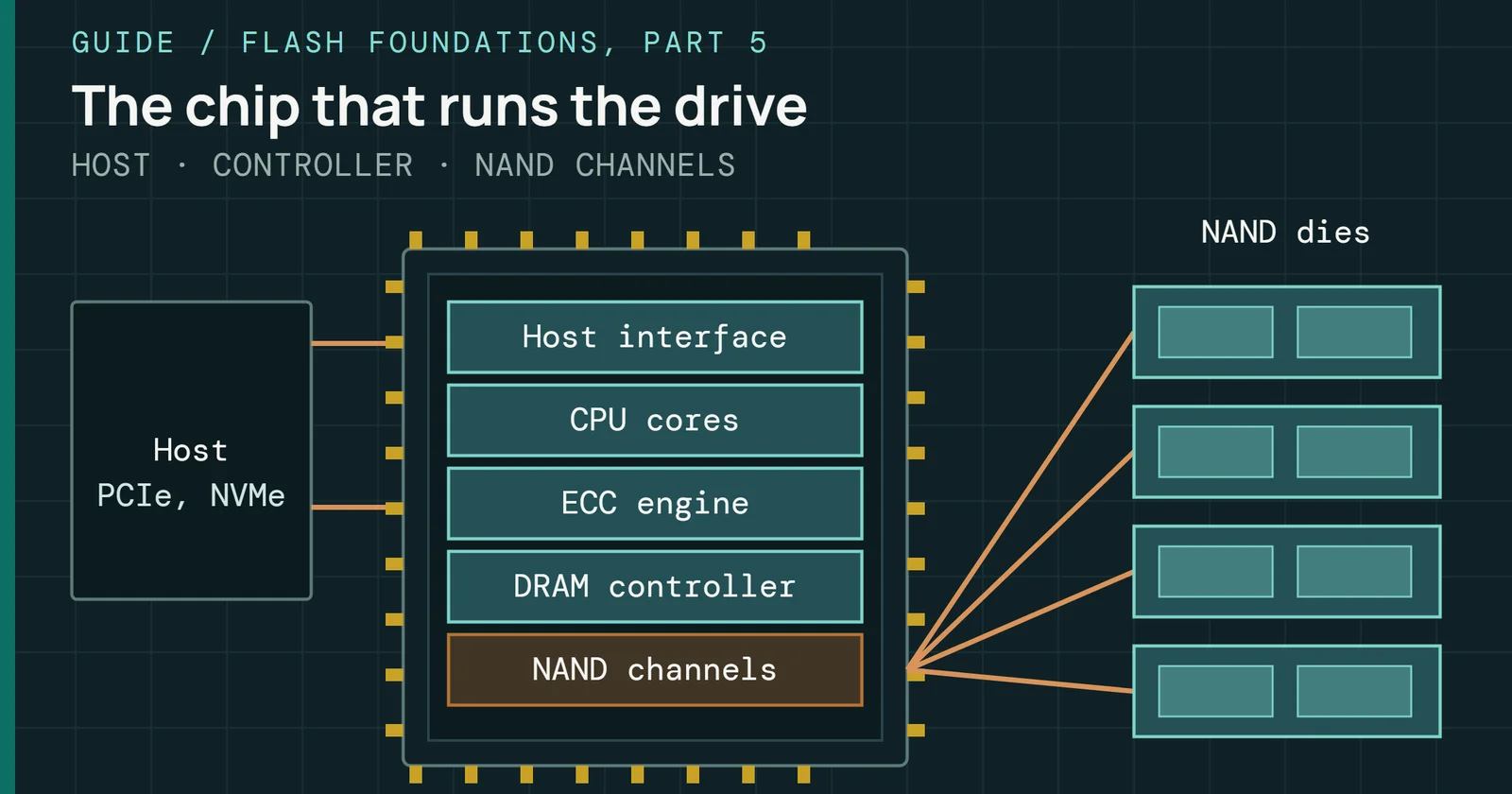
Meet the processor coordinating the host, NAND, and the firmware inside an SSD.
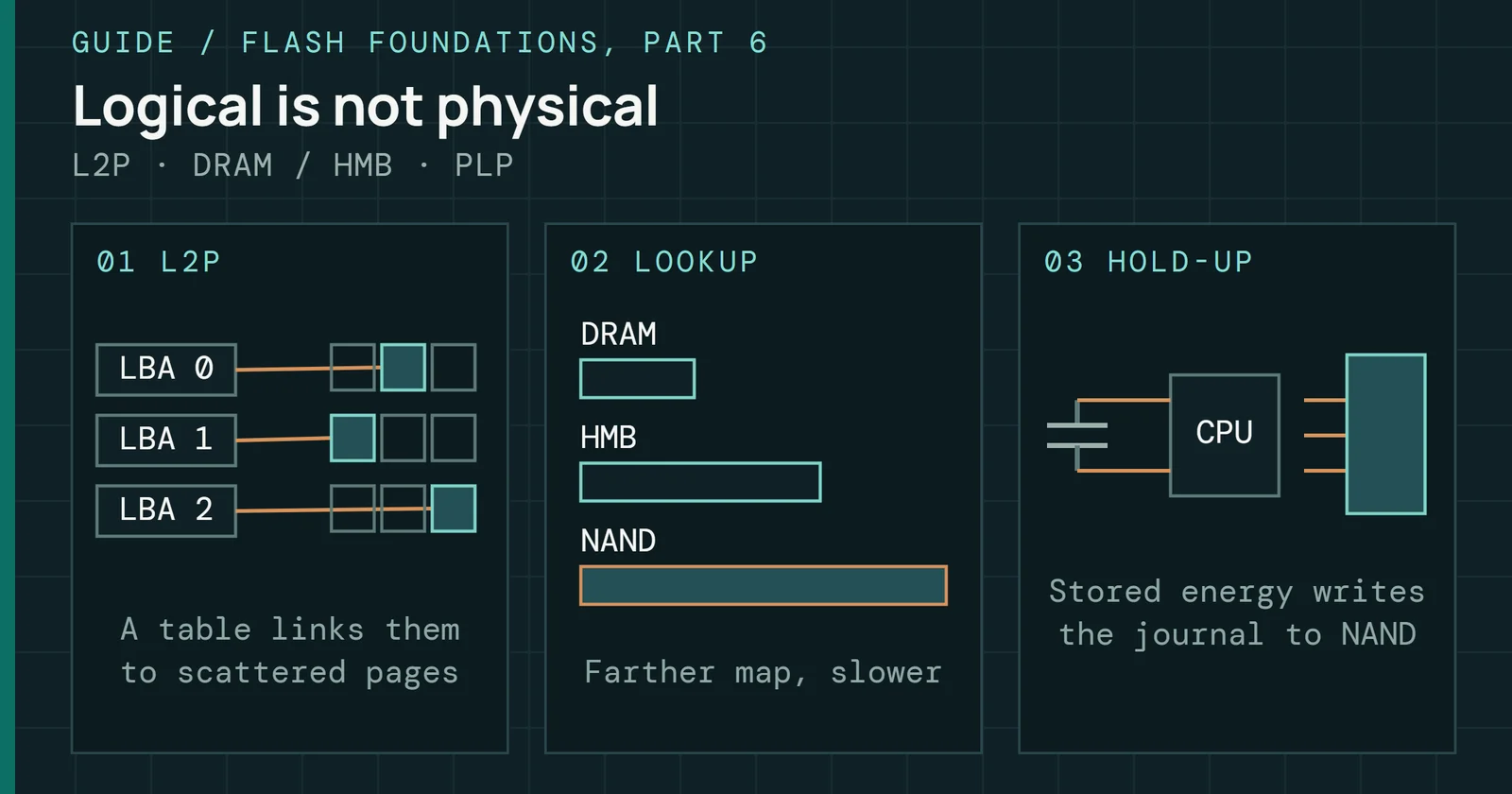
Understand how firmware maps logical addresses to physical NAND locations.
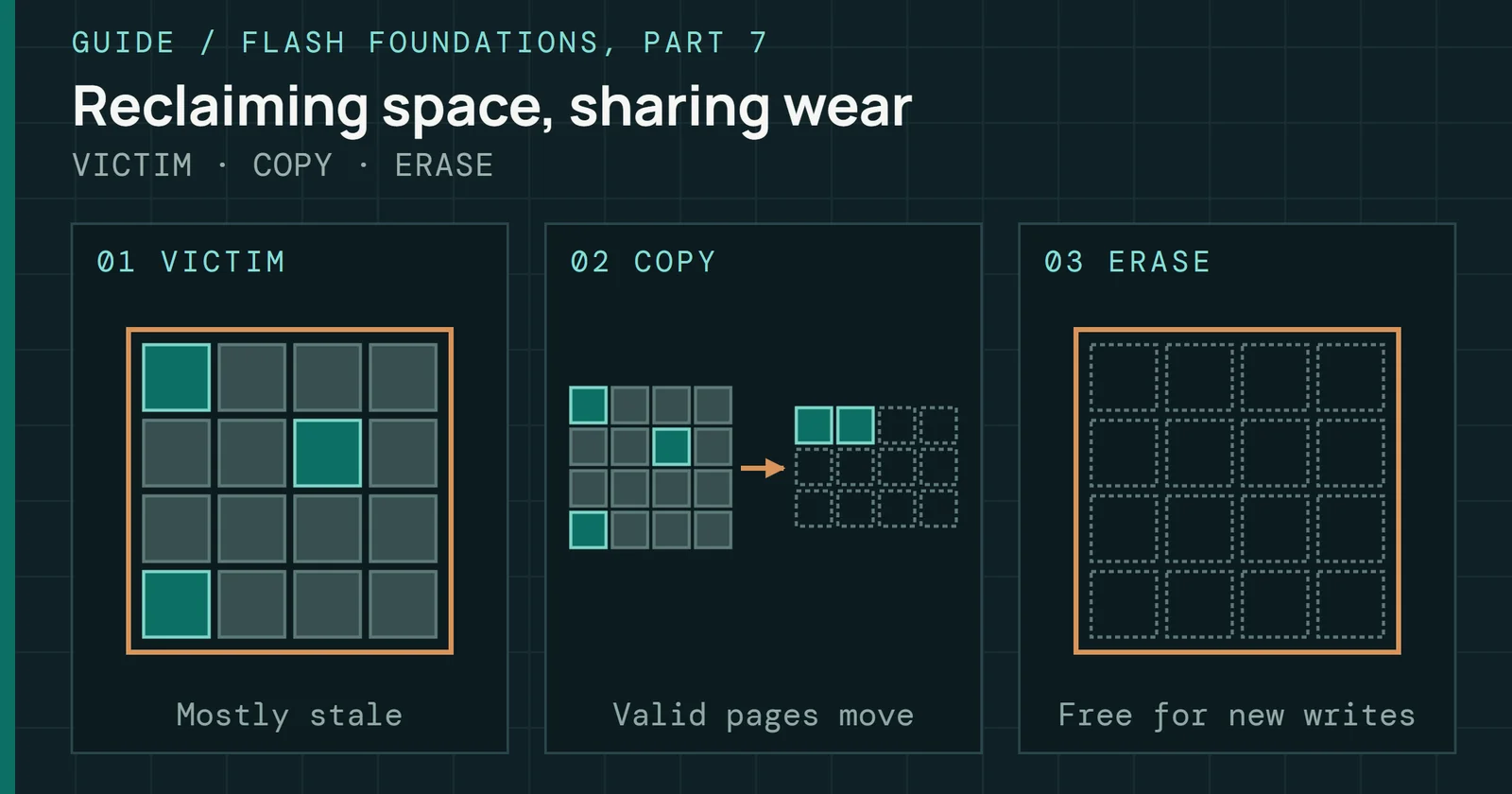
Trace how an SSD reclaims space and distributes writes across its flash.
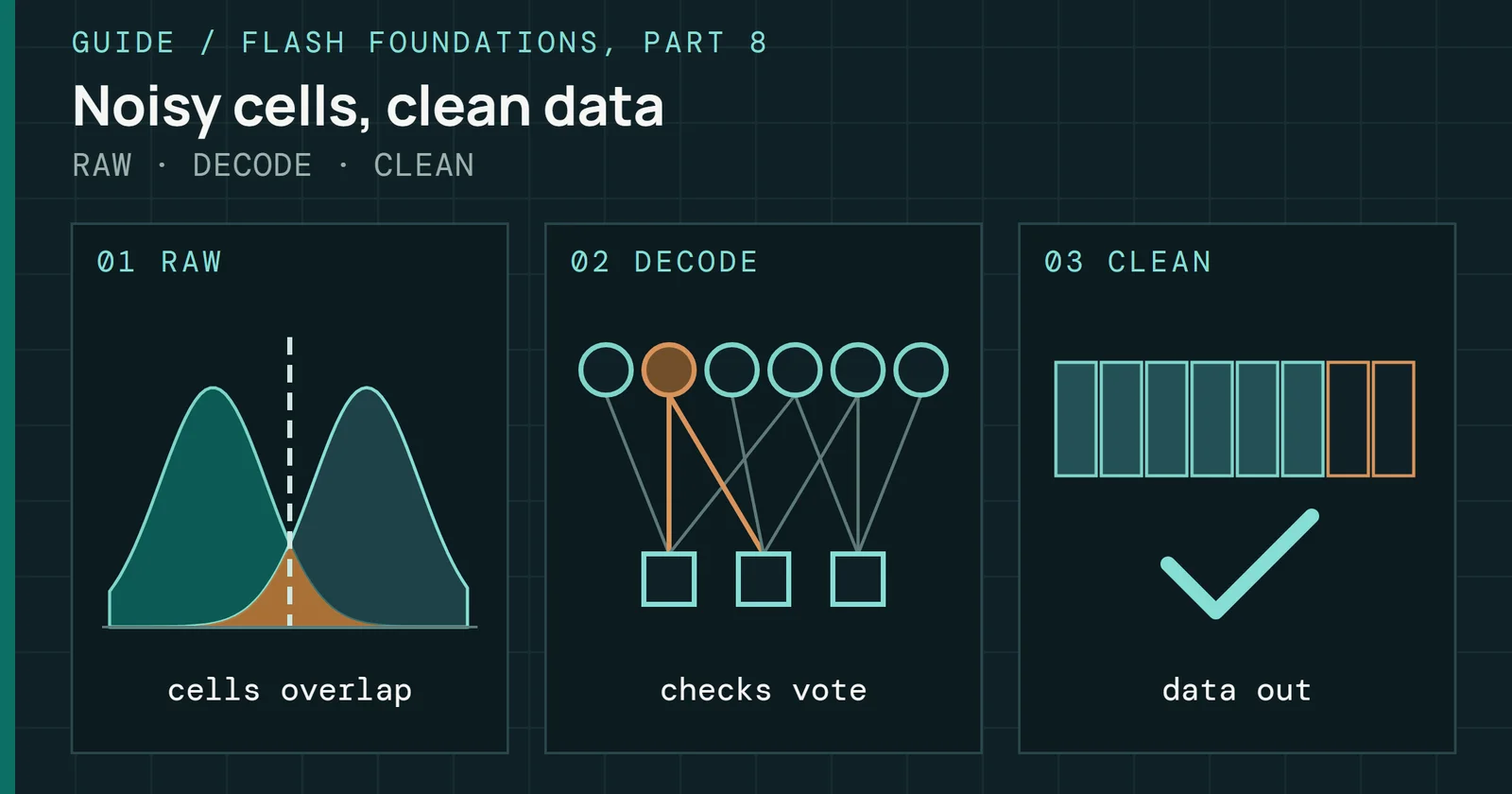
Trace how an SSD controller finds and fixes NAND bit errors, and what failure looks like to the host.
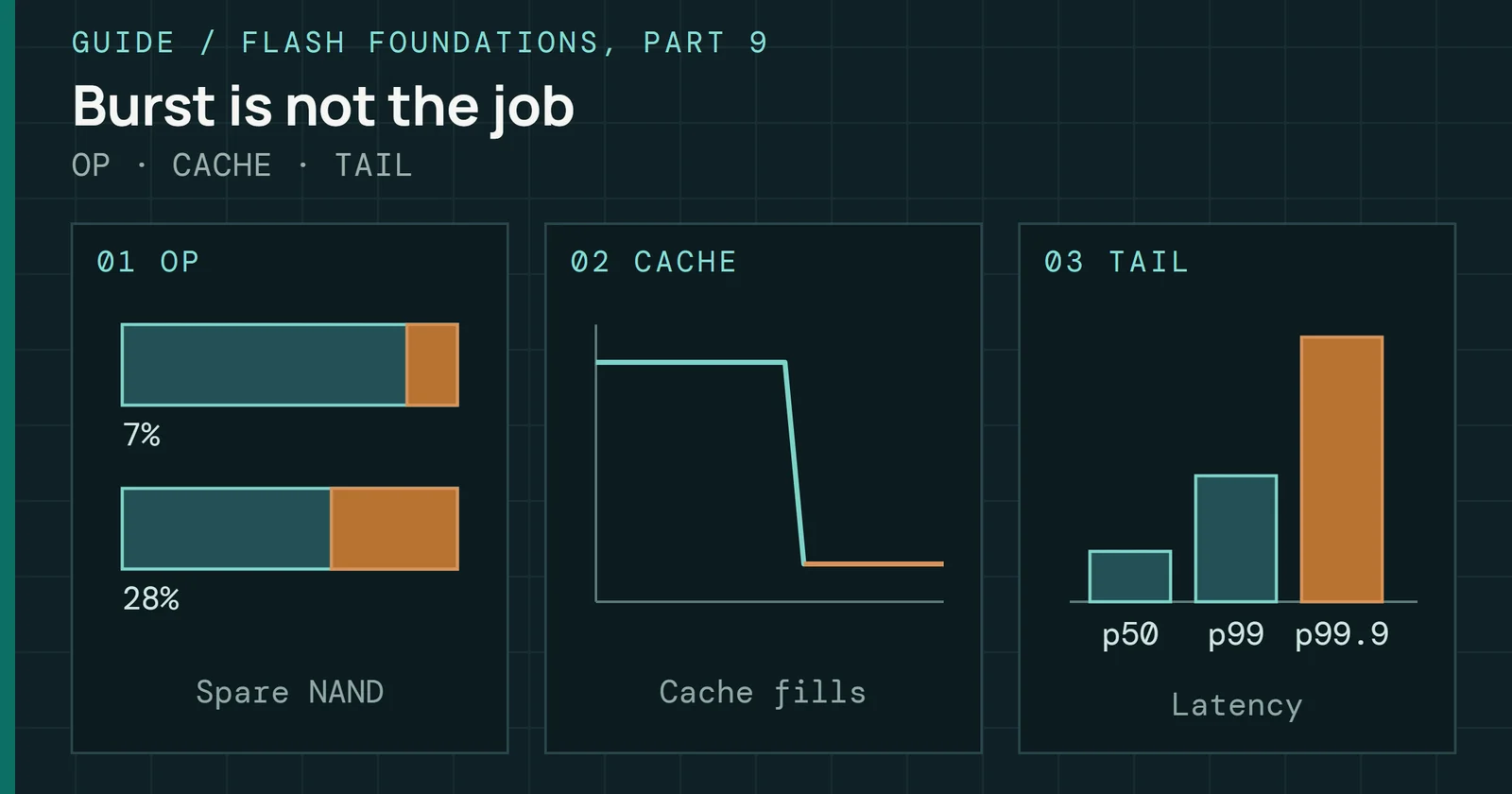
Connect workload, write amplification, and cell wear to real drive behavior.
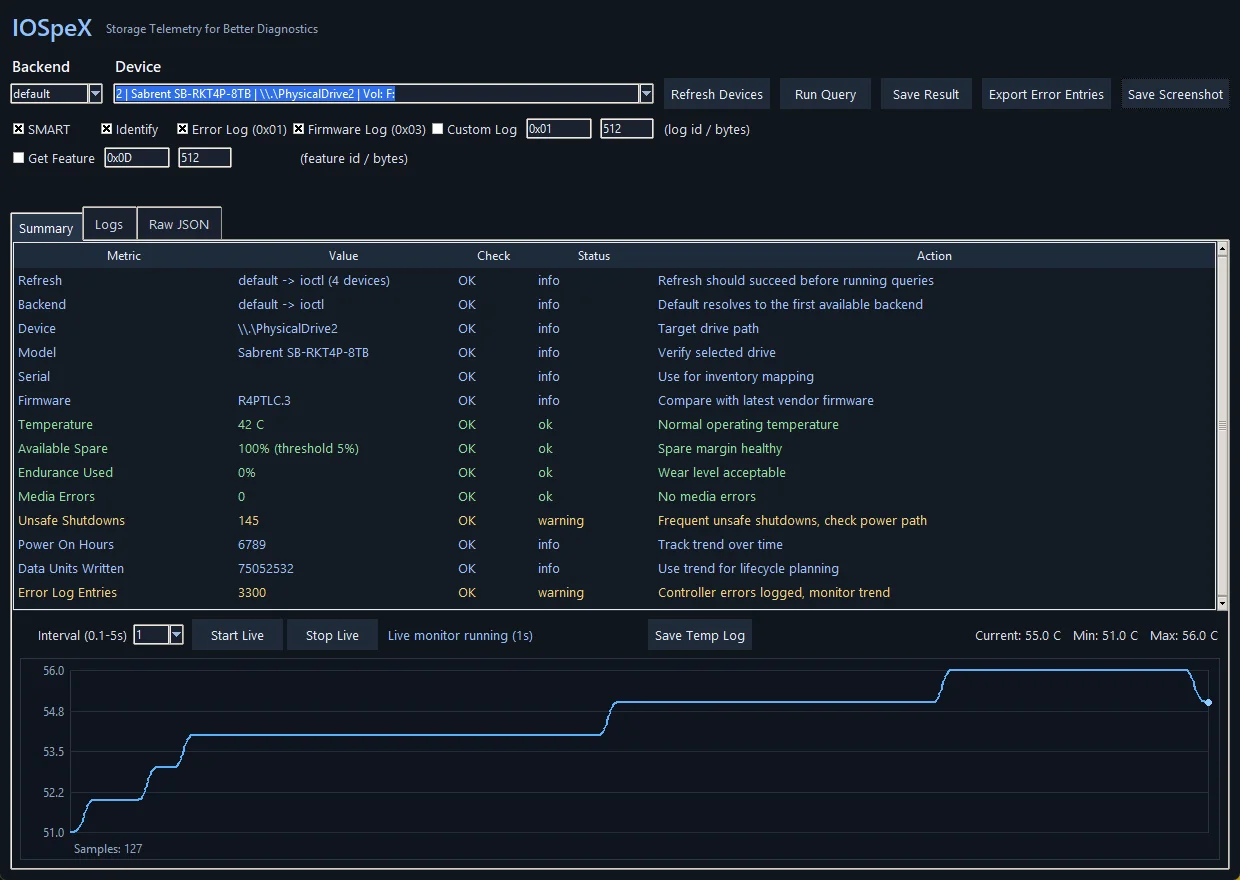
A Windows NVMe diagnostic utility with interchangeable ioctl and smartctl backends.
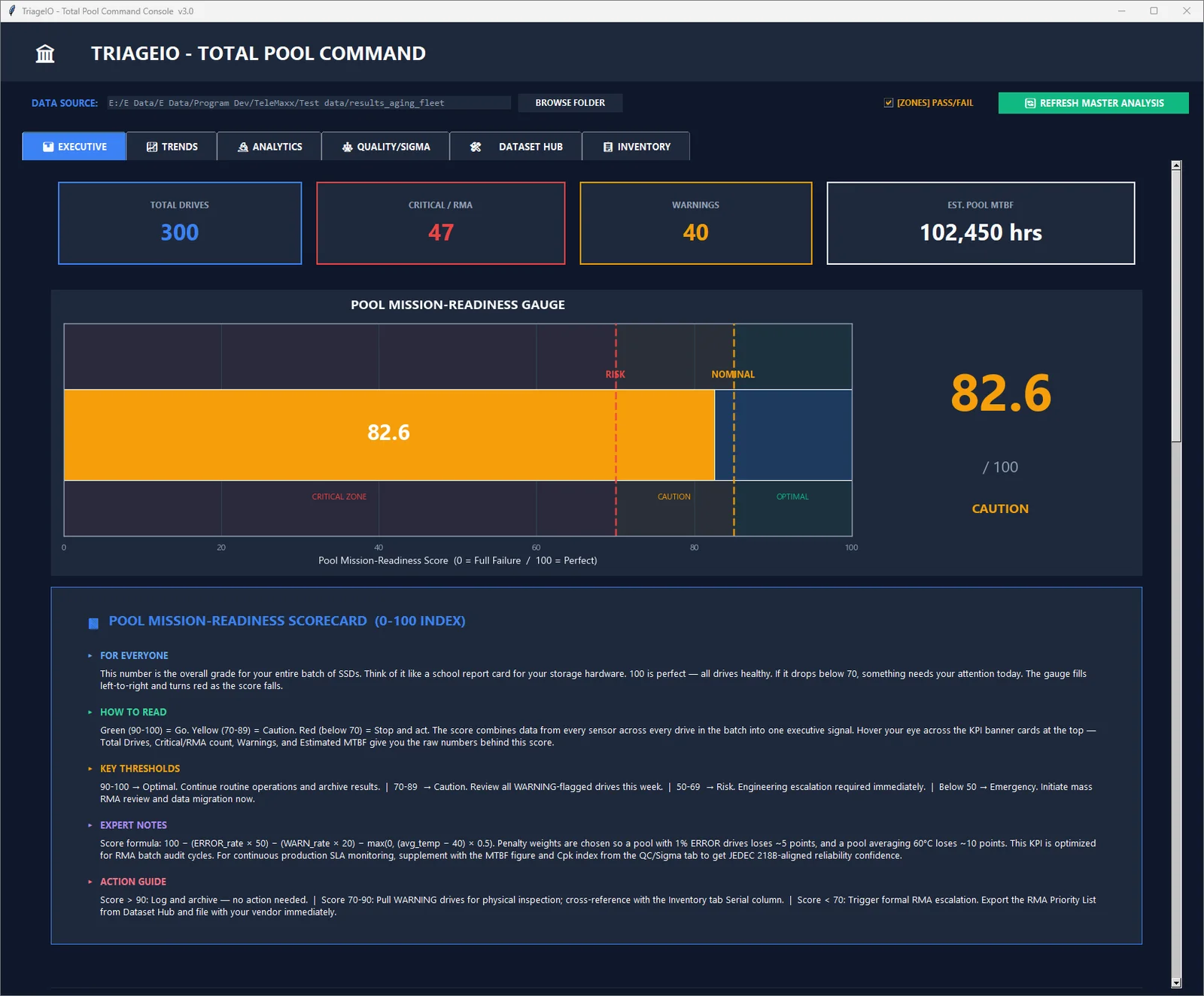
Enterprise SSD telemetry ingestion, normalization, and fleet reliability analysis for Windows.
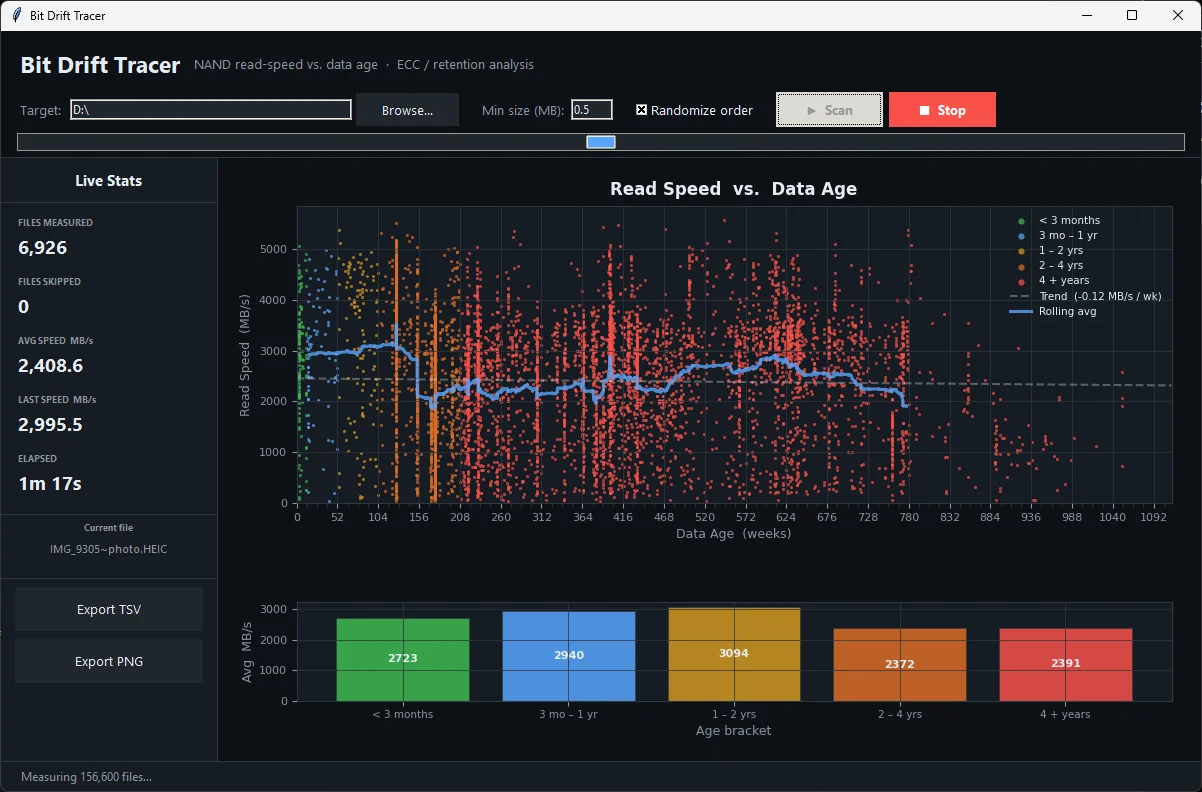
A Windows tool that plots host-visible file read speed against file timestamps, to show whether older data reads differently from newer data on your drive.
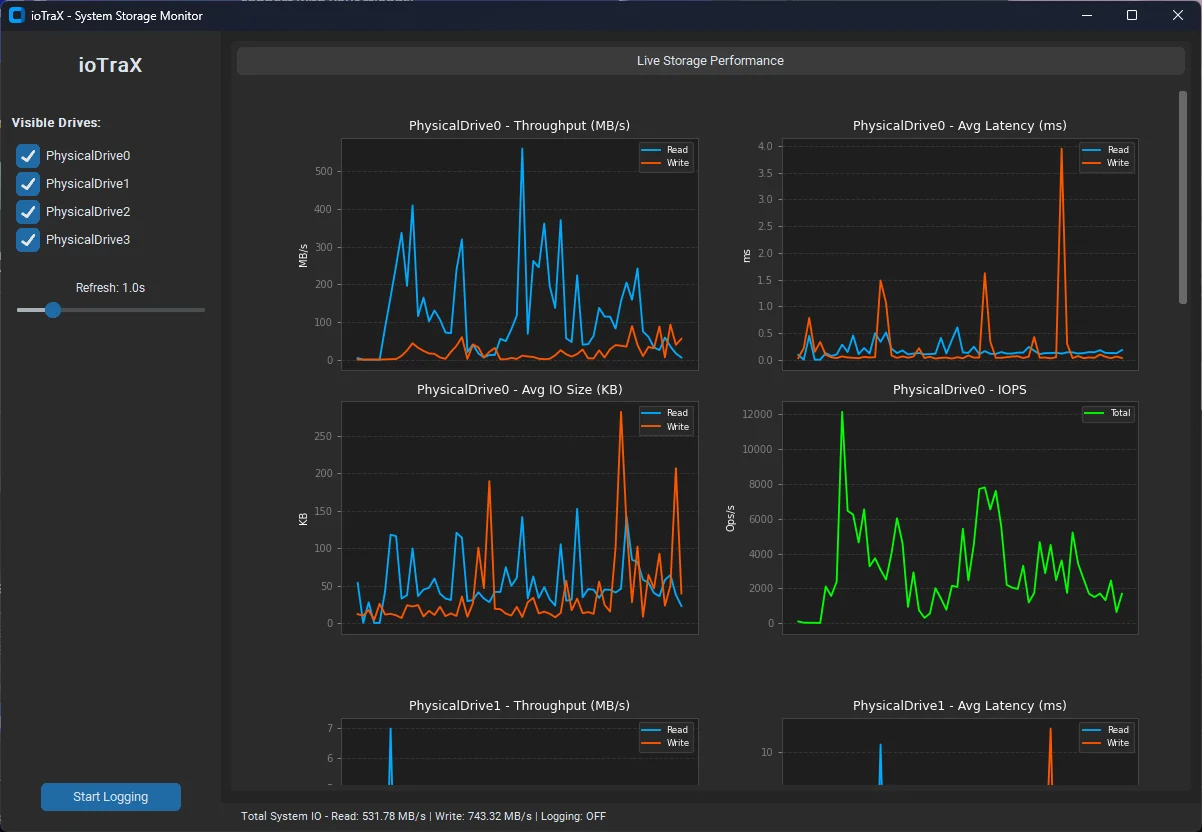
A lightweight Windows monitor that graphs live throughput, latency, IOPS and I/O size for every physical drive, with per-drive CSV logging.
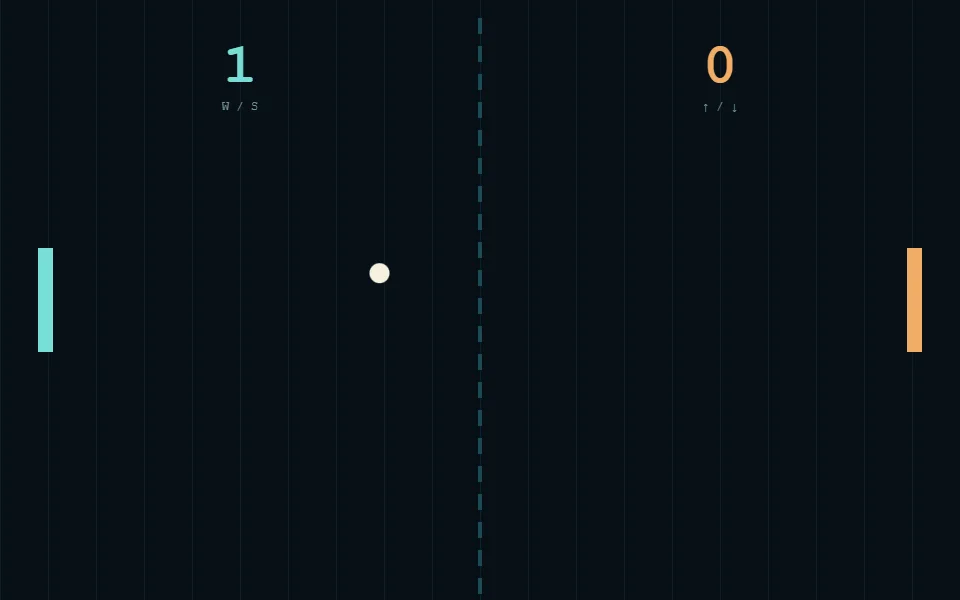
A lightweight two-player Pong game, rebuilt for the browser and ready to play anywhere.
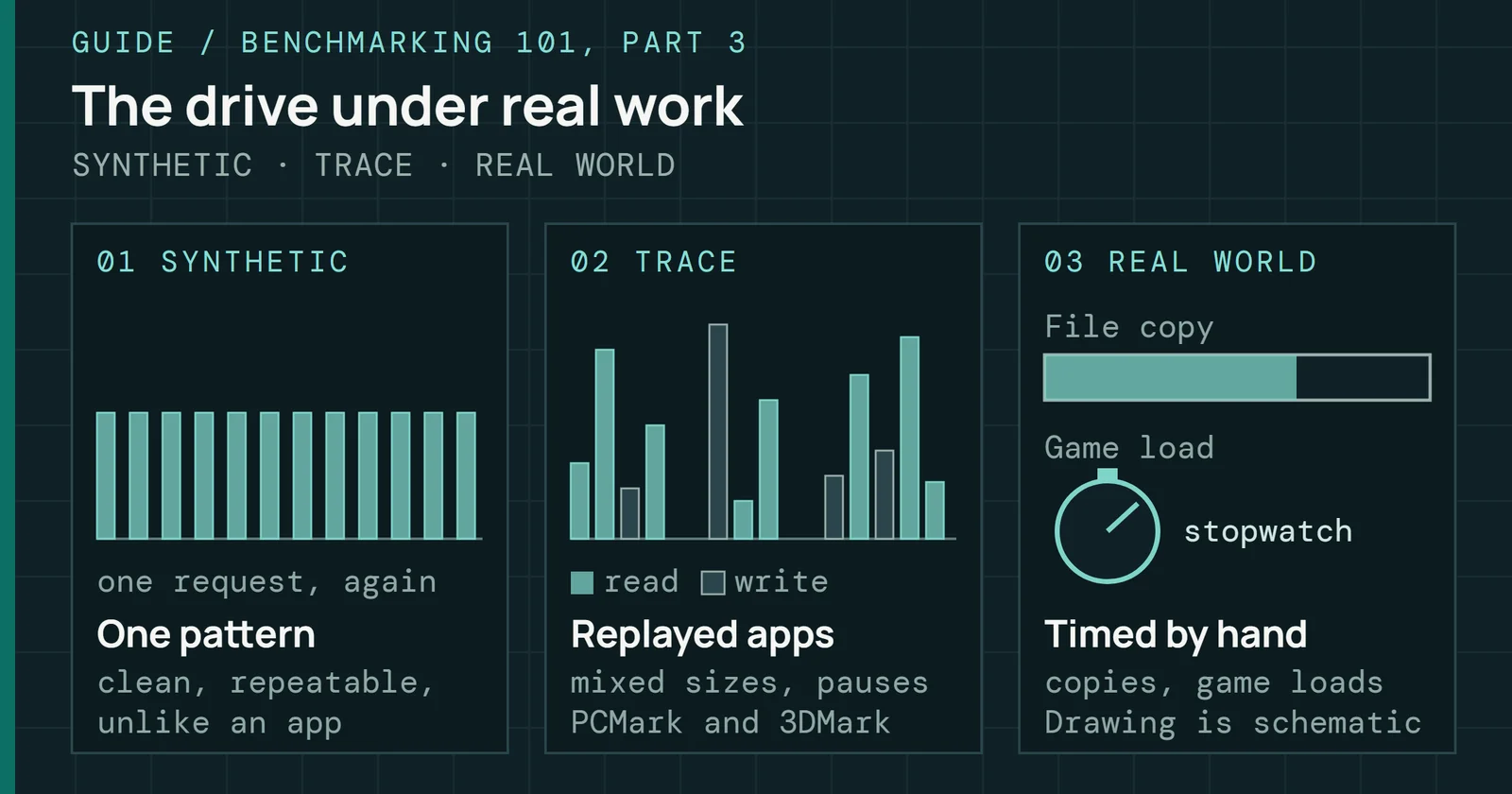
Move beyond synthetic scores with PCMark, 3DMark, Procyon, and hands-on tests that reveal how storage behaves under real applications.
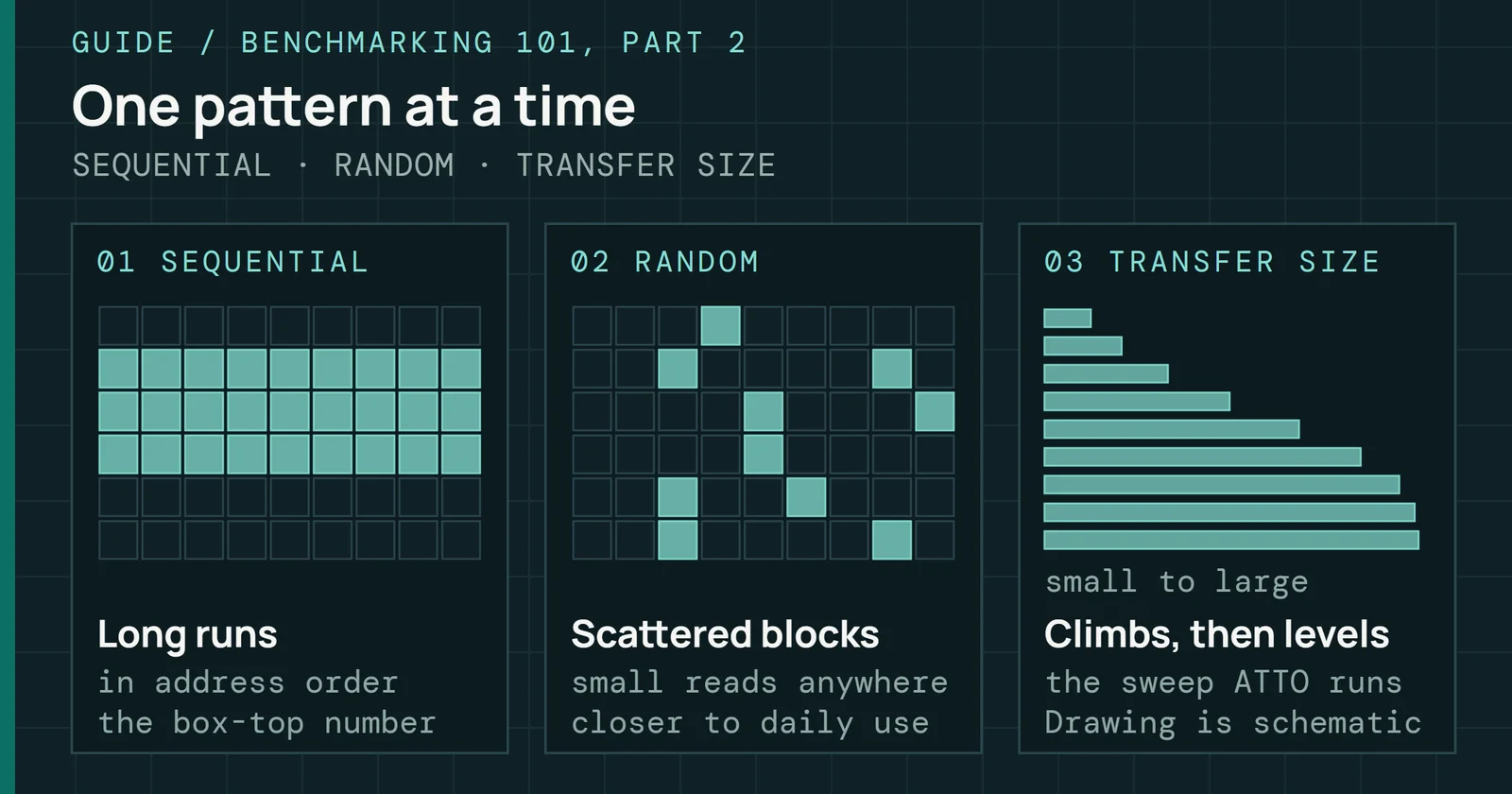
Use CrystalDiskMark, ATTO, AS SSD, and other synthetic tools with a clear understanding of their settings, results, and limitations.
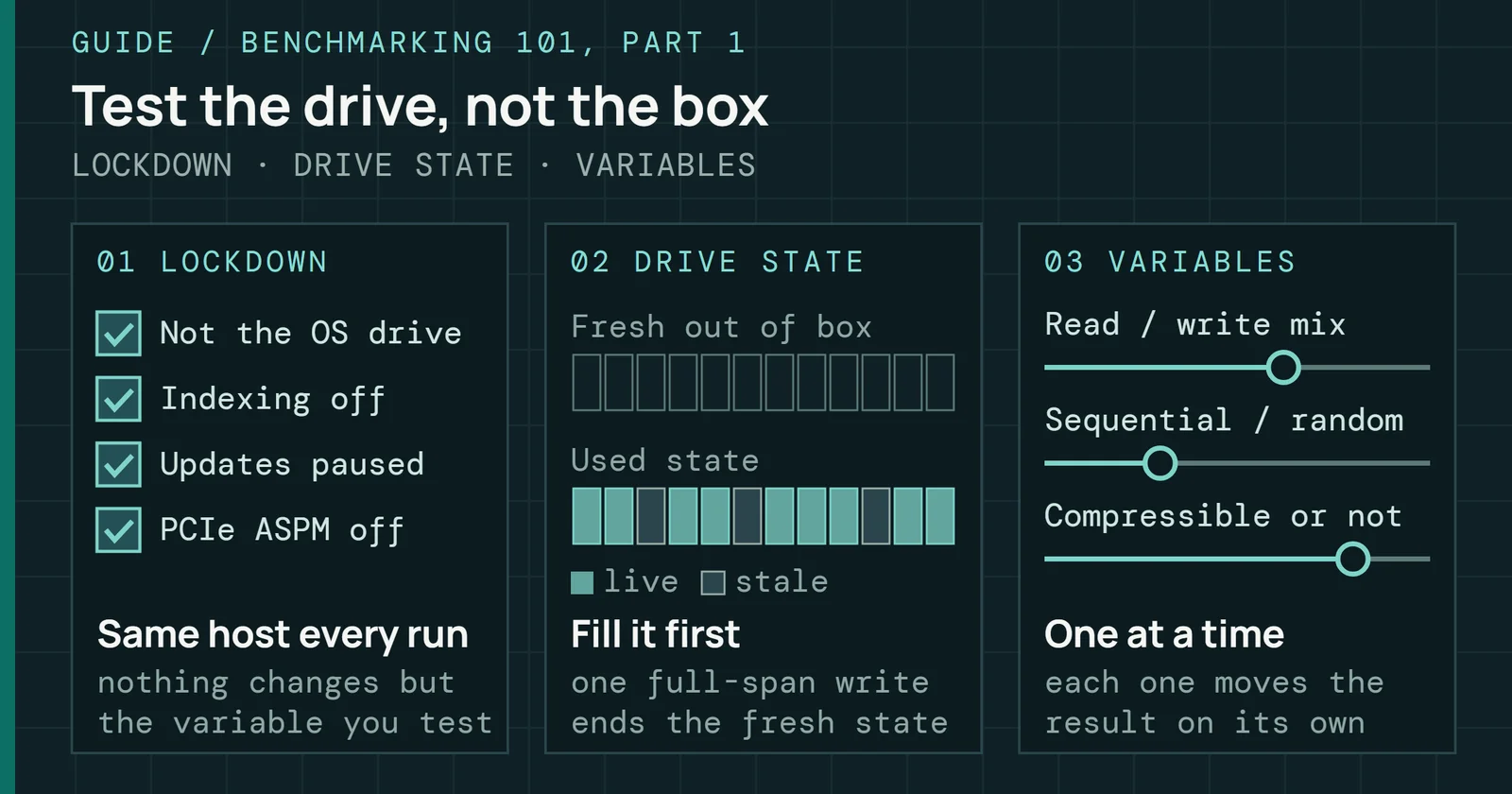
Build a repeatable SSD test method: control the host, precondition the drive, and understand cache behavior, queue depth, and workload mix.
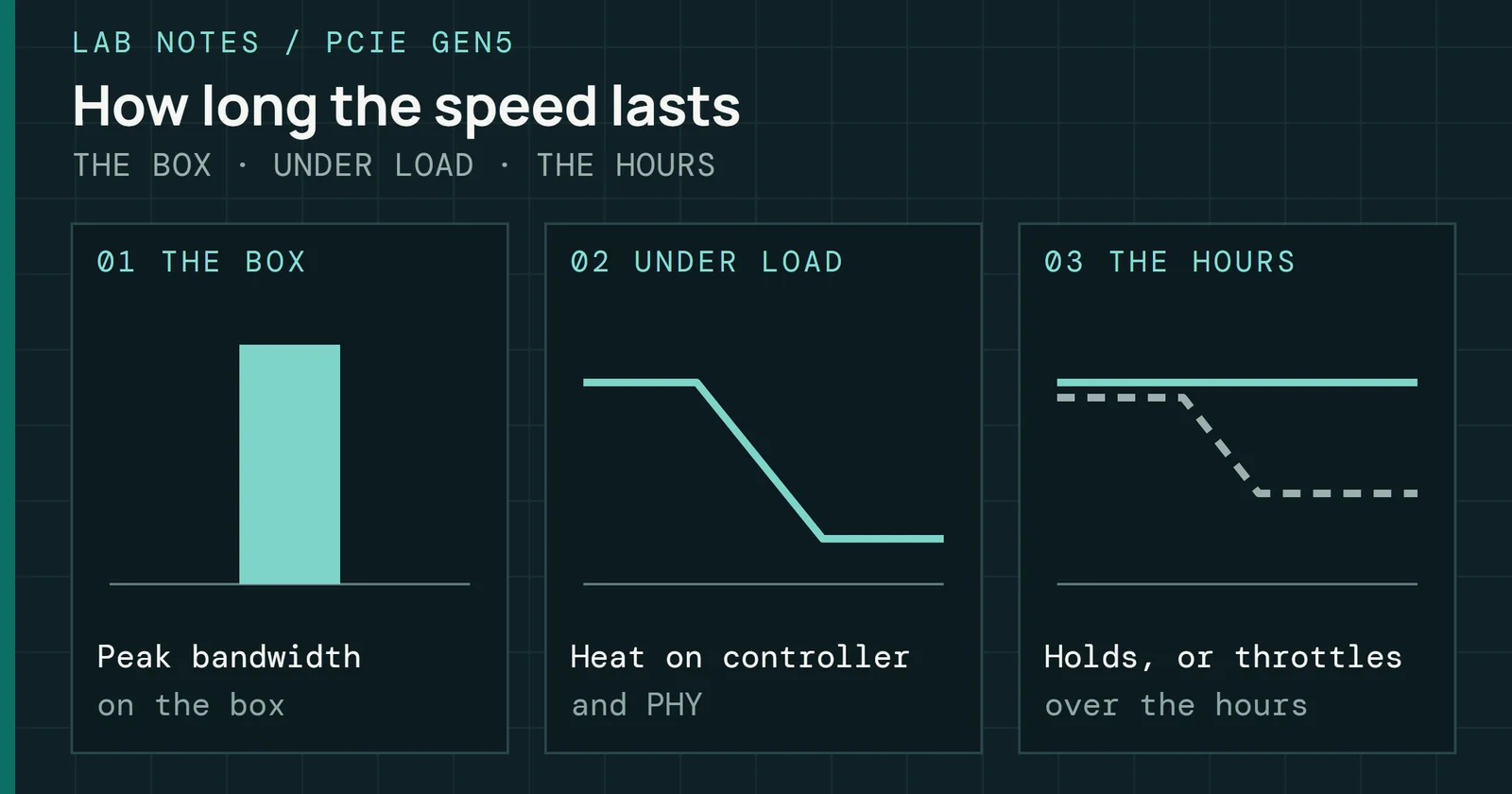
A reflection on PCIe Gen5 validation, where cooling, sustained workloads, and controller limits complicate the promise of higher bandwidth.
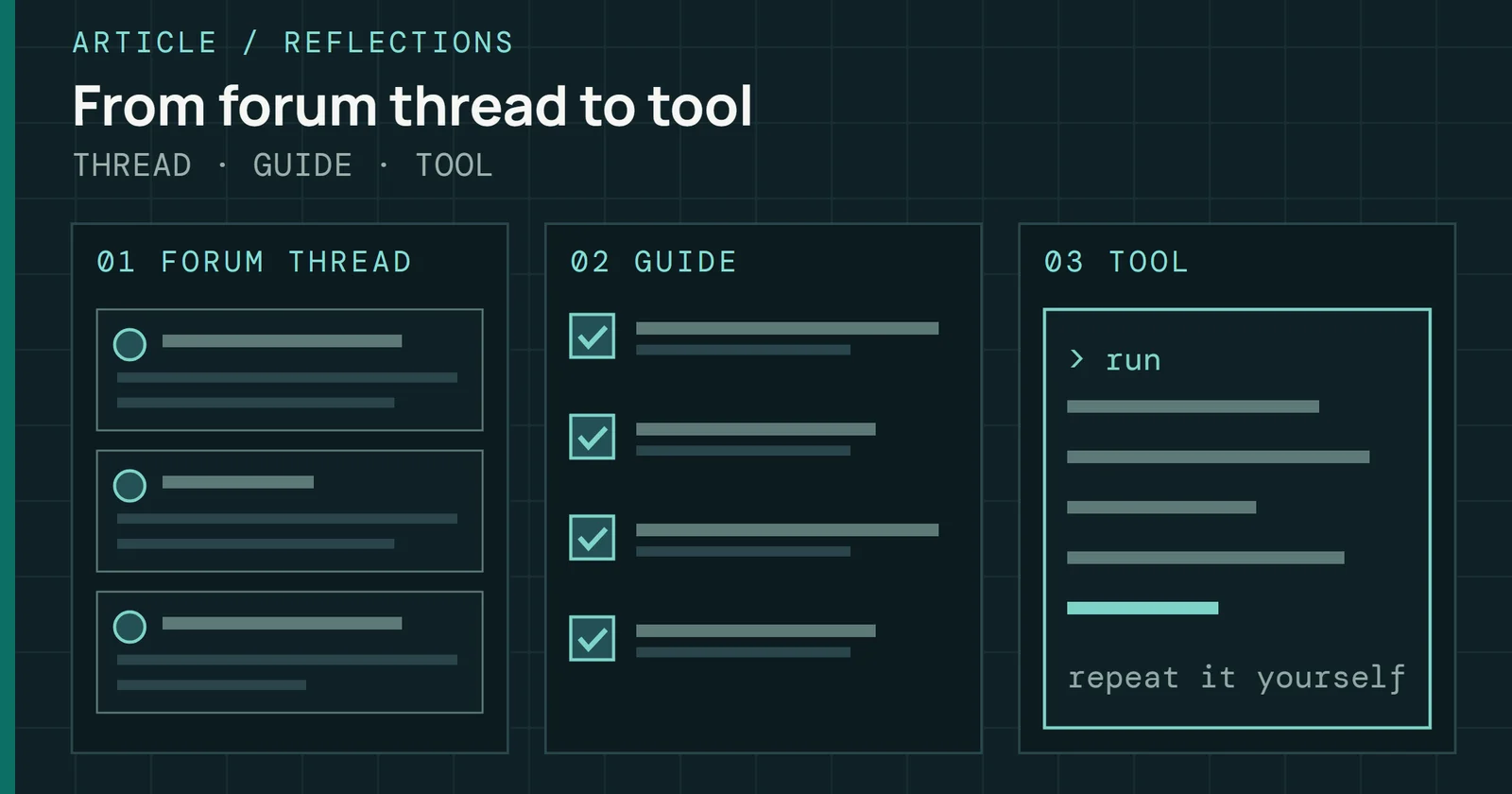
How my forum guides turned into Flash Foundations, SSD Benchmarking 101 and the tools on this site.
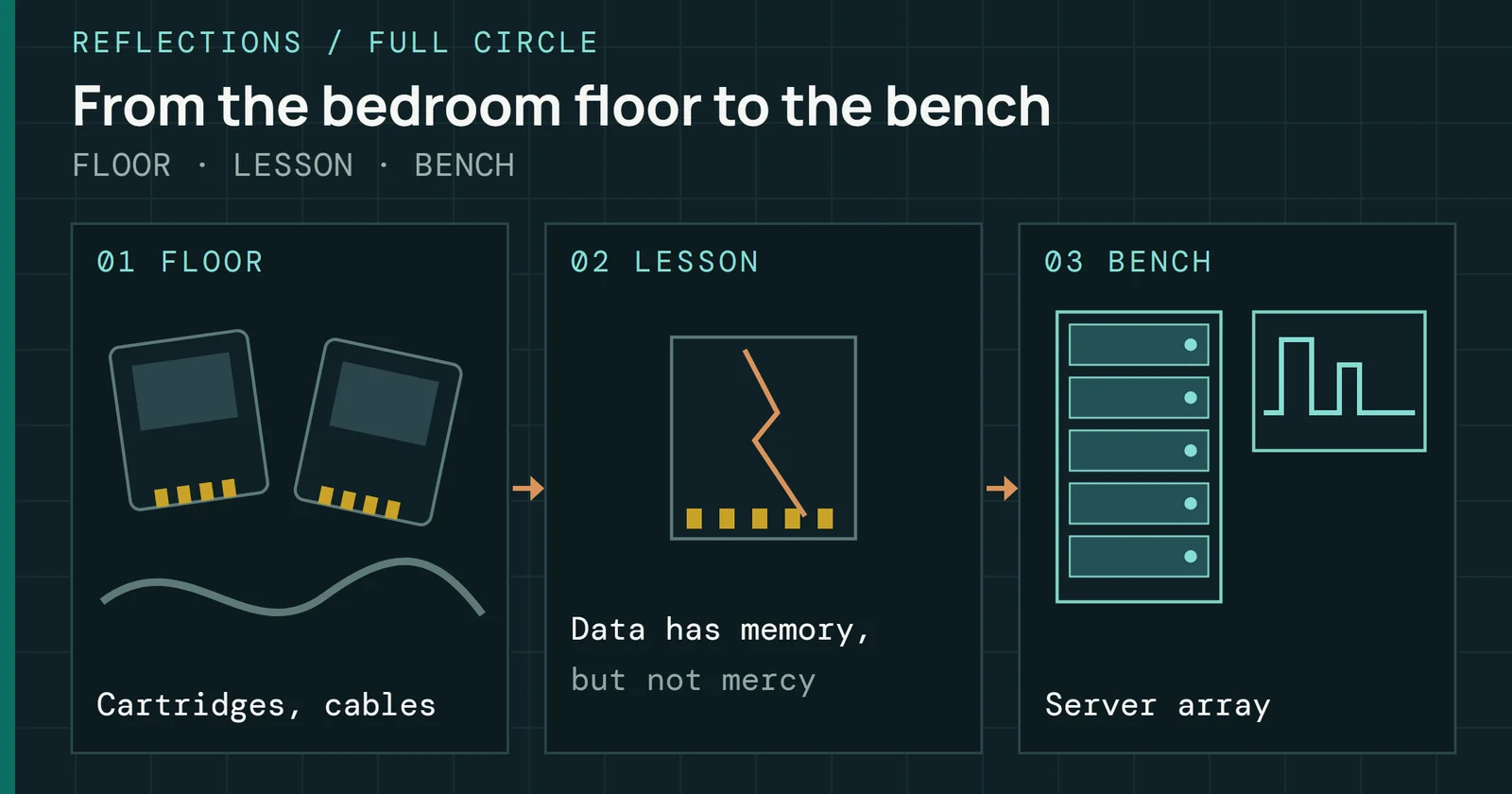
A personal essay on how lost saves, college and years at the bench shaped my care for reliability in storage.
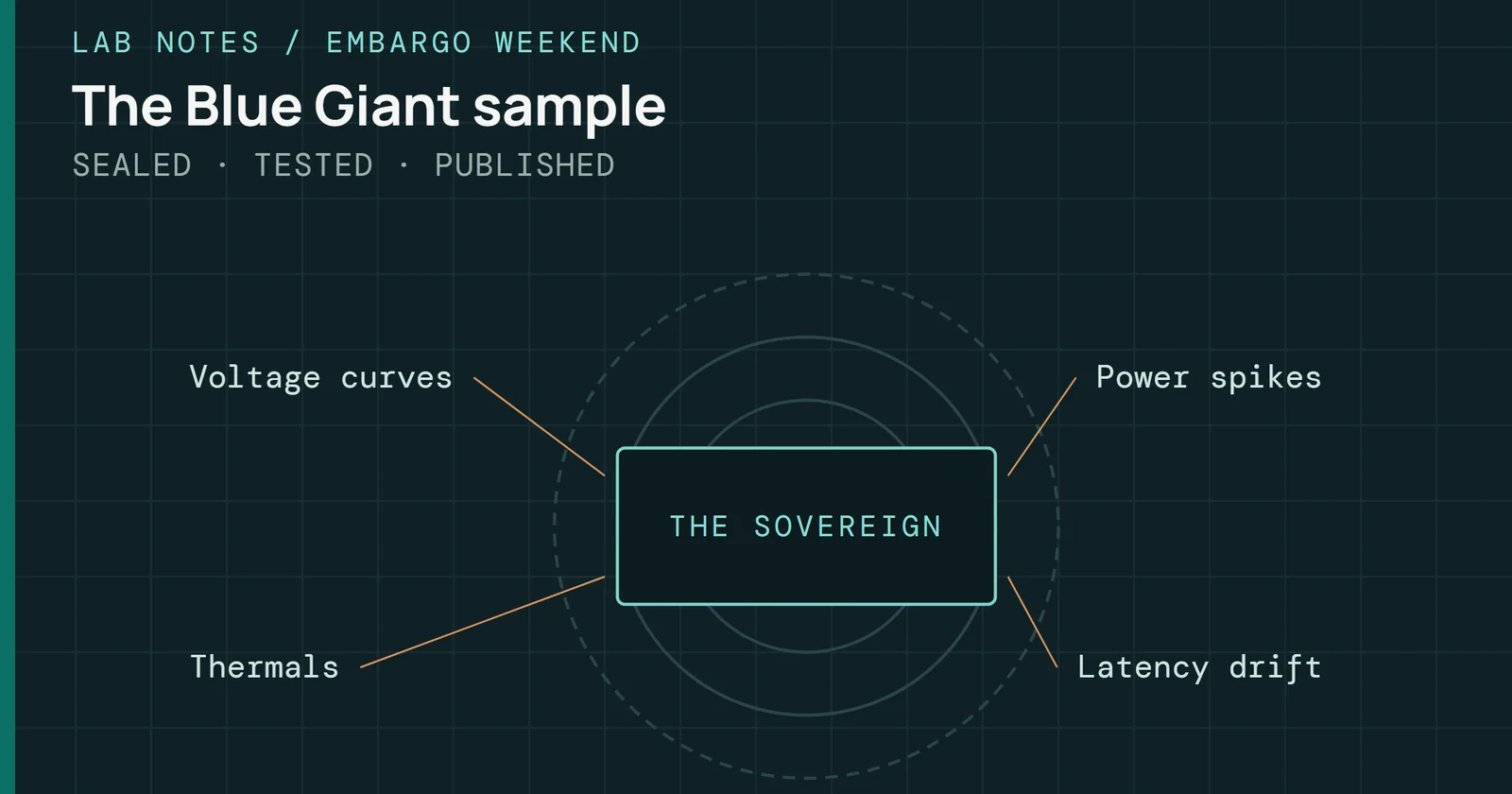
Inside the 72 hours before a major SSD launch: a Friday delivery, a Monday embargo, repeatable measurements, and the work behind a defensible review.
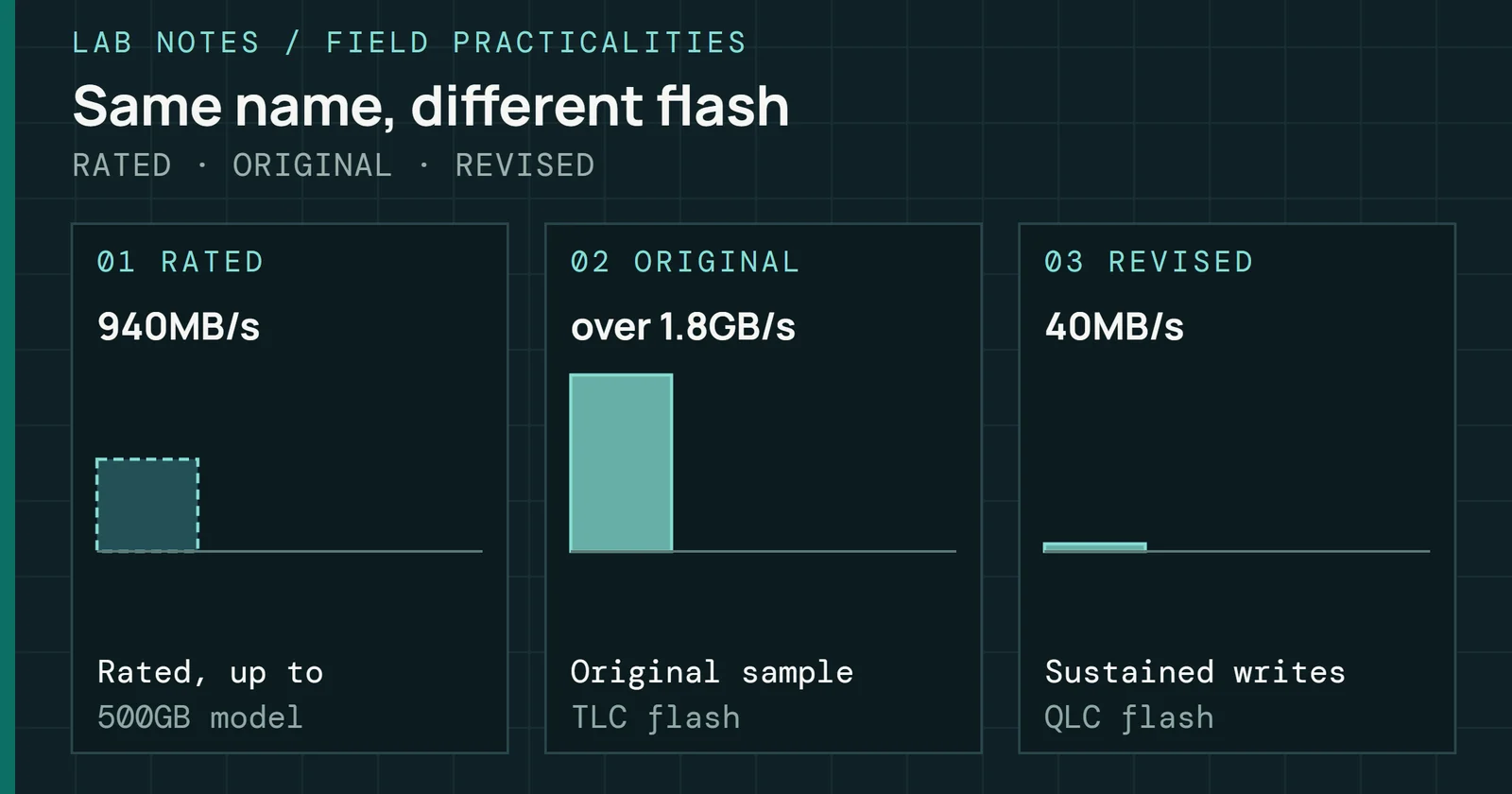
What happened when Crucial swapped the P2’s flash without changing its name, and why one review is only a snapshot of one sample.
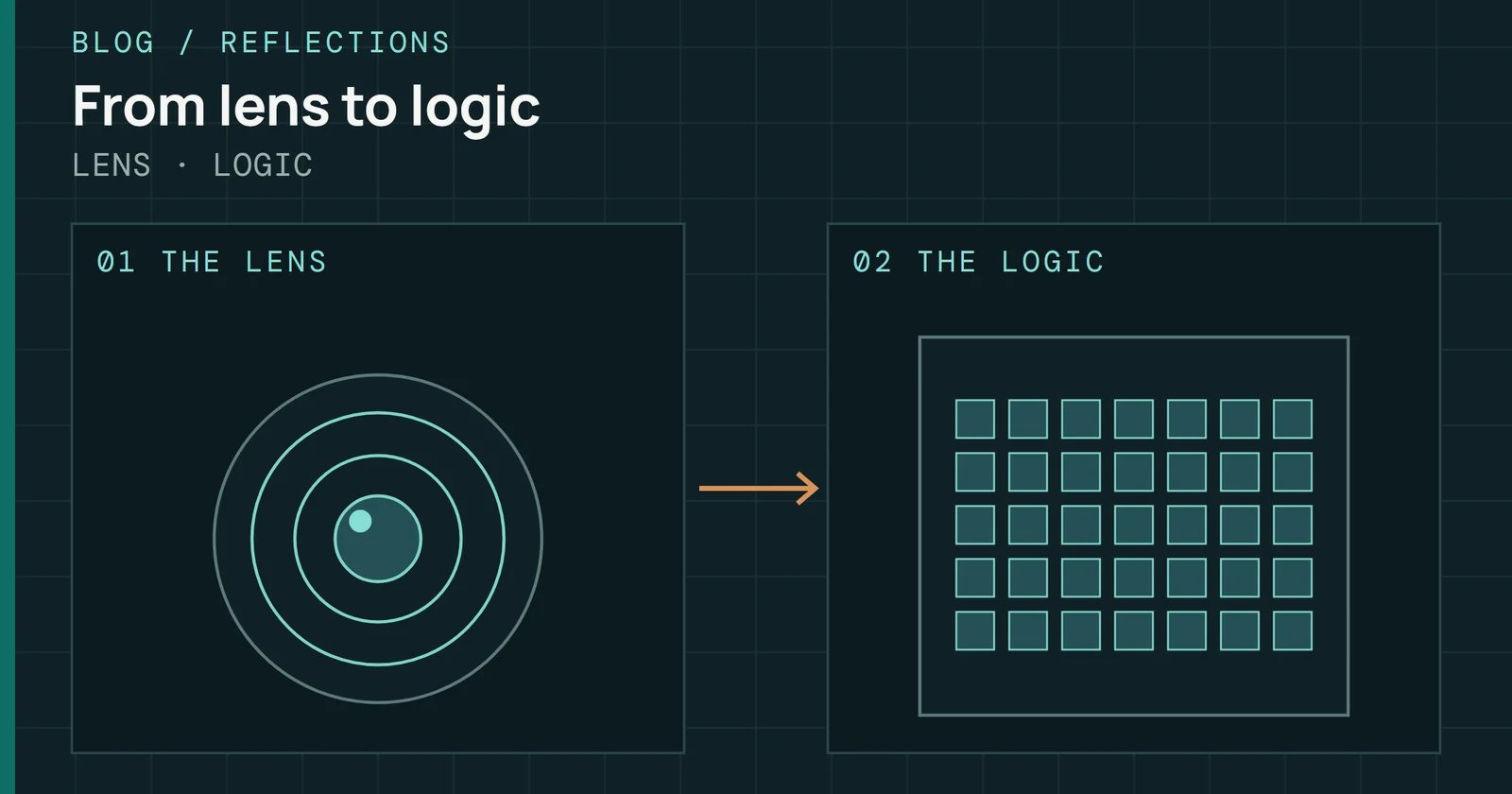
How photography, a failed memory card, and the demands of creative work shaped an approach to storage testing and technical communication.
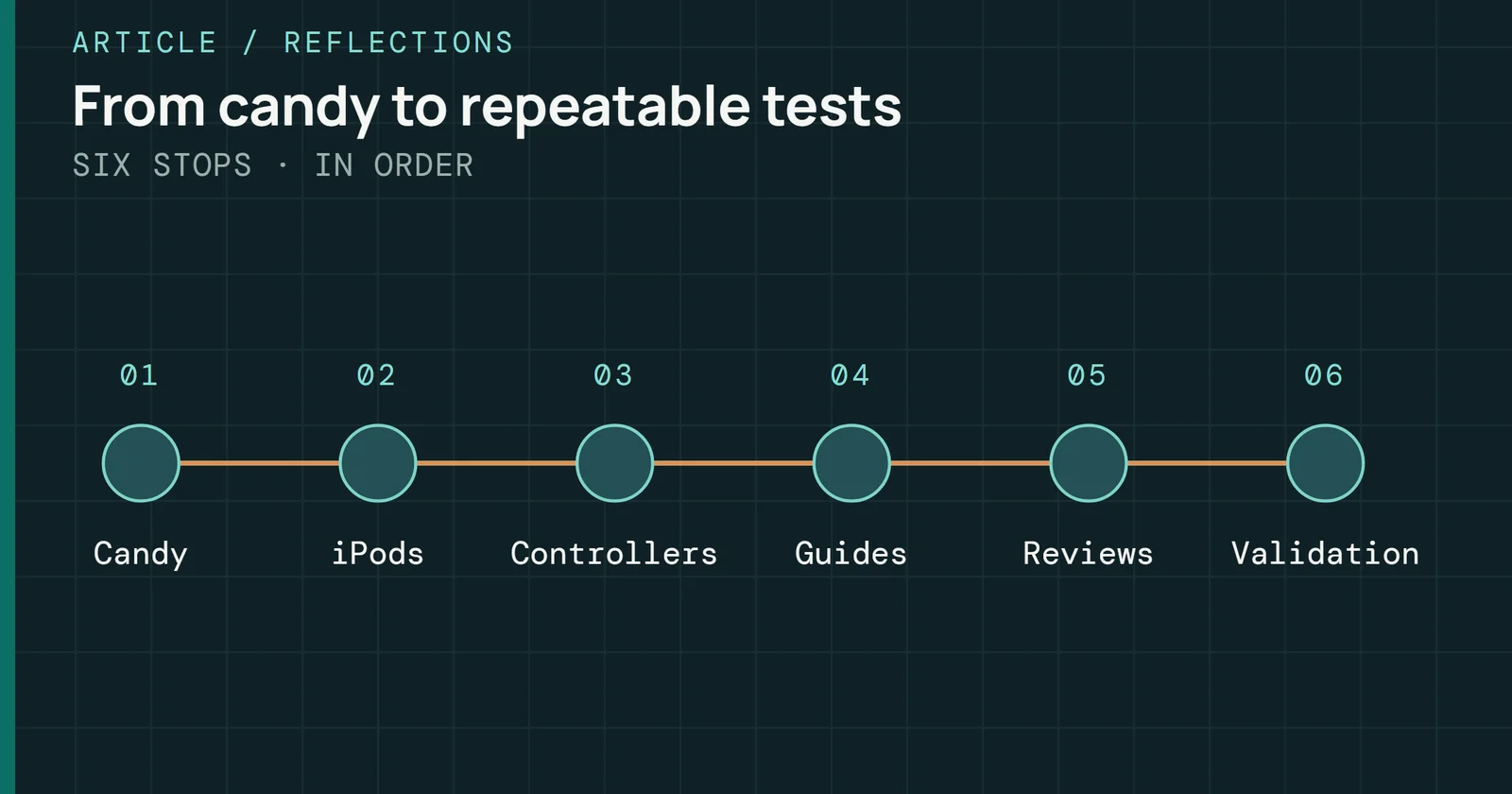
How a teenage repair business, competitive gaming, forum guides and years of reviewing led me to test storage the way I do.
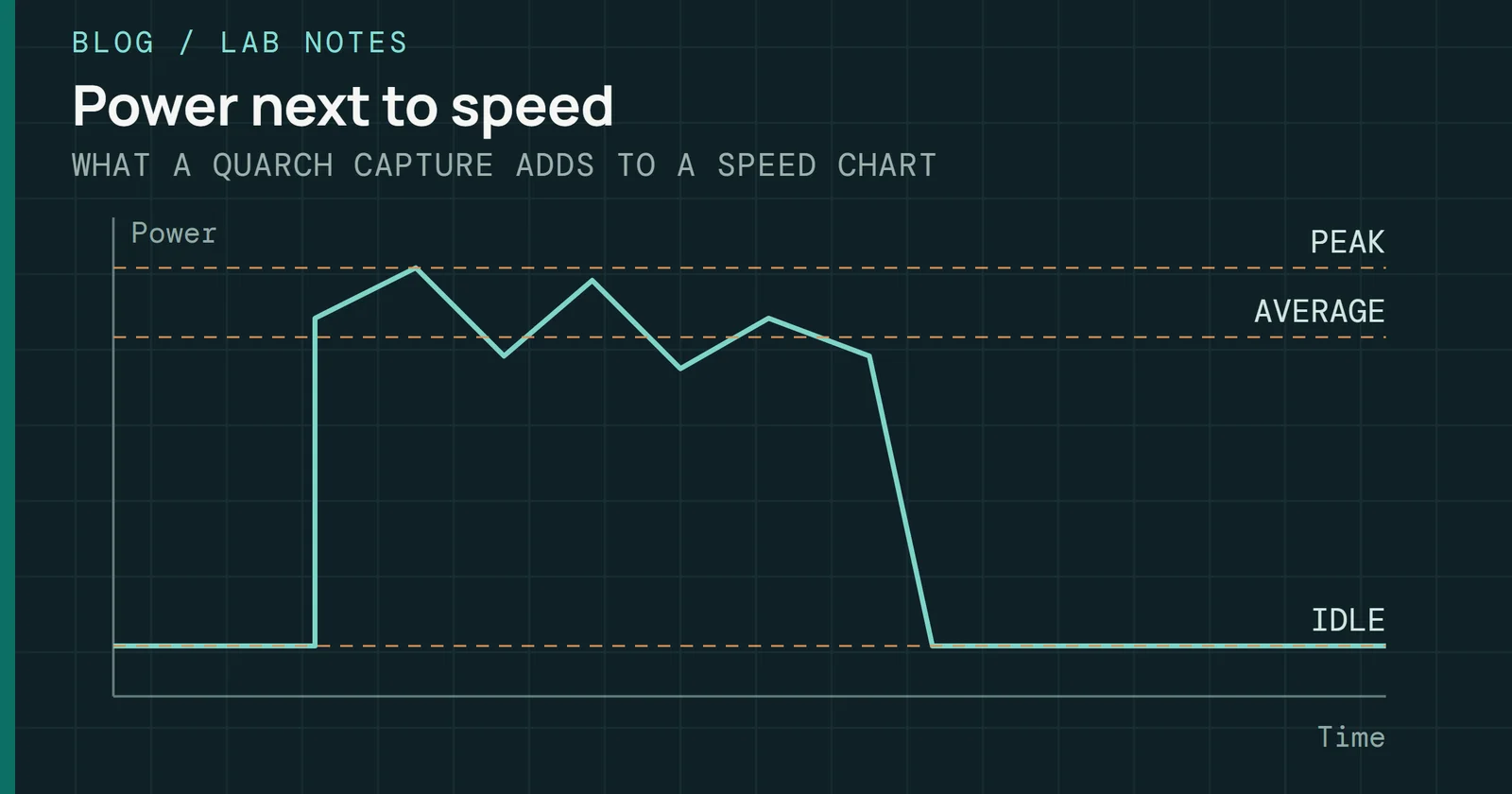
Why I measure power alongside performance, and what the numbers show about a drive that speed charts hide.
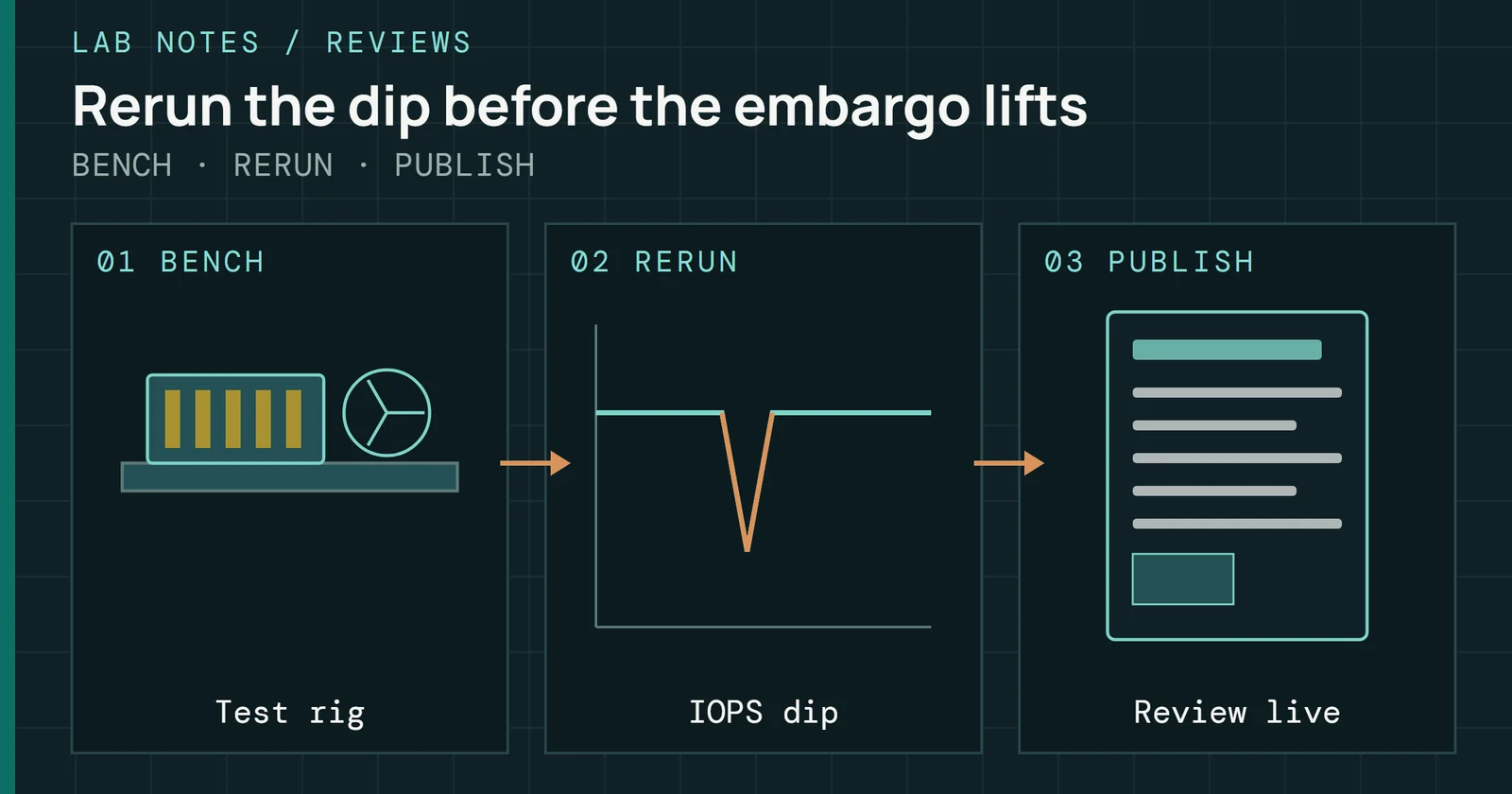
A late-night account of benchmark reruns, thermal questions, and the pressure to turn a new SSD into a clear review before an embargo lifts.
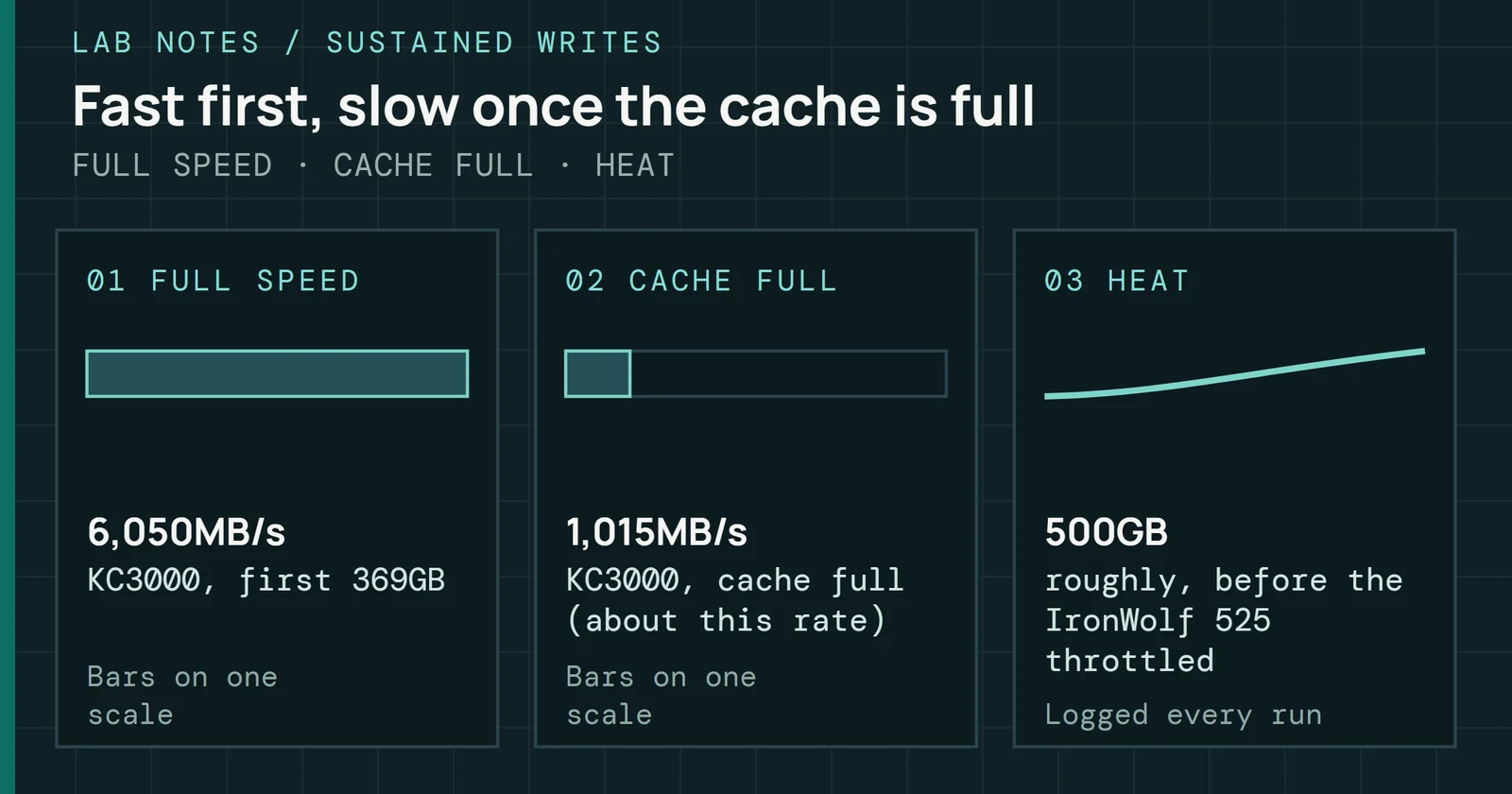
How I test sustained writes, cache recovery and heat, and why a short benchmark can hide what a long one shows.
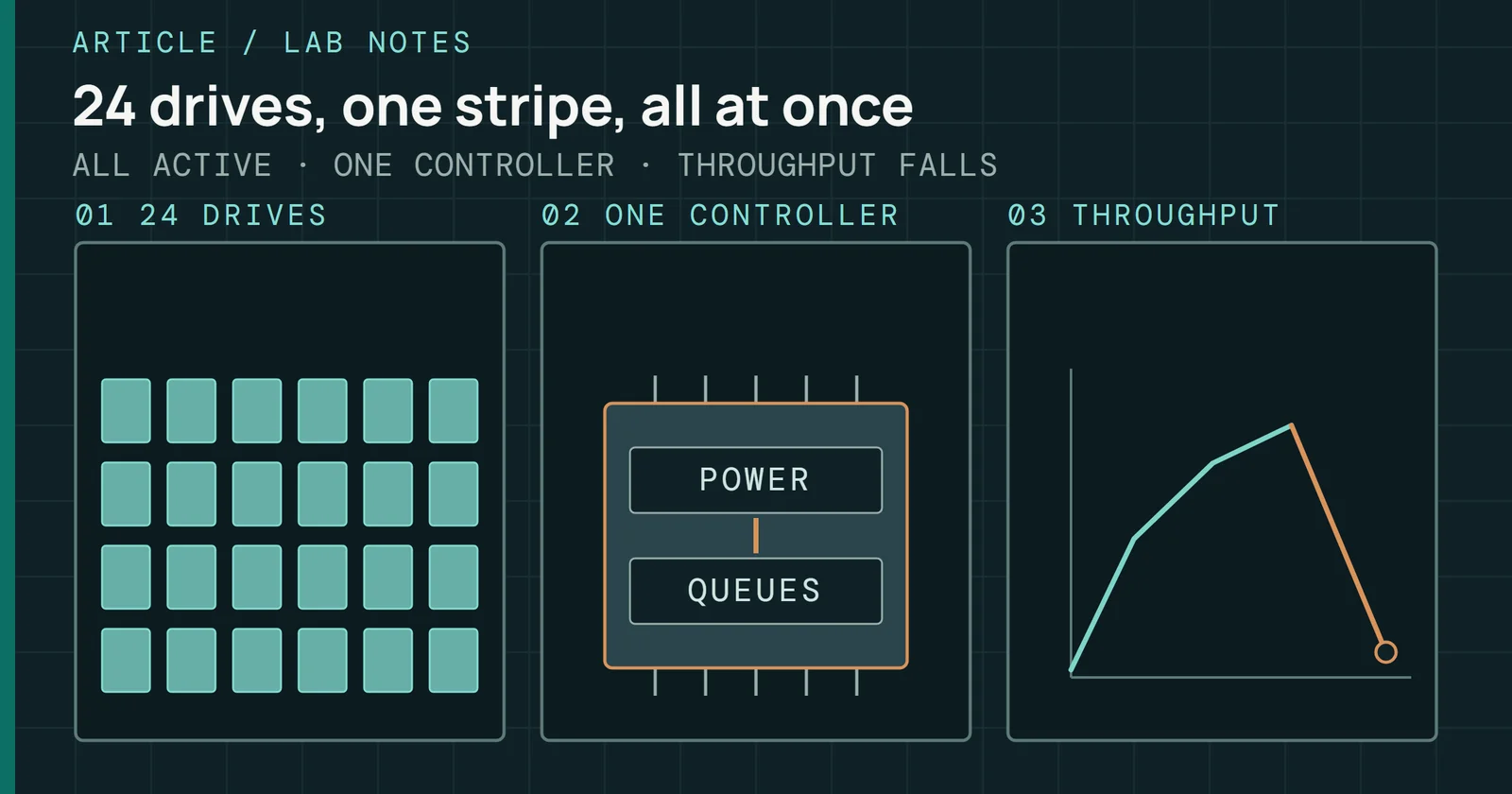
A 24-drive RAID 0 experiment exposes a synchronized failure that individual-drive tests missed, and challenges what validation should cover.
A reflection on the trade shows, benchmarks, mentors, and moments that shaped a career in storage journalism.