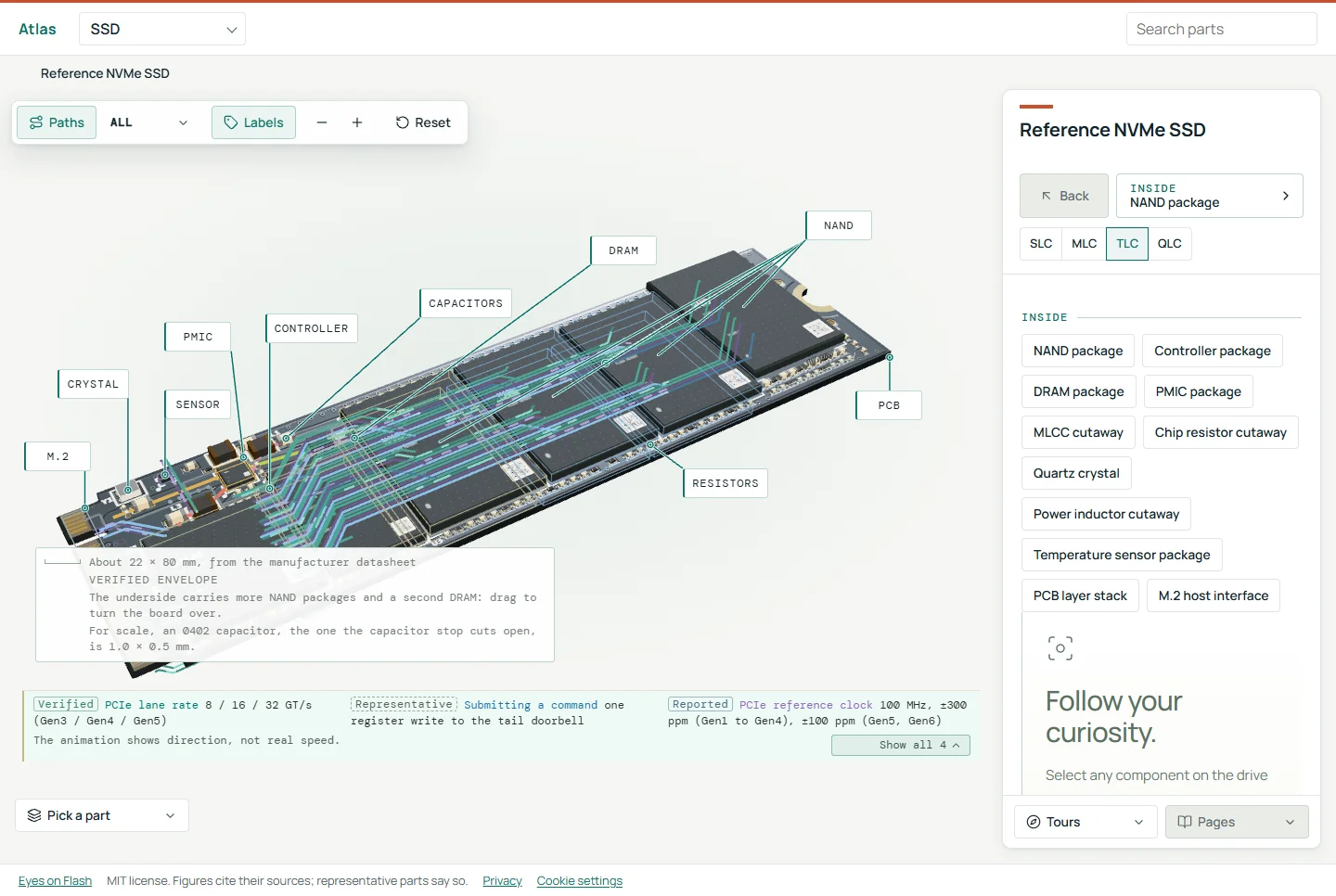
Many DDR5 modules put a temperature sensor in the SPD hub, and dtemp is a Linux terminal tool that reads it. The DDR5 for builders guide covers what else sits on a module beside the memory chips. A simulate mode lets you try dtemp on synthetic data with no hardware at all.
Introducing dtemp
Many DDR5 modules carry a temperature sensor in their SPD hub, and reading it should not require a vendor utility or a BIOS screen. dtemp reads DDR5 and DDR4 DIMM temperatures, and NVMe and SATA drive temperatures, on Linux, from the terminal or from scripts.
The honest headline is the status: dtemp started as a personal tool and has been confirmed on one machine (an Intel NUC).
Why it exists
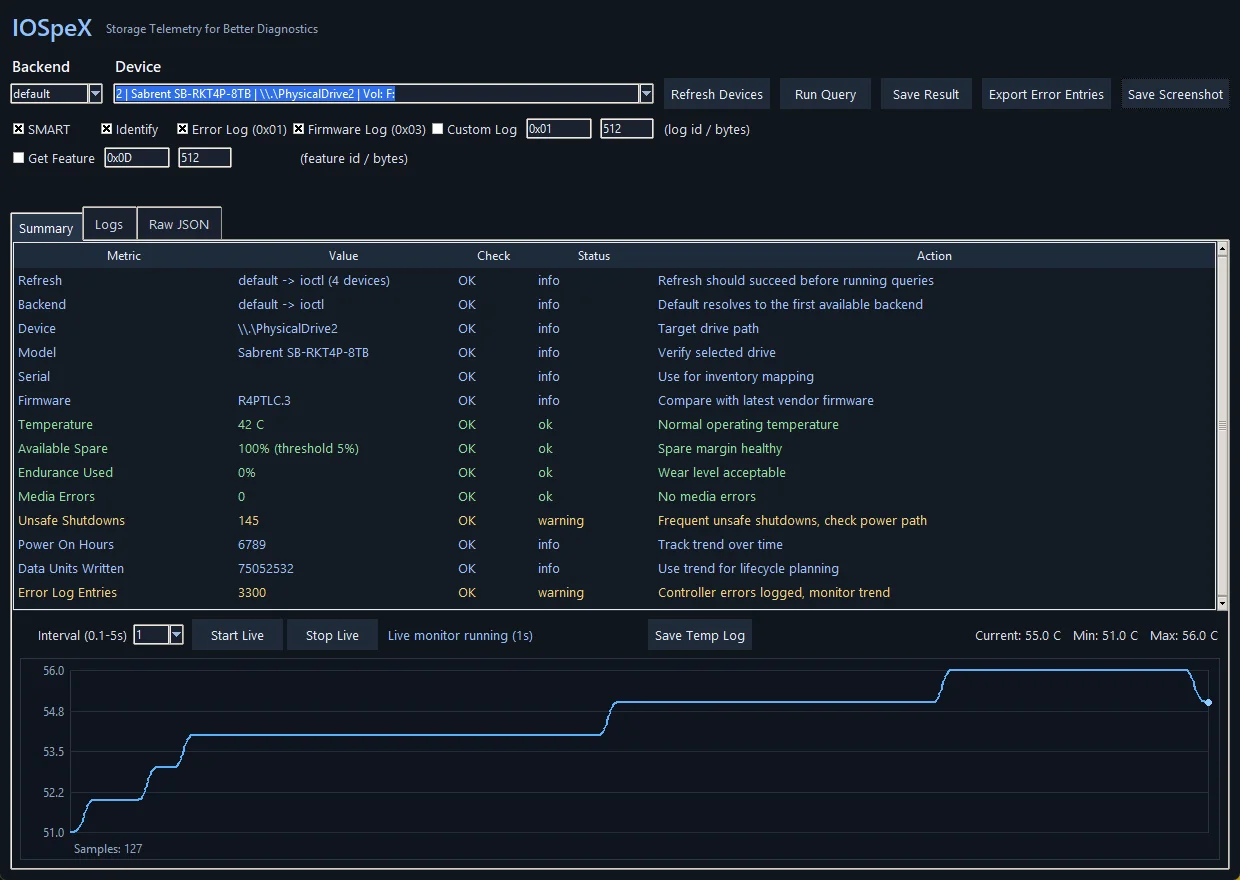
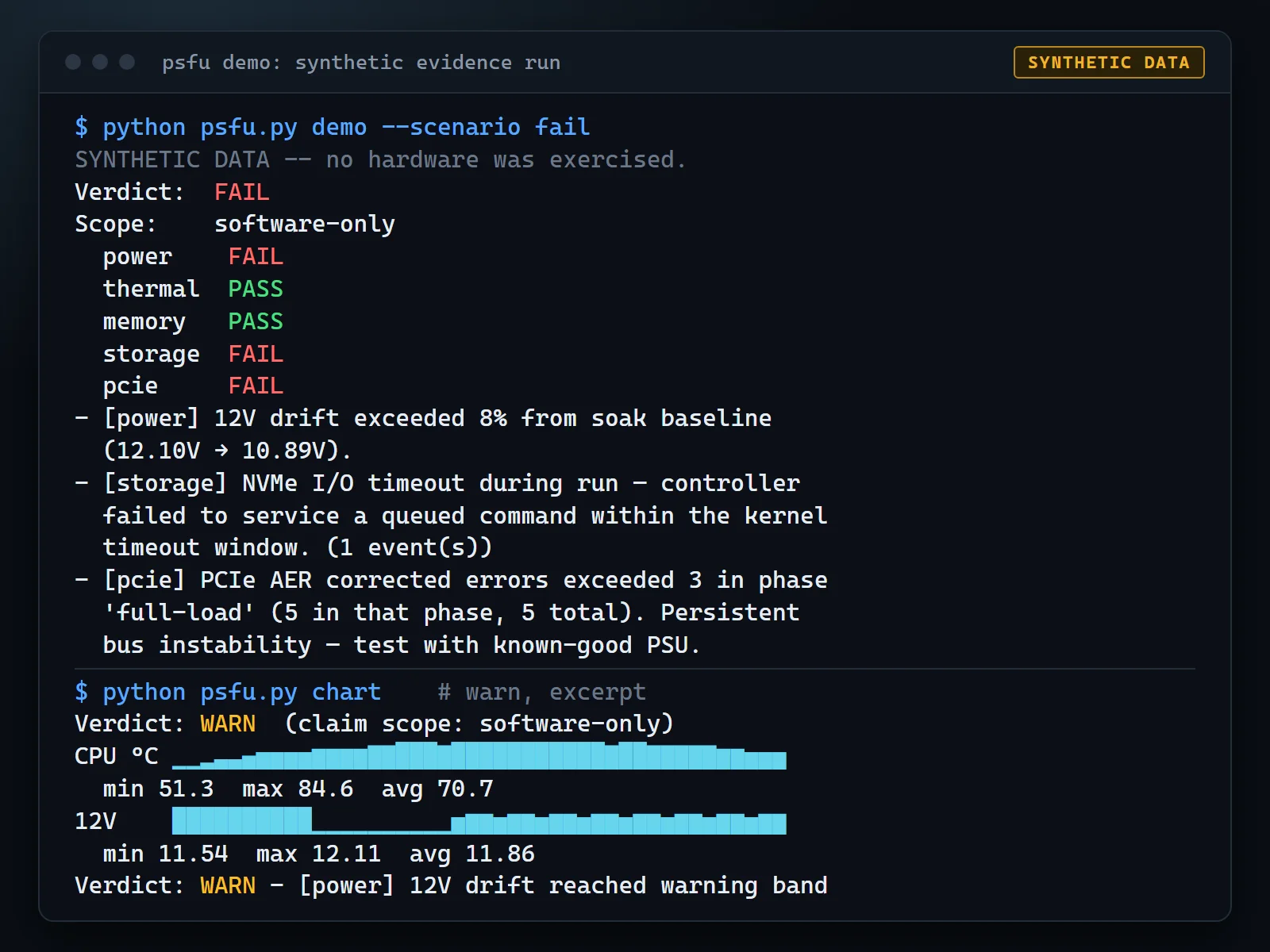
The SPD5118 hub carries the sensor, and the kernel exposes it through the spd5118 hwmon driver from Linux 6.8. When the driver is not bound, the sensor is still there on the SMBus. dtemp covers both paths and shows the result in one live view with per-sensor minimum, maximum and average, so a warm DIMM is visible during a long test instead of after it.
What it does
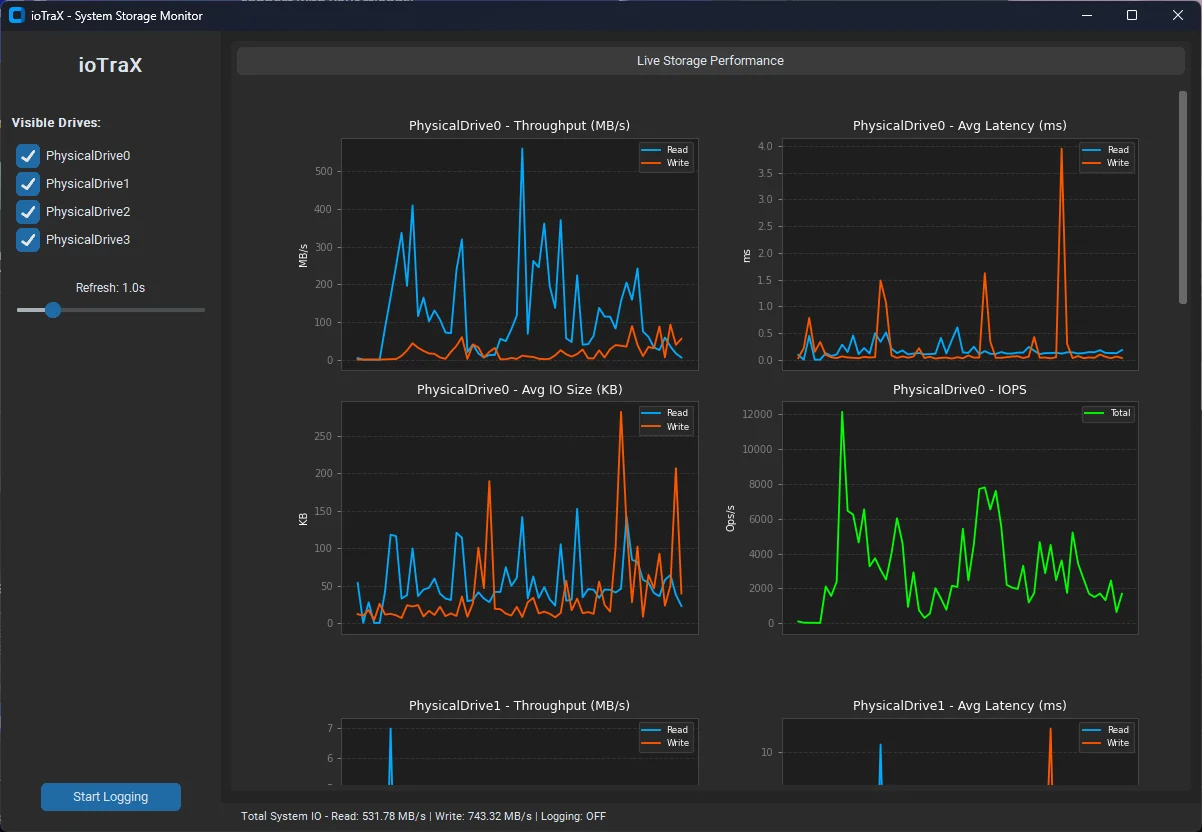
- A live terminal monitor with per-sensor min, max and average, and a trend chart.
--once,--jsonand--log(CSV) for scripts, and--validate, which returns stable exit codes: 0 for all sensors below the warning threshold, 1 for a warning or hot sensor, 2 for no DIMM sensors found, 3 for a read error.- Two read paths: the kernel
spd5118orjc42hwmon drivers, or a direct SMBus read throughsmbus2ori2cgetwhen no driver is bound. - Default thresholds of 50 C for warning and 72 C for hot, adjustable with
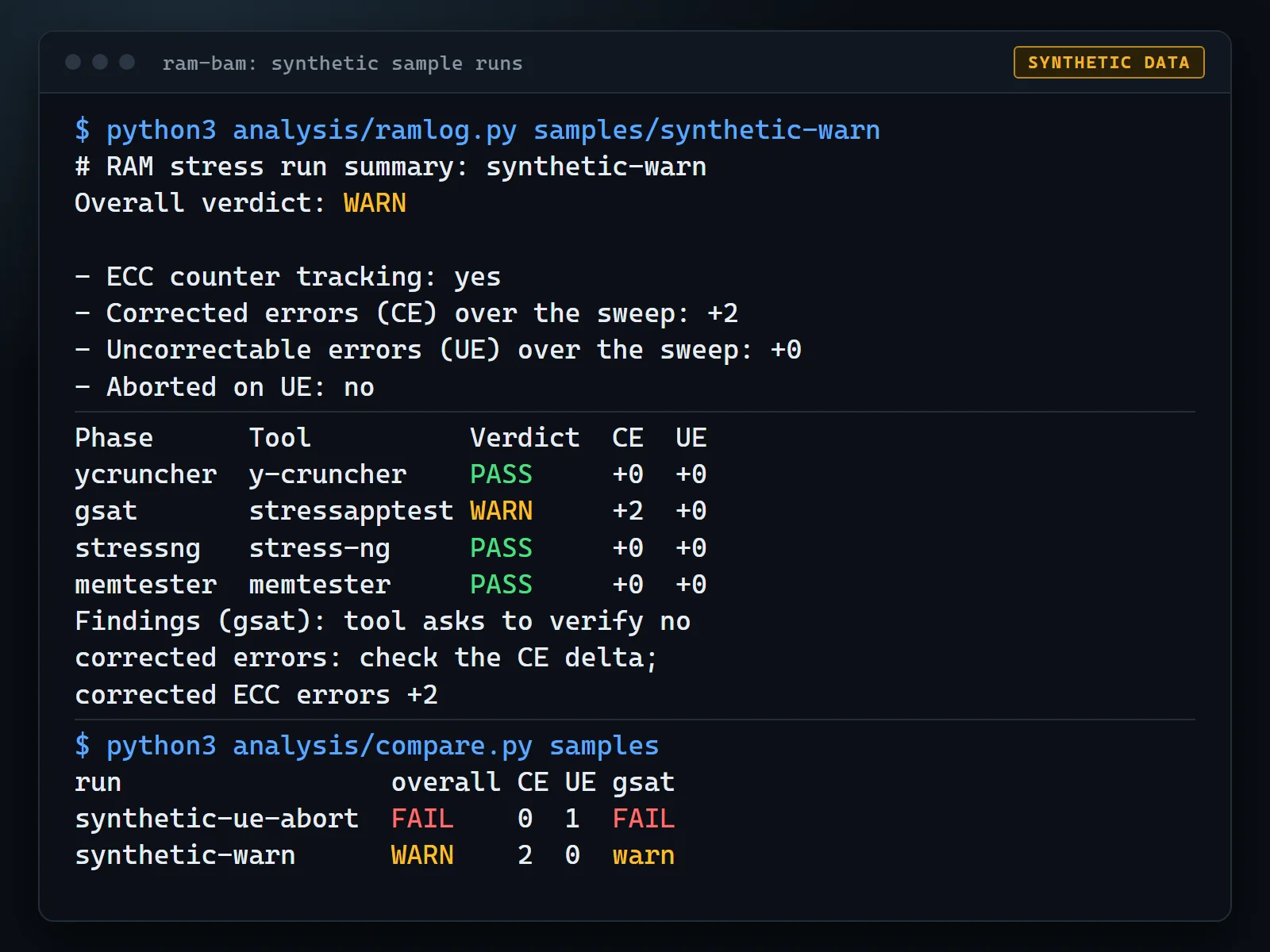
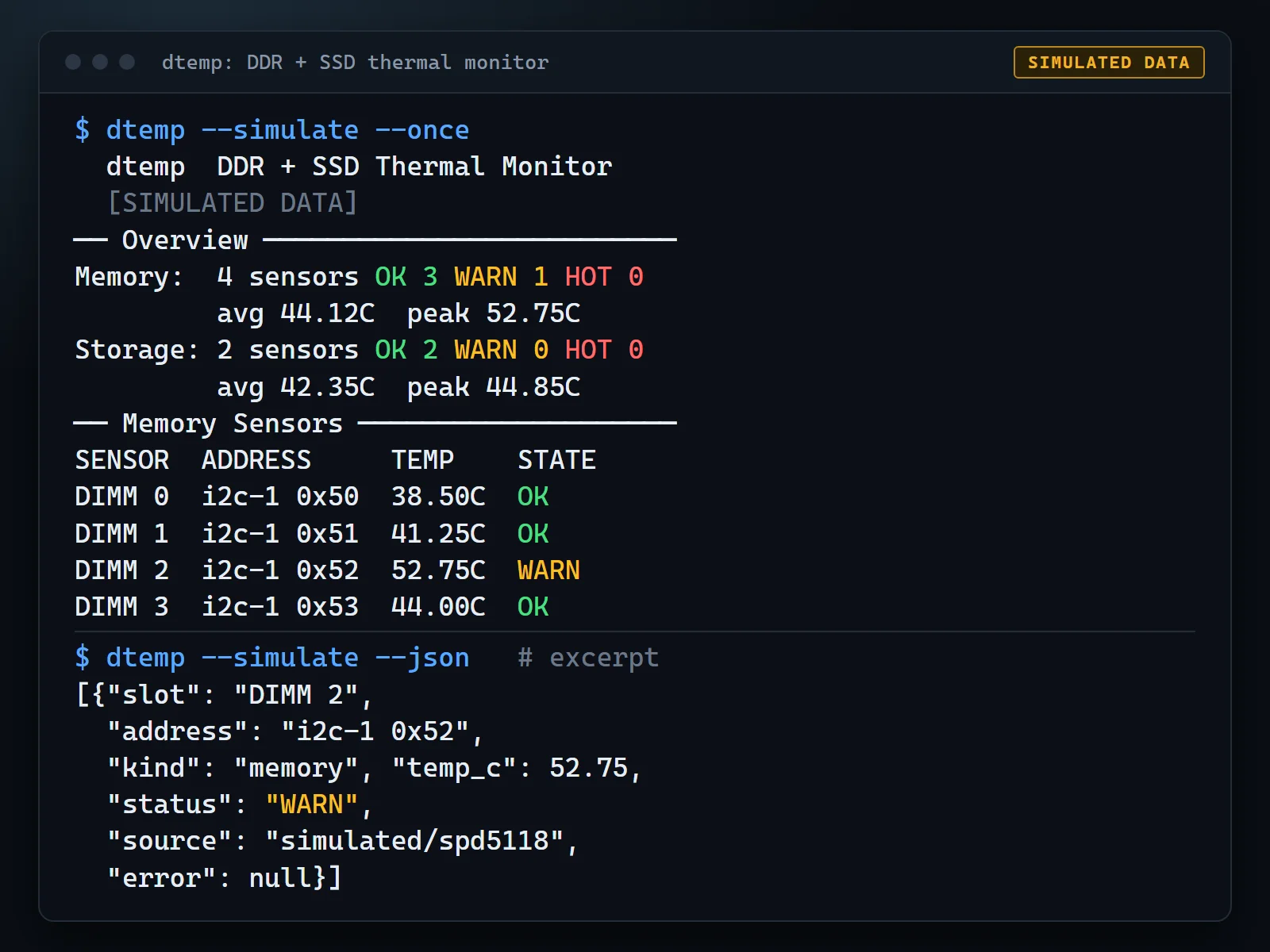
--warnand--fail. --simulate, which runs synthetic sensors through the real decode path, so you can try the tool or test a script that consumes its output without any hardware.--simulate my.jsontakes your own fixture for edge cases such as a disabled sensor or a negative temperature.
It is pure Python 3.9 or newer using only the standard library, with smbus2 optional.
Read-only by design
dtemp never writes to a DIMM’s SPD NVM or configuration registers. The bus layer exposes only read_byte and read_word, and every call is checked against an allowlist of addresses and registers before any bus traffic. The i2cget backend builds its command line through the same allowlist and never uses the force flag, i2cset or i2ctransfer. The test suite scans the source for write-capable calls and fails if one appears.
Two caveats from the README. An SMBus read has to send the register address to the device first, which is part of the read rather than a data write. And once the kernel spd5118 driver is bound, that driver does what it always does, including toggling the sensor-disable bit around suspend and resume. If you need a strict guarantee, use --mode smbus without --setup.
Honest limitations
| Platform | Status |
|---|---|
| Intel NUC 14 Pro, 2x DDR5, Linux 6.17, hwmon path | Confirmed on an earlier build |
| NVMe temperatures through hwmon on the same machine | Confirmed on an earlier build |
| Direct SMBus read of SPD5118 on any machine | Untested on hardware |
DDR4 and DDR3 (jc42), SATA (drivetemp) |
Untested on hardware |
| AMD EPYC, Threadripper, Intel Xeon server platforms | Untested, and not expected to work out of the box on many boards |
Server and workstation boards often put DIMMs behind an I2C multiplexer, which dtemp does not drive yet. Many keep the SPD hubs in I3C mode or reserve the bus for the BMC, and some firmware blocks host access to parts of the SMBus. The automated tests use synthetic data. They prove the decode logic and the safety guard, not that a particular motherboard behaves.
Get started
pip install .                # from a checkout; provides the dtemp command
dtemp --simulate             # try it on synthetic data
dtemp --diag                 # start here on a new machine
dtemp                        # live monitor, hwmon first, direct SMBus fallback
dtemp --once --json
dtemp --diag prints bus names, driver state and the read-only scan, and is the right first command on a new machine. dtemp makes no system changes unless you run sudo dtemp --setup, which loads modules and binds the kernel driver only to addresses that positively identified themselves.
Safety notes
Direct reads touch shared hardware. On a live system a BMC, firmware or another tool may be using the same SMBus. dtemp uses only short single-register reads, but bus contention is possible.
Scans are limited to SMBus-class adapters by default so GPU and display buses are not probed. If you try it on server hardware, the README asks for the output of sudo dtemp --diag --no-color in an issue, with hostnames, usernames and serial numbers removed. dtemp does not print serial numbers.
Open source under the MIT license
dtemp is open source under the MIT License, with source, a register-map explanation and sample output on GitHub. More reports from different boards are the fastest way to turn “untested” into a real compatibility list.