A NAS is a small computer running a storage operating system, and that software is either picked for you or picked by you. Synology, QNAP, UGREEN, Asustor, and TerraMaster sell their own system with the box, while TrueNAS, Unraid, OpenMediaVault, and several others run on hardware the buyer chooses. The choice sets what the NAS costs, how long its maker keeps patching it, and which drives it accepts.
Running a NAS
Running a NAS, Part 1: NAS Operating Systems Compared
NAS operating systems compared, from Synology, QNAP, UGREEN, Asustor and TerraMaster boxes to TrueNAS, Unraid and OpenMediaVault, on cost, updates and hardware.
On this page 25 sections
Running a NAS is a series on choosing, building, and keeping one of these machines. It compares the systems on what each maker states on its own pages as of November 5, 2026: version, price, update support, drive rules, and hardware. Part 2, Pools and Filesystems on a NAS then covers how the systems lay data across drives. Nothing here is my own measurement, and where a maker’s pages say nothing, the text says so instead of guessing.
What comes with the box
As of November 5, 2026, these are the releases each appliance maker’s own pages date. UGREEN’s pages state no version, and a blank cell means the maker has not published the value.
| System | Maker | Release the maker’s page names | Date |
|---|---|---|---|
| DSM | Synology | 7.4.1-90080 Update 1 | October 12, 2026 |
| QTS | QNAP | 5.2.10.3577 | July 31, 2026 |
| QuTS hero | QNAP | h6.0.2.3591 | dated by build number only |
| UGOS Pro | UGREEN | ||
| ADM | Asustor | 5.0 | May 21, 2025 |
| TOS | TerraMaster | 7, full release | June 23, 2026 |
Sources are the release notes and launch posts linked in each row. The QTS notes print their date, and the QuTS hero notes give only the build number. The Asustor row shows ADM 5.0, the release with a dated page, and the ADM 5.1 notes cited below carry no date.
What comes with the box
Appliance makers bundle the software, DIY systems run on your parts
Synology and QNAP
Synology’s DSM offers Btrfs and ext4 file systems, and the same page credits Btrfs with file self-healing. The copy I read is that page’s DSM 7.2 edition.
QNAP runs two systems. Its switching guide says QTS uses ext4 and QuTS hero uses ZFS, and that some models can run either. Moving a NAS to QuTS hero erases all data on it, so the choice belongs before the first pool, not after. QuTS hero’s inline deduplication and compression come with a recommendation of at least 32GB of RAM, and a single ZFS shared folder can reach 5PB. QNAP released QuTS hero h6.0 on May 29, 2026 and calls it its latest ZFS-based NAS operating system.
UGREEN, Asustor, and TerraMaster
UGREEN publishes a support status page with no stated update term, though the company says it may issue critical security fixes for devices that have left software update support.
With ADM 5.0, Asustor moved to Linux kernel 6.6 long-term support (LTS). Its ADM 5.1 notes say the system cannot be downgraded after installing and tell owners to update App Central apps afterward.
TerraMaster’s TOS 6 runs Linux kernel 6.1 LTS and reads drives formatted EXT3, EXT4, BTRFS, NTFS, FAT32, exFAT, and HFS+ without reformatting. Its TRAID and TRAID+ combine mixed-capacity drives with redundancy and sit alongside standard RAID. TOS 7 adds access to Ubuntu software repositories and, in a developer mode, full root access.
WD, NETGEAR, and Buffalo
Three older appliance makers sit beside the five above. Western Digital’s My Cloud OS 5 runs on its My Cloud line, and its security notice WDC-25006 names firmware 5.31.108, published September 26, 2025, as the minimum fix version for models that include the My Cloud PR2100 and PR4100. WD’s pages that I read name no file system for it.
NETGEAR’s ReadyNAS line runs ReadyNAS OS 6. The ReadyNAS OS 6 support page marks version 6.10.10 as the latest for its x86 and arm builds and calls the software end-of-life. NETGEAR’s ReadyNAS OS software manual says Btrfs is the basis of the file system. It describes a proprietary single-volume RAID mode called X-RAID and a Flex-RAID mode that formats disks in industry-standard RAID levels.
Buffalo’s TeraStation and LinkStation pages that I read describe closed systems. Buffalo’s TeraStation 5020 page advertises the Btrfs file system and a closed system, with not even the administrator holding root rights. Buffalo’s LinkStation 700 page pitches a closed system too, unlike enclosures with open systems that allow root access.
One model breaks that pattern. Buffalo’s TeraStation WS5020 IoT 2025 runs Windows Server IoT 2025 for Storage. The product page puts the limit at a maximum of 50 concurrent sessions, with no client access licenses.
How long an appliance gets updates
Synology’s dated plan
Each appliance maker sorts its products into support levels, and in the pages read for this part Synology is the only one that dates the support phases of each software version. Western Digital names one year for My Cloud OS 5, and NETGEAR gives a rule that counts from the last sale. Synology’s life cycle policy says DSM 7.4 reached general availability in June 2026 and its maintenance phase is planned to end in June 2028. DSM 7.3 is marked long-term support, running from general availability in October 2025 to the end of its extended life phase in October 2028, and every DSM major version has at least one long-term support minor release.
After general availability, a version passes through two phases, and maintenance carries only critical-impact security fixes and selected urgent bug fixes while extended life carries only critical-impact security fixes. Synology also calls its future dates close approximations that are non-definitive and open to extension, which makes them a plan and not a promise.
How long an appliance gets updates
Only Synology dates its software, DSM 7.4 maintenance ends June 2028
A dated version can still skip a model. Synology’s release notes say DSM 7.4.1, dated July 23, 2026, is not offered to a list of older models, among them the DS918+, DS1618+, DS218+, and DS1817+. Those units stay on their most suitable earlier version.
What the other makers publish
QNAP, Asustor, and UGREEN publish support levels without a term, and the table sets their wording beside Synology’s.
| Maker | Support levels | What the pages say about the end |
|---|---|---|
| Synology | Full, Limited, End of Life | Limited gets security updates only, and End of Life gets no more updates |
| QNAP | Supported, End of Support, End of Life | An End of Life product gets no further firmware updates or technical support |
| Asustor | Supported, Limited, Ended | Limited covers ADM security updates only |
| UGREEN | No named levels; a products support status page | Critical security fixes may still be issued for devices no longer in software update support |
Each row links its maker’s status page. QNAP, Asustor, and UGREEN state no number of years.
Two other lines show the end state. Western Digital guarantees support for My Cloud OS 5 through 2026, and its FAQ adds that after the end of 2026 the system enters End of Support unless support is extended. Support for prior generations, including My Cloud OS 3, ended on April 15, 2022. NETGEAR’s End of Service policy says end of service generally comes three years after the last sale date, and products past it get no firmware updates, including security updates. NETGEAR’s ReadyNAS OS 6 page already calls the software end-of-life. Buffalo’s pages that I read state no term.
QNAP, Asustor, UGREEN, and Buffalo state no term, which leaves no figure to set beside Synology’s dates, and WD and NETGEAR give a year or a rule instead. This guide reads that gap as a question to put to the maker before buying. How long does this model get security updates? Part 6, Sharing and Remote Access covers what happens to boxes left on old software, and Part 8, Keeping a NAS Healthy covers applying updates.
A drive list can be advice or a gate
A compatibility list names the drives a maker tested, and the rule attached to it can be a recommendation or a requirement.
Synology: a favored list that loosened
Starting with 2025 models, Synology introduced compatibility policies favoring Synology-validated HDDs and SSDs, with reliability, cost efficiency, and a consistent experience as its stated aims. The policies apply only to models released in 2025 and later, not to earlier systems. Synology’s pages do not spell out what the first version blocked, so this page does not either.
A drive list can be advice or a gate
A drive list sits on a scale from a favored set to a recommendation
Two Synology pages then loosen the policy. On October 8, 2025, its DSM 7.3 announcement described 2025 Plus, Value, and J series models as supporting installation and storage pool creation with non-validated third-party drives. The FAQ adds that the 2025 Plus series takes third-party HDDs and 2.5-inch SATA SSDs in pools, though Synology still recommends drives from its list. Read together, the pages move the list from a favored set toward a recommendation, which is this guide’s reading and not Synology’s wording.
UGREEN: an advisory list
UGREEN’s compatibility list is advisory. By its own notes it rests on the company’s testing, is for reference only, and cannot cover every third-party product. The same page recommends NAS-rated drives that use conventional magnetic recording (CMR) and tells buyers to check the exact part number against the list.
It advises against shingled magnetic recording (SMR) drives, since sustained rewrites and RAID rebuilds can be slower and less predictable. How a Hard Drive Works explains the two recording methods, and Part 9, NAS Problems Found Too Late returns to SMR in RAID and to compatibility lists in practice. Part 4, SSDs in a NAS covers the rules makers set for M.2 storage pools.
TrueNAS: free, and now one edition
One edition on OpenZFS
TrueNAS 25.04 merged the older CORE and SCALE lines into TrueNAS Community Edition, which the project calls the singular, free, open source storage platform for non-enterprise users. Its download page adds that it is built on OpenZFS and offered as a free software download.
TrueNAS CORE ran on FreeBSD and ended with 13.3-U1.2, after which it moved into a sustaining engineering phase.
TrueNAS: free, and now one edition
TrueNAS 25.04 merged CORE and SCALE into one free edition
Releases and hardware
The 25.10 version notes list 25.10.8, released on November 5, 2026, with the Linux 6.12 LTS kernel. On its software status page, TrueNAS names 25.10.8 as the General release and 27.0.0-RC.1 for Early Adopters.
A minimum of any x86_64 processor, 8GB of memory, a 20GB SSD boot device, and two identically sized storage devices for a single pool appears in TrueNAS’s hardware guide. The copy I read comes from the development branch of its documentation. The same guide says TrueNAS does not officially support T10-DIF drives. For the 8GB of memory in that list, Part 9, NAS Problems Found Too Late covers what error-correcting memory buys.
Unraid: a license per server
Unraid is paid software that installs on and boots from a USB flash drive, loading into a RAM file system, on 64-bit x86_64 systems. Starter costs $49 for up to six attached storage devices, per Unraid’s pricing post, and the pricing page puts Unleashed at $109 with unlimited devices and Lifetime at $249 with no extension fee. Starter and Unleashed include one year of updates, and after that an optional extension costs $36 per year, per the licensing FAQ. A free 30-day trial exists, and a license covers one server.
Unraid: a license per server
Unraid boots from USB and keeps data on separate drives
Unraid 7.3.4 is the latest stable release in its releases list, with 7.4.0-rc.2 in testing. Its array keeps data on individual drives and adds up to two dedicated parity drives, and pools beside the array can use ZFS, BTRFS, or XFS. Part 2 covers what that layout means for growth and rebuilds. TrueNAS costs nothing to download, while Unraid charges for a license and keeps data on individual drives instead of combining them.
The smaller DIY options
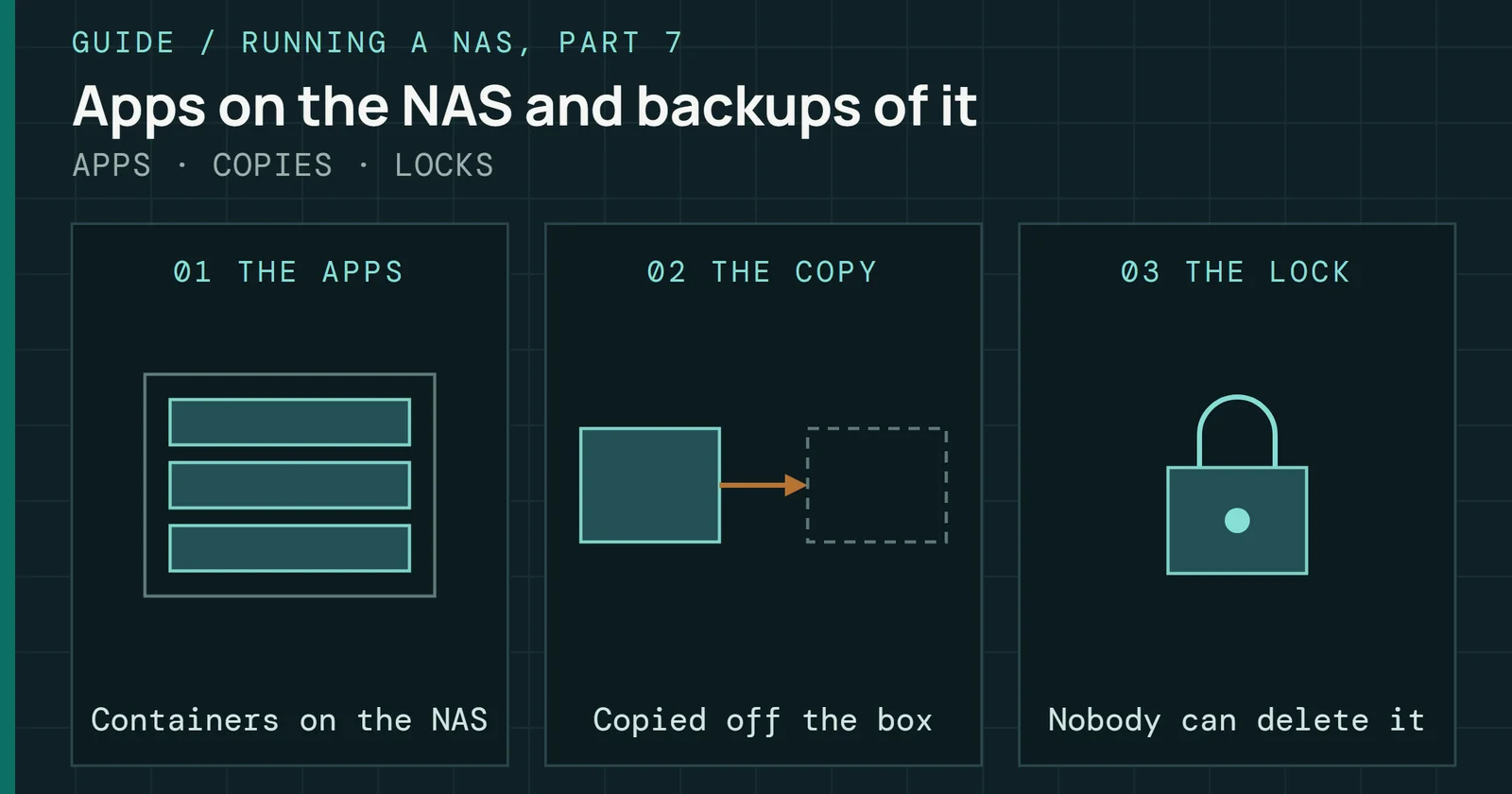
Beyond TrueNAS and Unraid, a buyer can pick a smaller NAS system or build one on a general-purpose operating system. Each is described here from what its own project pages state. How apps and containers run on TrueNAS, Synology, QNAP, Unraid, and OpenMediaVault is in Part 7, Apps and Backing Up the NAS.
The smaller DIY options
Each smaller DIY system builds on an existing base system
OpenMediaVault
OpenMediaVault (OMV) is a NAS solution based on Debian, extended by plugins, with third-party plugins in the OMV-Extras repository. Its 8.0.1 release of OMV 8 came on December 24, 2025 on Debian 13 and supports only AMD64 and ARM64.
Version 7.0, on Debian 12, is listed as end of life in June 2026 in the releases table, so an install still on it has been past support since then. OMV’s news page announced 8.6.0 on October 28, 2026.
HexOS
HexOS calls itself powered by TrueNAS and in partnership with the team behind it. Buyers choose and change their own hardware, the company says.
Its Lifetime plan was offered at $199 per server during Early Access, with a regular price of $299 after that.
ZimaOS and CasaOS
ZimaOS 1.5.0 upgrades existing devices to ZimaOS Plus for members who update promptly. Supported hardware on its GitHub page runs from ZimaBoard, ZimaBoard2, ZimaBlade, and ZimaCube to generic x86-64 systems, with updates delivered over the air. Its project page adds that ZimaOS evolved from CasaOS, with a separate release version built for better hardware compatibility and update experience.
CasaOS is a community-driven open source project that began as the pre-installed system for the crowdfunded ZimaBoard. It installs with a one-line script on top of a fresh Linux install and lists Debian 12 as tested and recommended. It runs on amd64 (x86-64), arm64, and armv7 hardware.
CasaOS’s releases page marks v0.4.15 as the latest release, with a v0.4.17-alpha1 pre-release listed above it.
Proxmox VE
Proxmox VE is based on Debian GNU/Linux and runs only on 64-bit CPUs, and its code is licensed under the GNU Affero General Public License, version 3, according to the Proxmox FAQ. Support for each version runs about three years, matching Debian. ZFS comes integrated as a file system and as a root file system choice.
Proxmox VE 9.2 arrived on May 21, 2026 with ZFS 2.4, per the roadmap. Subscriptions cost €120 for Community, €370 for Basic, €550 for Standard, and €1,100 for Premium, per CPU socket per year.
XigmaNAS and Rockstor
XigmaNAS is an open source NAS distribution based on FreeBSD, with ZFS, software RAID, and SMB, NFS, and iSCSI sharing. XigmaNAS’s front page says it installs on virtually any hardware platform, on a CompactFlash card, USB key, SSD, or hard disk, or boots from a LiveCD or LiveUSB. That page lists no price and no version.
Rockstor is a Linux and Btrfs NAS appliance built on openSUSE. Rockstor’s documentation calls the package licensed FSF Free/Libre and OSI approved, lists commodity x86_64 and ARM64 hardware, and runs apps as Docker-based Rock-ons. A GitHub releases page marks 5.5.5-0 as the latest release.
Cockpit and 45Drives Houston
Cockpit is a web-based graphical interface for servers, free under the GNU LGPL, and it lists storage management, including RAID and LUKS partitions, among its tasks. Cockpit’s front page shows version 370, released October 22, 2026, with new versions every two weeks. It manages a Linux server, so an operating system sits underneath it.
45Drives calls Houston the Cockpit-based management layer that works for any Linux server deployment. The Houston UI page describes integration with 45Drives servers, to monitor them and manage drives, and adds that Houston has gained ZFS and iSCSI modules. The Houston pages I read state no price.
The modules are public projects. cockpit-zfs manages ZFS pools, file systems, snapshots, and disks, and needs a Linux system with ZFS already installed. cockpit-file-sharing manages Samba, NFS, iSCSI, and S3 services.
Debian or Ubuntu with Samba and ZFS
A plain Debian or Ubuntu server skips the NAS system entirely: the buyer installs the operating system and then the packages. Debian’s releases page names version 13, codenamed trixie, as the current stable release and dates its latest update, 13.7, to September 12, 2026. Canonical’s release cycle page gives Ubuntu 26.04 LTS standard security maintenance until May 2031.
Ubuntu’s server documentation calls Samba as a file server one of the most common ways to network Ubuntu and Windows computers, installed with the samba package. On Ubuntu, OpenZFS’s guide puts ZFS in the default Linux kernel packages, with the utilities in zfsutils-linux. On Debian, its guide places the ZFS packages in the contrib repository and notes that backports often provide newer releases. Part 2 covers what ZFS does with the drives.
Windows as a file server
A Windows machine can serve files too. Microsoft’s SMB file sharing overview covers Windows Server from 2016 through 2025 and Windows 10 and 11. Microsoft’s pricing page lists Windows Server 2025 Standard at a suggested $1,176 for 16 core licenses under core-based licensing that requires client access licenses. A lifecycle page puts the end of mainstream support at November 14, 2029 and extended support at November 15, 2034, Pacific time.
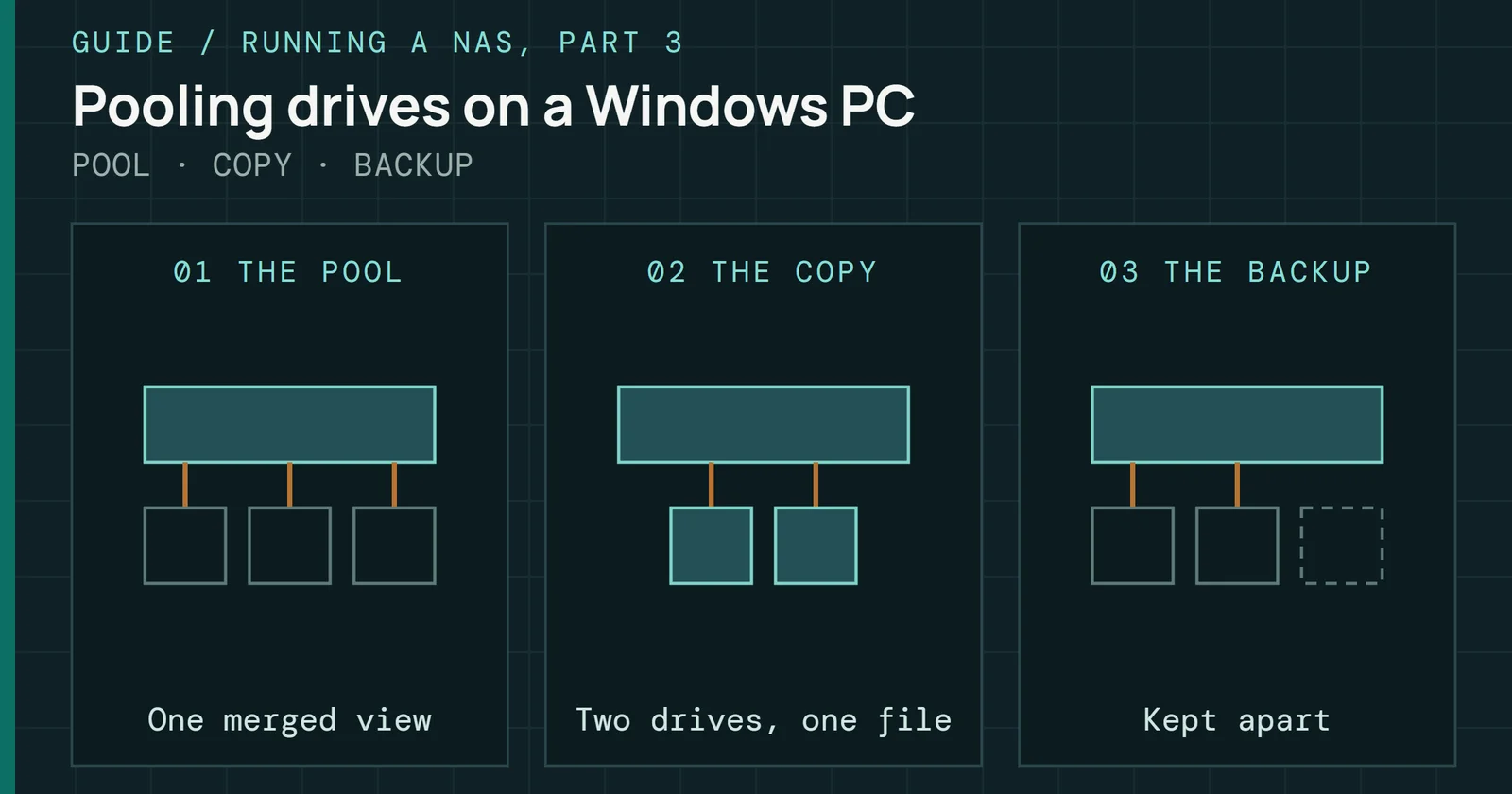
Pooling drives on a Windows PC is its own subject, and Part 3, Drive Pooling on Windows covers it. Buffalo’s WS5020 sells Windows Server inside an appliance, as described above.
Cost and hardware side by side
The DIY systems compare more easily on price and the hardware each maker names, so the appliance systems, which come with the maker’s box, are left out.
| System | Price listed | Hardware the maker names |
|---|---|---|
| TrueNAS Community Edition | Free download | Any x86_64 processor, 8GB RAM, 20GB boot SSD |
| Unraid | $49 Starter (6 devices), $109 Unleashed, $249 Lifetime | USB flash drive boot, x86_64 |
| OpenMediaVault | Not listed | AMD64 and ARM64 |
| HexOS | $199 Lifetime in Early Access, $299 regular | Your own hardware |
| ZimaOS | Not listed | Zima boards and cubes, generic x86-64 systems |
| CasaOS | Not listed | amd64 (x86-64), arm64, armv7 |
| Proxmox VE | Subscription tiers, €120 to €1,100 per CPU socket per year | 64-bit CPUs |
| XigmaNAS | Not listed | Virtually any hardware platform |
| Rockstor | Not listed | Commodity x86_64 and ARM64 |
| Cockpit and Houston | Cockpit is free; Houston not listed | A Linux server |
| Debian or Ubuntu | Not listed | Not listed |
Sources are the maker pages linked in the sections above. Not listed means the maker’s pages that I read state none, and the TrueNAS row follows the development branch of its hardware guide.
Cost and hardware side by side
Listed prices run from free TrueNAS and Cockpit to $299 for HexOS
Choosing between a box and a build
An appliance puts its cost into the update window and the drive rule, and a DIY system puts it into a price or a parts list. Which hurts less depends on how long the owner plans to keep the machine. Synology’s table ends maintenance for DSM 7.4 in June 2028, Western Digital guarantees My Cloud OS 5 support through 2026, and NETGEAR generally ends service three years after the last sale, while QNAP, Asustor, UGREEN, and Buffalo state no term.
Two builds in testing show where the DIY side is heading. TrueNAS offers 27.0.0-RC.1 to Early Adopters, while its status page names 25.10.8 as the General release, and Unraid has 7.4.0-rc.2 in testing beside stable 7.3.4. A buyer who wants a vendor’s dated update plan fits an appliance, which Best NAS picks by bay count, and one who will choose parts and accept a price or a parts list fits a build.
Choosing between a box and a build
A box costs in updates and drive rules, a build in price and parts
Whichever system wins, the next choice is how it spreads data across drives, and Part 2, Pools and Filesystems on a NAS starts from the layers named here, which are ZFS, Btrfs on Synology, Unraid’s parity array, and the SnapRAID and mergerfs pairing.
Sources
Primary is the original paper, standard or datasheet. Secondary is a review, a vendor summary or a news report. Measured is my own test data.
Show all 61 sources, 61 primary
- PrimaryMeet TrueNAS Community Edition – The Future of Open StorageTrueNAS Open Enterprise Storage, 2025
- PrimarySynology drive compatibility policies FAQ, 2025 models, DSM 7.3 and above (publisher page printed to PDF)Synology, 2025
- PrimaryCan I switch my NAS OS between QTS and QuTS hero (publisher page printed to PDF)QNAP, 2026
- PrimaryHouston UI, Open Source Storage Administration (45Drives page printed to PDF)45Drives, 2026
- PrimaryLinkStation 700 Series Desktop (Buffalo Americas page printed to PDF)Buffalo Americas, 2026
- PrimaryQNAP product support status phases FAQ (publisher page printed to PDF)QNAP, 2026
- PrimaryQNAP releases QuTS hero h6.0 (publisher page printed to PDF)QNAP, 2026
- PrimaryQTS 5.2.10.3577 build 20260731 release notes (publisher page printed to PDF)QNAP, 2026
- PrimaryQuTS hero h6.0.2.3591 build 20260819 release notes (publisher page printed to PDF)QNAP, 2026
- PrimaryReadyNAS OS 6 Support (NETGEAR page printed to PDF)NETGEAR, 2026
- PrimarySynology release notes for DSM, all versions (publisher page printed to PDF)Synology, 2026
- PrimaryTeraStation 5020 Series Desktop (Buffalo Americas page printed to PDF)Buffalo Americas, 2026
- PrimaryTeraStation WS5020 IoT 2025 Desktop (Buffalo Americas page printed to PDF)Buffalo Americas, 2026
- PrimaryUGREEN NAS Compatibility List and FAQ (page printed to PDF with the FAQ opened, read 2026-11-05)UGREEN, 2026
- PrimaryZimaOS 1.5.0 Release Notes: New Features and UpdatesZimaspace Docs, 2026
- Primary13.3 Version Notestruenas.com
- Primary25.10 (Goldeye) Version Notestruenas.com
- PrimaryASUSTOR NAS - ADM 5.0 Released for all Supported DevicesASUSTOR
- PrimaryASUSTOR NAS - Post-Quantum Cryptography (PQC) Ready: ADM Prepared for Future ThreatsASUSTOR
- PrimaryBlogopenmediavault.org
- PrimaryCockpit ProjectCockpit Project
- PrimaryDebian -- Debian Releasesdebian.org
- PrimaryDebian — OpenZFS documentationopenzfs.github.io
- PrimaryDSM Technical Specificationssynology.com
- PrimaryFAQ - Proxmox VEpve.proxmox.com
- PrimaryGitHub - IceWhaleTech/ZimaOS: A Simplified, Focused and Open NAS OSGitHub
- PrimaryHexOSHexOS
- PrimaryLicensing FAQdocs.unraid.net
- PrimaryMy Cloud OS3 End of ServiceWestern Digital
- PrimaryNETGEAR End of ServiceNetgear
- PrimaryNew Unraid OS License Pricing, Timeline, and FAQsUnraid
- PrimaryOMV8 (Synchrony) releasedopenmediavault.org
- Primaryopenmediavault 8.x documentation — openmediavault 8.x.y documentationdocs.openmediavault.org
- PrimaryProduct Support StatusASUSTOR
- PrimaryProducts Support StatusUGREEN AIoT US
- PrimaryReadyNAS OS 6.10 Software Manual (NETGEAR)downloads.netgear.com
- PrimaryReleasesUnraid
- PrimaryReleases — openmediavault 8.x.y documentationdocs.openmediavault.org
- PrimaryRoadmap - Proxmox VEpve.proxmox.com
- PrimarySet up Samba as a file serverUbuntu Server
- PrimaryStorage Freedom Starts Here - Powered by Unraid OSUnraid.net Account
- PrimarySubscriptionsProxmox
- PrimarySynology Product Support Statussynology.com
- PrimarySynology Software Life Cycle Policyglobal.download.synology.com
- PrimarySynology® Releases DiskStation Manager 7.3, Bringing Efficient Data Tiering, Enhanced Security, and AI-Powered Collaboration| Synology Inc.synology.com
- PrimaryThe NAS Revolution Is Here! TOS 7 Turns Your “Data Warehouse” into anTerraMaster Official Store
- PrimaryTOS 6TerraMaster Official Store
- PrimaryTrueNAS Community EditionTrueNAS Open Enterprise Storage
- PrimaryTrueNAS Hardware Guidetruenas.com
- PrimaryTrueNAS Software Statustruenas.com
- PrimaryUbuntu — OpenZFS documentationopenzfs.github.io
- PrimaryUbuntu release cycleUbuntu
- PrimaryUGREEN NAS Compatibility List for HDDs, SSDs, RAM & UPSUGREEN AIoT US
- PrimaryWDC-25006 - Western Digital My Cloud OS 5 Firmware 5.31.108Western Digital
- PrimaryWelcome to Rockstor — Rockstor documentationrockstor.com
- PrimaryWhat is SMB File Sharing for Windows and Windows Server?learn.microsoft.com
- PrimaryWhat is Unraid?docs.unraid.net
- PrimaryWindows Server 2025 - Microsoft Lifecyclelearn.microsoft.com
- PrimaryWindows Server 2025 Licensing & Pricingmicrosoft.com
- PrimaryXigmaNAS – XigmaNASxigmanas.com
- PrimaryZFS on Linux - Proxmox VEpve.proxmox.com