Guide

Flash Myths, Tested

Things people say about SSDs, checked against my own test data, the specs and the labs on this site.

Most SSD advice was true once, for some drive, in some situation. This series takes the common claims one at a time and checks each one against the measurements from my own test bench, the specifications the drives are built to, and the labs on this site. Every myth gets a short verdict, and every verdict shows the data it rests on. When a myth is partly right, the verdict says so.

All 18 myths tested.

Flash Myths, Tested: a claim, a test and a verdictA three-panel schematic. Left: a claim written as a quote. Center: a test trace that runs flat and then drops. Right: the three kinds of verdict the series gives, no, half true, and true with a condition.GUIDE SERIES / FLASH MYTHS, TESTEDClaims, checked against dataCLAIM · TEST · VERDICT01 CLAIM“What peoplesay aboutSSDs”One myth per guide02 TESTburstafterTrace is schematicBench, specs, labs03 VERDICTNO.HALF TRUE.TRUE, WITHA CONDITION.

Myths

Endurance and wear-out

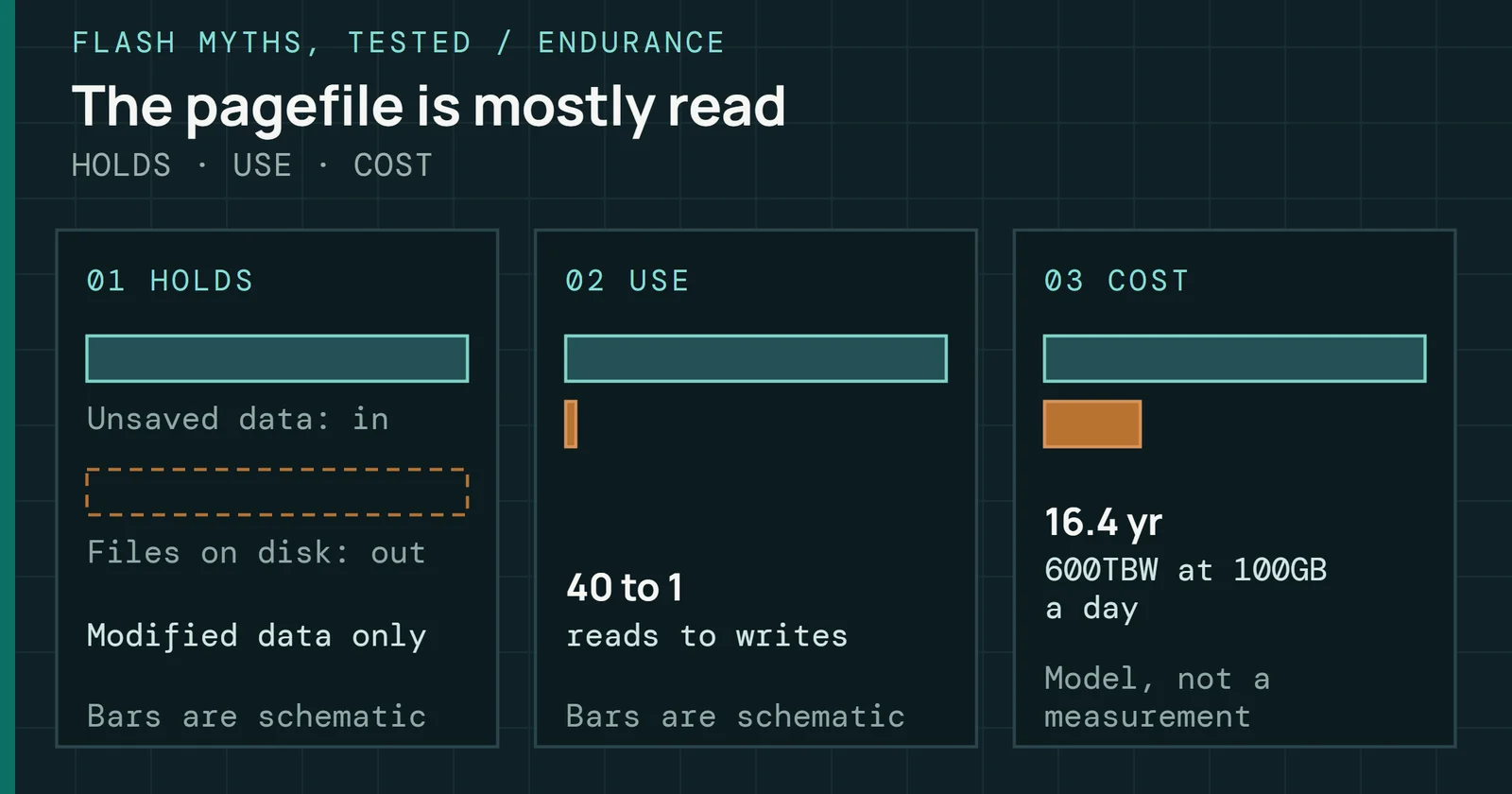
Do SSDs wear out in a couple of years: what a desktop writes, what new drives show, what two years would takeA three-panel schematic. Left: my 4TB system drive writes about 96GB a day and reports 1% used. Center: 70 of 83 new drives read 0% or 1% used at the end of a test suite. Right: reaching a 600TBW rating in two years takes 822GB of writes a day.FLASH MYTHS, TESTED / ENDURANCETwo years takes far more writesMY DRIVE · NEW DRIVES · THE RATING01 MY DRIVE96GBwritten a dayBar scaled topanel 0302 NEW DRIVES70 of 83at 0% or 1% usedAfter a fulltest suite03 THE RATING822GBa day to use up600TBW in two yearsArithmetic, not ameasurement

“SSDs wear out in a couple of years”

Verdict Not for desktop use.

My test dataSpec or paper

Read the test
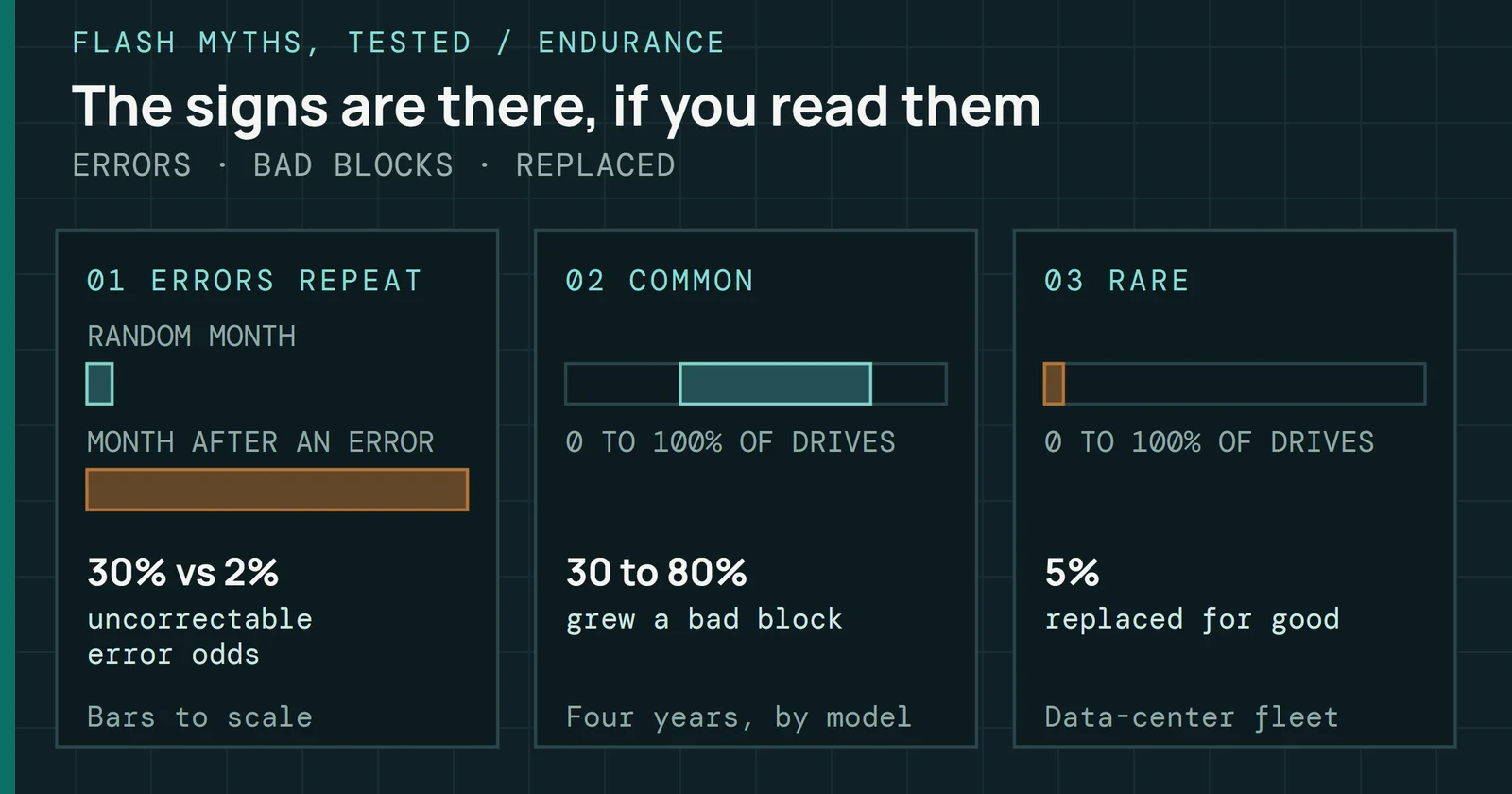
An unplugged SSD and its data: what the standard asks, what heat does, what power changesA three-panel schematic. Left: the client drive standard asks for 1 year of unpowered retention at 30 degrees Celsius after the drive has used its rated writes. Center: scaled with the same model, that year shrinks to about 15 days at 55 degrees. Right: while a drive has power, its firmware can refresh aging data, which resets the clock that a powered-off drive cannot reset.FLASH MYTHS, TESTED / RETENTIONThe year is for a worn driveSTANDARD · HEAT · POWER01 STANDARDRATED WRITES USEDPOWER OFF, THEN READ1 yearat 30°C,client classBars are schematic02 STORED HOT30°C55°C15 daysthe year scaledto 55°CModel, bars areschematic03 POWERREFRESH RESETSTHE CLOCKOn vs offthe standard coverspower offCurve is schematic

Myths

Speed claims

The speed on the box is the speed you get, tested on 65 drivesA three-panel schematic. Left: on 51 of 64 drives, the burst my bench measured was within 5% of the drive's CrystalDiskMark write speed. Center: a write trace that holds its burst speed and then drops; the median drive dropped after 214GB, 39 seconds into the test. Right: after the drop, the median drive kept 26% of its burst speed.FLASH MYTHS, TESTED / SPEEDThe box number is a burstBOX · CLIFF · AFTER01 BOX02 CLIFF03 AFTERCrystalDiskMarkBurst, my benchBars are schematic51 of 64within 5% of eachotherTrace is schematic214GBmedian drop,39 s inBurstAfter the cache26%of burst kept,median of 64 drives

“The speed on the box is the speed you get”

Verdict Only until the cache fills.

My test dataSpec or paper

Read the test
A Gen5 SSD and game loading: sequential speed against what games useA three-panel cover. Left: the median PCIe 4.0 drive reads 99% faster sequentially than the median PCIe 3.0 drive, drawn as two bars. Center: on a replayed Battlefield V load trace the same medians differ by 30%. Right: Tom's Hardware reported about 3 seconds between a PCIe 5.0 and a PCIe 3.0 drive across 7 Forspoken scenes.FLASH MYTHS, TESTED / SPEEDFaster drive, similar loadSEQUENTIAL · GAME TRACE · LOAD TIME01 SEQUENTIAL02 GAME TRACE03 LOAD TIMEPCIe 3.0 medianPCIe 4.0 median+99%the box numberPCIe 3.0 medianPCIe 4.0 median+30%replayed load~3sPCIe 5.0 against 3.07 scenes combinedForspoken loadsTom’s Hardware

“A Gen5 SSD loads games faster”

Verdict Less than the numbers suggest.

My test dataSpec or paper

Read the test
Sequential read speed and the PCMark 10 Storage score: same speed, the share explained, and the gainA three-panel cover. Left: 29 drives that all read 7,000MB/s or more sequentially scored from 2,440 to 4,606 in PCMark 10 Storage, drawn as two bars. Center: sequential read speed accounts for 52 percent of the variation in the score across all drives and 35 percent across PCIe 4.0 drives. Right: the median PCIe 4.0 drive reads 99 percent faster than the median PCIe 3.0 drive but scores 53 percent higher.FLASH MYTHS, TESTED / SPEEDRead speed is not the scoreSAME SPEED · SHARE · GAIN01 SAME SPEEDBest scoreLowest score02 SHAREAll drivesPCIe 4.0 only03 GAINSequential readPCMark 10 score1.9x apart29 drives at7,000MB/s or moreBars from zero35% explainedby read speed, PCIe4.0 drives onlyBars: 0 to 100%+99% vs +53%PCIe 4.0 against3.0, mediansBars: 0 to 100%
DRAM-less SSDs: small writes, PC score and the size of the mapA three-panel cover for 7 drives with proven DRAM status. Left: DRAM-less drives wrote 4KiB at queue depth 1 a median 24 percent lower, drawn as two bars to one scale. Center: the highest PCMark 10 Storage score in the set belongs to a DRAM-less drive, 3,631 against 3,372, drawn as two bars. Right: a 64MiB host memory buffer covers about 6.7 percent of a 1TB drive's map, drawn as two bars.FLASH MYTHS, TESTED / SPEEDDRAM-less is not slow by defaultWRITES · SCORE · MAP01 4KiB WRITE02 PC SCORE03 THE MAPDRAM drivesDRAM-less drives24% lowermedian 4KiB writeat queue depth 1DRAM bestDRAM-less best3,631highest PC scoreis a DRAM-less drive1TB drive map64MiB buffer6.7% heldof a 1TB map in thehost memory buffer

“DRAM-less SSDs are slow”

Verdict Not for most desktop use.

My test dataSpec or paper

Read the test

Myths

Tweaks and maintenance

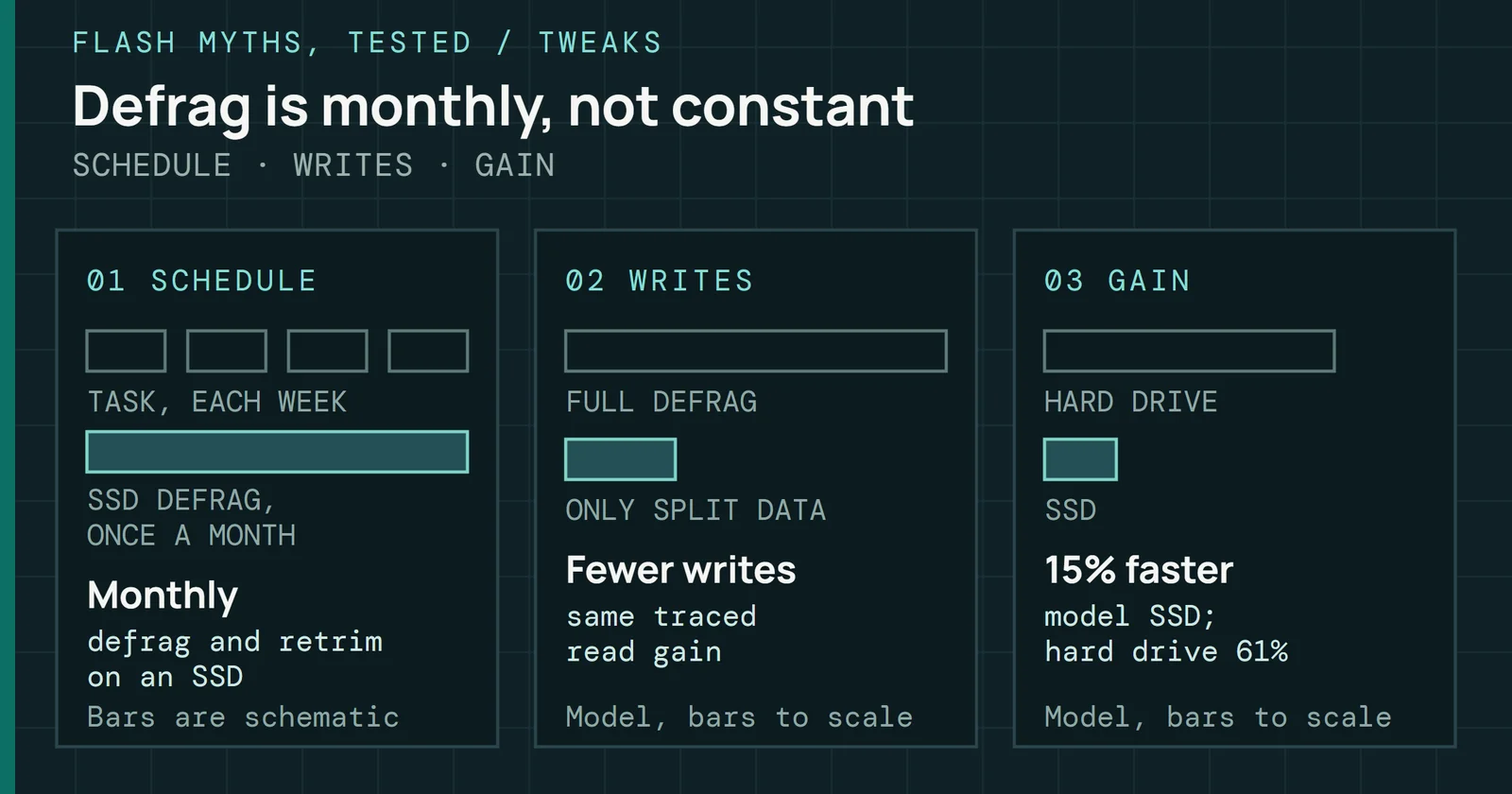
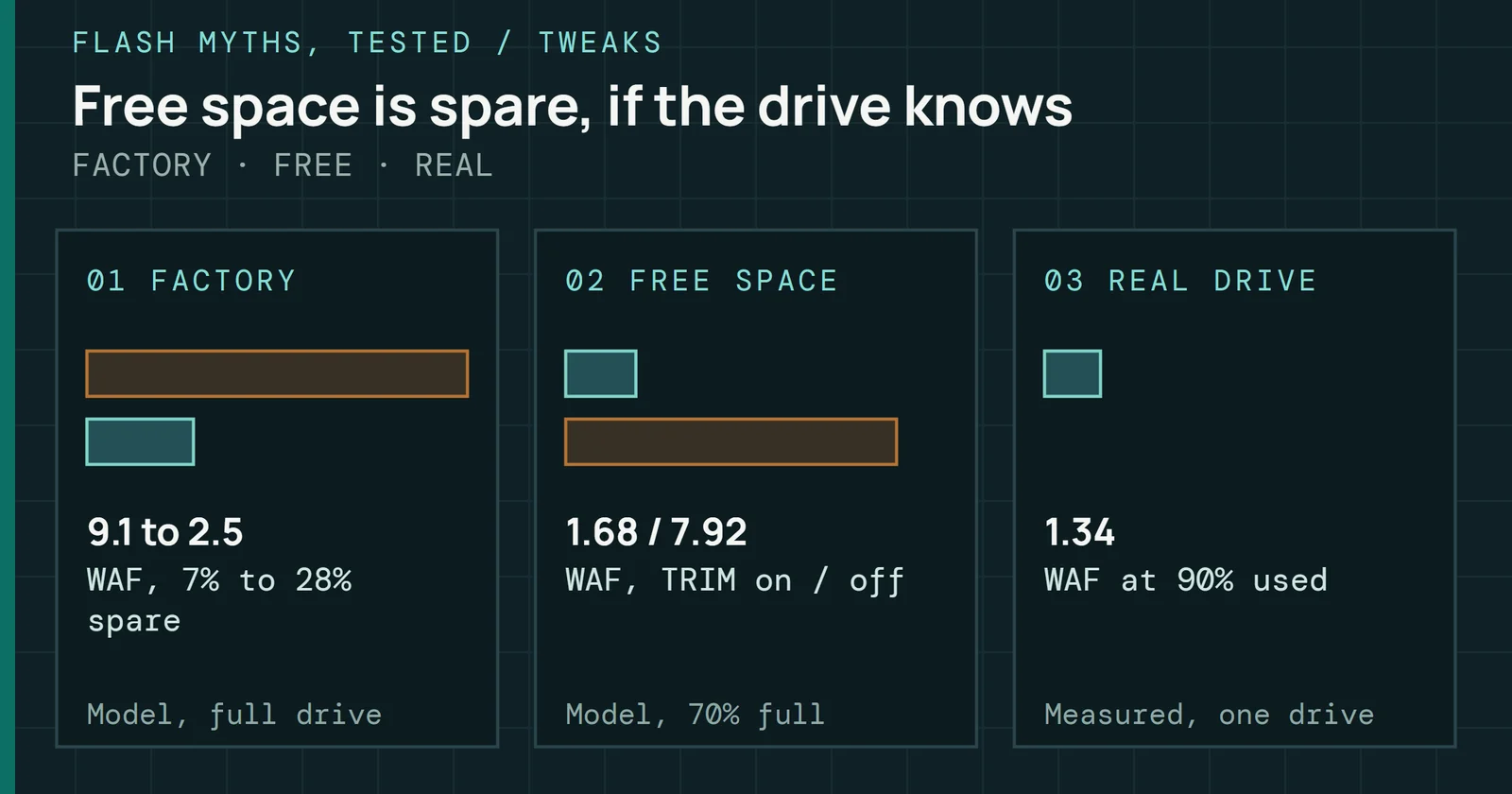
Run TRIM by hand: what the system already does, what a missing TRIM costs, where it gets lostA three-panel cover. Left: Windows retrims once per month and the usual Linux timer trims once a week, drawn as marks on two tracks. Center: in a simulation of a drive 70 percent full, write amplification was 1.7 with TRIM and 9.0 without, drawn as two bars; a full drive was 9.1. Right: four paths from host to drive that a TRIM never completes, a USB enclosure, an encrypted volume, a virtual machine and a removed volume manager volume.FLASH MYTHS, TESTED / TWEAKSTRIM runs on its ownSCHEDULE · COST · LOST PATHS01 SCHEDULE02 THE COST03 LOST PATHSWindows retrimLinux fstrim.timerMarks are schematiconce a weekLinux; Windows retrimonce per monthTRIM on, 70% fullTRIM off1.7 vs 9.0write amplificationsimulated; full 9.1USB enclosureEncrypted volumeVirtual machineLVM removalCheck the pathUSB, encryption, VMsDrawing is schematic

“You have to run TRIM by hand”

Verdict Usually not.

Spec or paperLab run

Read the test
A secure erase and an old SSD: what comes back, what stays, what it costsA three-panel schematic. Left: the block erase returns free blocks and fresh-out-of-box speed. Center: the wear already in the cells and the retired blocks stay. Right: the erase itself costs about one program/erase cycle.FLASH MYTHS, TESTED / MAINTENANCEErased is not newRETURNS · STAYS · COSTS01 RETURNSFOBfree blocks, speedBlocks are schematic02 STAYSWeardashed:retired blocksBlocks are schematic03 COSTS+1 P/Eabout one cycleper eraseModel, not ameasurement

Myths

Hardware and heat

Heatsinks and NVMe SSDs: it depends on the drive and the jobA three-panel cover. Left: the NVMe specification recommends reporting a warning temperature of 70 degrees Celsius, drawn as a mark on a track. Center: in the Throttle Lab model a Gen5 drive with no heatsink reaches 80 degrees in 2.6 minutes of sustained writing, and with a heatsink in 18.3 minutes, drawn as two bars. Right: on my bench the median SMART reading between runs was 29 degrees and the highest was 51.FLASH MYTHS, TESTED / HEATThe drive and the job decideTHE LINE · THE MODEL · MY BENCH01 THE LINE02 GEN5 MODEL03 MY BENCHNVMe warningScale is schematic70°Crecommended warninglevel, NVMe specNo heatsinkHeatsink2.6 vs 18.3 minGen5 model, to 80°CNot a measured driveBench set AScale is schematic29°Cmedian, highest 51°Cread between runs

“Every NVMe SSD needs a heatsink”

Verdict Depends on the drive and the job.

Spec or paperLab run

Read the test
A power cut: stored data against writes in flightA three-panel schematic. Left: data already stored on the flash is protected on some client drives by a hold-up bank of about 1 millisecond. Center: in one power-cut test, 13 of 15 SSDs lost or scrambled data. Right: industrial capacitor designs aim for 10 to 25 milliseconds of hold-up to flush writes the drive had acknowledged.FLASH MYTHS, TESTED / POWERStored is safer than in flightAT REST · IN FLIGHT · HOLD-UP01 AT RESTStored on the NANDProgram cut mid-wayBars are schematic~1mssmall bank guardsstored data02 IN FLIGHTHeld in the cacheLost at the cutBars are schematic13 of 15SSDs failed apower-cut test03 CAPACITORSFlush while it holdsHold-up timeBars are schematic10 to 25msindustrial designtarget

Already tested

Ten secure-erase myths

The Secure Erase Lab runs ten erase myths on its own drive model, from the Recycle Bin to drilling a hole, and gives each one a verdict and a source.

Simulator

Secure Erase Lab

Try this: Read six tests of delete, format, overwrite and sanitize on one simulated drive, and count what is still on the chips.

Open