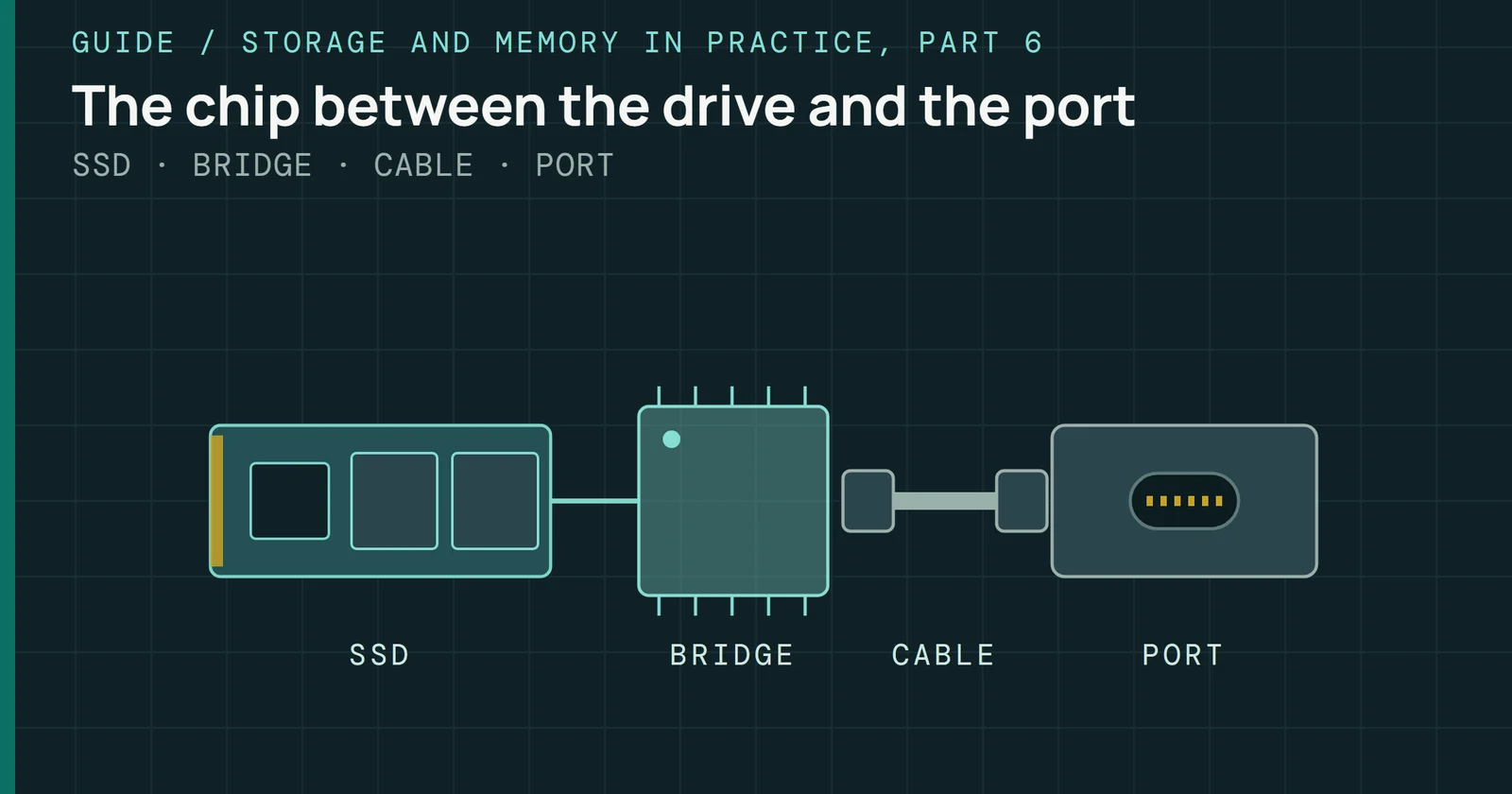
A desktop board can carry several M.2 slots, and they aren’t equal. On AMD’s AM5 and Intel’s LGA1700 and LGA1851 platforms, some slots are wired to the processor and others hang off the chipset, sharing its one link with USB, networking, and SATA. On some boards one slot borrows lanes from the graphics card’s slot. This guide explains what the numbers on an SSD box mean, which slot gets which lanes on each platform, how to set a drive up in Windows and Linux, and what to do when it doesn’t show up or runs slower than its rating.
Storage and Memory in Practice
Storage and Memory in Practice, Part 3: SSDs for Builders
What an SSD box’s numbers mean, which M.2 slot gets which lanes on AMD and Intel boards, and how to set up and fix a drive in Windows and Linux.
On this page 34 sections
The speed on the box assumes the right slot. Samsung rates the 9100 PRO 2TB at 14,700MB/s, and only a PCIe 5.0 x4 link can carry that read. A PCIe 4.0 drive in a PCIe 3.0 slot works only at PCIe 3.0 speed, according to Samsung’s business blog. This part is the storage companion to DDR5 for Builders, with the same split between what AMD and Intel publish and what a board maker adds.
What the numbers on the box mean
An SSD box names an interface, a form factor, and a set of speed ratings. PCIe 4.0 x4, NVMe, M.2 2280 on a label describes a drive that speaks the NVMe protocol over four lanes of PCIe 4.0, on a card 22mm wide and 80mm long.
Link generation and width
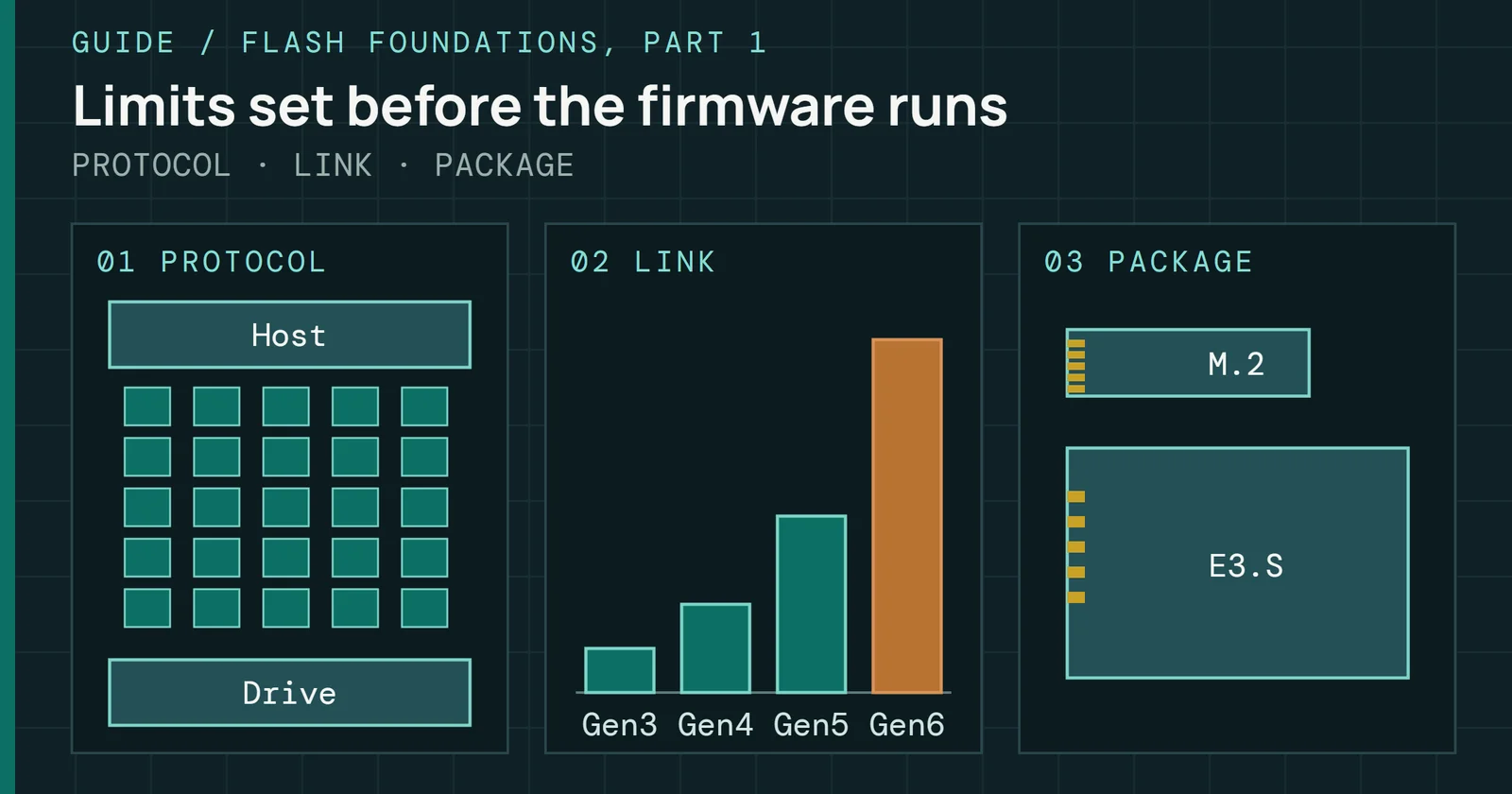
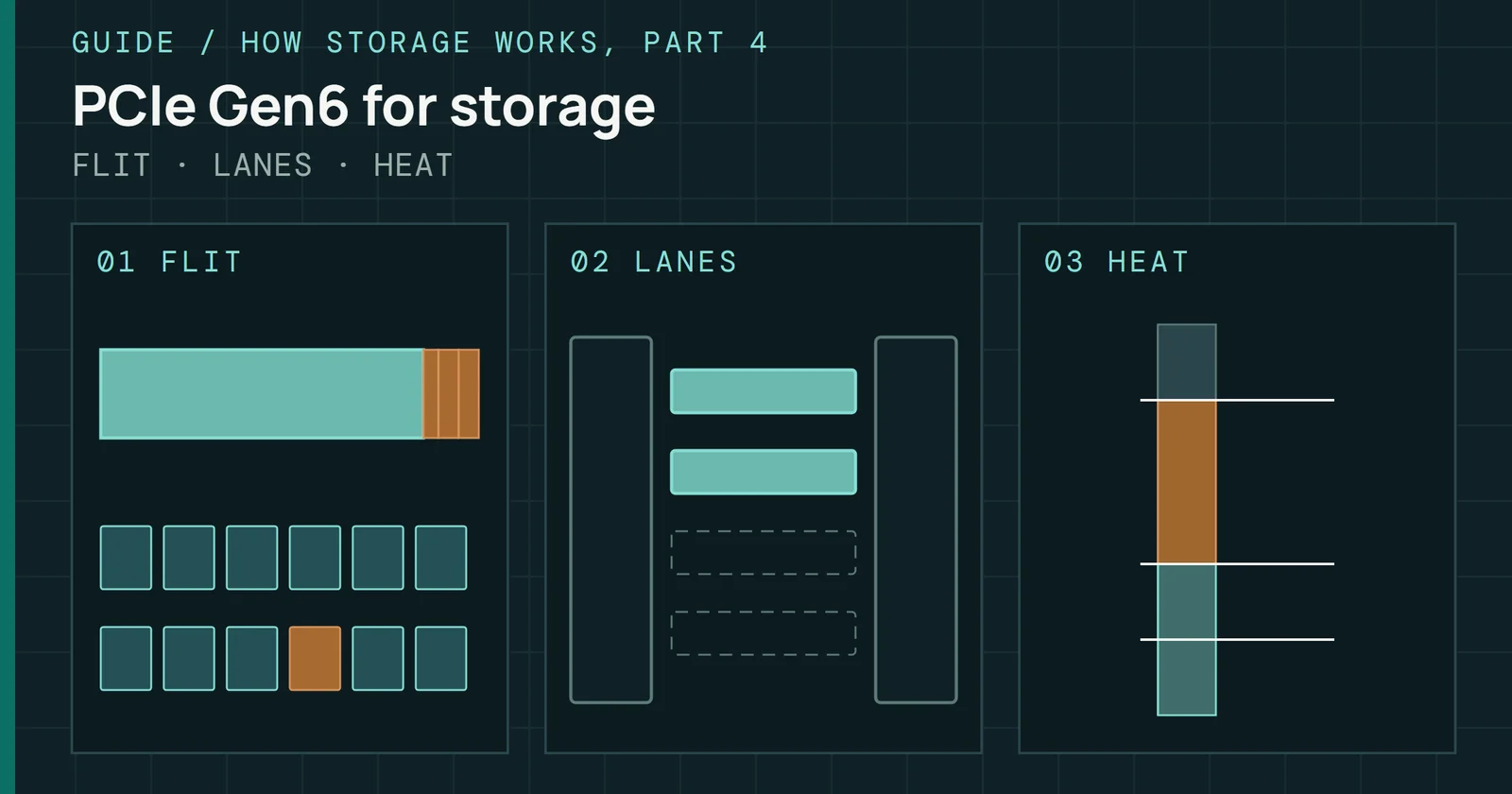
Each PCIe generation doubles the rate of a lane. PCIe 3.0 runs at 8GT/s per lane in each direction, PCIe 4.0 at 16GT/s, and PCIe 5.0 at 32GT/s, per PCI-SIG. All three use 128b/130b encoding, so after encoding an x4 link carries about 3.9GB/s, 7.9GB/s, and 15.8GB/s in each direction. Those are a quarter of the x16 figures in PCI-SIG’s generation table. SATA sits far below them. Its 6Gb/s link transmits 600MB/s, per SATA-IO, and Samsung rates its SATA 870 EVO at 560MB/s.
| Interface | Lane rate | x4 bandwidth, each direction (GB/s) | Example drive | Rated sequential read (MB/s) |
|---|---|---|---|---|
| SATA | 6Gb/s, one lane | 0.6 for the whole link | Samsung 870 EVO | 560 |
| PCIe 3.0 x4 | 8GT/s | 3.9 | ||
| PCIe 4.0 x4 | 16GT/s | 7.9 | Samsung 990 PRO 2TB | 7,450 |
| PCIe 4.0 x4, M.2 2230 | 16GT/s | 7.9 | Kingston NV3 2TB | 6,000 |
| PCIe 5.0 x4 | 32GT/s | 15.8 | Samsung 9100 PRO 2TB | 14,700 |
Source: PCI-SIG’s PCIe FAQ and PCIe 6.0 presentation (the x4 column is calculated from its x16 figures), SATA-IO’s Revision 3.0 FAQ, and the Samsung 870 EVO, 990 PRO, and 9100 PRO and Kingston NV3 data sheets. No current drive in this table uses PCIe 3.0, so that row has no example.
What the numbers on the box mean
Each link’s limit, and the fastest example drive on it
Link: bandwidth in each direction after encoding. Drive: the maker’s rated sequential read.
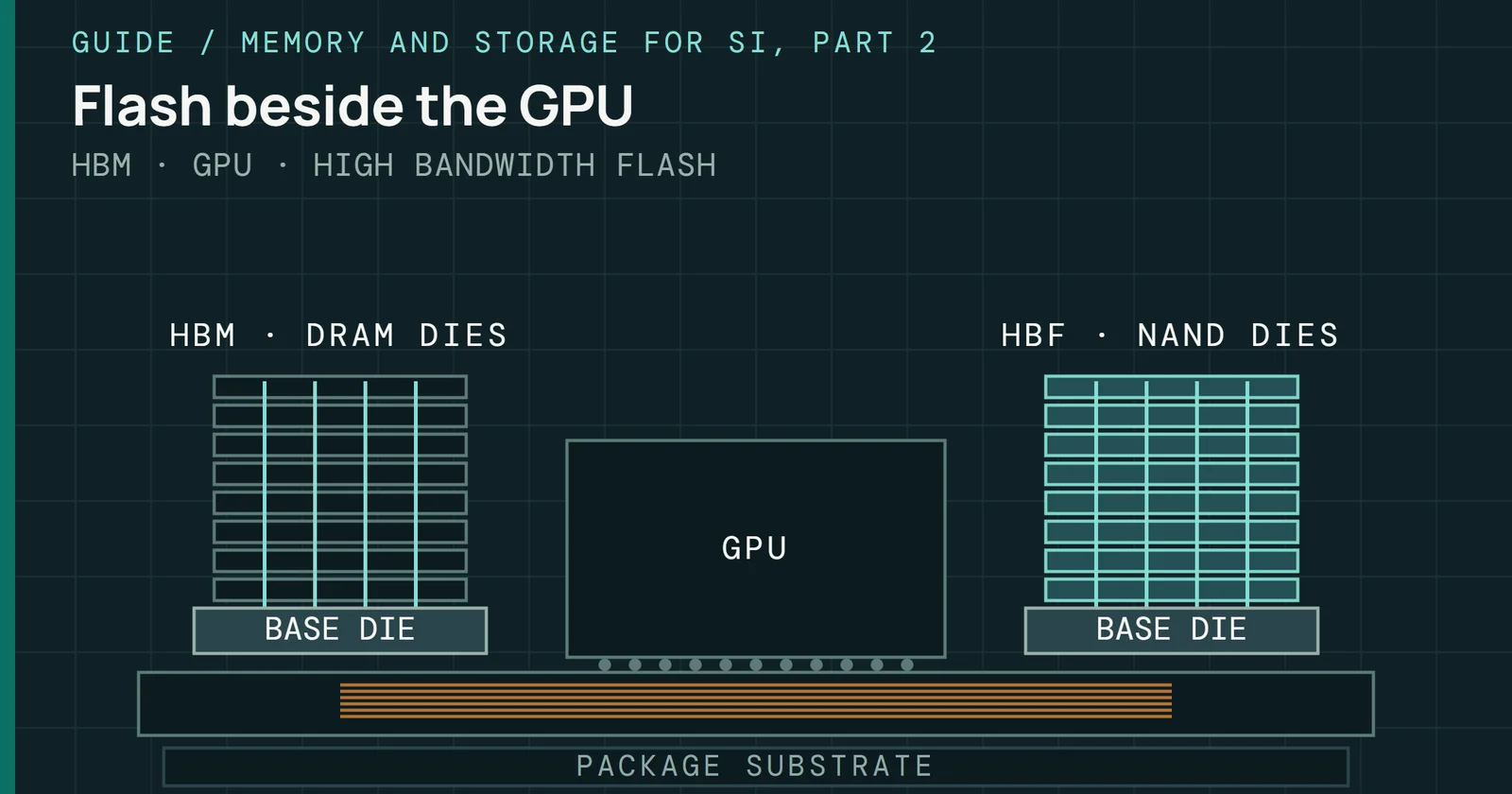
On SATA, PCIe 4.0, and PCIe 5.0, the fastest example drive reads close to the limit of its link, so in a slower slot it gives up most of what it was bought for. The two generations after PCIe 5.0, and what they change for SSDs, are the subject of PCIe Gen6 and Gen7 for Storage.
Sequential and random ratings
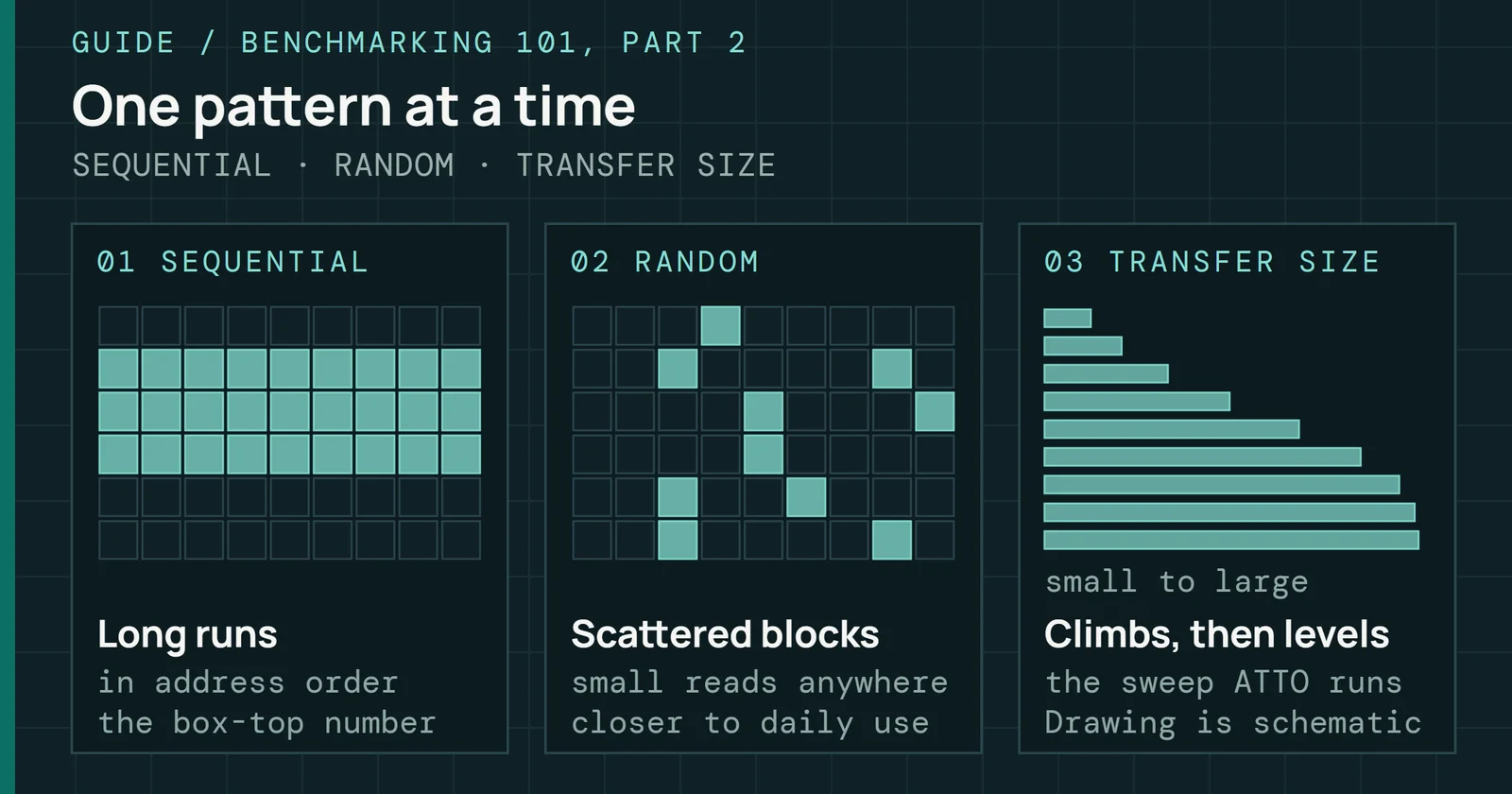
Sequential read is the figure printed largest, with large blocks read in order and many requests in flight. Random ratings say more about how a drive feels, and they mean little without their queue depth. Samsung rates the 990 PRO 2TB at 1,400K random read IOPS at a queue depth (QD) of 32 with 16 threads, and at 22K IOPS at QD1. Samsung measured the 9100 PRO 2TB’s 1,850K IOPS at QD256 instead, so the two random figures don’t compare directly.
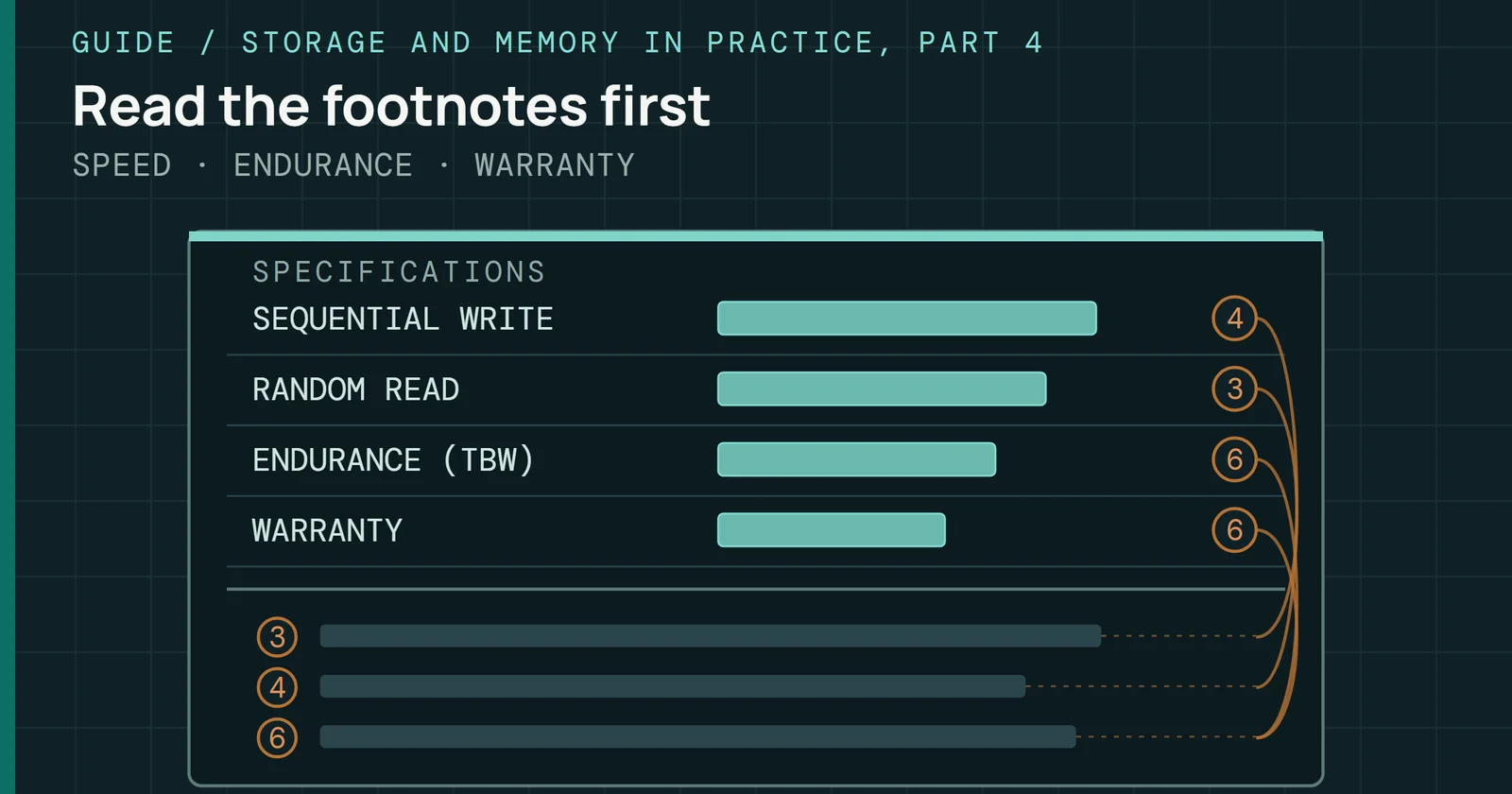
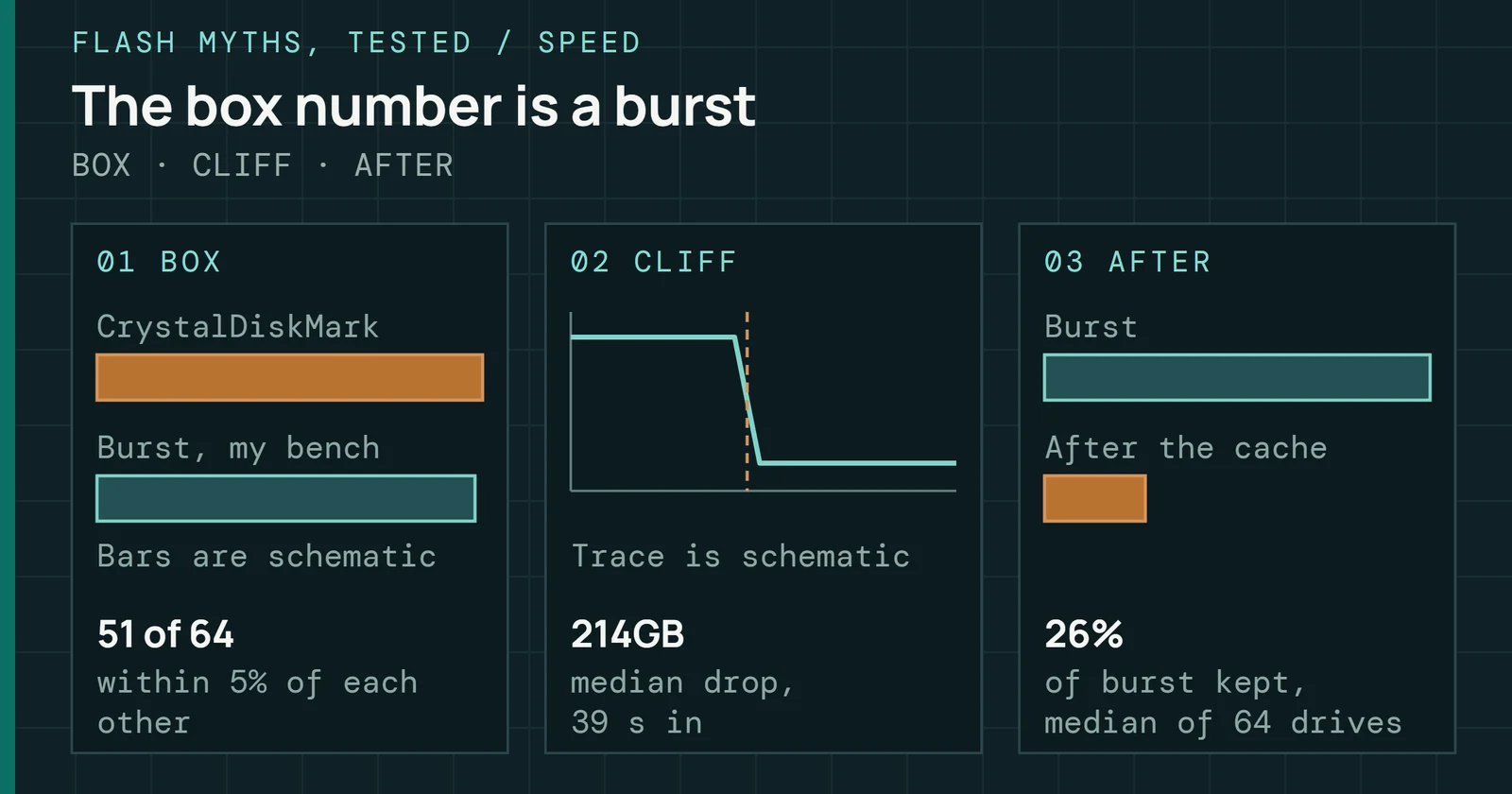
I’ve checked box ratings against my own bench. On all seven drives I could match to a maker’s rating, the rating came within 10% of the burst I measured, and a Samsung 990 PRO 2TB wrote 6,221MB/s in its first burst. Of 65 drives, 64 then dropped off a cache cliff once the write ran long enough, which The Speed on the Box Is the Speed You Get covers drive by drive. Endurance ratings get their own part in this series, and Samsung rates the 990 PRO 2TB and the 9100 PRO 2TB for 1,200TBW (terabytes written) each.
What sits on an M.2 SSD
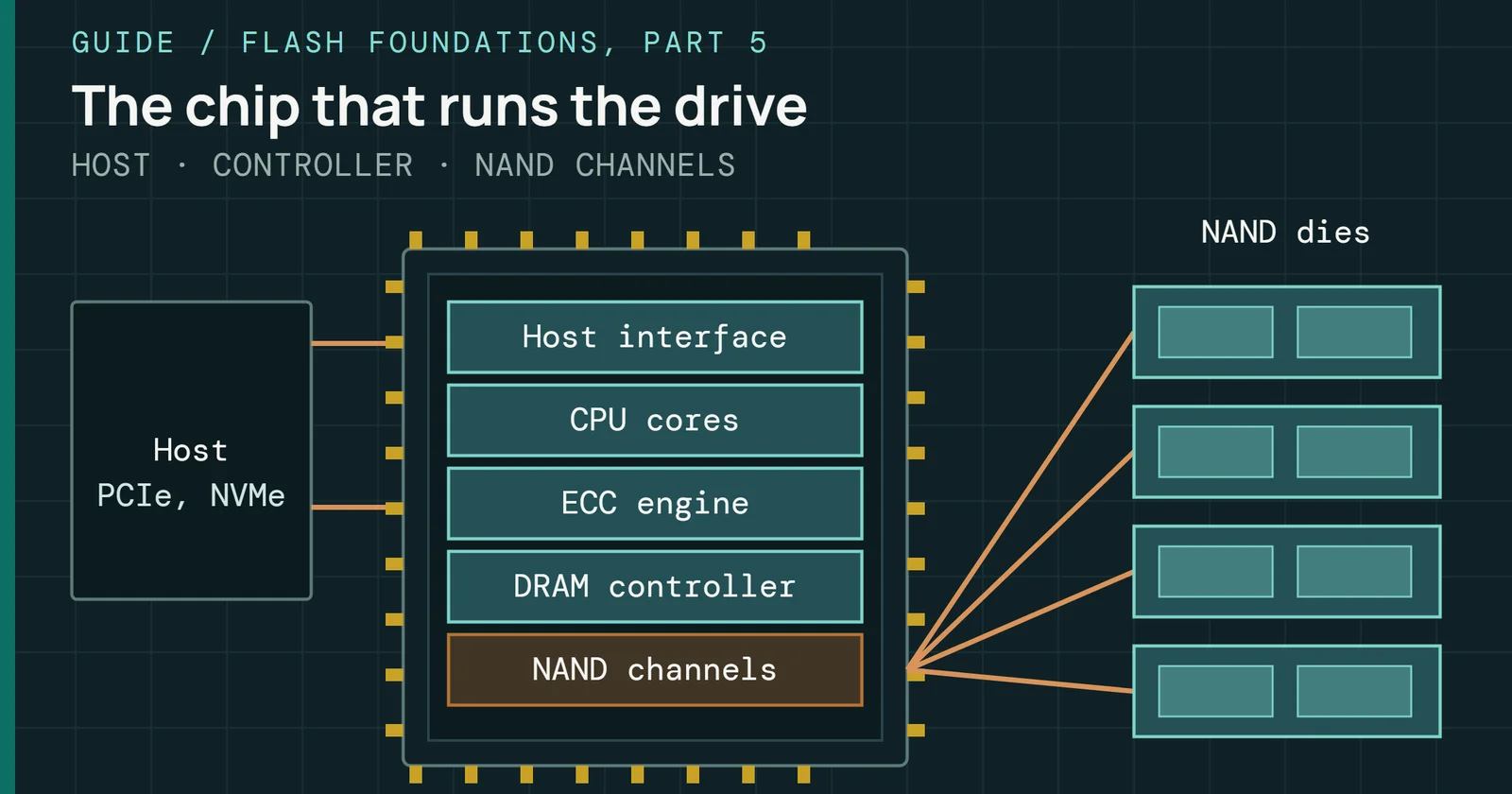
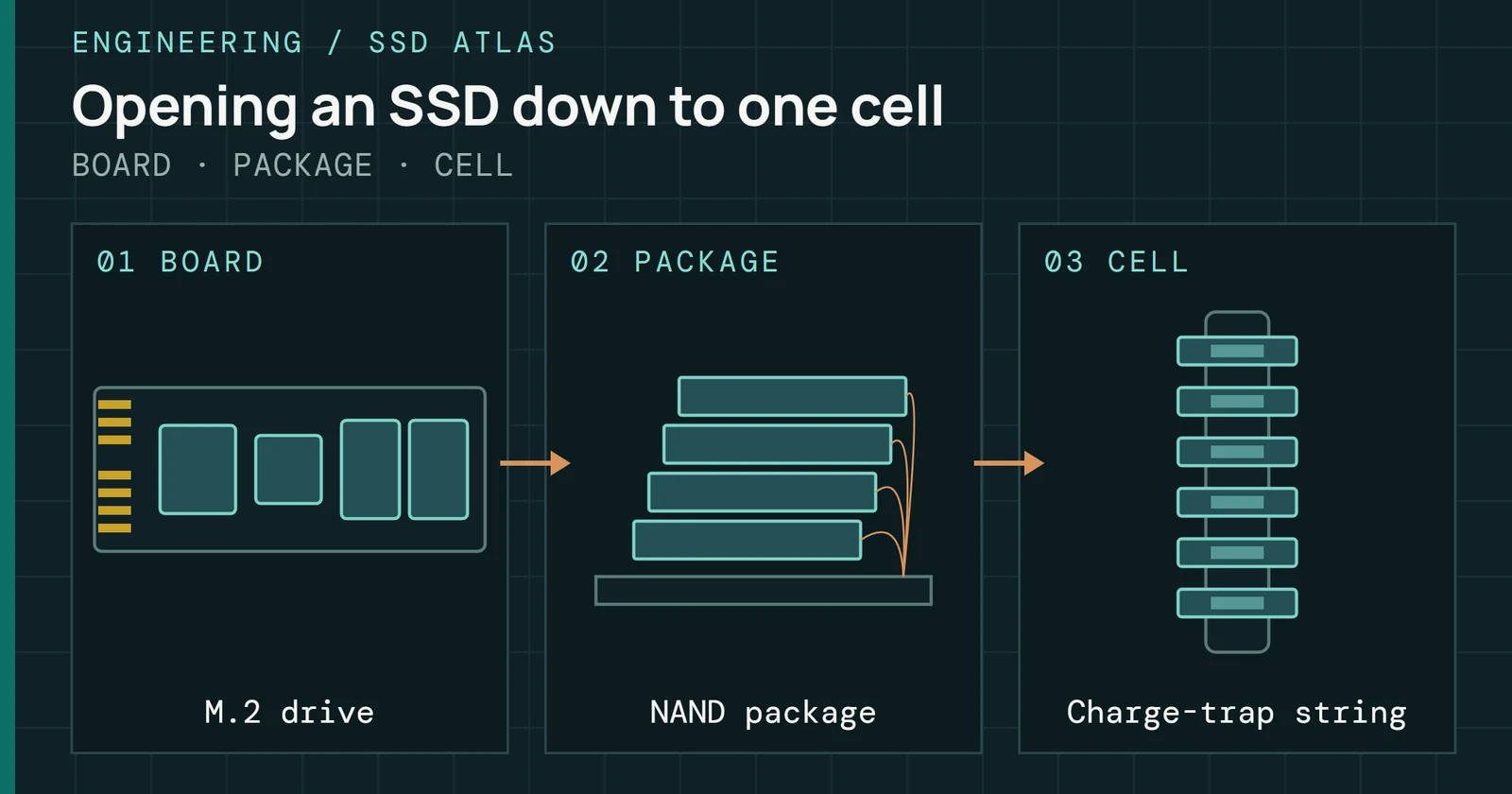
Most M.2 2280 NVMe drives carry a controller, NAND flash packages, often a DRAM package, and the parts that power them, on a card the board holds with one screw or latch. The SSD Atlas takes one apart layer by layer. NVMe was built for flash. Its base specification allows up to 65,535 I/O queues of up to 65,535 commands each. SATA drives use AHCI, which has a single command list 32 slots deep.
What sits on an M.2 SSD
Controller, map memory, flash, all on a 22 by 80mm card
TOP VIEW · NOT TO SCALE
On a DRAMless drive the dashed path replaces the DRAM package, and the controller keeps its map in memory the host lends it.
DRAM or a host memory buffer
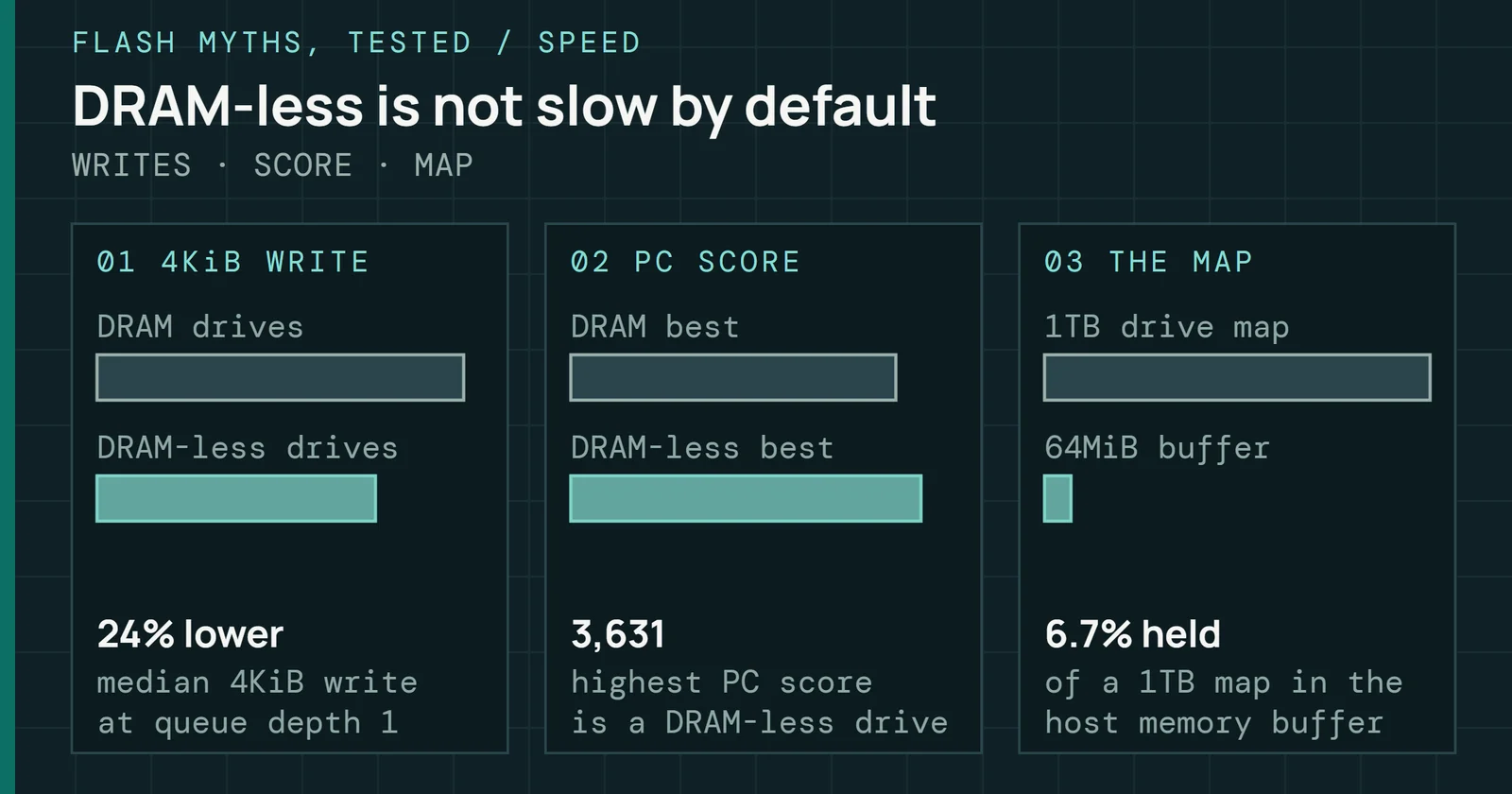
Every controller keeps a map of where each piece of data sits in the flash. Drives with DRAM hold that map on the card, and Samsung’s data sheets put 2GB of LPDDR4 on the 990 PRO 2TB and 2GB of LPDDR4X on the 9100 PRO 2TB. Drives without DRAM can borrow a slice of the computer’s memory instead. NVMe calls this a host memory buffer (HMB), an optional feature that lets the controller use part of host memory the system assigns to it, and the 990 EVO Plus uses HMB in place of DRAM. Whether a DRAMless drive is slower in use is the subject of DRAM-Less SSDs Are Slow.
The SLC cache
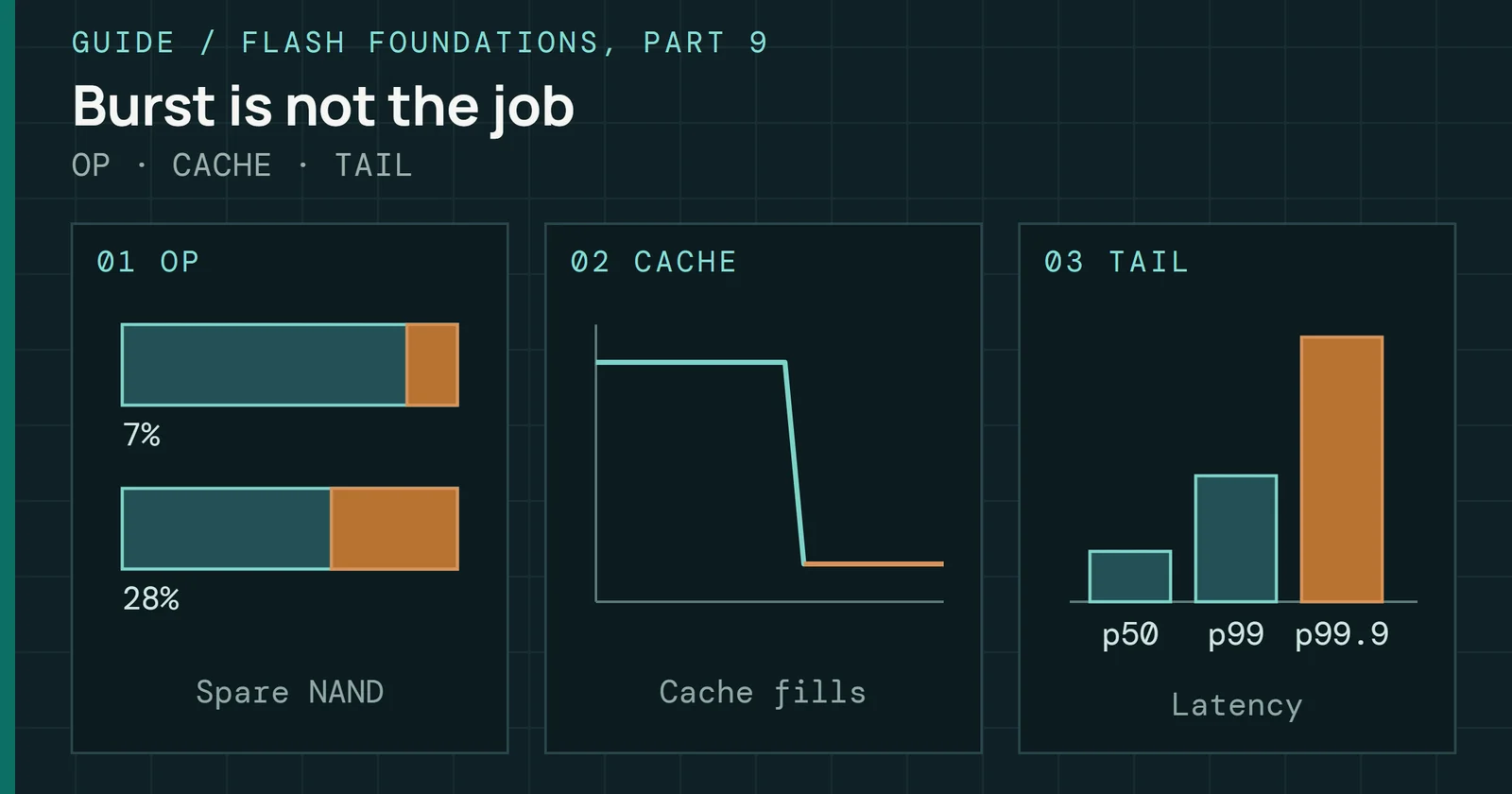
Most consumer drives write first into an SLC cache. That is part of the flash run as single-level cell (SLC) memory, which programs faster, and the drive folds the data into denser cells later. Per Samsung’s 990 PRO data sheet, its Intelligent TurboWrite cache works only within a specific transfer size, and the drive’s write ratings were measured with it active. Past the cache, the SATA 870 EVO writes at 530MB/s in its 1TB to 4TB models. On my bench, the smallest cache held 13GB and the median 214GB, so a short benchmark never leaves it. Once the Cache Fills, the Drive Stays Slow covers how much of it comes back after idle.
Heat and throttling
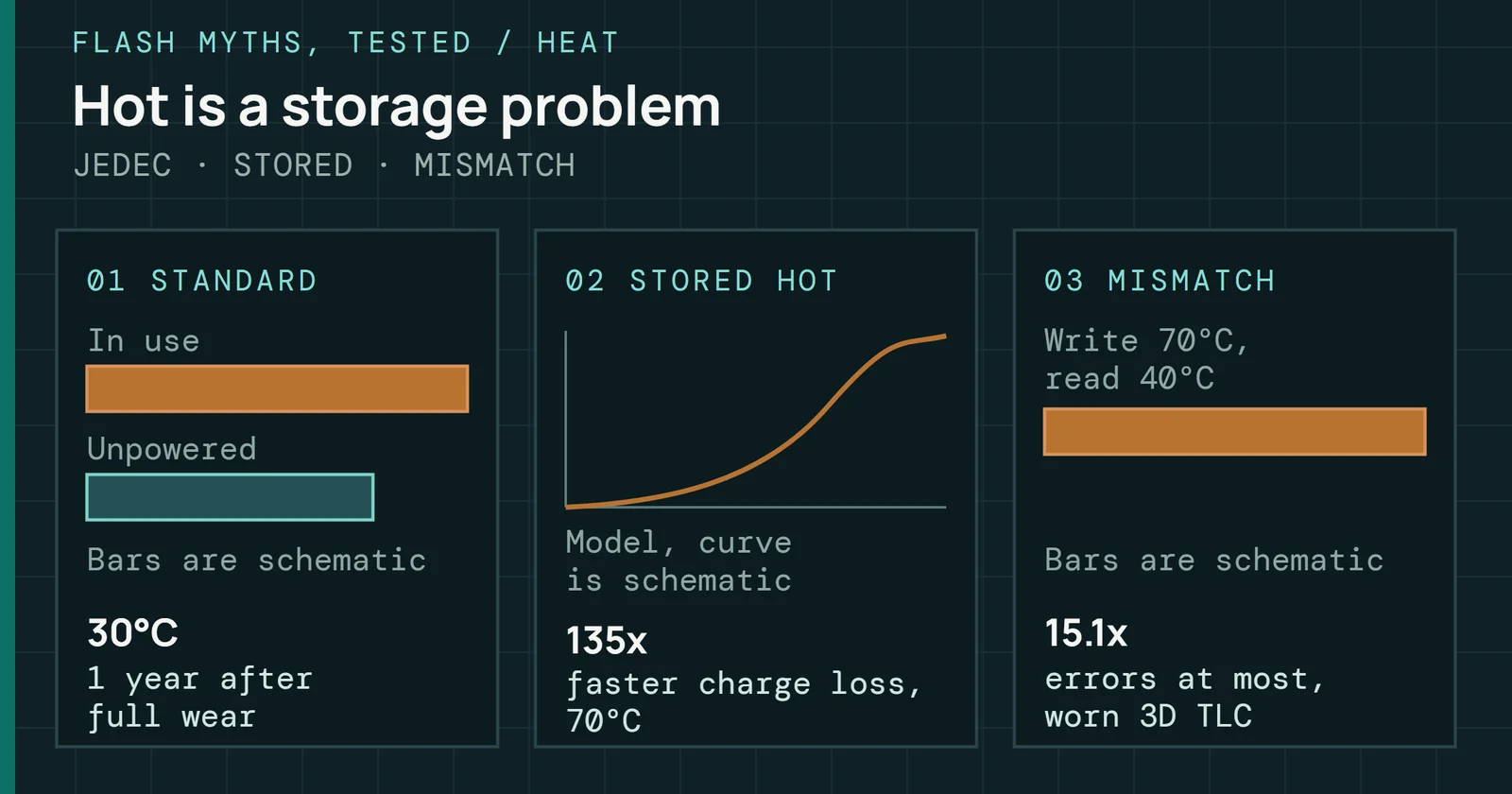
Samsung rates both the 990 PRO and the 9100 PRO for 0°C to 70°C. Its PCIe 5.0 drive draws more power, with 8.1W average active read power for the 9100 PRO 2TB against 5.8W for the 990 PRO 2TB. NVMe defines two thermal management temperatures the host can set, TMT1 for light throttling and TMT2 for heavy throttling, so a drive slows itself before it overheats. Samsung sells a 9100 PRO with its heatsink already fitted, and that heatsink isn’t meant to come off. Whether a drive needs one at all depends on the drive and the workload, as Every NVMe SSD Needs a Heatsink sets out.
Slots, keys, and shared lanes
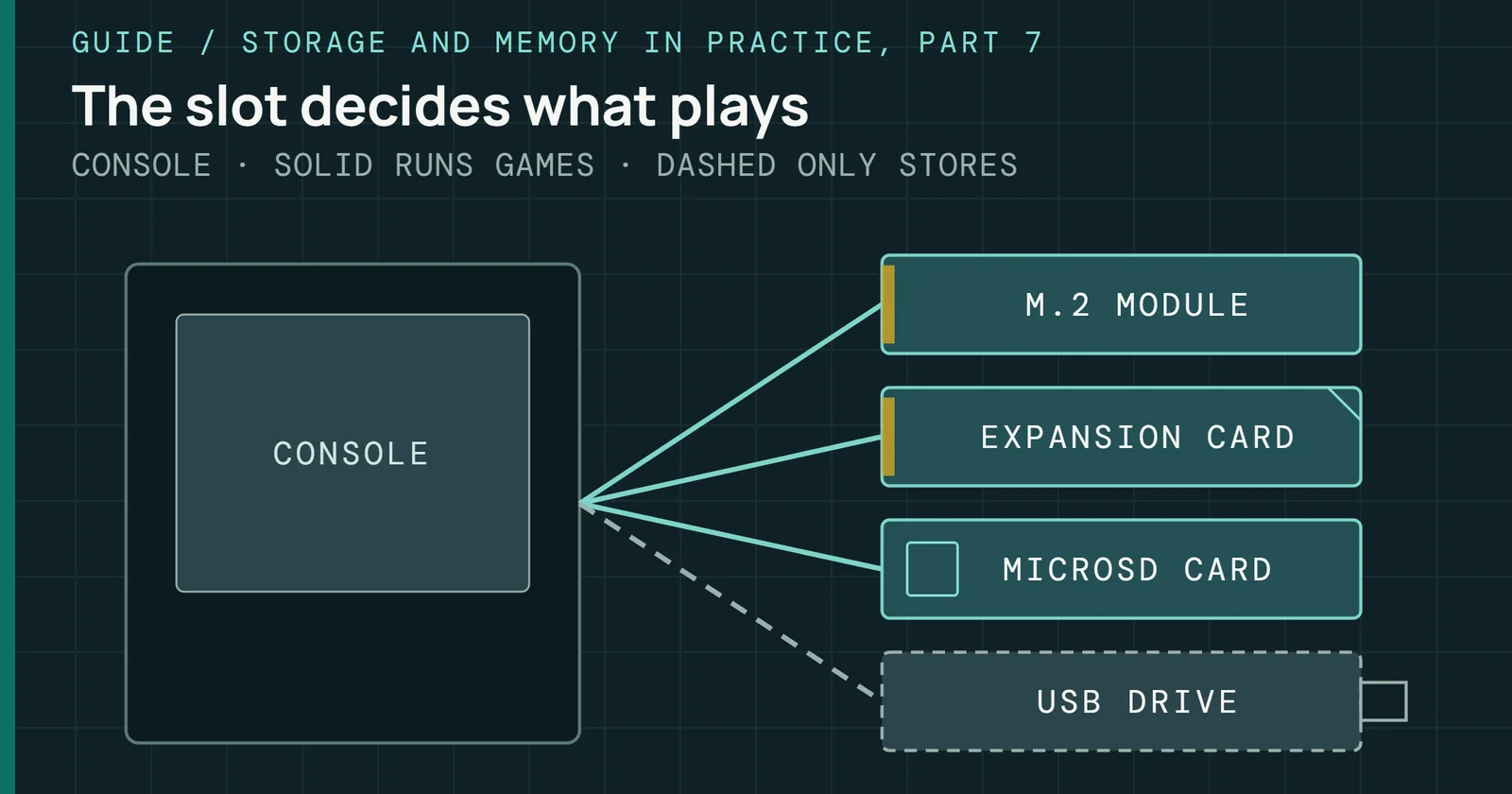
Each slot decides how many lanes a drive gets, which generation they run at, and whether anything else uses them. The board manual answers all three, and it is the one document to read before installing.
Keys and lengths
An M.2 slot’s key is the notch pattern at its connector. An M-key socket carries up to four PCIe lanes, while a B and M keyed card fits either socket and usually means SATA or two PCIe lanes, per an M.2 overview presented by SNIA. M.2 SSDs use the 22mm-wide sizes, with length codes 2230, 2242, 2260, 2280, and 22110, where the digits after 22 give the length in millimeters. Moving the standoff or latch lets one slot take several lengths, and the first slot on the ASUS Z790-E board below takes 2242, 2260, 2280, and 22110 cards. The wider family of SSD form factors is set out in Flash Foundations Part 1.
Processor slots and chipset slots
Every M.2 slot on a desktop board is wired either to the processor or to the chipset, and the manual says which. ASUS’s manual for the ROG STRIX X870E-E GAMING WIFI counts five M.2 slots. M.2_1, M.2_2, and M.2_3 sit under the Ryzen processor heading as PCIe 5.0 x4 slots, while M.2_4 and M.2_5 sit under the X870E chipset at PCIe 4.0 x4 with the four SATA ports. The ROG STRIX Z790-E GAMING WIFI II follows the same pattern, with M.2_1 on the Intel processor at PCIe 5.0 x4 and M.2_3 on the Z790 chipset at PCIe 4.0 x4.
A processor slot has its lanes to itself. Chipset slots share the chipset’s link to the processor with everything else behind the chipset, including the other chipset slots, the SATA ports, and USB. That link is DMI 4.0 with eight lanes on Z790 and Z890, and four lanes on B760, per Intel’s Ark pages.
When one slot turns off another
Boards can have more M.2 slots than the processor has spare lanes, so some slots borrow. In the Z790-E manual’s words, “M.2_1 shares bandwidth with PCIEX16(G5),” and the graphics slot runs at x8 whenever M.2_1 holds an SSD. The X870E-E does the same with two slots, and when M.2_2 and M.2_3 both hold drives its graphics slot drops to x8. Some M.2 slots cost SATA ports instead. MSI’s B450-A PRO MAX loses its SATA5 and SATA6 ports once its M.2 slot holds a drive.
Slots, keys, and shared lanes
Five M.2 slots, and only M.2_1 never shares
ASUS ROG STRIX X870E-E GAMING WIFI with a Ryzen 9000 processor, from its manual
With a Ryzen 9000 processor in the X870E-E, M.2_1 is the only slot that never touches the graphics lanes, since the two processor slots below it cost them only when both hold drives. The boot drive goes in M.2_1.
Adding slots with a card
A board that runs out of M.2 slots can take more on an add-in card in an x16 slot, such as ASUS’s Hyper M.2 series, which holds up to four drives. The board has to split that slot’s lanes four ways for each drive to get its own x4, a setting ASUS calls PCIe bifurcation, and the X870E-E manual sends owners to a bifurcation table on the ASUS support site. How many drives a slot can map depends on the processor and the board, per ASUS’s compatibility FAQ. The lanes come from somewhere, too. In ASUS’s example, four drives on one slot’s card leave no lanes for drives on the next slot, while two leave room for two more, and on one of its small-form-factor boards ASUS tells owners using the card to run the processor’s integrated graphics. ASUS’s HYPER M.2 x16 GEN5 CARD supports both PCIe 4.0 and PCIe 5.0.
What AMD and Intel officially offer
AMD and Intel publish how many PCIe lanes each processor and chipset provides, and the board maker decides how to split them across slots. This table sets out the published figures for the platforms covered in DDR5 for Builders, using one processor from each line.
| Platform | Processor PCIe lanes | Processor lanes beside graphics | Chipset PCIe lanes | Chipset link |
|---|---|---|---|---|
| AM5, Ryzen 7 7800X3D or Ryzen 9 9950X3D | 24 usable of 28, PCIe 5.0 | x4 NVMe, at PCIe 4.0 on B840 and A620, plus x4 general purpose on X870E, X870, X670E, and X670 | 8 PCIe 4.0 on B650, 12 on X670E | |
| LGA1700, Core i9-14900K on Z790 | 20, PCIe 5.0 and 4.0 | x4 PCIe 4.0 | up to 28, PCIe 4.0 and 3.0 | DMI 4.0 x8 |
| LGA1700, Core i9-14900K on B760 | 20, PCIe 5.0 and 4.0 | x4 PCIe 4.0 | up to 14 | DMI 4.0 x4 |
| LGA1851, Core Ultra 9 285K on Z890 | 24, PCIe 5.0 and 4.0 | x4 PCIe 5.0 and x4 PCIe 4.0 | up to 24, PCIe 4.0 | DMI 4.0 x8 |
Source: AMD product pages for the Ryzen 7 7800X3D and Ryzen 9 9950X3D and AMD’s Socket AM5 chipset table, and Intel’s Ark specification pages for the Core i9-14900K, Core Ultra 9 285K, and the Z790, B760, and Z890 chipsets. AMD’s pages don’t state the chipset link, so that cell is blank.
On AM5, the lanes beside graphics depend on the board tier, and AMD’s chipset table sets it out. X870E and X870 boards run graphics and one NVMe x4 at PCIe 5.0. B850 boards keep the PCIe 5.0 NVMe x4 but run graphics at PCIe 4.0. B840 and A620 boards have no PCIe 5.0 lanes, so PCIe 5.0 drives on them run at PCIe 4.0. Both the Ryzen 9 9950X3D and Ryzen 7 7800X3D pages show 24 usable lanes of 28.
Intel’s two sockets differ in one place that matters here. A Core i9-14900K on Z790 gets PCIe 5.0 only on its graphics lanes (1x16 or 2x8), and its other x4 runs at PCIe 4.0. A Core Ultra 9 285K on Z890 adds four PCIe 5.0 lanes beside the x16, so the fastest drives get processor lanes of their own.
What AMD and Intel officially offer
PCIe lanes from the processor and from the chipset
Published lane counts for one processor per platform. Chipset lanes all share one link to the processor.
Every platform here gives the processor 20 or 24 lanes, while the chipset’s count swings from 8 on a B650 board to up to 28 on Z790.
Picking a slot
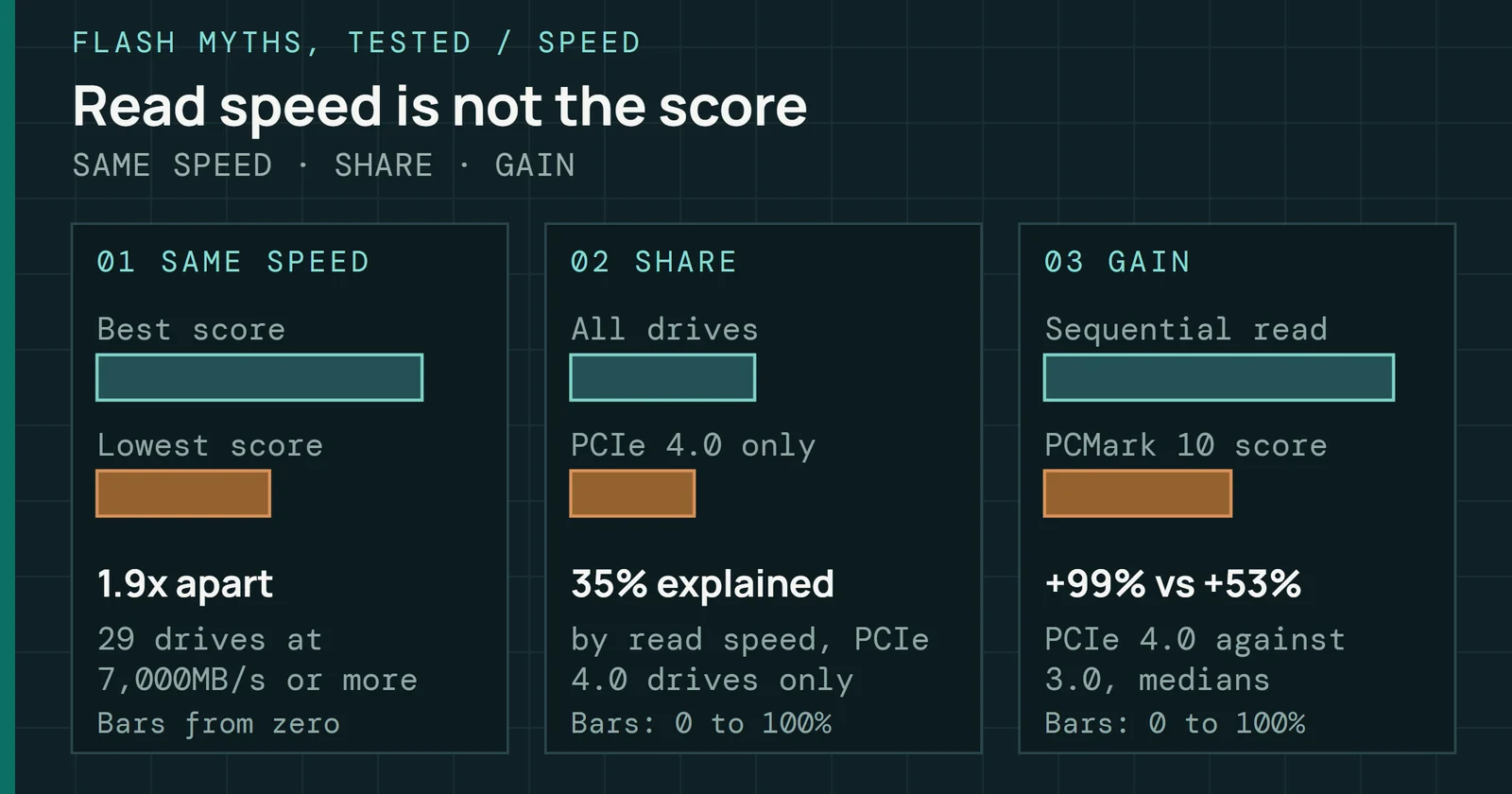
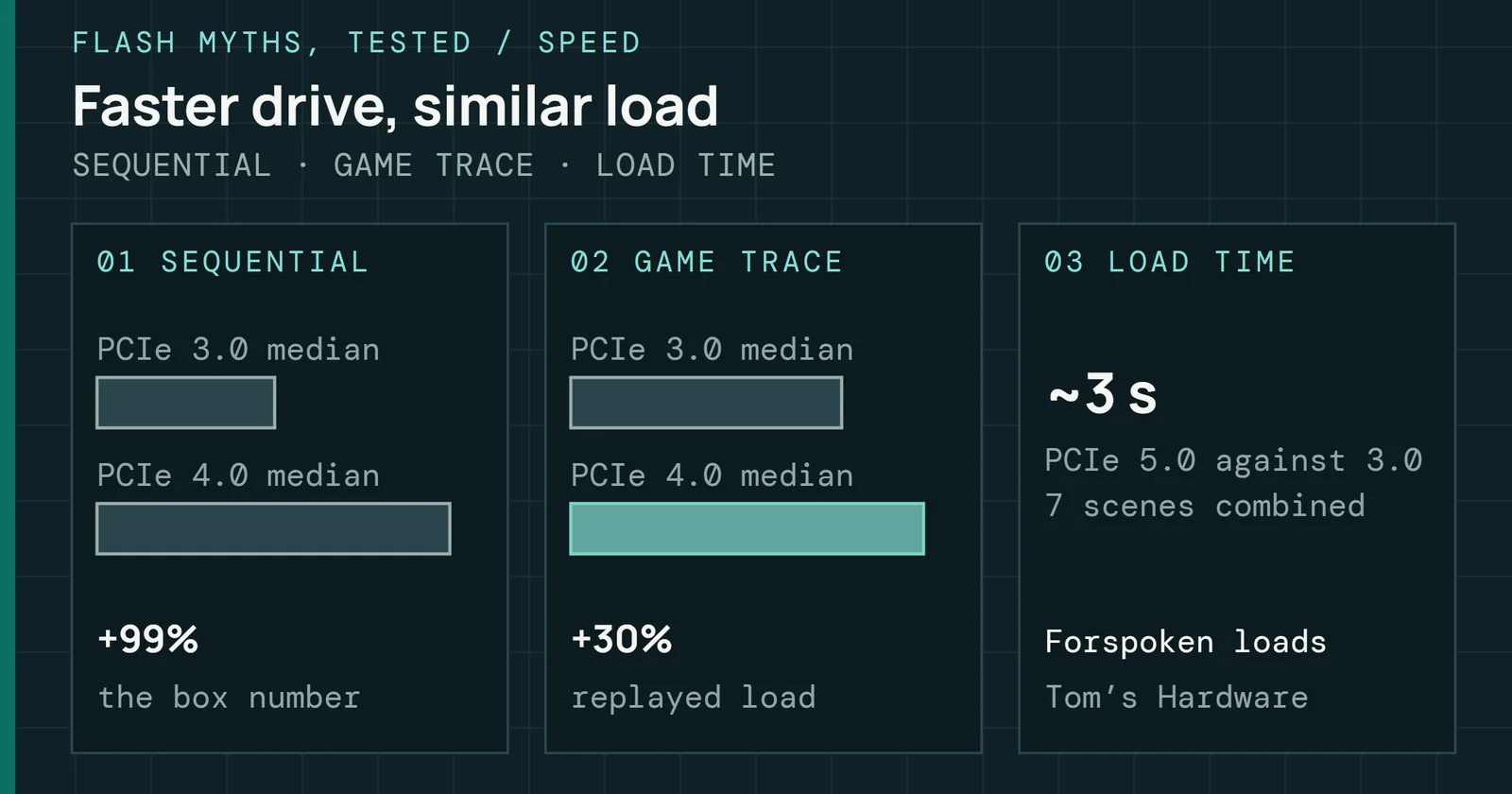
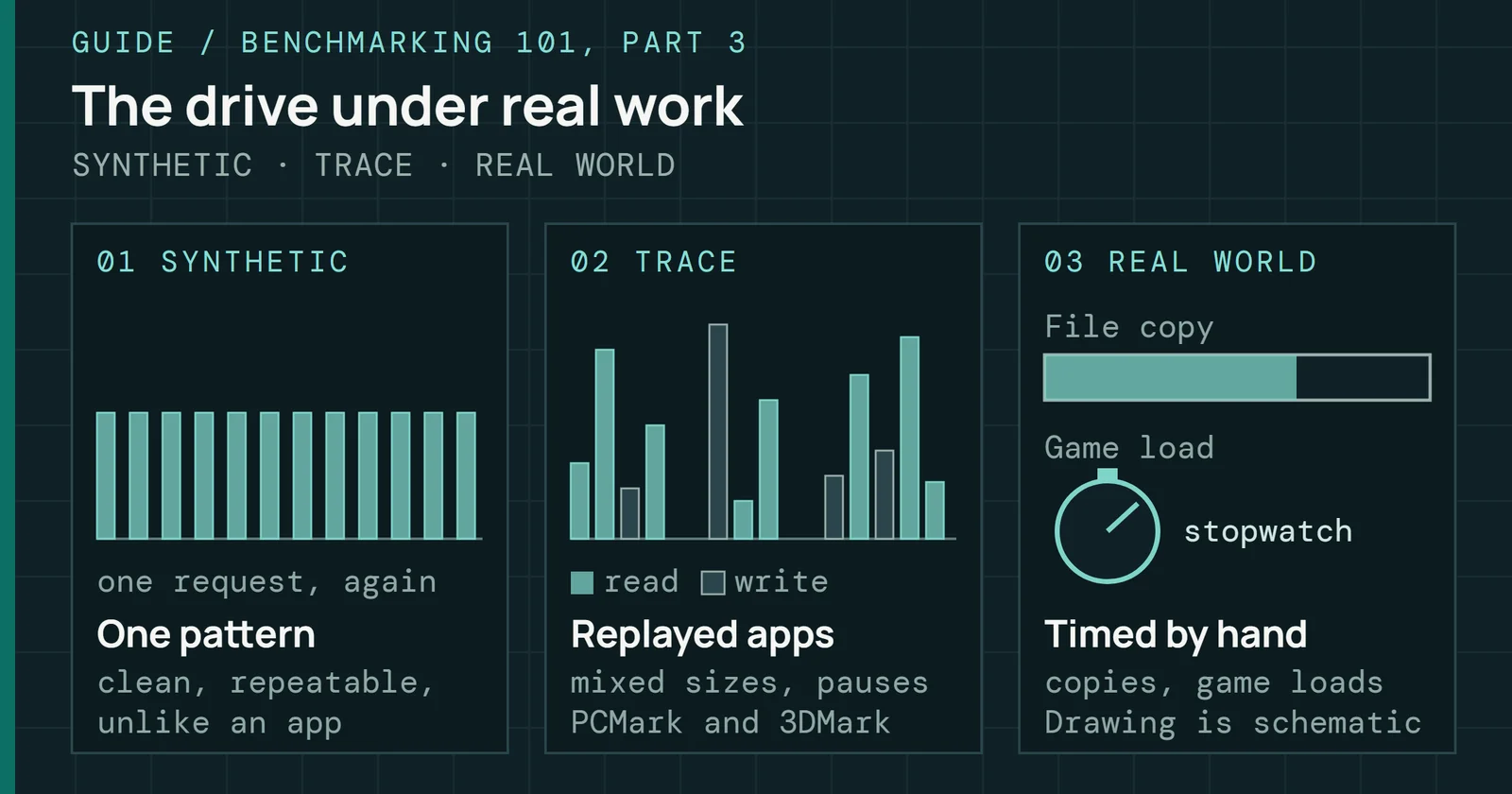
Put the boot drive in the processor’s x4 slot that shares nothing, M.2_1 on both ASUS boards here. Second drives for games or files lose little on a PCIe 4.0 chipset slot. Across my bench archive, 64 PCIe 4.0 drives read 99% faster than 20 PCIe 3.0 drives at the median in CrystalDiskMark’s SEQ1M Q8T1 test, yet moved only 30% more data per second in a replayed game-load trace, so a game uses little of a faster link. A Gen5 SSD Loads Games Faster has the full comparison.
LGA1700 is the awkward platform for a PCIe 5.0 drive. Its only PCIe 5.0 lanes belong to graphics, so on Z790 a board that gives some to an M.2 slot drops the graphics slot to x8, and B760 has no x8 split at all. Putting a PCIe 4.0 drive in the processor’s PCIe 4.0 x4 slot avoids that trade. Z890, X870E, and X870 boards give a PCIe 5.0 drive its own processor lanes, so the choice doesn’t come up there.
Installing it and the first boot
Fitting an M.2 drive takes a few minutes, and the steps that go wrong are small ones, such as a standoff in the wrong hole, a film left on a thermal pad, or a storage setting Windows Setup can’t see past.
Installing it and the first boot
Four steps in the slot, then the settings Windows needs
Every build runs the left column. The dashed steps on the right apply only on Intel boards, when Windows Setup shows an empty drive list.
In the slot
Board makers describe the same order with their own fasteners. MSI’s quick start guide for its TRX40-A PRO workstation boards has you take off the slot’s M.2 heatsink and peel the protective films from its thermal pads, move the M.2 standoff to match the drive’s length, insert the drive at a 30-degree angle, and secure it with the M.2 screw. ASUS’s Z790-E uses a tool-less Q-Latch that turns clockwise, and Gigabyte closes an EZ-Latch clip over the drive’s end. All three makers say to remove the film from the heatsink’s pad, since a pad with its film still on presses plastic against the drive.
A drive that comes with its own heatsink, like the 9100 PRO version above, usually takes the place of the board’s heatsink. Gigabyte fastens one with the provided screw and standoff after removing the EZ-Latch clip.
UEFI, GPT, and Intel VMD
Windows 11 needs UEFI firmware that is Secure Boot capable, per Microsoft, and a PC that boots in UEFI mode needs its boot drive formatted as GPT. Windows Setup handles that on a blank drive.
On recent Intel boards, Windows Setup can list no drives at all. Intel’s Volume Management Device (VMD) is how 11th generation and newer Core platforms hand NVMe drives to Intel Rapid Storage Technology for RAID, and the VMD driver has to be added through Load Driver during installation for Windows to see those drives, according to Intel. An ASUS FAQ offers both ways out. Click Load driver and pick the Intel RST VMD Controller driver from a USB stick, or set Enable VMD controller to Disabled in the UEFI’s Advanced menu before installing.
The Windows NVMe driver
Windows has carried its own NVMe driver for over a decade. Microsoft’s in-box StorNVMe.sys arrived with Windows 8.1 and Windows Server 2012 R2, and Windows 10 added a pass-through for makers’ own NVMe commands. That driver still feeds a storage stack built around SCSI. In Microsoft’s account, SCSI-based processing handles I/O in a single queue, the model SATA uses with up to 32 commands.
Native NVMe in Windows Server 2025 drops that translation and gives Windows direct, multi-queue access to the drive. In Microsoft’s own DiskSpd test on a server, it delivered up to about 80% more 4K random read IOPS than Windows Server 2022 and saved about 45% of the processor cycles each I/O took. Only drives on the in-box driver see the change, since a drive running a maker’s own NVMe driver bypasses it.
Windows 11 already carries the same driver, nvmedisk.sys, but disabled by default, according to Tom’s Hardware. Switching it on with a registry change in 24H2 and 25H2 gave up to 85% higher random writes in earlier benchmarks, Tom’s reports, but Samsung Magician and Western Digital Dashboard were not compatible with the new driver, and BitLocker could prompt for recovery. Forum members then noticed that the change no longer works in recent Windows 11 Insider builds, and Tom’s says it isn’t yet known when native NVMe support reaches Windows 11 users.
Checking the link it trained at
A drive and slot agree on a link speed and width when the system starts, and a drive can come up slower than either supports. Linux shows it directly. sudo lspci -vv prints each device’s details, and NVIDIA’s troubleshooting guide reads the link from two lines. LnkCap shows the speed and width the device supports, and LnkSta shows what it is running at, marked downgraded when it falls short, as in NVIDIA’s example of a 32GT/s device running at 8GT/s. In Windows, a sequential read well below the figure in the first table points to the same problem.
Firmware, TRIM, and health
New drives need little looking after, but three things are worth checking in the first week.
Firmware, TRIM, and health
One health log, read by every tool
Fields of the NVMe SMART/Health log the page names, and where each one shows
Three of the log’s fields appear on the Windows Disks & volumes page, and all five appear in nvme smart-log on Linux.
Firmware
Drive firmware gets fixes that matter. Samsung released firmware 1B2QJXD7 for the 990 PRO through Samsung Magician after reports of its health readings falling fast, Tom’s Hardware reported. Samsung’s firmware list for the drive adds later fixes, with 4B2QJXD7 for reports of high temperatures in Magician and 7B2QJXD7 for a drive that intermittently wasn’t recognized and a blue screen. Sandisk fixed blue screens on Windows 11 24H2 tied to the host memory buffer on some WD drives, with firmware 731130WD for the 2TB WD_BLACK SN770 and 281050WD for the 2TB WD Blue SN580, installed through SANDISK Dashboard. Update with the maker’s own tool, and back up first.
TRIM
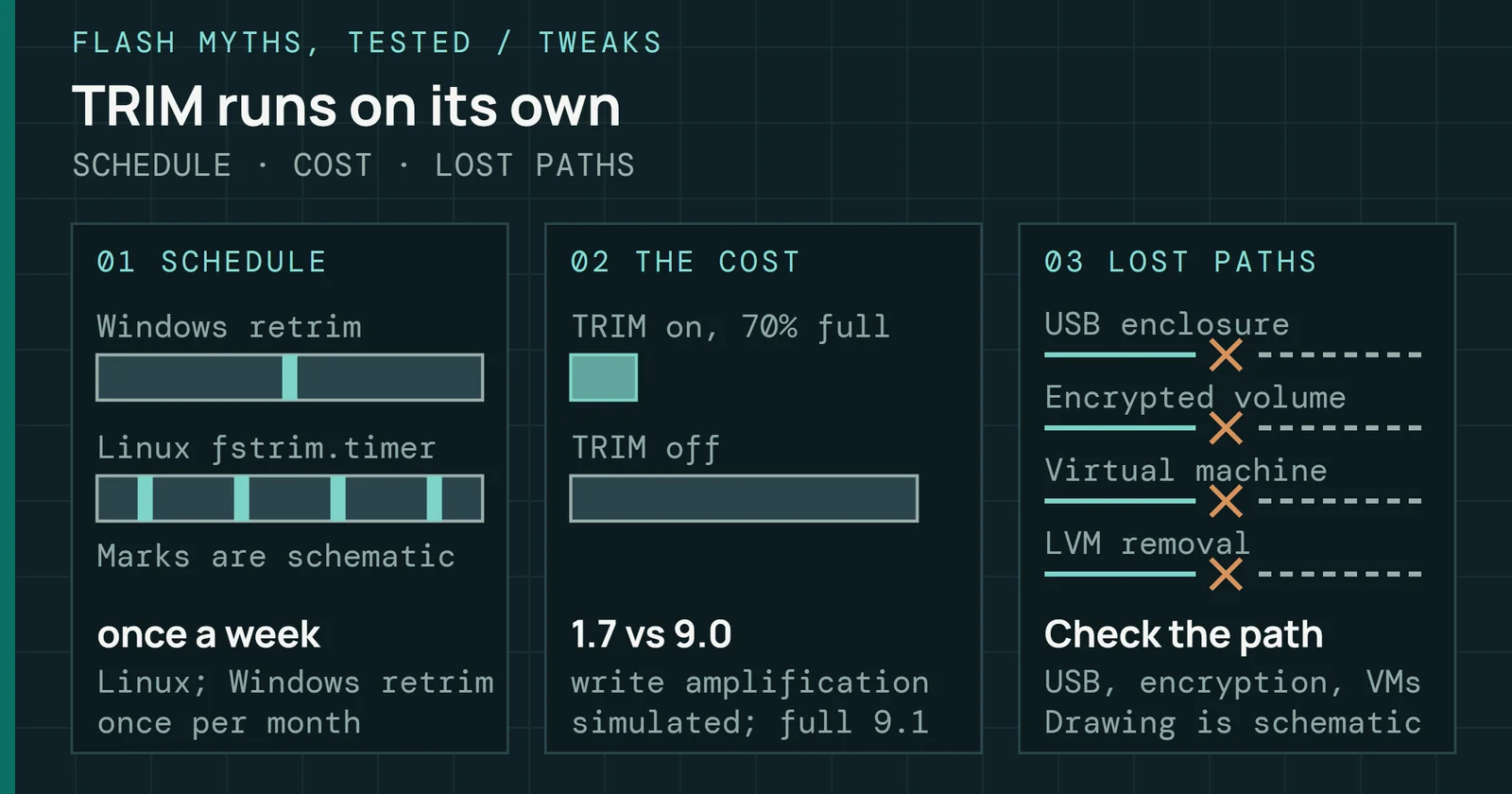
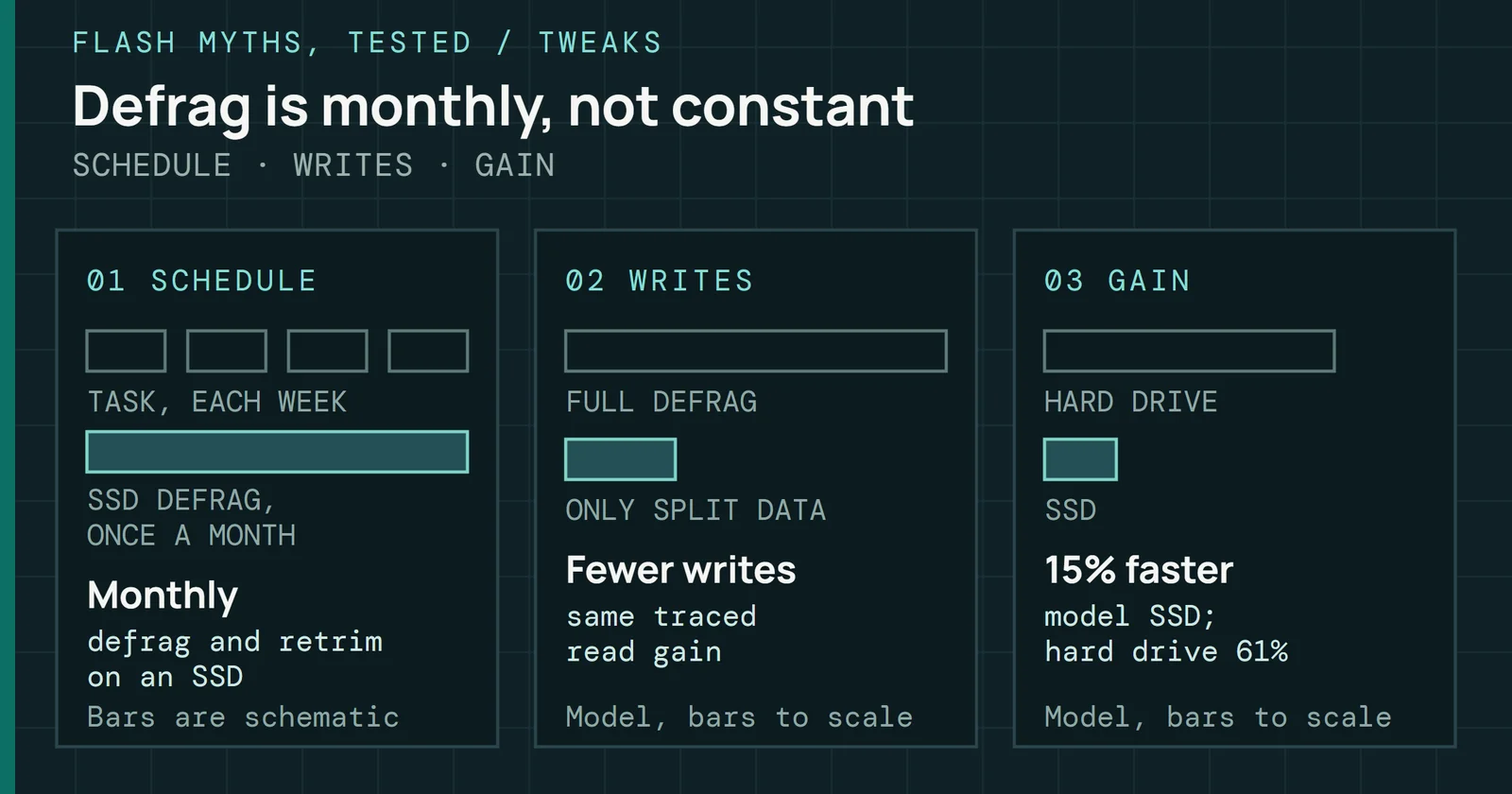
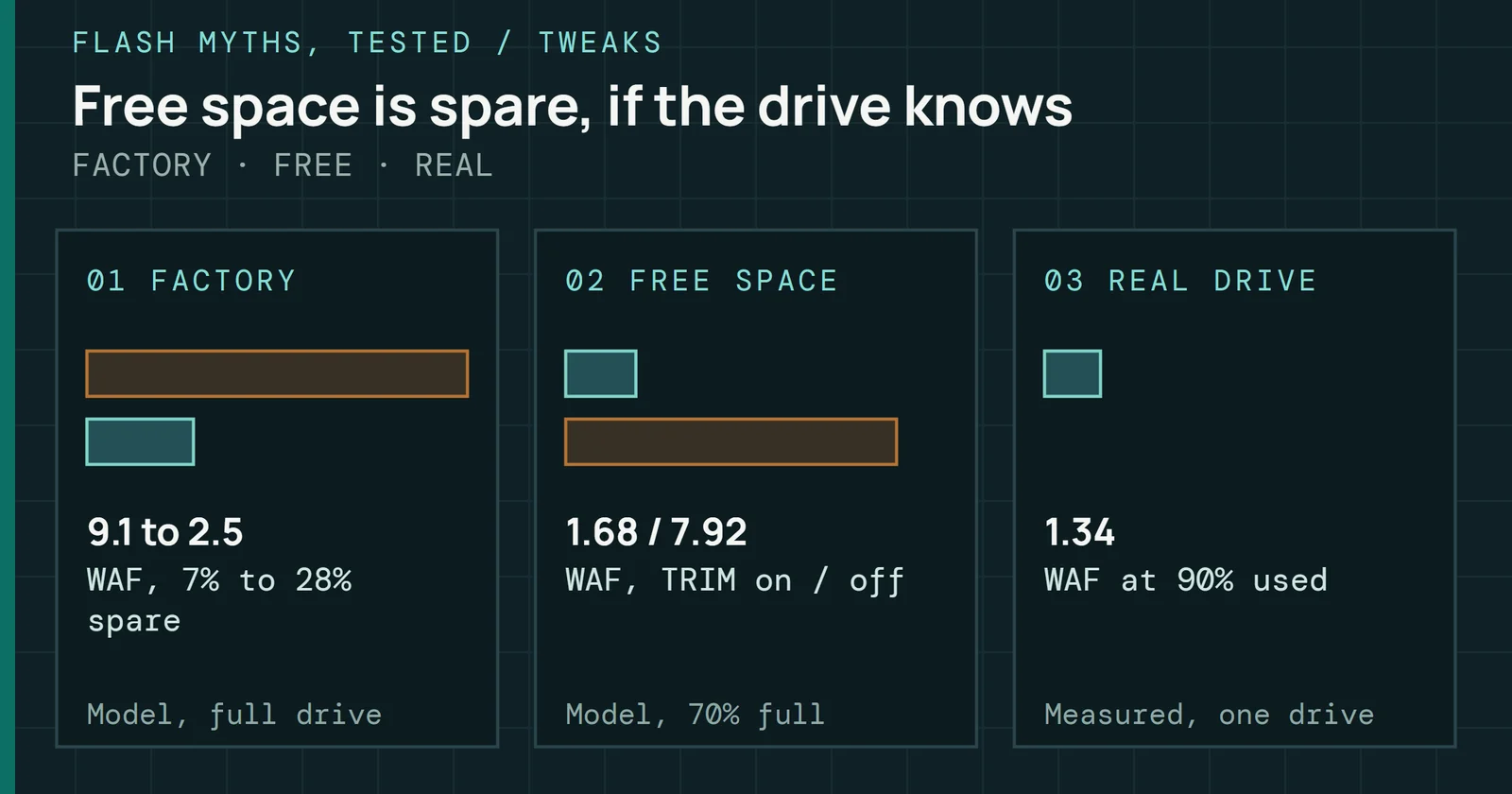
TRIM tells the drive which blocks the file system no longer uses, and Windows and Linux both send it on a schedule. In Windows, fsutil behavior query DisableDeleteNotify returns 0 when TRIM is on, per Microsoft. Its Optimize Drives task runs a retrim, the same job as defrag C: /L, and typically runs once a week. Linux distributions with util-linux run fstrim weekly from fstrim.timer, and fstrim discards all unused blocks of each mounted file system. Running it by hand adds nothing, as You Have to Run TRIM by Hand shows.
Reading drive health
Every NVMe drive keeps a SMART/Health log defined by the NVMe specification. Its Critical Warning field sets one bit per warning type. Percentage Used is the maker’s estimate of endurance used, where 100 means the rated endurance is spent, and the value can pass 100. Available Spare, Media and Data Integrity Errors, and Composite Temperature (in kelvins) are the other fields worth reading.
Windows 11 shows three of them under Settings, System, Storage, Advanced storage settings, Disks & volumes, Properties: Estimated remaining life, Available spare, and Temperature, per Microsoft’s support page. CrystalDiskInfo reads NVMe drives too, and its health status turns to Caution when an SSD’s remaining life falls to 10% or less. Linux users get the same log from nvme-cli, where nvme list finds the NVMe devices and nvme smart-log reads the log, and smartmontools’ smartctl -a prints the same fields with the drive’s error and self-test logs.
When it is missing or runs slow
A new drive that misbehaves usually does one of two things. It doesn’t show up at all, or it shows up and runs well below the figure on its box. Since the checks differ, sort the symptom first and work down one path of the tree below, stopping at the first change that fixes it.
When it is missing or runs slow
Find the drive first, then find the lost speed
The left path ends at Disk Management because a drive Windows can see but File Explorer can’t is usually blank rather than broken. The right path starts with the link, since no setting on the drive wins back lanes the slot never gave it.
The BIOS doesn’t list it
The first case is a board that can’t see the drive at all. Samsung’s first steps for an SSD that isn’t recognized are to reseat it or try a different slot, check the BIOS settings and slots, and update the board’s BIOS, since an outdated one may not support the drive. Before moving it, read the slot’s row in the manual, because a slot whose lanes are shared may be switched off while another device holds them. Samsung also suggests trying the drive in another computer, which tells a dead drive from a board problem.
Windows Setup shows no drives
Here the drive appears in the BIOS, but the Windows installer finds nothing. On an Intel board, this is usually VMD, covered above. Load the Intel RST VMD Controller driver at the installer’s Load driver step, or turn VMD off before installing.
No drive letter
A new second drive shows in Disk Management but gets no drive letter. Until a new disk is initialized, it isn’t available in File Explorer, per Microsoft, and Disk Management offers GPT as the default partition style. Initializing erases everything on the disk, so do it only on a new or empty drive.
It runs slower than the box
Sometimes the drive works, but a benchmark comes in well short of its rating. Start with the link it trained at. A drive in a slower slot runs at that slot’s speed, and a drive on a chipset slot shares the chipset’s one link with everything else on it. Moving the drive to a processor slot fixes both.
Fast at first, then slow
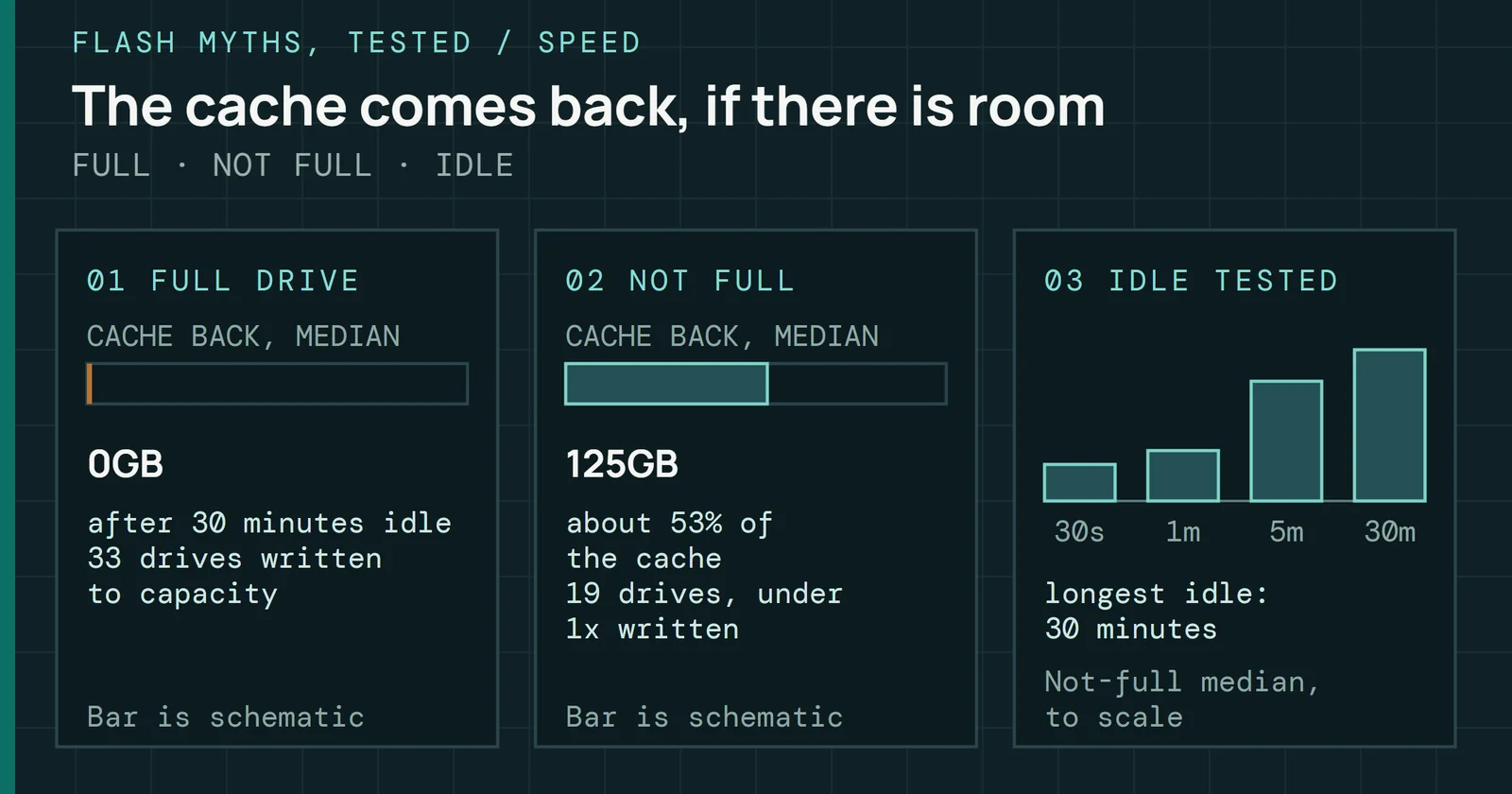
A large copy starts at the rated speed and drops partway through. That is usually the SLC cache filling, or the drive throttling as it heats, both covered above. On my bench, 30 minutes of idle gave back a median of 0GB of cache on drives the write had already filled, against about 125GB on drives with room left, as Once the Cache Fills, the Drive Stays Slow shows drive by drive.
Crashes or a drive that drops out
When the system blue-screens, freezes, or loses the drive under load, check the maker’s firmware notes first. Both the 990 PRO and the WD drives above had fixes for exactly that.
Which test to run
Run a benchmark to check speed and a health read to check the drive. Neither needs a paid tool, and each has a Windows and a Linux version. Free Storage Tools lists more options for each job.
Which test to run
Two speed tests and one health read, all free
Both speed panels measure the drive inside the system it sits in, while the health panel reads the drive’s own log.
Benchmarks
CrystalDiskMark’s default profile runs four tests on one thread: sequential 1MiB transfers at QD8 and QD1, and random 4KiB transfers at QD32 and QD1. It uses a 1GiB test file and five runs by default. Its maker warns that results shift with test file size, where the file sits on the drive, fragmentation, the controller, and processor speed, so compare runs on one system. With a 1GiB file, every test fits inside even the smallest cache on my bench.
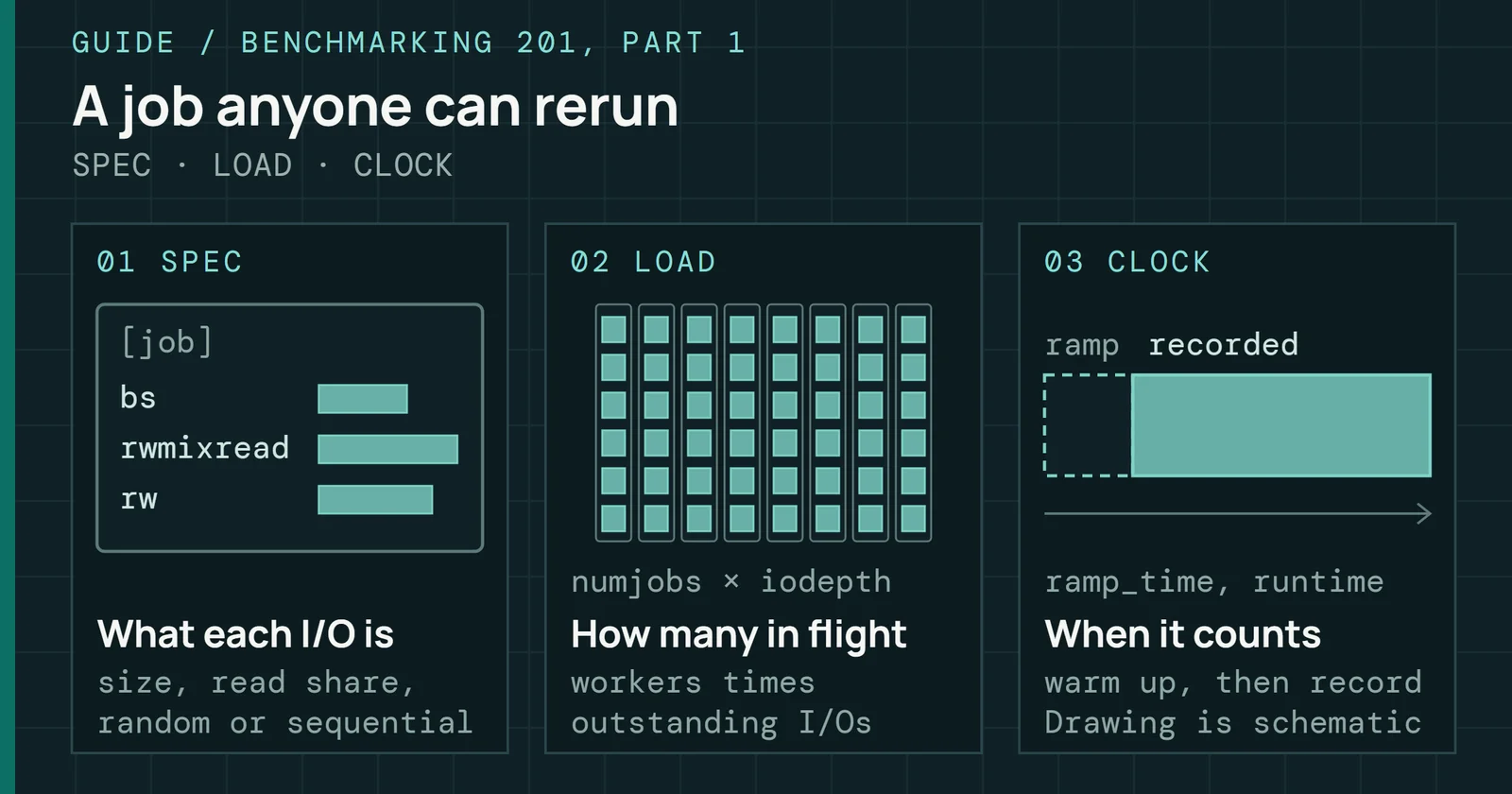
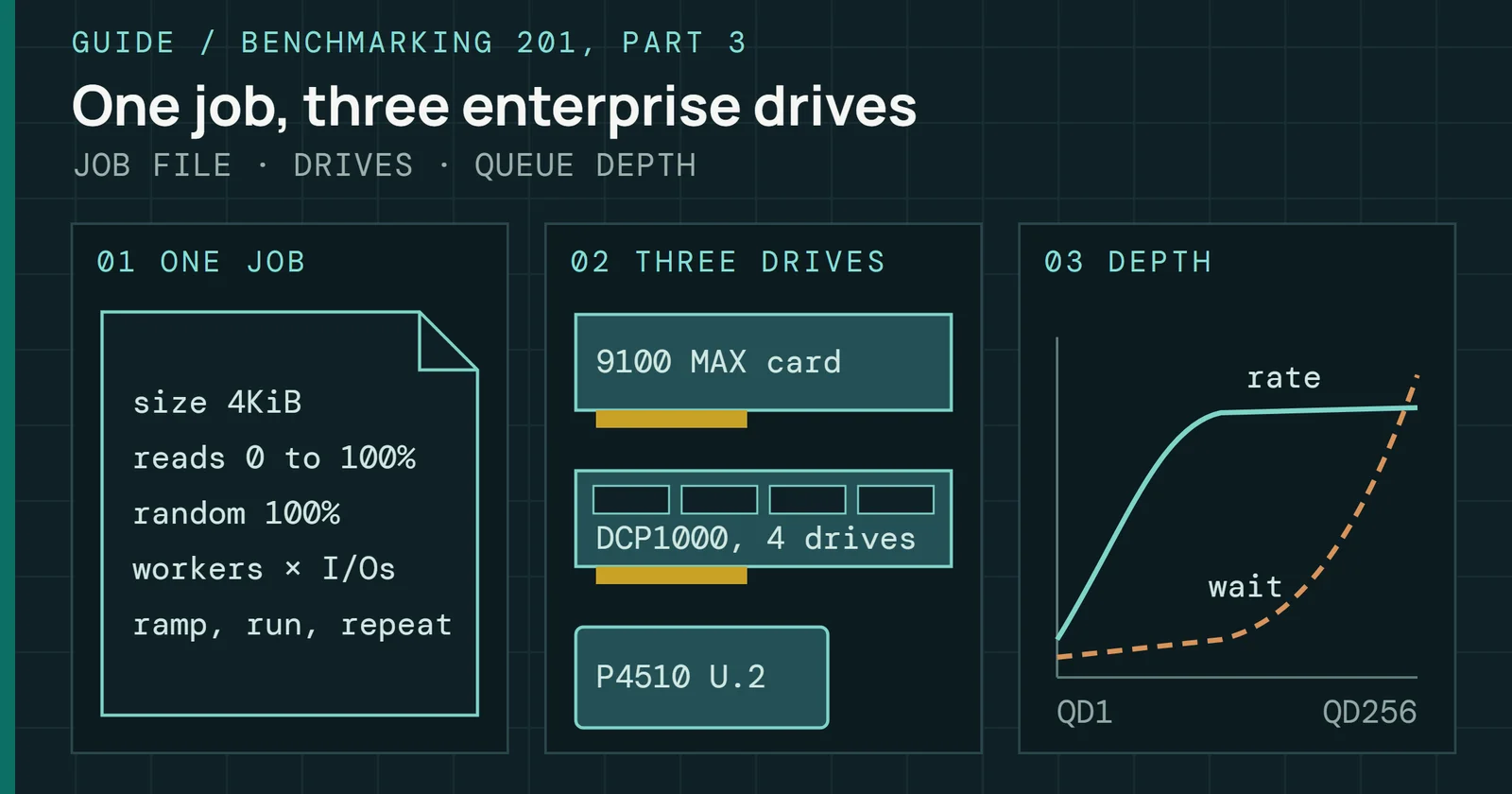
For Linux, fio does the same work from a job file. Its rw option sets the pattern (randread, for example), iodepth sets how many requests stay in flight, and direct=1 skips the page cache, which the libaio engine needs before it will queue at all. Ready-made job files are in a guide to building a repeatable benchmark job.
Health checks and self-tests
Repeat the health read every few months. Under the NVMe specification, a short device self-test should finish in two minutes or less, and smartctl -t short can start one on an NVMe drive. Version 7.4 of smartctl still marks that feature experimental. Between runs, CrystalDiskInfo or the Disks & volumes page shows the log on Windows. An Available Spare that falls below its threshold sets a Critical Warning bit, and that bit is the reading to act on first.
What to watch
As of November 2026, PCIe 5.0 client controllers have moved to 6nm. Silicon Motion makes its SM2508 on TSMC’s 6nm process, with about 30% less active power than its earlier controllers by the maker’s figure. Phison’s E28 is a 6nm part as well, rated at up to 14,900MB/s, though its brochure gives no power figure. Less power at the same speed is less heat for a board’s M.2 heatsink to carry away.
What to watch
A shorter Windows storage path, and 6nm PCIe 5.0 controllers
Software is moving too. Microsoft’s DirectStorage needs an NVMe SSD to show its gains, version 1.1 moves asset decompression from the processor to the GPU, and Microsoft said games built on it should load in up to 40% less time. The bigger change for every drive is the native NVMe path. It is in Windows Server 2025, opt-in and off by default, and the driver is already in Windows 11, disabled, per Tom’s Hardware. Watch for Microsoft turning it on for Windows 11, and for maker tools such as Samsung Magician to work with it first.
Next in this series, How to Read an SSD Spec Sheet goes through a data sheet line by line, from endurance and warranty to the conditions behind each rated speed. Moving an existing Windows install onto a new drive is covered in Cloning and Backup in 2026, and current drive picks by tier are in Best SSDs.
Sources
Primary is the original paper, standard or datasheet. Secondary is a review, a vendor summary or a news report. Measured is my own test data.
Show all 62 sources, 58 primary
- PrimarySerial ATA Advanced Host Controller Interface (AHCI) 1.3.1Intel Corporation, 2012
- PrimaryNVM Express Base Specification, Revision 1.4NVM Express, Inc., 2019
- PrimaryDirectStorage 1.1 Coming SoonDirectX Developer Blog, 2022
- PrimaryPCIe 4.0 vs. PCIe 3.0: What's the difference?Samsung Business Insights, 2022
- PrimaryNVM Express Base Specification, Revision 2.1NVM Express, Inc., 2024
- PrimaryInternal SSD TroubleshootingSamsung Semiconductor Global, 2026
- PrimaryTool & Software DownloadSamsung Semiconductor Global, 2026
- Primary[Motherboard] Compatibility of PCIE bifurcation between Hyper M.2 series Cards and Add-On Graphic CardsOfficial Support | ASUS Global
- Primary[Windows 11/10] Troubleshooting - Cannot Find Drives When Installing Windows OS (ASUS FAQ)Official Support | ASUS Global
- PrimaryAMD Ryzen 7 7800X3D Desktop Processor, specifications (AMD product page)AMD
- PrimaryAMD Ryzen 9 9950X3D Gaming and Content Creation Processor, specifications (AMD product page)AMD
- PrimaryAMD Socket AM5 Chipset (AMD product page)AMD
- PrimaryAnnouncing Native NVMe in Windows Server 2025: Ushering in a New Era of Storage PerformanceTECHCOMMUNITY.MICROSOFT.COM
- PrimaryB450-A PRO MAX user guide (MSI, E7B86 v4.0)download.msi.com
- PrimaryB650M GAMING X AX and B650M DS3H user's manual (Gigabyte, 1304)download.gigabyte.com
- PrimaryCrystalDiskInfoCrystal Dew World [en]
- PrimaryCrystalDiskMarkCrystal Dew World [en]
- Primarydefraglearn.microsoft.com
- Primaryfio documentation, revision 3.42fio project
- PrimaryFrequently Asked Questions About SATA 6Gb/s and the SATA Revision 3.0 Specification (May/June 2009)SATA-IO
- Primaryfstrim.timer (util-linux source)raw.githubusercontent.com
- Primaryfstrim(8) — util-linux — Debian testing — Debian Manpagesmanpages.debian.org
- Primaryfsutil behaviorlearn.microsoft.com
- PrimaryHealth StatusCrystal Dew World [en]
- PrimaryHow to Enable Intel® VMD Capable Platforms for RAID or Intel® Optane™...Intel
- PrimaryInitialize New Diskslearn.microsoft.com
- PrimaryIntel® B760 Chipset - Product SpecificationsIntel
- PrimaryIntel® Core™ i9 processor 14900K (36M Cache, up to 6.00 GHz) - Product SpecificationsIntel
- PrimaryIntel® Core™ Ultra 9 Processor 285K (36M Cache, up to 5.70 GHz) - Product SpecificationsIntel
- PrimaryIntel® Z790 Chipset - Product SpecificationsIntel
- PrimaryIntel® Z890 Chipset - Product SpecificationsIntel
- PrimaryInternal SSD Critical Firmware Update Available for Solving BSOD on Windows 11 24H2 Update (Sandisk support page text)Sandisk
- PrimaryKingston NV3: data sheetKingston
- Primarylspci(8) — pciutils — Debian testing — Debian Manpagesmanpages.debian.org
- PrimaryMain MenuCrystal Dew World [en]
- PrimaryMain WindowCrystal Dew World [en]
- PrimaryNVM Express Base Specification, Revision 1.4cNVM Express
- Primarynvme-list(1) — nvme-cli — Debian testing — Debian Manpagesmanpages.debian.org
- Primarynvme-smart-log(1) — nvme-cli — Debian testing — Debian Manpagesmanpages.debian.org
- PrimaryPCI-SIG FAQ - PCI Express 4.0PCI-SIG
- PrimaryPCI-SIG FAQ - PCI Express 5.0PCI-SIG
- PrimaryPCIedocs.nvidia.com
- PrimaryPhison PS5028-E28 consumer product brochurephison.com
- PrimaryProducts-Edge SSD Controllers-Silicon MotionSilicon Motion
- PrimaryROG STRIX X870E-E GAMING WIFI user manual (ASUS, E24074)dlcdnets.asus.com
- PrimaryROG STRIX Z790-E GAMING WIFI II user manual (ASUS, E22929)dlcdnets.asus.com
- PrimarySamsung 870 EVO: data sheetSamsung Semiconductor
- PrimarySamsung 9100 PRO: data sheetSamsung Semiconductor
- PrimarySamsung 990 EVO Plus: data sheetSamsung Semiconductor
- PrimarySamsung NVMe SSD 9100 PRO with Heatsink Data Sheet, Rev. 2.0download.semiconductor.samsung.com
- PrimarySamsung NVMe SSD 990 PRO Data Sheet, Revision 1.0Samsung Electronics
- PrimarySamsung SSD 870 EVO Data Sheet, Revision 1.1Samsung Semiconductor
- Primarysmartctl(8) — smartmontools — Debian testing — Debian Manpagesmanpages.debian.org
- PrimaryTRX40-A PRO quick start guide (MSI, E7C60 v1.1)download-2.msi.com
- PrimaryWhat to do about a critical warning for a storage devicesupport.microsoft.com
- PrimaryWindows 11 requirementslearn.microsoft.com
- PrimaryWindows Setup: Installing using the MBR or GPT partition stylelearn.microsoft.com
- PrimaryWorking with NVMe Drives - Win32 appslearn.microsoft.com
- SecondarySamsung 990 Pro Firmware Update Addresses Failing SSD HealthTom, 2023
- SecondaryMicrosoft blocks registry trick that unlocked performance-boosting native NVMe driver on Windows 11 — workarounds still exist to enable support, howeverTom, 2026
- SecondaryPCI Express®6.0 Specification at 64.0 GT/s with PAM-4 signaling: a Low Latency, High Bandwidth, High Reliability and Cost-Effective InterconnectPCI-SIG
- MeasuredThe author’s own measurements