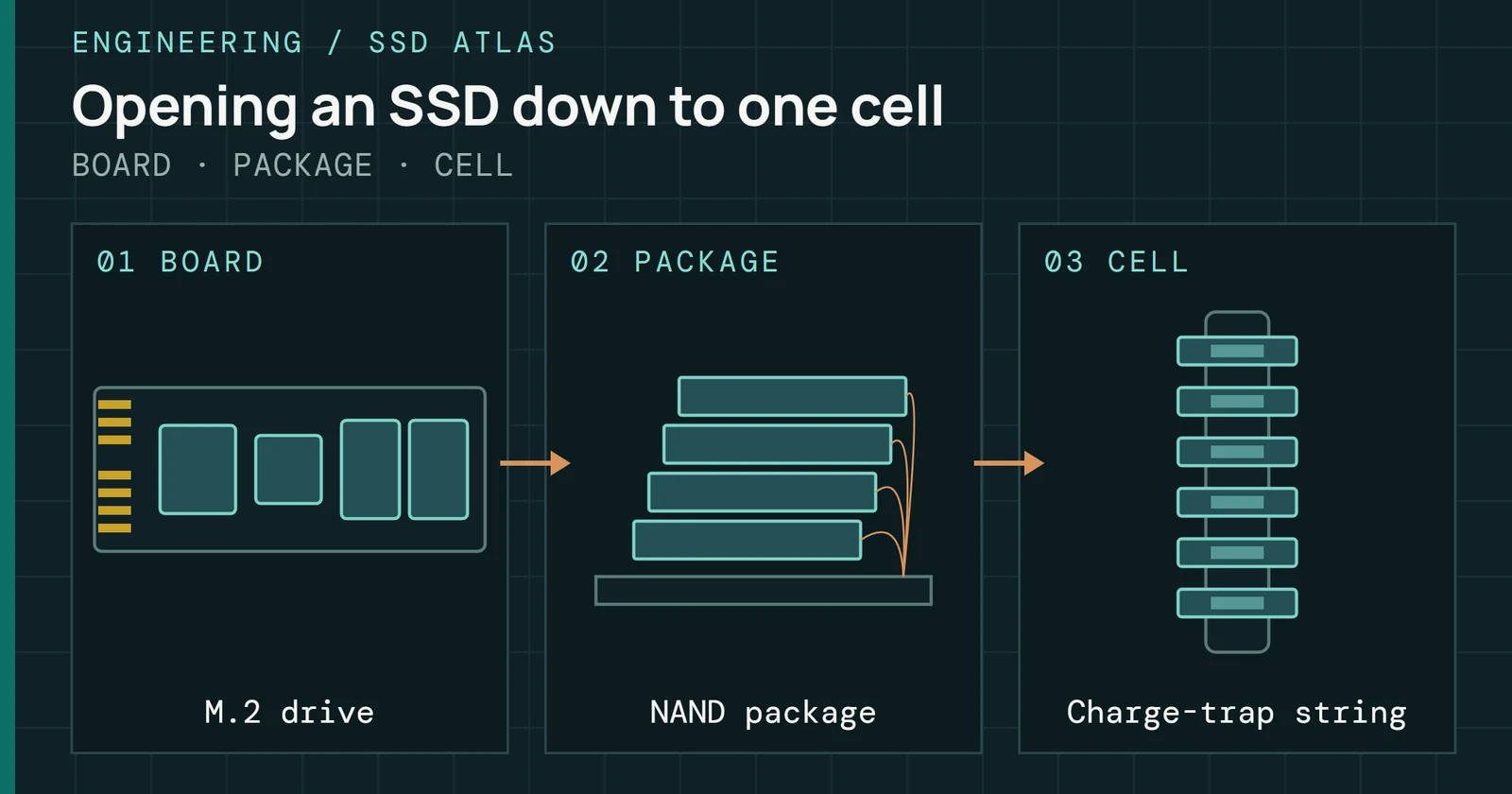
A portable SSD is usually an M.2 NVMe drive on a small adapter board, and the chip on that board decides how much of the drive the cable can carry. my Kingston XS2000 review for Tom’s Hardware describes most portable SSDs that way, with an interface bridge chip connecting to an M.2 NVMe SSD, and an M.2 enclosure is the same arrangement sold without the drive. Four things set the speed you get. They are the port, the bridge chip, the drive’s write cache, and heat.
Storage and Memory in Practice
Storage and Memory in Practice, Part 6: Portable SSDs and Enclosures
What USB and Thunderbolt ports carry, what a bridge chip does, why rated and real speed differ, and which port suits which portable SSD or M.2 enclosure.
On this page 9 sections
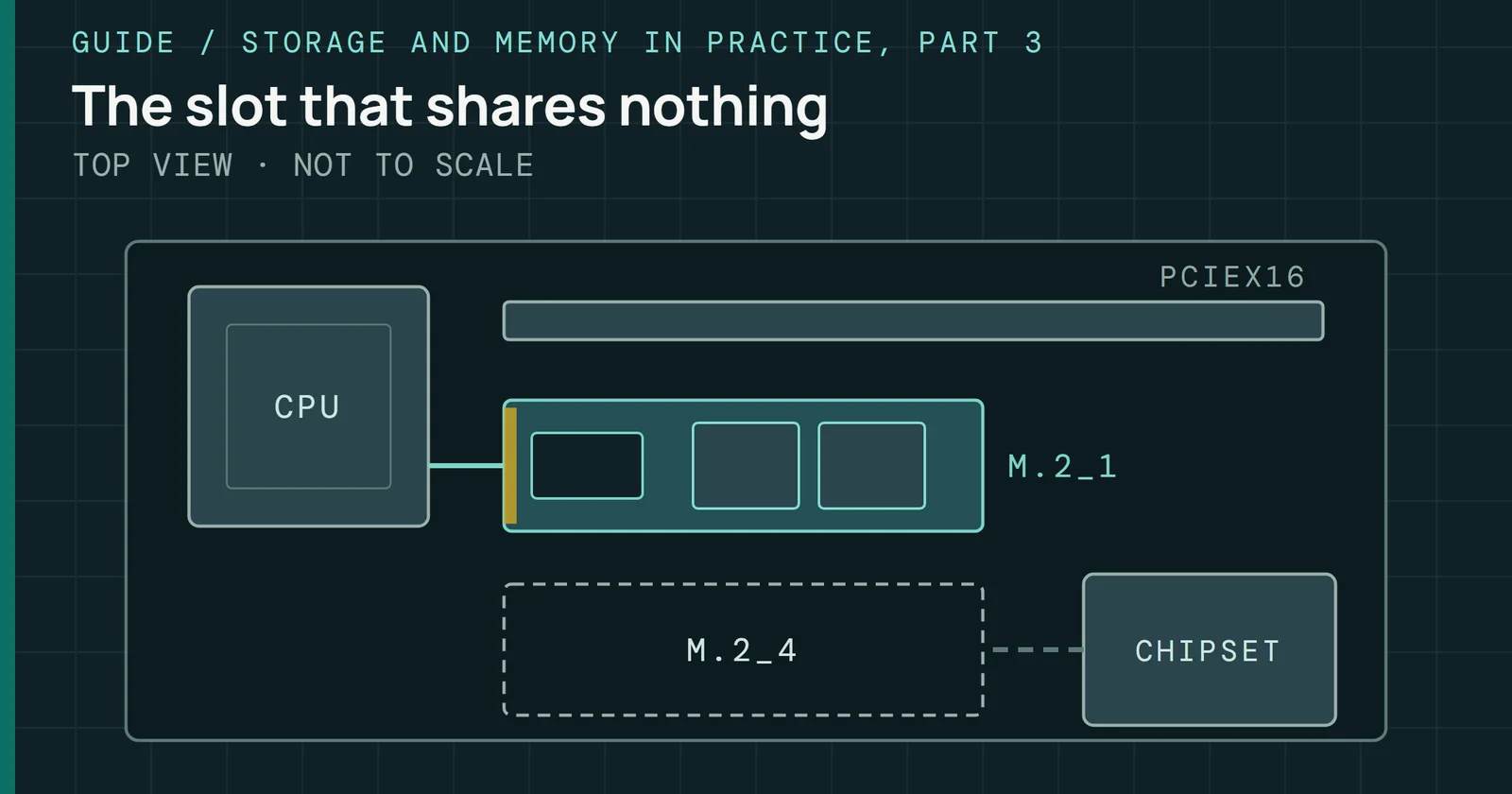
SSDs for Builders, Part 3, covered the inside of a desktop, where each M.2 slot gets its own PCIe lanes. This part covers the outside. It explains what USB and Thunderbolt ports carry, what a bridge chip does, why a drive that opens at nearly 3,500MB/s can settle near 800MB/s, and which port deserves which drive. Enclosure picks are on Best peripherals. I reviewed five of these drives for Tom’s Hardware, and every other number here comes from my own bench or from a standards body, a maker’s page, or a named review.
What the port promises
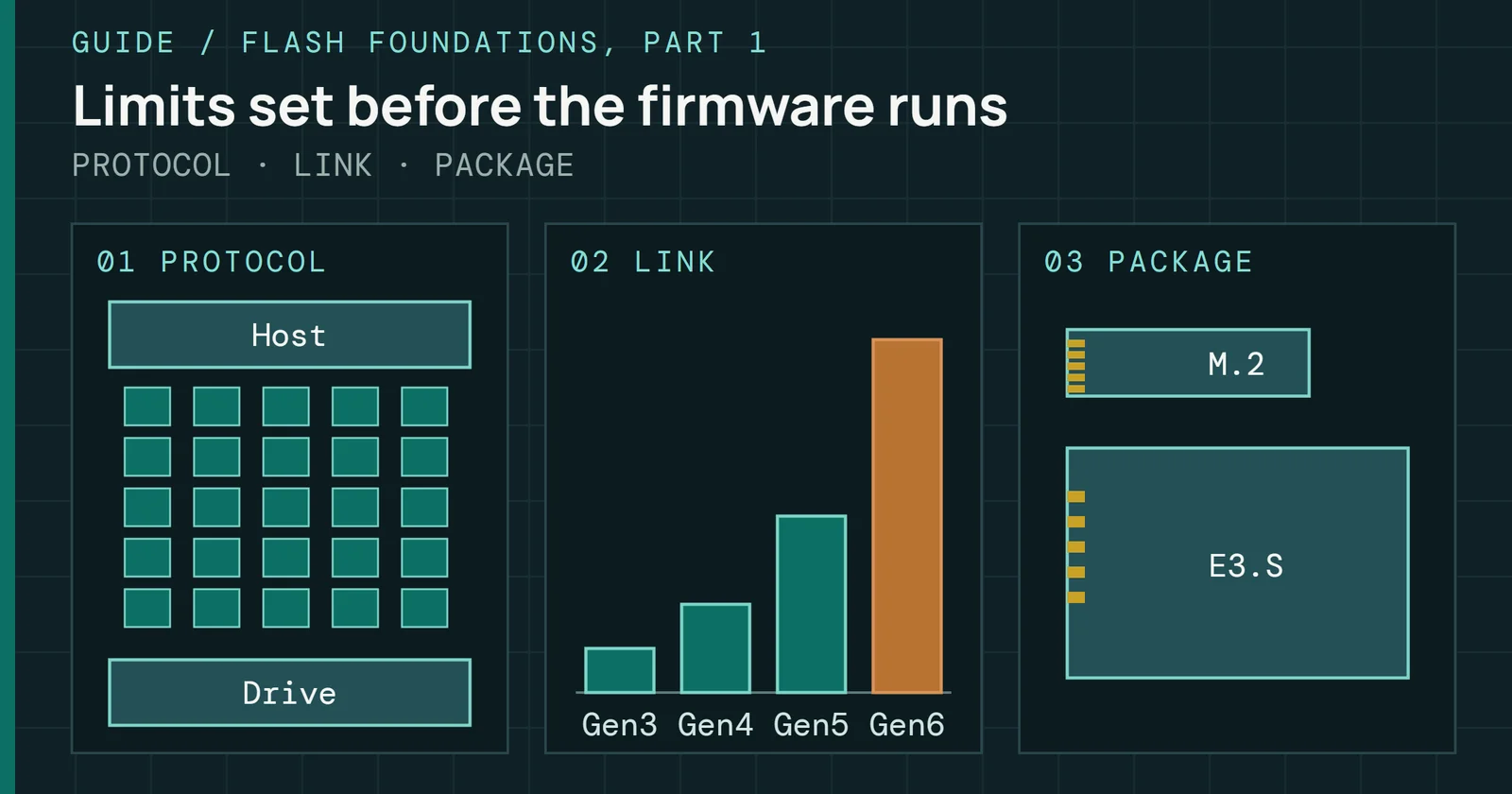
The port sets the first limit. USB-IF’s USB 3.2 page says the specification identifies three transfer rates, 20Gbps, 10Gbps, and 5Gbps, and that 20Gbps comes from two lanes of 10Gbps, announced in July 2017. Intel’s overview of SuperSpeed USB dates the 5Gbps rate to USB 3.0 in November 2008 and the 10Gbps rate to USB 3.1 in July 2013.
Names are the confusing part. Tom’s Hardware calls 5Gbps USB 3, 3.1, or 3.2 Gen 1, and 10Gbps USB 3.1 or 3.2 Gen 2. It calls 20Gbps USB 3.2 Gen 2x2 or USB4 20Gbps. Samsung’s data sheets use the same labels, with the T9 on USB 3.2 Gen 2x2 at 20Gbps and the T7 on Gen 2 at 10Gbps.
Above those sit USB4 and Thunderbolt, which began as a 10Gbps connection announced in February 2011. The September 2019 USB4 specification runs two lanes over Type-C cables at up to 40Gbps and stays backward compatible with USB 3.2 and Thunderbolt 3, and Thunderbolt 4 always delivers 40Gbps, with minimum requirements that set aside PCIe at 32Gbps for storage. Thunderbolt 5 and USB4 Version 2.0 raise the line rate to 80Gbps.
Host support is the other half. Gen 2x2 never reached universal host adoption, Intel was slow to add it, and getting the full 20Gbps from a recent machine is a gamble, per ServeTheHome, while 40Gbps USB4 has no glaring holes in host support. Tom’s Hardware found that the Crucial X10 Pro needs a Gen 2x2 port and otherwise runs at half speed. Its enclosure guide adds that a Thunderbolt enclosure in a port without Thunderbolt may not work, and that one USB4 enclosure it tried would not work on a USB 3.x port.
What the port promises
Each step in the port ladder doubles the one before
Line rate of each USB and Thunderbolt step, before overhead
Read the figure as a ladder. A drive can use only the step its port reaches. Tom’s Hardware found the 20Gbps X10 Pro runs at half speed in a 10Gbps port. When the spec sheet says only “USB 3.2 Gen 2,” 10Gbps is the safe assumption.
The bridge chip decides what the drive can show
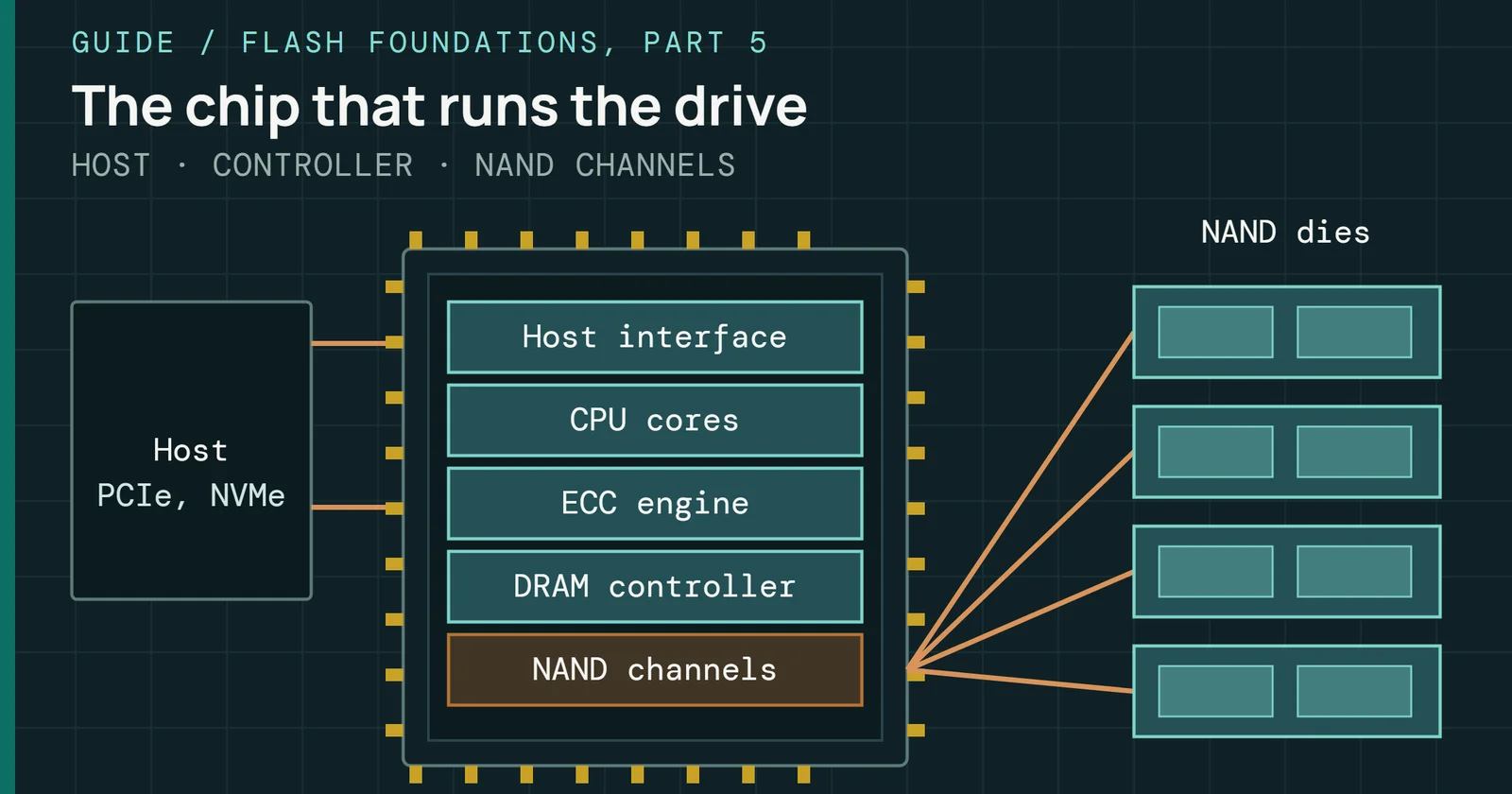
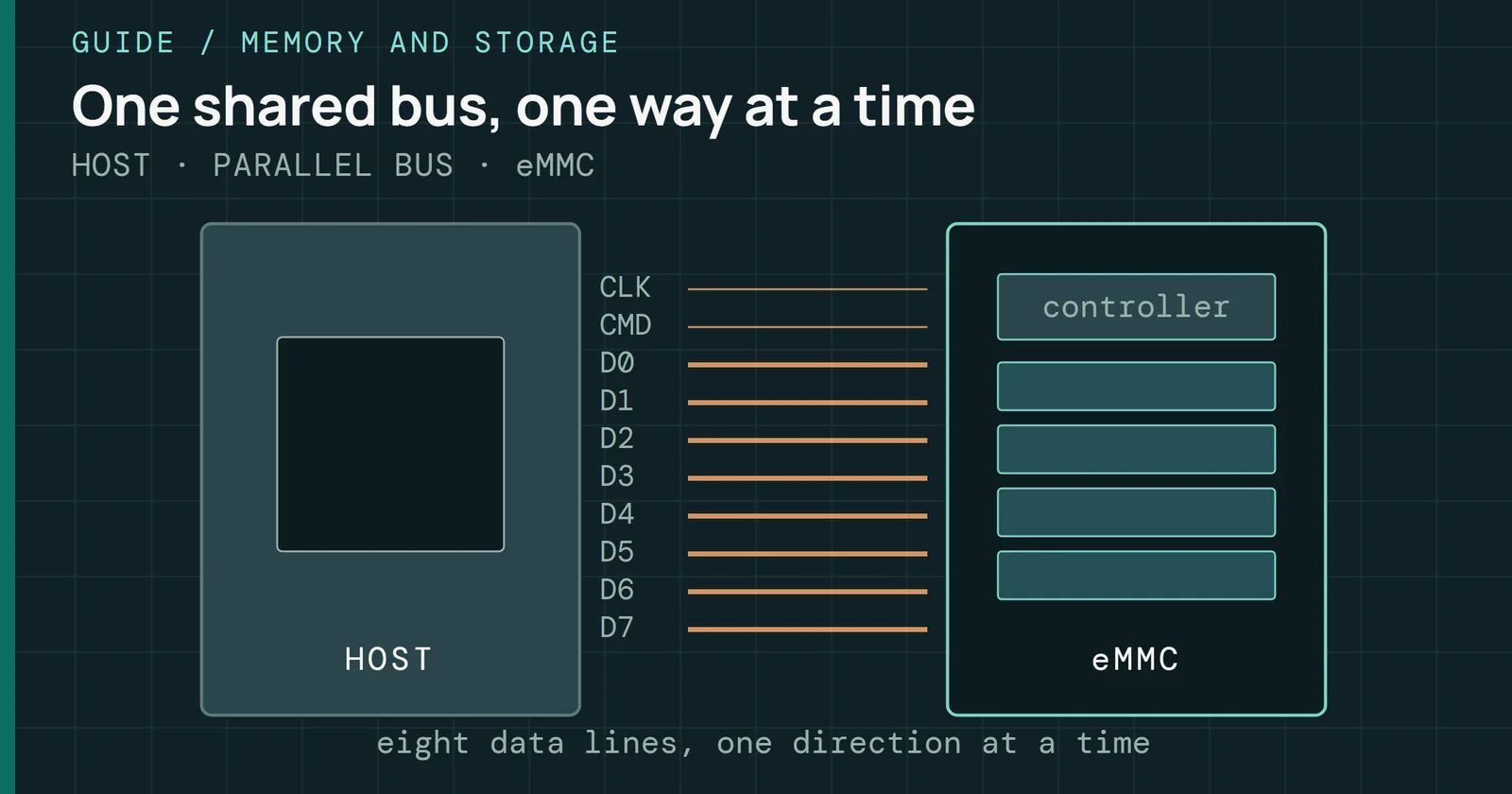
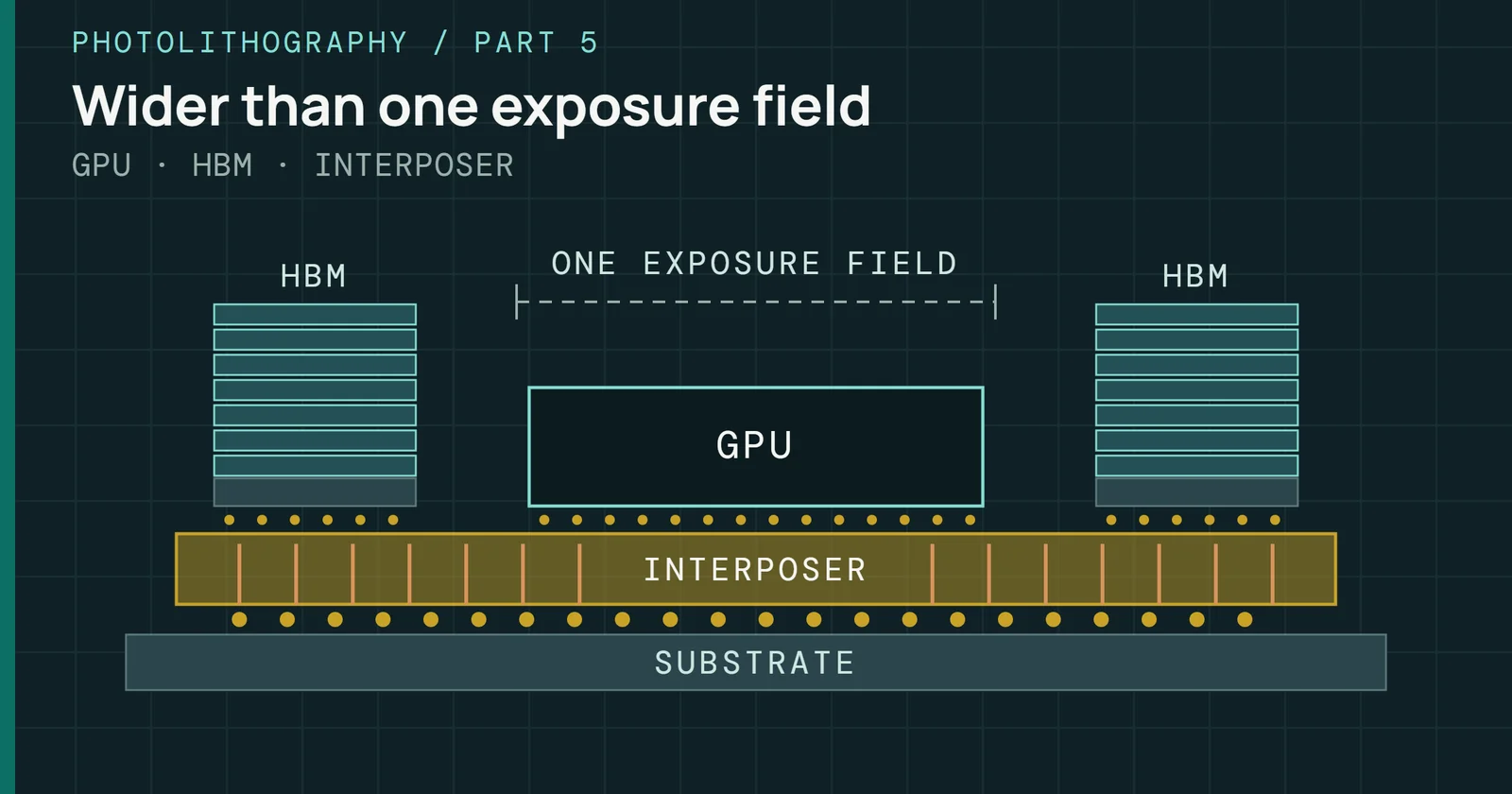
An NVMe drive speaks PCIe and a computer’s USB port doesn’t, so a bridge chip translates between them. Realtek’s RTL9210B-CG is a typical one. It takes USB at up to 10Gbps on one side and acts as the PCIe host for the SSD on the other, at Gen3 x2, up to 16Gbps in Realtek’s figures, and it also translates SCSI commands from the host, Unmap among them, into NVMe.
Both sides of the chip limit the drive. In my review of the SanDisk Extreme Pro v2 for Tom’s Hardware, I noted that its ASM2364 bridge has twice the PCIe lanes of the older ASM2362, so it keeps a 20Gbps link with a PCIe 3.0 x4 drive. The ASM2362 reaches over 1,000MB/s on external NVMe SSDs, by ASMedia’s account. The ASM2464PD puts PCIe Gen4 x4 behind a USB4 and Thunderbolt link at 20Gbps x2, and ASMedia targets portable SSDs and enclosures with it.
Bridge chips named on maker pages and in the reviews cited here are in the table.
| Bridge chip | Link and where it is found |
|---|---|
| Realtek RTL9210 | USB 10Gbps to PCIe Gen3 x2, in the Plugable USBC-NVME enclosure |
| ASMedia ASM2362 | USB 3.2 Gen 2 at 10Gbps to PCIe Gen3 x2, in the Samsung T7 and SanDisk Pro-G40 |
| JMicron JMS583 | USB 3.1 Gen 2 at 10Gbps to PCIe Gen3 x2, in the LaCie Rugged SSD |
| ASMedia ASM2364 | USB 3.2 Gen 2x2 at 20Gbps to PCIe Gen3 x4, in the SanDisk Extreme Pro v2 |
| ASMedia ASM2464PD | USB4 and Thunderbolt at 40Gbps to PCIe Gen4 x4, in the UGREEN 40Gbps and Asus ProArt PA40SU enclosures |
Sources are Realtek, ASMedia, and JMicron product pages; Tom’s Hardware reviews of the T7, Pro-G40, LaCie Rugged SSD, and Extreme Pro v2 and its enclosure guide; the Plugable product page, which lists the Realtek RTL9210 for its enclosure. Realtek’s own page, linked above, is for the RTL9210B-CG.
Some drives skip the bridge. Silicon Motion’s SM2320 is one chip that works as both the SSD controller and the USB bridge, and Tom’s Hardware lists it in the Crucial X10 Pro with no separate bridge chip. I described the same chip in the Kingston XS2000 when I reviewed it, and these drives are DRAM-less, which comes up again with the write cache below.
The bridge chip decides what the drive can show
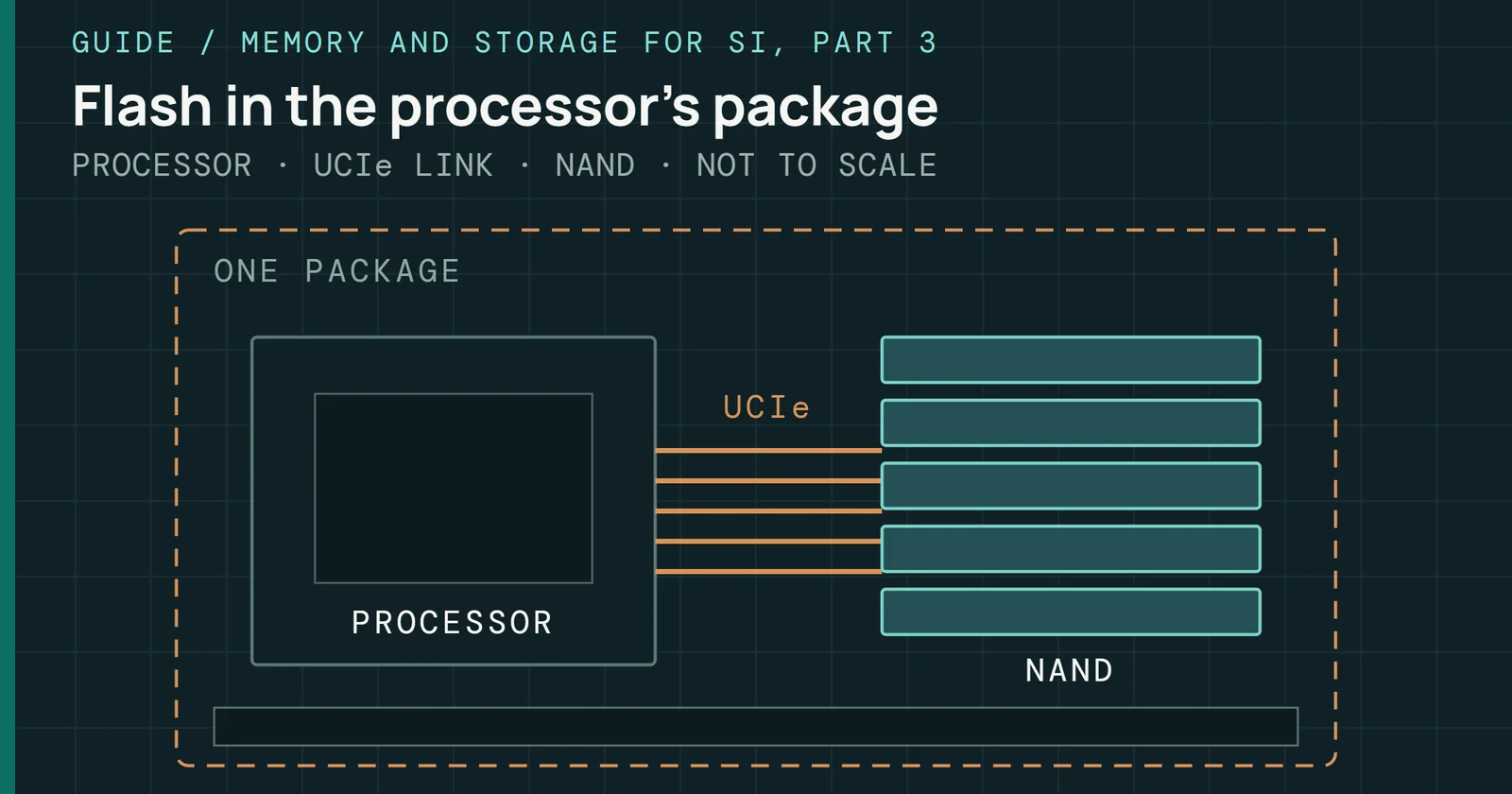
A bridge chip joins a PCIe link to a USB link
THREE TIERS · SSD, BRIDGE, PORT
Pairing a fast drive with a slow bridge buys nothing, since Plugable’s enclosure takes PCIe Gen 3 and Gen 4 drives and connects at up to 10Gbps either way. SanDisk’s Pro-G40 carries two chips, an Intel JHL7440 Thunderbolt 3 controller that Tom’s Hardware found in it and an ASM2362 behind the USB side.
What each link speed reads in practice
Ten gigabits per second is 1,250MB/s before any protocol overhead. Samsung rates the T7 at up to 1,050MB/s read over its 10Gbps link, and Tom’s Hardware measured the Plugable RTL9210 enclosure at 1,067.2MB/s sequential read in CrystalDiskMark. That is about 85% of the raw rate. At 20Gbps the raw rate is 2,500MB/s. Samsung rates the T9 at up to 2,000MB/s, which is 80% of it. On internal drives, The Speed on the Box Is the Speed You Get checks rated figures against my own bench.
At 40Gbps the SSD side is narrower than the line. Intel’s Thunderbolt 4 minimums give storage PCIe at 32Gbps, which is 4,000MB/s before overhead, and quote storage speeds up to 3,000MB/s. Tom’s Hardware measured UGREEN’s 40Gbps enclosure at 3,717MB/s sequential read with a 4TB Samsung 990 Evo Plus, about 93% of that figure, against UGREEN’s rating of up to 3,848MB/s, and the ASM2464PD reaches up to 3,800MB/s by ASMedia’s figures.
What each link speed reads in practice
Measured and rated reads stay under the raw link rate
Sequential read per link tier: raw rate, maker’s rating, Tom’s Hardware measurement
Real files land lower than a sequential benchmark. Tom’s Hardware measured the Asus ProArt PA40SU at 2,873MB/s read and 2,965MB/s write copying a 50GB folder of mixed files, against a little over 3,700MB/s in CrystalDiskMark. ServeTheHome’s test of the 4TB SanDisk Extreme PRO USB4 passed 3.8GB/s on reads. Yet its 4K random writes at a queue depth (QD) of 1 managed 19MB/s, against 74MB/s on the 20Gbps Extreme PRO. A faster link raised the sequential figures and lowered one small-file figure.
At 80Gbps the evidence is thin. OWC rates its Thunderbolt 5 Envoy Ultra at over 6,000MB/s. Satechi’s own page rates its 80Gbps DotDisk enclosure below 6,000MB/s for reads and below 6,500MB/s for writes, according to Tom’s Hardware, which is closer to a 40Gbps link than to 80Gbps, against a raw 80Gbps rate of 10,000MB/s.
After the first minute
The write cache runs out
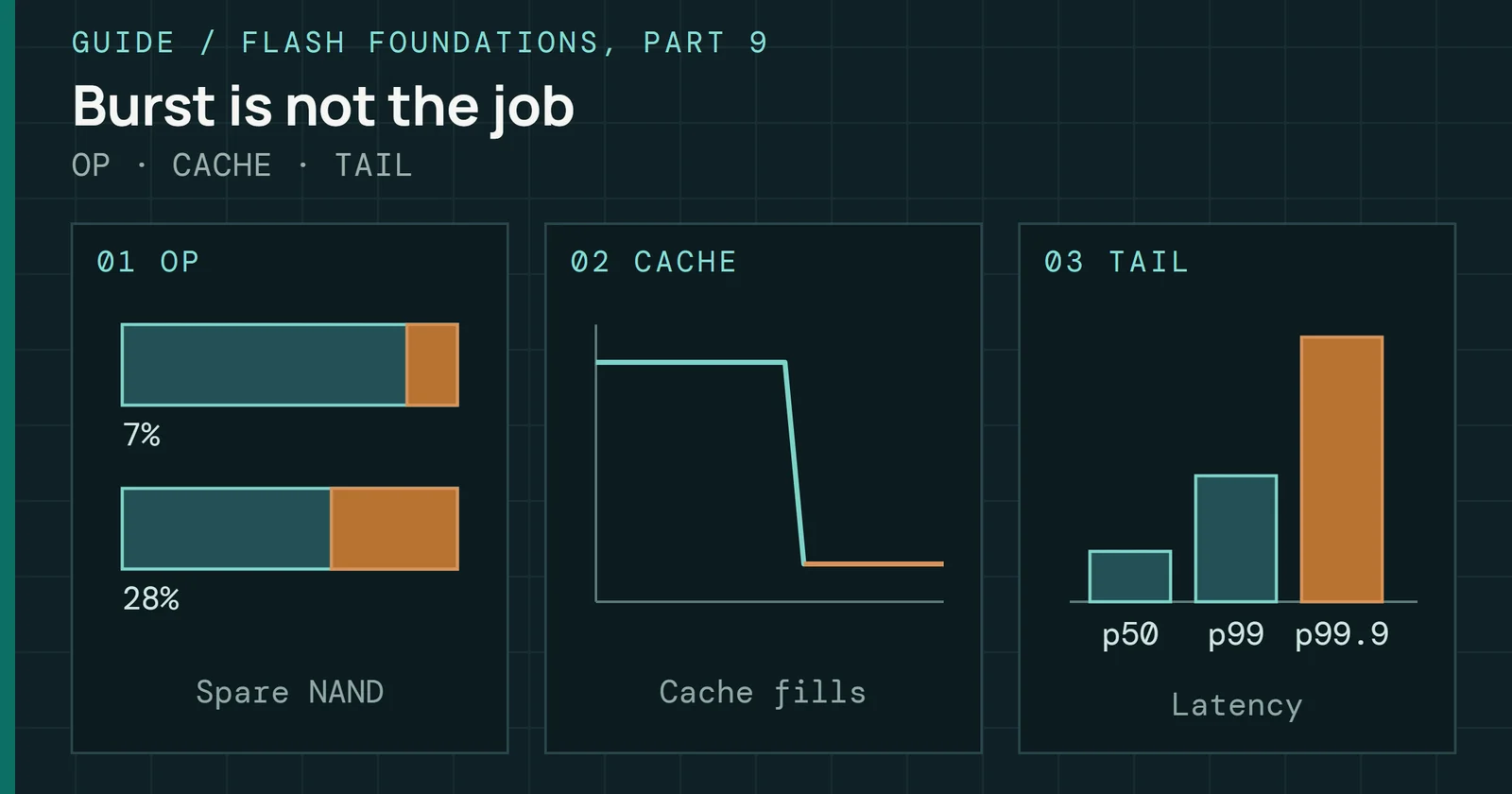
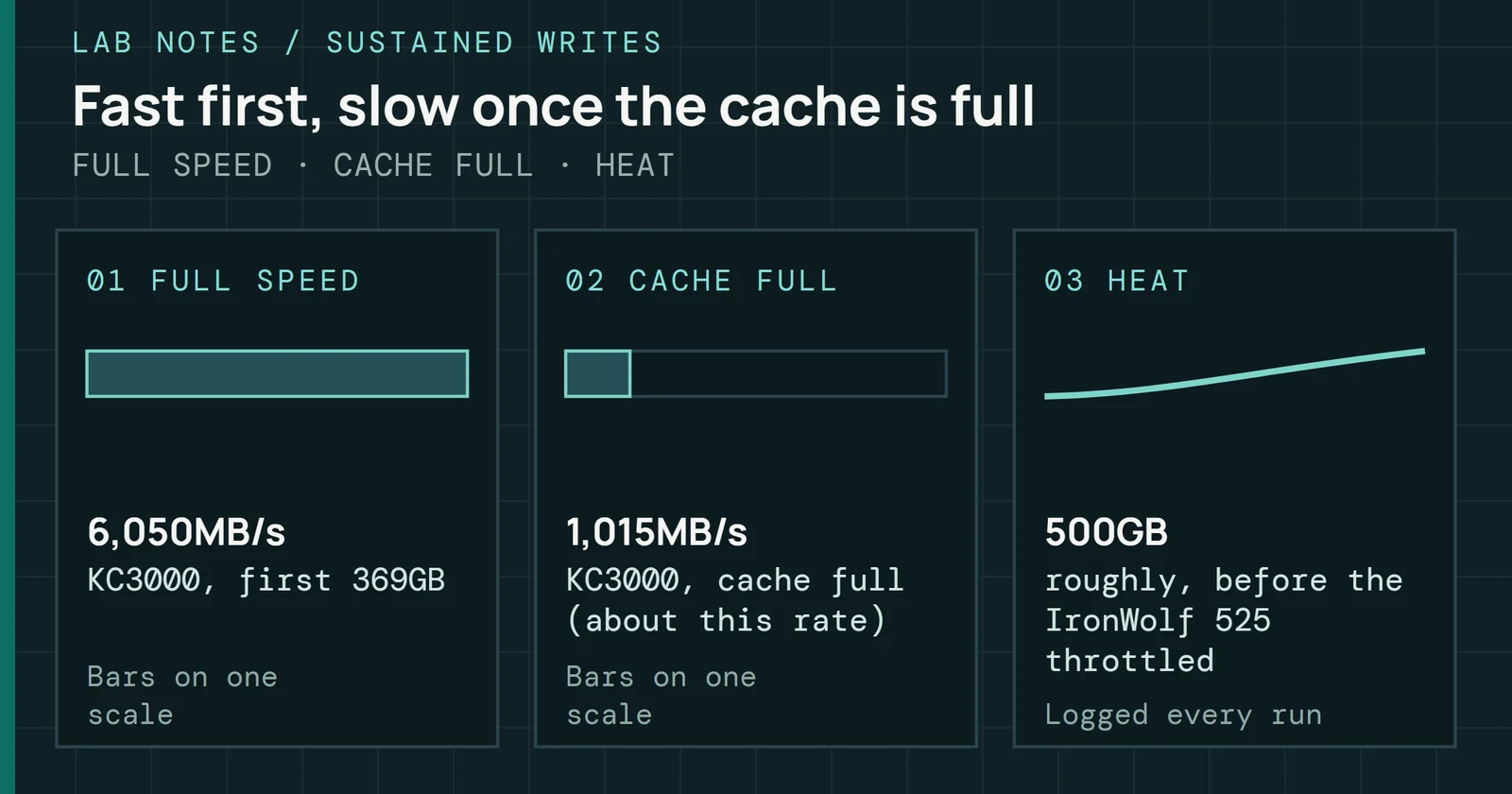
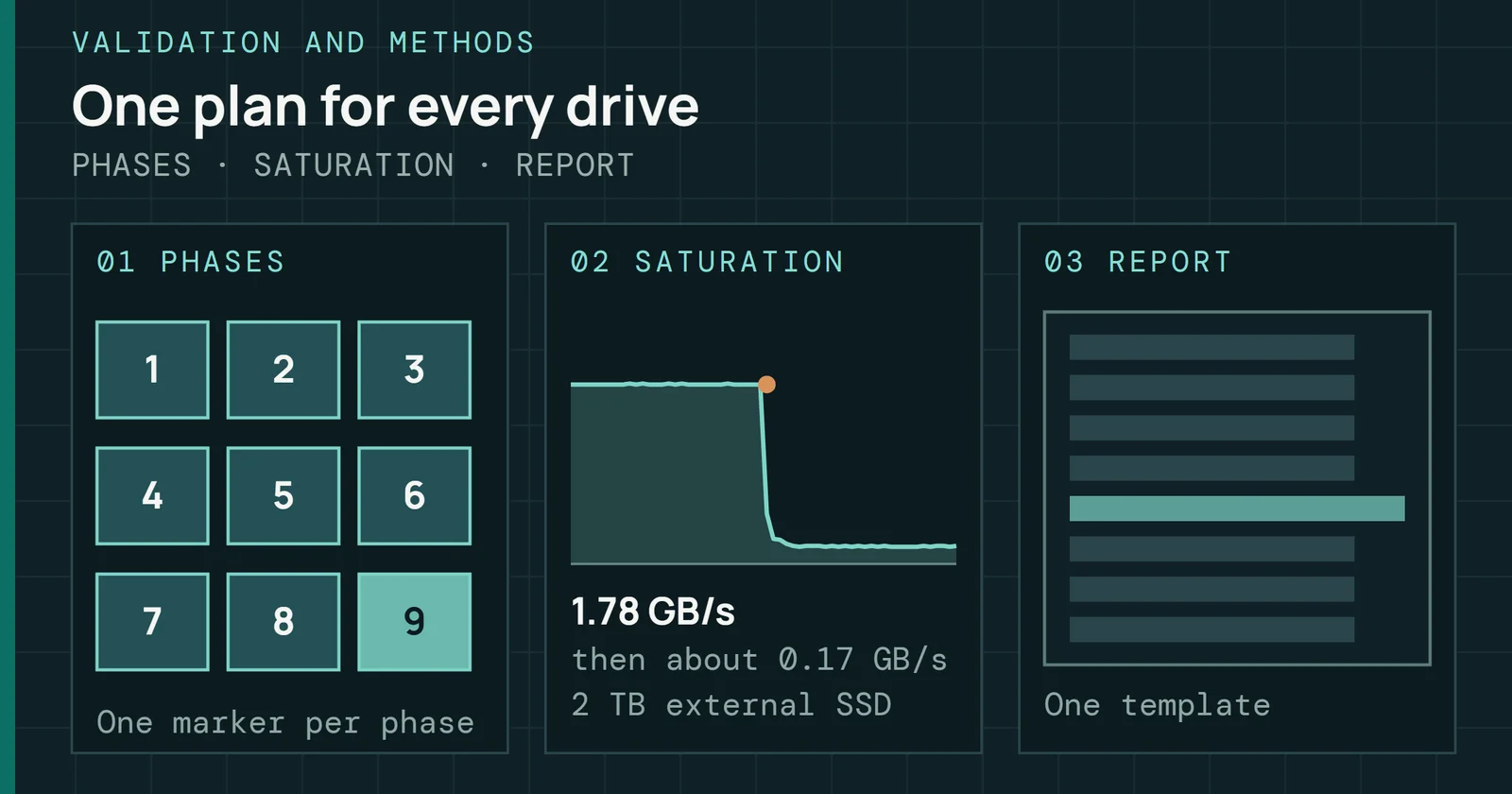
Most external SSDs write into a fast SLC cache first, like internal ones, and sustained writes suffer once it fills. Tom’s Hardware’s 15-minute Iometer sequential write test shows what that looks like. SanDisk’s Extreme Pro USB4 2TB wrote just below 3,500MB/s for almost three minutes, then about 1,100MB/s for about five minutes, then about 800MB/s. Crucial’s X10 Pro hovered mostly between 1,750MB/s and 1,780MB/s for just over 11 minutes, then dropped to the 1,400MB/s range. In a 30-minute run reported in Tom’s Hardware’s enclosure guide, UGREEN’s enclosure wrote above 3,000MB/s for 135 seconds and then settled between 1,600MB/s and nearly 1,800MB/s.
After the first minute
Writes settle well below the opening speed
Sequential write speed over time in Tom’s Hardware’s sustained write tests
The 10Gbps drives in the X10 Pro review were reported as averages over the same 15-minute test. The Crucial X9 Pro averaged 983MB/s and the Samsung T7 Shield 994MB/s, while the Extreme Pro USB4 on its 40Gbps link finished its own run at about 800MB/s. An average and a final speed are different statistics, so these numbers do not compare like for like.
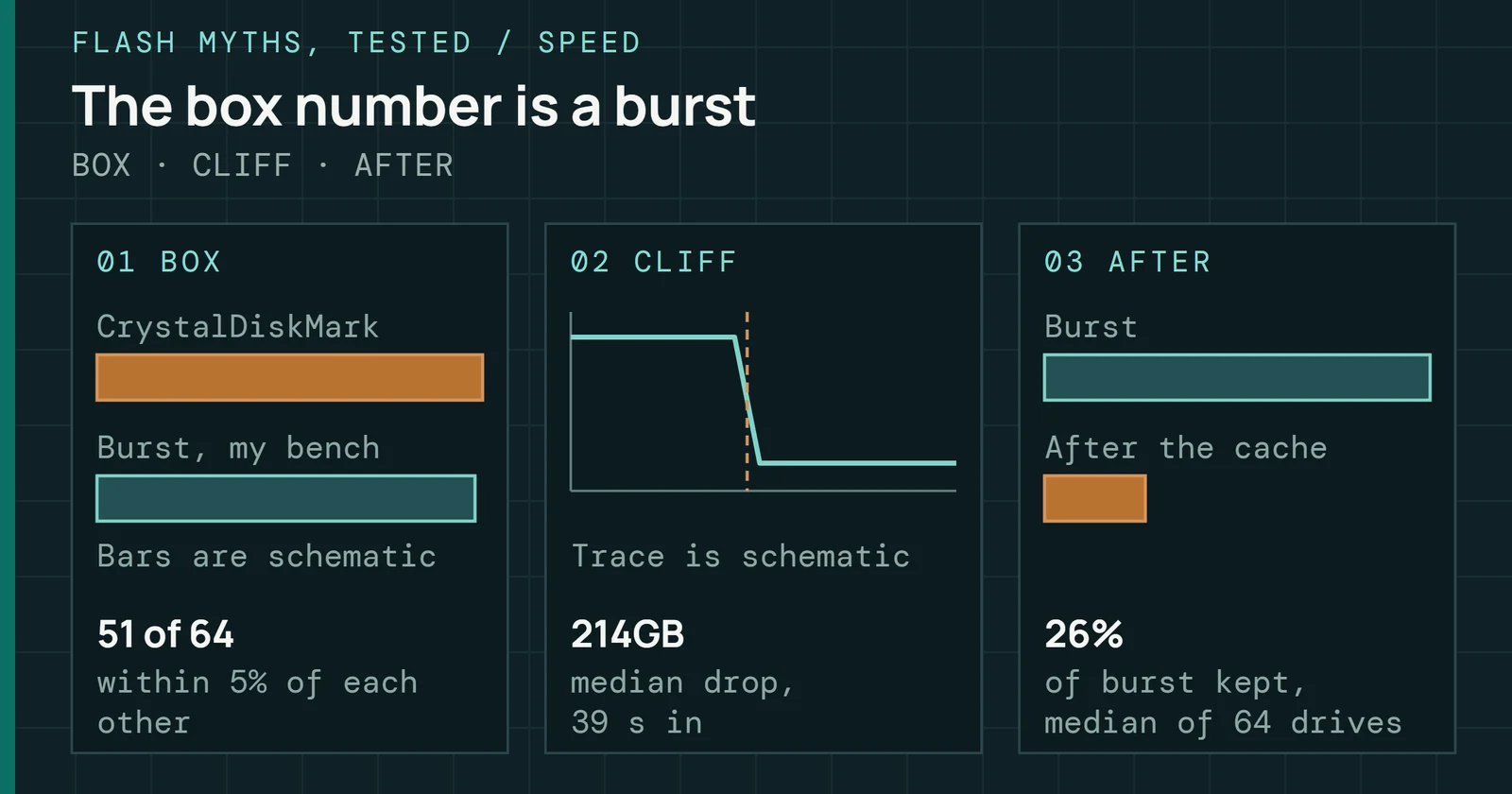
On my bench, 64 of 65 internal drives dropped off a cache cliff in a sequential-write run (the method is on the box speed page), and a drive in a portable case has the same kind of cache, as Tom’s Hardware’s runs above show. The sustained-write runs above are Tom’s Hardware’s, not mine. I haven’t run this test on portable drives, though I did see the small end of the problem in my reviews. The SanDisk Extreme v2 has a small static SLC cache and falls to direct-to-TLC speed quickly, the smallest capacity worst, and the DRAM-less Kingston XS2000 needs idle time to recover its full write speed. Once the Cache Fills, the Drive Stays Slow covers how much of a cache comes back after idle.
Heat slows it again
The T9 has an operating range of 0°C to 60°C in Samsung’s data sheet, measured at the hottest point on the case, with airflow recommended for heavier workloads. The T7’s Dynamic Thermal Guard firmware throttles performance as needed to hold temperature, as I noted in my review, and the Extreme v2’s bridge also puts data integrity ahead of speed at high temperature.
Tom’s Hardware recorded case temperatures at the end of its 30-minute write test of 40Gbps USB4 enclosures, with 107°F (42°C) on the UGREEN, 106°F (41°C) on OWC’s, 111°F (44°C) on Cable Matters’, and 108.5°F (42.5°C) on the Asus ProArt PA40SU despite its fan. Cable Matters’ enclosure also throttled briefly as low as 65MB/s. Satechi’s DotDisk, fitted with a PCIe 5.0 SSD, reached 134.5°F (57°C) and was too hot to touch for more than a couple of seconds. SSDs for Builders covers heat inside a desktop, and Every NVMe SSD Needs a Heatsink tests the claim that a heatsink is always needed.
UASP, TRIM, and the driver that falls back
A bridge also decides which commands reach the drive. Realtek’s RTL9210B-CG supports both Bulk Only Transfer and USB Attached SCSI (UASP, also called UAS) for USB mass storage, and Plugable’s page shows its enclosure working with either on Windows, macOS, and Linux. All three bridge makers above also have a path for TRIM. Realtek’s chip translates the SCSI Unmap command, the JMS583 supports TRIM in JMicron’s listing, and the ASM2464PD has the UNMAP command set. The T7’s bridge handles TRIM and UASP, as my review noted, and so does the XS2000.
TRIM only reaches the SSD if every link in the chain passes it. Plugable’s compatibility notes warn that a Windows 10 PC with an ASMedia ASM3142 USB host controller may fall back to the legacy usbstor.sys driver instead of the UASP driver, which prevents TRIM and may cut performance. A TRIM Check lab reads one command from the finished setup. You Have to Run TRIM by Hand covers how often it needs to run.
UASP, TRIM, and the driver that falls back
TRIM reaches the SSD only when the whole path passes it
THREE PATHS · HOST TO SSD
USB4 drives change the path. USB 3.x portable SSDs used UASP while the newest USB4 drives use direct NVMe over the USB connection, ServeTheHome observes, which is the same protocol as internal drives. ASMedia’s ASM2464PD page says the chip tunnels PCIe and USB protocols inside the USB4 or Thunderbolt link. It still supports BOT, UAS, and UNMAP for USB 3.2 hosts.
Which port gets which drive
Tom’s Hardware concludes that for most users 10Gbps is fast enough, and found enclosures on the same USB interface gave fairly similar throughput. Between two 10Gbps enclosures, speed will be close, so build, cooling, and how easily the drive swaps are what is left to compare. That list is my read, and the case temperatures above show cooling does differ. The table pairs each port with the class of device that fits it and one result from the sources.
| Port you have | Fits, example and result |
|---|---|
| USB 3.2 Gen 2, 10Gbps | M.2 NVMe enclosure or portable SSD. Example: Plugable USBC-NVME, 1,067.2MB/s measured by Tom’s Hardware |
| USB 3.2 Gen 2x2, 20Gbps | Portable SSD. Example: Samsung T9, 2,000MB/s rated by Samsung |
| USB4 or Thunderbolt 4, 40Gbps | M.2 enclosure with an ASM2464PD. Example: UGREEN 40Gbps, 3,717MB/s measured by Tom’s Hardware |
| Thunderbolt 5, 80Gbps | Portable SSD. Example: OWC Envoy Ultra, over 6,000MB/s rated by OWC |
Source: results come from Tom’s Hardware’s enclosure guide, the Samsung T9 data sheet, and OWC’s Envoy Ultra page.
Most 2.5-inch and 3.5-inch enclosures run at 5Gbps and most M.2 enclosures at 10Gbps, with models that run at up to 40Gbps often costing $130 or more, according to Tom’s Hardware. Best peripherals lists the M.2 enclosures we would buy for 10Gbps and USB4, each with its bridge chip named. An enclosure also makes the external drive that Cloning and Backup in 2026 treats as copy two of a backup. Ready-made portable SSDs are on Best SSDs. Part 3’s SSDs for Builders covers choosing the M.2 drive that goes inside one.
Which port gets which drive
Pick the drive that matches your fastest port
START AT THE TOP · STOP AT THE FIRST YES
The better buy is the one that matches the port you have. Tom’s Hardware found the 20Gbps X10 Pro runs at half speed in a 10Gbps port, and Plugable’s 10Gbps enclosure stays at 10Gbps on a USB4 or Thunderbolt host. A 20Gbps drive would pay off only once the computer gets a faster port, and the Plugable enclosure never would.
What to watch: 80Gbps ports and the cache
Thunderbolt 5 and USB4 Version 2.0 move the port to 80Gbps. Intel announced Thunderbolt 5 on September 12, 2023, and USB-IF announced USB4 Version 2.0 on October 18, 2022. As of November 2026, the 80Gbps evidence here covers two products, the OWC Envoy Ultra and the Satechi DotDisk, and is mostly the makers’ own numbers. OWC’s own page shows a sustained write of 1,350MB/s for the 2TB Envoy Ultra after over 6,000MB/s at first, and migovi’s test, from a third-party review blog, found about 60GB of cache on that drive before writes settled near 1,400MB/s.
What to watch: 80Gbps ports and the cache
Line rates doubled four times between 2008 and 2023
USB AND THUNDERBOLT · RELEASE OR ANNOUNCEMENT, TO SCALE
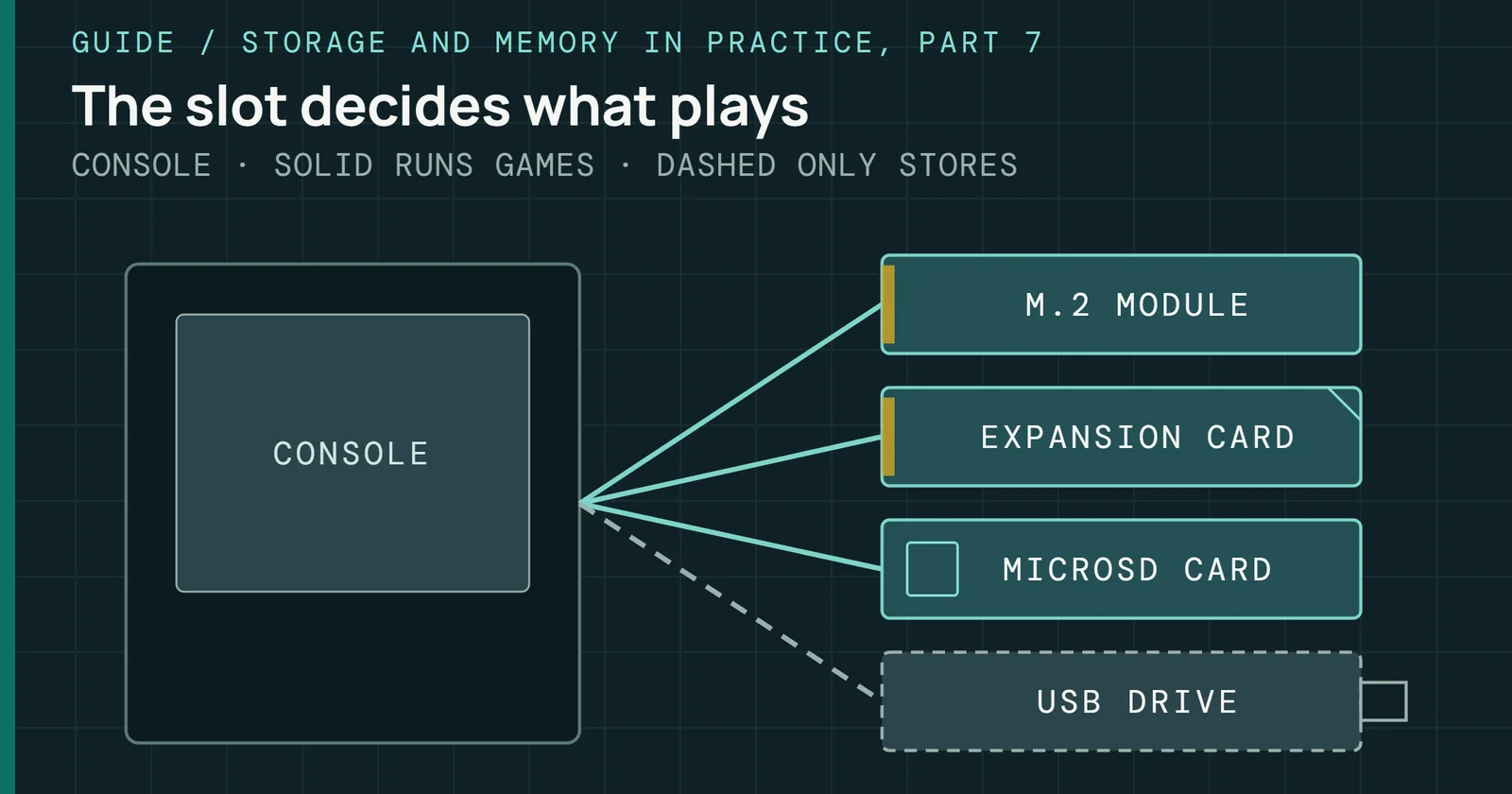
Look for the sustained write on any new drive. In Tom’s Hardware’s 15-minute tests, the 10Gbps X9 Pro averaged 983MB/s while the 40Gbps Extreme Pro USB4 finished its run at about 800MB/s, so the port alone does not predict sustained writes. Check the standards timeline for each revision’s date. Next in this series is Part 7, on storage in consoles and handhelds, where the same port and cache questions apply to the cards and drives those machines take.
Sources
Primary is the original paper, standard or datasheet. Secondary is a review, a vendor summary or a news report. Measured is my own test data.
Show all 31 sources, 19 primary
- PrimaryASM2364ASMedia Technology Inc.
- PrimaryASM2464PDASMedia Technology Inc.
- PrimaryASMedia’s USB4® Device Silicon Has Passed Thunderbolt™ 4 CertificationASMedia Technology Inc.
- PrimaryIntel Announces Thunderbolt(TM) Technology: The Fastest Data Connection to Your PC Just ArrivedIntel Corporation
- PrimaryIntel Introduces Thunderbolt 5 Connectivity StandardIntel
- PrimaryIntroducing Thunderbolt 4: Universal Cable Connectivity for EveryoneIntel
- PrimaryOWC Envoy Ultra – 6,000MB/s Thunderbolt 5 Portable SSDOWC
- PrimaryPlugable USB 3.1 Gen 2 Tool-free NVMe EnclosurePlugable Technologies
- PrimaryRTL9210B-CG - Realtekrealtek.com
- PrimarySamsung Portable SSD T7: data sheetSamsung Semiconductor
- PrimarySamsung Portable SSD T9: data sheetSamsung Semiconductor
- PrimarySuperSpeed USB and beyond (Intel)Intel
- PrimaryUGREEN M.2 NVMe SSD Enclosure 40GbpsUGREEN EU
- PrimaryUSB - PCIe-USB Bridge Controller-Products-JMicron-Leading the Storage Revolution!jmicron.com
- PrimaryUSB 3.0 Promoter Group Announces USB 3.2 Updateusb.org
- PrimaryUSB 3.2usb.org
- PrimaryUSB Controller|ASMedia Technology Inc.ASMedia Technology Inc.
- PrimaryUSB-IF Announces Publication of New USB4® Specification to Enable USB 80Gbps PerformanceUSB-IF
- PrimaryUSB-IF Announces Publication of USB4 SpecificationUSB-IF
- SecondaryLaCie Rugged SSD Review: Tough, Secure, and FastTom, 2020
- SecondarySamsung T7 Portable SSD Review: Colorful and Secure StorageTom's Hardware, 2020
- SecondarySanDisk Extreme Pro v2 Portable SSD Review: High-dollar Design and PerformanceTom, 2020
- SecondaryKingston XS2000 Portable SSD Review: Small Size with XL PerformanceTom, 2021
- SecondarySanDisk Extreme v2 Portable SSD Review: Twice the Speed, Better SecurityTom's Hardware, 2021
- SecondaryBest SSD and Hard Drive EnclosuresTom, 2022
- SecondarySanDisk Pro-G40 SSD Review: Rugged Thunderbolt on the Go (Updated)Tom's Hardware, 2022
- SecondaryCrucial X10 Pro Portable SSD Review: USB Speed KingTom's Hardware, 2023
- SecondaryOWC Envoy Ultra Portable SSD Performance Testmigovi | News, reviews, editorials on technology, phones, home appliances, cars, 2025
- SecondarySanDisk Extreme Pro With USB4 (2TB) review: Bursty speed, but not great for prosTom's Hardware, 2025
- SecondarySanDisk Extreme PRO USB4 4TB Portable SSD ReviewServeTheHome, 2026
- MeasuredThe author’s own measurements