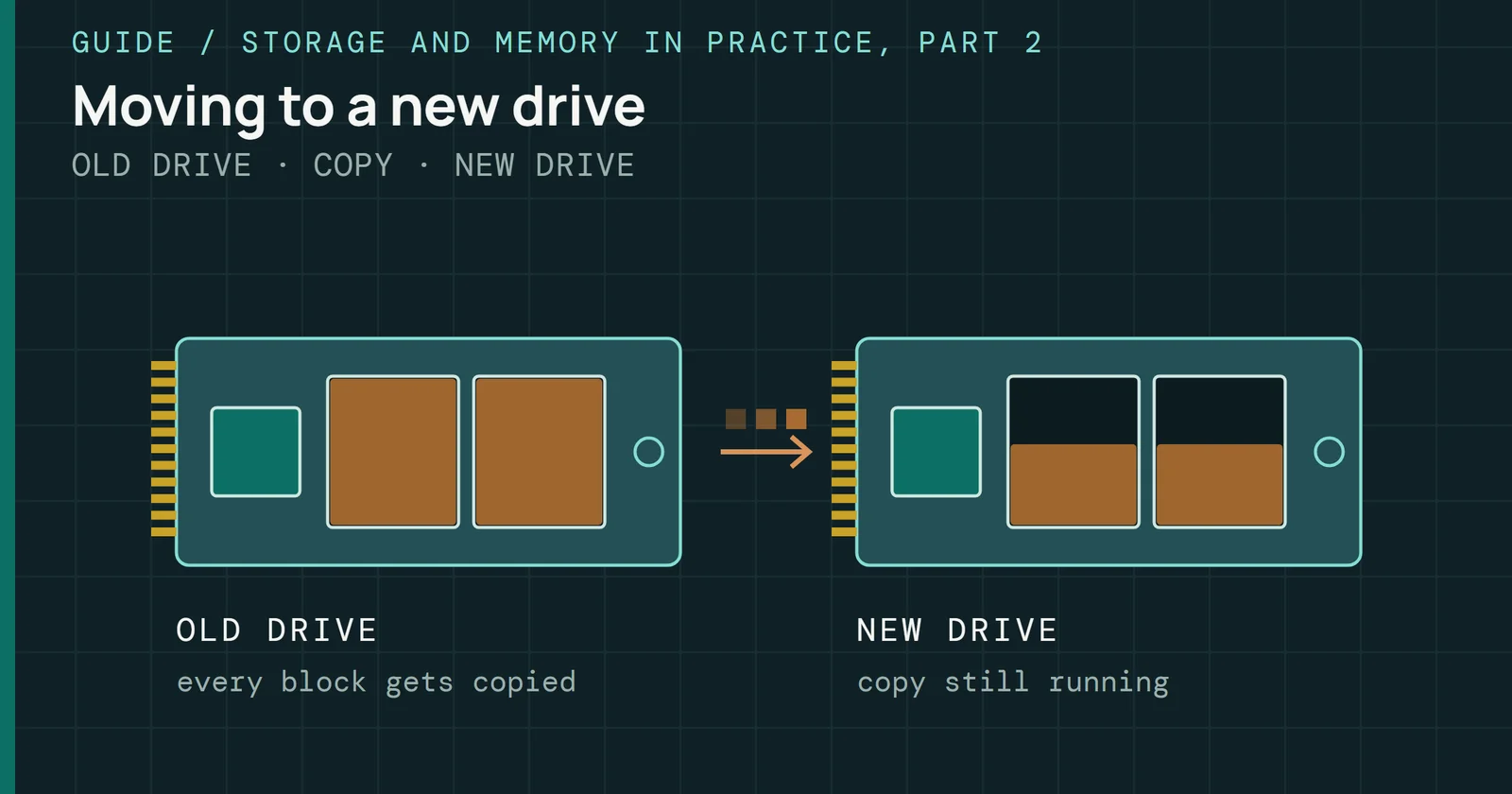
A secure erase gives a used SSD back its free blocks and, on the drives whose makers document it, its fresh-out-of-box speed. It does not give back the wear, and the erase itself adds a little, so the drive ends up empty and no younger.
Flash Myths, Tested
A Secure Erase Does Not Make an Old SSD Like New
What a block-erase secure erase gives back to a used SSD, free blocks and fresh speed, and what it cannot: the wear, retired blocks and the erase’s own cost.
On this page 5 sections
This page is one of the myths in Flash Myths, Tested, the series that takes a common belief about flash storage and checks it against specifications, maker documents and published studies. Here the belief is that a secure erase makes an old SSD like new. It rests on something true, since a full erase brings a slow used drive back to the state it left the factory in. What “like new” would have to include, and which part of a drive’s history the erase never touches, is the question this page answers.
Where the myth comes from
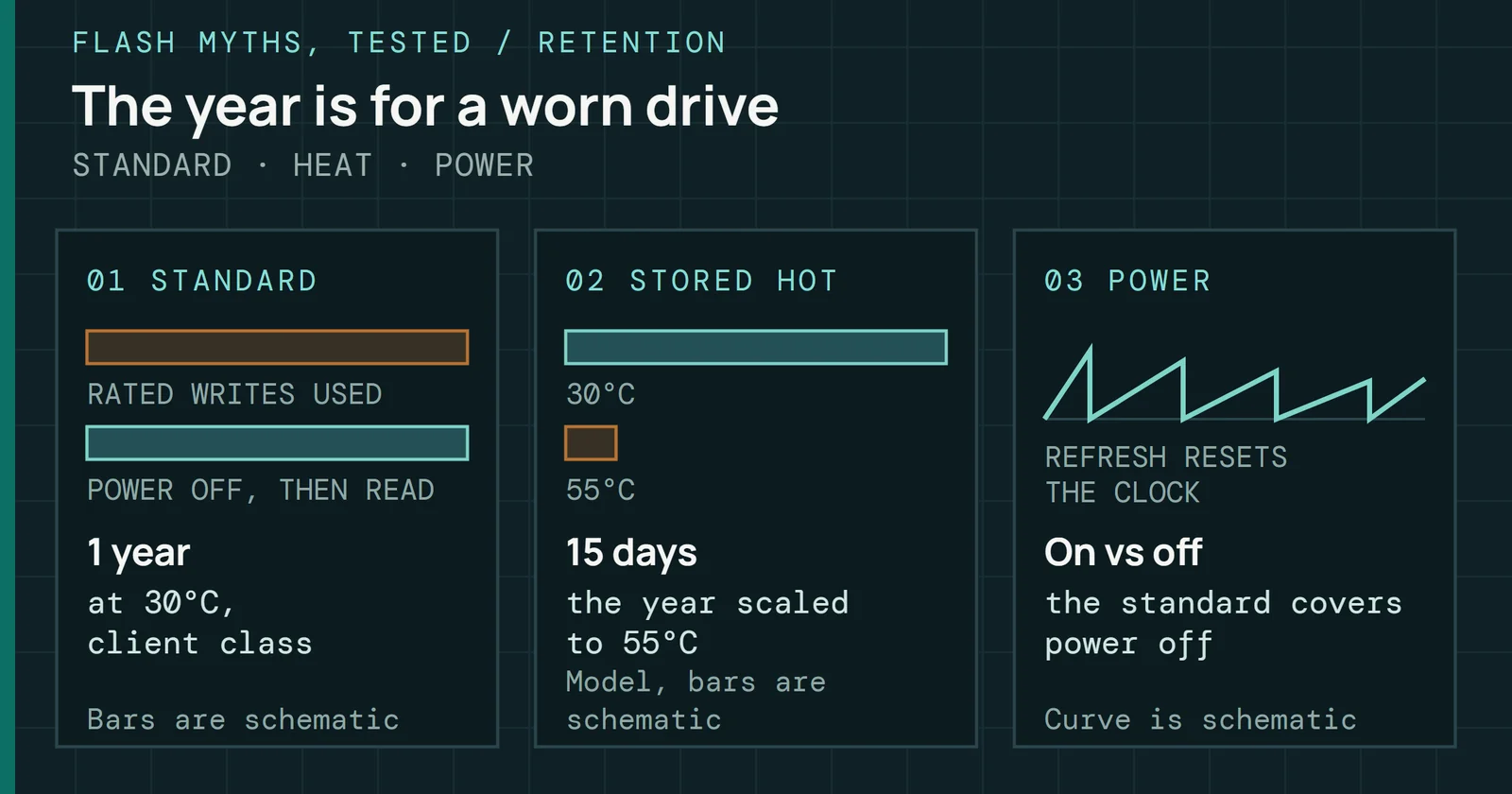
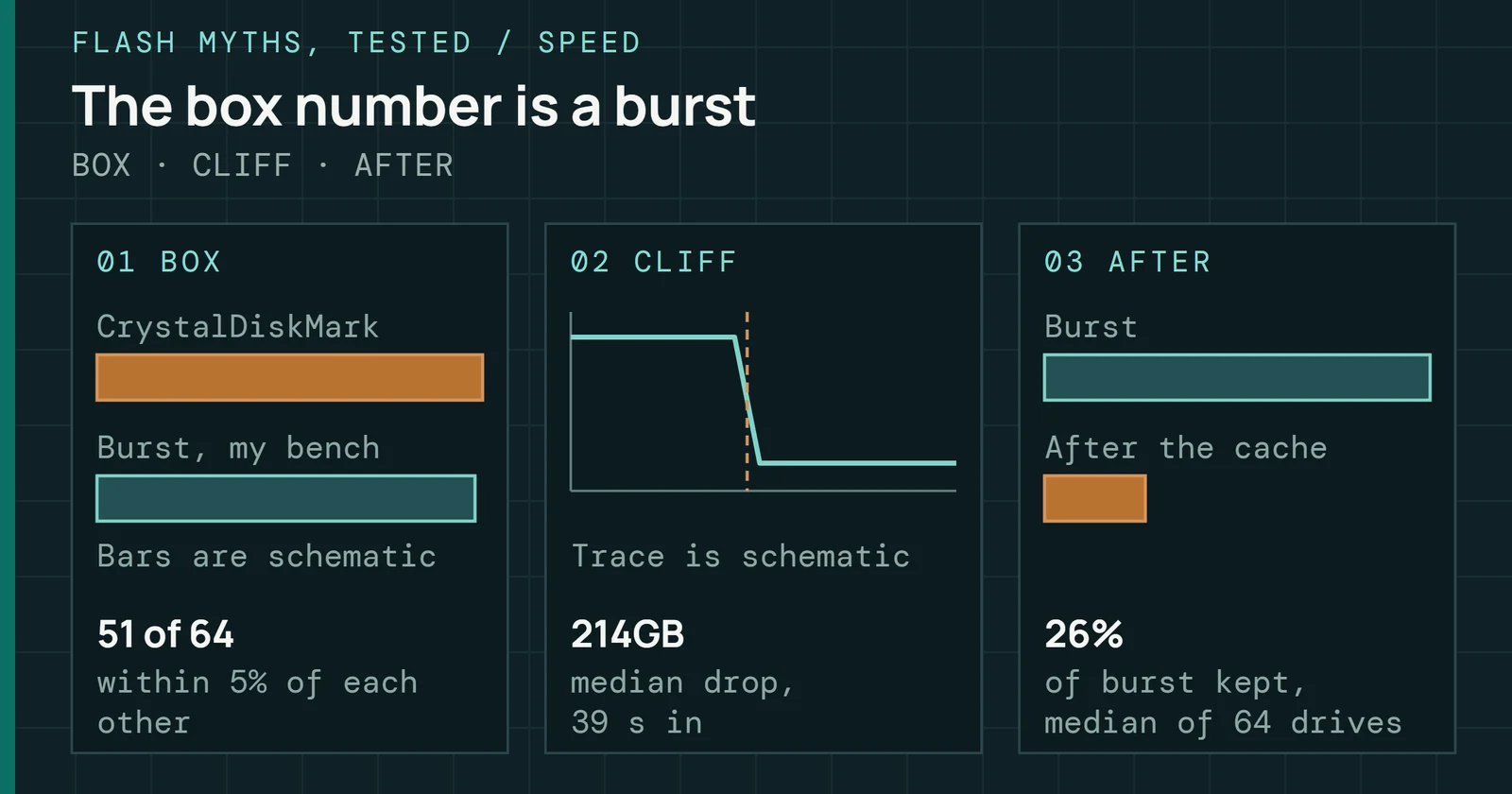
Something true sits under the belief. A drive that has been filled and rewritten for years slows down, and a full erase does bring a drive back to the state it left the factory in. Seagate and Crucial both state their performance ratings as measured fresh out of box, so the speed on the box is the speed of a drive in exactly that state.
Where the myth comes from
An erase wipes the mapping and free blocks, not the wear
The two kinds of history a drive carries
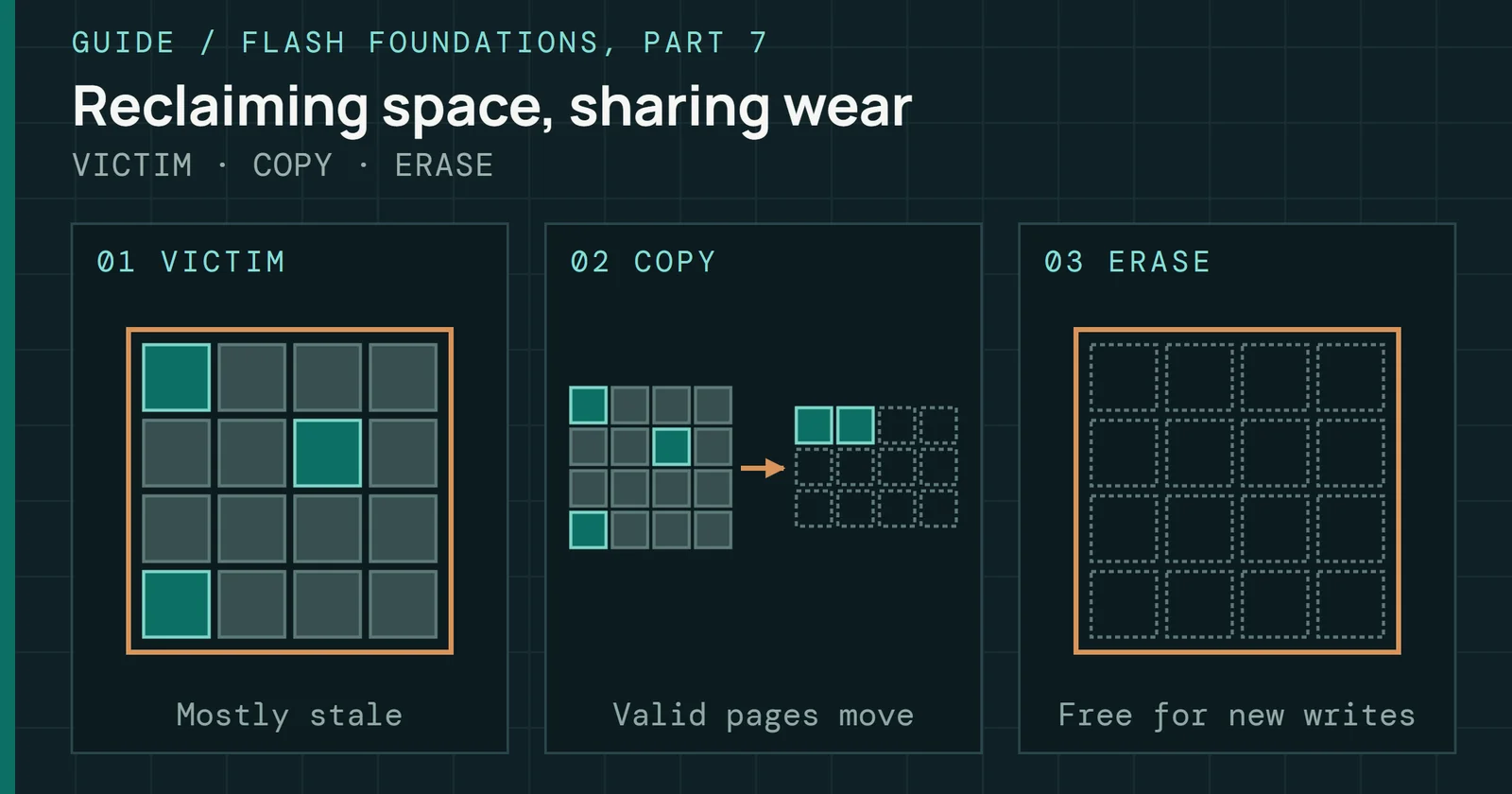
The word “new” fails. A drive has two kinds of history. One is the state of its mapping and its free blocks, which an erase can wipe. Wear in the cells is the other, and an erase cannot touch it. Flash Foundations Part 7 explains why the first matters for speed, since a drive with few free blocks has to copy data around before it can erase a block and write into it.
What a block erase hands back
Micron has two documents on this, and this page uses both. Its technical brief on its SATA SSDs covers what happens when a drive gets the old ATA SECURITY ERASE UNIT command or the newer SANITIZE BLOCK ERASE. At the media level the two are the same operation, in which the controller sends a block erase to all the NAND on the drive, including the overprovisioned space and the retired blocks that the host cannot address. Micron’s brief puts the whole operation within one minute on the majority of its SSDs.
What a block erase hands back
A block erase returns the free blocks and leaves the wear behind
Micron's description of a block-erase secure erase on its SATA SSDs
Figure 1 sorts what the Micron documents say comes back and what stays. All of the user space and the overprovisioned space are erased, and every block is ready to accept new data. Micron calls the result the drive’s highest performance state, fresh-out-of-box, and its technical note calls the command useful when running benchmarks for that reason. A second maker’s application note offers two similar reasons for a secure erase, which are to remove ultra-sensitive data, and to put a drive at a known starting point for benchmarking or to increase performance or capacity by eliminating the effect of earlier use. Those are Viking’s reasons for its own drives, and the note reports no measurement.
I have no saved measurement of how much speed a particular used drive regains, so this page gives no figure for it. I can show the mechanism, using the Secure Erase Lab’s model. It is a teaching model of a drive, with numbers kept small on purpose.
What a block erase hands back
The erase frees every usable page, but retired blocks stay out
Pages free to write on the lab's model drives, out of 256
Figure 2 runs a normal ATA secure erase on two of the lab’s model drives, both of them 256 pages in total. The used drive starts with 67 pages free and ends with all 256. Every block is empty, so there is nothing for garbage collection to copy before the next write. The worn drive starts with 59 free pages and ends with 240, and the missing 16 pages are the 2 blocks the drive has retired.
What it cannot hand back
Wear is not a state that an erase can clear. A flash cell wears as it is programmed and erased. Every secure erase is an erase. Micron’s method sends a block erase to the NAND, and that is the operation that uses up the cells’ cycles. By the definition of a program/erase cycle, a full-drive block erase costs about one P/E cycle across the NAND. That figure comes from the definition and has not been measured, and Flash Foundations Part 6 sets it out for each sanitize method.
What it cannot hand back
The erase is itself more wear, and nothing resets the count
Block erases added up over every block of the lab's model drives
Figure 3 counts block erases in the same two model runs. The used drive goes from 3 to 28 and the worn drive from 3 to 26. Both lab drives begin with a short history, so read the jump and not the totals. Direction is what counts, because an erase moves the count up, never down. One more cycle is small against a rating, but it is not a refund.
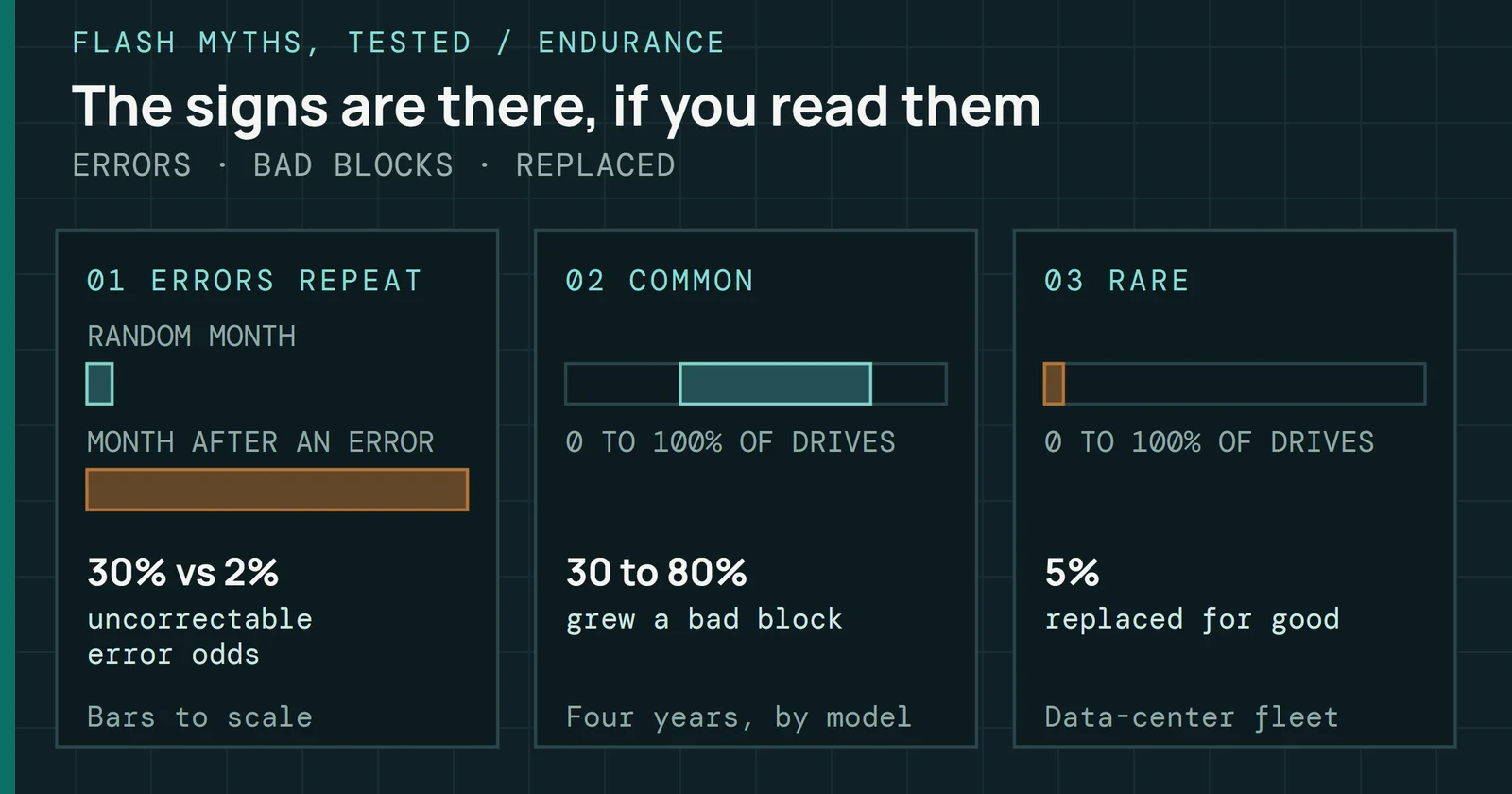
Researchers who studied Google’s flash fleet found that raw bit errors and uncorrectable errors grow with P/E cycles, and that a drive’s age affects its reliability independently of how much it was used. Both come from the cells themselves, a layer that the mapping reset of an erase never reaches. The NVMe specification adds a warning for the heavier methods, since some drives follow a sanitize with an additional internal write of all the storage that can hold user data, which has the side effect of potentially significant additional wear, and multiple pass overwrite on NAND may have an adverse effect on media endurance. Viking’s application note carries the same warning for its overwrite routines. So the safe habit is a single block erase, with no loop of passes.
Three more things stay, according to the documents I have:
- Firmware copies and the retired-block mapping tables. They sit, with all the SMART data, on Micron’s list of data the drive must leave in place for normal operation.
- Retired blocks themselves. A retired block is out of service for good, which is why the worn drive in Figure 2 ends at 240 pages and not 256.
- The reading that tells you the drive’s age, with one wrinkle. Micron’s erase leaves the SMART data alone. Viking’s Secure Erase also erases the SMART attributes, logs and thresholds, and its option that erases the flash blocks then rewrites the persistent drive life data to them. The NVMe field for life used, Percentage Used, is the vendor’s own estimate, and 100 means the estimated endurance is consumed. My reading is that a readout that restarts from zero tells you what the firmware reports, not that the cells are fresh.
A last, smaller point from the same model: after a normal ATA erase on the worn drive, 6 of the 12 pieces of the lab’s secret file were still in the retired blocks. This is a security question and not a wear one, since the ATA standard does not require the normal erase to write reallocated user data, while Micron’s brief says that during a sanitize every effort is made to erase data that may exist in retired blocks.
When the command does not do the job
Not every secure erase command is a block erase, and not every drive carries one out. Four things can stop an erase from returning a drive to its fresh state:
- A crypto erase is not a block erase. It replaces the encryption key and leaves the data in place, unreadable. In Micron’s brief, a key replacement alone does not return a drive to its fresh-out-of-box state. Its technical note says that on the M500, M510 and M550 the enhanced method is exactly this. Micron’s brief recommends following a key replacement with a block erase.
- A drive can be frozen. Micron’s technical note covers the Frozen state: a drive that shows as Frozen has to be unfrozen before the command can be issued, which means putting the computer to sleep and restarting.
- A drive can fail to do it. In a study of 12 SSDs, eight said they supported the ATA security commands. One of those encrypted, so the researchers could not verify it, and of the other seven only four ran the erase command reliably. One drive reported success and left all its data in place.
- The figures above are one maker’s. Micron’s one-minute and fresh-state statements are about its own SSDs, and another maker’s drive may do something different, as the SMART difference already shows.
When the command does not do the job
Four ways a secure erase falls short of a fresh drive
The command, the path to the drive and where it stops
What to do
Back up first, because every method here deletes everything on the drive. If you want a slow used drive back at its best, use the maker’s tool or the drive’s own sanitize block erase, once. Do not run overwrite passes to get “more” erased, since they add wear and bring nothing back. Expect the free space and the fresh-state speed to return, on a drive whose maker documents that, and expect the retired blocks and the wear to stay.
If you are buying a used drive that the seller has erased, an empty drive tells you nothing about its age. Ask for the wear reading, and know that on a drive whose maker clears it during an erase, the reading may not be the full history.
Sources
Primary is the original paper, standard or datasheet. Secondary is a review, a vendor summary or a news report. Measured is my own test data.
Show all 9 sources, 9 primary
- PrimaryReliably Erasing Data From Flash-Based Solid State DrivesUSENIX FAST ’11, 2011
- PrimaryReliably Erasing Data From Flash-Based Solid State DrivesUSENIX FAST ’11, 2011
- PrimarySecurely Erasing Micron's SATA SSDsMicron, 2014
- PrimaryTN-FD-29: Running Secure Erase on Micron SSDsMicron, 2014
- PrimaryFlash Reliability in Production: The Expected and the UnexpectedUSENIX FAST ’16, 2016
- PrimaryViking Technology AN0010: Secure Erase and Military Purge Routines, Rev CViking Technology, 2021
- PrimaryCrucial P3 NVMe SSD Product Flyer (consumer, EN)Crucial (Micron Technology), 2022
- PrimaryNVM Express Base Specification, Revision 1.4cNVM Express
- PrimarySeagate FireCuda 530 SSD Data SheetSeagate