This is one of the myths in Flash Myths, Tested, where each popular claim about flash is checked against the sources and the verdict comes first. Here the claim is that a consumer SSD loses data when the power cuts, and the verdict is half true. A power cut does not erase what a drive has already stored. It can take the writes the drive had accepted but not yet put on the flash, and in one lab test of whole drives it took more than that from some of them. Whether yours is exposed depends on how the drive is built and on whether the software asked it to flush.
Flash Myths, Tested
A Power Cut Does Not Wipe Your SSD
Data already on an SSD mostly survives a power cut, but writes the drive acknowledged and has not yet stored can be lost, and one lab test found some lose more.
On this page 4 sections
Where the myth comes from
A drive can tell the computer a write is finished before the data is on the flash. The Linux kernel documentation says many storage devices, especially in the consumer market, have volatile write back caches, and that such a device signals completion before the data has reached non-volatile storage. That gap is real, and it is where this myth grew from.
Micron’s white paper on how its drives handle an unexpected power loss gives the two terms I will use. Data at rest is user data that has been physically saved to the media. Data in flight is a write sent to the drive but not yet committed to the media, including data that sits in volatile memory after the drive has already acknowledged it. A power cut treats the two very differently, and Figure 1 shows how.
Where the myth comes from
Where a write is when the power cuts decides if it survives
What happens to each kind of data, by the protection the drive has
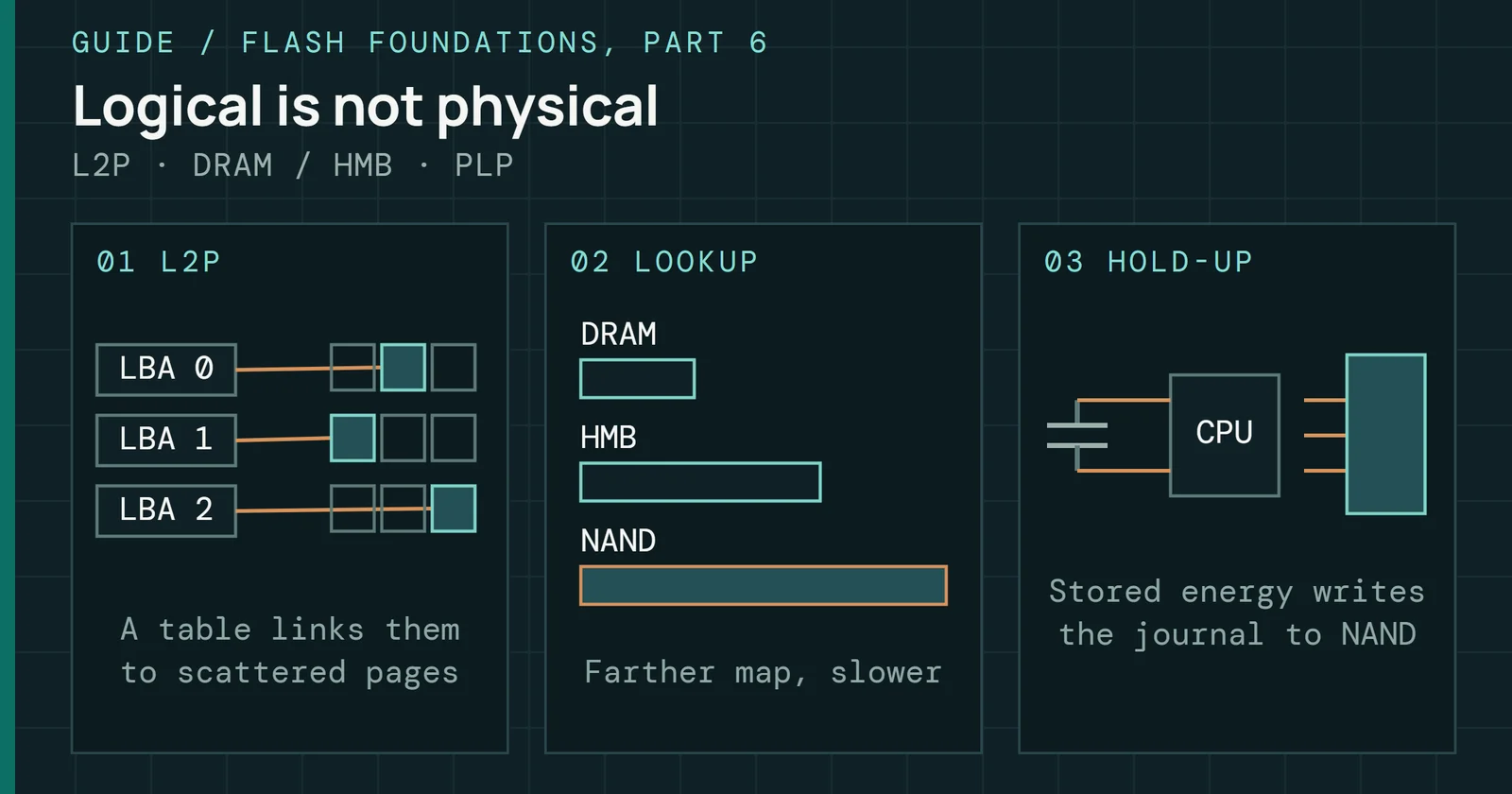
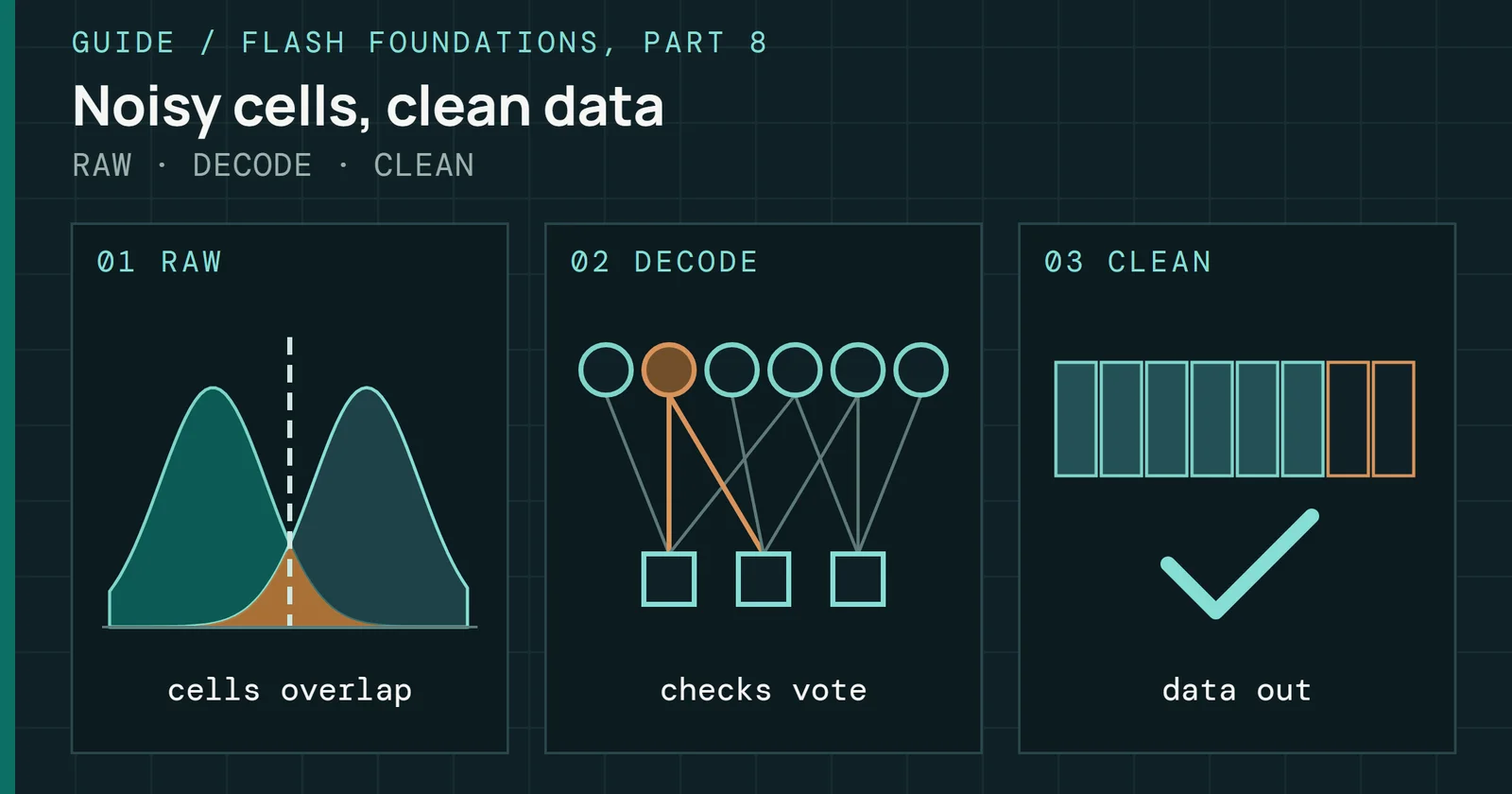
Figure 1’s top row is the reassuring one, but the same paper explains why it needs protection too. In two-bit-per-cell flash, which is what both of these sources describe, each cell holds a lower page bit and an upper page bit. Programming the upper page moves the cells through several voltage levels, and a cut during that move can end with the cells at the wrong level, which can corrupt a lower page programmed long before. Tseng and colleagues measured this on planar MLC chips and found that a cut during the second-page program corrupted the first page even though the first-page program had completed, with a bit error rate of 25% in one chip and 50% in another, and the datasheets didn’t mention it. Micron’s client drives from the M500 on answer it with a small bank of ceramic capacitors that holds the drive up for about 1ms, enough to put an interrupted lower-page program back at its original level. Micron calls that data-at-rest protection and considers it usually enough for client computing. It’s one maker’s design for its own client drives, so it shows what a drive can do and says little about every consumer drive. Flash Foundations Part 6 covers a consumer drive that gets its power loss immunity from the NAND and firmware instead of capacitors.
Writes in the middle row are the ones at risk. A drive that has a volatile cache and no capacitors loses whatever is in it when power drops, and the computer has already been told those writes were done. So file systems and databases use two commands. A flush makes sure writes that have already completed are on non-volatile storage. A forced unit access, or FUA, write is only reported complete after its data is on non-volatile storage. File systems use them when a program calls fsync, and the bottom row of Figure 1 depends on the drive doing what they say.
What a power-cut test found
The best field evidence I have is a controlled test of whole drives. Zheng and colleagues at Ohio State and HP Labs built hardware that cut power to a drive directly, through a side channel so that the operating system and the drive got no warning, and ran it against 15 commodity SSDs from five vendors, ten models in all, from vendors the authors don’t name. They ran more than three thousand power cuts in total. Drives were raw devices written with synchronized I/O, and the authors checked that this made the kernel issue cache flush commands. Concurrent random writes made up the main workload, which they found was the most stressful for most drives. These were MLC and SLC drives of that generation, tested on a server, so the results describe those drives only.
What a power-cut test found
Thirteen of 15 SSDs failed a power-cut test, two did not
Drives showing each behavior after repeated power cuts during random writes
Figure 2 counts the drives by what they did afterward. Thirteen of the 15 behaved against the authors’ expectations, including drives the authors describe as supposedly enterprise-class. Every failed drive lost some data that should have survived. Only two SSDs, both of the same model, matched the expected behavior, and each one had power-loss protection. Four drives in all were marked as having it, and the other two of those four still failed: one dropped or reordered writes, the other had bit corruption and half-old, half-new writes.
The most common failure was dropped or reordered writes, which the authors call unserializable writes. Eight drives showed it. Two of them showed hundreds of these errors per power cut, although the kernel had asked each drive to flush after every write. Zheng and colleagues read that as a sign these drives keep recent writes in volatile buffers and do not commit them when told to. That reading is the authors’ own, and the paper doesn’t test it. It also means a drive can fail the flush that the bottom row of Figure 1 relies on, so I’d check flush behavior on each model.
Two drives lost data that was not recent. One lost about one third of its blocks to metadata corruption after only 8 power cuts, and another stopped working altogether after 136. Between them, one lost about a third of its data and the other lost all of it. Here is the other half of the verdict: a power cut can damage the drive’s own bookkeeping, and then data at rest goes with it. Flash Foundations Part 6 explains how the map and its journal fit together.
Authors of the paper point out that a drive’s firmware is confidential to its maker, so the causes are inferred. I have no saved test that repeats this on current drives, and I wouldn’t read the 13 of 15 as a failure rate for drives today. It shows that a drive can break the promises its interface makes, and that protection reported from examination and the makers’ statements was not a guarantee in this sample.
What capacitors buy
A drive with capacitor-backed protection tries to finish what it was doing when the power drops. A Lexar engineering article on industrial drives describes the sequence. The controller detects the drop, stops taking commands, completes or resolves the programs in flight, flushes the writes it had acknowledged, and commits its write-ahead log. For testing, it names two acceptable outcomes, a full commit or a clean rollback, and treats anything else as a design defect. The Power Loss Lab uses that same rule to label its results.
How much time that takes is the hold-up time. In Lexar’s article the hold-up time is the capacitance times the difference of the squares of the starting and cutoff voltages, divided by twice the flush power. It says a well-designed industrial drive targets 10 to 25ms of hold-up, and a controller maker’s blog puts the maximum at 25ms in one example drive. Detection eats into that budget, since a good design detects the loss in under a millisecond, and a poor one takes 2 to 3ms. Capacitors also age. Lexar’s example is a bank designed for 15ms that may deliver 11ms after 5 years at 70°C of continuous duty.
What capacitors buy
Capacitor hold-up runs from about 1ms to tens of milliseconds
Hold-up time stated by makers, and the lab's modelled values
Figure 3 sets these next to the Power Loss Lab’s numbers, with the caution that they come from different drives and different jobs. The lab flushes a 4MiB write buffer, and its worst case adds up to 3.3ms, which is 1ms for the last program in flight, 0.3ms to write the buffer out at 14GB/s, and 2ms to commit the journal. The lab’s model produces that figure, and no drive was measured. Its default capacitor bank gives about 32ms, which is a deliberately generous teaching value above the industrial range. Set against that, a bank of about 1ms is not sized to flush a cache. It is sized for the stored-data job in the top row of Figure 1, which fits Micron’s description of client protection.
One practical limit: you cannot read this off the drive. The NVMe specification defines Critical Warning bit 4 as set when the volatile memory backup device has failed, and it is only valid on a controller that has such a backup solution. A clear bit does not tell you whether the drive has one. According to an operations guide from Netdata, a controller that reports no volatile write cache is the signature of a drive with protection, and one that reports a cache has none. That guide is a secondary source, so I would confirm it against the maker’s data sheet.
What to do about it
For a desktop or laptop, an unclean shutdown is a small risk and not a catastrophe. Stored files are mostly safe. You can lose the last stretch of writes before the cut, so a file you were saving at that moment may be incomplete. File system journals protect their own metadata, as Part 6 explains. Shut down normally when you can, and keep a second copy of anything you cannot recreate. Leaving a drive unplugged for weeks is a separate question, and the unplugged SSD myth covers it.
What to do about it
What to do depends on what a lost write would cost you
One answer for a desktop or laptop, another for a database or build server
If you run something that must not lose an acknowledged write, such as a database or a build server, the answer is a drive with capacitor-backed protection, and a check of its documented hold-up time in milliseconds, since a bare “PLP” label tells you little. Lexar’s advice is to ask for hold-up at end of life, because the capacitors age. If a drive claims protection, test that claim in your own system, because the Zheng results show that a protection label alone is not proof.
Sources
Primary is the original paper, standard or datasheet. Secondary is a review, a vendor summary or a news report. Measured is my own test data.
Show all 8 sources, 7 primary
- PrimaryUnderstanding the Impact of Power Loss on Flash MemoryDAC 2011, 2011
- PrimaryUnderstanding the Robustness of SSDs under Power FaultUSENIX FAST ’13, 2013
- PrimaryHow Micron SSDs Handle Unexpected Power LossMicron, 2014
- PrimaryAvoiding SSD Data Loss With Phison’s Power Loss ProtectionPhison Blog, 2021
- PrimaryNVM Express Base Specification, Revision 2.3NVM Express, Inc., 2025
- PrimaryPower-Loss Protection in Industrial SSDs: Architecture & ValidationLexar Enterprise, 2026
- PrimaryExplicit volatile write back cache control — The Linux Kernel documentationLinux kernel documentation
- SecondaryNVMe power-loss protection: knowing whether your drive has PLP at allNetdata