A console takes added storage on its maker’s terms, and the terms differ more than the slots suggest. A standard M.2 SSD works in the PS5 under rules Sony publishes, and Xbox Series X|S plays its newest games only from a dedicated expansion card. Steam Deck takes a short 2230 M.2 module, other PC handhelds take modules from 2242 to 2280 long, and Nintendo Switch 2 takes only microSD Express cards.
Storage and Memory in Practice
Storage and Memory in Practice, Part 7: Console and Handheld Storage
What the PS5, Xbox Series X|S, Steam Deck, other PC handhelds, and Switch 2 accept for added storage, and which of it plays games instead of only holding them.
On this page 6 sections
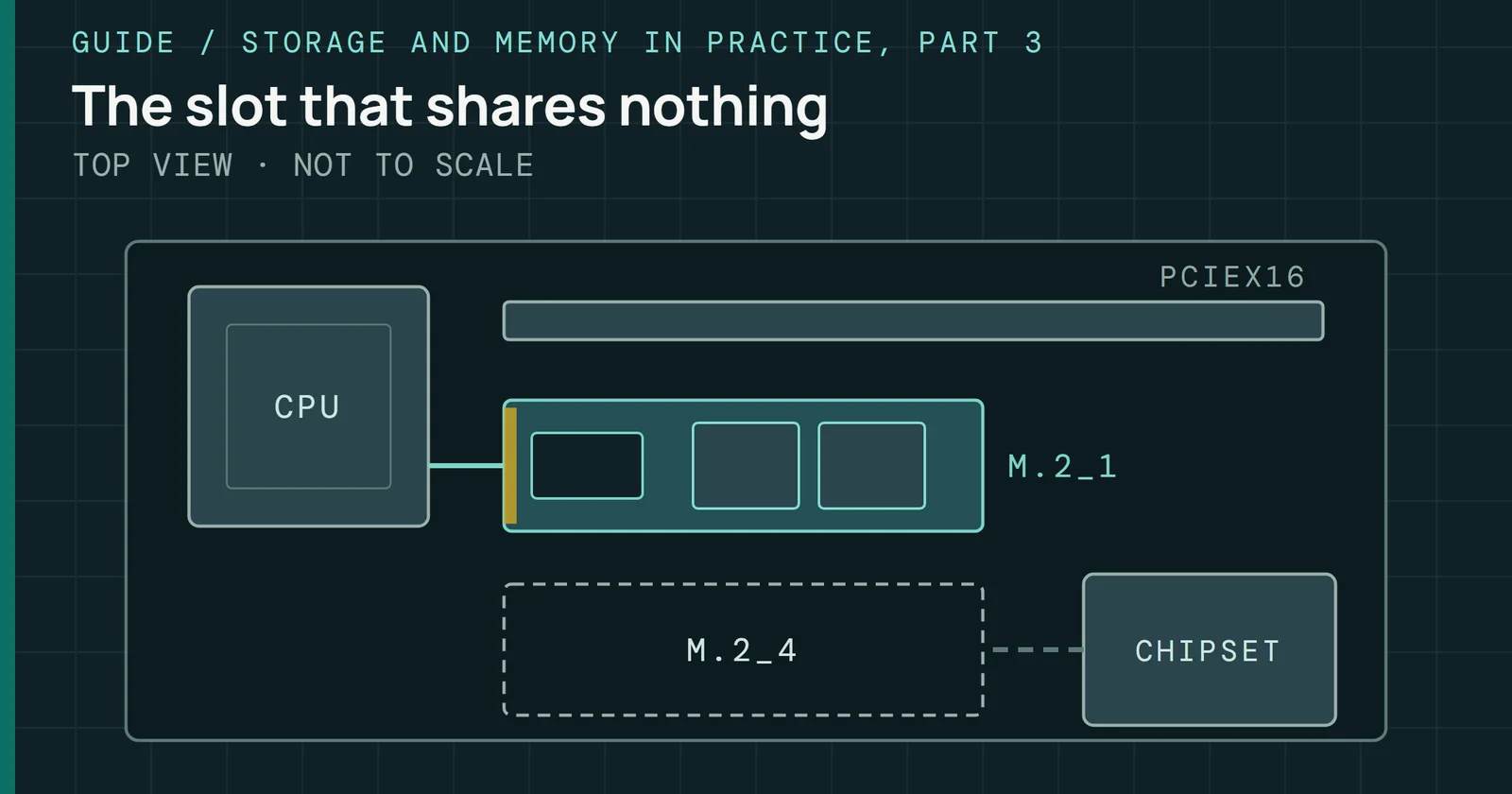
Part 3 covered how a desktop board feeds an M.2 drive. This part covers what these consoles and handhelds accept in those formats, and which of that storage can run a game and which can only hold one. Picks live on Best SSDs for PS5, Xbox, and Steam Deck, and microSD Express cards for Switch 2 are on Best peripherals, so this page names no products to buy.
Every requirement below comes from the maker, as of this writing, and a system update can change it. One sentence leans on a review instead, and says so.
PS5: an M.2 slot with Sony’s rules
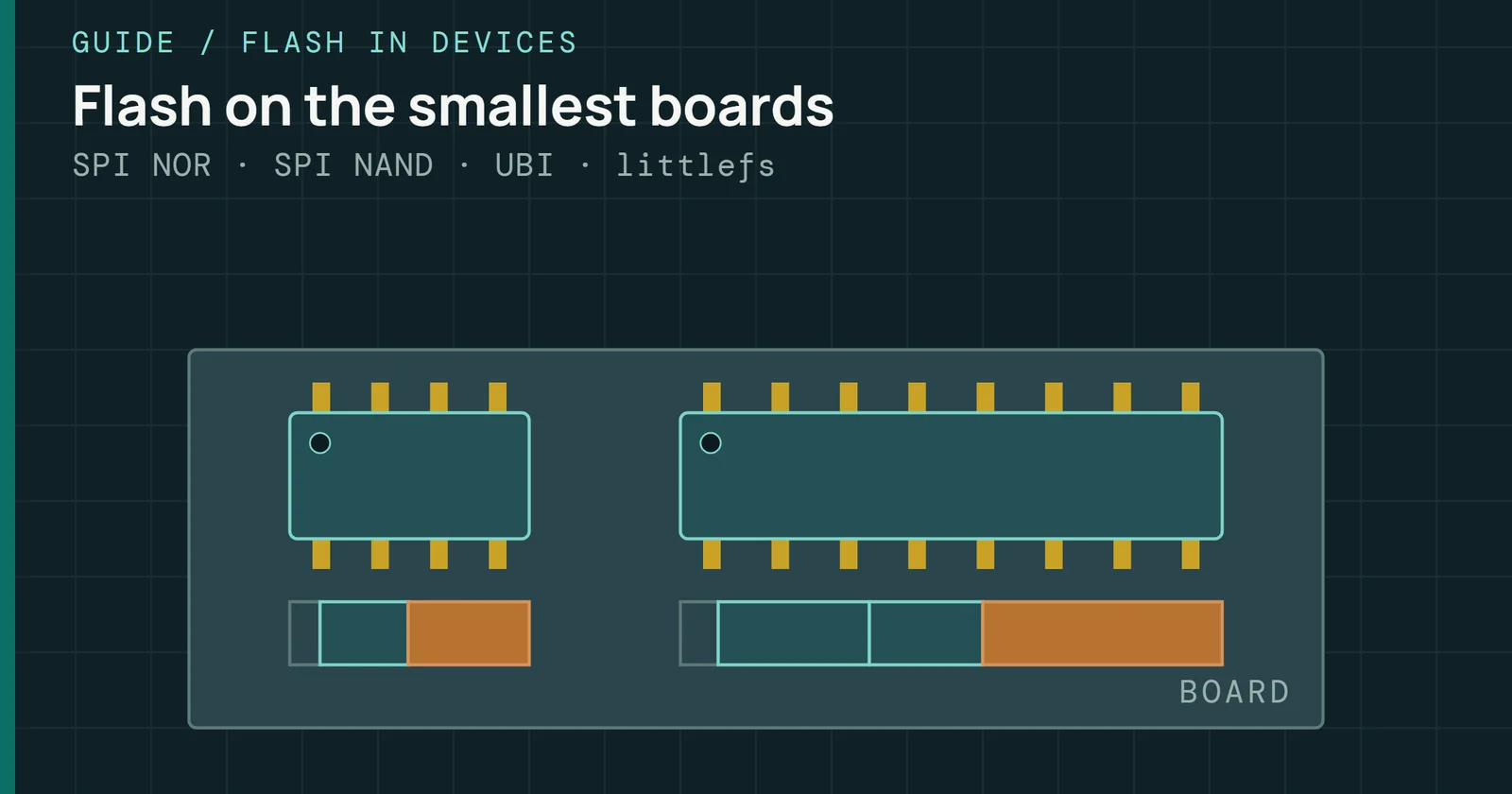
One M.2 drive fits in the PS5’s expansion slot, and Sony’s support page sets the terms. It needs a PCIe 4.0 x4 NVMe SSD with a Key M connector, in capacities from 250GB to 8TB. Five form factors qualify: 2230, 2242, 2260, 2280, and 22110, which are drives 30mm, 42mm, 60mm, 80mm, and 110mm long. Sequential reads of 5,500MB/s or faster are recommended, and M.2 SATA drives are not supported.
PS5: an M.2 slot with Sony’s rules
Five M.2 lengths fit the PS5 slot, from 30mm to 110mm
Length is the easy part. Sony requires effective heat dissipation, such as a heatsink and a heat transfer sheet, and allows the drive and its cooling together up to 25mm wide and 11.25mm thick. Drives with a built-in heatsink should not get a second one.
Two more lines on that page decide which drive to buy. Host Memory Buffer is not supported, so a drive built around it may run slower than expected. Part 3 explains what that buffer is. And a read speed above 5,500MB/s settles nothing by itself. Not all games are necessarily playable with the internal SSD’s performance, in Sony’s words, and a game that misbehaves on M.2 storage should be moved back to internal storage. Formatting happens in the console before first use, and it erases the drive.
Xbox: a card for new games, USB for old ones
Xbox Series X|S has a dedicated expansion port on the back, and the Seagate Storage Expansion Card is the storage that plays everything the internal SSD plays. In Microsoft’s support text it is an external SSD that adds 2TB, 1TB, or 512GB and performs identically to the internal one. It plays games optimized for Xbox Series X|S and games from Xbox One, Xbox 360, and the original Xbox, but it works only in Series X|S consoles, not in an Xbox One or a Windows PC.
It is not an M.2 drive. StorageReview described it as a chunky CFExpress-style card sharing the CFExpress connector, and found that the console does not support just any CFExpress card. Xbox Wire said at launch that the card was designed to match the internal SSD’s performance wherever a game sits.
Western Digital makes the other licensed card. Its WD_BLACK C50 data sheet lists 512GB, 1TB, and 2TB models, officially licensed for the console, and promises the console’s own speed in games optimized for the current consoles.
Xbox: a card for new games, USB for old ones
Only the expansion card plays every Xbox game
USB is the second path, and it has a hard limit. Any compatible USB 3.1 device with a 128GB minimum can store games, but games optimized for Xbox Series X|S have to be on the internal SSD or the card to be played. Xbox Wire’s 2020 table showed the same split. USB 3.1 HDDs and SSDs play Xbox One, Xbox 360, and original Xbox games and cannot play the optimized ones. This guide reads that as a shelf for a back catalog and a parked library. Save the card for what you are playing now.
M.2 module lengths in the handhelds
Steam Deck uses a short module. Valve’s specs for the LCD model list socketed 2230 M.2 modules on every model, not intended for end-user replacement, with 64GB of eMMC or a 256GB or 512GB NVMe drive. Some of the NVMe drives run on PCIe Gen 3 x2, with no gaming difference between x2 and x4 in Valve’s testing. On the OLED model the drive is a 512GB or 1TB NVMe, and both models have a microSD slot.
ASUS’s handhelds take longer modules. In ASUS’s guide the ROG Ally has a 512GB M.2 2230 SSD and the ROG Ally X has a 1TB M.2 2280 SSD. Every Xbox-branded model, the ROG Xbox Ally, Xbox Ally X, and Xbox Ally X20, carries an M.2 2280 drive, and ASUS marks all of them upgradeable. Lenovo’s Legion Go specification gives one M.2 2242 PCIe 4.0 x4 slot that takes a drive up to 1TB.
M.2 module lengths in the handhelds
Handheld M.2 slots take 30mm, 42mm, or 80mm drives
Drawn to one scale. Lengths are the ones Sony lists for each M.2 size.
Module length is the part to check before buying. By the lengths Sony lists, a 2230 drive is 30mm long and a 2280 drive is 80mm, so a 2280 drive from a desktop build will not fit a Steam Deck.
ASUS also shows a second route. Added as a Steam library folder, a microSD card lets games install onto it, so a handheld’s slot can hold a game as well as the system drive.
Switch 2 reads only microSD Express
Nintendo’s compatibility page is short. Switch 2 is only compatible with microSD Express cards. A microSD card that was used on a Nintendo Switch cannot save or load digital games or save data on a Switch 2, though screenshots and videos captured on it can still be loaded. Switch 2 supports Express cards up to 2TB and needs an internet system update the first time one is used. Cards for Switch 2 are covered on Best peripherals.
Switch 2 reads only microSD Express
A plain microSD card holds no games on Switch 2
Going the other way is possible, with little gain. In an original Switch, an Express card reads and writes at the speed of an ordinary microSD card, so the faster interface goes unused there. microSD Express uses PCIe and NVMe for up to 985MB/s while staying backward compatible. That is the same pair of interfaces as the M.2 drives above, in a microSD card, and SD and microSD Cards covers how the bus modes work.
What plays and what only stores
Ask of any added storage what the console does with it, because a drive that holds a game and a drive that runs one look the same in a spec table.
What plays and what only stores
Most added storage runs games, but PS5 USB only stores them
One PS5 detail the sections above leave out: games on USB extended storage have to be copied back to console storage or M.2 storage to be played, so a USB drive there only stores them. On a handheld, the module length matters before the speed does.
What to watch
As of this writing, ASUS’s guide puts a microSD Express slot on the ROG Xbox Ally X20 and UHS-II slots on the other four Ally models. In the X20, a UHS-II card, such as one bought for an older Ally, runs at UHS-I speeds, because the two standards are separate and not inherently backward compatible.
What to watch
Only the ROG Xbox Ally X20 has a microSD Express slot
If more handheld makers follow with Express slots, the line between a card that holds games and one fast enough to run them will blur, as it already has on Switch 2. Next in this series is data center form factors, where the drives are the same NAND in very different packages. Current console drive picks are on Best SSDs for PS5, Xbox, and Steam Deck.
Sources
Primary is the original paper, standard or datasheet. Secondary is a review, a vendor summary or a news report. Measured is my own test data.
Show all 8 sources, 7 primary
- PrimaryA Primer on the Simple and Custom Storage Options Available for Xbox Series X and Xbox Series S at LaunchXBOX Wire, 2020
- PrimaryHow to add an M.2 SSD to a PS5 console (US)Sony Interactive Entertainment, 2026
- PrimarySteam Deck LCD tech specs on the Certified Refurbished page (publisher page printed to PDF)Valve, 2026
- PrimarySteam Deck OLED tech specs (publisher page printed to PDF)Valve, 2026
- PrimaryUse the Storage Expansion Card for Xbox Series X|S (publisher page printed to PDF)Microsoft Xbox Support, 2026
- PrimaryHow to Install Games to an SD Card on your ROG Ally or ROG Xbox Ally@ROG
- PrimarymicroSD Card and microSD Express Card Compatibility with Nintendo Switch 2 and Nintendo Switchen-americas-support.nintendo.com
- SecondarySeagate Storage Expansion Card for Xbox Series X|S ReviewStorageReview.com