An SD card holds NAND flash and a controller in one sealed case, so the host sees managed storage and never raw flash. It comes from the same MultiMediaCard family as eMMC, which Part 2 of Flash in Devices covers, but it grew its own bus, its own capacity names, and its own speed labels. At a store counter, the labels cause most of the confusion. A single card can read Class 10, U3, V30, and A2, and each symbol promises something different.
Flash in Devices
SD and microSD Cards: Classes, Bus Modes and SD Express
How SD and microSD cards work: capacity families, bus modes from Default Speed to UHS-III and SD Express, what speed classes promise, and how to test for fakes.
On this page 10 sections
This part follows the SD Association’s own pages. It covers what the capacity names mean, how the bus reaches about 4GB/s, what each class symbol guarantees and what it leaves out, what a card contains, and how to catch one that lies about its size. UFS cards are a different removable format, and Part 1 covers them in UFS cards and cars.
From MultiMediaCard to four capacity families
Panasonic, SanDisk, and Toshiba (now KIOXIA) established the SD Association in January 2000, and it has about 800 member companies. microSD began in 2005 as SanDisk’s TransFlash (T-Flash) and was renamed when the Association standardized it, as its 20-year retrospective tells it. Early cards held 32, 64, and 128MB. microSDHC followed in 2006 and allowed up to 32GB, which FAT32 made possible.
Three form factors are defined by the standard: full size, miniSD, and microSD. microSD displaced miniSD, so two are common today. A full-size card measures 32 × 24 × 2.1mm and a microSD card 11 × 15 × 1.0mm, so the same flash has to fit in a case less than half as thick.
Capacity names form a ladder, and each step is tied to a file system. Standard capacity SD cards hold up to 2GB and use FAT12 or FAT16. SDHC covers more than 2GB up to 32GB with FAT32. SDXC covers more than 32GB up to 2TB with exFAT, and SDUC covers more than 2TB up to 128TB, also with exFAT. SDUC arrived in 2018 with the SD 7.0 specification.
From MultiMediaCard to four capacity families
The four SD capacity families and their file systems
A capacity name therefore also names the file system a card is formatted with. A host has to understand that file system, and not only the card’s bus, before it can read the files.
Bus modes and the second row of pins
Every bus speed is a limit. A card’s real speed depends on the card, the device, and other data stored on the card, so the numbers below are the most a mode allows. Bus behavior is set by the Physical Layer Simplified Specification. Version 9.10 (released December 1, 2023) is the latest the Association lists.
SD 1.0 defined Default Speed at 12.5MB/s. SD 1.1 added High Speed at 25MB/s to support digital cameras. Both use one row of pins, nine on a full-size card and eight on a microSD card, with a 2.7 to 3.6V supply.
Bus modes and the second row of pins
Bus ceiling of each SD bus mode, Default Speed to UHS-III
Ultra High Speed (UHS) came with spec 3.01 and stays on that single row. UHS-I has three modes on a 4-bit bus. SDR50 runs at up to 100MHz for 50MB/s, and DDR50 samples on both clock edges at 50MHz for the same 50MB/s. SDR104 runs at up to 208MHz with 1.8V signaling. Four data lines × 208MHz / 8 bits per byte = 104MB/s. The specification adds a condition: 104MB/s needs a host with SDR104 and a card that supports it, and with a UHS50 card or a host without SDR104 the speed is limited to 50MB/s.
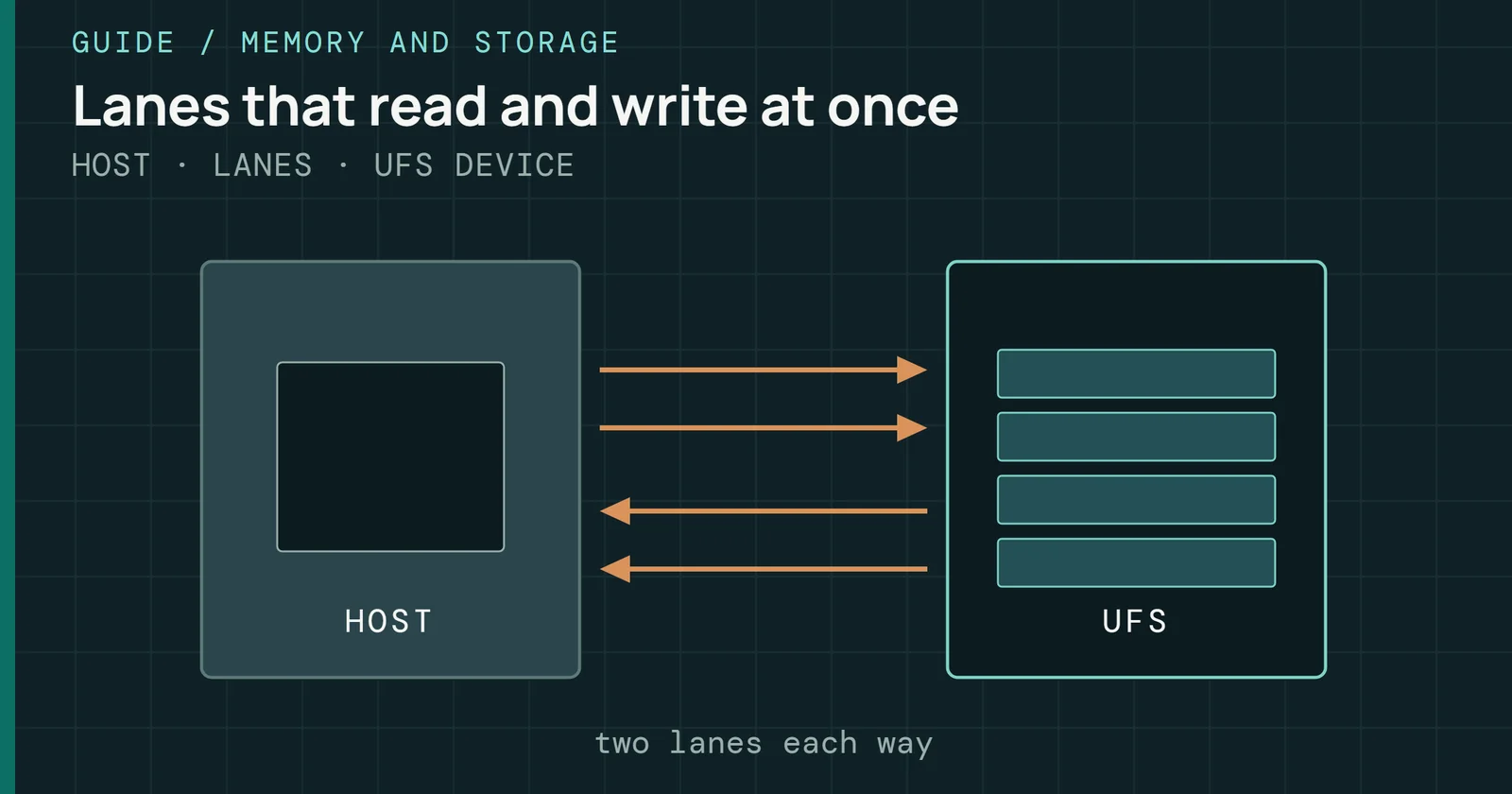
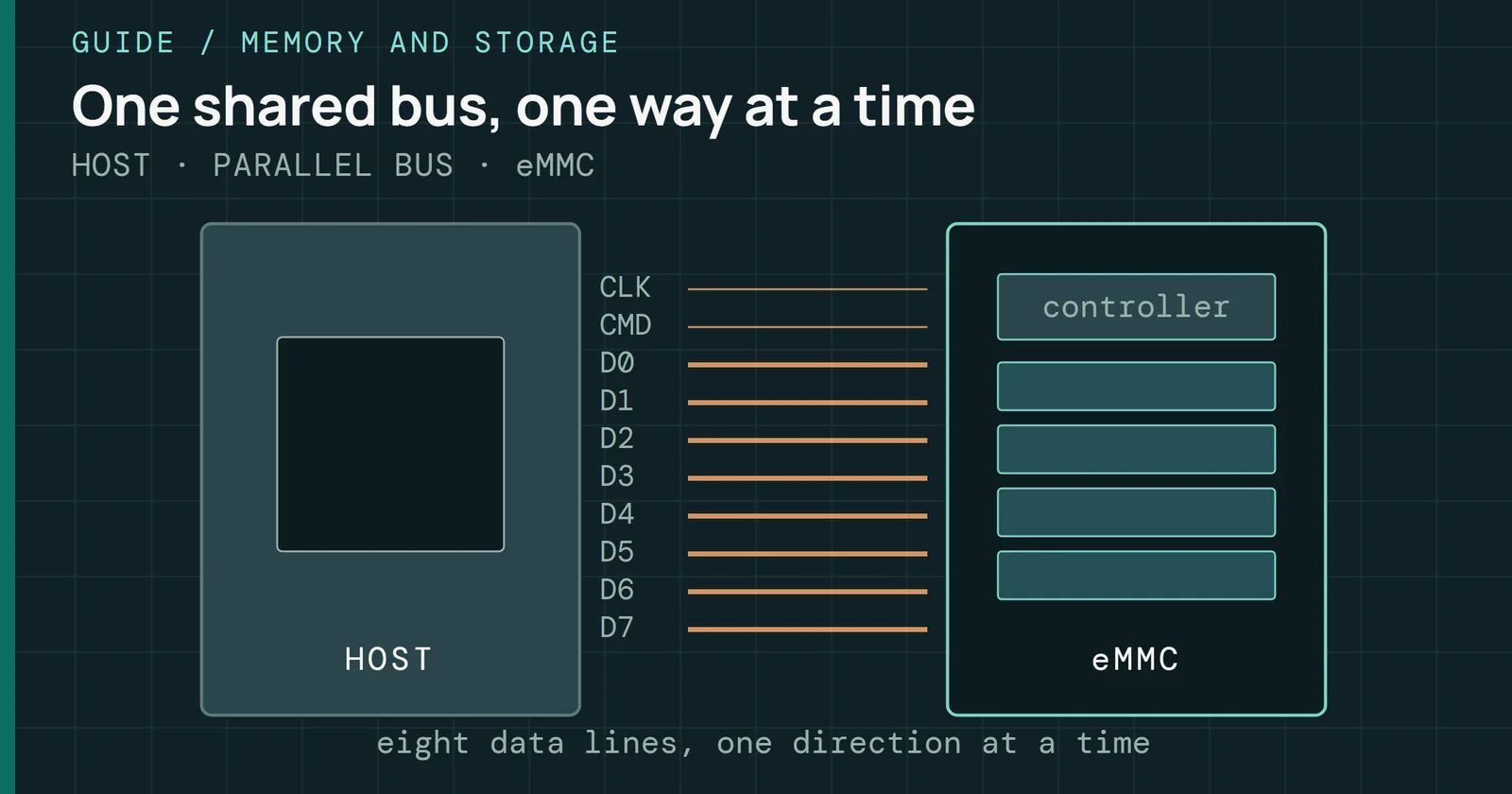
UHS-II adds a second row of pins (17 on a full-size card and 16 on a microSD card) that carries a Low Voltage Differential Signaling (LVDS) interface on a 1.7 to 1.95V supply. Its two lanes each carry one direction in full duplex for 156MB/s, and the host can switch to half duplex for 312MB/s. UHS-III keeps the two lanes, drops half duplex, and runs at 52MHz for up to 624MB/s full duplex. This is the split that UFS makes between its serial lanes and eMMC’s shared parallel bus, which Part 1 compares.
Figure 2 shows how little the first row changed after High Speed and how much the second row added. UHS-I, UHS-II, UHS-III, and SD Express all exist for SDHC, SDXC, and SDUC cards, so the bus mode and the capacity name are independent choices.
SD Express puts PCIe and NVMe on a card
SD Express keeps the card and replaces the protocol. SD 7.0, in June 2018, added PCIe Gen 3 with NVMe on full-size cards, at up to 985MB/s. The 8.0 white paper describes the result as a memory card that behaves as a removable SSD. SD 7.1, in February 2019, brought SD Express to the microSD form factor, and SD 8.0, in March 2020, added PCIe Gen 4 and a second lane on a full-size card for about 4GB/s.
Figures for that top speed vary across the Association’s pages. The 8.0 white paper gives 3,938MB/s for PCIe 4.0 x2. Its bus-speed page rounds that to 3,940MB/s, and press coverage says about 4GB/s, so this guide does too. A PCIe 3.1 x1 link is 985MB/s in the same white paper. On the microSD form factor, the 8.0 specification supports only PCIe Gen 4 x1. Under the microSD Addendum version 8, microSD Express reaches 1,969MB/s, double the original 985MB/s.
SD Express puts PCIe and NVMe on a card
SD Express link speeds against the UHS bus ceilings
SD Express is 10 to 40 times faster than UHS-I, the Association says. Against UHS-I’s 104MB/s limit, the first Express speed is close to ten times faster and the top speed is close to forty times, so the claim fits the bus figures.
Pins explain why a new card can still work in an old slot. SD Express reuses the second row’s differential pads from UHS-II for PCIe, with the reference clock, clock request, and reset signals sharing first-row pins. Its first row is still the UHS-I interface, so an Express card runs in an existing SD host at UHS-I speed. In exchange, Express cards cannot support UHS-II. A full-size card with two PCIe lanes adds a third row of pins, which gives it 25 to 27 pins against 17 to 19 for one lane. microSD Express cards use 16 to 17 pins and may also take an optional 1.2V supply.
Speed classes and Application Performance Class
Four families of class symbol sit on a card, plus a fifth label for random access. Reading them means knowing what each one measures.
Four classes for sequential writes
Each symbol carries a number that is the minimum write speed. Speed Class 2, 4, 6, and 10 promise 2, 4, 6, and 10MB/s, and Class 10 applies to the High Speed bus family. UHS Speed Class U1 and U3 apply to UHS cards and promise 10MB/s and 30MB/s. Video Speed Class has V6, V10, V30, V60, and V90, where the number is again the minimum in MB/s. V6 and V10 work on High Speed and UHS cards, V30 on UHS, and V60 and V90 need UHS-II or UHS-III. Video Speed Class was defined for 4K and 8K recording and for newer flash such as 3D NAND, because video needs a constant minimum write speed to avoid dropped frames.
Speed classes and Application Performance Class
The minimum each speed class symbol guarantees
In October 2023 SD 9.1 added a fourth family: the SD Express Speed Classes. Each class guarantees minimum read and write performance of 150, 300, 450, or 600MB/s. They appear only on SDXC, SDUC, microSDXC, and microSDUC cards with the SD Express bus. This class follows Video Speed Class concepts and adds NVMe use, multi-stream access, and power and thermal management.
Three limits matter when you read these labels. First, a higher class must also meet the lower ones, so a Class 6 card satisfies Class 4. Second, the number is a sequential write speed measured on a completely unfragmented area, so it says nothing about small random writes. Third, a floor is not typical speed, and a V30 card can write faster than 30MB/s without the label saying by how much. For buying, the Association advises a card with the same or a higher class symbol than the host shows, because mixed families do not guarantee the speed (a Class 10 host with a U1 card, for example).
A1 and A2 for random access
Sequential classes say little about phones that run apps from a card. Application Performance Class measures the other case. A1 was defined by SD 5.1 and A2 by SD 6.0. The label grew out of using SD cards for apps, and Android’s Adoptable Storage made that need stronger. It applies to UHS cards.
An A1 card has to deliver 1,500 random read IOPS, 500 random write IOPS, and 10MB/s of sustained sequential write, and the SD 5.1 white paper gives the same figures. An A2 card has to deliver 4,000 read and 2,000 write IOPS with the same 10MB/s sequential floor. Each operation is a 4KB access to a random address within a 256MB range, which is what the specification counts as one I/O.
Speed classes and Application Performance Class
Minimum random IOPS for A1 and A2
A2 reaches its numbers through Command Queuing and a cache, with maintenance functions that support flash management. This is the queueing idea that eMMC 5.1 added in Part 2, and the one UFS builds on, as Part 1 shows in How UFS queues commands. A2 speed also needs both halves. It is available only with an A2-capable host and an A2 card, and a mixed A1 and A2 pair gives A1. A host learns the class from a field in the card’s SD Status register, and bits 335 to 331 report whether the card supports command queueing and the queue depth needed to meet A2.
Inside a card
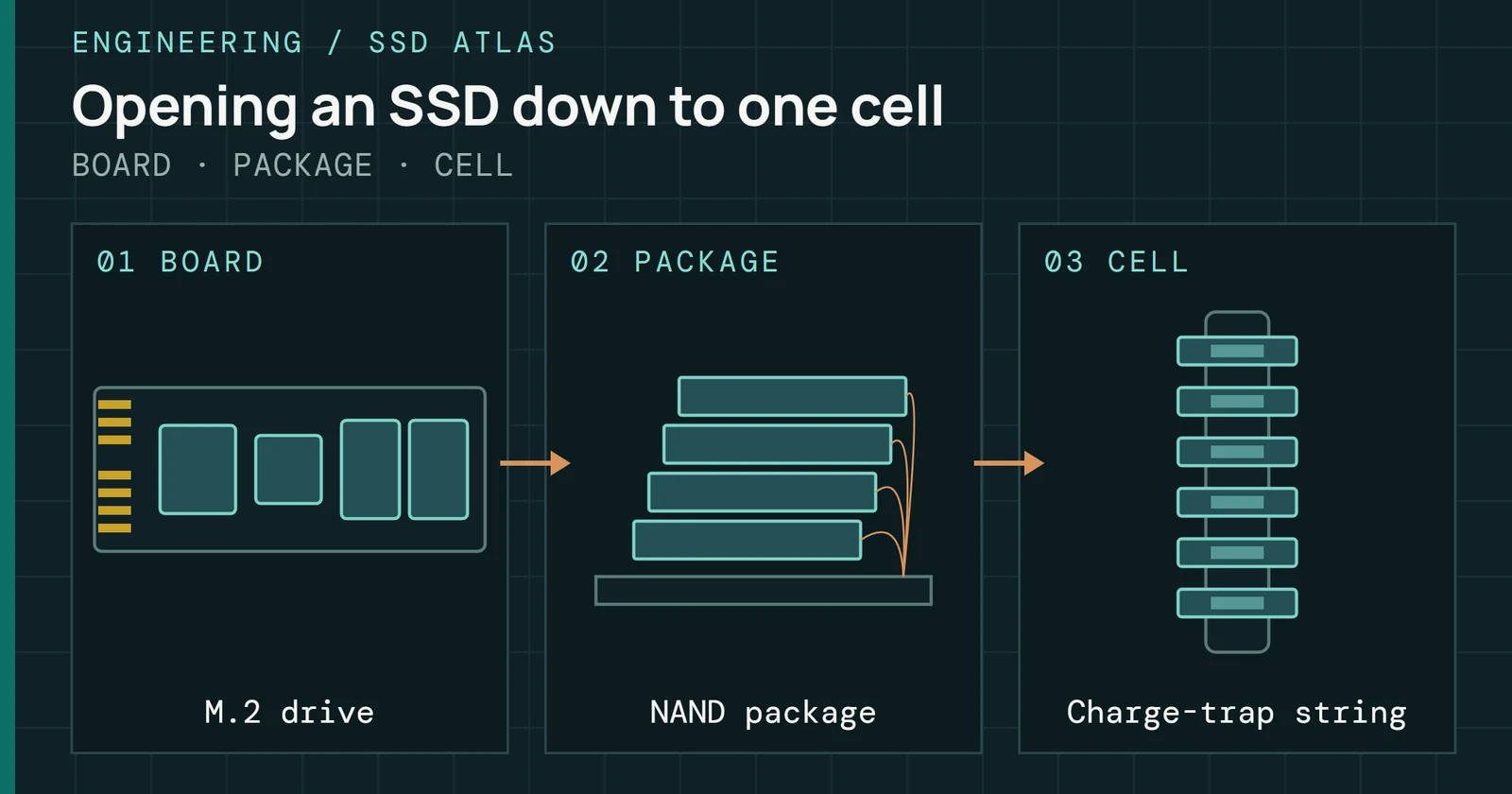
A microSD card holds NAND flash, a controller that handles reads, writes, and error correction, capacitors, and interface pins, all in one sealed unit with everything soldered together. That is the same split as eMMC’s package, with a pin row where eMMC has a ball grid.
Inside a card
What two reports found inside a microSD card
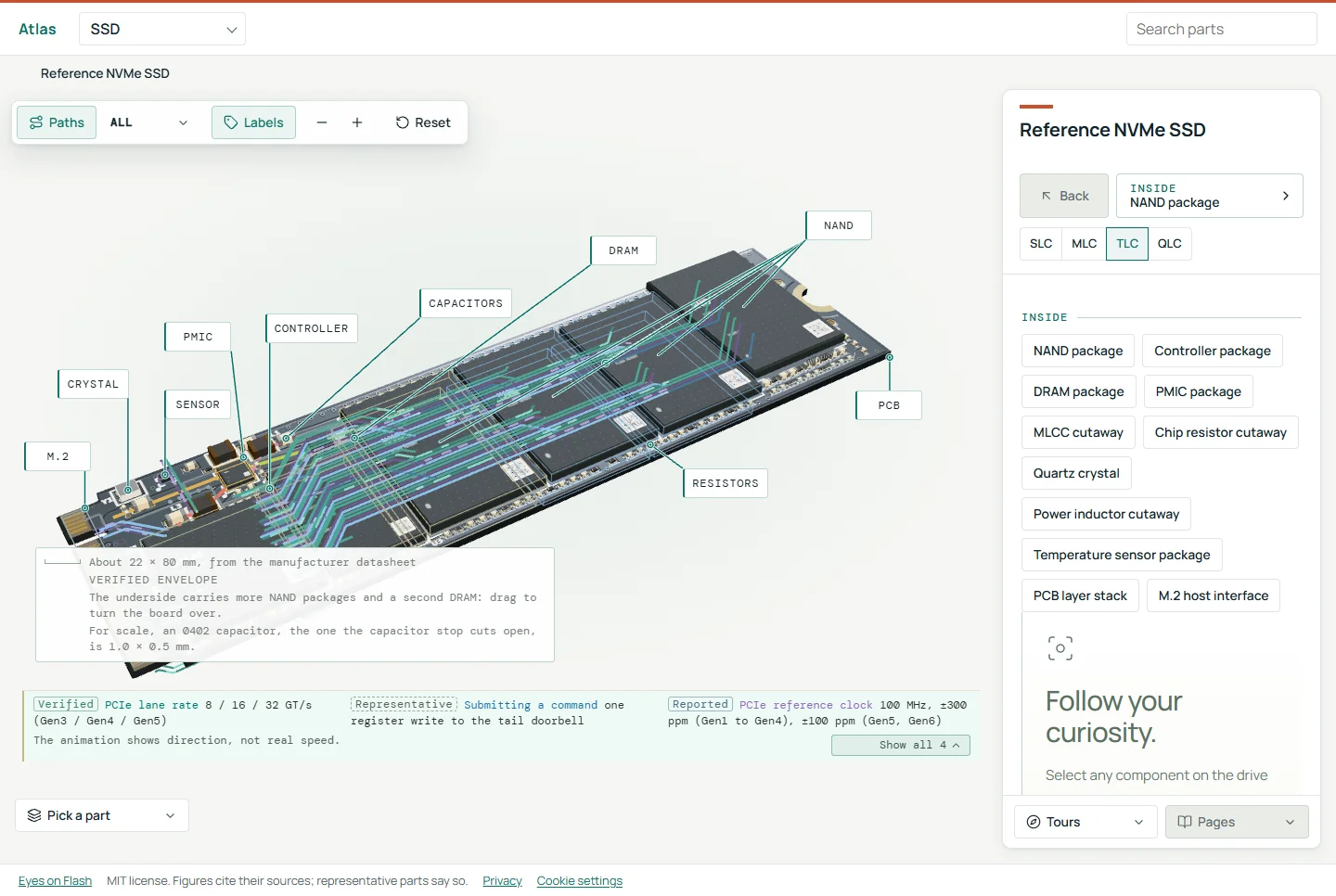
Flash inside a card is stacked. A Chipworks optical cross-section of a SanDisk 16GB microSD card shows a nine-die stack of NAND. A second view comes from DiskTuna’s CT scans. A scan of a microSD card of unstated make and capacity shows two NAND die stacks side by side with a controller and rows of wire bonds. This site does not publish the Chipworks image because its owner reserves it, and the scans come from a third-party report, so both are secondary evidence of what a card contains. No maker datasheet shows an internal layout, so the layout here rests on teardown reports.
Endurance cards for dashcams and cameras
A dashcam or a security camera writes all day to the same card, which makes endurance the spec to read. Two makers state it in hours of video. SanDisk rates its MAX ENDURANCE microSD for up to 120,000 hours, over 13 years, of continuous monitoring at its largest capacity, with reads up to 100MB/s. Samsung rates the 256GB PRO Endurance for up to 140,160 hours, or 16 years, of continuous recording.
Endurance cards for dashcams and cameras
Rated hours of continuous recording, endurance microSD cards
Samsung’s hours halve with each capacity step, from 70,080 at 128GB to 35,040 at 64GB and 17,520 at 32GB, so a small endurance card lasts proportionally fewer hours. Samsung also says it builds the card with enterprise-grade NAND flash memory and rates it for -25°C to 85°C in operation and -40°C to 85°C out of operation. Hours of video are the makers’ unit, not terabytes written, and they depend on a bit rate that neither page states. These ratings are maker claims, and a buyer cannot convert them into total bytes. The ratings cover hours and temperature, so both are worth reading.
Fake-capacity cards and how to test them
On a fake card, the drive itself overwrites or wraps sectors so that data written at one place is read back from another. Say the label reads 128GB. The host believes it, and files fail later. F3 stands for Fight Flash Fraud or Fight Fake Flash. It tests capacity and speed by filling a device with pseudorandom data and checking that it reads back the same.
Fake-capacity cards and how to test them
One fake card: announced capacity against what it holds
Testing has two halves. f3write fills a file system with 1GB files named N.h2w, and f3read validates them. H2testw’s algorithm has been the gold standard for finding fake flash, but F3’s author says full-drive tests have become slow as capacity grows and that people now run only a fraction of the drive. That fraction is where fakes hide. F3’s author describes a smarter fake that uses its internal cache to fool a test: his example announced 128GB with less than 8GB of real capacity, and a cache of about 256MB (523,920 sectors of 512B) hides the shortfall from any test that neither writes past the real capacity plus the cache nor hard resets the drive.
F3’s author calls f3probe the fastest test because it writes only what it needs. It runs on the unmounted block device in one of two modes. By default it tries to restore the blocks it touched, though not always to their exact original state, so it should not be trusted with data you can’t lose. With –destructive it disregards the card’s content and runs faster, and it wipes the card. Either way, it belongs on a new card before any data goes on it. f3fix then creates a partition that fits the card’s actual size.
What to watch: SD Express and microSD Express
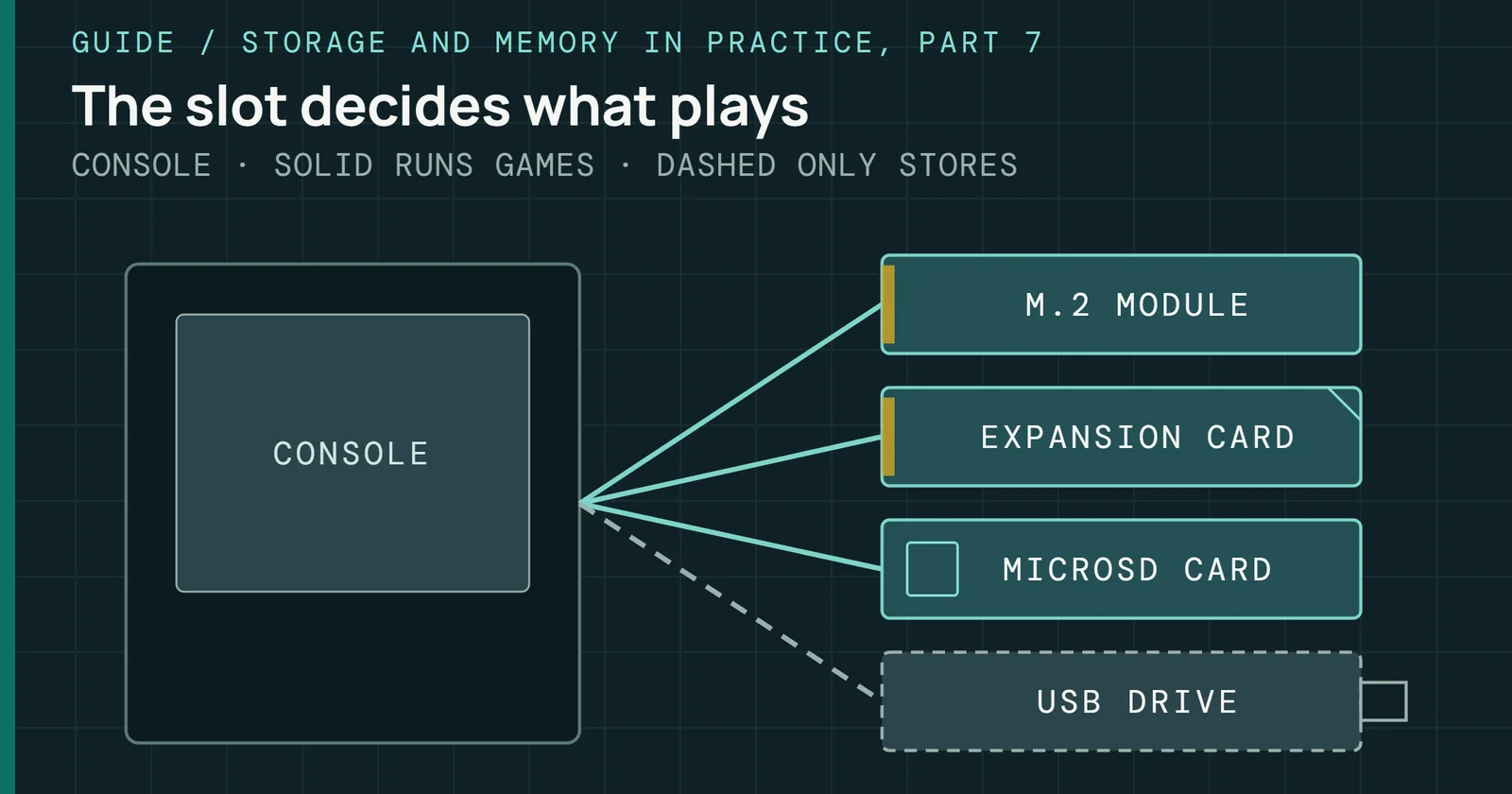
A console is the clearest adoption signal. Nintendo’s support page says Switch 2 is compatible only with microSD Express cards, up to 2TB, after a first-use system update over the internet. A microSD card used in the original Switch cannot save or load digital games or save data on Switch 2, though Switch screenshots and videos on a regular card can still be loaded. In the other direction, a microSD Express card in the original Switch reads and writes at the same speed as a regular microSD card. Meanwhile, the Association cites the Switch 2 as a device that uses microSD Express.
What to watch: SD Express and microSD Express
Which microSD cards work on Switch and Switch 2
Every console card pick in Best peripherals is microSD Express.
Supply is moving too. Major companies have developed or are developing SD Express products. The Association’s list covers chipset, reader, and bridge makers such as JMicron, Genesys Logic, and Realtek. Cards can sell before hosts do, because an Express card still works in a UHS-I slot through its first row of pins. Nintendo shows the other side of that coin, where a host can require the new card and refuse the old one. How many phones and cameras will add an Express slot is the open question. On a card, check its bus (UHS-I, UHS-II, or Express), the class that matches the job (V30 or higher for video, A2 for apps), and the maker’s endurance rating if it will record all day.
Removable cards are one end of flash in devices, built for swapping in a slot. Part 4 of Flash in Devices covers the other end, automotive and industrial flash, where parts are soldered down and must survive years of heat and constant writes. Part 6, Flash in Small Devices, goes below the managed card to the bare NOR and NAND chips that routers, cameras and watches boot from.
Sources
Primary is the original paper, standard or datasheet. Secondary is a review, a vendor summary or a news report. Measured is my own test data.
Show all 21 sources, 18 primary
- PrimarySamsung Unveils New PRO Endurance Memory Card Optimized for Surveillance and Dashboard CamerasSamsung Semiconductor Global, 2025
- Primary32GB SanDisk MAX ENDURANCE microSD™ CardSandisk
- PrimaryAbout the SD AssociationSD Association
- PrimaryApplication Performance ClassSD Association
- PrimaryApplication Performance Class white paper (SD Association)sdcard.org
- PrimaryBus Speed: Default Speed, High Speed, UHS, SD Express (SD Association)SD Association
- PrimaryCapacity: SD, SDHC, SDXC, SDUC (SD Association)SD Association
- PrimaryCelebrating 20 Years of microSDSD Association
- PrimaryF3 usage documentation (GitHub)GitHub
- PrimaryF3: Fight Flash Fraud (GitHub)GitHub
- PrimaryFive Years of SD Express: A Milestone of InnovationSD Association
- PrimarymicroSD Card and microSD Express Card Compatibility with Nintendo Switch 2 and Nintendo Switchen-americas-support.nintendo.com
- PrimarySD Association: SD 9.10 and SD Express Speed Class releasesdcard.org
- PrimarySD Express Memory Cards with PCIe and NVMe Interfaces (SD 8.0 white paper, May 2020)sdcard.org
- PrimarySD Specifications Part 1 Physical Layer Simplified Specification Version 6.00 (SD Association; copy saved from a mirror)academy.cba.mit.edu
- PrimarySD Standard OverviewSD Association
- PrimarySimplified SpecificationsSD Association
- PrimarySpeed ClassSD Association
- SecondarySanDisk 16 GB microSD: 16gb 9die stack 30um (Chipworks)Chipworks Real Chips
- Secondaryunstated 512 GB microSD: disktuna 512gb microsd ct scanswww.disktuna.com
- SecondaryWhat's inside a microSD card? (DiskTuna)disktuna.com