Plenty of people treat a hot SSD as an SSD that is losing data. This page is one of the Flash Myths, Tested checks, and it asks which heat actually costs flash data. Heat does cost it when the data sits hot, and when it is read at a different temperature than it was written. JEDEC tests a client drive at 40°C in use and an enterprise drive at 55°C, so a drive that runs at or below those temperatures is inside what its standard tests. The risks show up in two other places: data stored hot, and data written hot and read cooler on worn flash. So the question has three sides: heat in use, heat in storage, and a temperature gap between the write and the read.
Where the myth comes from
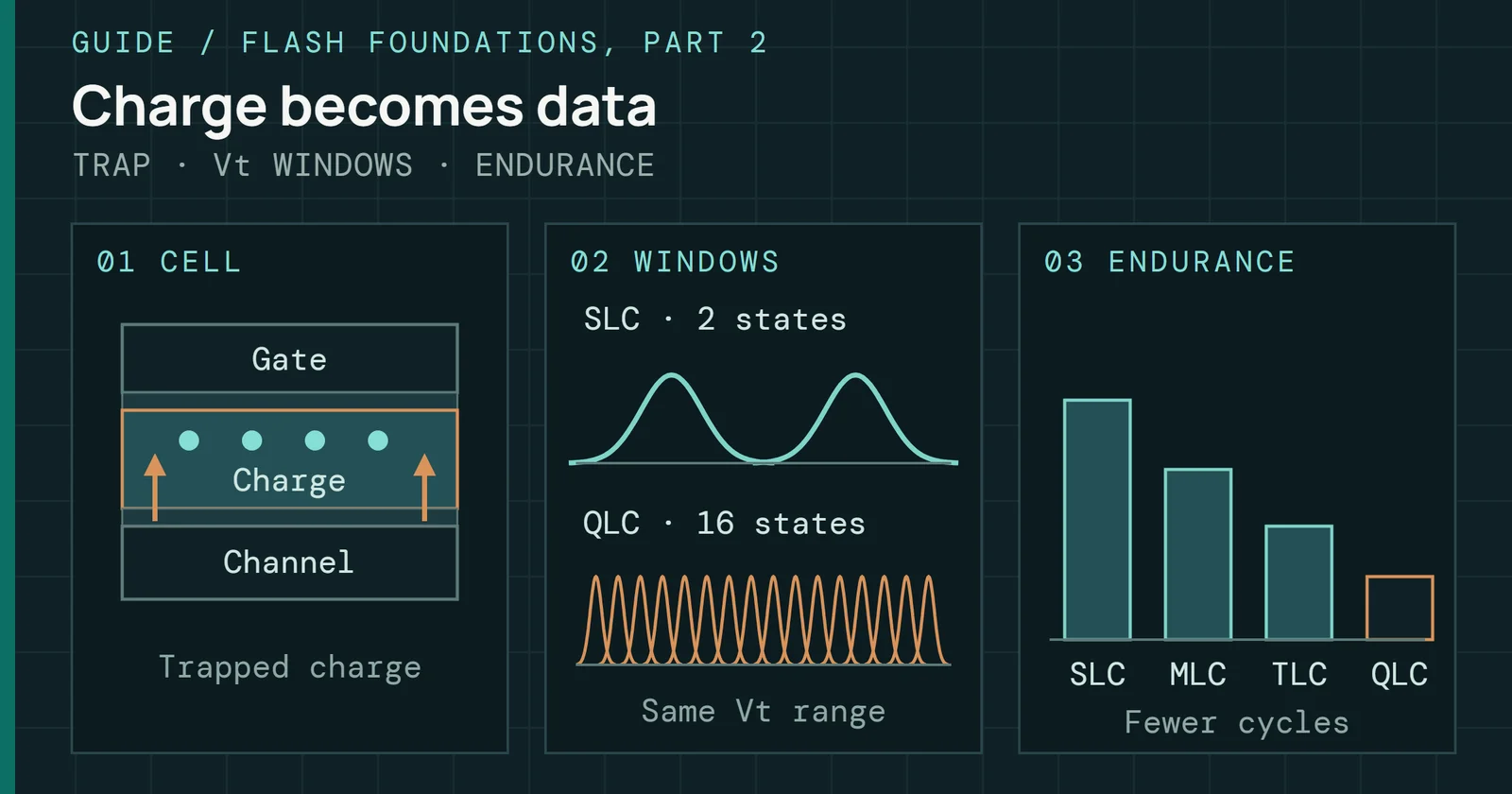
Flash stores data as charge, and charge leaks. Leakage speeds up with heat, which is the same relationship that governs chemical reactions, and Flash Foundations Part 2 covers how heat moves both the read and the retention. So a hot drive sounds like a drive that is losing data faster.
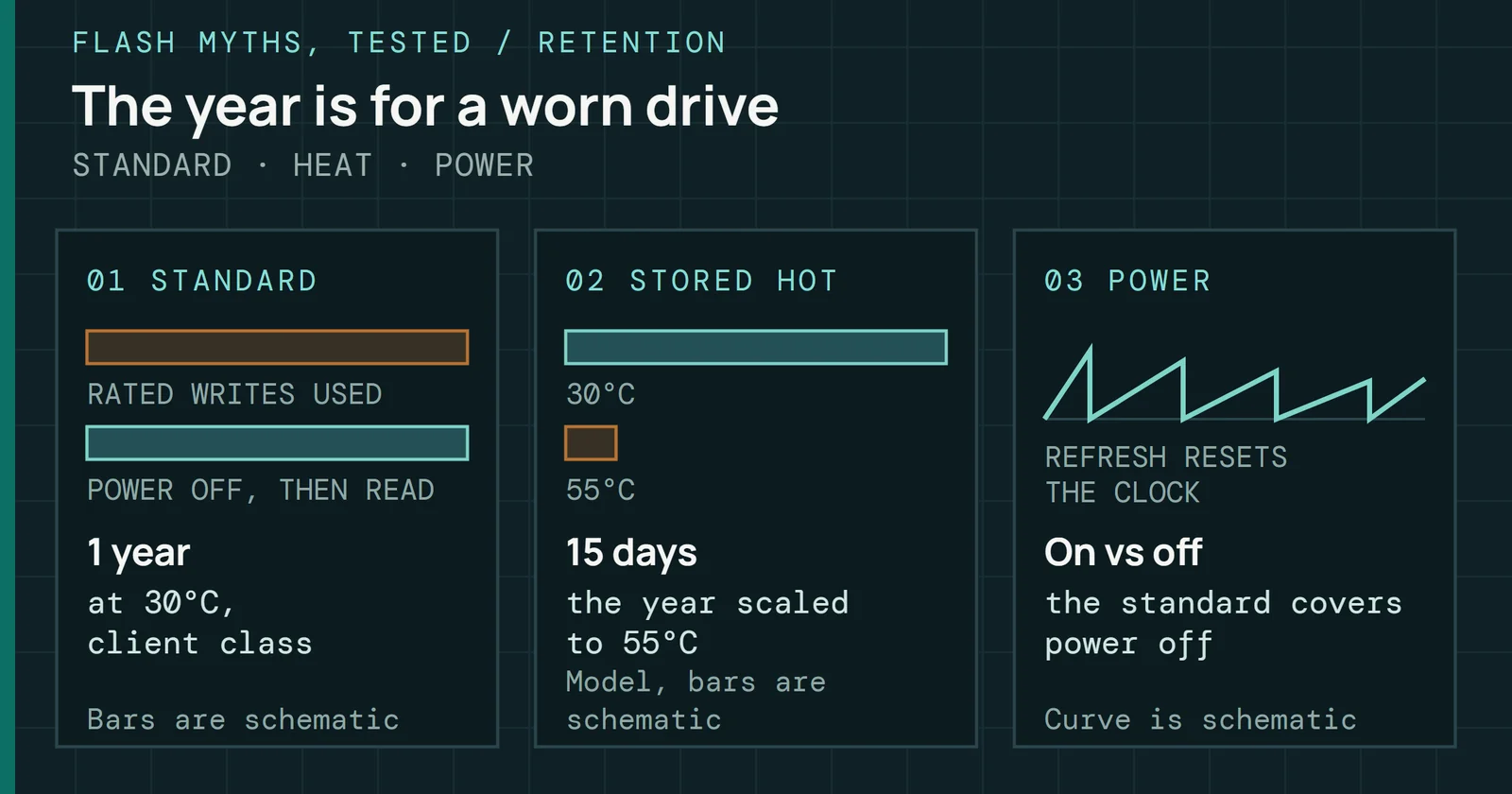
JEDEC’s JESD218 is the standard that rates this, and a JEDEC presentation by Alvin Cox on JESD218 shows that it treats heat in use and heat in storage as two separate conditions. It tests a client drive at 40°C for 8 hours a day while it is written to its rated endurance. It then requires the drive to hold its data for 1 year at 30°C with the power off, and its enterprise class uses 55°C for 24 hours a day and requires 3 months at 40°C.
Where the myth comes from
The standard sets one heat for use and a cooler one for storage
JESD218 temperatures for each class of drive
Figure 1 puts the four temperatures side by side. The retention requirement is checked after the rated writes are used up, so it describes a worn drive. The client class also sets the unpowered temperature, 30°C, lower than the 40°C it tests at in use. JESD218 also expects two checks, one for the temperature-accelerated mechanism at 1.1eV and one for a mechanism that does not depend on temperature, so heat is only part of what limits retention.
A large study of Facebook’s flash fleet found much the same thing in practice, using sensors on the SSD cards themselves. Between 30°C and 40°C average operating temperature, drives on different server platforms had similar failure rates or slightly higher ones as temperature rose. Above 40°C the platforms split three ways, with failure rate rising on some, less sensitive on others, and falling on the rest. Its authors note that the controllers on some platforms throttle at thresholds starting around 80°C. That is a data-center fleet, which makes it a loose guide to a desktop, but it is the best field evidence in my sources on heat and failures.
Why storing data hot is the real risk
Behind the retention number sits the Arrhenius equation. It says the speed of a thermally driven process, here charge leaking out of the cells, grows exponentially with temperature. JEDEC uses an activation energy of 1.1eV for the charge-loss mechanism it tests, per the same Alvin Cox JEDEC presentation. A measurement on 3D charge-trap flash found 1.04eV. The shape of the curve holds, though the factors drop by about a quarter at 1.04eV, to roughly 104 times at 70°C.
Why storing data hot is the real risk
At 70°C, charge loss runs about 135 times faster than at 30°C
Arrhenius model at 1.1eV, relative to 30°C
Figure 2 applies the equation at 1.1eV with 30°C as the baseline, the unpowered temperature in the client class. At 40°C charge leaks about 3.84 times faster, at 55°C about 24.7 times and at 70°C about 135 times. Near room temperature the factor works out to about 4 times for every 10°C step, as it does from 25°C to 35°C, and it gets smaller per step as the temperature climbs. This is a model of one mechanism. It does not measure a drive, and the standard checks a second mechanism that heat does not speed up.
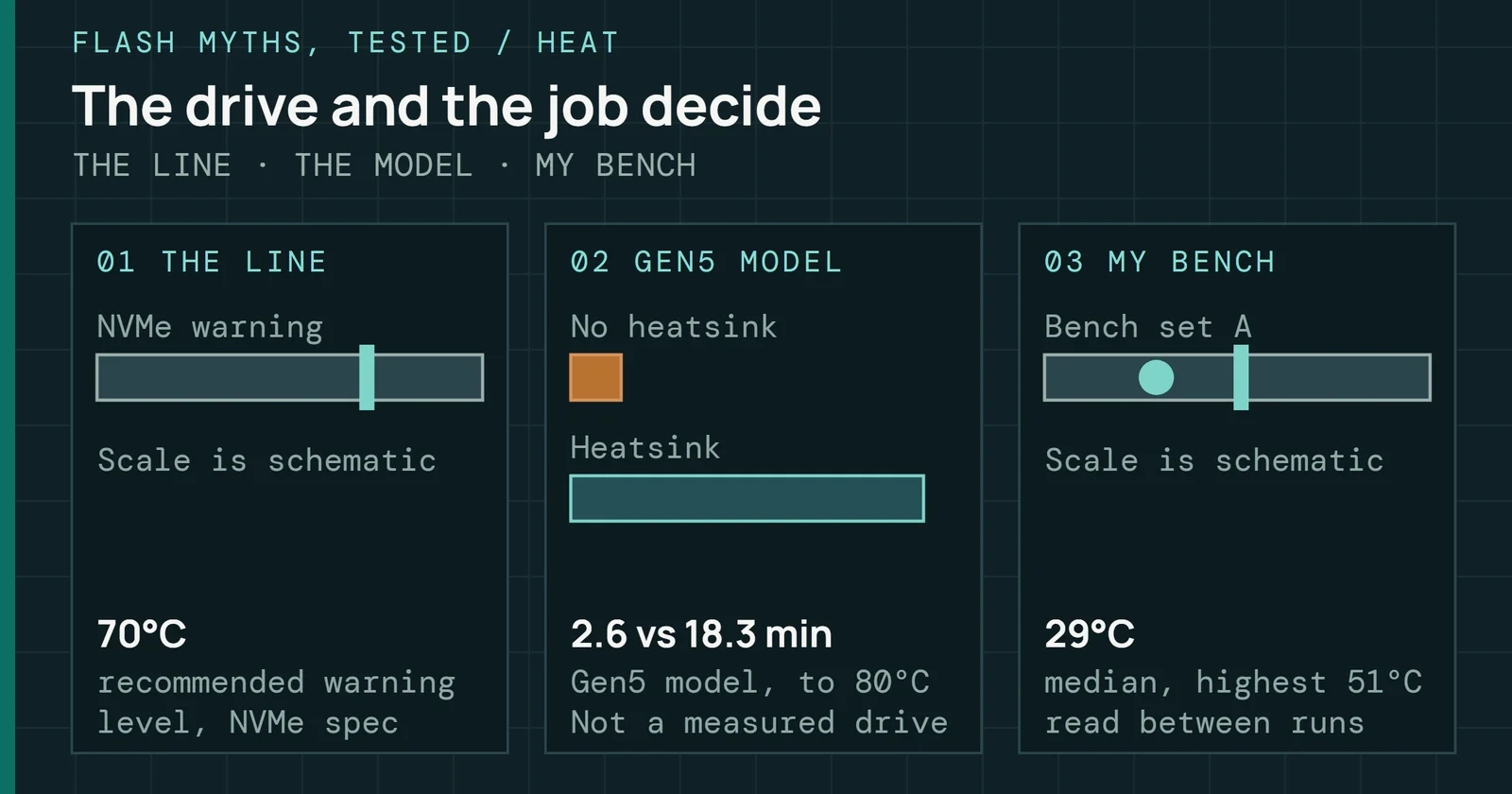
That 70°C row is not arbitrary. The NVMe specification recommends that a drive report its warning temperature as 343K, which is about 70°C.
JEDEC’s retention figures are for a drive with the power off. This page does not cover what a powered drive’s firmware does to refresh aging data. The standard sets 30°C for unpowered storage against 40°C in use for the client class.
Why writing hot is not the problem
There is a result that points the other way on writes. Researchers tested 3D charge-trap flash chips that had been worn through thousands of program and erase cycles, up to 10,000. They then programmed the chips and kept them at one fixed temperature from 0°C to 70°C, and watched the raw errors for up to 71 minutes.
Why writing hot is not the problem
Hot cells start with fewer errors and lose that lead within minutes
Where hot and cool chips swap places on error rate
Figure 3 shows what they found, without plotting values the paper does not give me as numbers. Right after the write, the hotter chips had fewer errors, because programming at a higher temperature leaves less overlap between neighboring cell states. That lead lasted only until about 100 to 1,000 seconds after the write. After that the hotter chips lost charge faster, so their errors grew faster and overtook the cooler chips. Lowering the temperature from 70°C to 0°C slowed the predicted retention loss by 58%.
So the finding is not that hot writes are safe and cold writes are risky. A write at a higher temperature starts out cleaner, but only keeping the data cool afterwards keeps it that way. Heat in use is something the flash is rated for, and heat that lasts after the write is what the data pays for.
Why a temperature mismatch hurts worn flash
Another heat problem turns on whether the temperature at the read matches the temperature at the write, whatever the flash’s peak temperature. Part 2 explains how the voltages a cell is read against shift with temperature, so data that was written at one temperature and read at another reads with more errors.
Why a temperature mismatch hurts worn flash
Worn 3D flash made far more errors when read cooler than written
Median errors, written at 70°C and read at 40°C, against one temperature for both
Figure 4 comes from a test on flash cycled to its rated endurance with the JEDEC flow, with the temperature compensation circuits inside the memory chip switched on. In both planar and 3D flash, the worst case was writing at 70°C and reading at 40°C. On planar TLC the median error count was 1.9 times the same-temperature case on center and most-significant-bit pages. On a 2018 3D TLC part with more than 32 layers, the median ratio went up to 15.1 times. The authors say that case needs extra recovery work, such as read retry or soft decoding, which reads the same page several times.
These are worn parts, so this is a result about a drive near the end of its rated life. My own reading of it is that an ordinary drive can meet this pattern. It runs warm while it is written under load, cools down at idle, and is read later. Compensation circuits inside the memory chip, covered in Flash Foundations Part 2, is there to handle it, and the NAND Cell Lab has a cross-temperature panel where you can set the two temperatures yourself.
What to do with this
For the drive in your computer, the answer is not to chase low temperatures. The JEDEC standard tests 40°C for a client drive in use and 55°C for an enterprise one, so a drive at or below those temperatures is inside what it tests. If it reaches the temperature where it reports a warning, treat that as the signal to cool it or to give it a lighter load, which is what the Throttle Lab shows drives doing. Throttling and stored-data risk are separate questions. Figure 5 sets the two cases side by side.
What to do with this
Warmth in use is rated for; heat while unpowered is what costs data
What to watch on a drive in use and on a drive on the shelf
For data you want to keep, the temperature to watch is where the drive sits when it is not powered. Left somewhere hot, a drive loses charge faster than the same drive left somewhere cool, and the retention requirement is set for a worn drive, so wear and heat both count. Dense cell types have the least margin for it, as Part 2 explains. Keep spare and backup drives somewhere cool, and keep a second copy of anything you cannot replace.