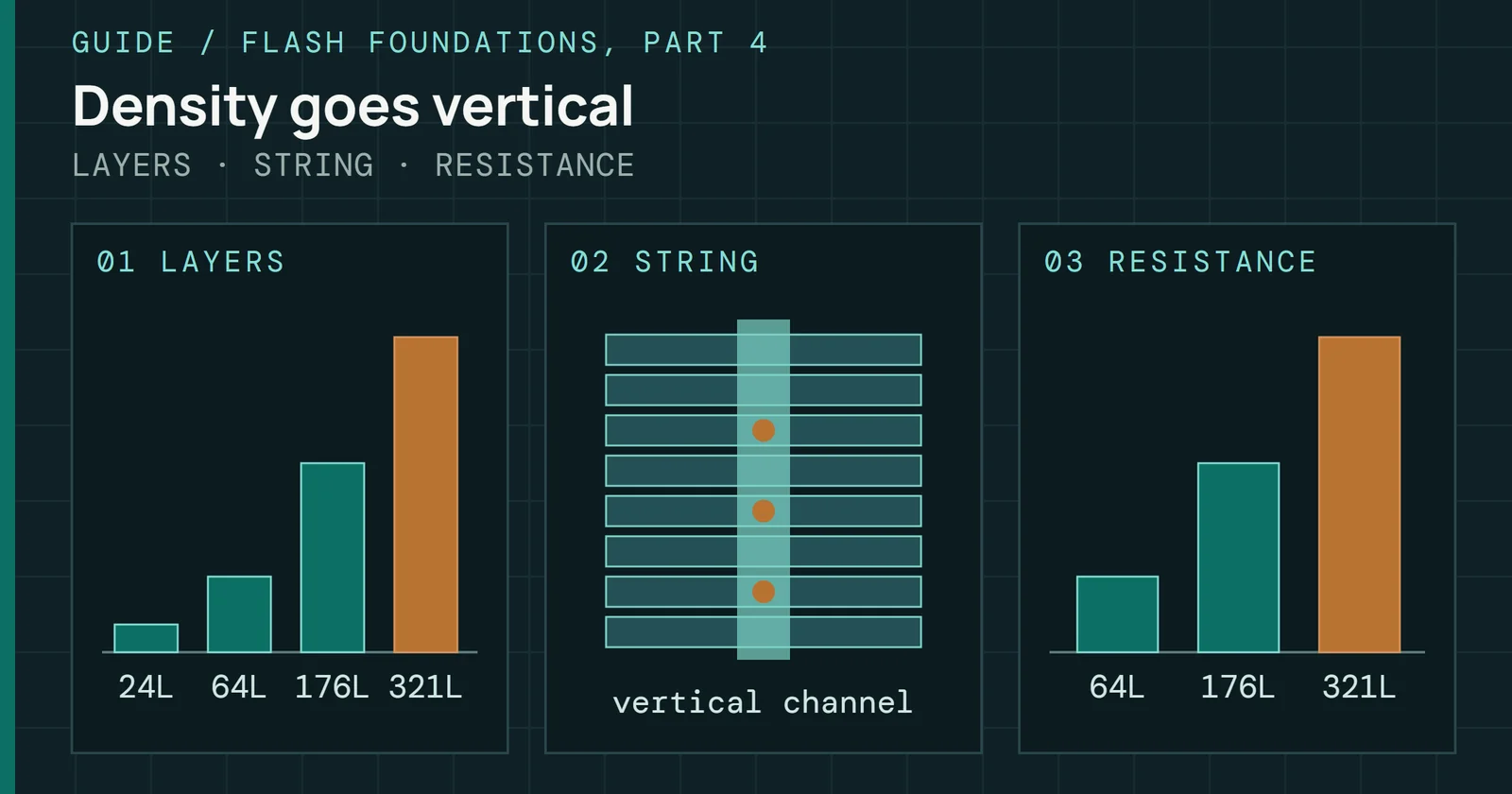
Most of the sourced figures behind my timelines, the Bit Market and the Fab Tracker can now be read by SI assistants directly. I put a public, read-only MCP server at https://eyesonflash.com/mcp. It needs no account or key, it answers with facts and numbers that each carry the public source they came from, and it runs on Cloudflare’s Free plan. Ask an assistant connected to it how many layers a NAND die has, and the answer can come back with the maker’s own page and mine behind it.
Engineering
An MCP Server for the Eyes on Flash Data
Eyes on Flash now has a public, read-only MCP server: what it serves, how to connect, which sources it leaves out, and how it runs on Cloudflare's Free plan.
On this page 8 sections
What the server does
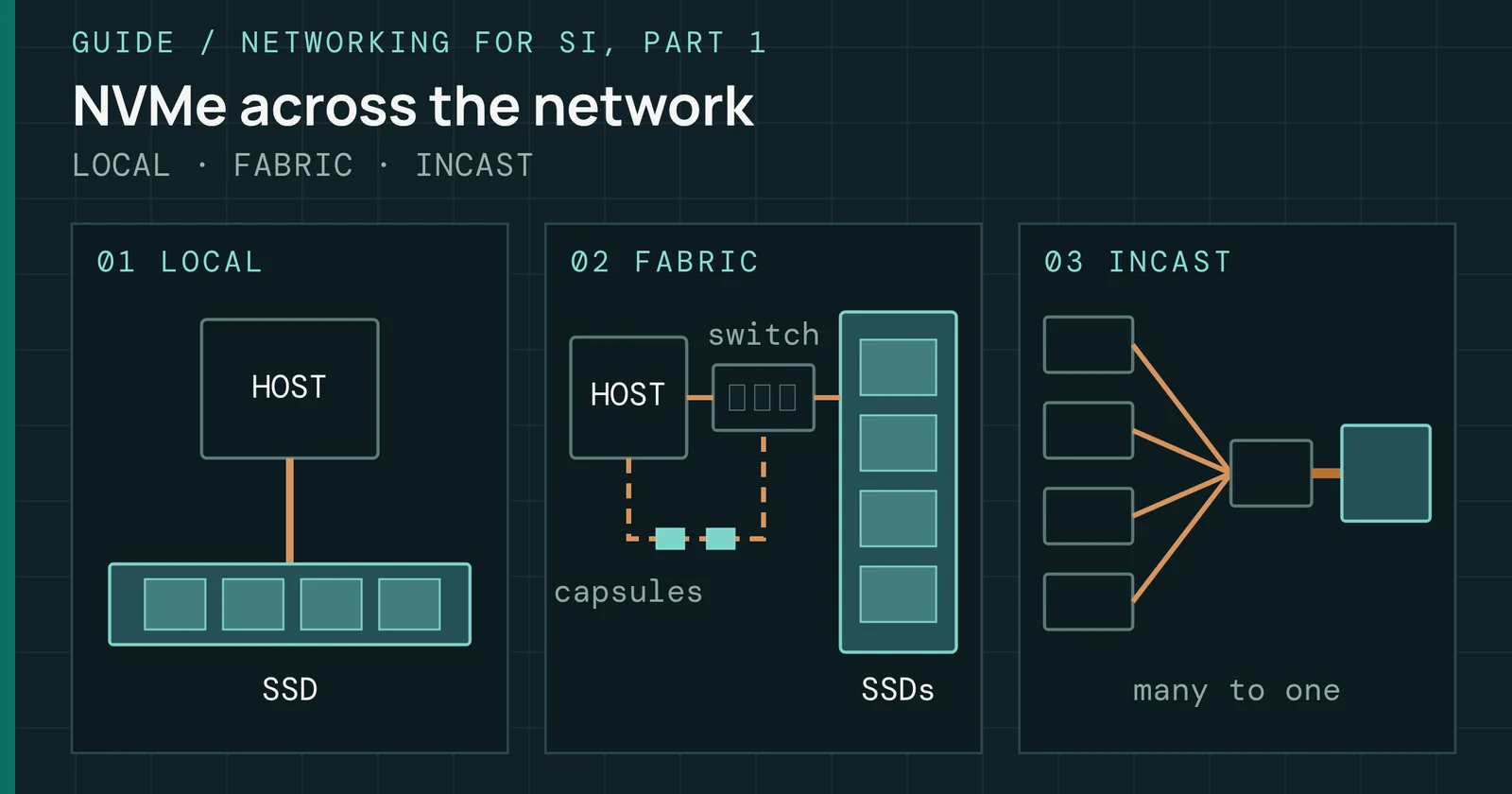
MCP is the protocol SI assistants use to call outside tools. Mine speaks its Streamable HTTP transport, in which the client sends every message as an HTTP POST to one endpoint. Mine keeps no sessions and opens no stream back to the client, so a plain GET gets the 405 the spec allows for a server with no stream.
There are three tools:
- list_datasets names the 16 datasets it searches, how many records each holds and the page on this site that shows them.
- search_records finds records by words that must all appear in them, such as a maker, a part, a measure, a company or a quarter. It returns up to 50 records a call.
- get_record returns every figure for one record: a die, a controller, a drive, a standard, a fab site or a company.
Each record carries its source link and a cite line that names the Eyes on Flash page it comes from. If an assistant quotes a layer count, both the maker’s page and mine travel with it.
What the server does
One call goes in as a POST and comes back with its source
Connecting
In Claude Code, one command adds it:
claude mcp add --transport http eyes-on-flash https://eyesonflash.com/mcpAny client that reads a JSON server list takes the same address:
{
  "mcpServers": {
    "eyes-on-flash": { "type": "http", "url": "https://eyesonflash.com/mcp" }
  }
}
A sample call
You can also call it with nothing but curl:
curl -s https://eyesonflash.com/mcp \
  -H 'content-type: application/json' \
  -d '{"jsonrpc":"2.0","id":1,"method":"tools/call","params":{"name":"search_records","arguments":{"query":"Kioxia BiCS8 layers","limit":1}}}'
Trimmed to the fields that matter, it answers:
{
  "dataset": "nand-die-timeline",
  "maker": "Kioxia",
  "measure": "layers",
  "value": 218,
  "source_publisher": "Kioxia",
  "source_url": "https://kioxia.com/en-jp/rd/technology/topics/topics-66.html",
  "cite": "Eyes on Flash, NAND Die Timeline, https://eyesonflash.com/timelines/nand-die/"
}
What goes in and what stays out
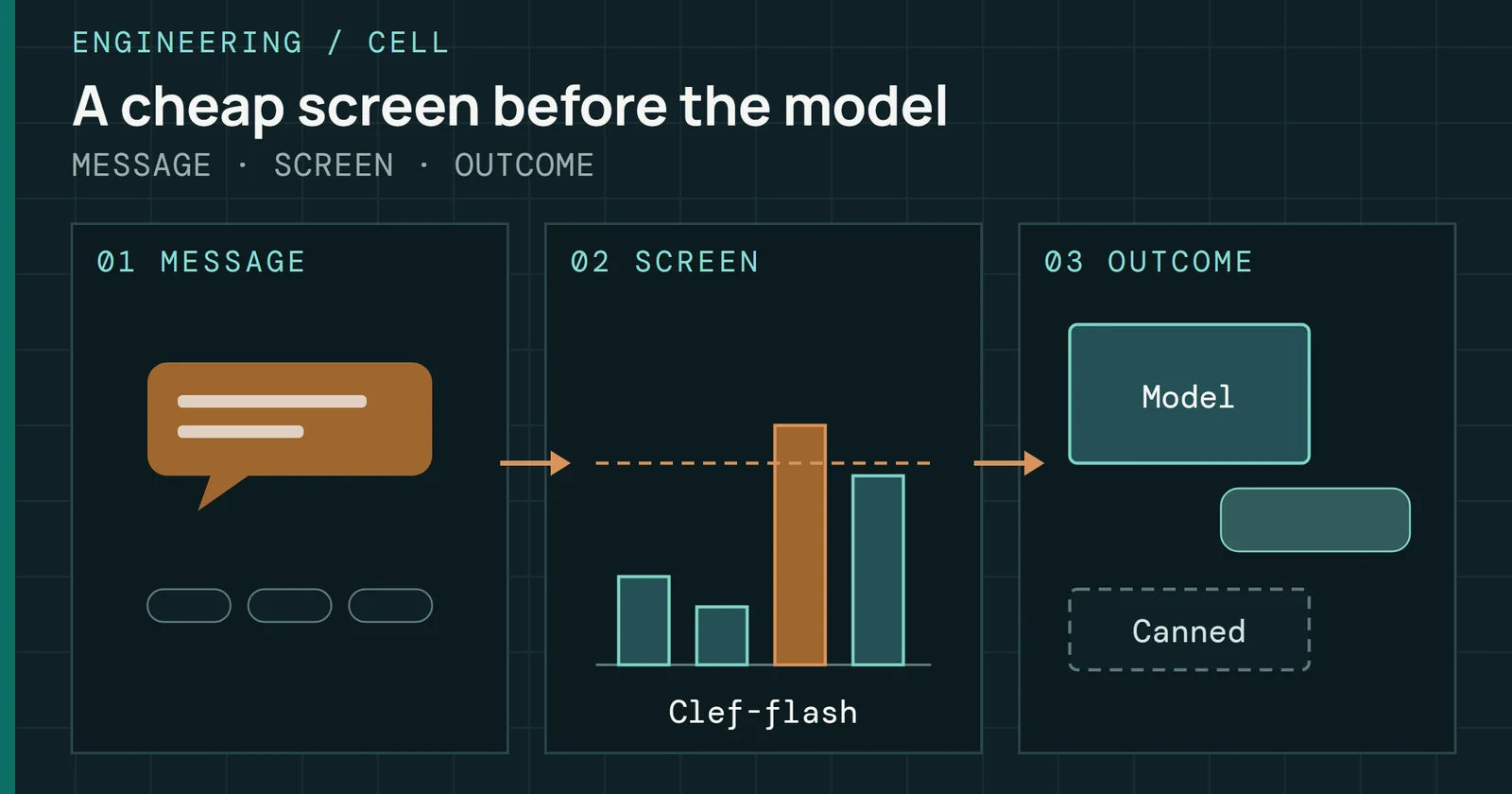
Its rows come from the same CSV and JSON files the data pages offer for download, one row per sourced value. Not every row belongs in a public tool, though. Some figures on my pages come from paid analyst reports or teardown services, which I can cite on a page but have no right to hand out as data. So a row goes in only when its first source allows public reuse:
- makers’ datasheets, product pages, newsrooms and investor releases
- filings with the SEC and the Taiwan, Shanghai, Shenzhen and Hong Kong exchanges, and the investor sites that host the same reports
- conference papers by DOI, and the specifications of JEDEC, NVM Express, PCI-SIG and the other standards bodies
- government data, such as the Federal Reserve exchange rates the Bit Market converts with
- my own measurements
Everything else is left out: paid analysts, teardown measurements, press wires, third-party press and review sites, resellers, and any host I haven’t checked. A host that isn’t on the list is dropped by default rather than let through. An archived copy of a maker’s datasheet counts as the maker’s page.
Of the 2,737 rows in the 16 datasets, 2,533 are in and 204 are out. Makers account for 1,336 of the rows kept and filings for 569. The Bit Market’s analyst forecasts were the one dataset that lost every row.
What goes in and what stays out
Makers and filings supply most of the 2,533 rows the server keeps
Our measurement: the source filter’s report, 16 datasets, 2,737 rows, November 6, 2026
Two more things never leave. The data files carry the words each figure was read from, so I can check them, and the server strips that quoted text. Images and die shots stay on the pages. A record holds a value, its unit, its date and the link to where it was published.
Its terms are short. You can use what it returns in your own work, with a cite to Eyes on Flash and to the source named on the record. Everything comes as is, with no warranty, and no company in it endorses this site. The full wording is in the Terms of Use.
How it runs on the Free plan
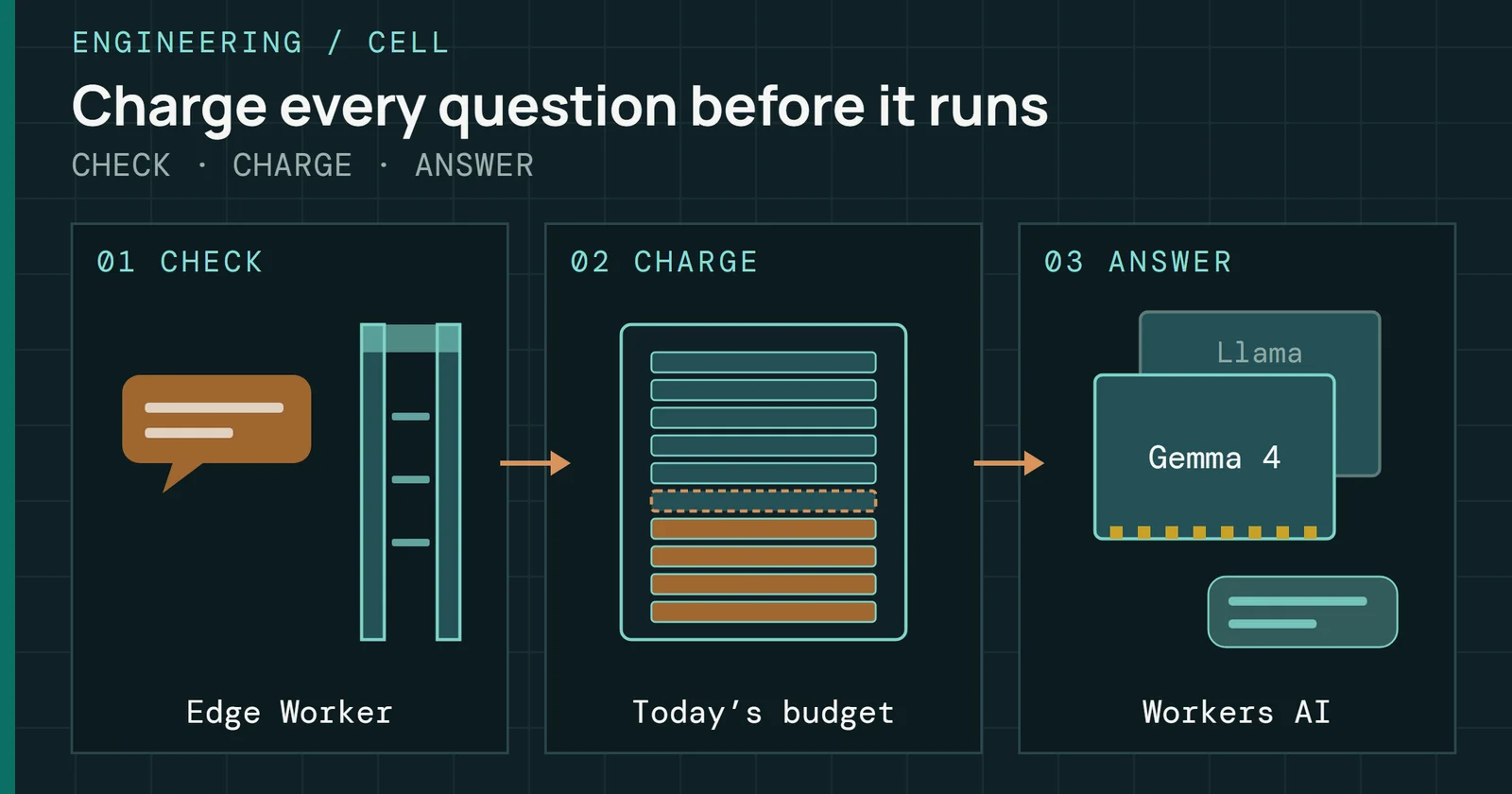
It runs as a Cloudflare Worker with the filtered data built into it, about 100KB compressed. There is no database to call and no other site to fetch from. Like Cell, it answers on a route on this site’s own domain, with no workers.dev address. A Free Worker request gets 10ms of CPU, and three live searches of up to 50 records, watched with wrangler tail 4.157.0 on November 6, used 1 to 4ms each.
The account’s budget needed protecting. Cloudflare’s Free plan allows 100,000 Worker requests a day for the whole account, and the site’s other Workers, Cell and the Check-price links among them, draw on the same allowance. A public endpoint with no key could spend it all, so two limits stand in front of the data.
How it runs on the Free plan
Two rate limits stand between a caller and the daily allowance
The edge rule
Cloudflare lets a Free zone have one rate-limiting rule. Mine already protected Cell’s chat path, so I widened it to cover /mcp too. More than 6 requests in 10 seconds from one address are blocked at the edge for 10 seconds with Cloudflare’s own 429. Those blocked requests stop at Cloudflare’s edge, before the Worker runs.
The Worker’s own limit
Inside the Worker, every request first passes a rate-limiting binding set to 60 requests a minute per address, with an IPv6 caller counted by its /64. Past that it answers 429 with a Retry-After header. Bodies over 16KB are refused before they are read in full.
That binding is looser than it looks. Cloudflare’s documentation says its counts are approximate and kept separately in each Cloudflare location, and that requests can pass the limit while the counts catch up. In one run in Cloudflare’s local runtime, the 61st request in a minute was the first refused. On the live site, before the edge rule covered /mcp, one burst of 150 requests from one address, sent 4 at a time over 6 seconds, got only 11 refusals. So the edge rule is the strict one, and the binding catches a steadier stream that stays under it.
What it doesn’t stop
Both limits count per address. Many addresses, each staying under the limits, could still use up the account’s daily allowance. I found no Free-plan setting that caps one Worker’s share of the day. A cap of my own would take a counter that every request checks in one place, which is what Cell’s Durable Object does for its neuron budget, and a public data endpoint doesn’t justify one yet. If that day comes, Cloudflare’s limits page says the account’s Workers return Error 1027, or are skipped on a route set to fail open, until the count resets at midnight UTC. Cell and the Check-price links would stop with the server, while the static pages keep working.
I made it public because the data is the part of this site most worth reusing. An assistant that answers a question about NAND layer counts or a memory maker’s quarter can now cite the figure, the maker who published it and the page where I checked it.
Sources
Primary is the original paper, standard or datasheet. Secondary is a review, a vendor summary or a news report. Measured is my own test data.
Show all 5 sources, 4 primary
- PrimaryCloudflare Workers: LimitsCloudflare Docs
- PrimaryRate LimitingCloudflare Docs
- PrimaryRate limiting rulesCloudflare Docs
- PrimaryTransportsModel Context Protocol
- MeasuredThe author’s own measurements