Part 8, Keeping a NAS Healthy, covered the habits that catch trouble early, from SMART alerts and scrubs to the rules for replacing a drive. This last part of Running a NAS covers the faults those habits cannot catch, because they were bought into the box before its first boot. Each one below comes from a drive maker’s, chip vendor’s, board maker’s or project’s own notice, and each ends with a check you can run before paying, such as a model code lookup, a spec sheet line or a manual table.
Running a NAS
Running a NAS, Part 9: NAS Problems Found Too Late
Hardware and setup problems NAS owners find after the build, from SMR drives and chip errata to dropping 2.5GbE ports and shared M.2 lanes, and how to check.
On this page 13 sections
Shingled drives sold as NAS drives
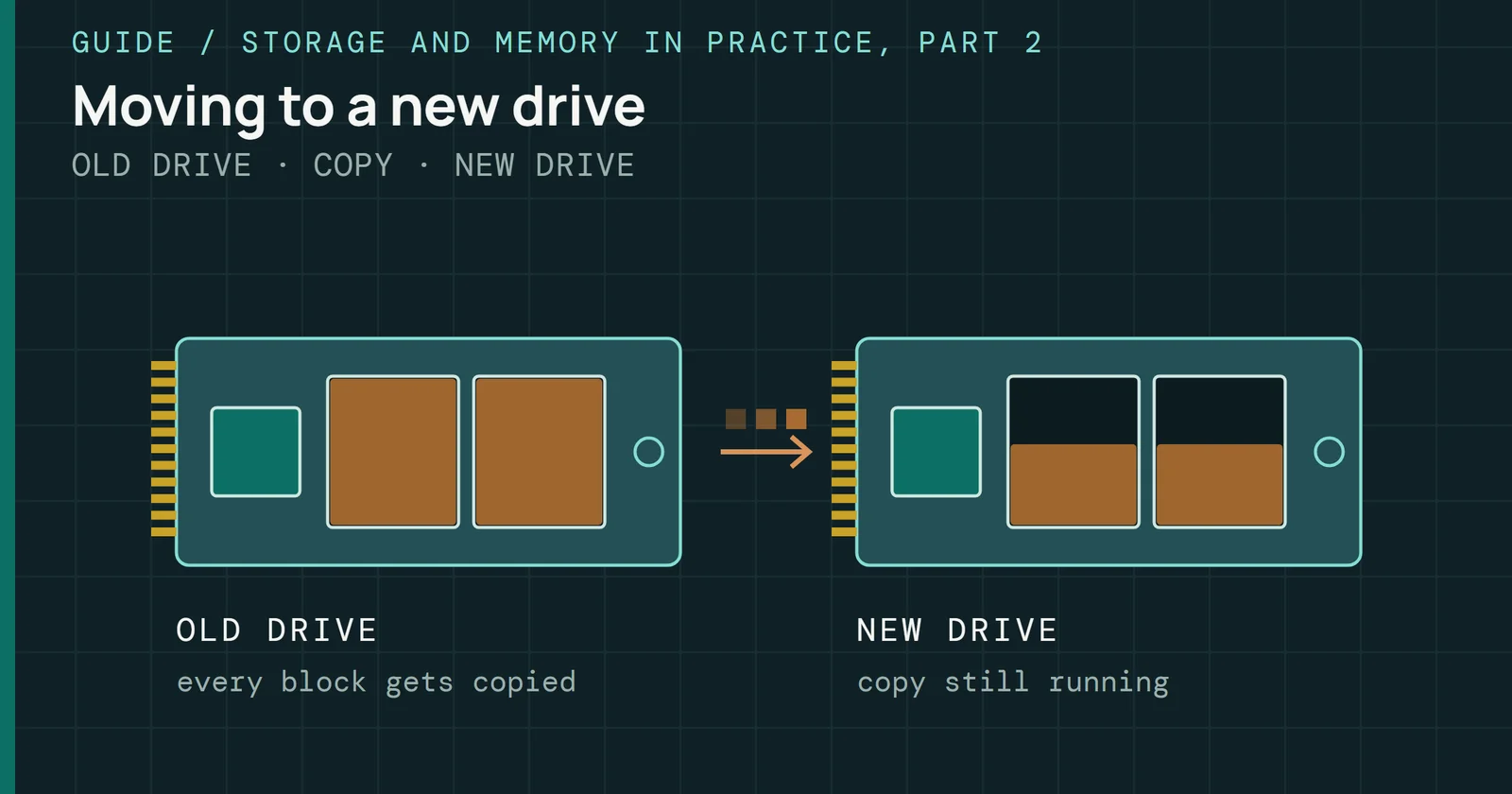
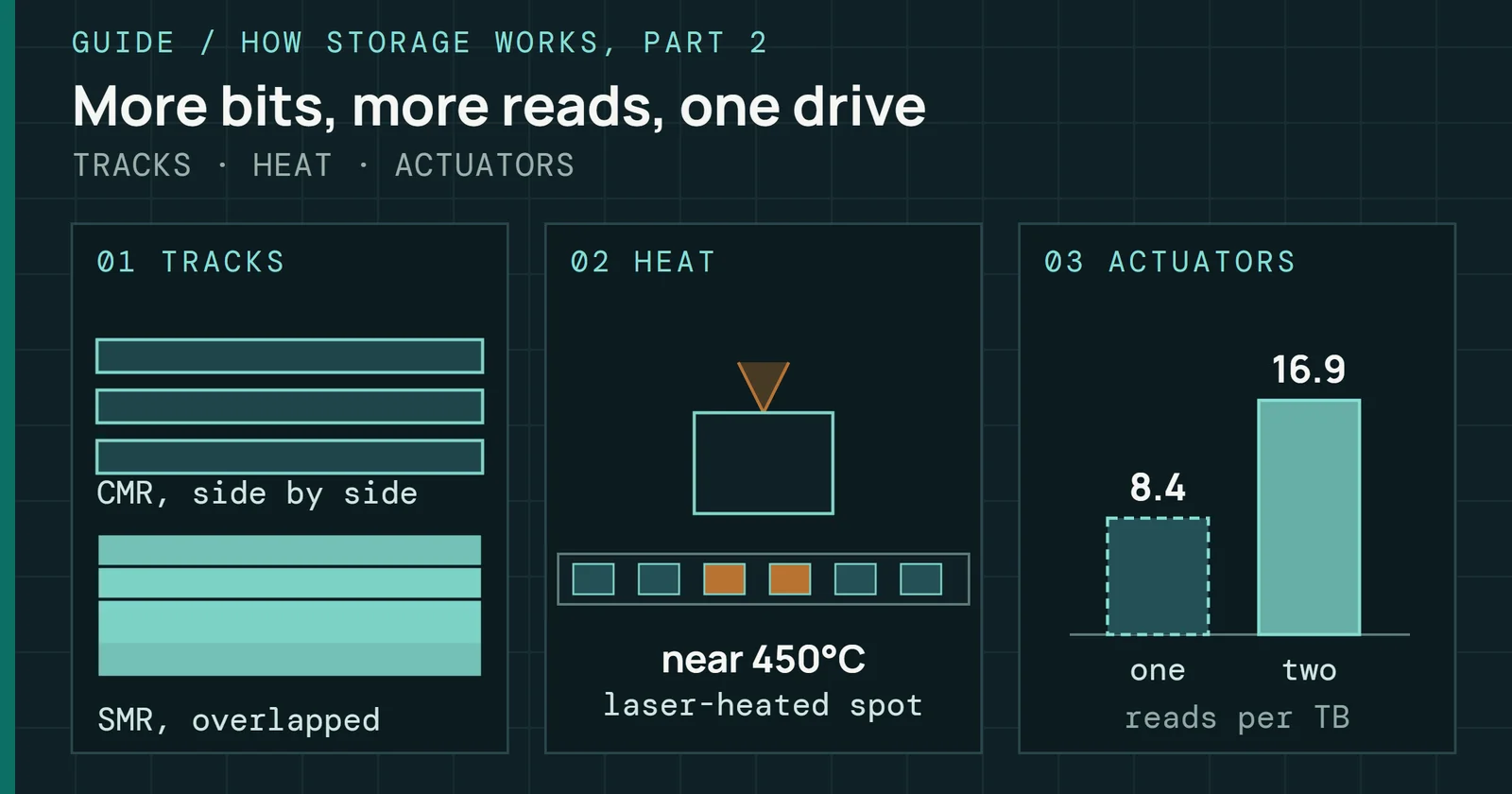
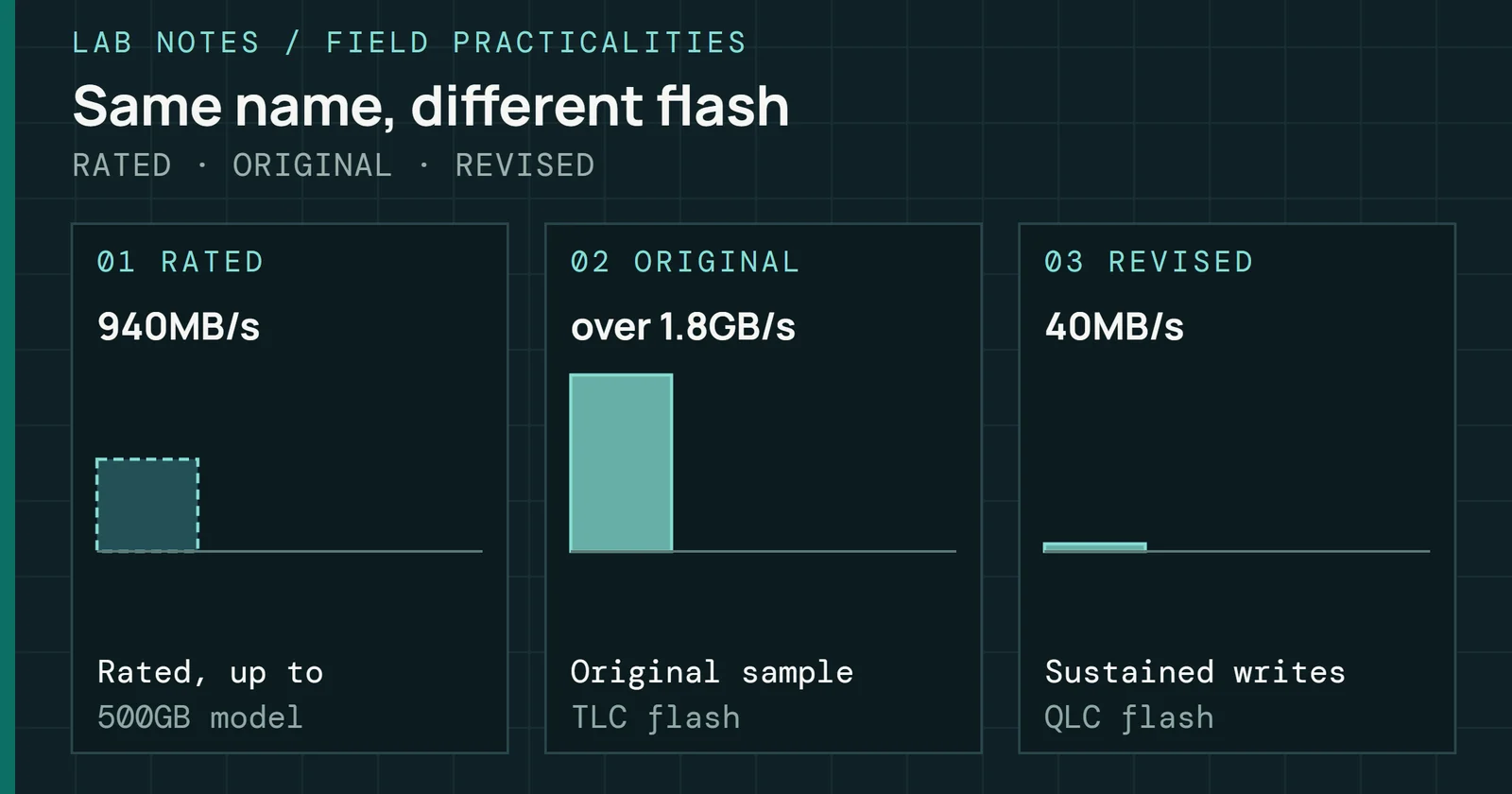
In 2020, Western Digital said in a post about its Red NAS drives that the WD Red 2TB, 3TB, 4TB, and 6TB models used device-managed shingled magnetic recording (DMSMR), and that WD Red Plus was the new name for its drives based on conventional magnetic recording (CMR). Shingled magnetic recording (SMR) is the part that matters on a NAS, because of what a rebuild does to it. How a Hard Drive Works explains how the overlapping tracks make rewrites slow.
Shingled drives sold as NAS drives
Shingled WD Reds slow a ZFS resilver; Red Plus does not
In WD’s account, a ZFS resilver is a long run of random writes that leaves DMSMR drives no idle time for internal housekeeping, and users report much lower performance. On a typical Synology or QNAP (non-ZFS) platform, the same drives rebuild as well as CMR drives or take slightly longer. Part 2 covers how each pool layout rebuilds, and Part 8 puts a data-sheet floor under rebuild time.
iXsystems found one Red model faulty in its lab
iXsystems, the company behind TrueNAS, found in its lab that the 4TB WD40EFAX on firmware 82.00A82 could enter a faulty state under heavy writes, including a resilver, and disqualified it from its products. Past that one model, the TrueNAS hardware guide is blunt. Device-managed and host-aware SMR drives function poorly with TrueNAS, so expect degraded writes and longer, less reliable resilvers, and host-managed SMR is not supported at all.
What Toshiba, Seagate and Western Digital said
Other makers answered the same question differently. Toshiba said in April 2020 that its N300 NAS drive does not use SMR, and disclosed that its P300, DT02, and DT02-V desktop and surveillance drives in 4TB and 6TB do. Seagate’s current IronWolf drives use CMR, and Blocks & Files reported Seagate’s April statement that no IronWolf or IronWolf Pro drive uses SMR. Western Digital’s support page says WD Red Plus and WD Red Pro are CMR drives and should be used with ZFS systems.
Reading a model number
Check the exact model number against the maker’s own CMR and SMR list before buying, since a family name does not settle it. In the WD Red line, EFAX in the model code marks the DMSMR drives in 2TB, 3TB, 4TB, and 6TB, and EFRX marks the earlier CMR drives of the same sizes. For any pool that will resilver, the better buy is a drive its maker lists as CMR. Each pick in the NAS tier of Best HDDs shows its recording type on its card.
A clock fault in Atom C2000 boards
Erratum AVR54 in Intel’s Atom C2000 specification update is a clock problem. Its low pin count (LPC) clock outputs may stop functioning, and the system can then no longer boot. Stepping B0 has it and stepping C0 fixes it. Intel offers a workaround at the platform level, which means a board redesign and not a software fix.
A clock fault in Atom C2000 boards
One stopped clock can keep an Atom C2000 NAS from booting
Synology’s notice from February 2017 extended the warranty by one year on six models: DS415+, DS1515+, DS1815+, DS2415+, RS815(RP)+, and RS2416(RP)+. The Italian-language copy of the same notice names the Atom C2538 as the chip, which Intel’s update also lists. The company called the erratum rare and not known to cause data loss or safety hazards, and says improvements suggested by the component maker have been in current and future models since February 2017.
For a used unit, ask the seller for the CPU model and the build date. Synology draws its line at February 2017, and Intel puts the fix in stepping C0.
When a 2.5GbE port drops to a crawl
Intel’s specification update for the I225 documents that the v1 silicon supports a gap between packets down to 8 bytes, but not down to 5 bytes in 2.5Gbps operation, which is the minimum the IEEE standard requires. A link that hits it can fall from 2.5Gbps to below 1Gbps, and with some link partners to 1 to 10Mbps.
When a 2.5GbE port drops to a crawl
The I225 v1 cannot space packets as tightly as 2.5Gbps needs
Setting the link speed in the driver to 1Gbps works around it, and later drivers and NVM reset the link to 1Gbps automatically when drops occur. For the I225-V, a separate Intel support article names connection drops and an undetected cable among the symptoms, and prescribes an update of the controller’s non-volatile memory (NVM) and driver. Intel points owners to the motherboard maker for the NVM.
Before buying, find the controller chip on the board’s or NAS’s spec sheet, not only the port speed, and see whether its maker publishes an NVM update. Part 5 covers what each link speed can carry and how to measure it.
Port multipliers, USB and hardware RAID
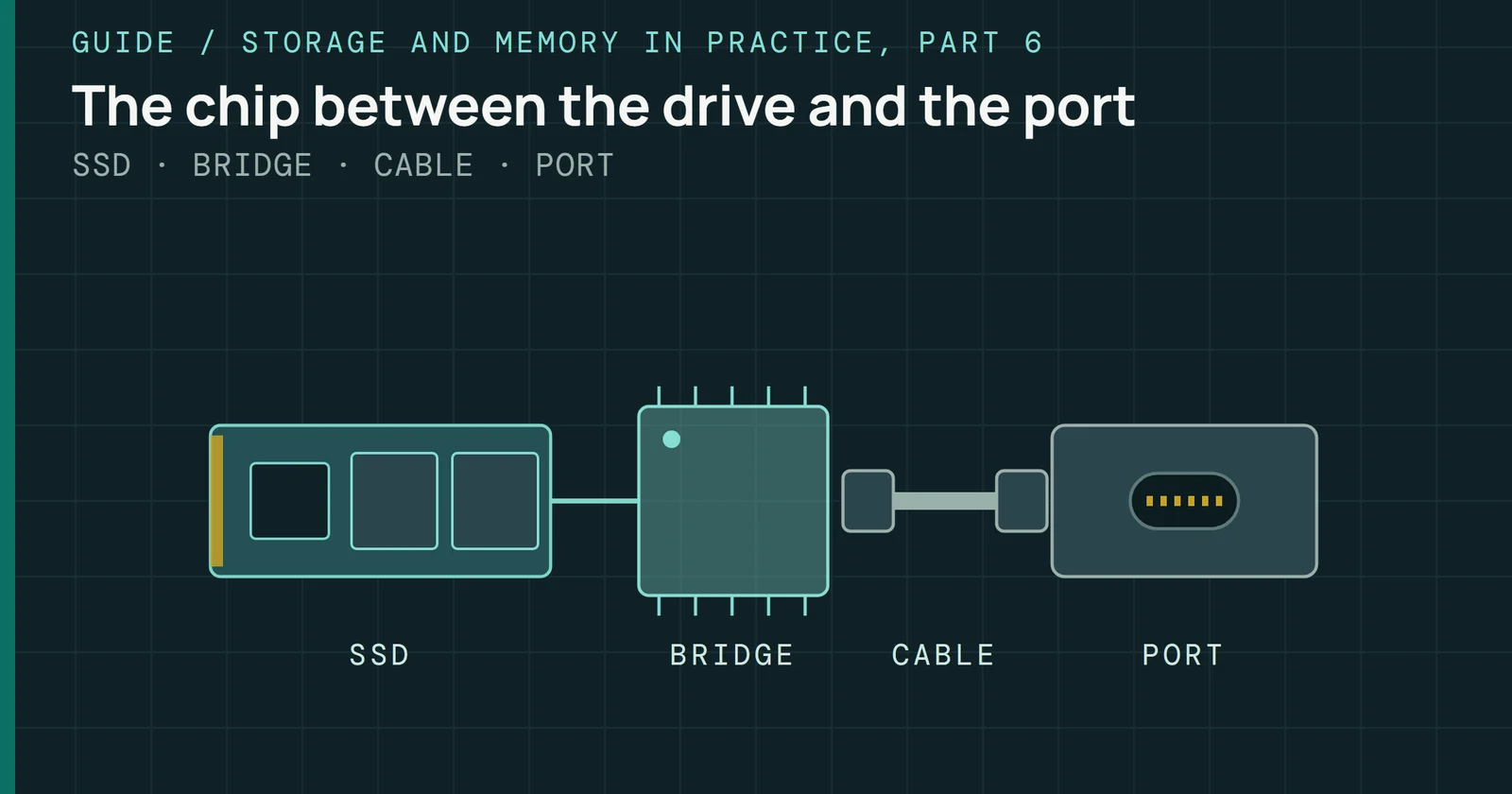
OpenZFS’s hardware documentation calls support for SATA port multipliers inconsistent across platforms. Linux drivers generally support them, Illumos drivers generally do not, and FreeBSD sits in between. It also tells readers not to expect SAS controllers to be compatible with them. USB hard drives and adapters get a harsher verdict: they have problems with sector size reporting, SMART passthrough, and setting error recovery control (ERC), and should be considered unreliable. TrueNAS’s hardware guide advises the same for its systems and says to avoid USB-connected disks for primary storage. Part 8 covers why SMART passthrough matters, since the SMART attributes are how a NAS watches a drive.
Port multipliers, USB and hardware RAID
Only a plain SATA or IT-mode path passes the pool-drive check
Hardware RAID is the third trap. TrueNAS’s hardware guide says to flash Broadcom SAS controllers with IT or Target Mode firmware, which disables the optional RAID function, and not to use a motherboard’s hardware RAID at all. Disabling it in the BIOS might remove some SATA functionality, depending on the board.
Before buying a card, confirm that it can run in IT mode, and before buying a board, find out which SATA ports survive with its RAID function off. A USB enclosure for pool drives fails the check on the first line of both documents.
M.2 slots that give something up
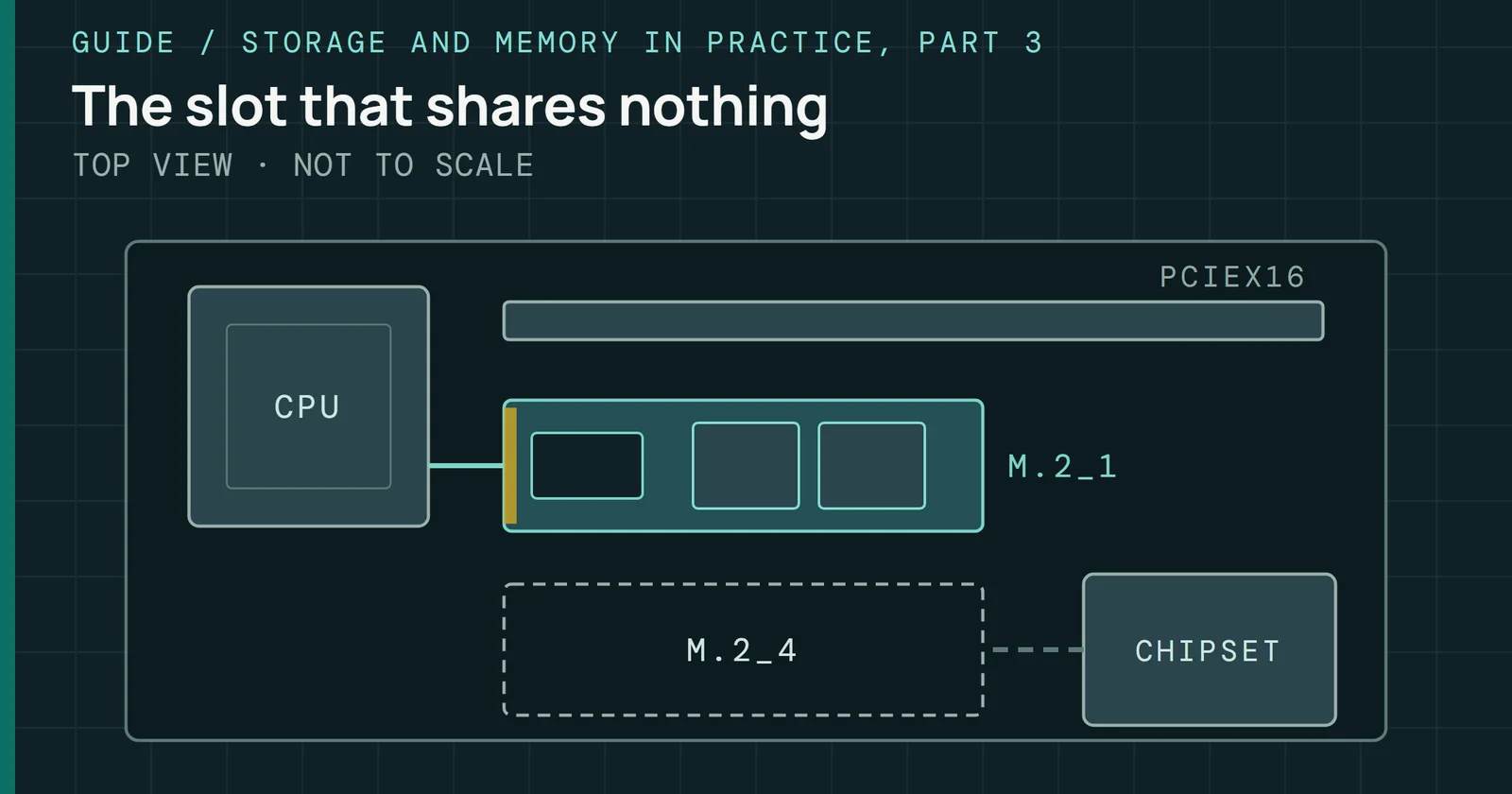
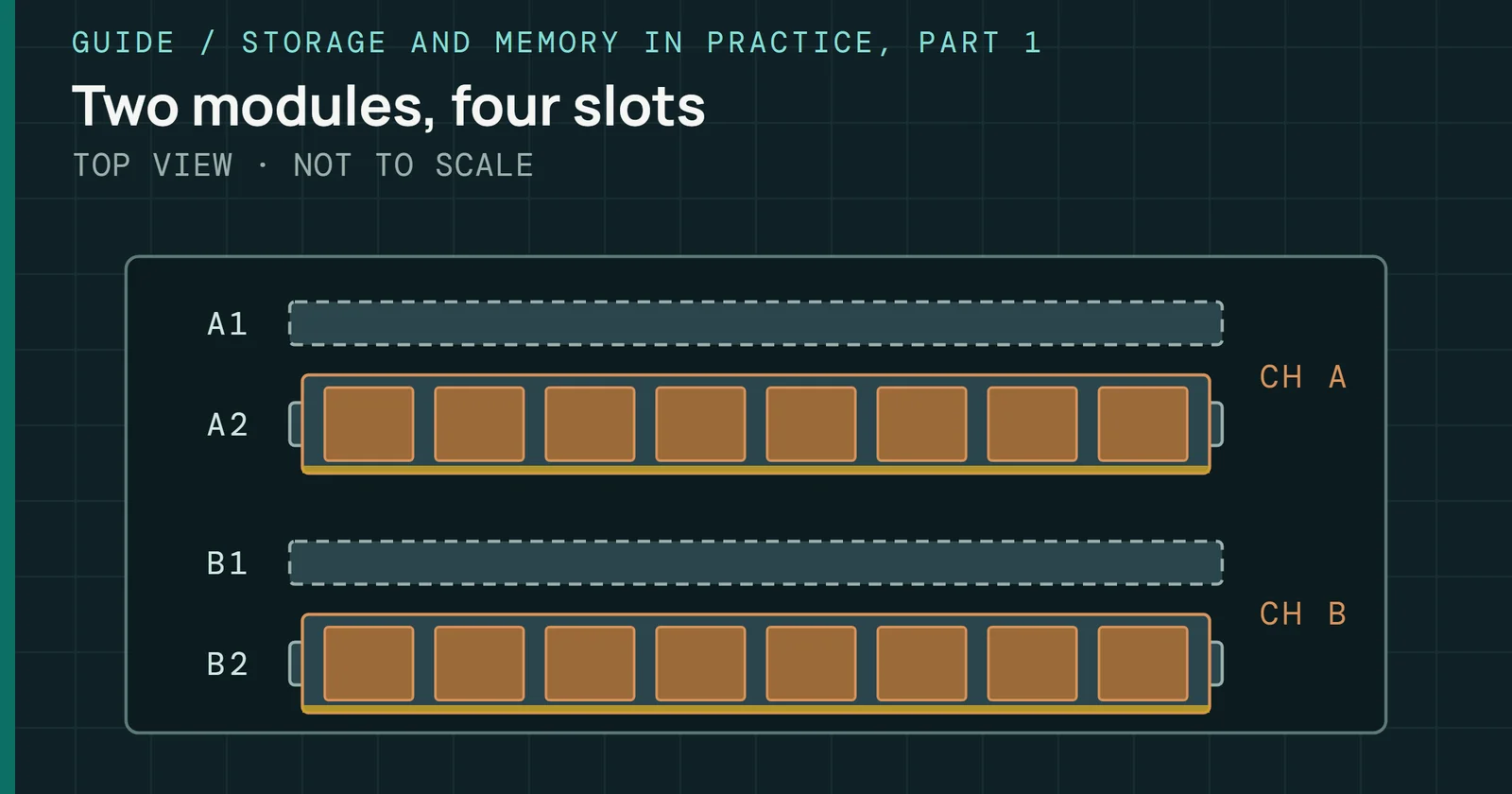
Board manuals state the trade in a table. The ASUS PRIME B560M-A manual says its M.2_2 slot shares bandwidth with SATA6G_2, which is disabled when the slot runs in SATA mode. On the ASRock B760M-H/M.2, SATA3_3 is disabled if M2_2 holds a SATA-type M.2 device. A NAS built on either board gives up a drive port when the cache slot holds a SATA-type M.2 SSD, and Part 4 covers what that SSD is for.
M.2 slots that give something up
A shared M.2 slot costs a SATA port; a flash NAS gives one lane each
Dedicated flash NAS units trade differently. ASUSTOR’s Flashstor 12 Pro datasheet describes 12 M.2 PCIe 3.0 SSD slots, and the spec page lists the M.2 PCIe interface as PCIe 3.0 x1. Slot count and lane width are separate lines in the spec, so read both. Part 4 sets the all-M.2 boxes side by side.
The check is the shared-bandwidth table in a board’s manual, and the M.2 PCIe interface line in a NAS’s spec sheet.
Cache SSDs that wear out
A cache or log SSD takes writes all day, so it is the drive in a NAS most likely to reach its endurance rating. TrueNAS’s SLOG documentation calls disk latency and write endurance the primary concerns for a ZFS write log device, and its L2ARC documentation says that from OpenZFS 2.4, a drive-writes-per-day budget limits writes to the ZFS read cache, with a default of 1.
Cache SSDs that wear out
Both ZFS cache SSDs take heavy writes and have an endurance limit
Look up the endurance rating on the data sheet, and the workload the maker used to calculate it. Part 4 explains the ratings and what each SSD job asks of a drive.
What error-correcting memory buys
OpenZFS’s hardware documentation says error-correcting code (ECC) memory is highly recommended, because no filesystem technique protects against bit flips. Its FAQ is more measured. ECC is strongly recommended for enterprise use, while for home users the added safety might not justify the cost, and the choice is left to the user.
What error-correcting memory buys
No filesystem technique guards RAM, which is what ECC covers
The TrueNAS hardware guide says many TrueNAS systems operate every day without ECC RAM, though most of its users strongly recommend it. It adds that RAM failures usually occur in the first 3 months, so all RAM should be tested before deployment, ECC or not. Look up ECC support on both the CPU’s and the board’s spec pages before choosing memory, and decide with the cost in view. Whatever you choose, run the memory test on the new RAM.
Compatibility lists and the day support ends
Drives on Synology’s list are tested with simulated abnormal shutdowns, extreme temperatures, functional stress, and power cycling, according to its drive compatibility policy. Part 1 covers how that list became a recommendation on 2025 models.
Compatibility lists and the day support ends
A drive list covers tested drives, and End of Life ends updates
A model’s last day of updates matters more for a used unit. Synology’s product support status page defines End of Life as future firmware, software, and security updates being discontinued. Check any model, new or used, against that page before paying. Part 1 compares how each maker words its support levels.
Full bays and vibration
Western Digital’s WD Red Plus datasheet rates the drive for RAID-optimized NAS systems with up to 8 bays.
Full bays and vibration
A chassis with more bays than the drive's rating is the gap
The same sheet says drives that are not properly balanced may cause excessive vibration and noise in multi-drive systems, which could reduce drive life and degrade performance. Compare a drive’s rated bay count with the chassis before buying. A chassis with more bays than the rating is the gap.
Where to look first
Where to look first
Each problem can be looked up in one of four places
That ends Running a NAS. Every part is listed on the series hub, and Part 1, NAS Operating Systems Compared is the place to start again with a new build.
Sources
Primary is the original paper, standard or datasheet. Secondary is a review, a vendor summary or a news report. Measured is my own test data.
Show all 22 sources, 21 primary
- PrimaryOn WD Red NAS DrivesWestern Digital (WD) Corporate Blog, 2020
- PrimaryDrive compatibility policies FAQs for Synology storage systems starting from 2025 (Synology Knowledge Center, printed to PDF)Synology, 2026
- PrimaryASRock B760M-H/M.2 user manualdownload.asrock.com
- PrimaryASUS PRIME B560M-A user manualdlcdnets.asus.com
- PrimaryASUSTOR Flashstor 12 Pro (FS6712X) datasheetasustor.com
- PrimaryFAQ — OpenZFS documentationopenzfs.github.io
- PrimaryHardware — OpenZFS documentationopenzfs.github.io
- PrimaryHardware & PackagingASUSTOR
- PrimaryIntel Atom C2000 product family specification updateintel.com
- PrimaryIntel Ethernet Controller I225 specification update, v1.2cdrdv2-public.intel.com
- PrimaryL2ARCtruenas.com
- PrimaryNetwork Issues with Intel® Ethernet Controller I225-VIntel
- PrimarySeagate IronWolf NAS Hard Drives (NAS Storage)Seagate.com
- PrimarySLOG Devicestruenas.com
- PrimarySynology Product Support Statussynology.com
- PrimarySynology® Announces New Product Status Update| Synology Inc.synology.com
- PrimaryTrueNAS Hardware Guidetruenas.com
- PrimaryUse of Shingled Magnetic Recording (SMR) technology in Toshiba Consumer Hard Drives. | Toshiba Electronic Devices & Storage Corporationtoshiba.semicon-storage.com
- PrimaryWD Red Plus HDD data sheet (Western Digital)documents.westerndigital.com
- PrimaryWD Red SMR Drive Compatibility with ZFStruenas.com
- PrimaryWestern Digital Support | Western DigitalWestern Digital
- SecondarySeagateblocksandfiles, 2020