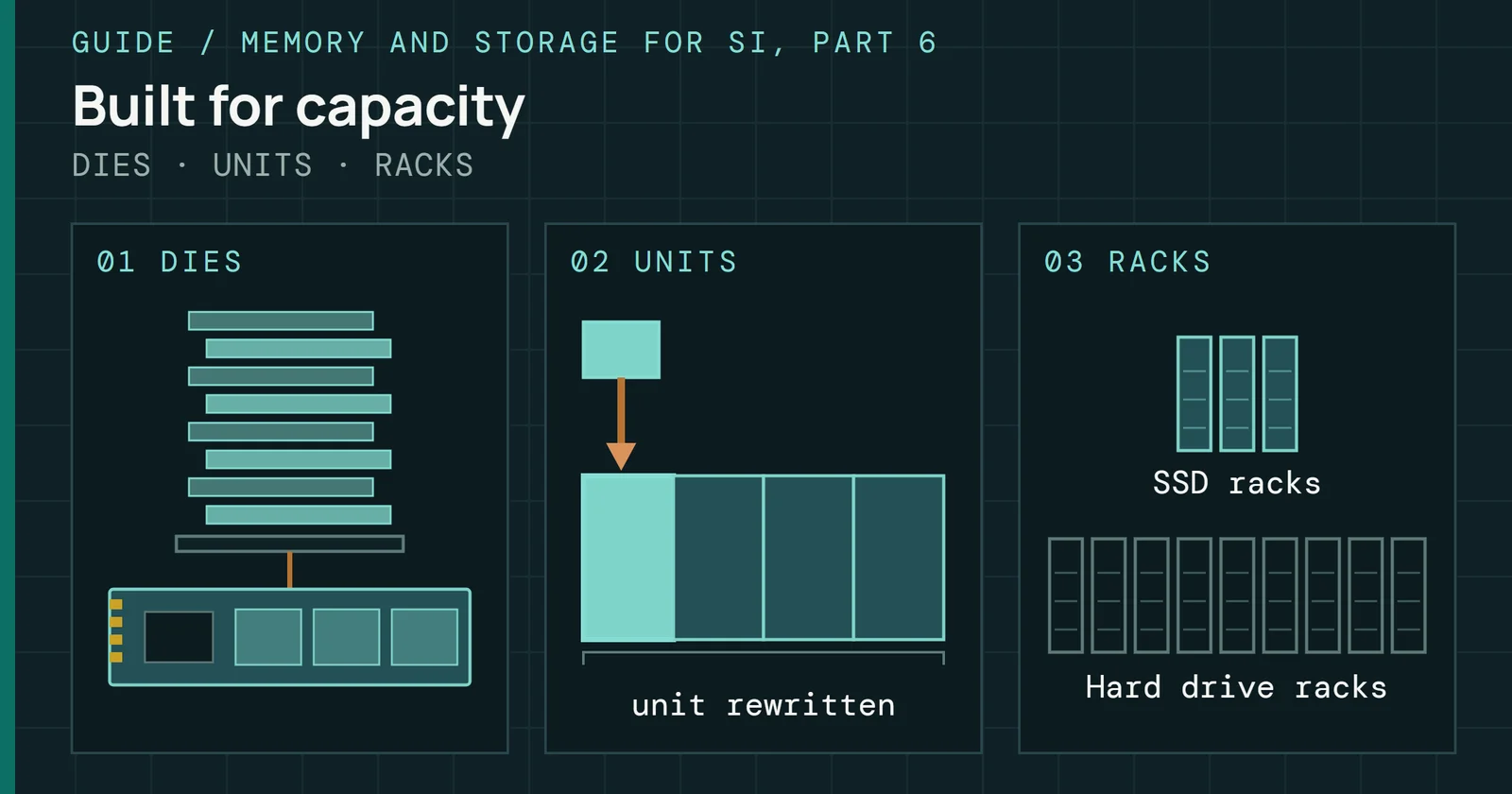
An SSD in a NAS can sit in front of the hard drives as a cache, share the data with them as a tier, or be the pool itself, and what a failure costs depends on which job it has. Lose a read-only cache and no file goes with it, since it holds a copy. Tiers and pools hold data that exists nowhere else.
Running a NAS
Running a NAS, Part 4: SSDs in a NAS
SSDs in a NAS as read and write cache, as ZFS special devices and as the whole pool, with what endurance, TRIM and power-loss protection mean for each job.
On this page 19 sections
Part 3 covered Drive Pooling on Windows. I ran DrivePool on my own server before I moved it to Unraid, where its SAS SSDs are now the cache pool. This part of Running a NAS covers what an SSD does under each system, from the vendor caches and the three separate jobs a flash drive has under ZFS to Unraid’s cache pool and all-flash boxes. It ends on what TRIM, endurance, and power-loss protection mean once the drive lives in a NAS.
Flash Foundations covers the drive side. Flash Foundations Part 9 explains endurance ratings and Flash Foundations Part 6 explains power-loss protection inside the drive. The site’s myth pages test the same ground: Do SSDs Wear Out in a Couple of Years? covers wear and A Power Cut Does Not Wipe Your SSD covers what capacitors buy. Here they matter because each NAS role asks for a different amount of both. The drive and system figures below are the makers’ and projects’ own, taken from their documentation or data sheets. The page adds no measurement beyond what I know of my own server.
Three jobs for one SSD
Cache, tier, and pool get used as if they named one thing, and the documents don’t agree on what each one holds.
A cache holds a copy. Synology’s help says a read-only cache needs at least one SSD to hold frequently read data, and that data is a copy of the volume, so a failed cache SSD loses nothing. Tiers hold the data itself. QNAP’s Qtier moves hot data to faster drives and cold data to cheaper, larger ones. Pools are the storage. UGREEN’s help says its SSD cache option does not appear for an all-SSD pool, because no hard drive volume is left to speed up. Unraid’s cache pool is one or more drives, typically SSDs, that hold data temporarily before the Mover moves it to the array.
ZFS blurs the line further. In the OpenZFS documentation the special vdev is storage rather than a cache, since it holds metadata, indirect blocks, deduplication tables, and optionally small file blocks. UGREEN adds a placement rule from the other direction. It calls large sequential transfers poor cache candidates and puts Docker data, virtual machines, and databases on a separate SSD pool instead of a cache.
Three jobs for one SSD
One question sorts every SSD job: is the data held elsewhere?
One question sorts every case. Does the data on this SSD exist anywhere else? If it does, a failure costs speed. If it doesn’t, the SSD needs the same redundancy as the rest of the pool, and each section below comes back to that question.
A cache in front of the hard drives
As of November 2026, Synology, Asustor, and UGREEN document the same split. Read-only needs one SSD. Read-write holds writes the hard drives haven’t received yet, so it needs two or more.
| Maker and system | Read-only cache | Read-write cache | Read-write layout |
|---|---|---|---|
| Synology DSM 7.4 | 1 SSD | 2 SSDs | RAID 1, 5, 6, or 10 |
| Asustor ADM | 1 SSD | 2 to 4 SSDs | RAID 1 (2), 5 (3), 10 (4) |
| UGREEN UGOS | 1 M.2 SSD | 2 M.2 SSDs | RAID 1 |
Source: the Synology DSM 7.4 help, the Asustor ADM help, and the UGREEN UGOS help, each linked below. QNAP builds its cache differently and has its own section.
Synology
Synology’s help says a read-write cache needs at least two SSDs for fault tolerance, because data is written to the SSDs first. DSM 7.4 builds the cache group as RAID 1, 5, 6, or 10. Groups take no more than six SSDs, and each storage pool gets one cache group and each volume one SSD cache. An older Synology white paper describes the read-write mode as write-back, with DSM storing the write on the SSDs before it acknowledges it.
A cache in front of the hard drives
A read-write cache needs two SSDs because writes land there first
Memory is a second cost. Each 1GB of cache needs about 400KB of system memory, and DSM uses at most 25% of installed memory for the cache. At that ratio a 1TB cache needs about 400MB, and a quarter of the NAS’s installed RAM has to cover that. On models with an Alpine CPU the cache tops out at 930GB.
QNAP
QNAP splits its caches by operating system. QuTS hero runs ZFS and offers a read cache plus a write intent log, while QTS runs ext4 and offers read/write, read-only, and write-only cache modes. In the QuTS hero docs, a combined read cache and write log needs an even number of SSDs, a separate write log needs two or an even number, and the cache type can’t change after creation without removing and recreating the cache.
RAM is where the two systems part. QNAP’s table lists a 1TB cache as needing at least 2GB of RAM on QTS 5.0.0 and later, but at least 32GB on QuTS hero. Its QuTS hero requirements page puts a 4TB cache at 128GB or more.
QNAP’s tiering feature works on a different principle from a cache. Qtier reserves a cache-like space in its SSD tier to absorb burst I/O, and it migrates data on a user-defined schedule on QuTS hero but automatically on QTS. Some models also carry trays built for caching SSDs, while an SSD used as storage can go in any tray, according to QNAP’s SSD cache page.
Asustor and UGREEN
Asustor’s ADM help says a read-only cache is a copy of the volume, so an unreadable or ejected cache SSD loses no data. Its caching article limits cache memory to a quarter of total RAM, doesn’t support splitting one SSD between cache and storage, and ties each cache to one volume.
UGREEN’s help says creating the cache formats the chosen M.2 SSDs and erases what they hold. It also warns that a power interruption can affect read-write cache data that hasn’t reached the hard drives yet, and advises an uninterruptible power supply (UPS). Part 8 covers setting one up.
A cache helps only the reads you repeat
Synology’s SSD cache white paper, written for an older DSM, names virtualization, OLTP databases, mail servers, and file services as the workloads that gain, since all of them mostly re-read data. It says large sequential reads or writes, such as single-stream HD video or surveillance recording, gain little. Asustor’s caching article says the same about media, finding no significant effect on video playback or music streaming.
UGREEN calls large sequential transfers poor cache candidates. QNAP goes further and says an HDD RAID group may outperform an SSD group on sequential I/O once the ratio of hard drives to SSDs reaches 3:1 or more in RAID 0, 5, 6, or 10. Its QuTS hero cache modes follow the same logic. Random I/O mode adds only small blocks, which suits virtualization and databases, and All I/O mode also caches large blocks for video streaming.
A cache helps only the reads you repeat
A cache serves repeated reads and gains little on one long stream
Two more limits come from the white paper. A new cache starts empty, so almost every read misses until it warms up. And a cache can’t lift a limit set by CPU capacity or outbound connection bandwidth, so a NAS held to a gigabit port stays there however fast its SSDs are. Part 5 covers what a link delivers.
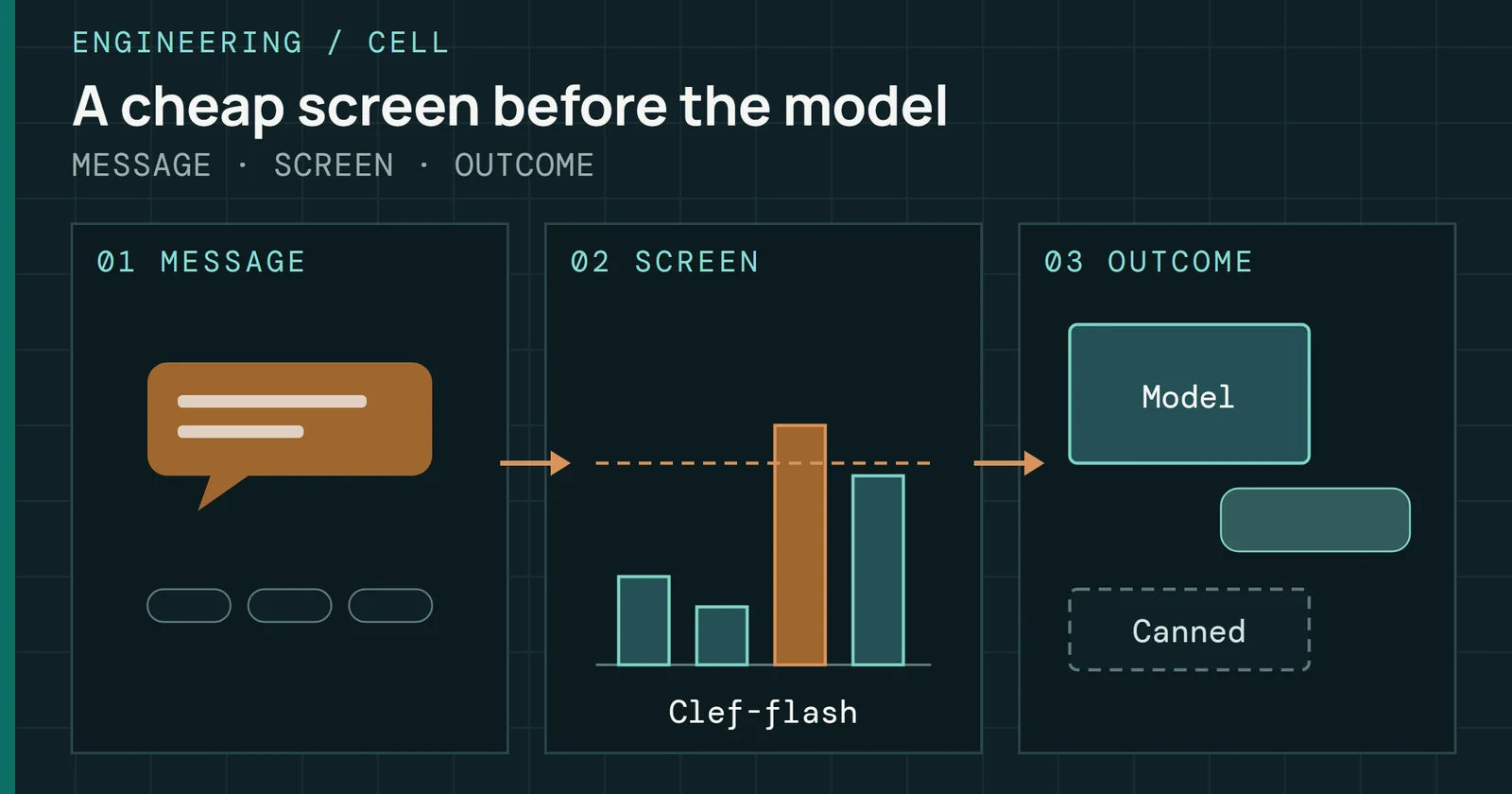
This guide reads those pages as one rule. A cache pays on small, repeated, random reads, and a home NAS that mostly streams media and takes backups gives it little to do. None of the pages read for this part gives a hit-rate figure for a home workload, so the rule rests on what the makers say each cache is for.
ZFS gives an SSD three separate jobs
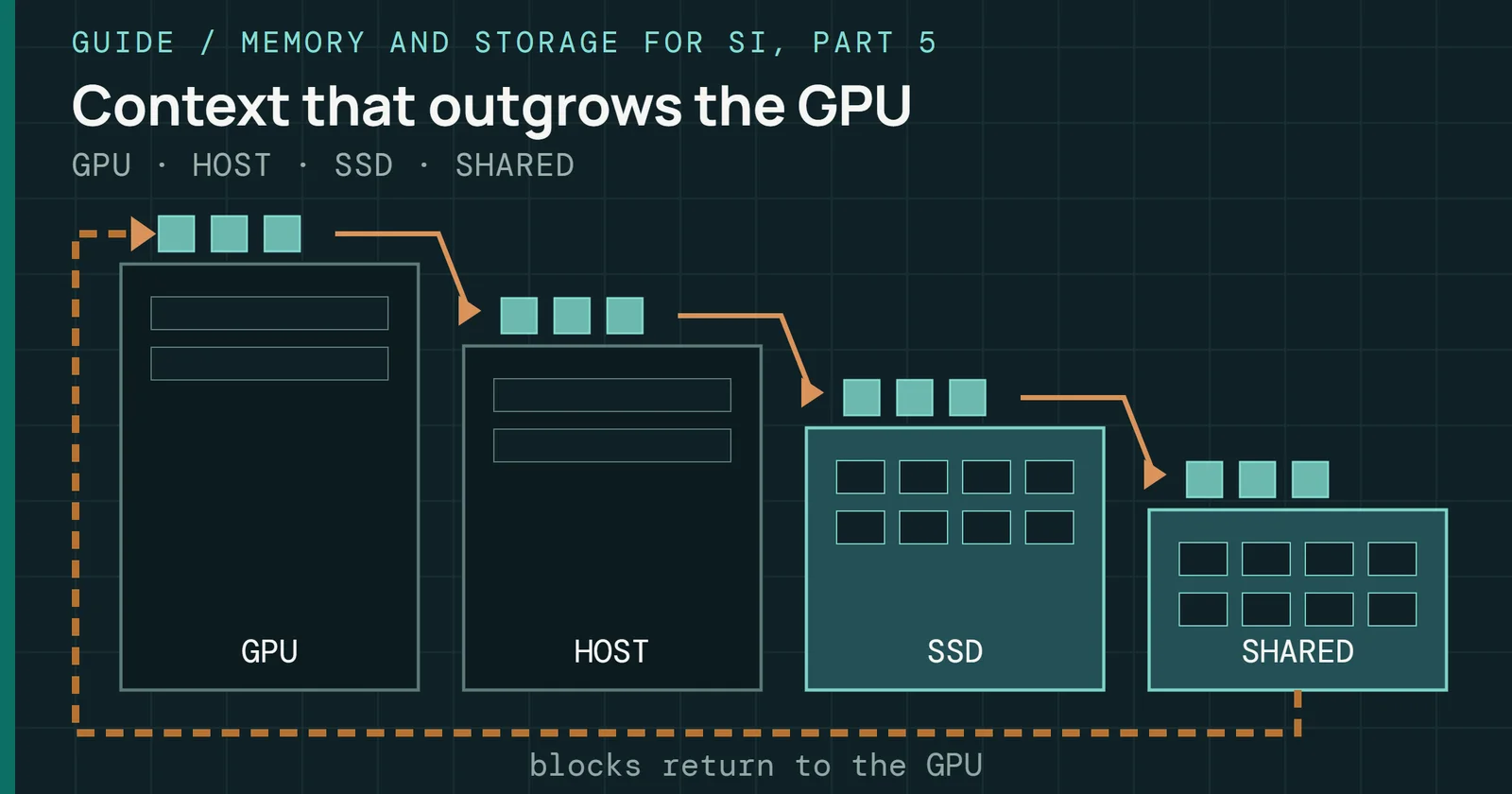
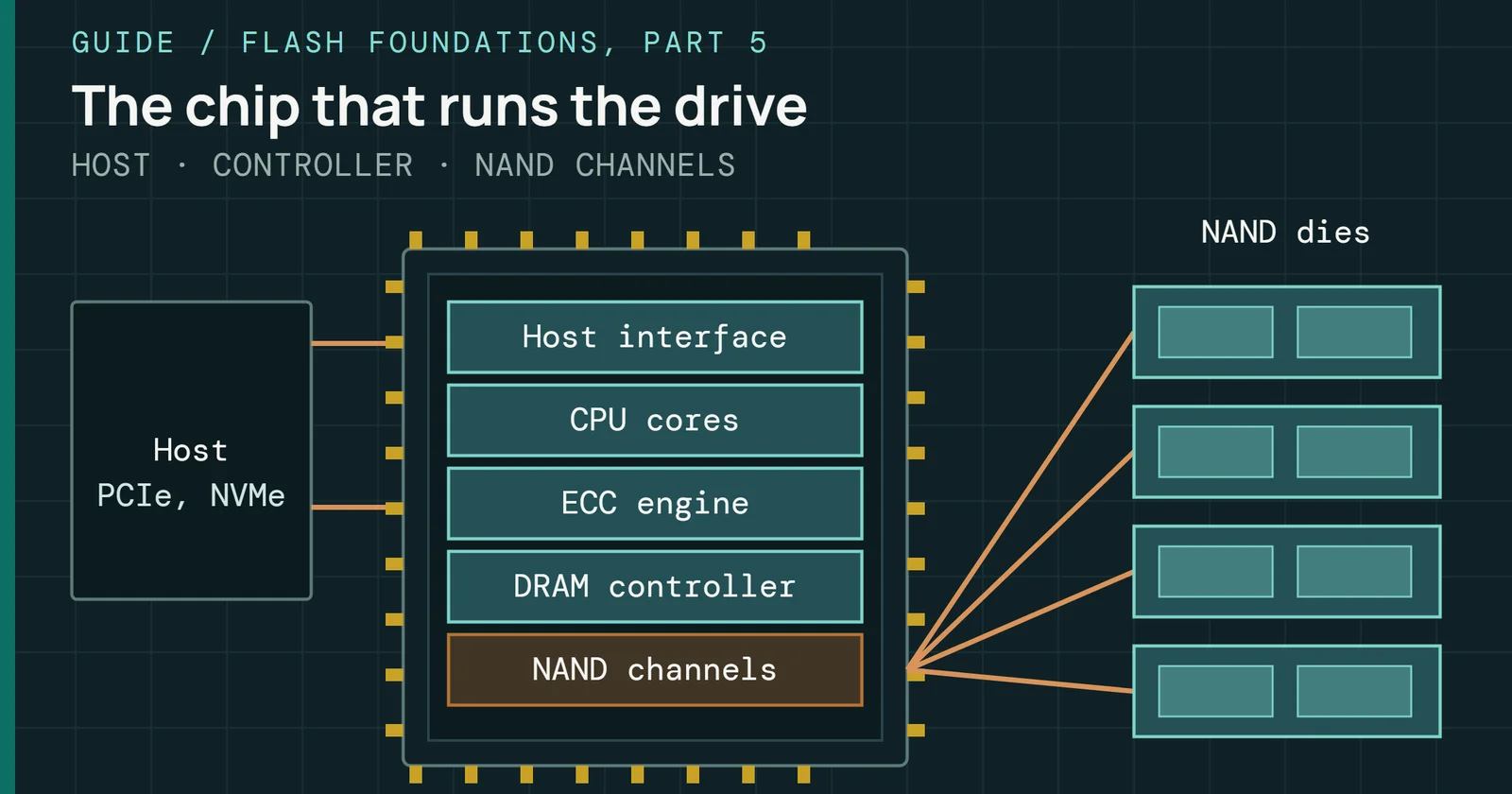
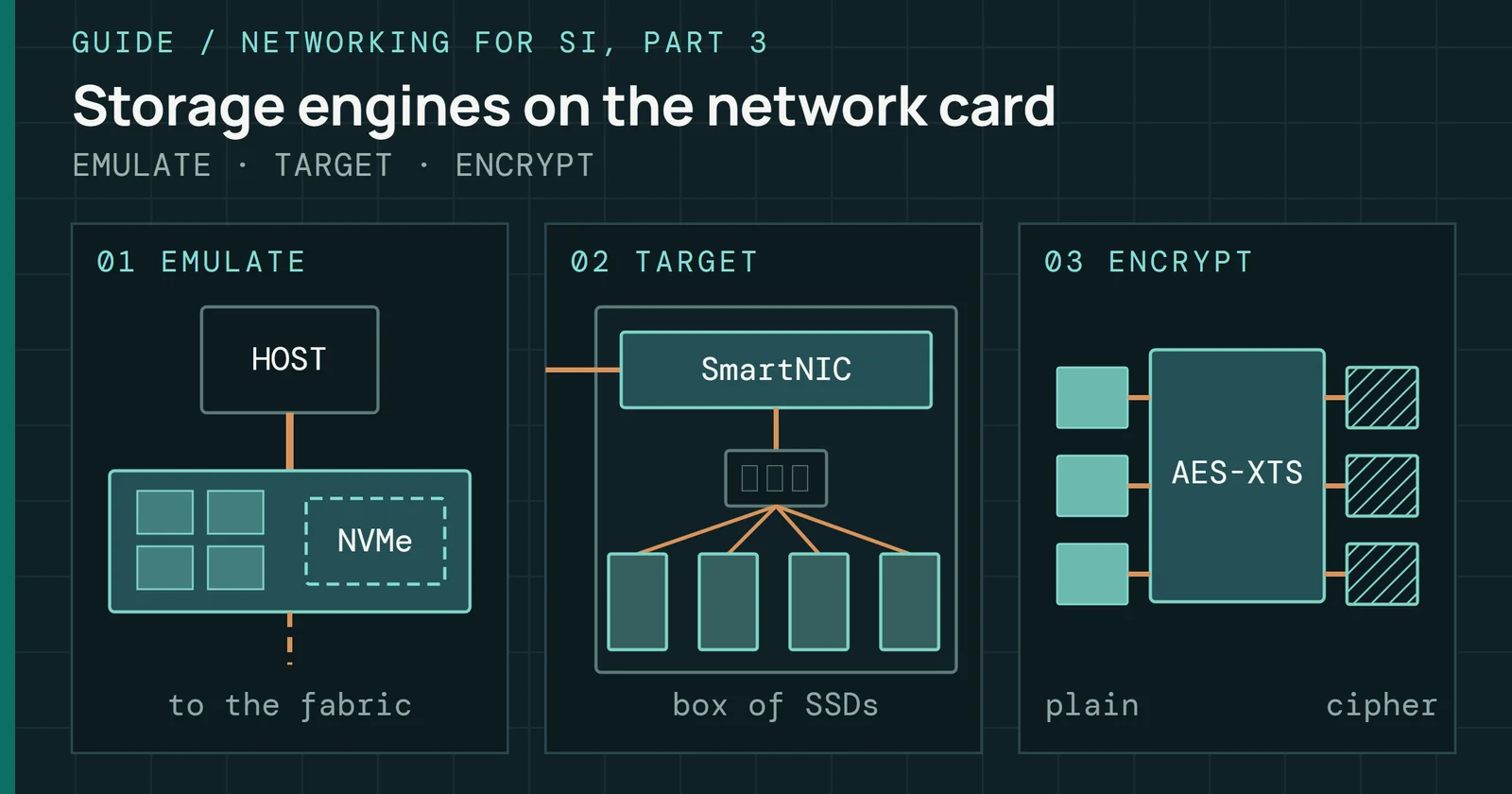
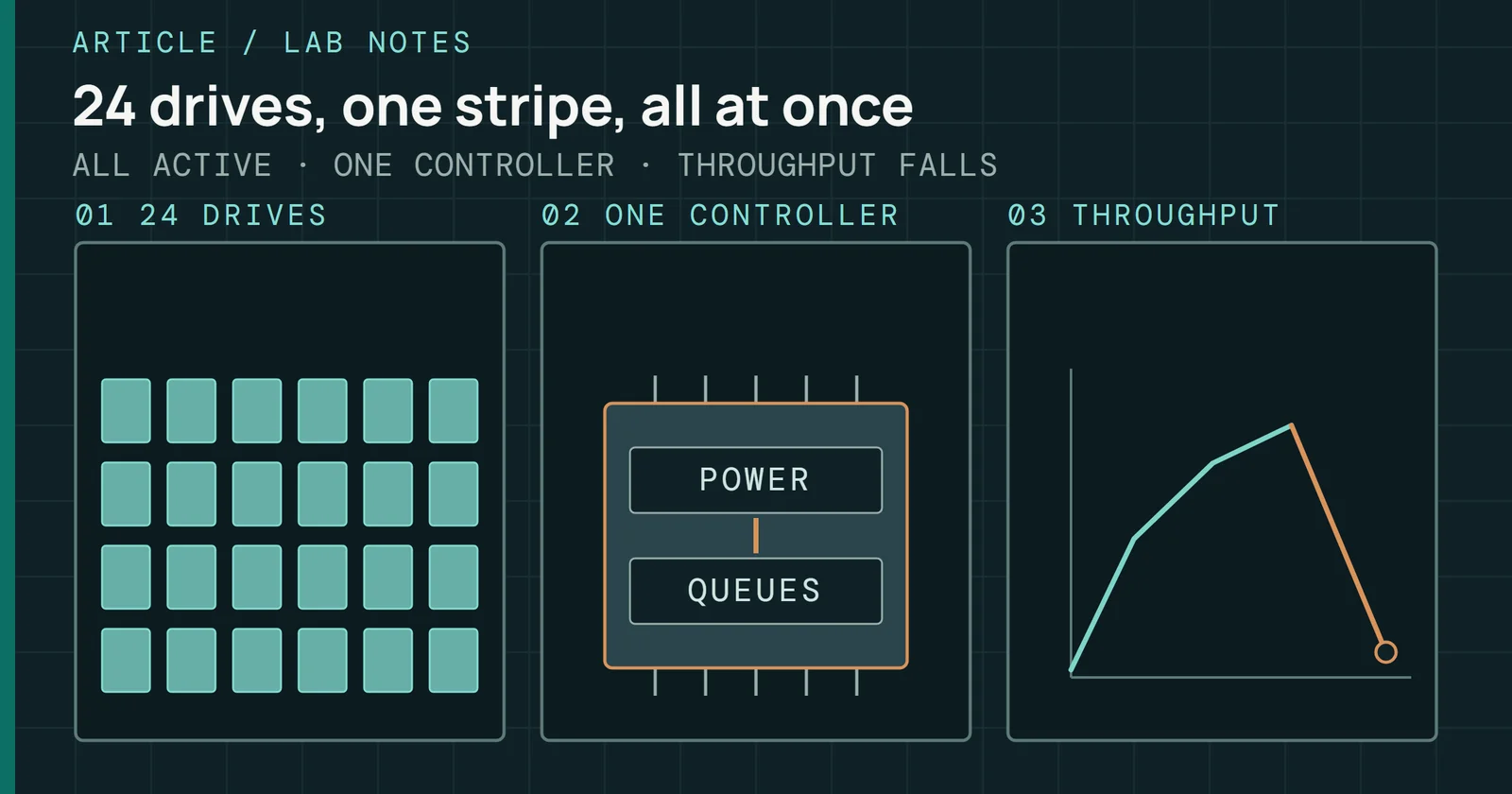
RAM comes first in ZFS tuning. OpenZFS’s caching documentation calls it by far the most effective knob and says to check whether the adaptive replacement cache (ARC), ZFS’s RAM cache, is too small before adding a cache device. If it still is, ZFS offers three SSD roles with little in common. Reads go to the second-level cache (L2ARC), synchronous writes to the separate intent log (SLOG), and metadata and small files to the special vdev. Part 2 covers the pool layouts they attach to.
Read cache
L2ARC extends the ARC onto an SSD. It helps when the working set is much larger than RAM and the reads are random over mostly static data, and it does nothing for writes. It costs RAM, since every cached block needs a header in the ARC, so an oversized L2ARC shrinks the cache that matters. Mirroring and raidz groups aren’t options for it, and losing one is harmless because reads are reissued to the pool. TrueNAS adds that cache drives are always striped. From OpenZFS 2.4 (TrueNAS 27), a drive-writes-per-day budget limits the writes to it, with a default of 1.
Write log
Despite its name, a SLOG does not work as a write cache, since nothing asynchronous reaches the ZFS intent log (ZIL) and those writes are gathered in memory and written out at the next transaction group. Only calls such as fsync(), and writes to files opened with O_SYNC, must reach stable storage before returning, and a SLOG moves the ZIL to a dedicated device. Typical beneficiaries are NFS servers, databases, and VM hosts with sync-heavy guests. TrueNAS recommends one for database applications, NFS environments, virtualization, and data backups. Part 6 covers NFS as a protocol.
ZFS gives an SSD three separate jobs
ZFS gives an SSD three jobs with little in common
OpenZFS wants a low-latency SLOG with power-loss protection, because consumer SSDs without it report data as stable that a power cut can lose. Latency and write endurance are TrueNAS’s main concerns, and it recommends a 16GB SLOG overprovisioned from a larger SSD. Log devices can be mirrored but not raidz. Losing a modern SLOG costs at most the last few seconds of synchronous writes, not the pool.
Metadata and small files
Special vdevs are storage, not a cache. OpenZFS calls metadata on flash usually the single biggest win for a pool of spinning disks, since scrubs and resilvers walk the whole block tree, and usually a larger and more reliable win than an L2ARC. Risk is the price. Losing the special vdev loses the pool, so it has to be at least as redundant as the pool’s other vdevs. TrueNAS warns that weaker redundancy can make the entire pool inaccessible, and that special VDEVs don’t support dRAID. On a pool with raidz vdevs a special vdev can never be removed, so adding one is permanent.
Small file blocks are optional. A dataset’s special_small_blocks property defaults to 0, which keeps its small blocks off the special vdev. The vdev’s last quarter is reserved for metadata alone, so small blocks stop being accepted as it fills, and once it is full new allocations spill to the hard drives without error. With no SLOG, the special vdev also absorbs the ZIL, but a SLOG always takes precedence.
Unraid’s cache pool and the Mover
Unraid’s docs steer SSDs away from the parity array. They say Unraid doesn’t support TRIM or discard for SSDs in the main array, which degrades performance over time, so SSDs belong in cache pools.
A pool takes writes first and hands them to the array later. Data written to a cache pool moves to the array when the Mover runs, on a schedule you set. Each share’s setting decides the path. With Yes, new files go to the cache and the Mover moves them to the array. With Only, they stay on the cache and the write fails when the cache is full. Prefer is the default for the appdata and system shares, and it keeps Docker and VM files on the cache with the Mover pulling them back from the array.
Unraid’s cache pool and the Mover
A cache pool holds new files until the Mover moves them
What a failure costs depends on the pool’s layout. A single-device pool has no redundancy, so anything not yet moved to the array is lost if the device fails. Pools default to BTRFS, which supports RAID options for redundancy, and Unraid has allowed multiple pools since 6.9. Part 2 covers which Btrfs RAID levels to leave alone.
My own server runs Unraid with dual parity, and its cache pool is six 3.2TB SAS SSDs. For a share set to Yes, the pool holds the only copy of a new file until the Mover runs, and that window sits outside the array’s parity. The page does not state the pool’s layout, and whatever it is, the redundancy has to cover that window rather than the pool’s speed.
All-flash boxes and the single-lane slot
As of November 2026, several makers sell a NAS that takes M.2 SSDs as storage instead of cache. Synology’s model list covers which of its models can build an M.2 pool, and the rules around that are strict. Only Synology’s own M.2 SSDs that are compatible with the model are advised (Part 1 covers its compatibility policies), and on the DS923+ M.2 storage pools require Synology-verified SSDs. DSM can’t be installed on an M.2 SSD, M.2 slots aren’t hot-pluggable, and Synology High Availability doesn’t support M.2 pools.
How other makers handle M.2 pools
Asustor’s ADM help pairs M.2 drives only with other M.2 drives in a RAID array. UGREEN’s help article lists the DXP480T Plus with four M.2 slots and no SATA bays, which makes it all-flash with no hard drive pool to cache, while the DXP4800 Plus pairs four SATA bays with two M.2 slots.
One PCIe lane per slot
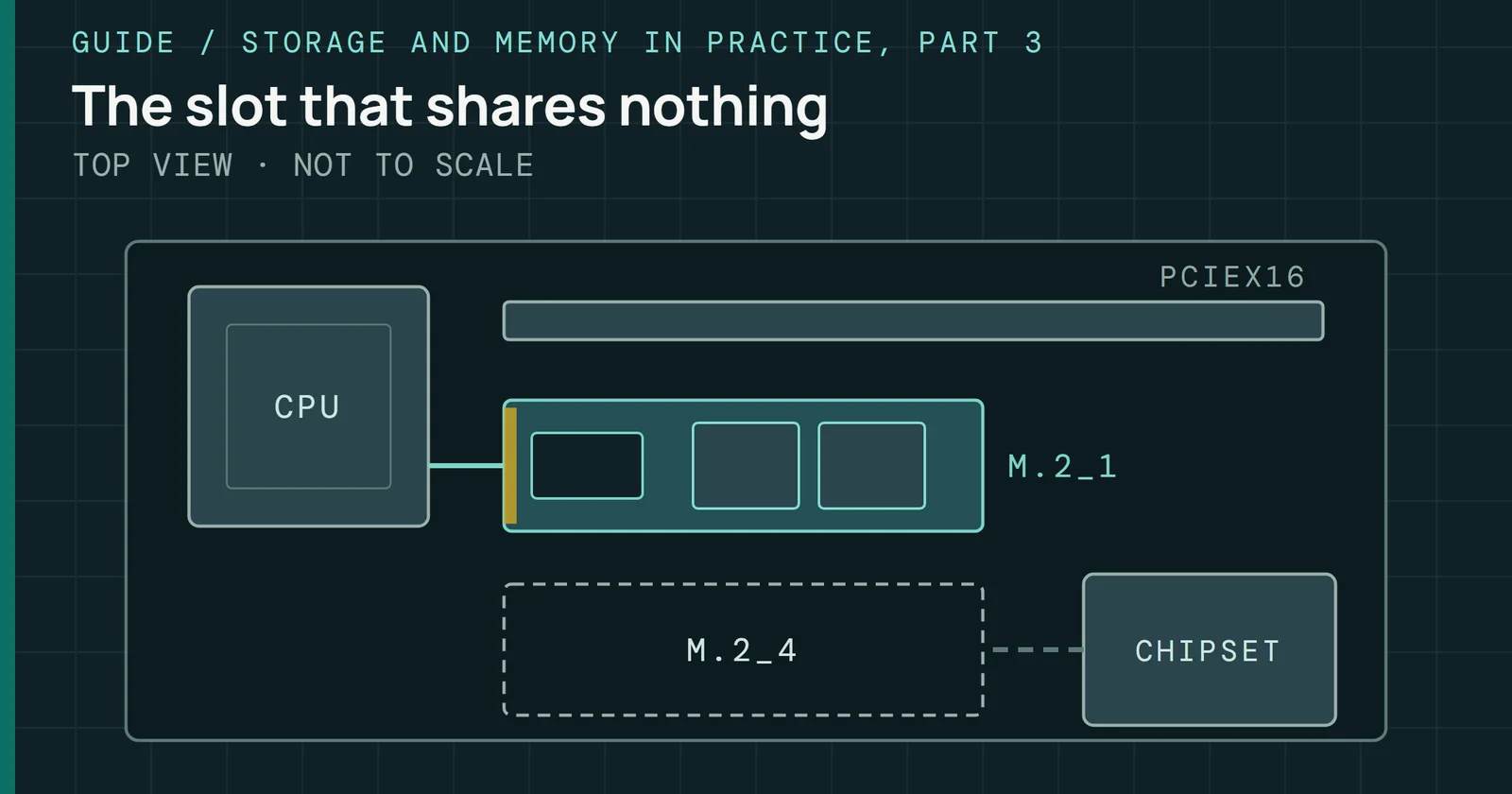
Slot width limits what an M.2 pool can do. A PCIe Gen 3 lane carries about 1GB/s per direction, a quarter of the 3.9GB/s that Xilinx’s white paper gives for an x4 link. Asustor’s and TerraMaster’s all-M.2 boxes list one lane per slot.
| NAS | M.2 slots | Link per slot |
|---|---|---|
| Asustor Flashstor 12 Pro (FS6712X) | 12 | PCIe 3.0 x1 |
| TerraMaster F8 SSD Plus | 8 | PCIe 3.0 x1 |
| QNAP TS-464 | 2 | PCIe Gen 3 x1 |
| Synology DS923+ | 2 | not stated |
| UGREEN DXP4800 Plus | 2 | not stated |
Source: the Asustor, TerraMaster, QNAP, Synology, and UGREEN pages. Synology and UGREEN print a slot count without a lane width, so check it before planning a pool on them.
All-flash boxes and the single-lane slot
A four-lane SSD in a one-lane slot leaves three lanes unused
Both big boxes also have just one network port each. Asustor’s Flashstor has one 10GbE port beside its 12 slots and TerraMaster’s F8 SSD Plus has one beside its 8, so Part 5 matters here more than the slot count does. Drives sold as NAS SSDs are four-lane parts. Western Digital’s WD Red SN700 is a PCIe Gen3 drive with up to four lanes, Synology’s SNV3410 and SNV3510 are PCIe 3.0 x4, and Seagate’s IronWolf 525 is Gen4 x4 and backward compatible with Gen 3. In a slot with one lane, the other three have nothing to connect to. On a board you build yourself, an M.2 slot can cost a SATA port instead, which Part 9 covers.
What a NAS SSD has to survive
TRIM, endurance ratings, and power-loss protection all change with the job from the first section. A read-only cache can lose its contents, while a pool or a log device can’t.
TRIM
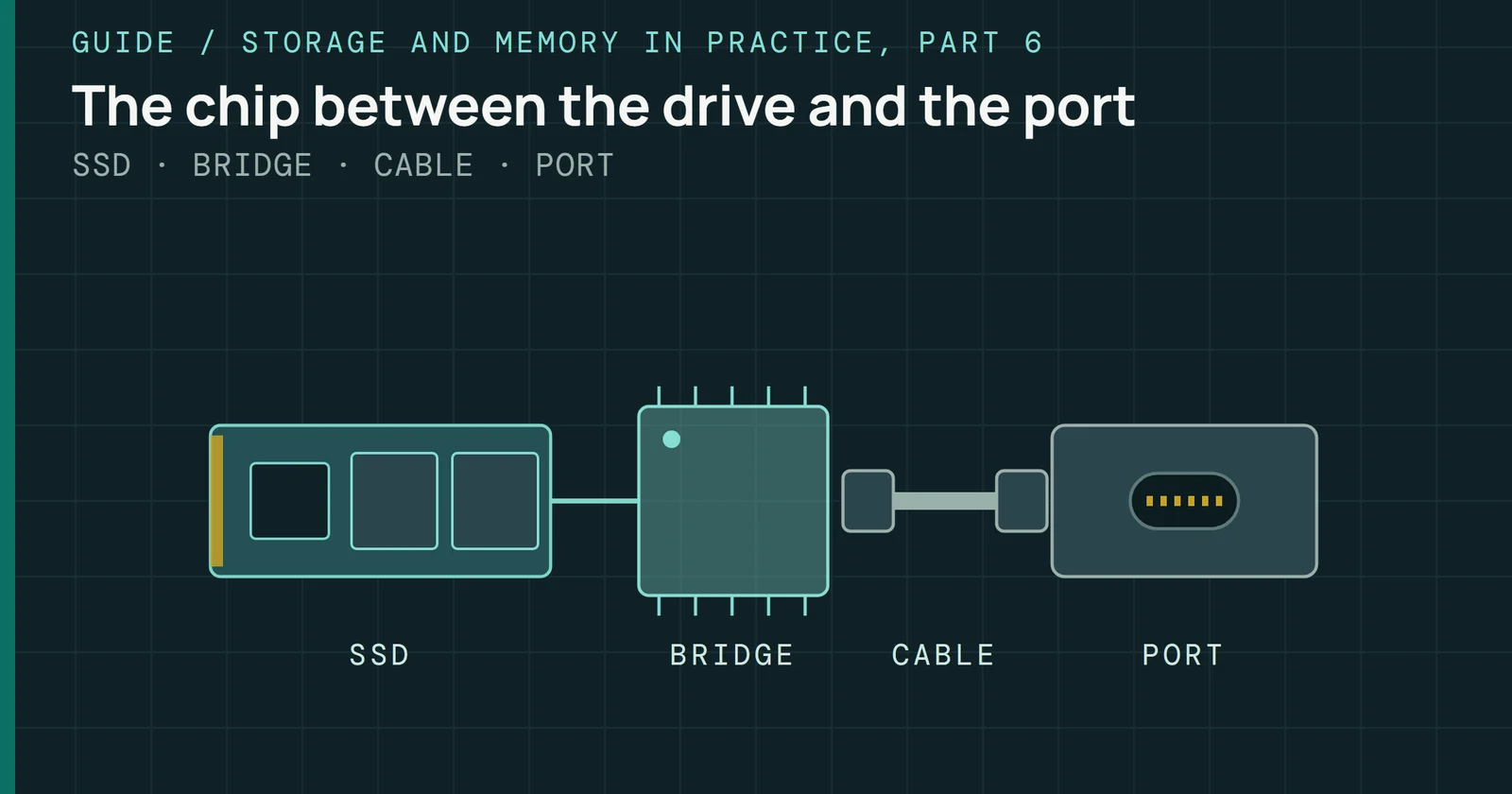
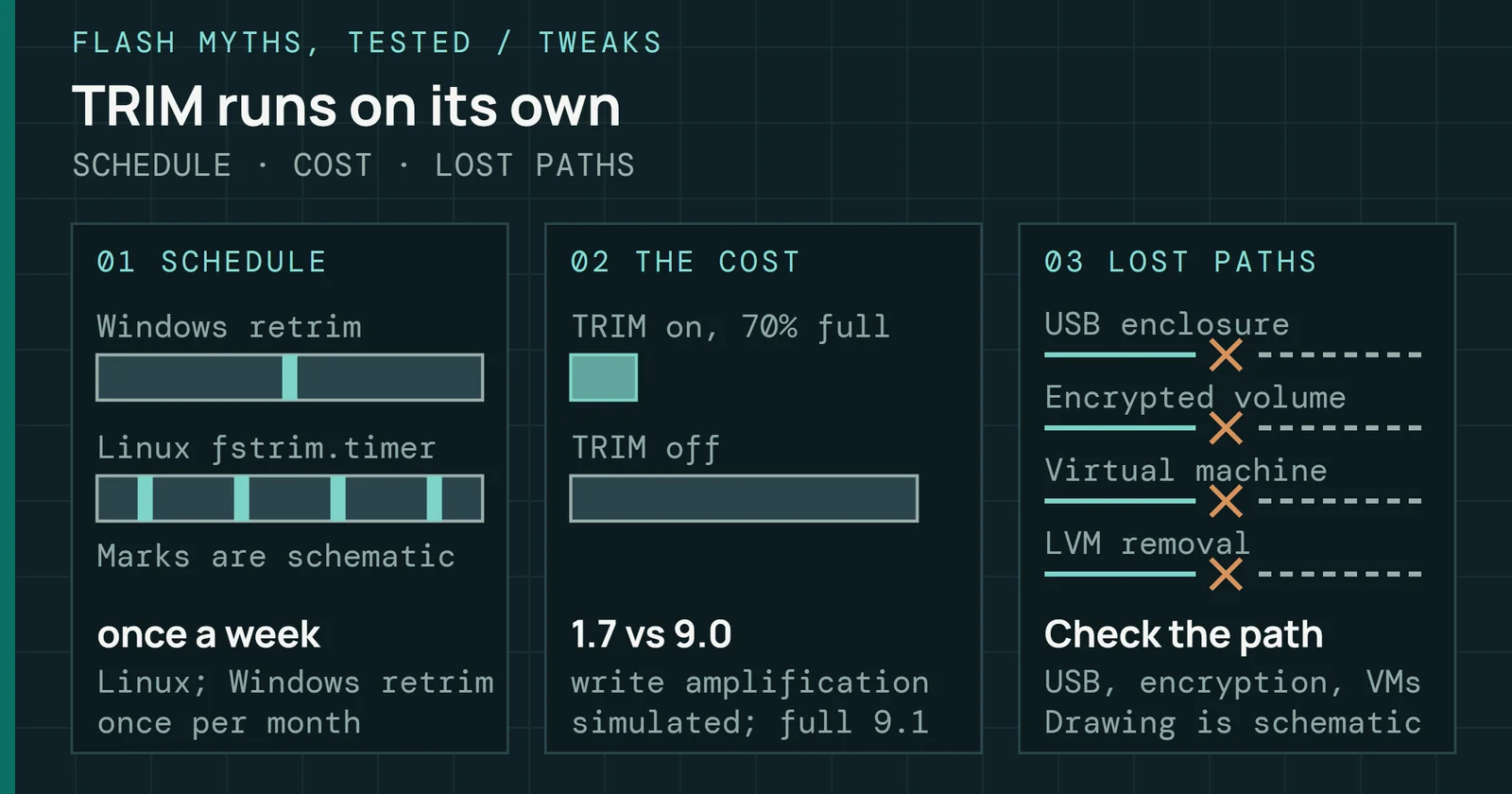
OpenZFS’s TRIM documentation explains the stakes. Without TRIM, an SSD eventually treats every block it has ever been written as still in use, and write performance degrades. ZFS leaves autotrim off by default, which makes it an exception to the scheduled TRIM that the myth page below describes for Windows and the usual Linux setups. On lower-end hardware a periodic manual TRIM usually captures most of the benefit with much less disruption, and some HBAs and USB bridges don’t pass the command through at all. That last point is the one that matters in a NAS, and You Have to Run TRIM by Hand explains why a path that drops the command can’t be fixed by running it manually.
Other systems vary by RAID level. Synology’s help page offers TRIM for pools made entirely of SSDs and says some SSD models don’t support it in RAID 5 or RAID 6. Asustor’s ADM uses the Deallocate command instead of TRIM for NVMe SSDs in Single, JBOD, and RAID 0, 1, or 10 volumes, and can’t use it at all on NVMe RAID 5 or RAID 6.
Endurance ratings
Endurance comes as terabytes written (TBW) or drive writes per day (DWPD), tied together by DWPD = TBW / 365 / warranty / capacity in the SNIA white paper, with the warranty in years. Flash Foundations explains what ratings assume. NAS-branded drives rate their endurance on different yardsticks. Western Digital’s product brief rates the WD Red SN700 at 2,000TBW for 1TB and 5,100TBW for 4TB, calculated on the JEDEC client workload. Synology rates the SNV3510-800G at 1,022TBW in its SNV3410 and SNV3510 data sheet, on the JEDEC enterprise workload, so the two ratings don’t compare directly.
Seagate’s IronWolf 525 data sheet gives 0.7 DWPD and 1,400TBW at 1TB. Kingston’s DC600M enterprise SATA drive is rated at 1 DWPD over 5 years, which works out to 1,825 full-drive writes, and Kioxia’s enterprise SSDs include a 3 DWPD option. Flash Foundations’ DWPD tiers match a rating to a workload, and Do SSDs Wear Out in a Couple of Years? shows how to read a drive’s own write counter against its rating. Part 9 takes up why cache and log drives reach their rating first.
Power-loss protection
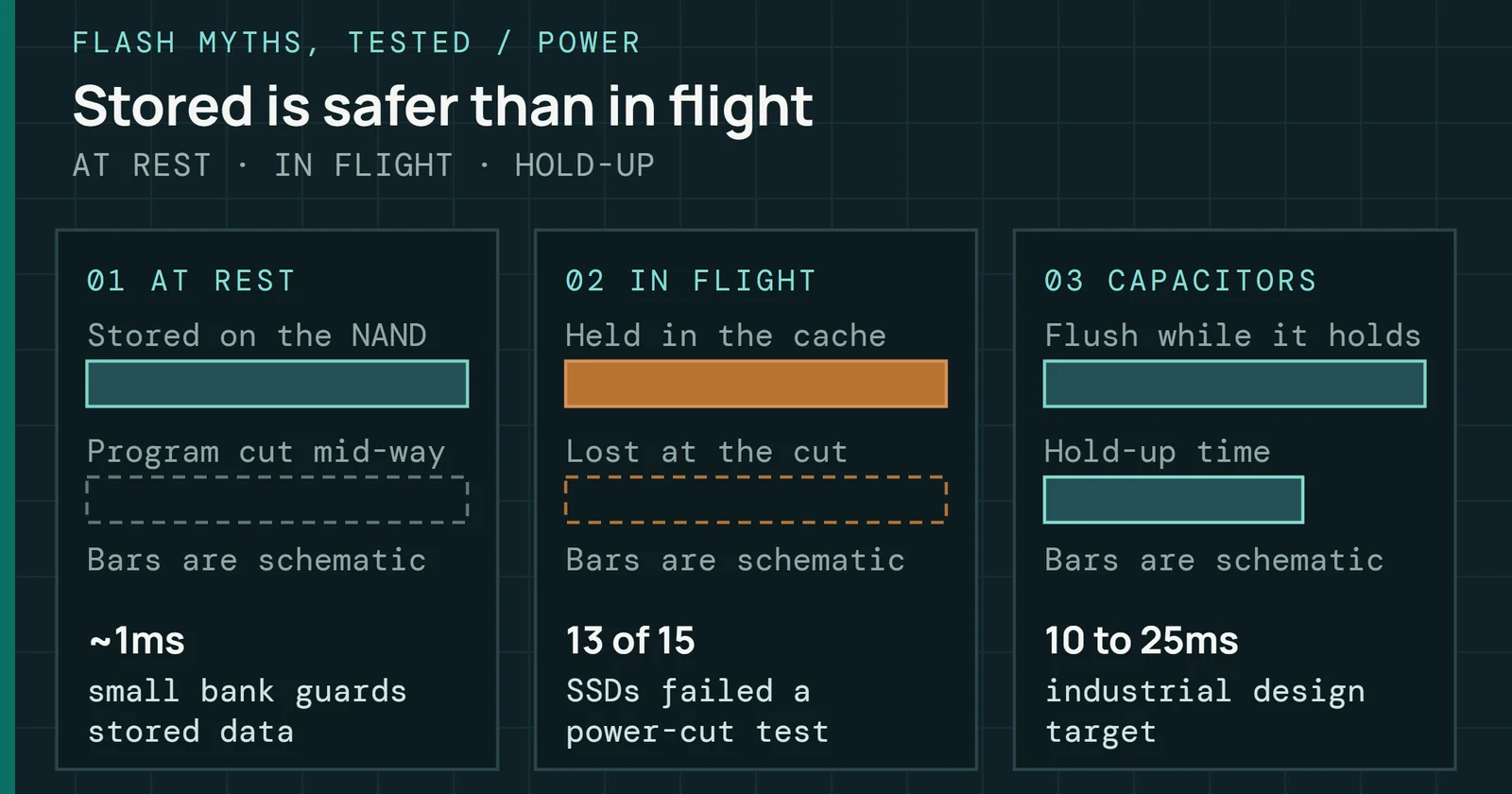
Samsung’s white paper says its enterprise SSDs carry full power-loss protection built from tantalum capacitors and that client SSDs don’t normally include it. Micron’s power-loss white paper draws the line at data in flight, meaning writes the host sent and the drive acknowledged but hasn’t yet committed to NAND. Client drives usually need only data-at-rest protection, while enterprise drives must protect data in flight too, and Micron’s use larger tantalum capacitors where client drives use ceramic ones. Flash Foundations covers the circuit itself.
What a NAS SSD has to survive
Power-loss protection saves writes the drive has acknowledged
NAS-class drives split on it. Synology’s SNV3510 carries a power loss protection circuit whose dedicated capacitors flush data in flight to NAND, and its data sheet lists none for the SNV3410. Kingston’s DC600M has hardware-based power loss protection. Neither the WD Red SN700 sheet nor the IronWolf 525 sheet read for this part lists any. This guide reads that as a job split. A SLOG and a read-write cache both hold data the host believes is safe, so they are where a missing capacitor costs something, while a read-only cache can lose its in-flight data harmlessly because the volume holds the copy.
The consumer drives in Best SSDs can be sorted by endurance per terabyte, but each one’s data sheet still has to show power-loss protection before it takes a log or a read-write cache.
What to watch in an SSD pool
Pick the job first and let the drive follow. A cache nobody re-reads from does little. An SSD pool for Docker data, virtual machines, and databases is where UGREEN’s own advice points (Part 7 names the Immich database as one such job), and a special vdev is what OpenZFS ranks highest for a pool of spinning disks. Both of those hold data nowhere else, so they need the pool’s redundancy and a drive that survives a power cut.
What to watch in an SSD pool
What an SSD failure costs depends on what the SSD holds
Two things could change the picture. When OpenZFS 2.4 reaches TrueNAS 27, its budget on how much can be written to an L2ARC each day will make a cache’s wear a setting you can read. And Synology and UGREEN still print no lane width for their M.2 slots on the pages read here, so a pool built on them rests on a number the makers haven’t given. Once a pool is fast, the link in front of it sets what a client sees, and Tuning the NAS Network is the next part.
Sources
Primary is the original paper, standard or datasheet. Secondary is a review, a vendor summary or a news report. Measured is my own test data.
Show all 35 sources, 34 primary
- PrimaryUnderstanding Performance of PCI Express Systems (WP350)AMD Xilinx, 2014
- PrimaryPower Loss Protection in SSDsSamsung, 2016
- PrimaryArraysdocs.unraid.net
- PrimaryCache Acceleration Requirementsdocs.qnap.com
- PrimaryCache poolsdocs.unraid.net
- PrimaryCaching and Auxiliary Devices — OpenZFS documentationopenzfs.github.io
- PrimaryChoose a RAID Type for SSD Cache, DSM 7.4 Help (Synology publisher page printed to PDF)Synology
- PrimaryCreate SSD Cache, DSM 7.4 Help (Synology publisher page printed to PDF)Synology
- PrimaryCreating the SSD cachedocs.qnap.com
- PrimaryEnable SSD TRIM, DSM 7.4 Help (Synology publisher page printed to PDF)Synology
- PrimaryEndurance of NVMe, SAS, and SATA SSDsSNIA
- PrimaryEnterprise SSDKIOXIA America, Inc.
- PrimaryF8-SSD Plus SpecificationTerraMaster Official Store
- PrimaryHardware & PackagingASUSTOR
- PrimaryHow Micron SSDs Handle Unexpected Power Lossmicron.com
- PrimaryHow to Use SSDs and HDDs Together in UGREEN NASUGREEN AIoT US
- PrimaryIronWolf 525 SSD data sheetseagate.com
- PrimaryKingston DC600M data sheetkingston.com
- PrimaryL2ARCtruenas.com
- PrimaryManaging Poolstruenas.com
- PrimaryQtier Drives Auto-Tiering, QNAP solution page (publisher page printed to PDF)QNAP
- PrimarySharesdocs.unraid.net
- PrimarySLOG Devicestruenas.com
- PrimarySpecial vdev — OpenZFS documentationopenzfs.github.io
- PrimarySSD Cache Acceleration, QNAP solution page (publisher page printed to PDF)QNAP
- PrimarySynology DS923+ product specificationsglobal.download.synology.com
- PrimarySynology SNV3410 and SNV3510 data sheetglobal.download.synology.com
- PrimarySynology SSD Cache white paperglobal.download.synology.com
- PrimaryTRIM — OpenZFS documentationopenzfs.github.io
- PrimaryTS-464 hardware specifications, QNAP product page (publisher page printed to PDF)QNAP
- PrimaryUsing SSD Caching on your ASUSTOR NAS - ASUSTOR NASASUSTOR
- PrimaryVolume | Online HelpASUSTOR
- PrimaryWD Red SN700 NVMe SSD product briefdocuments.westerndigital.com
- PrimaryWhich Synology NAS models support using M.2 SSDs to create storage pools (Synology publisher page printed to PDF)Synology
- MeasuredThe author’s own measurements