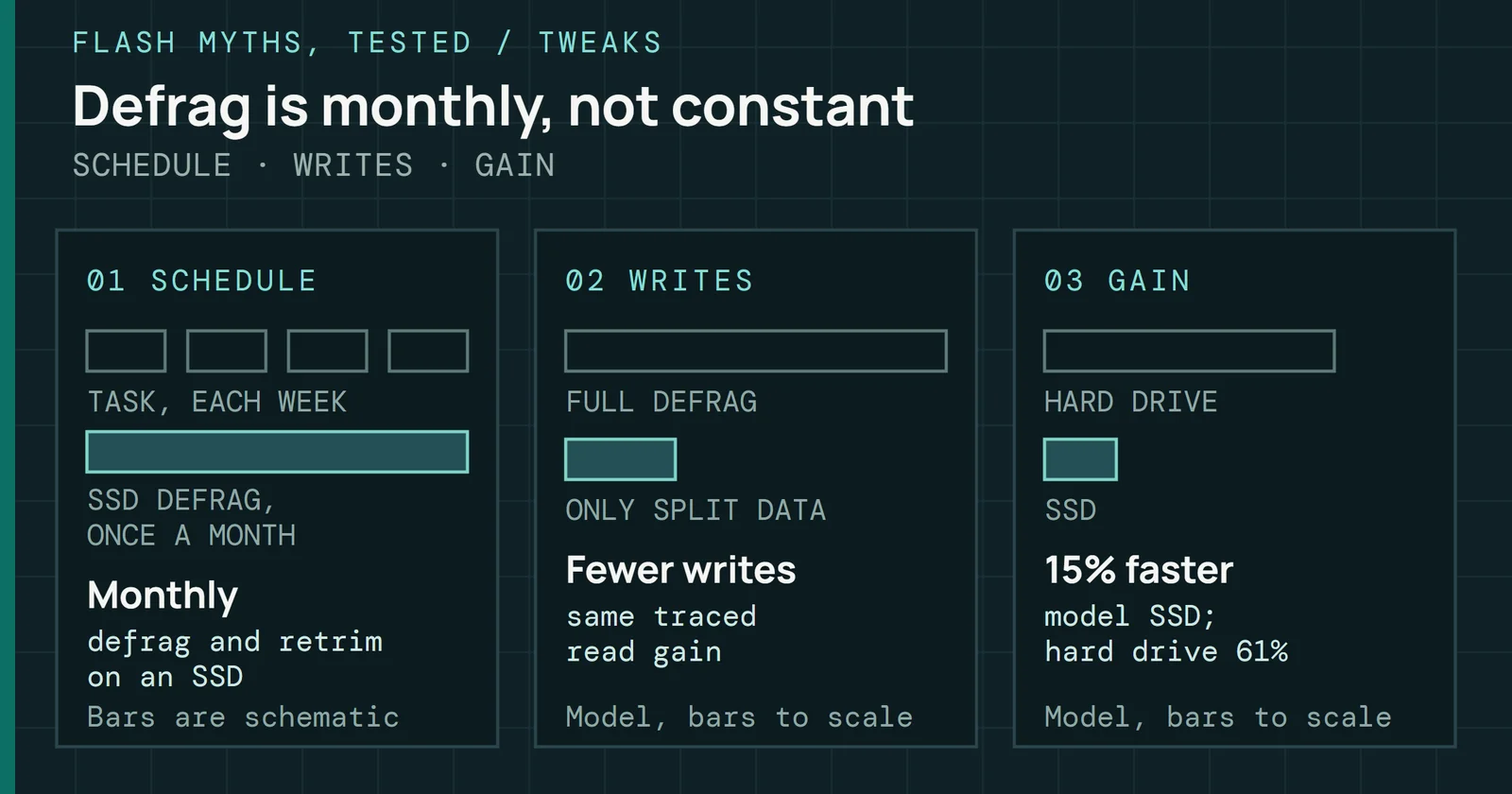
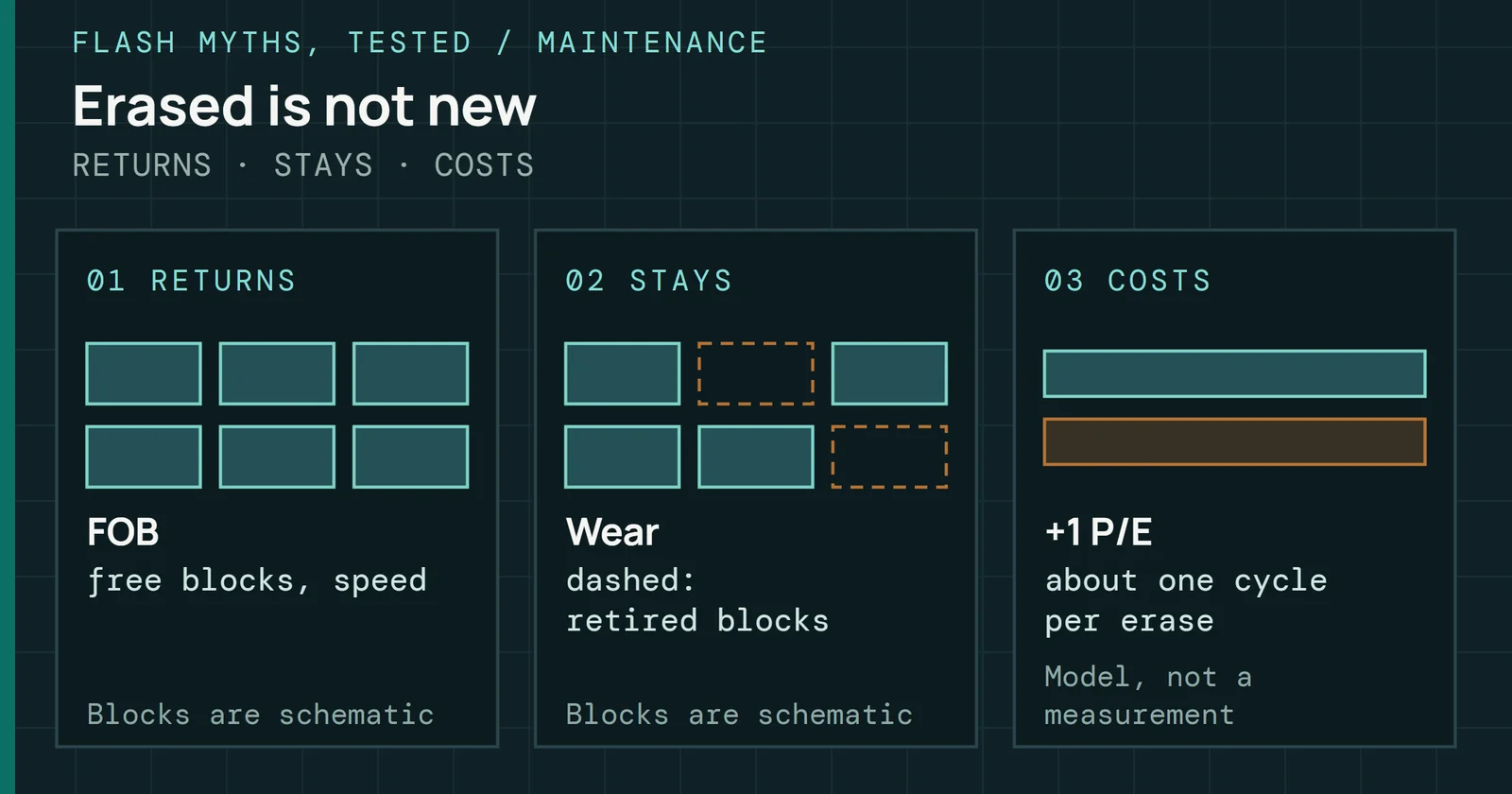
This myth sits in the tweaks group of Flash Myths, Tested, next to Windows defrags your SSD and wears it out. That page covered the monthly maintenance task Windows runs on an SSD. This one asks whether anything is left for you to run by hand, and whether TRIM belongs on that list.
Flash Myths, Tested
You Have to Run TRIM by Hand
Windows and the usual Linux setups already send TRIM and catch up on a schedule, so the real risk is a path that drops it, which a manual run does not fix.
On this page 5 sections
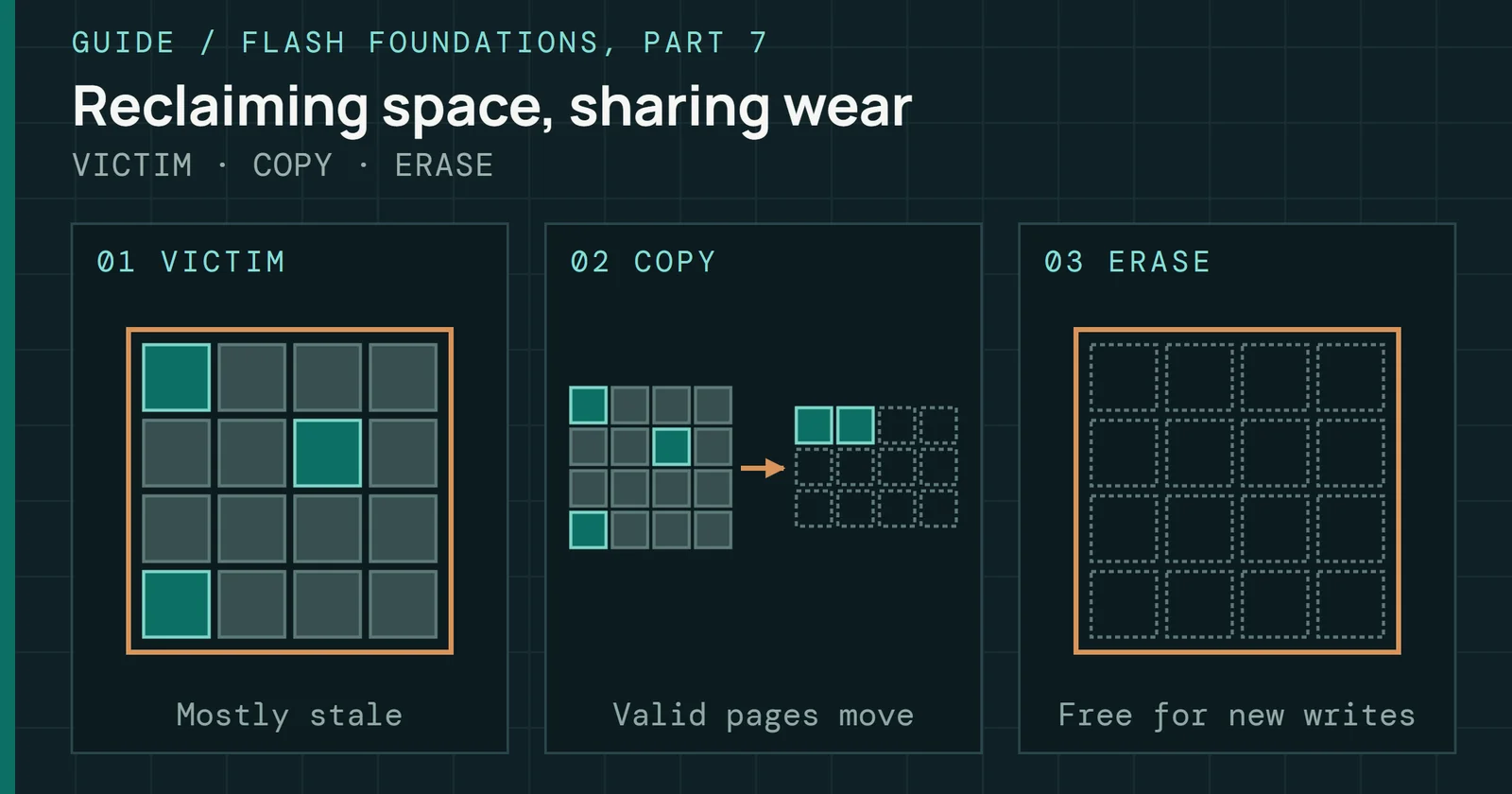
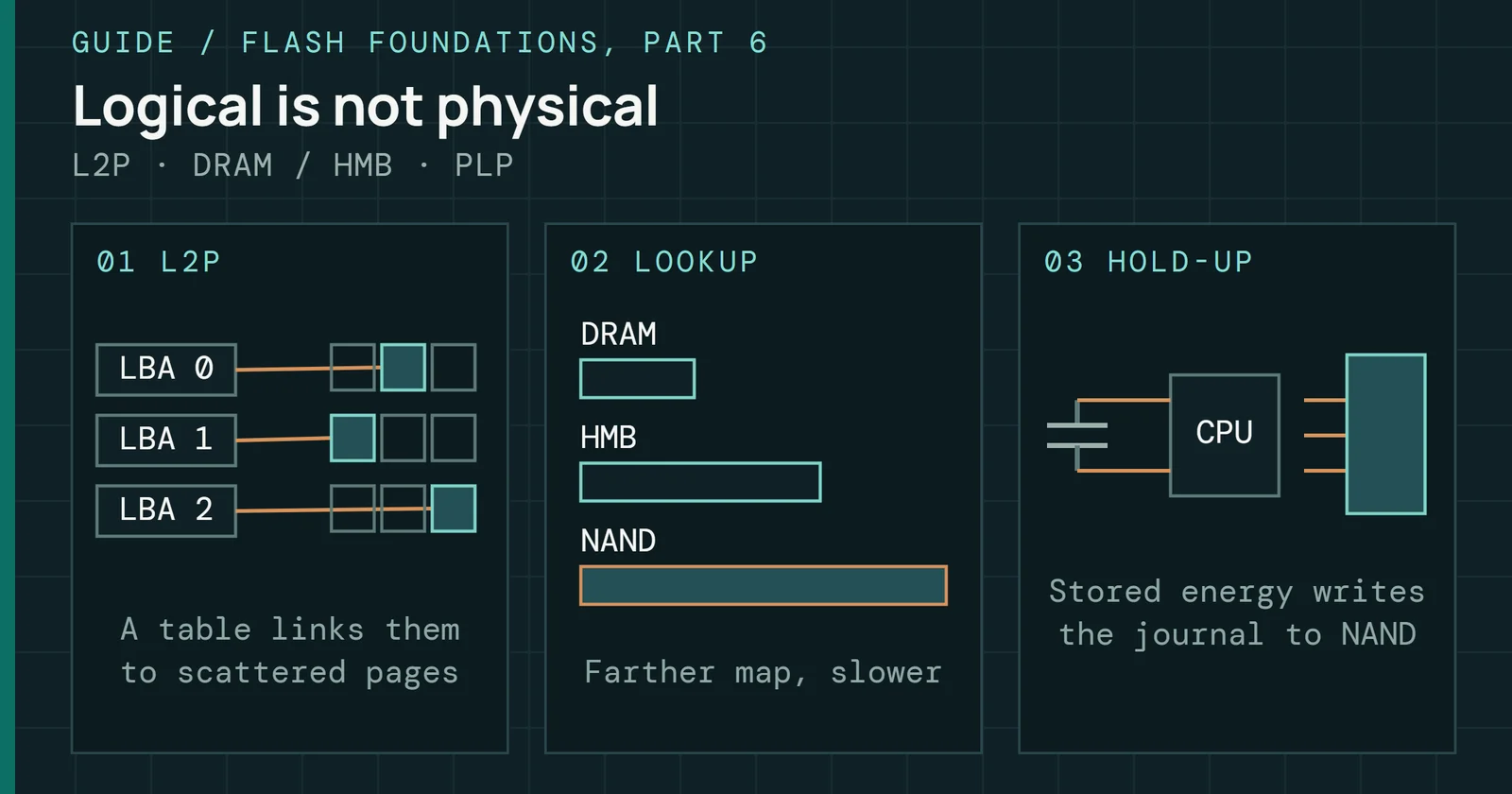
You almost never have to run TRIM by hand, because Windows and the usual Linux setups already send it when you delete a file and catch up on a schedule. A setup where the command never reaches the drive does hurt, and running it yourself does not fix that. Flash Foundations Part 7 covers what TRIM does inside the drive. This page asks about the delivery. It covers who sends the command, how often a system catches up on what it missed, and what a late or missing TRIM costs in a simulation.
Where the myth comes from
TRIM tells a drive which addresses no longer hold data, so its garbage collection can skip them instead of copying them forward. Flash Foundations Part 7 covers the mechanism. I read the advice to run it yourself as a leftover from when TRIM was new, though none of my sources dates it. Microsoft’s Windows 7 team wrote that NTFS sends TRIM when files are deleted, and also on format, partition delete, truncate, compression and System Restore snapshots. You could read the setting with fsutil behavior query DisableDeleteNotify, where 0 means TRIM is on. That team also said the file system sends the command without knowing whether the drive supports it, and the driver either acts on it or ignores it.
Where the myth comes from
NTFS tells the drive which addresses no longer hold data
Events that send TRIM on Windows, and what the drive does with it
Scott Hanselman’s 2014 post on the Windows storage optimizer relays the storage team’s explanation and concludes that Windows 7, 8 and 8.1 come with appropriate defaults, so you can trust them. That makes a manual TRIM an old workaround for a job the operating system took over. These Windows sources stop at 8.1, and I didn’t find one that says the same for newer versions, so the check near the end is worth running there.
What the system already does
On Windows the delete sends the TRIM, but not in a way that guarantees every request arrives. In Hanselman’s post, the Windows storage team explains that the file system queues the requests and the queue has a maximum size, so a request can be dropped when it is full. The storage team’s answer is that this is fine, because Storage Optimizer comes through periodically and runs a retrim. Microsoft Learn says the scheduled task does its traditional optimization on an SSD, retrim included, once per month. PowerShell’s default for an SSD that supports TRIM is also retrim.
What the system already does
Windows and Linux both send TRIM for you and catch up on a schedule
The three places a TRIM comes from, by system
Figure 1 sets the two systems side by side. On Linux the work is done by fstrim, which the fstrim.timer unit runs once a week on every mounted file system whose drive supports discard. According to the fstrim manual, once a week is enough for most desktop and server systems, and that running it often, or mounting with discard, might shorten the life of poor-quality SSDs. Ubuntu enables the periodic timer by default, according to the Arch Wiki, which also notes that Debian does not recommend the continuous kind and Red Hat prefers the periodic one. Part 7 lists Linux as supported but not always default, so on a given install the timer is the thing to check.
On macOS, Apple added the trimforce command in OS X 10.10.4 so that owners of third-party SSDs could turn TRIM on. Nothing I checked says what a Mac does by default with its own drives, so I make no claim about that.
What a late TRIM costs, and what no TRIM costs
I used the FTL & GC Sandbox, which simulates a drive’s mapping and garbage collection, to compare the cases. Settings were random writes, 7% overprovisioning and greedy garbage collection, in one run of 10 drive volumes with seed 1, with files deleted and recreated at a rate of 0.2 per step. Write amplification is read over a recent window of the run.
What a late TRIM costs, and what no TRIM costs
TRIM sent late costs a little; TRIM never sent costs a lot
Write amplification, 7% overprovisioning, random writes, greedy garbage collection
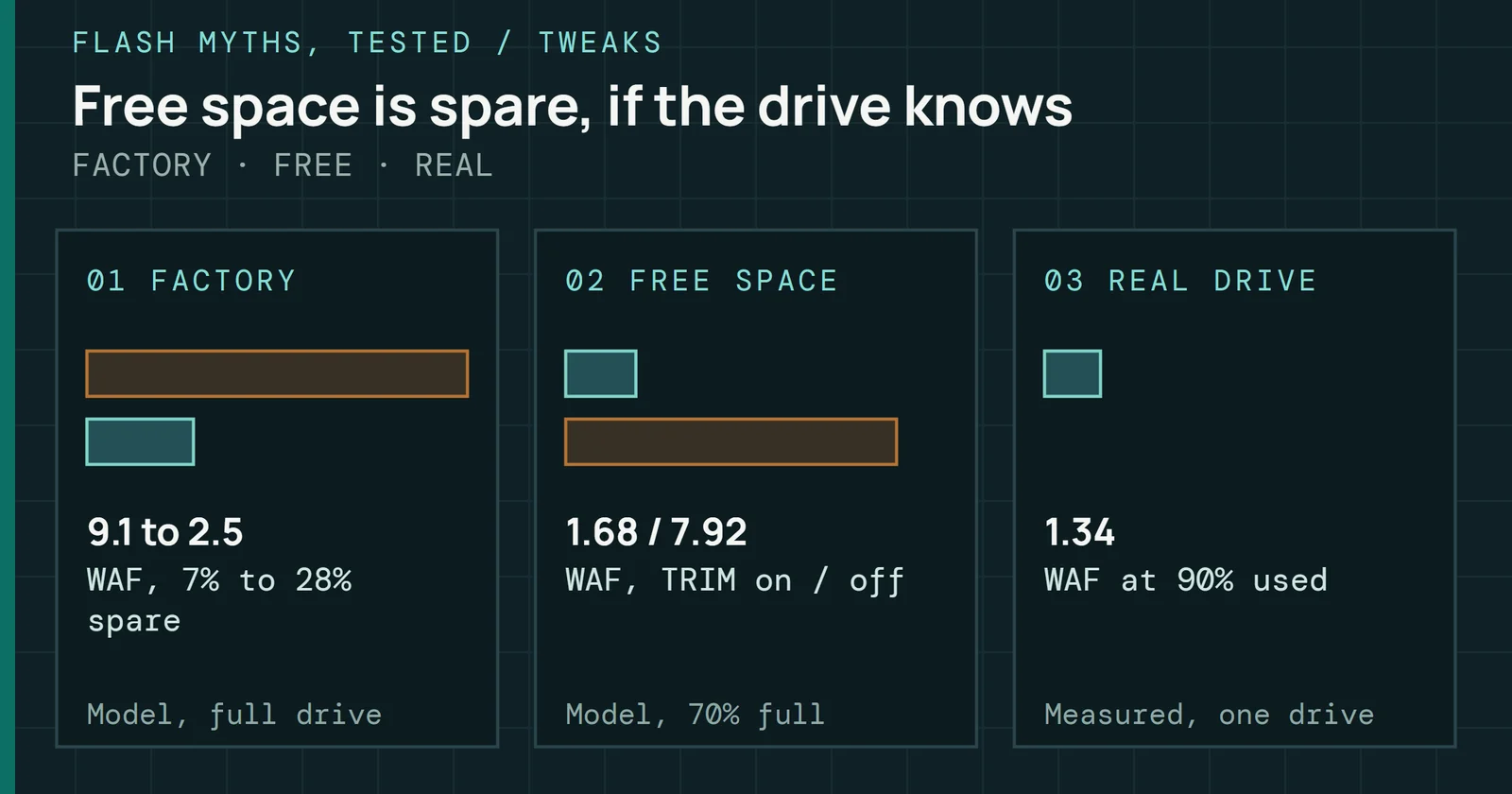
Figure 2 shows write amplification, the NAND writes the drive makes for each write the host asks for. When the drive is full, every address always holds live data, nothing is ever deleted, and TRIM changes nothing, so write amplification is 9.1 with it on and with it off. At 70% full, TRIM sent at the delete kept write amplification at 1.7. With TRIM off, deleted files stayed valid until their addresses were reused, and it climbed to 9.0, close to the full-drive figure. Holding every TRIM back by 3,000 host writes gave 2.1. The Leave an SSD Empty page gives 1.68 and 7.92 for the same two cases from a separate headless run, which measured the second half of the run with a delete about every 32 host writes. Different settings move the numbers a little, and both runs put TRIM off near the full-drive value.
A catch-up that arrives late costs a little, and a TRIM that is never sent costs nearly as much as a full drive. This is a simulation of the mapping, not a measured drive, and the delay is counted in host writes, so it does not say how a week or a month compares on real hardware.
Where TRIM does not arrive
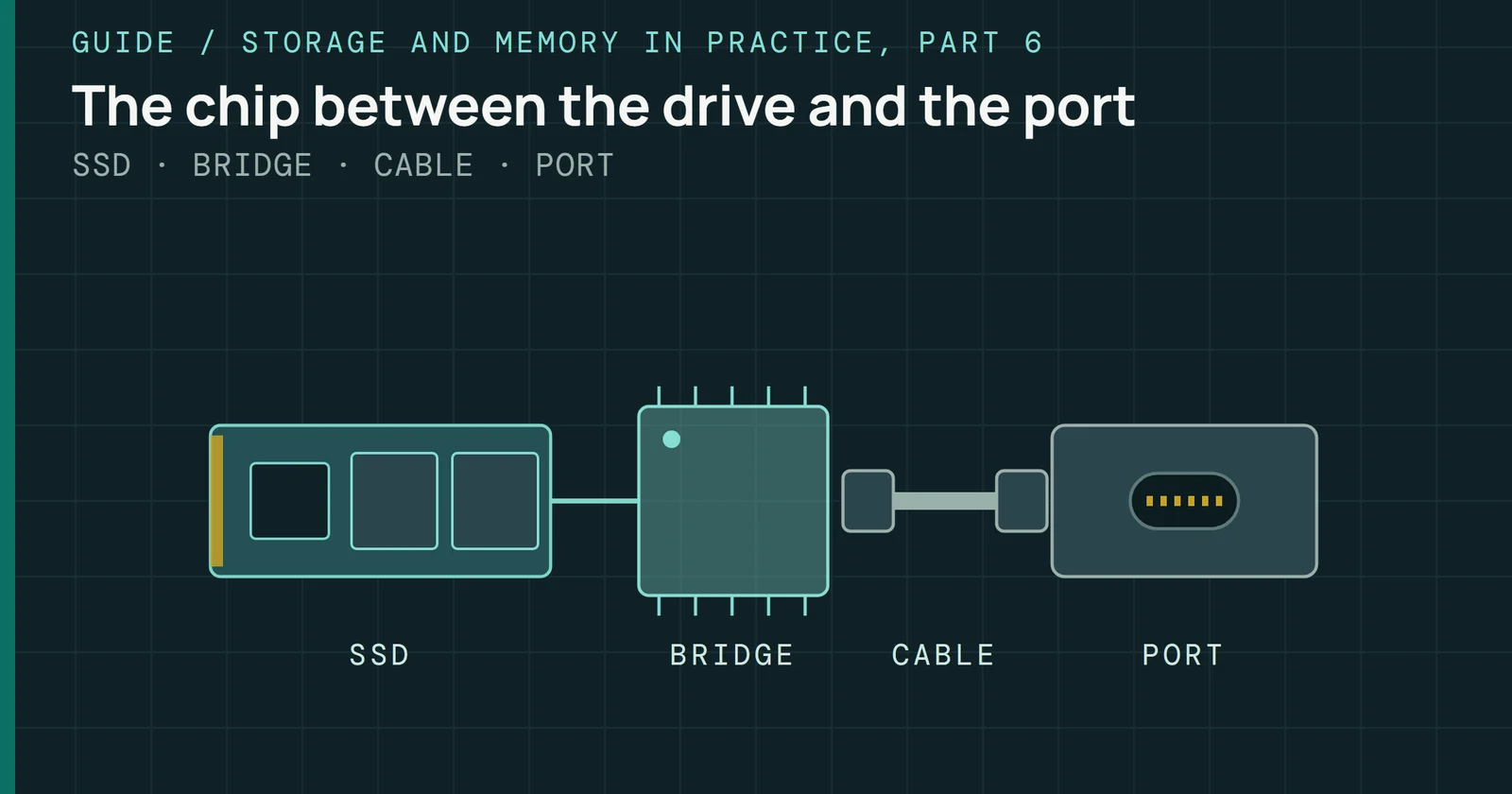
Figure 3 lists places where the command can be lost without an error. The Arch Wiki names three. Some USB bridge chips pass TRIM-like commands that the Linux kernel may not detect, an encrypted dm-crypt volume does not pass discard by default, and removing an LVM volume sends no discards unless issue_discards is set. In a virtual machine on VMFS6, Broadcom documents that guest unmap requests are processed only when they equal 1MB or an aligned multiple. Hardware RAID varies by vendor, as Part 7’s table describes. A manual run starts from the same host and takes the same path, so I’d expect it to meet the same limits. Changing the path is what fixes it, and running it more often does nothing for it.
Where TRIM does not arrive
A TRIM can be dropped on the way to the drive without any error
Four places on the path between the file system and the flash
What to do with this
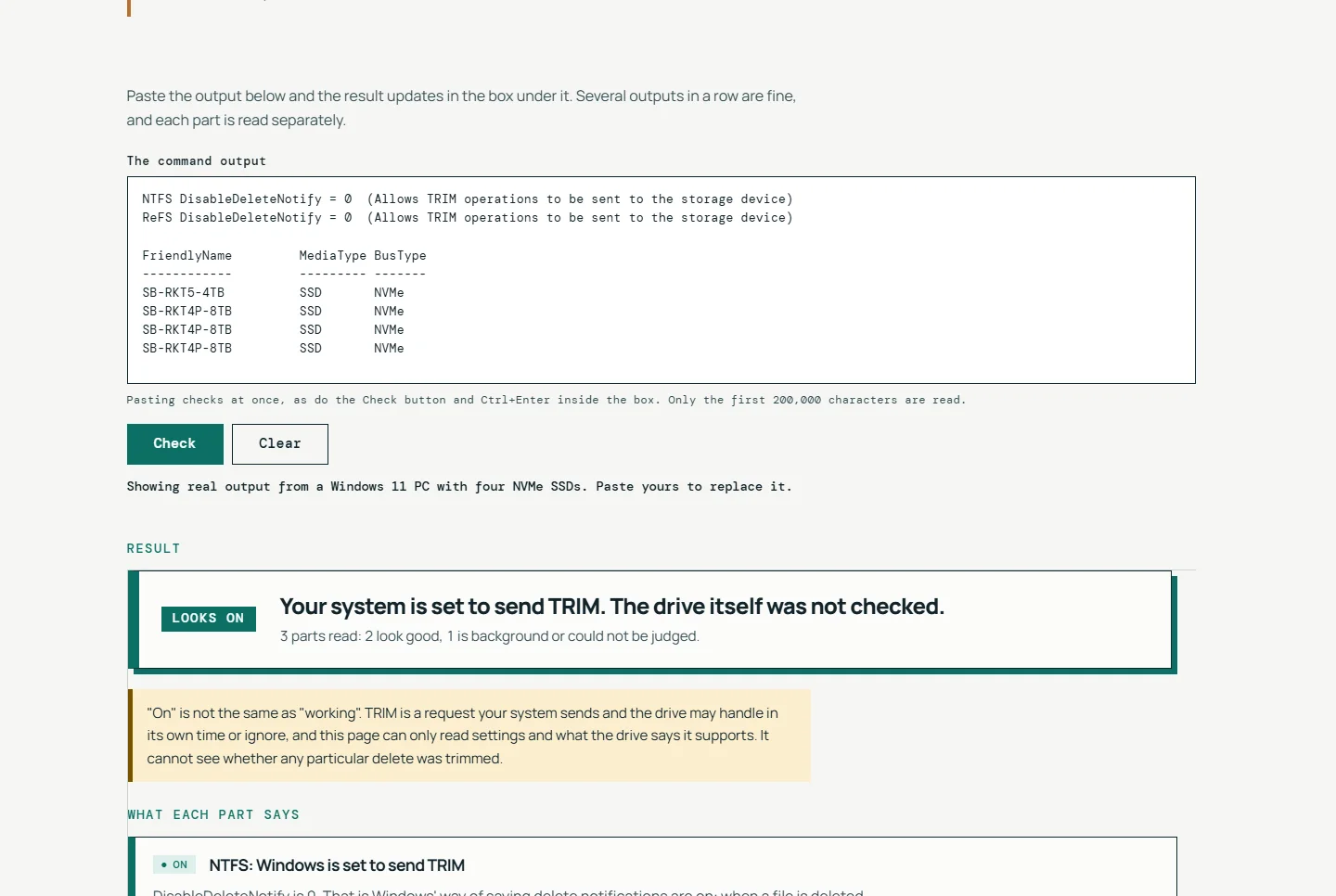
Check that TRIM is on, once. Windows needs the fsutil value to be 0, and Linux needs the timer enabled and active. Then, if you want evidence rather than a setting, run one trim and read what it reports: sudo fstrim -v / on Linux prints how many bytes it passed down, and Optimize-Volume -DriveLetter C -ReTrim -Verbose on Windows reports the space trimmed. A setting being on is not proof that TRIM works, and a trim run that reports bytes is closer to proof, which is how the TRIM Check tool words its verdicts.
What to do with this
Check the setting, then run one trim and read what it reports
Windows and Linux, once; no schedule of your own needed
If the check fails, fix the cause it names, such as a disabled timer, a disabled setting, or a USB, encrypted or virtual path that does not pass the command on. Do not add a cron job that runs TRIM every day. The schedule you already have is the weekly one that the fstrim manual calls sufficient for most desktop and server systems, or the monthly Windows task that Microsoft documents.
Sources
Primary is the original paper, standard or datasheet. Secondary is a review, a vendor summary or a news report. Measured is my own test data.
Show all 8 sources, 5 primary
- Primaryfstrim(8) manual pageman7.org (util-linux)
- PrimaryMicrosoft Learn: defragMicrosoft
- PrimaryMicrosoft Learn: Optimize-VolumeMicrosoft
- PrimarySpace Reclamation Requests from Guest Operating Systems (VMware vSphere 8.0)Broadcom TechDocs
- PrimarySupport and Q&A for Solid-State DrivesMicrosoft Learn
- SecondaryThe real and complete story: Does Windows defragment your SSD?Scott Hanselman, 2014
- SecondaryHow to enable TRIM on macOS (AKiTiO FAQ)AKiTiO
- SecondarySolid state drive (Arch Wiki)ArchWiki