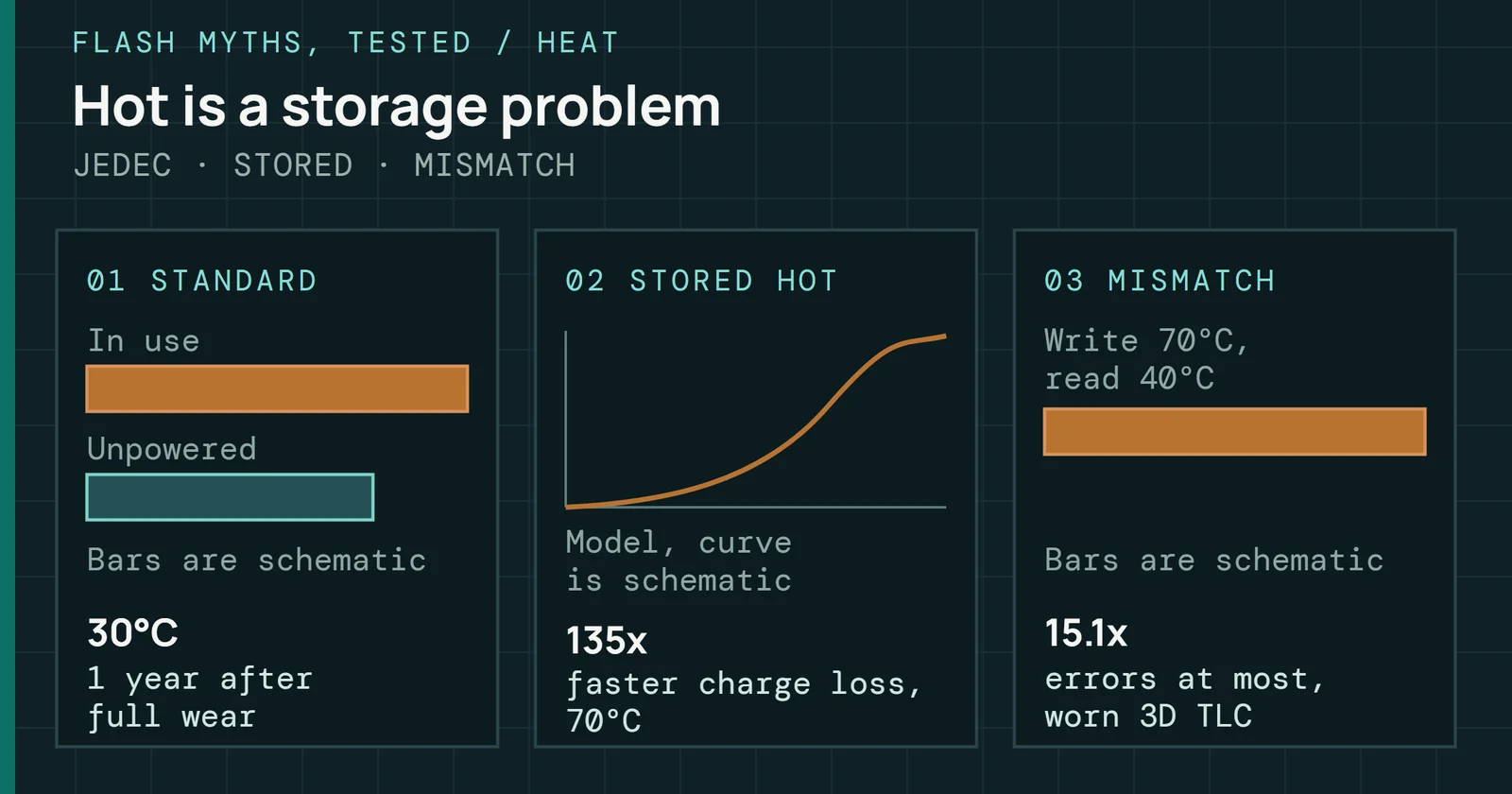
No. An unplugged SSD does not lose its data in weeks, and that is the verdict on this entry in Flash Myths, Tested. The standard that rates an SSD’s data retention asks a client drive to hold its data for 1 year at 30°C with the power off, and it asks that after the drive has already been written to its full rating. A drive that has not used up its writes has more margin than that.
Flash Myths, Tested
An Unplugged SSD Loses Its Data in Weeks
SSD retention is rated on a drive that has used up its writes, so the weeks-unplugged fear describes a worn, hot, powered-off worst case and not a normal drive.
On this page 8 sections
That fear is not made up. Charge does leak from flash cells, and a worn drive stored hot has a requirement that shrinks to weeks. Both the wear and the heat go missing from the myth, and together they describe a worst case and not a normal drive on a shelf.
Where the myth comes from
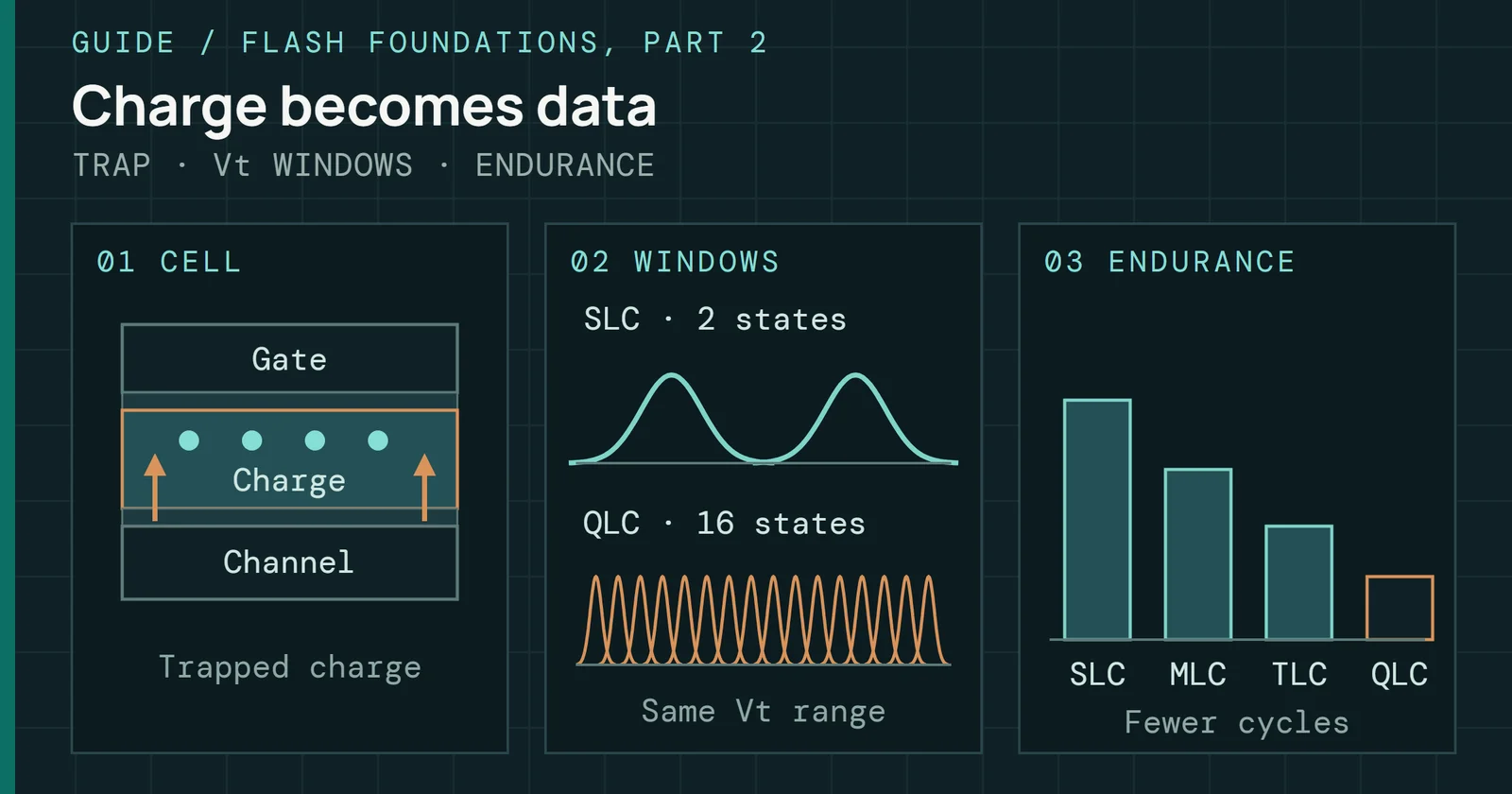
Flash stores data as charge in a cell, and charge leaks. Flash Foundations Part 2 covers how the leak works and how heat speeds it up, and a drive with no power cannot do anything about the leak, which is why an unplugged SSD sounds like it must forget.
Where the myth comes from
Charge leaks over time, and an unplugged drive cannot refresh it
One flash cell from the write to a read long afterward
The worry is right in kind, since JEDEC’s own definition of a retention failure is a data error found when the drive is read a long time after the data was written, and only the time scale in the myth is off.
What the standard asks
JEDEC’s JESD218 makes retention part of the endurance rating. As Alvin Cox’s JEDEC presentation on JESD218 lays out, a drive is first stressed to its rated terabytes written, at both high and low temperatures, and only then is its retention checked. Because the required times are long, the standard allows extrapolation or acceleration to show that a drive meets them.
What the standard asks
The retention test starts after the drive has used up its writes
The order of the JESD218 endurance and retention verification
Figure 1 shows the order. Client drives are asked for 1 year at 30°C with the power off, and enterprise drives for 3 months at 40°C. Enterprise gets the shorter time on purpose, and Western Digital’s white paper on SSD endurance explains why, since enterprise drives are expected to run around the clock with few power interruptions, while client drives can sit unused for long stretches, so the client class gets the longer power-off time.
That same table also lists the temperatures the drives are used at while powered, and the hot NAND page walks through what those mean, so this page stays on the unpowered side.
Why wear is the other half
Wear matters because the year is checked at the end of the drive’s rated life. Retention gets shorter as program and erase cycles go up, and Western Digital describes an inverse relationship between the two, and the survey by Cai and colleagues says the number of retention errors for data of a given age grows as the cycle count increases. My reading of those two sources is that a new or lightly used drive faces the same leak with fewer errors on top, so it sits further inside what error correction can fix. Neither source gives a number for that margin.
Why wear is the other half
More wear leaves less margin before errors outgrow correction
Raw errors for data of the same age, by how worn the drive is
Past the rating is the part of the myth that holds. Western Digital’s paper also says there is no specification for how quickly retention falls off once a drive has reached its endurance rating, and it advises replacing such a drive if the data matters, which leaves a drive worn past its rating and left unplugged with no retention promise at all.
Why heat is what can turn a year into weeks
JEDEC’s test speeds up charge loss with the Arrhenius model, using an activation energy of 1.1eV. Run the other way, the same model shortens a requirement when the drive is stored warmer. Applied to the client requirement, the year becomes about 95 days at 40°C, about 15 days at 55°C and about 3 days at 70°C. At 40°C, 95 days is close to the enterprise class’s 3 months.
Why heat is what can turn a year into weeks
A worn drive's year at 30°C scales to about 15 days at 55°C
The client requirement scaled with an Arrhenius model at 1.1eV
Read Figure 2 with care. This is my arithmetic on the standard’s number, and no drive was measured. It models one mechanism, and the standard also checks a second one that heat does not speed up. A worn drive must meet that requirement, so a drive that still has writes left, or one kept near 30°C, has more time than the bars show. Weeks only shows up for a worn drive stored near 55°C, which is far above the 30°C the requirement is set at. I don’t have a saved source that measures how much longer than the requirement typical drives actually hold their data, so this page doesn’t put a number on it. The hot NAND page covers the model itself and the measured activation energy for 3D flash.
How the loss unfolds
The loss is not a steady slide. Measurements on 3D charge-trap chips with 30 to 40 layers found the best read voltage for the upper cell states moving with the logarithm of time after programming, and the retention error rate rose by an order of magnitude in about 3 hours and by another order in about 11 days, so the loss is steep early and then slows.
How the loss unfolds
Retention errors rise steeply at first, then more slowly
And an error rate is not lost data until it passes what correction can fix
An error rate is also not lost data, since a page loses data when its errors exceed what error correction can fix, and the Cai survey notes that the correction capability is limited. That is why the standard cares about the worn end of life, where the starting error count is highest.
Powered on is a different case
Retention numbers are for power off. Western Digital’s paper says retention is specified only for the powered-off case, and that most modern SSDs run background tasks while powered. Those tasks track how long it has been since a block was written and rewrite blocks that show higher error rates or are near the end of their designed retention period.
Powered on is a different case
Power lets a drive reset the clock; without it, the clock runs
Schematic of retention errors against the age of the data
Figure 3 sketches the difference. The Cai survey describes the mechanism as refresh, where the data is periodically read, corrected and reprogrammed, which removes the errors that built up. It gives refreshing about once a year at a low cycle count and about once a week at a high one as examples of how a controller can adapt. I can’t tell you how long a given consumer drive has to stay powered for this to happen. I don’t have a saved source for that, and the vendor statement says most modern drives and stops short of all of them. So plugging a drive in is plausible help, but this page can’t promise it or time it.
What the NAND Cell Lab shows
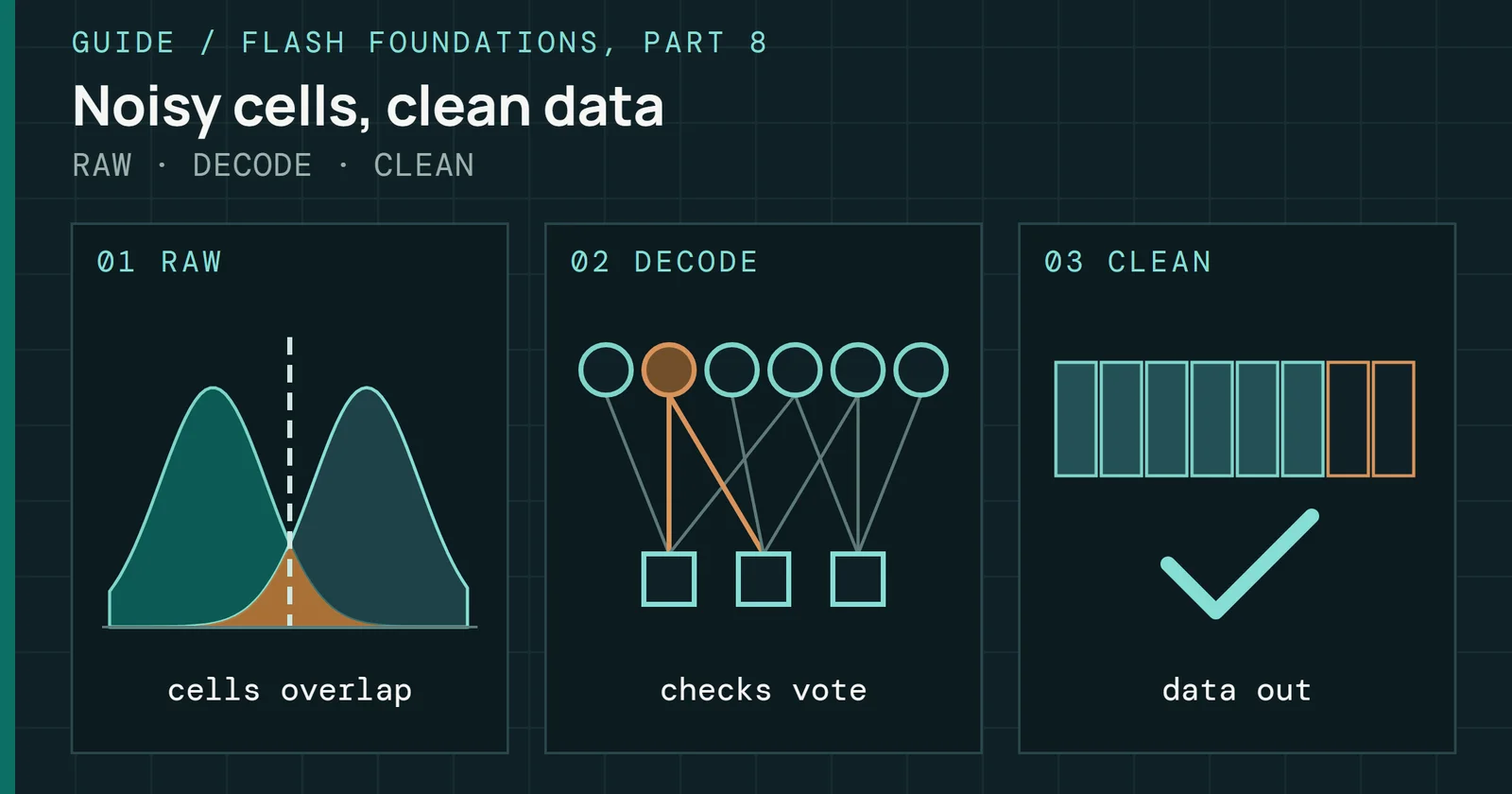
The NAND Cell Lab puts wear, retention time and temperature on sliders and runs the result through an error-correction ladder: hard-decision decode, read-retry, soft-decision LDPC, then uncorrectable. It is a teaching model with teaching values for its constants, which makes the order of the effects the thing to read and the digits beside the point. With TLC cells, reads set to zero and 1 year of retention, the lab gives three results.
- At 0 cycles and 30°C, the first step reads the data: hard-decision decode.
- At 1,000 cycles, the lab’s rated value for TLC, and 30°C, the data needs the last step before failure: soft-decision LDPC.
- At 1,000 cycles and 55°C, the data is uncorrectable.
What the NAND Cell Lab shows
Wear takes the lab's decoding to its last step; heat then fails it
TLC cells, reads set to zero, 1 year of retention
That is the same order the standard implies. A fresh drive has room to spare, a worn drive after a year at the standard’s temperature is near the edge of what error correction can do, and heat on top of wear tips it over.
What to do with this
For a drive with life left that sits at room temperature, the standard’s year is the requirement for a worse case than yours, so weeks is not what the standard implies. For a drive you are putting on a shelf, four things matter.
What to do with this
Each thing that shrinks the margin has a step that answers it
What shortens an unplugged drive’s retention, and what to do about it
Each row pairs what shrinks a drive’s margin with the step in the list below that answers it.
- Check how worn it is first. A drive near its rating has the least retention margin, and past it there is no promise.
- Keep it cool, and not somewhere that gets hot. Heat is the one factor that can shrink the time by a large multiple.
- Do not rely on the shelf for longer than the standard goes. That year is for a worn client drive. For longer, power the drive up, read the data and copy it to a fresh drive, which restarts the age of the data.
- Keep a second copy of anything you cannot replace. That advice does not depend on any retention number.
Sources
Primary is the original paper, standard or datasheet. Secondary is a review, a vendor summary or a news report. Measured is my own test data.
Show all 5 sources, 4 primary
- PrimaryError Characterization, Mitigation, and Recovery in Flash-Memory-Based Solid-State Drivesopen copy
- PrimaryImproving 3D NAND Flash Memory Lifetime by Tolerating Early Retention Loss and Process VariationSIGMETRICS
- PrimaryImproving 3D NAND Flash Memory Lifetime by Tolerating Early Retention Loss and Process Variation (Luo et al., SIGMETRICS 2018; arXiv:1807.05140)arXivopen copy
- PrimaryJEDEC SSD Specifications Explained: JESD218 and JESD219 (Alvin Cox, Seagate)JEDEC
- SecondarySSD Endurance and HDD WorkloadsWestern Digital, 2023