Only some NVMe SSDs need a heatsink, and which ones depends on the drive and on how long you push it. A short job stays well under the temperatures that matter, as the one-minute readings in the model below show, while a long sustained write on a fast Gen5 drive can carry it past its warning level in minutes.
Flash Myths, Tested
Every NVMe SSD Needs a Heatsink
Whether a drive needs a heatsink depends on the drive and how long you push it; what I can back comes from the spec, the makers, a thermal model and my bench.
On this page 7 sections
This is one of the heat myths in Flash Myths, Tested. None of my data holds a temperature log taken while a drive was under load, and none holds the same drive run with and without a heatsink. So the guide leans on the NVMe specification and the data sheets, press reports and the Throttle Lab model, and it marks which is which. Heat’s effect on the data a drive stores is a separate myth, Hot NAND is bad for your data.
Where the myth comes from
Drives are sold with heatsinks, and the early Gen5 drives gave buyers a reason to think they all need one. The controller maker said in 2023 that every first-generation Gen5 drive on its E26 controller needs cooling. Per HotHardware, Phoronix and TechPowerUp found the Corsair MP700 unreliable without a heatsink installed, and the controller maker announced a firmware update to adjust the thermal throttle curve, and as of May 2023 its partners still had to validate it. TweakTown reported in July 2023 that Corsair had since put the new firmware on the MP700 to keep its thermals in check. Tom’s Hardware reported that Crucial sells its Gen5 drive both bare and with a heatsink, and says to cool either one. Its bare version is meant for the heatsink built into a motherboard slot.
Where the myth comes from
Some reports say cool every drive; the ratings say it depends
Reports and ratings from the table below, sorted by what they say, with the kind of source
Samsung holds a different line for the 990 PRO, which it sells bare and with a heatsink, and its two data sheets give the same operating rating. TechPowerUp’s review of the 9100 Pro shows what a bare drive does under non-stop writes. Beside them in the table sit the Crucial and Corsair reports.
| Drive | What the source says | Kind of source |
|---|---|---|
| Samsung 990 PRO, bare and with heatsink | Same 0°C to 70°C operating rating on both data sheets, measured by SMART temperature, with airflow recommended. The version with a heatsink arrives with the heatsink fitted, and removing it voids the warranty. | Maker data sheets (bare, with heatsink) |
| Samsung 9100 Pro, bare | In a low-airflow case it throttled fairly quickly under non-stop writes, to about 1GB/s for writes and 2 to 5GB/s for reads. Work lasting under a minute was not affected. A big heatsink or an 80mm fan removed the throttling, and a compact heatsink left some. | TechPowerUp review with a thermal test page |
| Crucial T700, bare | Reached 86°C and throttled in a CrystalDiskMark run. Crucial advises a heatsink with the bare and the fitted version. | Tom’s Hardware report of a ComputerBase test |
| Corsair MP700, bare | Phoronix and TechPowerUp found it unreliable without a heatsink installed. HotHardware separately says drives on the E26 controller will overheat and shut down or suffer errors without one. As of May 2023, the controller maker’s announced firmware update to adjust the throttle curve hadn’t been released and still needed partner validation. | HotHardware report |
I haven’t checked the bare 86°C or the shutdown reports. Both come from secondary sources, so I treat them as what was reported.
Heat also shows up in failure studies, and I covered what they say in Hot NAND is bad for your data. Meza and colleagues found that drives in a large fleet failed more when they ran hotter, and the effect appeared much smaller on the platforms whose drives throttled. That suggests throttling is the protection, and a heatsink changes how soon the protection has to act.
What the spec and the makers say
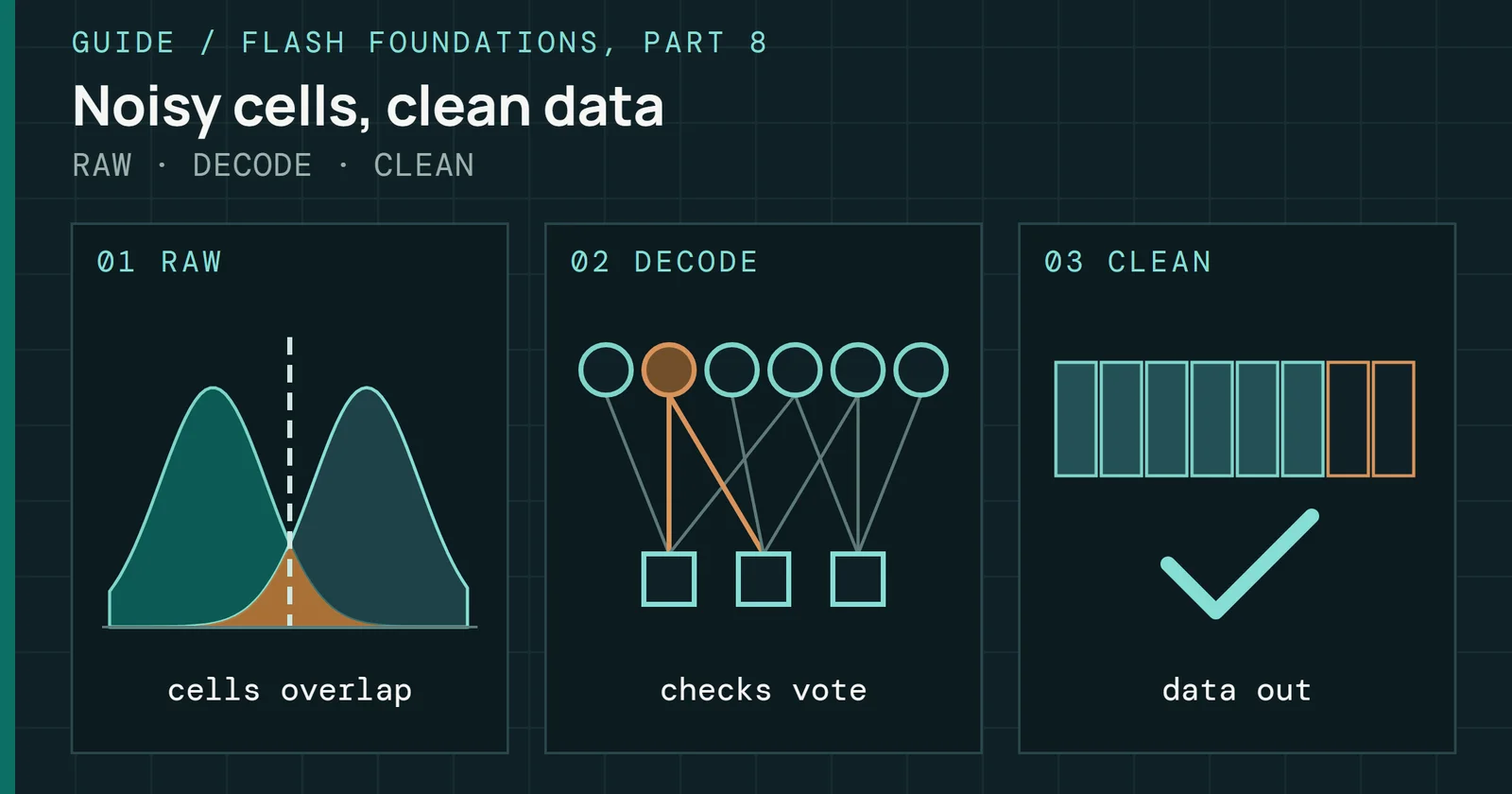
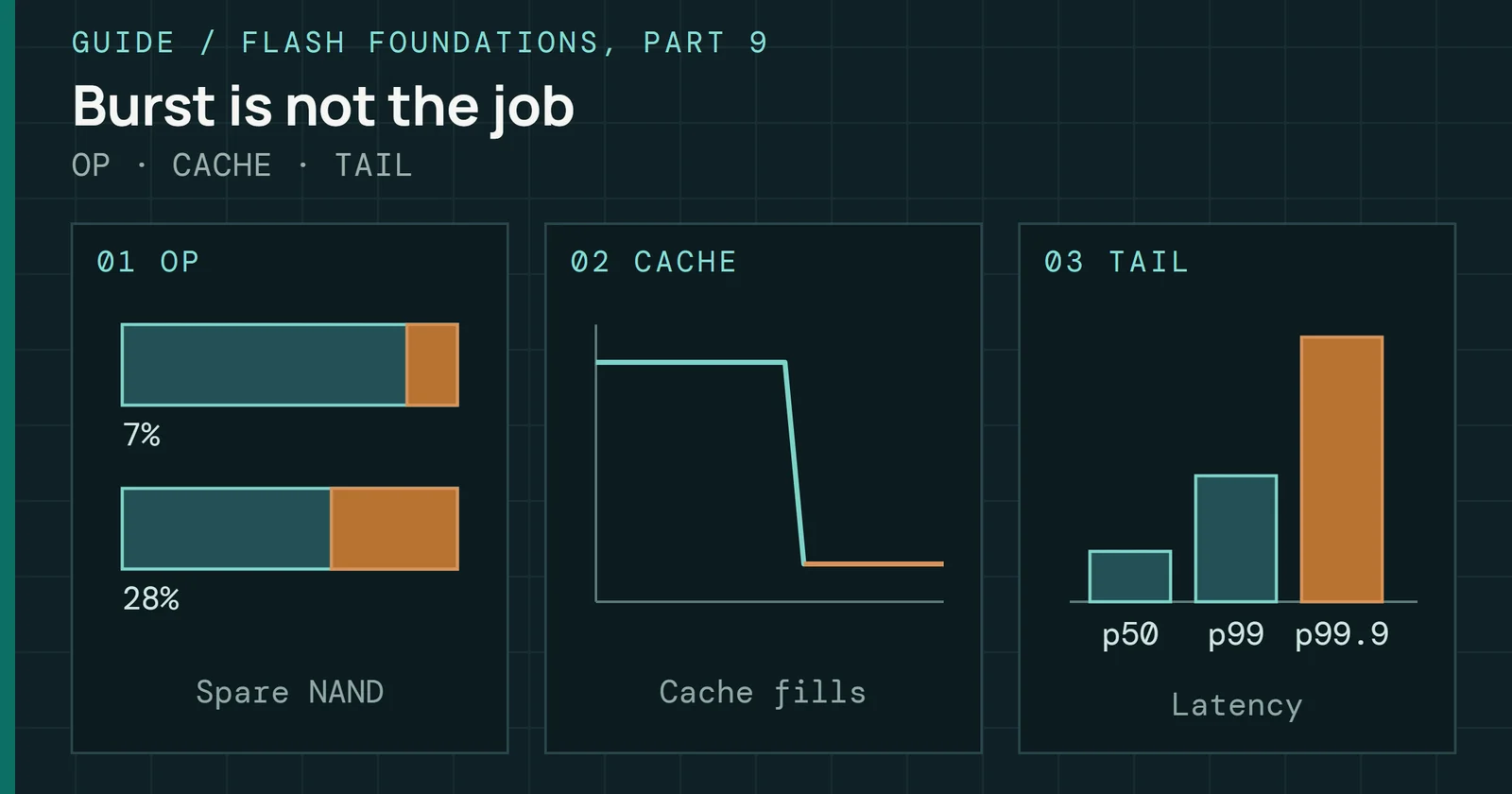
Per the NVMe specification, a drive has two temperature thresholds. The warning composite temperature (WCTEMP) is the point where the drive is overheating but keeps running, and the spec recommends cooling it or cutting its load. NVMe recommends that a drive report it as 0157h, which is 343K or about 70°C. The critical composite temperature (CCTEMP) is the point where the drive may stop working normally, lose data, shut down, throttle hard or be damaged. Drives that follow revision 1.2 or later must report both as non-zero values. A drive’s health log counts the minutes it has spent at or above WCTEMP and below CCTEMP in one counter, and the minutes at or above CCTEMP in another. Flash Foundations Part 9 goes further into how a controller throttles around these two thresholds.
What the spec and the makers say
Bench set A read far below the 70°C line makers print
Rated and recommended limits, one hot bare test, and bench set A readings
Figure 1 puts these next to each other. The warning level and Samsung’s upper operating rating sit at the same 70°C, and the bare T700 test went well past it. Because one 990 PRO drive comes in two forms that carry the same rating, it’s the cleanest comparison in the sources. A heatsink doesn’t move that rating, but it changes how quickly a working drive gets to the line, and whether it gets there at all in the time you ask it to work.
My own bench is the bottom row, and the next section covers what that row can and can’t say.
What my own data can and cannot say
I have two sets of bench data, and I keep them apart. Bench set A is my main test system’s archive. Bench set B is a second set of drives, and it includes a retail Gen5 drive. I do not pool the two, because the drives and the setups differ.
Neither set holds what this myth asks for. Neither has a temperature log taken while a drive was under load, and neither has a run of the same drive with and without a heatsink. Nothing in the archive says what cooling each drive had. It also doesn’t name the tools or their versions behind the SMART captures, the power logs, the benchmark runs or the temperature fields, so I name none of them here. So I can’t give you a chart of degrees saved by a heatsink from my own tests, and I’m not going to build one.
Set A: what it holds
Set A holds three smaller things, all from drives with PCIe 3.0 and PCIe 4.0 interfaces, so it has no Gen5 drive and says nothing about the drives that started this myth.
Single temperature readings
Each of the 87 drives has two SMART captures, both taken between runs. Of those, 86 carry a temperature in the second. In the second capture across 86 drives, the median reading was 29°C, the lowest was 19°C and the highest was 51°C. Only 3 of the 86 read 40°C or more. Those readings come from drives that had been resting, so they describe the bench and say nothing about a drive working hard.
Thermal counters
Two counters in the NVMe health log track minutes at or above WCTEMP and below CCTEMP, and minutes at or above CCTEMP, and 85 of the drives report them. Of those, 9 had logged any minutes at all. Both count over the drive’s whole life, including whatever happened before it reached me, and the archive has no note of its cooling, so I can’t pin them on a heatsink or the lack of one. None of the counters grew between my two captures, and neither capture was taken under load.
Power draw
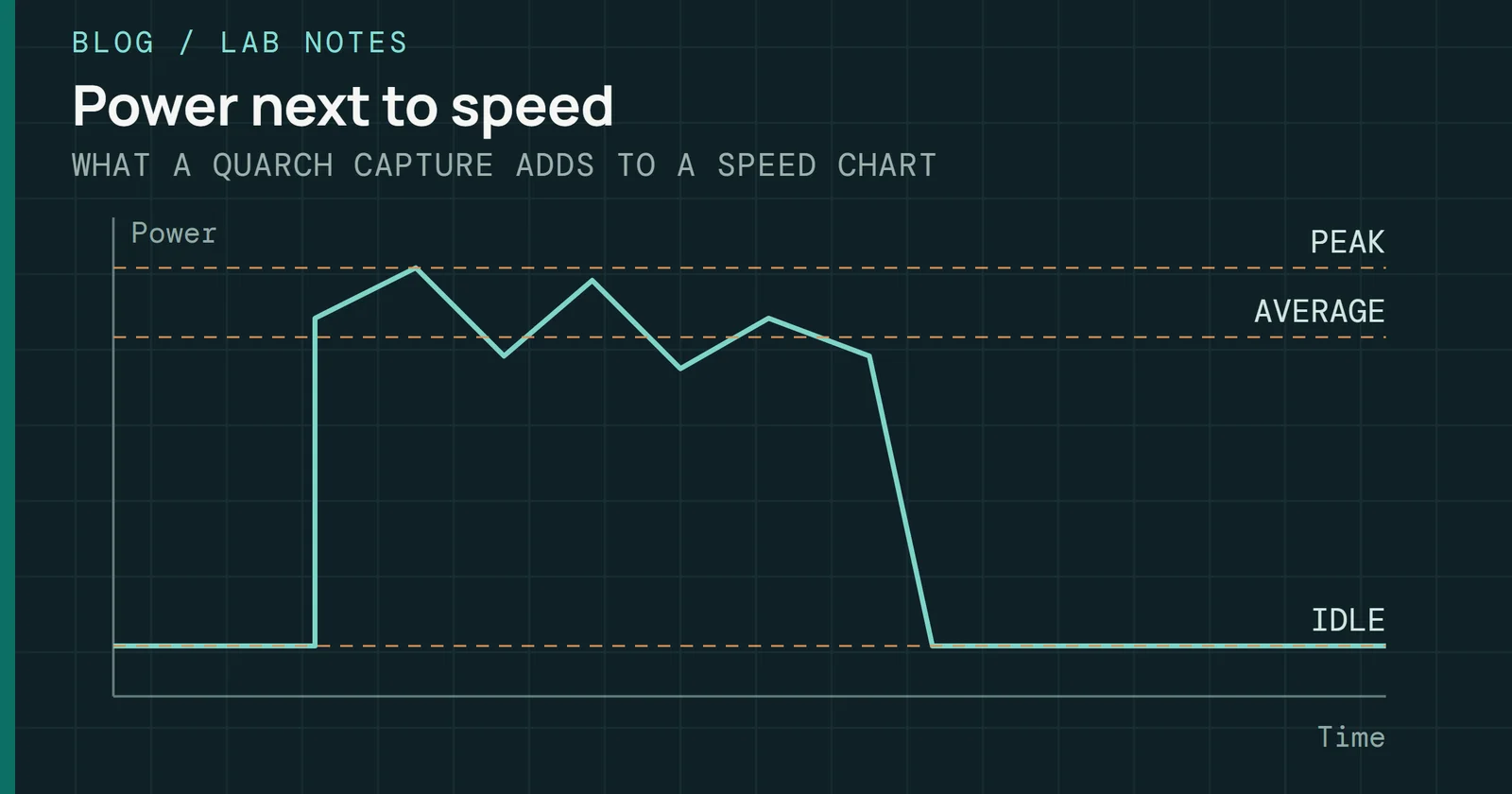
During a 50GB copy I logged the power each drive drew, for 51 drives. Every watt a drive draws leaves as heat, so this is the closest my archive gets to the heat a drive has to shed.
What my own data can and cannot say
The 50GB copy drew a median of 3.9W on average across 51 drives
Spread of watts across drives: lowest, middle half, median and highest
Figure 2 shows the spread for set A. The median drive averaged 3.9W over the copy and its highest sample was 5.9W, and the busiest single sample on any drive was 9.04W. Those numbers come from a short copy, but the Throttle Lab model below uses sustained writes, which are a longer and harder job, so the set A copy watts shouldn’t be compared with the model’s 6.7W and 10.5W.
Set B: what it holds
Set B has three things I can use: power traces for four drive families, one run in a folder labeled as a heatsink drive, and two lifetime maximum temperatures. Like set A, set B has no temperature log.
Power by drive family
Set B’s power logs come from a module that samples every 4 milliseconds. There is one trace per family, all on 4TB drives, taken during a benchmark run. Each trace holds 51,668 to 67,786 samples. File names say the link was set to PCIe 4.0, so a Gen5 drive here wasn’t running at its full speed.
| Drive family, 4TB, link set to PCIe 4.0 | Mean power over the run | Highest sample |
|---|---|---|
| Gen5, retail family | 3.9W | 9.0W |
| Gen4 with DRAM | 2.9W | 8.2W |
| Gen4, family not verified | 2.2W | 4.9W |
| Second Gen5 family, pre-release units | 1.9W | 3.9W |
The retail Gen5 family averaged 3.9W against 2.9W for the Gen4 drive with DRAM, about 1W more on the same benchmark at the same link speed. Their highest samples were close, 9.0W and 8.2W. I measured the second Gen5 family on pre-release units, and it averaged less than either Gen4 drive, so “Gen5 draws more” is true of one family here and says nothing about the generation. With one trace per family, treat the gap as a direction, since one trace can’t give a measured size. The runs also lasted 217 and 278 seconds, and a mean depends on how much of the run the drive spent idle.
Idle readings are short captures of 0.9 to 3.1 seconds. Four pre-release units of the retail Gen5 family read between 2.2W and 3.1W at idle. Two retail Gen4 drives with DRAM both read 0.8W. Those Gen5 units are pre-release, so I keep them apart from retail drives.
That same module logged a 50GB copy on a pre-release unit of the Gen5 family and on a retail Gen4 drive with DRAM, both 2TB. The Gen5 unit averaged 7.0W with a highest sample of 11.4W, and the Gen4 drive averaged 4.6W with a highest sample of 8.2W. The copies lasted 25 and 32 seconds, and the file doesn’t say what link the Gen5 unit ran at. Don’t line these set B figures up against the set A copy figures above.
One heatsink-labeled run
One sustained-write run in set B sits in a folder labeled as a heatsink drive. It is a retail 4TB Gen4 drive with DRAM and TLC cells, and the run lasted 1,989 seconds. After the first fast stretch ended, it averaged 3.16GB/s. A second retail 4TB drive of the same family has no heatsink label on its folder, and it averaged 3.19GB/s, within 1 percent. They’re two different drives, and I don’t know what cooling the unlabeled one had.
So this is not a bare against heatsink pair. Neither set has the same drive measured both ways, and these two speeds can’t tell you what a heatsink does. They only show that the labeled drive didn’t write slower than a sibling. Set B also has a retail Gen5 run in a folder named “Throttled”. A folder name carries no measurement, and without a temperature log I can’t tell that slowdown from a drive changing speed for its own reasons, so I don’t use it.
Lifetime maximum temperatures
Two SMART dumps in set B, from a 4TB and an 8TB retail Gen4 drive with DRAM, report a lifetime maximum temperature of 115°C and 102°C. There is one dump per drive. I quote them as tool-reported lifetime maxima, because the tool calls the field “Max Temp All Time” and doesn’t say which sensor it reads. Both dumps also show zero in the warning and critical composite temperature time counters, so I can’t read the maxima as minutes spent over a warning level, and I can’t link them to throttling or to a heatsink. Of the two, the 4TB drive is the heatsink-labeled one from the last section, with 17 power-on hours, but the dump doesn’t say when its peak happened.
What the model shows
Without a measured thermal test of my own, the demonstration has to come from the Throttle Lab, and it’s a model. Two heat nodes make up the model, one for the controller and one for the NAND and board, each with a thermal resistance to the air and a heat capacity. My search turned up no paper that publishes those numbers for an M.2 2280 drive, so every resistance in the model is a value I set myself, tuned so a bare Gen5 drive’s controller crosses 85°C in about 2.6 minutes under a sustained write. That is the controller reading. Figure 3 below shows the temperature the drive reports, which reaches 80°C at a different time. It shows how the shape of the heating depends on the drive and the cooling, and it says nothing about how a particular drive behaves.
Power is an input to the model: the more watts a drive draws, the faster it heats and the more cooling it needs. My set B traces point the same way, since the retail Gen5 family drew more than the Gen4 drive on the same benchmark. But they’re short traces at a slower link with no sustained-write watts, so they neither confirm nor fix the model’s numbers below.
I ran the model with a sustained write and nothing slowing the drive, 30°C air, and an 80°C warning setting. That 80°C is the lab’s setting, which differs from the 70°C the spec recommends. The Gen4 drive draws 6.7W under that load and the Gen5 drive draws 10.5W, and I timed how long each took to report 80°C with each kind of cooling in the model.
What the model shows
Cooling changes how long a sustained write takes to get warm
Minutes of sustained writing until the drive reports 80°C, 30°C air
Figure 3 shows the result. With no heatsink, the Gen5 drive reported 80°C after 2.6 minutes. A motherboard shield stretched that to 6.7 minutes and a heatsink to 18.3 minutes. With a heatsink and a fan it didn’t get there in 20 minutes. The Gen4 drive took 17.4 minutes with no heatsink, and with a shield, a heatsink or a heatsink and fan it didn’t reach 80°C in 20 minutes.
Early on, the drive doesn’t heat at once, because the board and the NAND have thermal mass. After the first minute the modeled bare Gen5 drive reported 65°C and the bare Gen4 drive 53°C, both well under 80°C. That matches the TechPowerUp review of the bare 9100 Pro, where work lasting under a minute was not affected. Past that, the same sustained write that a heatsinked Gen4 drive shrugs off can push a bare Gen5 drive to the lab’s 80°C warning setting in a few minutes. The model holds the load steady, so it can’t say how much data a real drive writes in those minutes, because a real drive’s cache and speed change as it works.
What to do with this
Ask which drive and which job. With a Gen5 drive, follow what the maker says, and if it’s sold bare, put it under a heatsink or a motherboard cooler before you run long writes. If a drive is sold with a heatsink, leave the heatsink on. Samsung’s data sheet says removing it voids the warranty on the 990 PRO with Heatsink, and the assembly is up to 8.2mm thick, so check that it fits your slot.
What to do with this
Ask which drive and which job, then follow what the maker says
Four situations and what this guide says to do in each
For a Gen4 drive doing ordinary work, the sources and my bench sets give me no reason to say it needs one: the model’s bare Gen4 drive took 17.4 minutes of non-stop writing to report 80°C, and Samsung rates its 990 PRO the same with and without a heatsink while recommending airflow for both. Those are different drives, so the two only point the same way. Set A has Gen3 drives too, but only resting readings, so it adds nothing about heat under load. No source I have says a heatsink adds margin there, and the myth is that every drive needs one, which the evidence doesn’t support.
If you want to know about your own drive, read its health log. The warning-temperature time counter is the one to look at, because it records the minutes the drive has spent at or above its warning level and below its critical level, but a zero there is weak evidence. The two set B dumps above show lifetime maxima of 115°C and 102°C with both counters at zero, so a drive with none logged may still have run hot. If it has some, cool it or lighten its load, which is what the Throttle Lab shows drives doing.
Sources
Primary is the original paper, standard or datasheet. Secondary is a review, a vendor summary or a news report. Measured is my own test data.
Show all 9 sources, 5 primary
- PrimaryA Large-Scale Study of Flash Memory Failures in the FieldACM SIGMETRICS 2015, 2015
- PrimaryNVM Express Base Specification, Revision 1.4cNVM Express
- PrimarySamsung 9100 Pro 2 TB review, thermal page (page text)TechPowerUp
- PrimarySamsung NVMe SSD 990 PRO Data Sheet, Revision 1.0Samsung Electronics
- PrimarySamsung NVMe SSD 990 PRO with Heatsink Data Sheet, Revision 1.0Samsung Electronics
- SecondaryCorsair and Phison release new Link State firmware update for MP700 SSD to fix heat issuesTweakTown, 2023
- SecondaryCrucial's PCIe 5.0 SSD Throttles to HDD Speeds Without Cooler, but Avoids Thermal ShutdownTom, 2023
- SecondaryPhison Says A Fix Is Incoming For Thermal Shutdown Issue Affecting PCIe 5.0 SSDsHotHardware, 2023
- MeasuredThe author’s own measurements