Runs in your browser

Labs

Simulators that show how flash behaves, checks you can run on your own drive, and two interactive 3D references. Nothing to install.

Pick a categoryEverything here runs on your device. No uploads, no accounts.

  1. Learn

    Change one thing in a model of flash and watch what follows.

  2. Check your drive

    Read a SMART report or confirm TRIM is on, using your own drive. Your drive data stays on your device.

  3. Explore in 3D

    Rotate a drive or a memory package and click a part to see what it does.

Simulators

Learn

Change one thing in a model of flash and watch what follows.

Cells and errors

How a bit is stored in a cell, how it goes wrong, and what the error rate means for a drive.

Runs in your browserSimulator

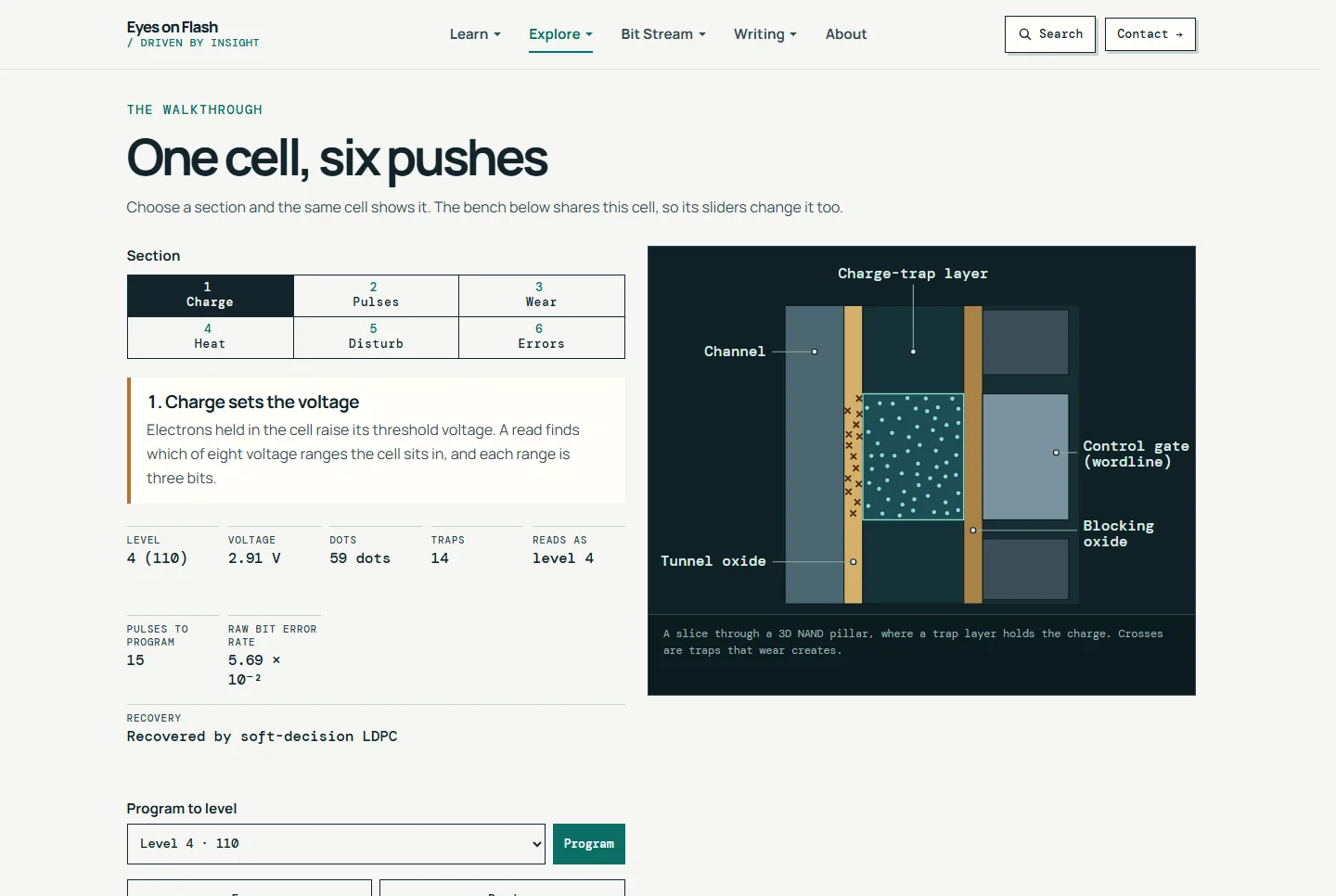
NAND Cell Lab

An interactive threshold-voltage simulator that shows how P/E cycling, retention, temperature and read disturb push NAND cells toward bit errors.

Try this: Choose Wear in the walkthrough, then drag a read reference on the bench chart and watch the error-correction ladder change.

Open NAND Cell Lab
Calculators

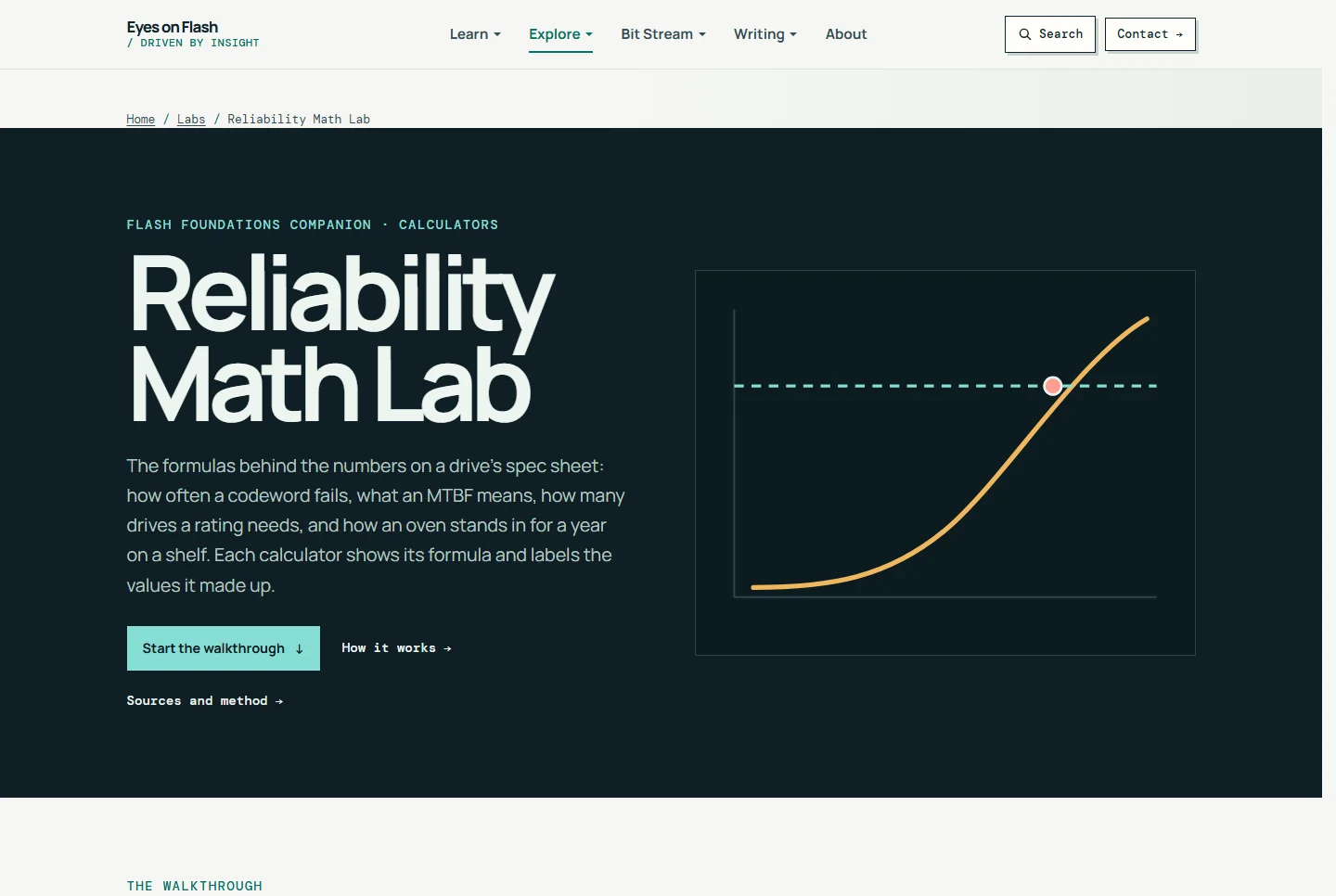
Reliability Math Lab

Try this: Set an error rate and a code strength and watch the uncorrectable bit error rate move, then check how many drives a rating needs.

Open

Simulator

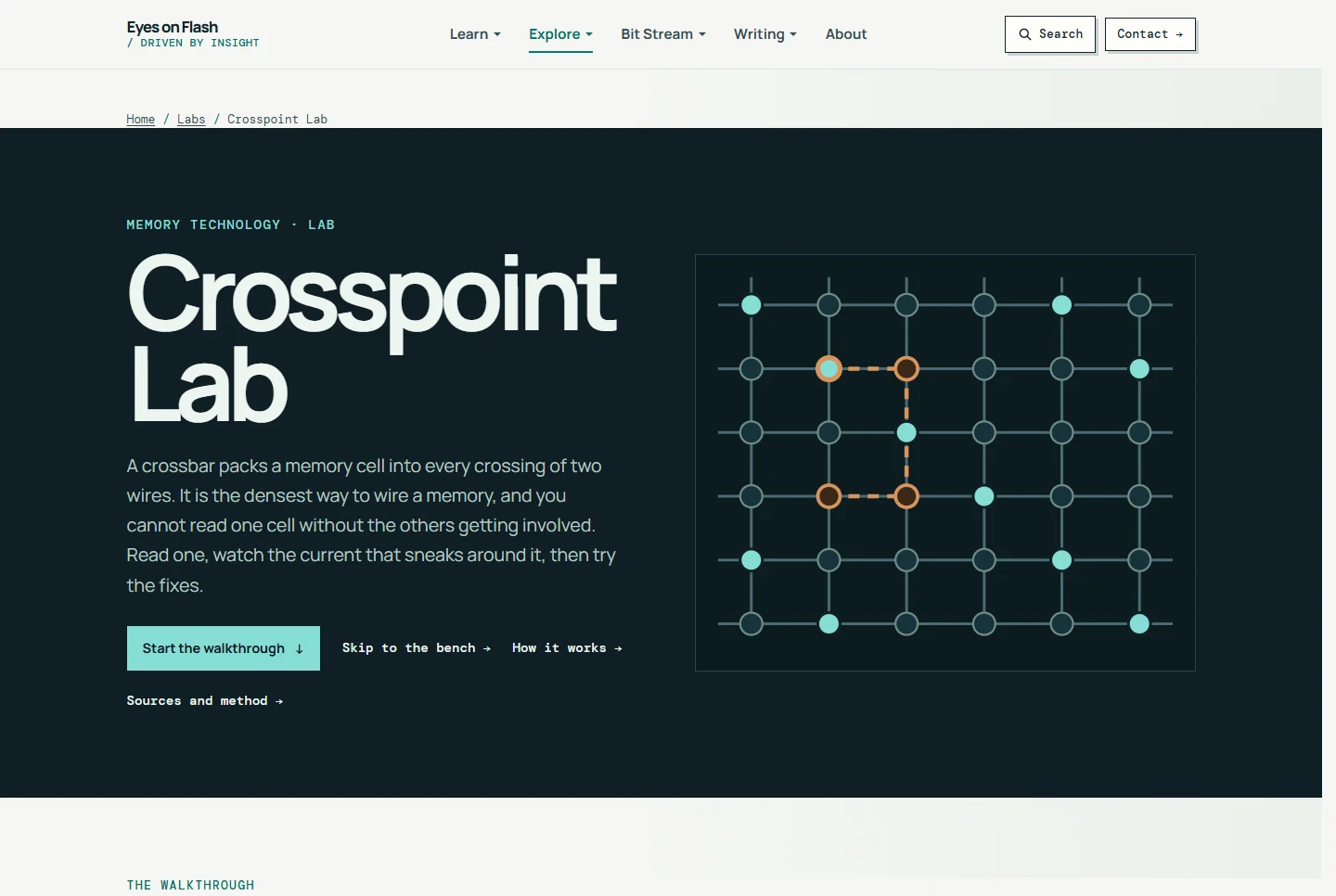
Crosspoint Lab

Try this: Read one cell, add the cells around it, and watch the sneak current take the signal, then add a selector.

Open

Walkthrough

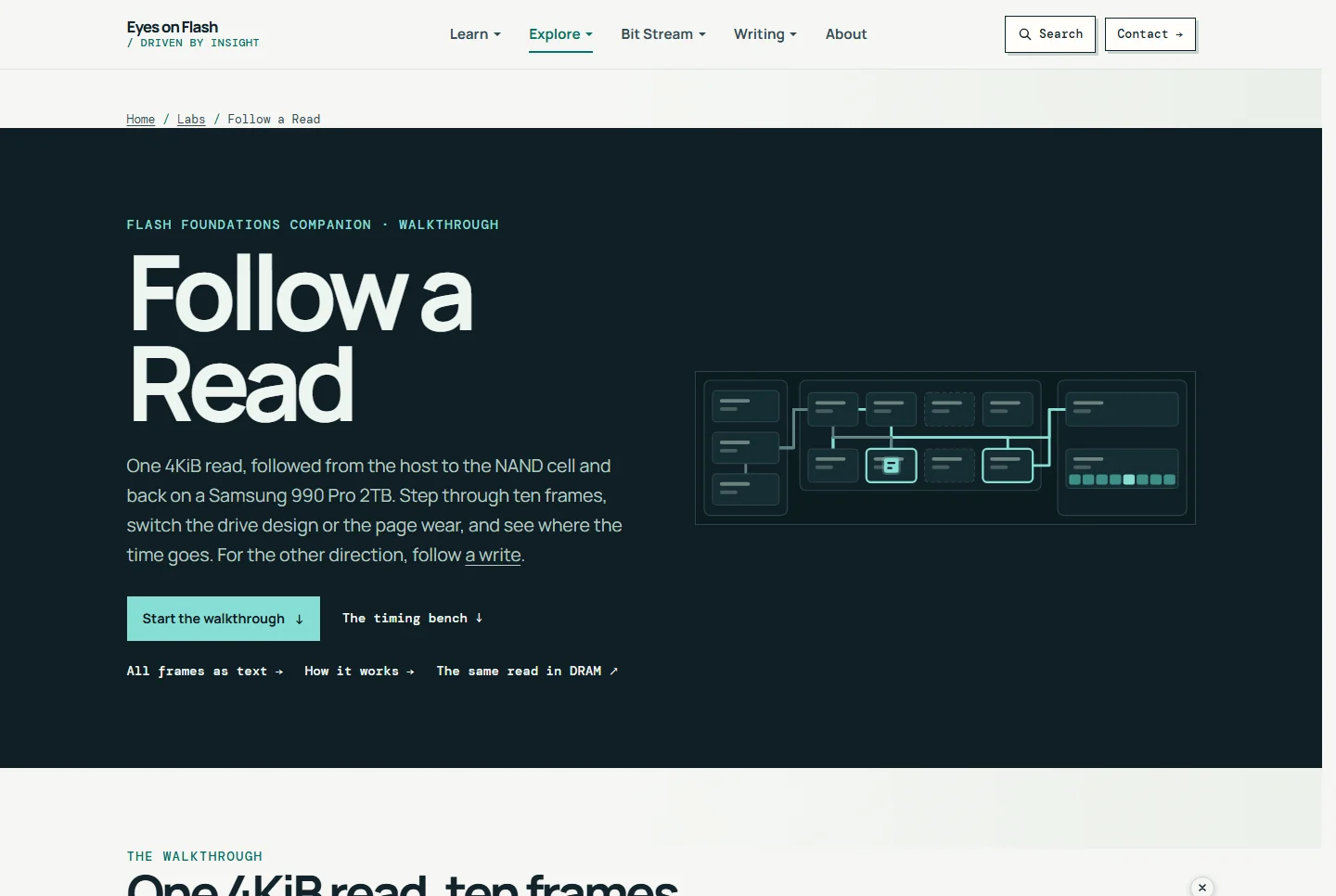
Follow a Read

Try this: Step through one 4KiB read in ten frames, then switch DRAM or DRAM-less and fresh or worn pages, and read the time on the bench.

Open

Inside the controller

How the firmware places, moves and parallelizes writes, and what heat does to the speed.

Runs in your browserSimulator

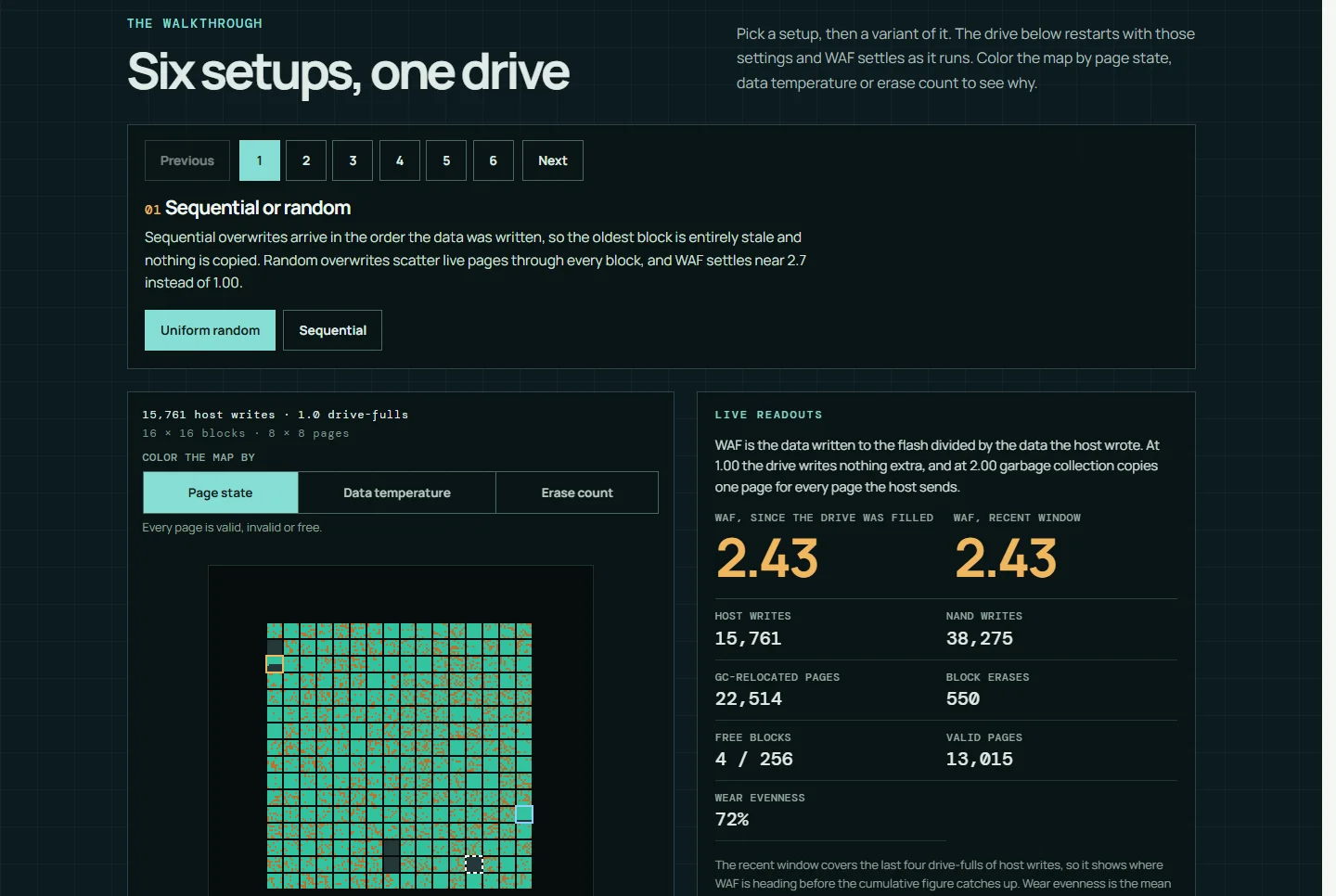
FTL & GC Sandbox

A flash translation layer and garbage-collection simulator that shows how overprovisioning, workload, TRIM and data placement change write amplification.

Try this: The card opens the 80-20 hot-cold drive from setup 4, Hot and cold data. Choose Separated and give it about 30 seconds: write amplification settles near 2.2 instead of about 2.4.

Open FTL & GC Sandbox

Simulator

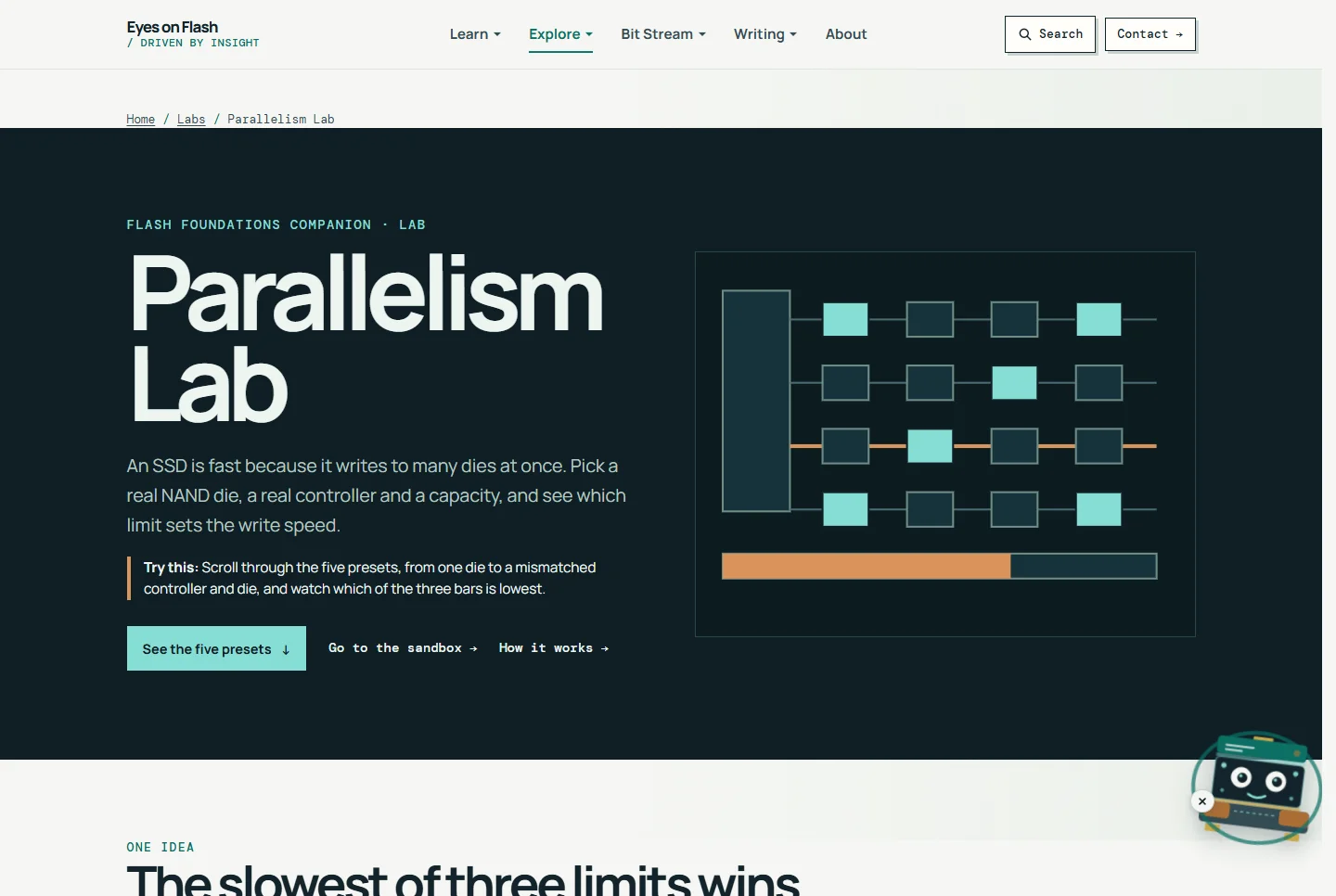
Parallelism Lab

Try this: Scroll through the five presets, from one die to a mismatched controller and die, and watch which of the three bars is lowest.

Open

Simulator

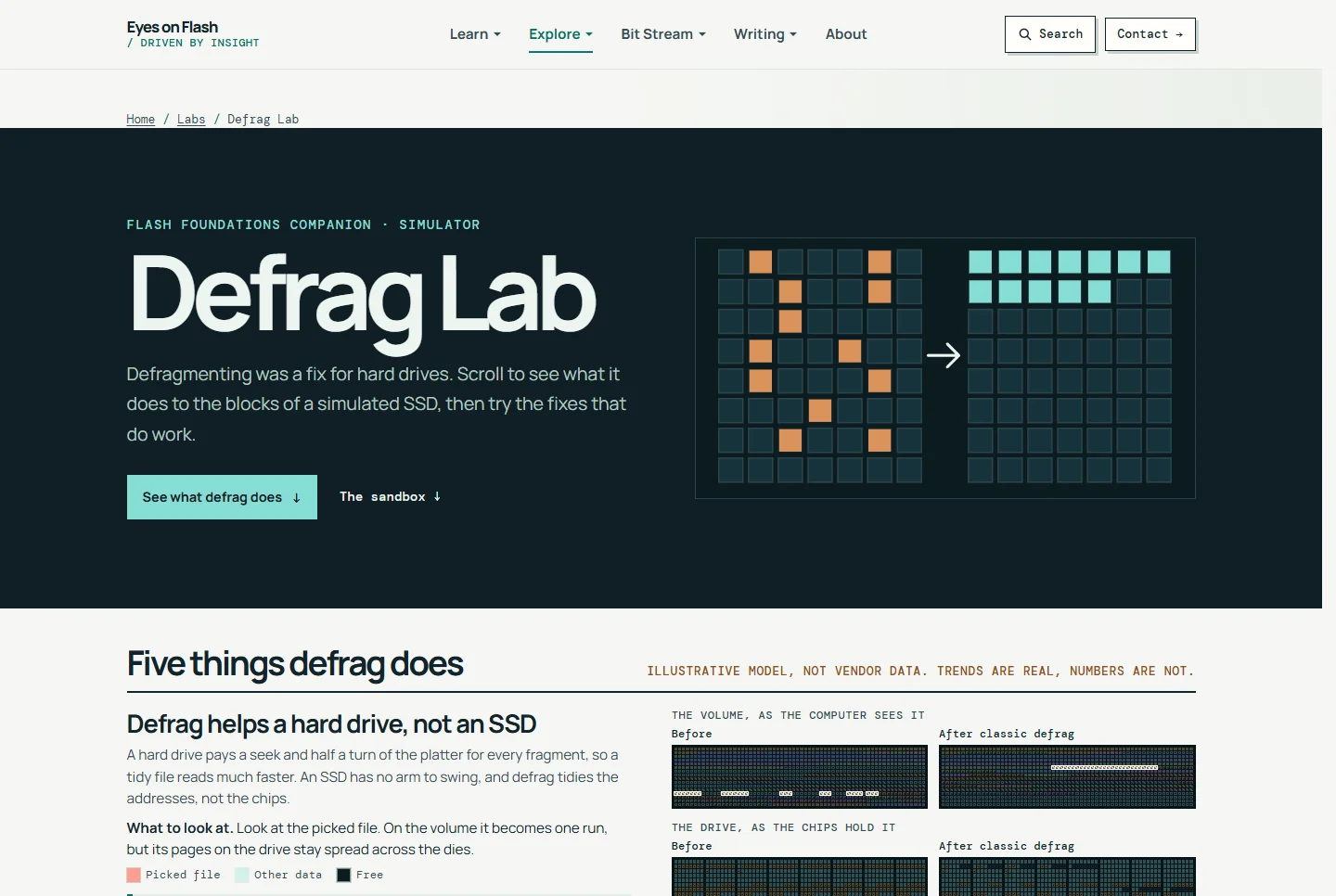
Defrag Lab

Try this: Scroll through before and after maps of defrag on a simulated SSD, then try the fixes in the sandbox.

Open

Simulator

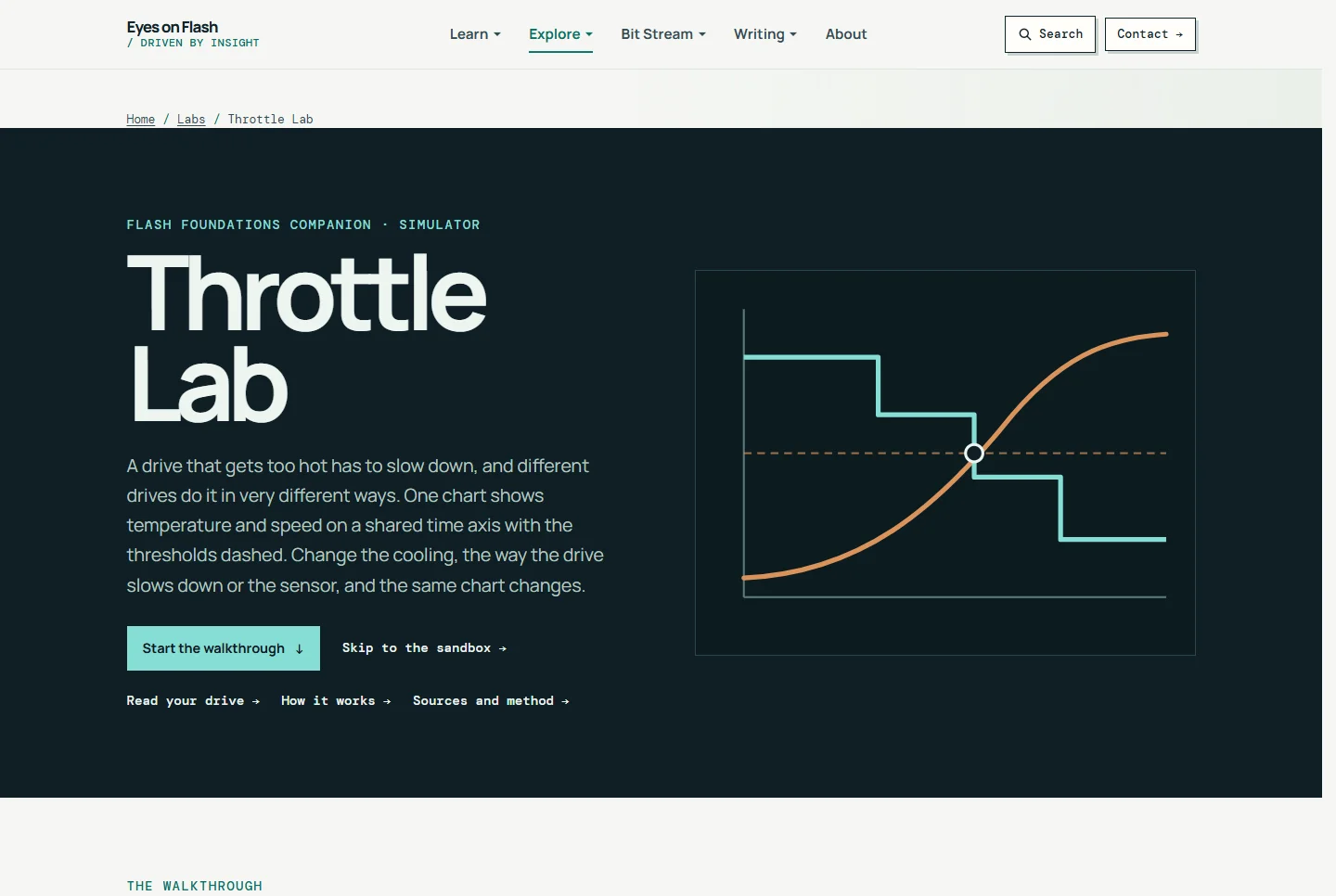
Throttle Lab

Try this: Pick a way for a simulated drive to throttle and watch temperature and speed change on one chart: steps, pacing, a Gen5 to Gen4 link drop, or a shutdown.

Open

Walkthrough

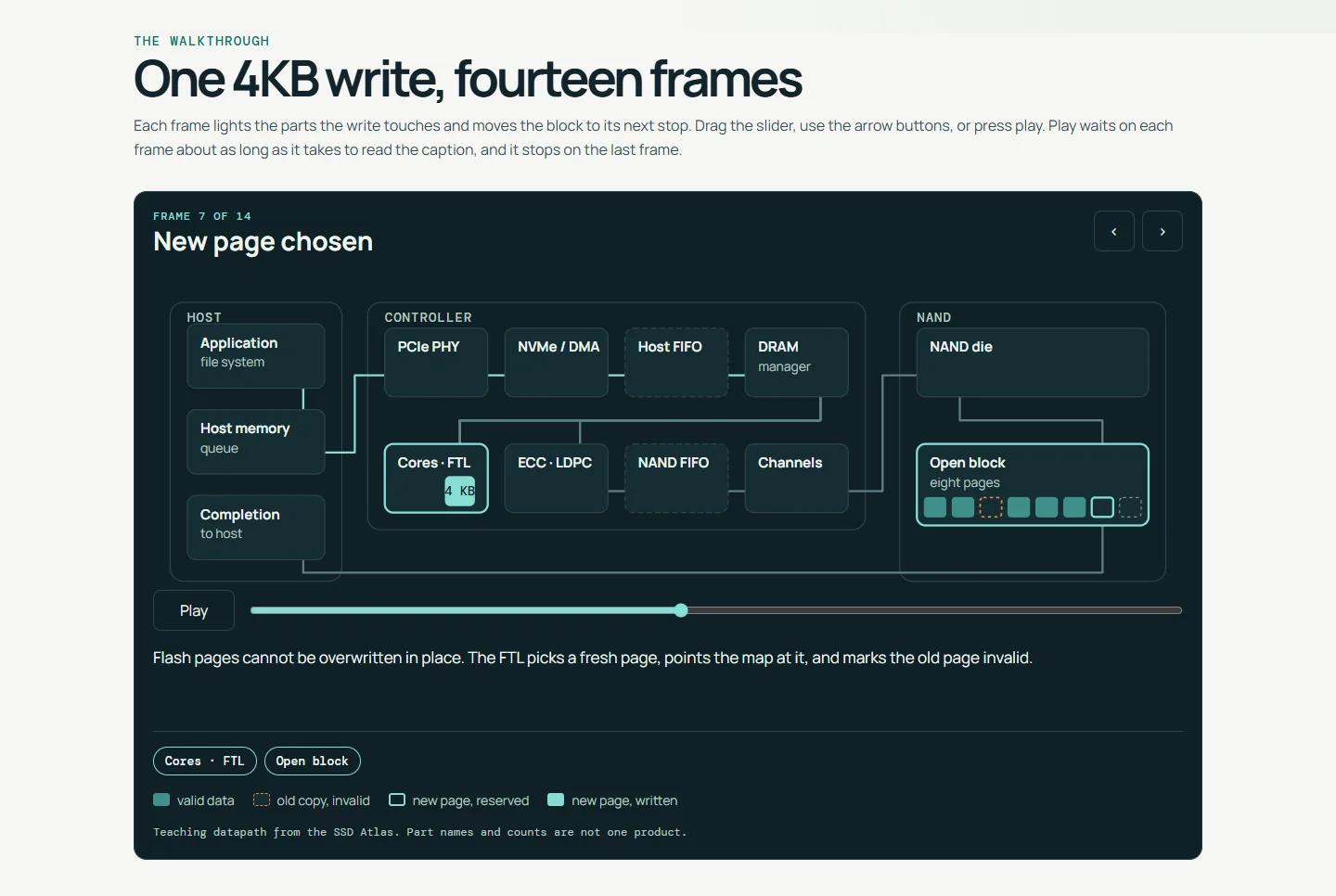
Write of Passage

Try this: Press play and follow one 4KB write from the host command to a programmed NAND cell, one frame at a time.

Open

Power, erase and encryption

What survives a power cut, what a delete leaves behind, and how a drive encrypts.

Runs in your browserSimulator

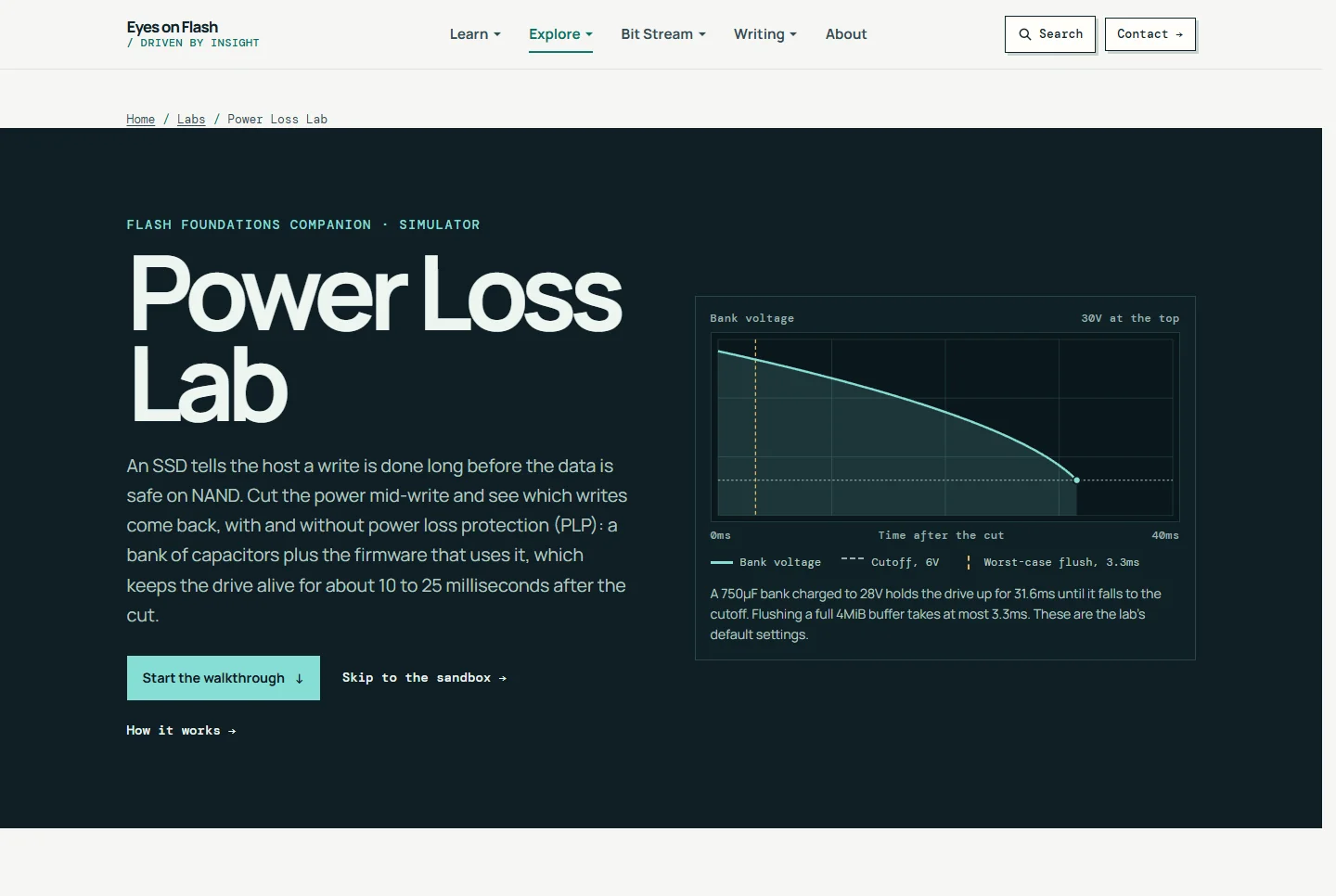
Power Loss Lab

Cut power to a simulated SSD mid-write and see which writes come back, with and without capacitor-backed power loss protection, old capacitors and flushes.

Try this: Scroll the five sections to see what capacitors, fsync and age change, then drag any setting in the sandbox and watch the cells.

Open Power Loss Lab

Simulator

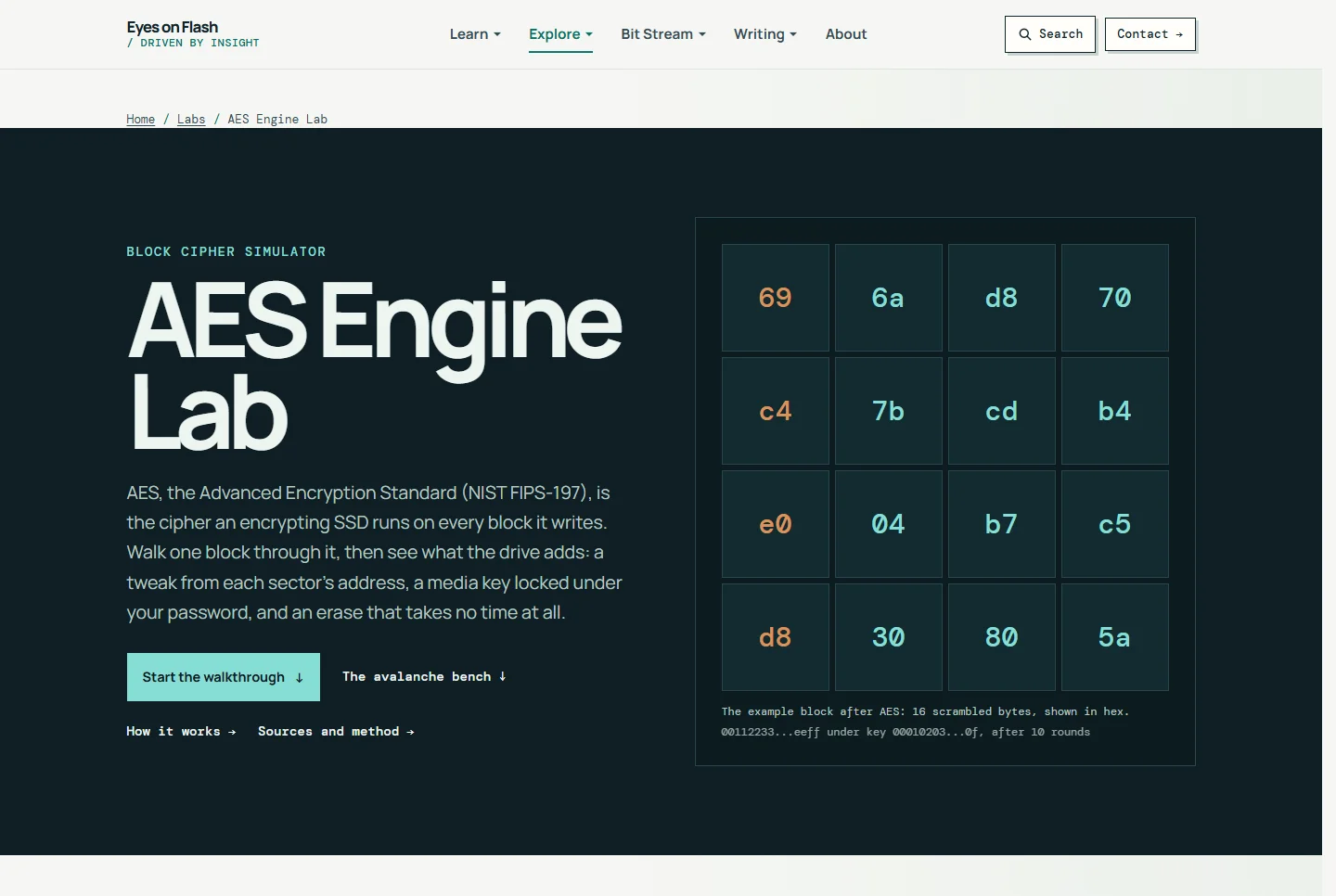
AES Engine Lab

Try this: Press Play to run the 16-byte block through round 1, then drag the avalanche bit slider and watch how many output bits change.

Open

Simulator

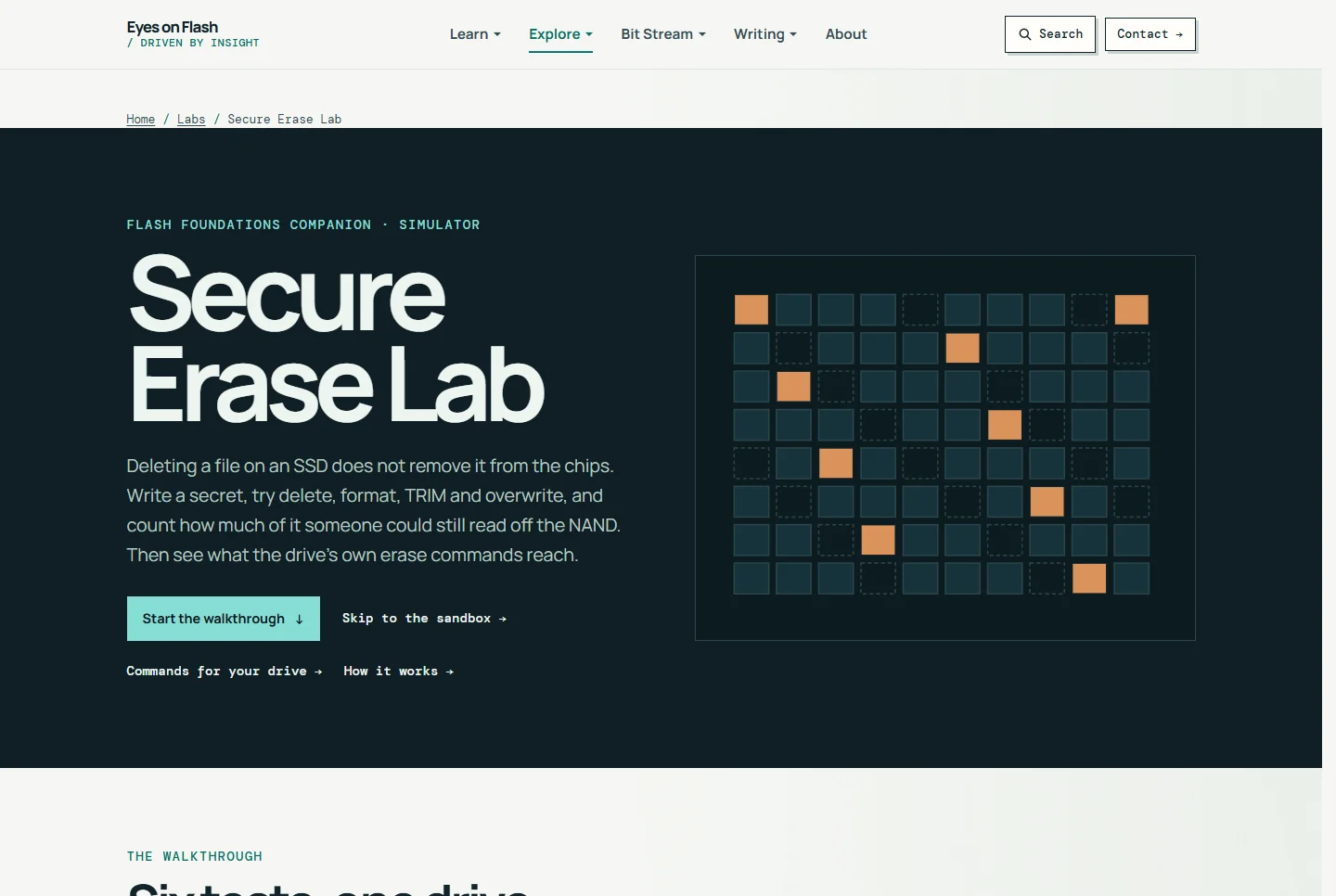
Secure Erase Lab

Try this: Read six tests of delete, format, overwrite and sanitize on one simulated drive, and count what is still on the chips.

Open

Works on your data

Check your drive

Read a SMART report or confirm TRIM is on, using your own drive. Your drive data stays on your device.

Runs in your browserDecoder

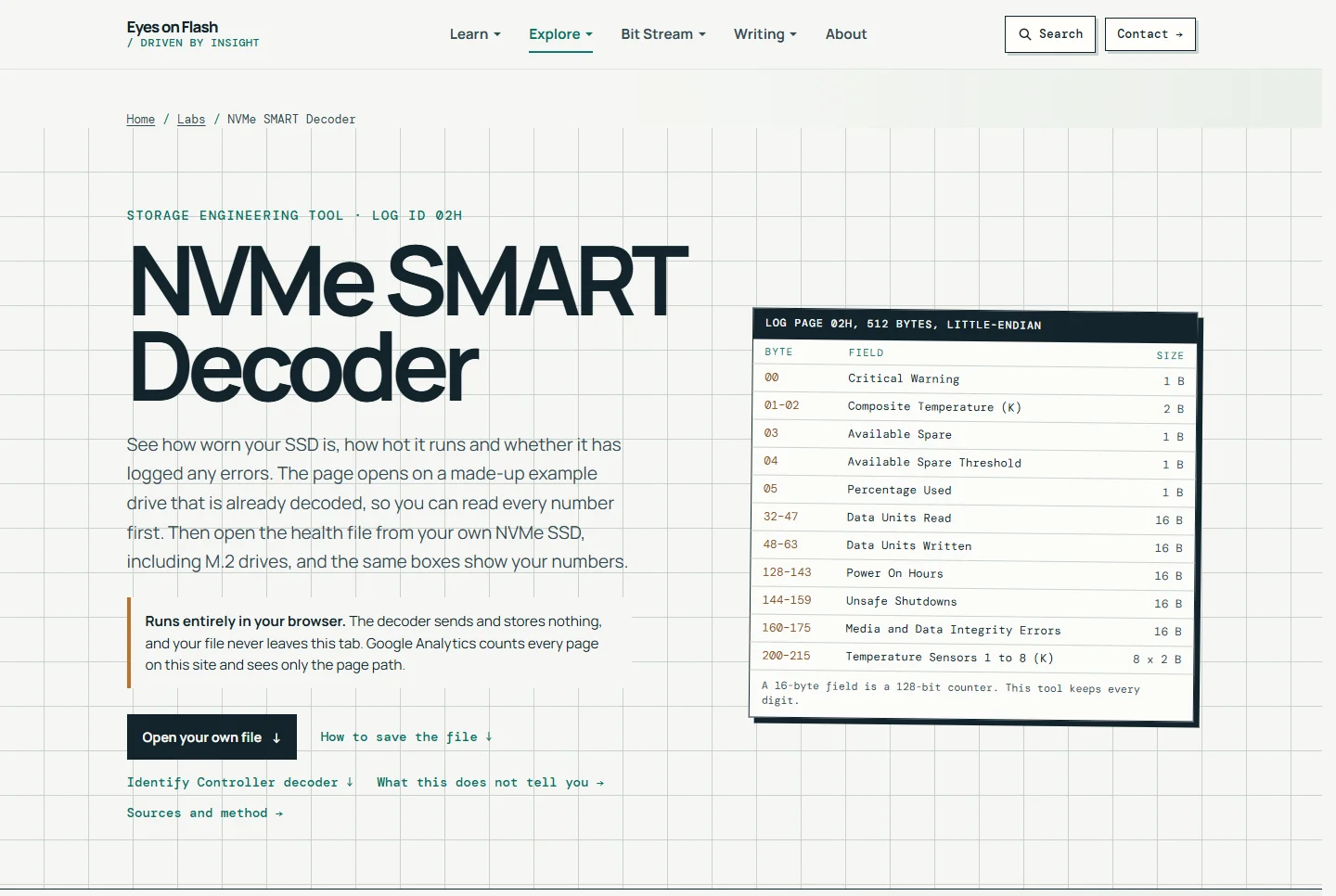
NVMe SMART Decoder

A browser tool that opens on a made-up example drive already decoded, then reads NVMe SMART / Health logs and Identify Controller data from nvme-cli, smartctl or raw hex, with endurance numbers.

Try this: Read the decoded example drive, then change the TBW rating and capacity to see remaining life.

Open NVMe SMART Decoder

Runs in your browserChecker

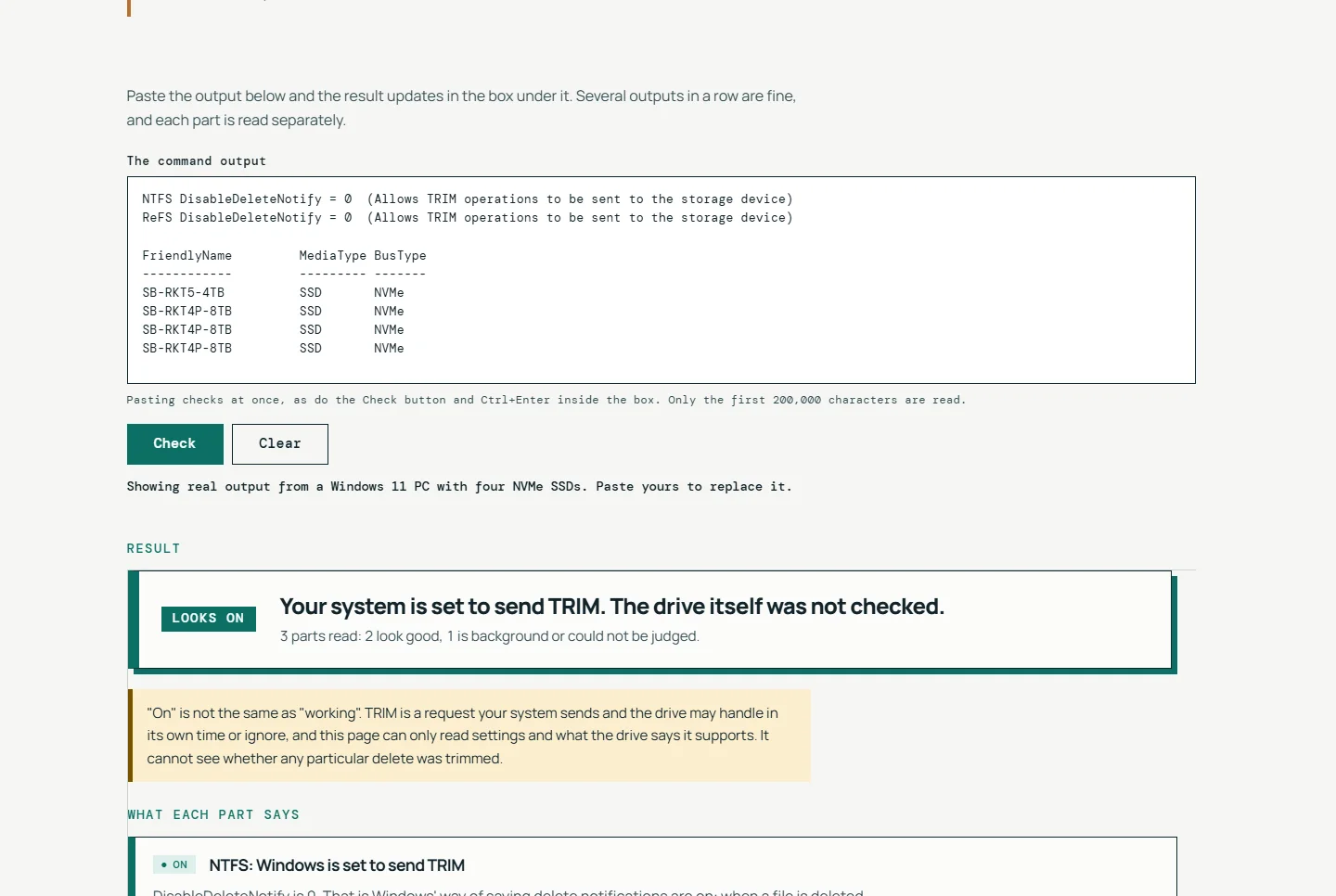
TRIM Check

A browser checker for SSD TRIM. Run one read-only command, paste the output, and get a plain-language verdict on whether TRIM is on and what to do next.

Try this: Run the one command for your system, then paste what it prints over the real example result.

Open TRIM Check

Interactive references

Explore in 3D

Rotate a drive or a memory package and click a part to see what it does.

Runs in your browserInteractive 3D reference

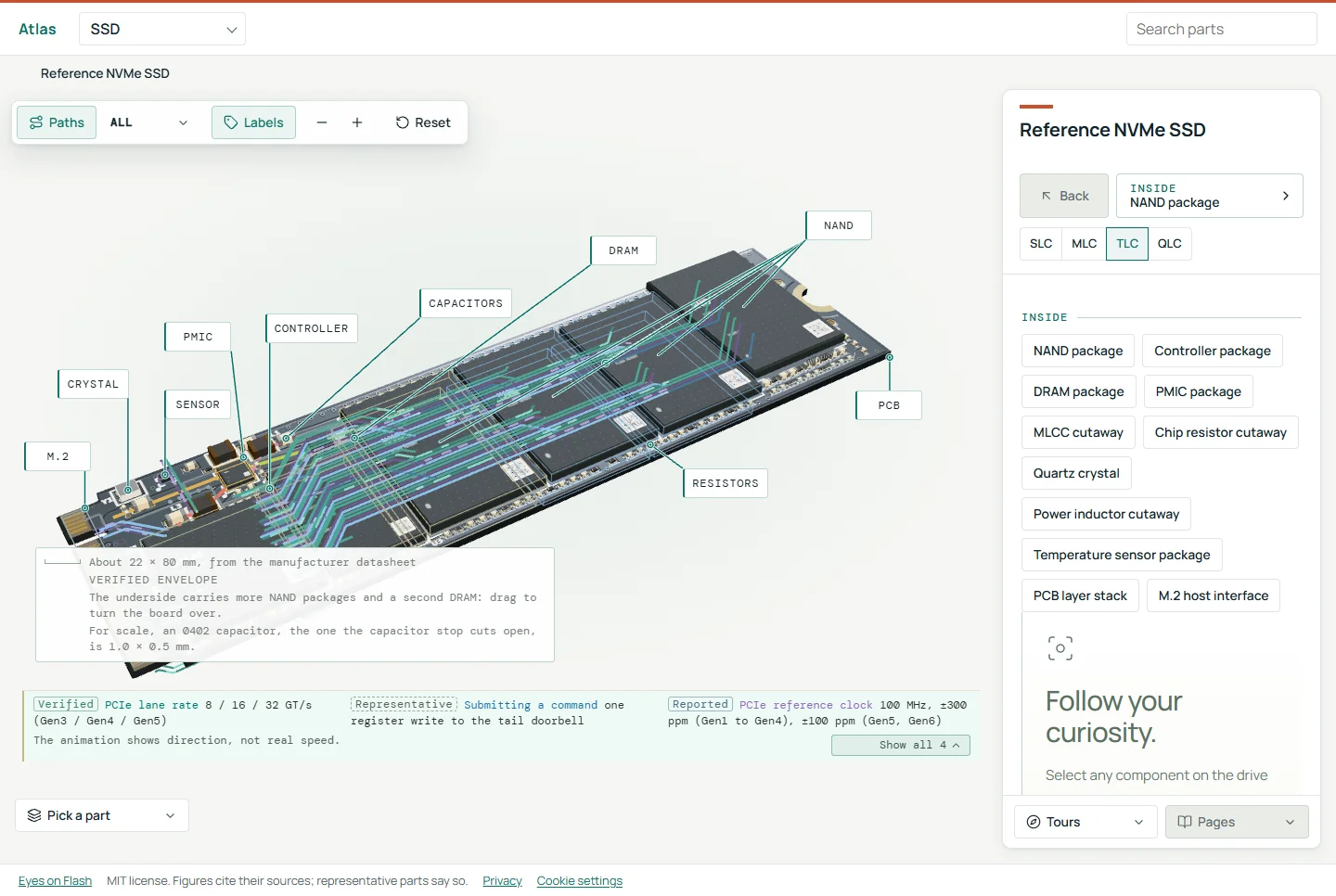
Atlas

An interactive 3D reference that takes an M.2 NVMe SSD, an HBM stack and a DDR5 memory stick apart, from the package down to one memory cell.

Try this: Take an SSD or an HBM stack apart, from the package down to one cell.

Open Atlas